


Data Science Articles
Hypothesis Testing: A Beginner's Guide for Data Scientists
Pandas Advanced Techniques for Data Scientists
Data Warehouse vs. Data Lake vs. Lakehouse: What's the Difference?
SQL Window Functions: Practical Examples Every Analyst Needs


Get In Touch For Details! Request More Information
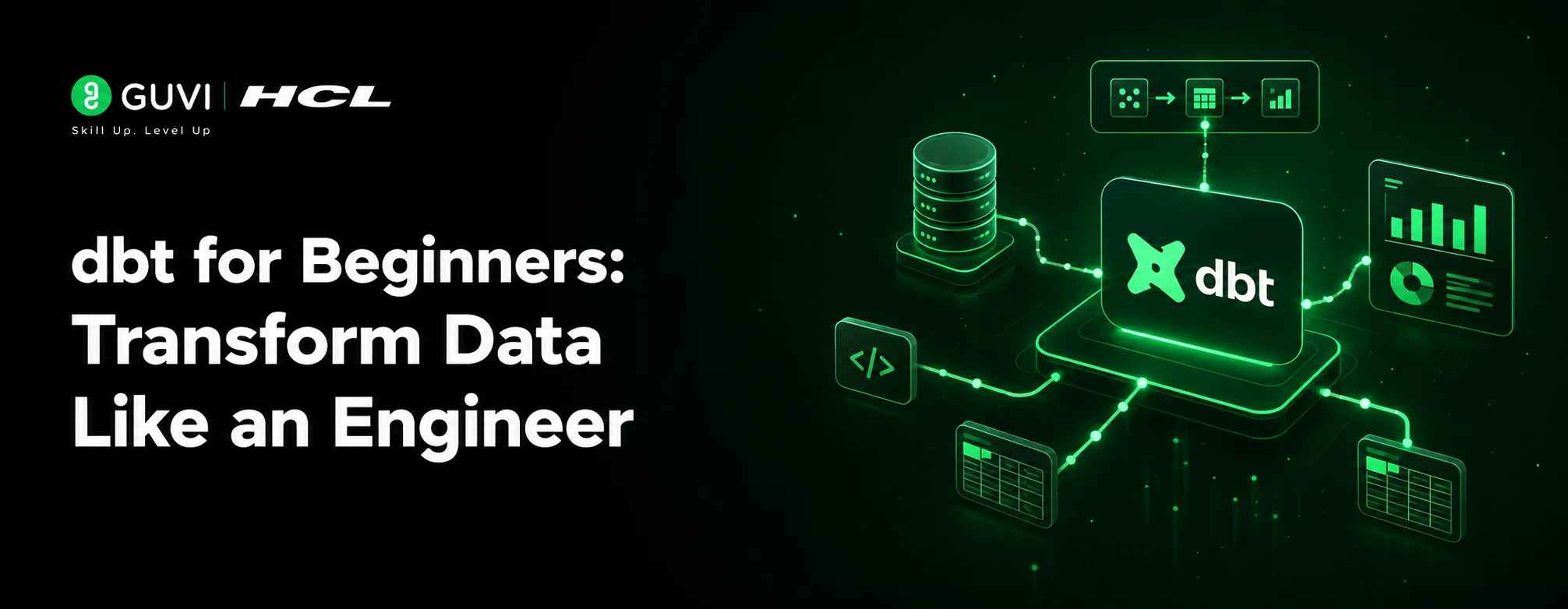
dbt for Beginners: Transform Data Like an Engineer
Aug 07, 2026 3 Min Read 440 Views
(Last Updated)
dbt (Data Build Tool) is an open-source data transformation tool that enables data analysts and engineers to transform raw data into reliable, analytics-ready datasets using SQL. Instead of manually writing complex transformation scripts, dbt helps you organize, test, document, and manage data pipelines efficiently. Learning dbt makes it easier to build scalable and maintainable data workflows.
Table of contents
- TL;DR
- What Is dbt (Data Build Tool)?
- Why Should You Learn dbt?
- How Does dbt Work?
- What Are the Main Components of dbt?
- How to Set Up dbt for Beginners
- Step 1: Install Python
- Step 2: Install dbt
- Step 3: Create a New Project
- Step 4: Configure Your Data Warehouse
- Step 5: Run Your Models
- Why Is dbt Popular Among Data Engineers?
- Best Practices for Using dbt
- Common Beginner Mistakes
- Key Takeaways
- Conclusion
- FAQs
TL;DR
- dbt is a popular data transformation tool used in modern data engineering.
- It enables you to transform data using SQL instead of complex ETL scripts.
- dbt promotes modular, reusable, and testable data pipelines.
- It integrates with popular cloud data warehouses like Snowflake, BigQuery, and Redshift.
- Learning dbt is valuable for aspiring data engineers, analysts, and analytics engineers.
What Is dbt (Data Build Tool)?
dbt, short for Data Build Tool, is an open-source framework that helps you transform data already stored in a data warehouse. Instead of extracting or loading data, dbt focuses entirely on the transformation layer of the modern data stack.
Think of dbt as software engineering for analytics — it allows you to organize SQL models, test your data, document your transformations, and manage dependencies using version control.
A typical dbt project includes:
- SQL models
- Data tests
- Documentation
- Project configuration files
- Reusable macros
Thousands of organizations use dbt to standardize data transformations and improve collaboration between data analysts and engineers.
Read More: Best Way to Learn Data Engineering in 2026
Why Should You Learn dbt?
Modern organizations generate enormous amounts of data, but raw data is rarely useful on its own. It often needs to be cleaned, transformed, and organized before it can support reporting or analytics.
dbt simplifies this process by providing a structured way to build reliable transformation pipelines.
Some key benefits include:
- Simplifies SQL-based transformations. You can build complex pipelines using familiar SQL syntax.
- Improves collaboration. Teams can manage data transformations using Git and version control.
- Ensures data quality. Built-in testing helps identify issues before they affect reports.
- Supports scalable workflows. Modular models make projects easier to maintain as they grow.
Data Point: Many modern data teams have adopted dbt as a core component of the modern data stack because it improves maintainability and encourages engineering best practices.
Ready to turn data into insights? HCL GUVI’s Data Science Course covers Python, machine learning, data analysis, and visualization to help you build real-world, data-driven solutions.
How Does dbt Work?
dbt transforms raw data already stored in a data warehouse into clean, structured datasets suitable for analytics.
A typical workflow looks like this:
- Load raw data into a data warehouse.
- Create SQL models in a dbt project.
- Run dbt to execute transformations.
- Test transformed datasets.
- Generate documentation automatically.
Rather than moving data between systems, dbt focuses entirely on transforming existing warehouse data efficiently.
What Are the Main Components of dbt?
Understanding the core components of dbt makes it easier to build scalable data projects.
- Models
Models are SQL files that define data transformations.
Each model typically represents a table or view created inside your data warehouse.
- Tests
Tests verify that your transformed data meets expected quality standards.
Common tests include:
- Unique values
- Non-null values
- Accepted values
- Relationship validation
- Seeds
Seeds allow you to load small CSV files directly into your data warehouse.
They’re useful for lookup tables and static reference data.
- Snapshots
Snapshots track changes in data over time.
They help preserve historical records even when source data changes.
- Documentation
dbt automatically generates project documentation based on your models and descriptions.
This makes it easier for teams to understand data pipelines.
Pro Tip: Adding descriptions to your models and columns makes the generated documentation significantly more useful for your entire team.
How to Set Up dbt for Beginners
Getting started with dbt is straightforward when you follow a structured approach.
Step 1: Install Python
Since dbt runs on Python, make sure Python is installed on your system.
Verify the installation:
python –version
Step 2: Install dbt
Install dbt using pip:
pip install dbt-core
Install the adapter for your data warehouse if needed.
Step 3: Create a New Project
Initialize a new dbt project:

dbt init my_project
This creates the required project structure.
Step 4: Configure Your Data Warehouse
Update the configuration file with your warehouse credentials.
Supported platforms include:
- Snowflake
- Google BigQuery
- Amazon Redshift
- PostgreSQL
- Databricks
Step 5: Run Your Models
Execute your transformations using:
dbt run
dbt processes your SQL models and creates transformed datasets.
Warning: Always test your transformations before deploying them to production to avoid introducing incorrect data into downstream reports.
Why Is dbt Popular Among Data Engineers?
dbt has become a preferred tool because it applies software engineering principles to data transformation.
Some reasons for its popularity include:
- SQL-first development.
- Version control with Git.
- Automated testing.
- Modular project structure.
- Auto-generated documentation.
- Easy collaboration across teams.
These capabilities help teams build reliable and maintainable analytics pipelines.
Best Practices for Using dbt
Using dbt effectively requires more than simply writing SQL queries.
Some recommended practices include:
- Organize models into logical folders.
- Write reusable SQL models.
- Add tests for important datasets.
- Document every model and column.
- Use Git to manage project changes.
- Review dependencies regularly.
Best Practice: Treat your dbt project like a software project by using version control, documentation, testing, and code reviews.
Common Beginner Mistakes
Many beginners make avoidable mistakes while learning dbt.
Some common ones include:
- Skipping data tests.
- Writing overly complex SQL models.
- Ignoring project documentation.
- Not using version control.
- Creating duplicate transformations.
Keeping your project organized from the beginning makes future maintenance much easier.
Did You Know? Well-structured dbt projects are often easier to maintain than traditional ETL scripts because transformations are modular and clearly documented.
Key Takeaways
- dbt is an open-source tool for transforming data using SQL.
- It focuses on the transformation stage of the modern data stack.
- Models, tests, seeds, snapshots, and documentation are core dbt components.
- dbt integrates with popular cloud data warehouses.
- Built-in testing improves data quality.
- Version control makes collaboration easier.
- Learning dbt is a valuable skill for modern data professionals.
Ready to turn data into insights? HCL GUVI’s Data Science Course covers Python, machine learning, data analysis, and visualization to help you build real-world, data-driven solutions.
Conclusion
dbt has transformed the way organizations manage data transformations by combining SQL with software engineering best practices. Instead of maintaining complex ETL scripts, teams can build modular, testable, and well-documented data pipelines that are easier to scale and maintain.
Whether you’re a data analyst, analytics engineer, or aspiring data engineer, learning dbt can significantly improve your ability to work with modern data platforms. By understanding its core concepts and following best practices, you’ll be well-equipped to build reliable and efficient data transformation workflows.
FAQs
- What is dbt?
dbt, or Data Build Tool, is an open-source framework used to transform data inside a data warehouse using SQL. It helps teams build reliable, testable, and documented data pipelines.
- Do I need to know SQL to use dbt?
Yes, SQL is the primary language used in dbt for creating data transformation models. Basic SQL knowledge is enough to get started.
- Is dbt an ETL tool?
Not exactly. dbt focuses only on the transformation stage, while separate tools are typically used for data extraction and loading.
- Which databases does dbt support?
dbt supports several popular platforms, including Snowflake, BigQuery, Redshift, PostgreSQL, and Databricks through compatible adapters.
- Is dbt suitable for beginners?
Yes, beginners with basic SQL knowledge can learn dbt relatively quickly. Its structured workflow and documentation make it accessible for aspiring data professionals.
Success Stories

About the Author
Vishalini Devarajan
An Aerospace Engineer turned content writer, I focus on making complex concepts easy to understand through well-structured, reader-friendly blogs. Whether it’s a technical topic or a non-technical one, I love creating content that is clear, engaging, and impactful.
View all posts by Vishalini Devarajan
Connect with me @








Did you enjoy this article?