


Full Stack Development Articles
Claude for Architecture and Engineering Documentation
Freelancing as a Python Developer: Getting Your First Client


Get In Touch For Details! Request More Information
Best Web Development Roadmap for Beginners
Jun 15, 2026 6 Min Read 30271 Views
(Last Updated)
Web development is one of the most promising career paths in the IT industry. It combines creativity, problem-solving, and technical skills to build websites and applications people use every day. Beginners may find the field overwhelming at first, but a clear learning path makes the journey easier.
This complete web development roadmap for beginners explains what to learn and in which order. It starts with core concepts and gradually moves toward advanced tools, frameworks, databases, and full-stack development.
The blog will help you understand web development from scratch, build practical skills, and prepare for real-world projects. Start with a clear understanding of web development before exploring the complete roadmap.
Table of contents
- TL;DR Summary
- What is Web Development?
- Salary of a Web Developer
- Roadmap of Web Development for Beginners
- Learn How Websites and Web Servers Work
- Master HTML, CSS, and JavaScript
- Build Strong Frontend Development Skills
- Learn Responsive Web Design
- Understand Backend Web Development
- Learn Web Development Frameworks and Libraries
- Understand Database Management Systems
- Learn Git and Version Control
- Learn Website Deployment and Hosting
- Build Web Development Projects and an ATS-Friendly Resume
- Conclusion
- Common Mistakes to Avoid in a Web Development Roadmap
- FAQs
- Q1. How to become a web developer?
- Q2. What are the three parts of web development?
- Q3. Which language should beginners learn first for web development?
- Q4. Do web developers need to know both frontend and backend?
TL;DR Summary
- to learn web development, start with web fundamentals, including websites, servers, domains, DNS, HTTP, and client-server communication.
- Master HTML, CSS, and JavaScript before learning frontend frameworks or full-stack development.
- Build responsive interfaces and learn backend programming, APIs, authentication, databases, and application security.
- Use frameworks, Git, hosting platforms, environment variables, and deployment workflows to create production-ready applications.
- Develop real projects, publish them online, maintain a strong GitHub portfolio, and create an ATS-friendly resume.
What is Web Development?
Web development is the process of designing, building, testing, deploying, and maintaining websites and web applications that run through browsers and web servers. It combines frontend technologies such as HTML, CSS, and JavaScript with backend programming, databases, APIs, authentication, and server infrastructure. Modern web development also covers responsive design, accessibility, security, performance optimization, version control, and cloud deployment to create reliable applications across devices.
Web Development = Front-End + Back-End + Database
- Employment of web developers and digital designers is projected to grow by 7% from 2024 to 2034.
- Around 14,500 job openings are expected each year during this period.
Salary of a Web Developer
Web development offers strong career opportunities in India and international markets. Web developers can work as full-time employees, freelancers, or contract professionals. Salaries vary based on experience, technical skills, specialization, location, and company size.
Current salary estimates include:
- India: Around ₹5 lakh per year on average
- United States: A median annual wage of $90,930
Roadmap of Web Development for Beginners
Let’s begin the full-stack developer roadmap, but before that, you’ve to be more focused and curious to learn the fundamentals clearly and in-depth.
1. Learn How Websites and Web Servers Work
Understanding websites and web servers is the first step in any web development roadmap for beginners. These concepts explain how web pages are stored, requested, delivered, and displayed in a browser.
A website is a collection of related web pages available under a common domain name. Each page may contain text, images, videos, forms, and interactive features. Developers use technologies such as HTML, CSS, and JavaScript to create these pages.
A web server is a computer system or software that stores website files and delivers them to users over the internet. When someone enters a website address, the browser sends an HTTP or HTTPS request to the server. The server processes the request and returns the required files.
Beginners should understand the following concepts:
- Domains and URLs
- Web browsers
- HTTP and HTTPS
- Client-server architecture
- Web hosting
- DNS
- Request-response cycles
A strong understanding of these fundamentals makes frontend and backend development easier to learn.
2. Master HTML, CSS, and JavaScript
HTML, CSS, and JavaScript are the three core technologies of modern web development. Every beginner should learn them before moving to frameworks or full-stack development.
HTML for Web Page Structure
HTML, or HyperText Markup Language, defines the structure and content of a web page. It uses elements such as headings, paragraphs, links, images, forms, and tables.
Start by learning:
- HTML elements and attributes
- Semantic HTML
- Forms and input fields
- Links and navigation
- Images and multimedia
- Page structure
Practise by building simple web pages such as a personal profile, landing page, or online resume.
CSS for Web Design and Layout
CSS, or Cascading Style Sheets, controls the appearance and layout of HTML elements. It helps developers manage colours, typography, spacing, alignment, responsiveness, and animations.
Important CSS topics include:
- Selectors and properties
- The box model
- Flexbox
- CSS Grid
- Positioning
- Media queries
- Transitions and animations
Build small HTML and CSS projects to understand how structure and design work together.
JavaScript for Interactive Web Applications
JavaScript adds behaviour and interactivity to web pages. It allows developers to create forms, sliders, menus, calculators, dashboards, and dynamic content.
Beginners should learn:
- Variables and data types
- Functions
- Arrays and objects
- Conditional statements
- Loops
- DOM manipulation
- Events and event handling
- Fetch API and asynchronous JavaScript
Start with beginner projects such as a calculator, to-do list, quiz application, or weather dashboard. Progress to larger projects after developing a strong foundation.
3. Build Strong Frontend Development Skills
Frontend development focuses on the part of a website that users see and interact with. A frontend developer converts designs into functional, accessible, and responsive web interfaces.
After learning HTML, CSS, and JavaScript, study how these technologies work together inside real applications. Focus on page structure, navigation, user interaction, performance, and browser compatibility.
DOM manipulation is an essential frontend development skill. The Document Object Model represents the web page as a structured collection of objects. JavaScript uses the DOM to update content, styles, attributes, and elements dynamically.
Key frontend development topics include:
- DOM manipulation
- Event handling
- Form validation
- Navigation design
- Component-based interfaces
- Browser developer tools
- Web accessibility
- Frontend performance optimization
- Cross-browser testing
Build landing pages, dashboards, portfolio websites, and interactive forms to strengthen your frontend development skills.
4. Learn Responsive Web Design
Responsive web design allows a website to adapt to different screen sizes and devices. A responsive website should remain readable, functional, and visually consistent on desktops, laptops, tablets, and smartphones.
Modern users access websites through devices with different screen dimensions. A desktop-only layout can create poor navigation, unreadable text, and broken page elements on smaller screens.
Learn the following responsive web design concepts:
- Mobile-first design
- Flexible layouts
- Relative CSS units
- Responsive images
- CSS media queries
- Flexbox and CSS Grid
- Viewport configuration
- Touch-friendly navigation
Test each project across multiple screen sizes using browser developer tools. Responsive design is an essential requirement for modern websites and web applications.
5. Understand Backend Web Development
Backend development manages the server-side logic of a web application. It connects the frontend with databases, APIs, authentication systems, and other services.
The backend receives requests from the frontend, processes business logic, retrieves or updates data, and returns a response. It also manages security, user accounts, payments, file storage, and application performance.
Choose one backend programming language and framework based on your career goals. Popular options include:
- JavaScript with Node.js and Express.js
- Python with Django or Flask
- Java with Spring Boot
- PHP with Laravel
- Ruby with Ruby on Rails
Important backend development topics include:
- Server-side programming
- REST APIs
- Databases and SQL
- Authentication and authorization
- Input validation
- Error handling
- API security
- Server deployment
- Application architecture
Begin with a simple backend project, such as a task manager or user registration system. Later, build full-stack applications that connect a frontend, backend, and database.
- JavaScript is used as a client-side programming language by approximately 98.8% of websites.
- According to the Stack Overflow 2025 Developer Survey, around 66% of developers reported using JavaScript.
6. Learn Web Development Frameworks and Libraries
Frameworks and libraries provide reusable code, development patterns, and built-in tools that speed up web application development. They help developers organize code, manage application logic, and build scalable interfaces.
Frontend Frameworks and Libraries
Frontend technologies manage the user interface and browser interactions. Popular options include:
React is technically a JavaScript library, while Angular and Vue.js are commonly used frontend frameworks. Next.js is a React framework that supports routing, server-side rendering, and full-stack application development.
Backend Frameworks
Backend frameworks help developers build servers, APIs, authentication systems, and application logic. Common options include:

- Express.js for Node.js
- Django and Flask for Python
- Spring Boot for Java
- Laravel for PHP
- Ruby on Rails for Ruby
Beginners should first master HTML, CSS, JavaScript, and programming fundamentals. Learning frameworks too early can make debugging and core concepts more difficult.
Choose one framework based on your preferred language and project requirements. Build small applications before moving to complex full-stack projects.
7. Understand Database Management Systems
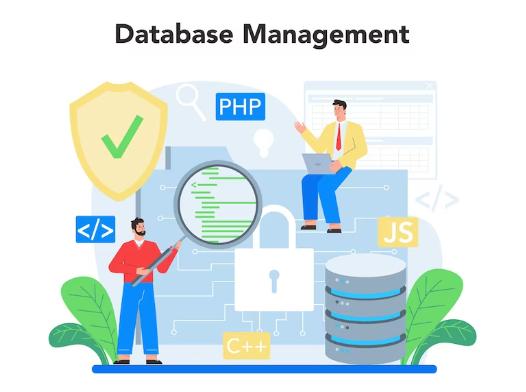
A database management system, or DBMS, stores, organizes, retrieves, and updates application data. Most modern web applications use databases to manage user accounts, product information, orders, messages, payments, and other records.
Web developers should understand how data moves between the frontend, backend, and database. The frontend sends a request, the backend processes it, and the database stores or returns the required information.
Main Types of Databases
The two main database categories are:
- Relational databases: MySQL, PostgreSQL, Microsoft SQL Server, and SQLite
- NoSQL databases: MongoDB, Firebase Firestore, Redis, and Cassandra
Important database concepts include:
- Tables, rows, and columns
- Documents and collections
- Primary and foreign keys
- SQL queries
- CRUD operations
- Database relationships
- Indexing
- Data normalization
- Transactions
- Database security
Practise connecting a database to a web application. Build projects that allow users to create, read, update, and delete records.
8. Learn Git and Version Control
A version control system tracks changes made to source code over time. It allows developers to review modifications, restore earlier versions, create branches, and collaborate without overwriting each other’s work.
Git is a widely used distributed version control system. Platforms such as GitHub, GitLab, and Bitbucket host Git repositories and support team collaboration.
Web development beginners should learn these Git concepts:
- Repositories
- Commits
- Branches
- Merging
- Pull requests
- Cloning
- Pushing and pulling
- Merge conflict resolution
Git does not prevent changes from affecting source code. It records those changes and provides a structured way to review, compare, or reverse them.
Use Git from the beginning of every project. Regular commits with clear messages show development progress and strengthen your GitHub portfolio.
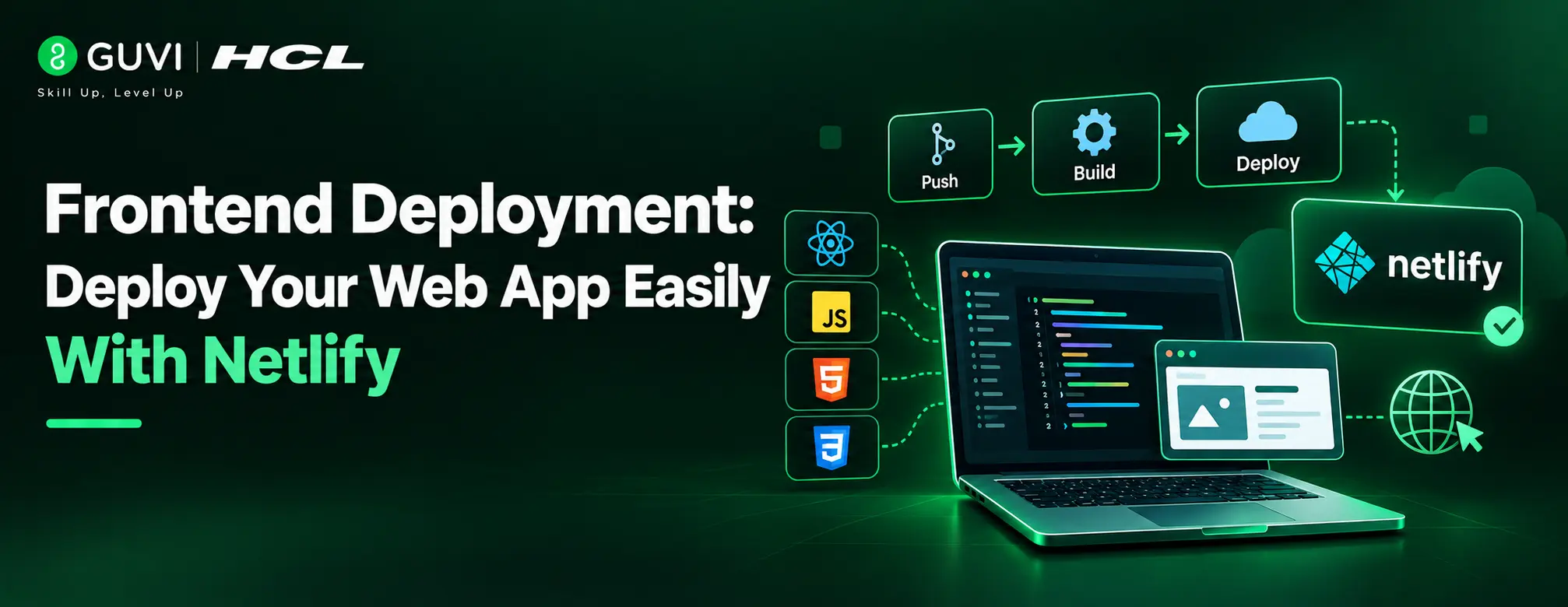
9. Learn Website Deployment and Hosting
Website deployment is the process of publishing a web application so users can access it through the internet. Deployment connects the application code with hosting infrastructure, domain settings, databases, and production services.
Platforms for Static Website Deployment
Static websites can be deployed using platforms such as:
- GitHub Pages
- Netlify
- Vercel
- Cloudflare Pages
Platforms for Full-Stack Application Deployment
Full-stack and backend applications may use:
- AWS
- Microsoft Azure
- Google Cloud
- Render
- Railway
- DigitalOcean
Developers should understand:
- Web hosting
- Domain configuration
- DNS records
- Environment variables
- Production databases
- HTTPS certificates
- Build commands
- Continuous integration and deployment
- Application monitoring
Do not publish secret keys, database passwords, or API credentials inside public repositories. Store sensitive values securely through environment variables.
Deploy every major portfolio project and include its live link in your GitHub README. A working application gives recruiters direct evidence of your web development skills.
10. Build Web Development Projects and an ATS-Friendly Resume
Projects convert theoretical knowledge into practical web development experience. They show whether you can plan features, write code, fix errors, manage data, and deploy a complete application.
Beginner Web Development Projects
Begin with simple projects, such as:
- Personal portfolio website
- Responsive landing page
- Calculator
- To-do list
- Weather application
Advanced Web Development Projects
Progress to advanced projects, such as:
- E-commerce website
- Learning management system
- Job portal
- Real-time chat application
- Full-stack task management platform
What to Include in Each Portfolio Project
Each portfolio project should include:
- A clear project description
- Technology stack
- Key features
- GitHub repository
- Live demonstration link
- Installation instructions
- Screenshots
- Challenges and solutions
Create an ATS-Friendly Web Developer Resume
Create an ATS-friendly web developer resume after completing several polished projects. Use standard section headings and include relevant keywords from the job description.
Your resume should highlight:
- Technical skills
- Frameworks and tools
- Web development projects
- GitHub and portfolio links
- Certifications
- Freelance or internship experience
- Measurable project outcomes
A focused resume can improve application visibility, but it cannot guarantee interviews. Projects, coding ability, communication skills, and interview preparation also influence hiring decisions.
Practice makes a human perfect. When you start practicing, you gain confidence and hence increase your knowledge in the given domain. Therefore to begin your journey, you can use our platform WebKata in which you will get numerous questions to solve on a daily basis. It also contains questions as per the difficulty level and you can even have a look at the solved questions which was previously solved by other geeks.
Kickstart your Web Development journey by enrolling in HCL GUVI’s Full Stack Development Course with Placement Assistance, where you will master the MERN stack (MongoDB, Express.js, React, Node.js) and build interesting real-life projects. This program is crafted by our team of experts to help you upskill and assist you in placements.
Conclusion
Web development becomes easier when you follow a clear learning sequence. Start with websites, servers, HTML, CSS, and JavaScript before moving to frameworks, backend development, databases, Git, and deployment. Build projects at every stage to convert theory into practical skills. A strong portfolio, live applications, and consistent coding practice will help you demonstrate your abilities to employers. Focus on steady progress, real problem-solving, and continuous improvement rather than trying to learn every technology at once.
Common Mistakes to Avoid in a Web Development Roadmap
- Learning Frameworks Before JavaScript Fundamentals: Starting React, Angular, or Vue.js too early makes debugging difficult and creates gaps in DOM, functions, events, and asynchronous JavaScript.
- Skipping Responsive Design Testing: A website may work on a desktop but fail on mobile devices due to fixed widths, missing media queries, or poor touch navigation.
- Building Projects Without Git: Working without version control makes it harder to track changes, restore stable versions, and show consistent development activity on GitHub.
- Ignoring Backend Security Basics: Weak input validation, exposed API keys, poor authentication, and unsafe database queries can create serious security risks.
- Finishing Projects Without Deployment: A project stored only on a local computer gives recruiters limited proof. Deploy the application and include a working live link with the source code.
FAQs
Q1. How to become a web developer?
Ans. To become a web developer, you need to equip yourself with programming languages and trending technologies like –
1. HTML, CSS, and JavaScript
2. Frameworks
3. Frontend and backend
4. Databases
5. Deployment
Q2. What are the three parts of web development?
Ans. The three parts of web development are –
1. Frontend
2. Backend
3. Database
Q3. Which language should beginners learn first for web development?
Start with HTML and CSS, then learn JavaScript before moving to frameworks and backend development.
Q4. Do web developers need to know both frontend and backend?
No. Developers can specialize in frontend, backend, or full-stack development based on their interests and career goals.
Success Stories

About the Author
Isha Sharma
I’m a versatile technical content writer with over 3.5 years of experience in technical writing and 1 year of experience in web development. My specialized domains are web development, AWS, cloud computing, etc. I have written over 250+ SEO-optimized technical articles.
View all posts by Isha Sharma
Connect with me @




























Did you enjoy this article?