


Artificial Intelligence and Machine Learning Articles
How to Evaluate LLM Outputs in Production Deployments
AI/ML Skills Gap 2026: Why Companies Can't Find Job-Ready Talent
20 AI/ML Interview Questions Recruiters Can Use Without a Tech Background - Best Guide
How Industry-Backed AI/ML Bootcamps Are Changing the AI/ML Hiring Pipeline - Best Guide 2026


Get In Touch For Details! Request More Information

Claude Vibe Coding: The Future of AI-Powered Coding Explained
Jun 16, 2026 3 Min Read 825 Views
(Last Updated)
Coding is no longer for experts, and Claude Vibe Coding is a perfect example of this. You can create your applications by describing what you want directly in the tool, and AI takes care of the rest.
Claude Vibe Coding doesn’t require you to spend hours learning every detail. It allows you to concentrate on ideas and results. You steer the tool, while the AI tool efficiently assists in transforming these ideas into functioning applications.
Quick TL;DR Summary
- Understand what Claude Vibe Coding is and how it simplifies the entire coding process using AI tools.
- Discover how Claude Code helps you build real projects even without deep coding knowledge.
- Follow a simple step-by-step guide to quickly set up Claude code.
Table of contents
- What is Claude Vibe Coding
- Key Benefits of Claude Vibe Coding
- How Claude Code Helps in Vibe Coding
- Example:
- Applications
- How to Set Up Claude Code on Your System
- Step 1 (Install Ollama)
- Step 2 (Download a Local Model)
- Step 3 (Set Context Length)
- Step 4 (Install Claude Code)
- Step 5 (Run Claude with Ollama)
- Step 6 (Start Using It)
- Conclusion: Future of Claude Vibe Coding
- FAQs
- Is Claude Vibe Coding suitable for complete beginners?
- Will my system slow down when running local models?
- Can I perform Claude Vibe Coding without the internet after setup?
- How accurate are local models compared to cloud AI?
- What kind of projects can I build with this setup?
- Do I still need to learn coding if I rely on Claude Vibe Coding?
What is Claude Vibe Coding
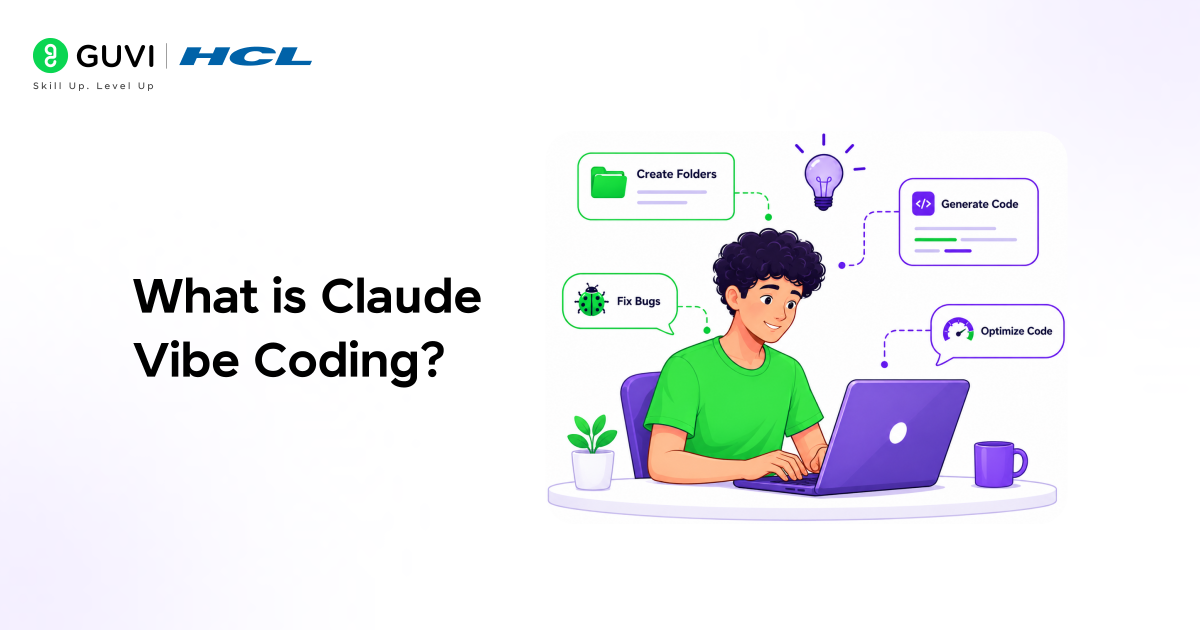
Claude Vibe Coding is a simple approach to building apps that doesn‘t require you to code everything yourself. You just tell the AI what you‘d like to do in plain, easy language, and it helps you create the code, add the files, and structure the whole project in an efficient manner.
To do this, you use Claude Code, where you can open a project, describe your idea, and let it handle tasks like creating folders, writing code, debugging, and improving your entire project automatically.
Key Benefits of Claude Vibe Coding
- Faster development: You can build projects much more quickly without long coding steps.
- Beginner-friendly: Even beginners can start building apps easily.
- Less manual work: AI handles repeated coding tasks for you.
- Focus on ideas: You spend more time on what to build, not coding details.
- Cost and control: Local setup reduces cost and keeps everything in your control.
Learn the essential concepts of AI and ML from our free resource: AI/ML Email Course
How Claude Code Helps in Vibe Coding
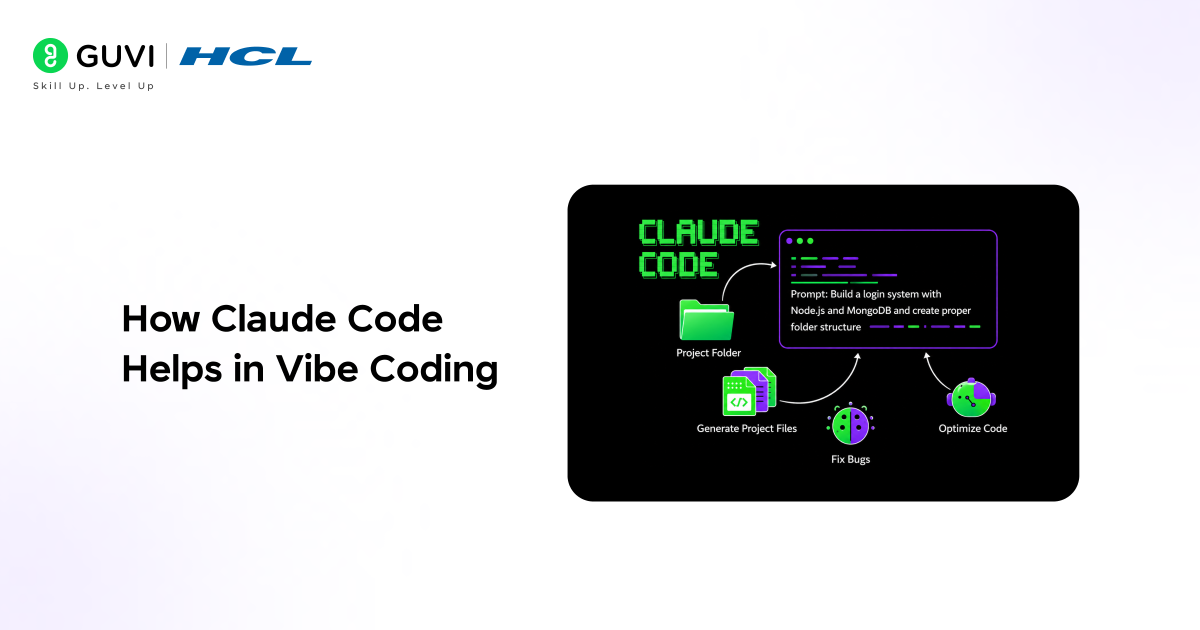
When you install and set up Claude Code locally, it essentially becomes a smart coding assistant running on your system. You don’t have to jump between tools or write everything from scratch. It understands your project, works within your folders, reads and edits files, and uses hooks to build features step by step.
It feels like you are guiding the project instead of manually coding everything, which makes development much faster and smoother.
Example:
After installing it locally on your system, you open your terminal inside a project folder and run it.
Then you simply pass a prompt like: “build a login system with Node.js and MongoDB and create a proper folder structure”.
It will start creating files like server.js, models/user.js, routes/auth.js, and even connect everything properly. You just watch, guide, and refine while it handles the actual coding work for you.
Also Read: Claude Code Tutorial: Generate, Debug, and Document Code
Applications
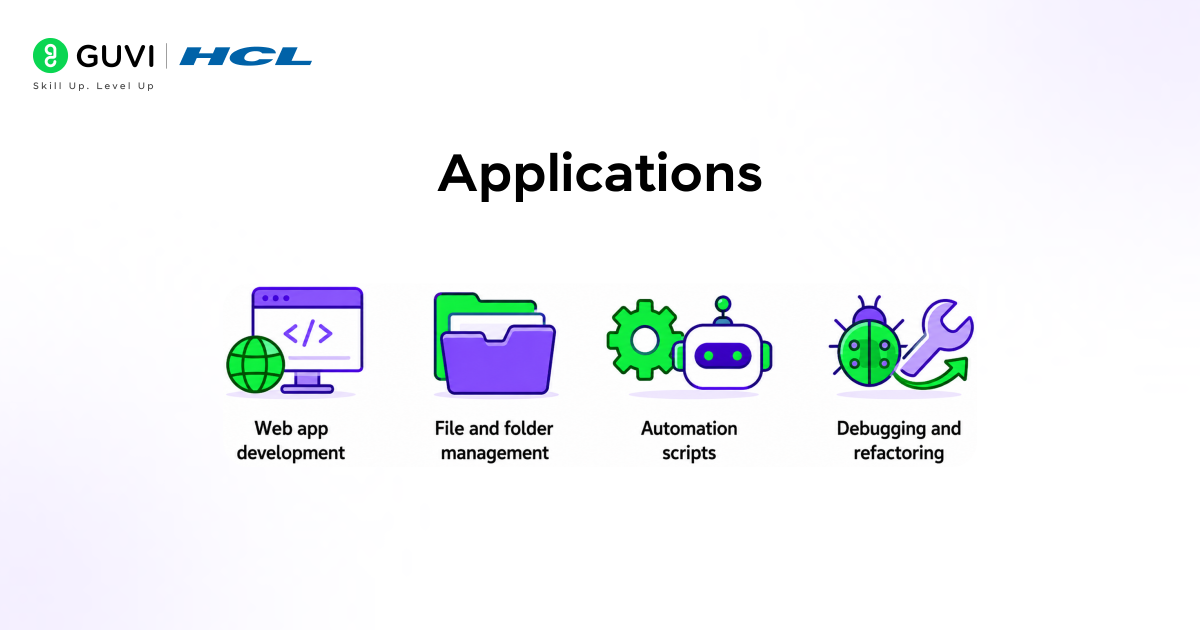
1. Web app development:
You can build full apps with a proper structure, including src/, components/, pages/, and backend files such as server.js or app.py.
2. File and folder management:
It can create and organise project structure (e.g., src/utils/, src/services/, config/) and automatically manage multiple files (e.g., index.js, routes.js, controller.js).
3. Automation scripts:
You can generate scripts such as file-rename.js, data-cleanup.py, or backup.sh to easily automate daily system tasks.
4. Debugging and refactoring:
Help fix issues in files such as app.js, database.js, or main.py, and improve the code structure across the whole project.

Also Read: 50 Claude Code Tips and Best Practices
How to Set Up Claude Code on Your System
Here are the following steps required to set up Claude Code:
Step 1 (Install Ollama)
- Open a terminal and run this:
- curl -fsSL https://ollama.com/install.sh | sh
- Once done, just check if it’s installed by running ollama
Step 2 (Download a Local Model)
- Now pull a model you want to use:
- ollama pull glm-4.7-flash
- Or for better performance:
- ollama pull gpt-oss:20b
- Wait till it finishes (can take some time)
Step 3 (Set Context Length)
- Open Ollama from your system tray
- Go to settings → find “Context Length”
- Set it to 16K or 32K (this helps with bigger tasks)
Step 4 (Install Claude Code)
- Run this command:
- curl -fsSL https://claude.ai/install.sh | bash
- It will install in a couple of minutes
Step 5 (Run Claude with Ollama)
- Go to your project folder in the terminal
- Run this:
- ollama launch claude –model glm-4.7-flash
- Or use this for a better model:
- ollama launch claude –model gpt-oss:20b
- Select the folder when it asks
Step 6 (Start Using It)
- Just tell Claude what you want (like “create a todo app”)
- It will create files, write code, and set everything up for you
- You can also open any project and ask it to explain or edit it
Build practical skills in data, automation, and intelligent systems with HCL GUVI’s Intel & IITM Pravartak Certified AI/ML course, covering Python, SQL, real-world projects, expert guidance, flexible classes, and placement support to help you move into high-demand roles. Join us today and transform your future!
Conclusion: Future of Claude Vibe Coding
Claude Vibe Coding is making software development seamless. Simpler, less stressful, and we no longer need to know everything to have something cool and useful built with tools like Claude Code. In this way, we build more stuff that will be prevalent in the future with AI. Developing apps and software products will be faster, easier, and more controllable than ever before.
FAQs
Is Claude Vibe Coding suitable for complete beginners?
Basic knowledge of files and folders makes the overall experience much smoother in real use.
Will my system slow down when running local models?
Weaker systems may lag when running heavy models, especially during longer tasks.
Can I perform Claude Vibe Coding without the internet after setup?
Most coding tasks work locally, but some features and updates may still need internet access.
How accurate are local models compared to cloud AI?
They perform well, but can be slightly less accurate than advanced cloud AI models overall.
What kind of projects can I build with this setup?
Basic to medium apps, like websites and useful automation tools, can be built quite easily.
Do I still need to learn coding if I rely on Claude Vibe Coding?
Basic coding knowledge helps guide, understand, and fix outputs more effectively.
Success Stories








Did you enjoy this article?