


Project Articles
Automated Resume Screener: NLP-Based Python Project with Source Code
Business Analysis in Digital Transformation Projects - Best Guide
Build No-Code AI Agents with Flowise AI: Step-by-Step Beginner Guide


Get In Touch For Details! Request More Information
18 Best Next.js Projects in 2026 [With Source Code]
Sep 11, 2026 11 Min Read 37679 Views
(Last Updated)
Table of contents
- TL;DR
- Quick Answer
- What Should You Know Before Building Next.js Projects?
- What Should a Modern Next.js Project Use in 2026?
- 18 Best Next.js Projects for Beginners to Advanced in 2026
- Quick Comparison of Next.js Projects by Difficulty
- Personal Blog Application
- To-Do Application
- Contact Us Form
- E-Commerce App
- Social Networking Platform
- Music Player App
- Cryptocurrency Tracker
- In-App Notification System
- Social Media Dashboard
- E-commerce Dashboard
- Real Estate Listings Platform
- Recipe Generator
- Build a Notes App
- Calculator App
- Expense Tracker
- Dictionary App
- Weather Monitoring Dashboard
- Daily Activity Planner App
- How Should You Structure Next.js Projects in 2026?
- How Do You Choose Next.js Projects by Skill Level?
- Beginner
- Intermediate
- Advanced
- How Do You Make Next.js Projects Portfolio Ready?
- Common Mistakes to Avoid While Building Project Applications
- Making Everything a Client Component
- Using Old Tutorials Without Checking the Router
- Using Old API Route Terminology
- Hard Coding Secrets
- Copying Source Code Without Rebuilding It
- Build Stronger Next.js Skills with HCL GUVI
- Conclusion
- FAQs
- What Are the Best Next.js Projects for Beginners?
- Is Next.js Good for Full Stack Projects?
- What Should I Build With Next.js for My Portfolio?
- Do I Need to Learn React Before Next.js?
- How Do I Deploy a Next.js Project?
TL;DR
Next.js projects are practical web applications built with the Next.js React framework to practise routing, data fetching, Server and Client Components, APIs, databases, authentication, SEO, and deployment.
The strongest Next.js projects in 2026 use the App Router and gradually progress from simple blogs and task apps to ecommerce stores, dashboards, real time systems, and social platforms. Beginners should start with UI, routing, and forms before moving into databases, authentication, payments, caching, and full stack features.
Quick Answer
Start with:
- Personal Blog
- To Do App
- Contact Form
- Notes App
Then move to:
- Recipe Finder
- Weather Dashboard
- Expense Tracker
- Cryptocurrency Tracker
- Music Player
For advanced practice, build:
- Ecommerce Store
- Admin Dashboard
- Real Estate Platform
- Social Network
- Notification System
Next.js projects are one of the most practical ways to move from React fundamentals to complete web applications. Instead of practising isolated components, you learn how routing, server rendering, APIs, databases, authentication, SEO, and deployment work together.
In 2026, modern Next.js development is centred on the App Router, Server and Client Components, Route Handlers, Server Functions, TypeScript, and newer data fetching patterns.
Well planned Next.js projects should therefore teach more than page design. Each project in this updated list focuses on a specific development skill and includes a progression from beginner applications to larger full stack systems.
What Should You Know Before Building Next.js Projects?
Before starting Next.js projects, you should be comfortable with basic web development and React.
The official Next.js documentation recommends familiarity with HTML, CSS, JavaScript, and React before beginning with the framework.
You should know:
- HTML structure
- CSS and responsive layouts
- JavaScript ES6+
- Arrays and objects
- Promises
- async and await
- React components
- Props
- State
- React hooks
- Basic Git
- REST APIs
If you are still building these foundations, follow HCL GUVI’s Web Development Roadmap for Beginners.
You can also practise component based development using these React project ideas with source code before moving into full stack framework features.

What Should a Modern Next.js Project Use in 2026?
Next.js 16 is the current major release line. The current create-next-app setup recommends TypeScript, Tailwind CSS, ESLint, App Router, and Turbopack as standard defaults.
For new projects, prefer:
- App Router
- TypeScript
- Server Components where server rendering fits
- Client Components only where browser interaction is required
- Route Handlers for custom HTTP endpoints
- Server Functions or Server Actions for data mutations
- Metadata API for page titles, descriptions, and social metadata
- Modern authentication libraries
- Environment variables for secrets
- A maintained database or backend service
- Current deployment and security practices
18 Best Next.js Projects for Beginners to Advanced in 2026
The following projects are arranged by difficulty so you can start with routing and React fundamentals, then progress toward databases, authentication, payments, real time features, and complete full stack applications.
Quick Comparison of Next.js Projects by Difficulty
Use this table to compare Next.js projects according to the main skill you want to practise.
| Project | Level | Main Skill | Backend / Data | API Needed |
| Personal Blog | Beginner | Routing and SEO | Markdown or CMS | Optional |
| To Do App | Beginner | State and CRUD | Local or database | No |
| Contact Form | Beginner | Forms and validation | Server Function | Email optional |
| Notes App | Beginner | CRUD and persistence | Local or database | No |
| Calculator | Beginner | Client state | None | No |
| Dictionary App | Beginner | API fetching | None | Yes |
| Recipe Generator | Intermediate | Search and APIs | Optional | Yes |
| Weather Dashboard | Intermediate | Dynamic data | Optional | Yes |
| Expense Tracker | Intermediate | CRUD and charts | Database | Optional |
| Cryptocurrency Tracker | Intermediate | Data fetching and charts | None | Yes |
| Music Player | Intermediate | Client interaction | Optional | Yes |
| Social Media Dashboard | Intermediate | Data visualization | Optional | Yes |
| Activity Planner | Intermediate | Drag and drop state | Database optional | Optional |
| Ecommerce Store | Advanced | Full stack commerce | Database | Yes |
| Ecommerce Dashboard | Advanced | Admin and analytics | Database | Yes |
| Real Estate Platform | Advanced | Search, maps, SEO | Database | Yes |
| Social Network | Advanced | Auth and real time data | Database | Yes |
| Notification System | Advanced | Real time communication | Database | Yes |
Each project demonstrates unique technical concepts like API integration, state management, and server-side rendering, offering practical hands-on experience with Next.js in real-world applications.
1. Personal Blog Application
This project focuses on creating a fully functional blog with Next.js that supports dynamic content, server-side rendering, and SEO enhancements. By building this blog application, users can learn how to handle dynamic routing, Markdown-based content management, and styling with TailwindCSS.
The project also introduces content management practices with CMS integration, making it a perfect starting point for anyone interested in content-rich applications.
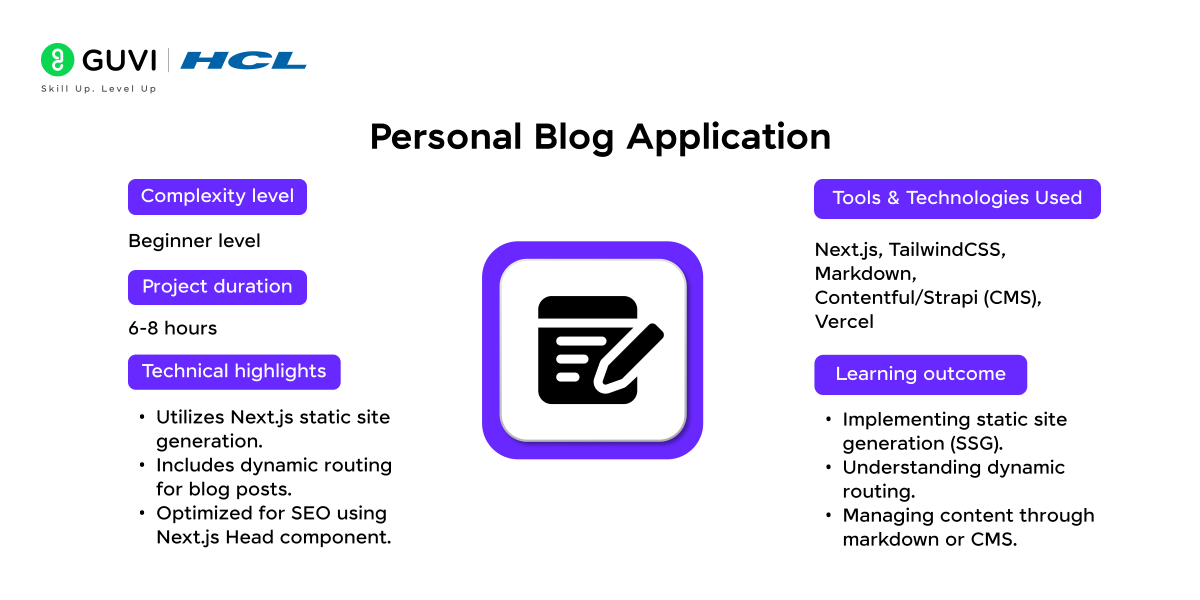
Project Complexity: Beginner
Development Time: 6-8 hours
Integration with APIs: Not required
Tools and Technologies used: Next.js, TailwindCSS, Markdown, Contentful/Strapi (CMS), Vercel
Technical Highlights:
- Uses the App Router for project routing
- Creates dynamic routes for individual blog posts
- Uses Server Components for content rendering
- Uses metadata or generateMetadata for SEO
- Supports Markdown, MDX, or CMS based content
Learning Outcomes:
- Building content driven applications
- Creating dynamic URLs
- Managing metadata and Open Graph information
- Understanding Server Components
- Deploying a Next.js content application
Source Code: GitHub Repository
2. To-Do Application
Building a To-Do app with Next.js teaches essential CRUD (Create, Read, Update, Delete) functionalities, including managing state with React hooks. This app is ideal for learning about user interaction, state persistence using localStorage, and component-based design principles.
It’s an excellent project for beginners to get comfortable with data handling and interactive elements in Next.js.
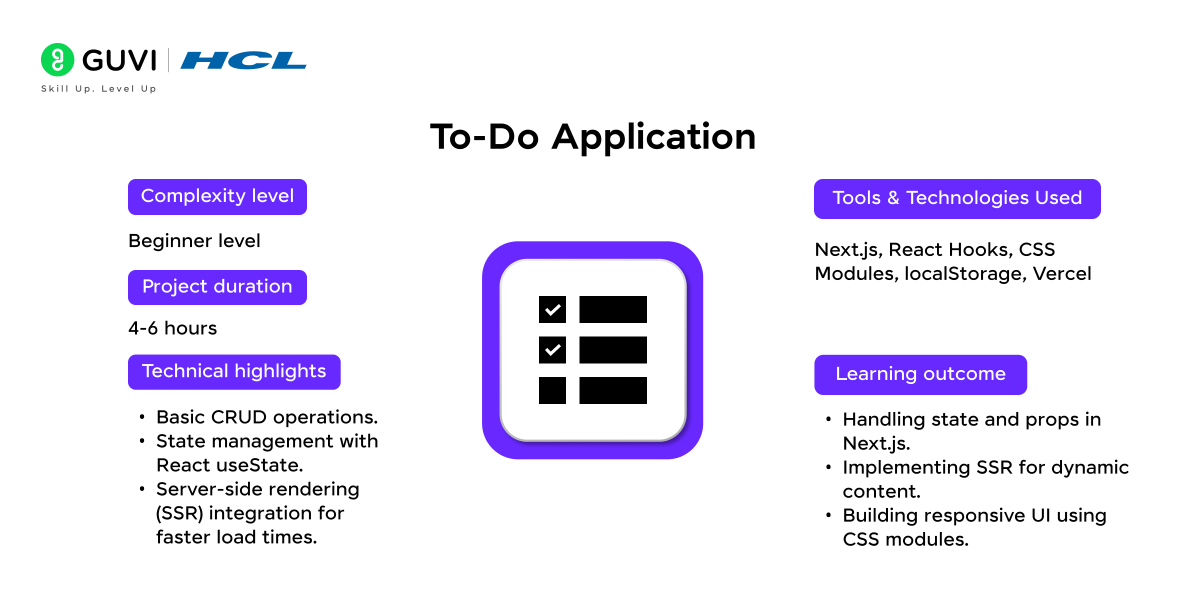
Project Complexity: Beginner
Development Time: 4-6 hours
Integration with APIs: Optional
Tools and Technologies used: Next.js, React Hooks, CSS Modules, localStorage, Vercel
Technical Highlights:
- Basic CRUD operations.
- Create, update, and delete tasks
- Manage state with useState
- Filter completed and pending tasks
- Store data locally
- Extend the application with Server Functions and a database
Learning Outcomes:
- Managing state in React and Next.js
- Handling user generated data
- Building reusable interactive components
- Implementing basic CRUD operations
- Working with browser based persistence
- Extending a frontend application with server side data storage
Source Code: GitHub Repository
3. Contact Us Form
The Contact Us form project emphasizes form handling and backend communication using Next.js API routes. By developing this project, users can explore input validation, conditional rendering, and email API integration to handle form submissions.
It’s a practical project for any beginner looking to understand the fundamentals of handling user data securely.
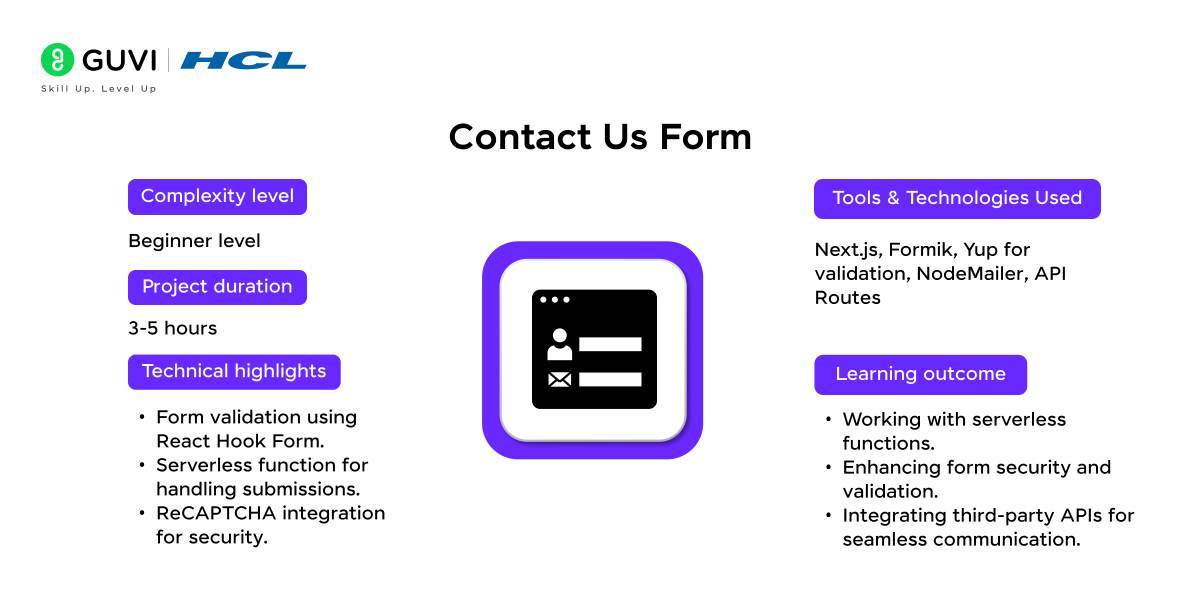
Project Complexity: Beginner
Development Time: 3-5 hours
Integration with APIs: Email API (e.g., SendGrid)
Tools and Technologies used: Next.js, Formik, Yup for validation, NodeMailer, API Routes
Technical Highlights:
- Uses Server Functions or Route Handlers for form processing
- Validates user input on both client and server
- Supports loading, success, and error states
- Uses environment variables for sensitive credentials
- Can integrate with an email service for message delivery
- Includes basic spam and invalid submission protection
Learning Outcomes:
- Working with serverless functions.
- Building secure forms in Next.js
- Validating and sanitizing user input
- Processing form submissions on the server
- Managing environment variables
- Handling asynchronous success and error states
- Integrating third party email services
Source Code: GitHub Repository
If you want more practice before moving into full stack Next.js projects, try these React project ideas with source code. They can help you strengthen components, hooks, API integration, and state management first.
The Personal Blog project uses SSG and dynamic routing — two of the most important Next.js concepts. HCL GUVI’s free JavaScript handbook covers the JS fundamentals that power React and Next.js routing: JavaScript Tutorial | CSS Tutorial
4. E-Commerce App
Create a sophisticated e-commerce platform with Next.js that features product listings, a shopping cart, and checkout functionality with Stripe. This project covers everything from setting up dynamic routing to working with databases for managing products, making it ideal for intermediate-level learners.
It provides hands-on experience with server-side rendering, API integration, and secure payment processing.
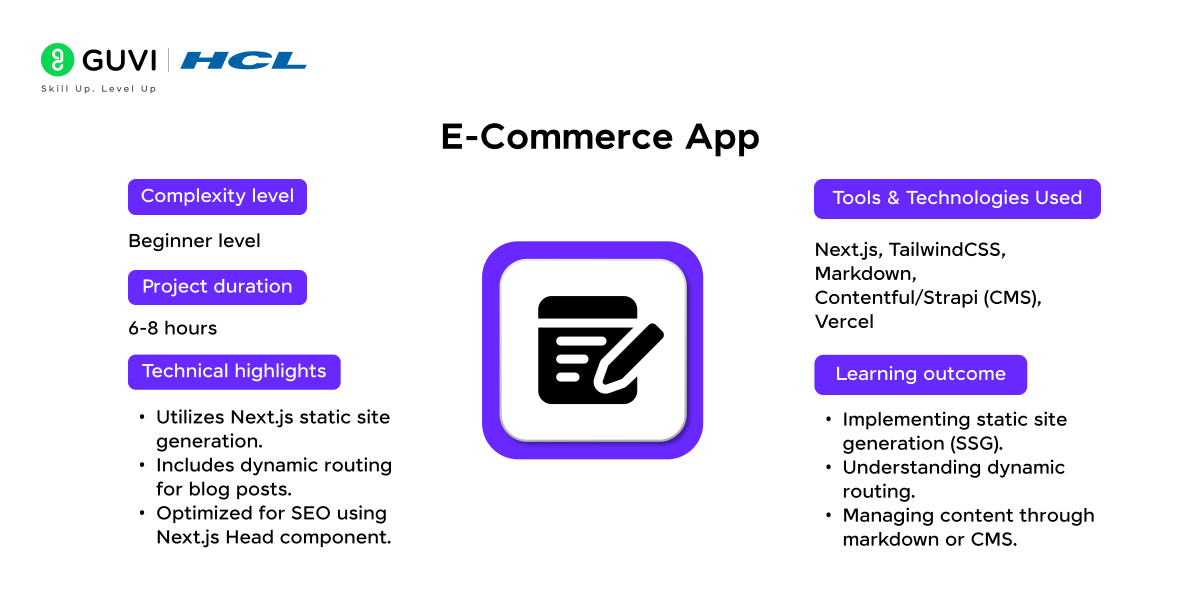
Project Complexity: Intermediate
Development Time: 20-25 hours
Integration with APIs: Stripe for payments
Tools and Technologies used: Next.js, Redux Toolkit for state management, Stripe API, TailwindCSS, MongoDB
Technical Highlights:
- Product listings and cart functionality.
- Secure payment gateway using Stripe.
- Real-time data fetching with SWR.
Learning Outcomes:
- Advanced API integration.
- Managing user authentication.
- Building complex state management systems.
Source Code: GitHub Repository
You’ve built the projects — now it’s time to master the questions!
Don’t miss our Top 50 Next.js Interview Questions for Freshers (2026 Edition) and walk into your interview with confidence.
5. Social Networking Platform
Build a scalable social networking app where users can create profiles, post content, and engage with others. This project demonstrates the power of Next.js in handling complex state management and real-time data.
Key learning outcomes include WebSocket implementation, user authentication, and the use of Firestore or MongoDB for database management. It’s a great choice for advanced users wanting to tackle social features in web development.
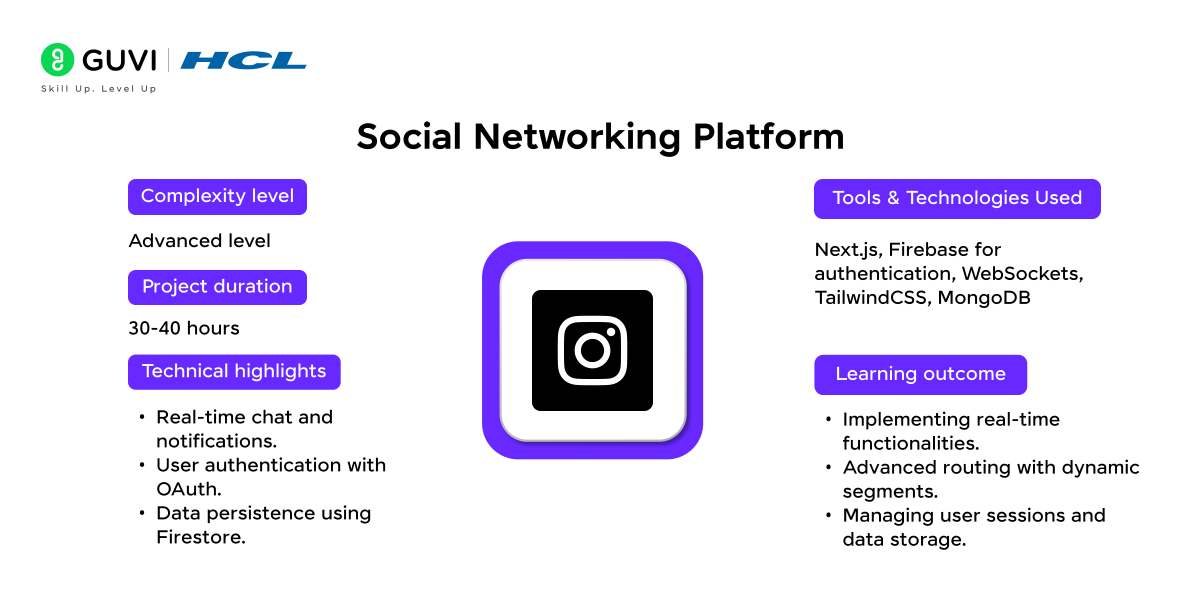
Project Complexity: Advanced
Development Time: 30-40 hours
Integration with APIs: Firebase for backend services
Tools and Technologies used: Next.js, Firebase for authentication, WebSockets, TailwindCSS, MongoDB
Technical Highlights:
- Displays engagement and performance metrics through reusable cards
- Uses maintained APIs, approved datasets, or mock analytics data
- Supports date based filters and comparison views
- Visualizes trends using charts
- Provides responsive dashboard layouts
- Can support export or report generation
Learning Outcomes:
- Building analytics dashboards
- Transforming raw data into useful metrics
- Creating interactive charts and filters
- Managing structured datasets
- Designing reusable dashboard components
- Handling external API restrictions and changing data sources
Source Code: GitHub Repository
6. Music Player App
The Music Player App project uses Next.js to create a responsive, interactive music interface with playlist and playback controls. This project involves API integration with Spotify or YouTube for accessing music data and focuses on managing asynchronous data and custom audio controls. It’s a fun project for learners interested in media applications and responsive design.
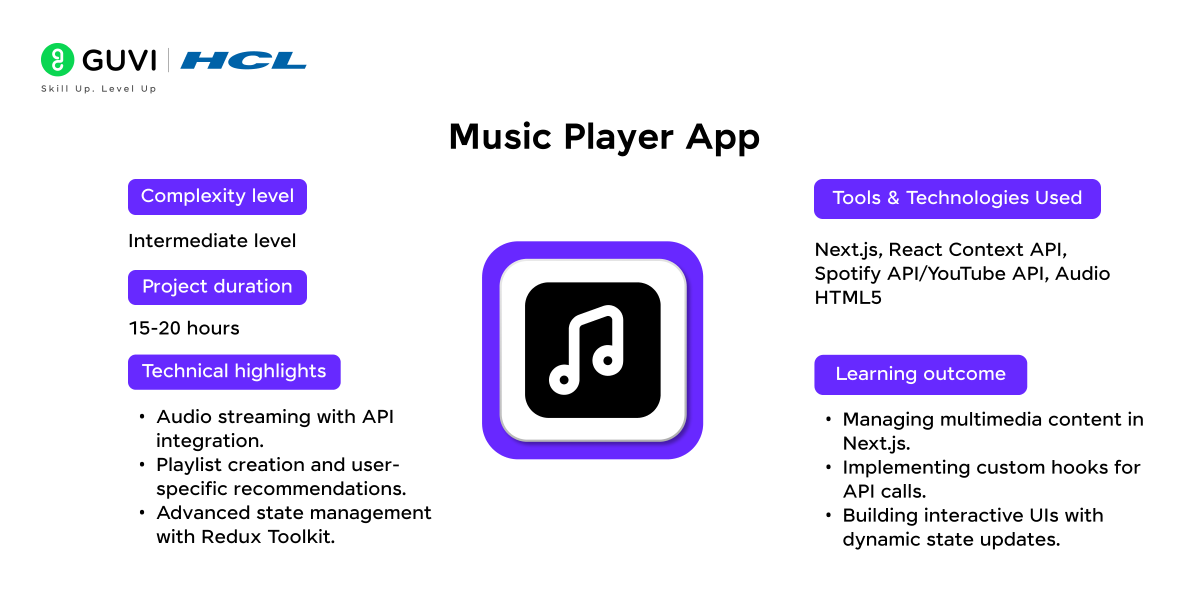
Project Complexity: Intermediate
Development Time: 15-20 hours
Integration with APIs: Spotify or YouTube API
Tools and Technologies used: Next.js, React Context API, Spotify API/YouTube API, Audio HTML5
Technical Highlights:
- Uses Client Components for media controls
- Works with the HTML Audio API or legally accessible audio sources
- Supports play, pause, seek, volume, and track navigation
- Manages playlist and current track state
- Uses custom hooks for reusable media logic
- Can maintain playlists or favourites in persistent storage
Learning Outcomes:
- Working with browser media APIs
- Managing complex client state
- Creating custom React hooks
- Building responsive media controls
- Handling asynchronous track information
- Separating media logic from presentation components
Source Code: GitHub Repository
Want more beginner friendly applications to practise before taking on larger Next.js builds? Explore these web development project ideas for beginners covering interactive applications, APIs, dashboards, and other practical builds.
7. Cryptocurrency Tracker
This project aims to build a cryptocurrency tracker that displays live price data, charts, and news updates. Using Next.js, developers can learn about API integration and real-time data fetching with services like CoinGecko or CoinMarketCap.
Additionally, this project is an excellent way to practice data visualization techniques and dynamic content handling.
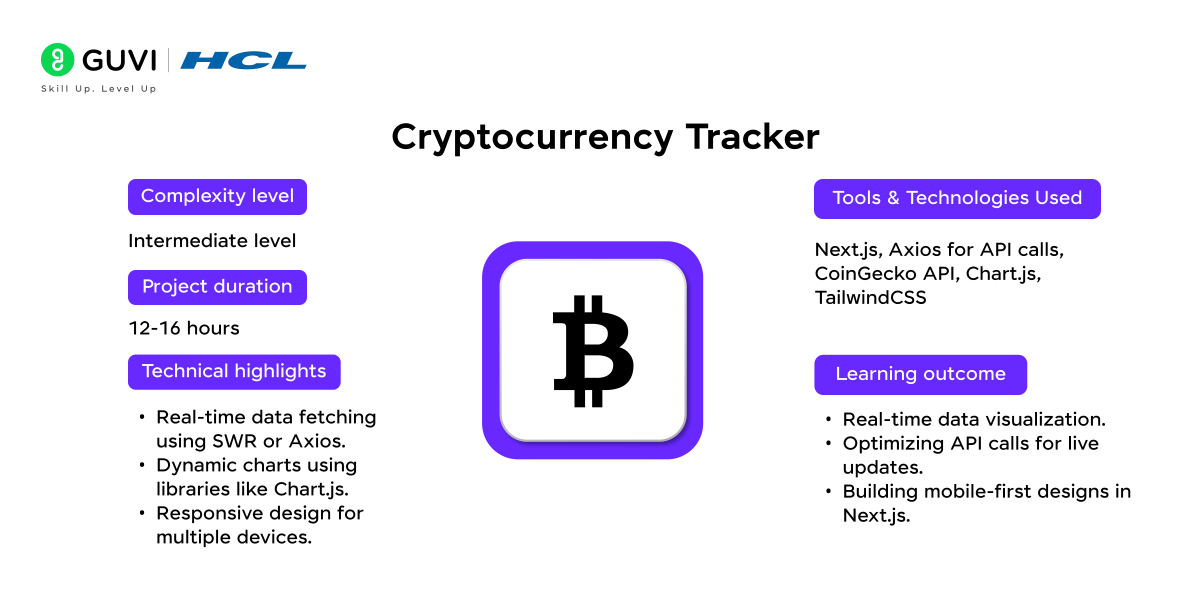
Project Complexity: Intermediate
Development Time: 12-16 hours
Integration with APIs: CoinGecko or CryptoCompare API
Tools and Technologies used: Next.js, Axios for API calls, CoinGecko API, Chart.js, TailwindCSS
Technical Highlights:
- Real-time data fetching using SWR or Axios.
- Dynamic charts using libraries like Chart.js.
- Responsive design for multiple devices.
Learning Outcomes:
- Real-time data visualization.
- Optimizing API calls for live updates.
- Building mobile-first designs in Next.js.
Source Code: GitHub Repository
Cryptocurrency trackers combine REST API calls, real-time data handling, and chart visualizations — skills used across both frontend development and data analytics: JavaScript Tutorial Interested in data-driven applications? Data Science Course with Placement
8. In-App Notification System
Create a system that sends real-time notifications to users, utilizing technologies like Firebase or WebSockets in combination with Next.js. This project helps learners understand the basics of real-time communication and push notifications, which are valuable skills for applications that require instant updates or alerts.
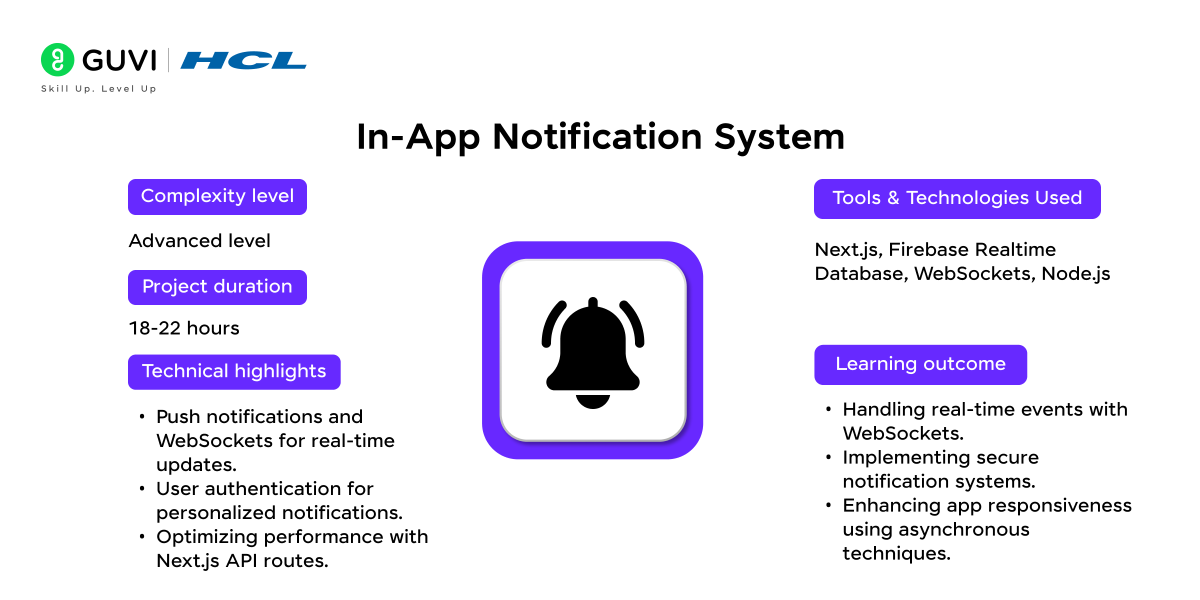
Project Complexity: Advanced
Development Time: 18-22 hours
Integration with APIs: Firebase Cloud Messaging
Tools and Technologies used: Next.js, Firebase Realtime Database, WebSockets, Node.js
Technical Highlights:
- Push notifications and WebSockets for real-time updates.
- User authentication for personalized notifications.
- Optimizing performance with Next.js API routes.
Learning Outcomes:
- Handling real-time events with WebSockets.
- Implementing secure notification systems.
- Enhancing app responsiveness using asynchronous techniques.
Source Code: GitHub Repository
9. Social Media Dashboard
A social media dashboard aggregates analytics from various social platforms, allowing users to track and visualize metrics in a single interface. This project covers API authentication and authorization, using OAuth for social media APIs, and data visualization with charting libraries.
It’s an excellent choice for those looking to work on dashboard interfaces and multi-source data integration.
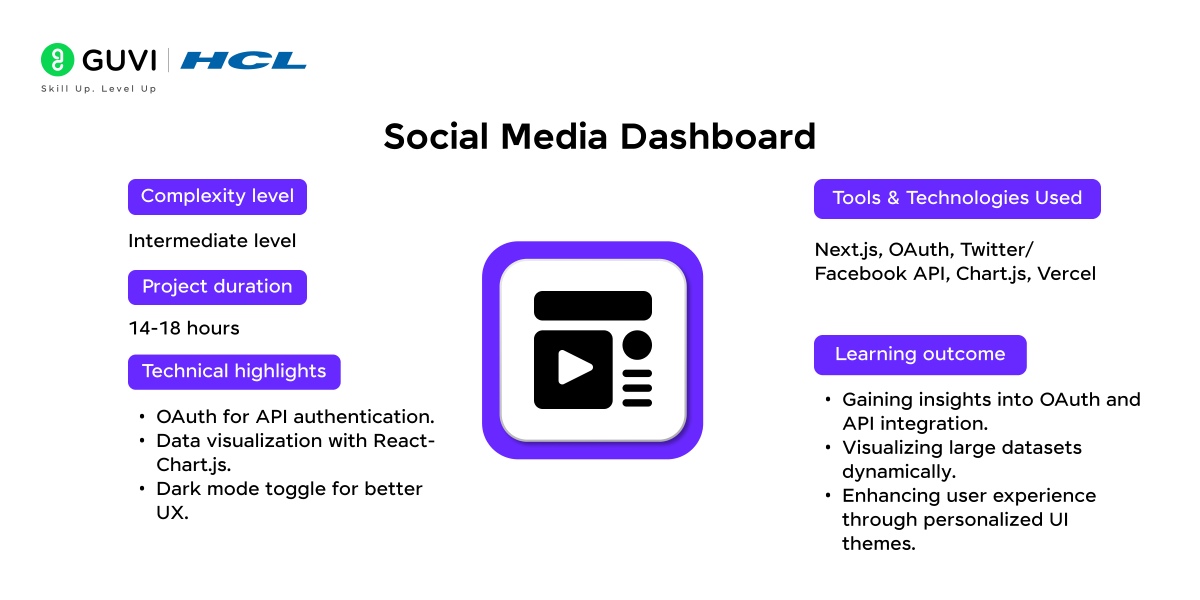
Project Complexity: Intermediate
Development Time: 14-18 hours
Integration with APIs: Facebook, Twitter, or Instagram API
Tools and Technologies used: Next.js, OAuth, Twitter/Facebook API, Chart.js, Vercel
Technical Highlights:
- OAuth for API authentication.
- Data visualization with React-Chart.js.
- Dark mode toggle for better UX.
Learning Outcomes:
- Gaining insights into OAuth and API integration.
- Visualizing large datasets dynamically.
- Enhancing user experience through personalized UI themes.
Source Code: GitHub Repository
Dashboards are only one type of application you can add to your portfolio. You can also explore these web development projects with source code for more frontend and full stack practice.
Looking to master Next.js and build dynamic web applications? HCL GUVI’s Next.js Course offers hands-on learning with real-world projects, helping you develop skills in server-side rendering, API integration, and performance optimization.
Gain practical experience using top tools like React, Vercel, and TailwindCSS, while benefiting from expert guidance and lifetime access to course content. Perfect for learners aiming to advance in web development.
10. E-commerce Dashboard
Create an admin dashboard to manage product inventories, sales analytics, and customer orders. This project is useful for learning about role-based access, real-time data updates, and API integration in Next.js.
It is especially relevant for developers who want to explore backend integrations and administrative tools in web applications.
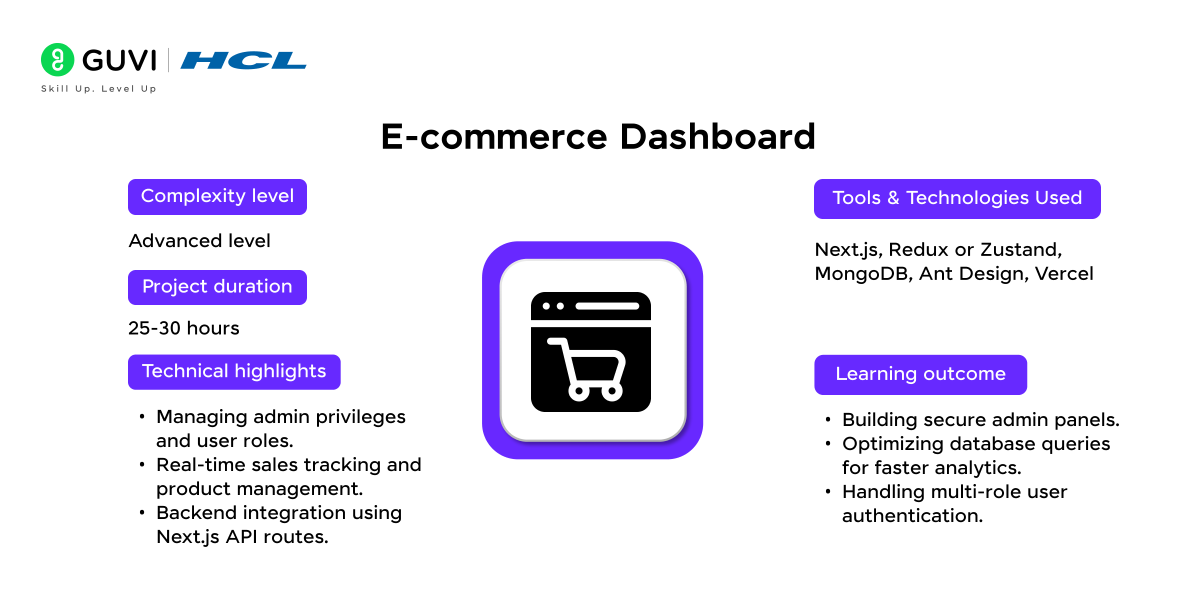
Project Complexity: Advanced
Development Time: 25-30 hours
Integration with APIs: Stripe, PayPal for payment analytics
Tools and Technologies used: Next.js, Redux or Zustand, MongoDB, Ant Design, Vercel
Technical Highlights:
- Uses protected routes for administrative pages
- Implements role based authorization
- Supports product, inventory, order, and customer management
- Uses Server Functions for database mutations
- Displays revenue and operational data with charts
- Provides reusable tables, filters, and management forms
Learning Outcomes:
- Building authenticated admin applications
- Implementing authorization and permissions
- Managing complex database operations
- Creating reusable dashboard components
- Visualizing business data
- Separating customer and administrative workflows
Source Code: GitHub Repository
11. Real Estate Listings Platform
Build a responsive real estate listing platform that allows users to search for properties, apply filters, and view property details on an interactive map.
This project emphasizes server-side rendering, API usage for location-based services, and SSR (Server-Side Rendering) for SEO optimization, making it ideal for intermediate developers interested in building directory-style applications.
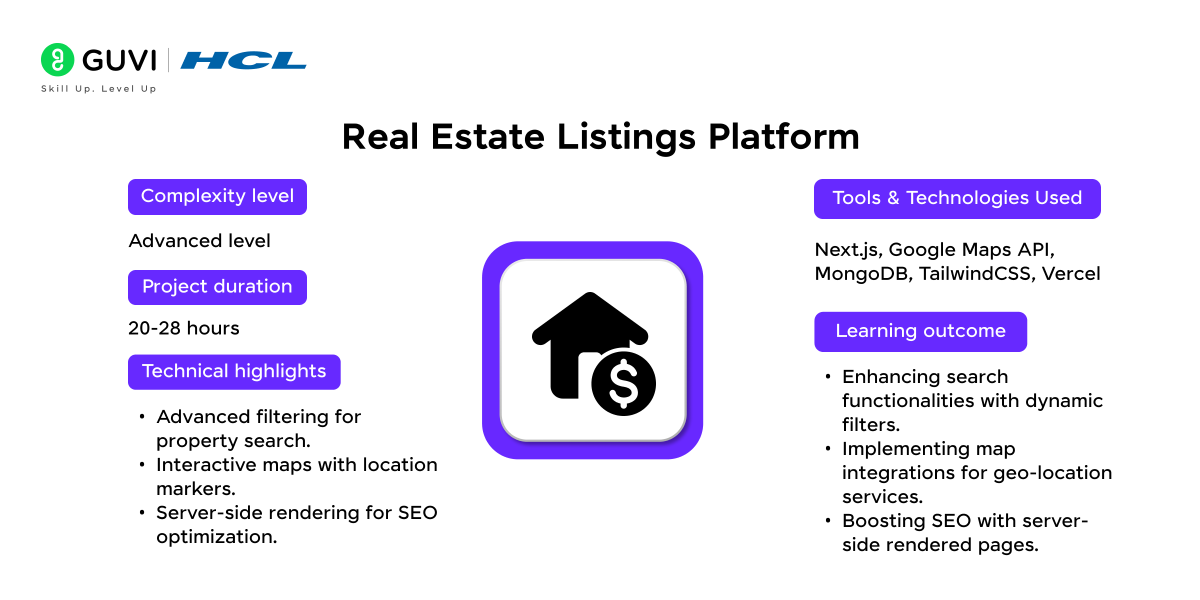
Project Complexity: Advanced
Development Time: 20-28 hours
Integration with APIs: Zillow, Google Maps API
Tools and Technologies used: Next.js, Google Maps API, MongoDB, TailwindCSS, Vercel
Technical Highlights:
- Uses dynamic routes for individual property pages
- Supports location, price, and property type filters
- Integrates Mapbox, Google Maps, or another maintained mapping service
- Stores property information in a database
- Supports image galleries and saved listings
- Uses dynamic metadata for property specific SEO
- Server-side rendering for SEO optimization.
Learning Outcomes:
- Building advanced search and filtering
- Integrating mapping services
- Managing database driven listings
- Working with location based information
- Creating dynamic SEO pages
- Designing scalable listing interfaces
Source Code: GitHub Repository
Worked through beginner and intermediate Next.js projects? The jump to job-ready means building these projects with clean code, deployment, and the ability to explain them in interviews. HCL GUVI’s MERN Full Stack course is designed to get you there with placement support: MERN Full Stack Development Course

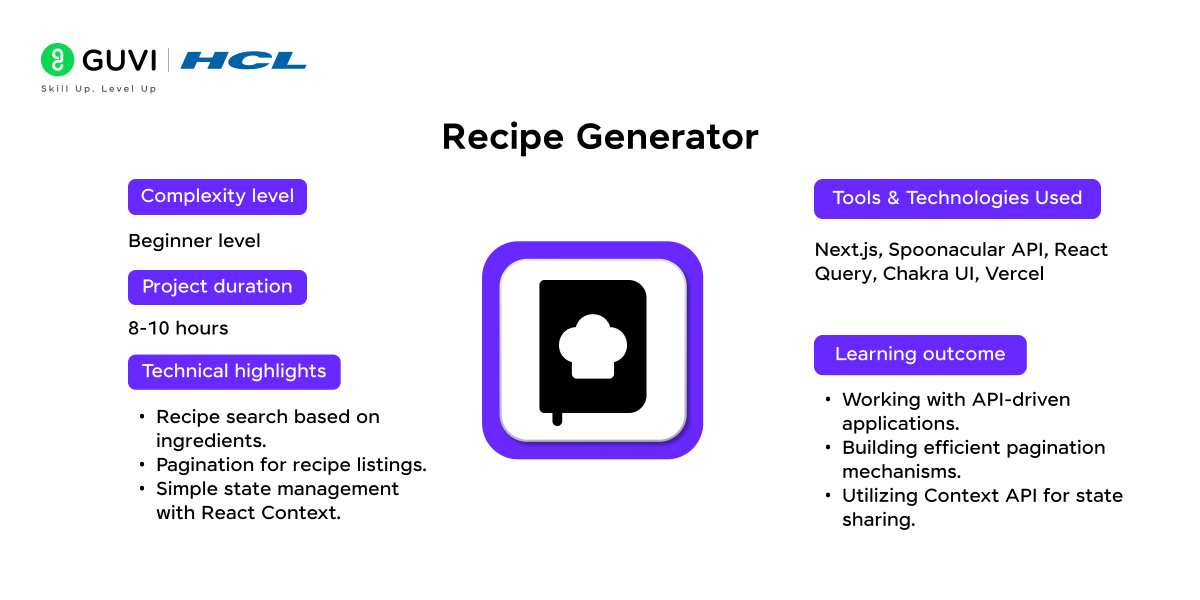
12. Recipe Generator
The Recipe Generator is an interactive app where users can input ingredients to receive recipe suggestions.
This project showcases Next.js’s capability to handle dynamic content and external API calls. It’s a great choice for those wanting to explore filtering, state management, and real-time data handling in a fun, food-centric application.
Project Complexity: Beginner
Development Time: 8-10 hours
Integration with APIs: Spoonacular API
Tools and Technologies used: Next.js, Spoonacular API, React Query, Chakra UI, Vercel
Technical Highlights:
- Recipe search based on ingredients.
- Pagination for recipe listings.
- Simple state management with React Context.
Learning Outcomes:
- Working with API-driven applications.
- Building efficient pagination mechanisms.
- Utilizing Context API for state sharing.
Source Code: GitHub Repository
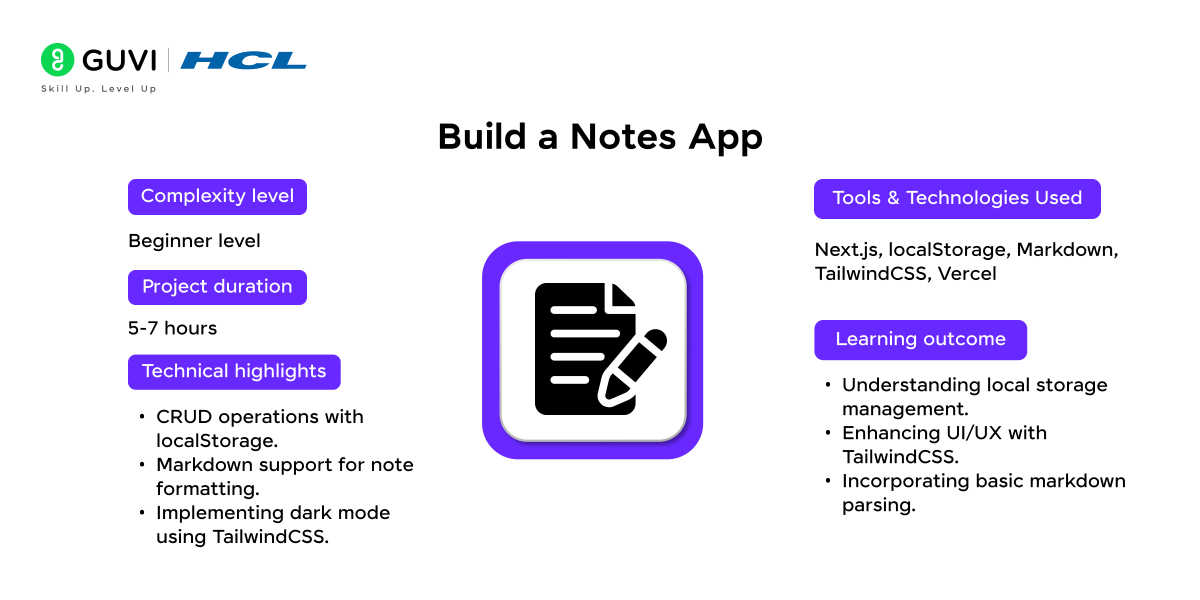
13. Build a Notes App
A minimalist notes app provides a structured environment for creating and storing notes, with options for markdown support and dark mode. Using Next.js, this project focuses on data persistence, component-based structure, and UI design.
It’s perfect for beginners learning about custom hooks and localStorage to maintain application state across sessions.
Project Complexity: Beginner
Development Time: 5-7 hours
Integration with APIs: Optional
Tools and Technologies used:
Technical Highlights: Next.js, localStorage, Markdown, TailwindCSS, Vercel
- Implements create, read, update, and delete operations
- Uses reusable components for note creation and editing
- Supports search and filtering
- Can render Markdown content
- Uses local storage for a simple version
- Can be extended with authentication and database persistence
Learning Outcomes:
- Enhancing UI/UX with TailwindCSS.
- Building CRUD based applications
- Managing application state
- Implementing search functionality
- Working with persistent data
- Creating reusable forms and components
- Extending a simple app into an authenticated full stack project
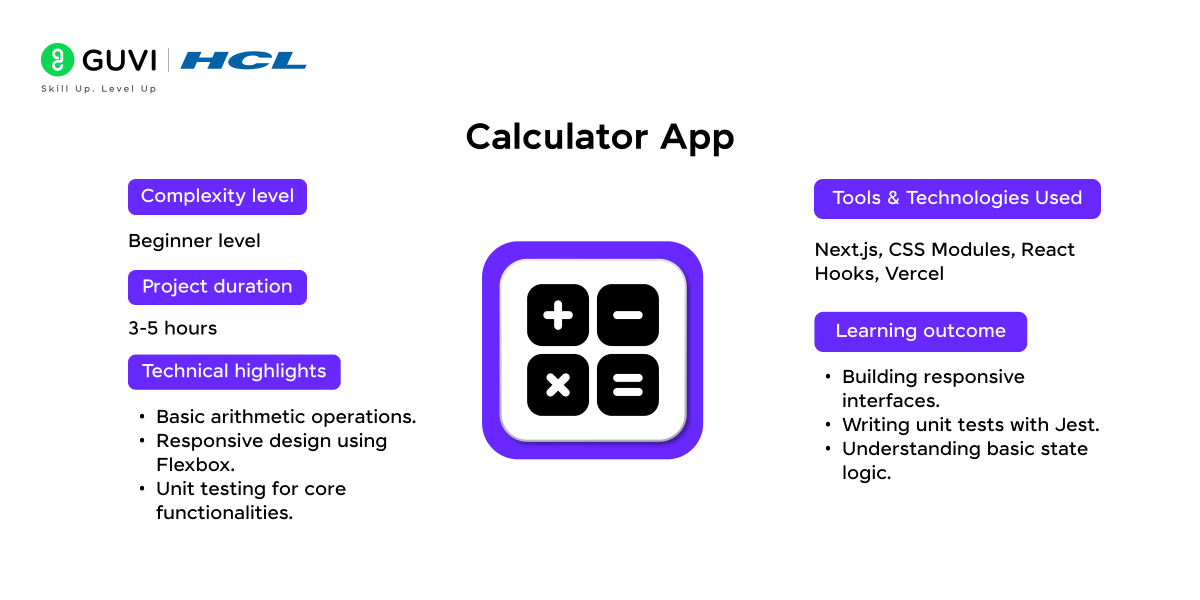
14. Calculator App
Source Code: GitHub Repository
Build a simple calculator to learn state handling, event management, and basic arithmetic operations in Next.js. This project may be simple, but it is effective for beginners who want to understand component interaction and responsive layouts.
It’s an ideal introduction to managing inputs and outputs in a web application.
Project Complexity: Beginner
Development Time: 3-5 hours
Integration with APIs: Not required
Tools and Technologies used: Next.js, CSS Modules, React Hooks, Vercel
Technical Highlights:
- Uses Client Components for interactive calculations
- Handles numeric input through event handlers
- Separates calculation logic into reusable functions
- Supports keyboard input and validation
- Can maintain calculation history
- Allows unit testing of calculation functions
Learning Outcomes:
- Managing interactive client state
- Handling input and button events
- Writing reusable JavaScript functions
- Validating user input
- Separating business logic from interface code
- Writing basic unit tests
Source Code: GitHub Repository
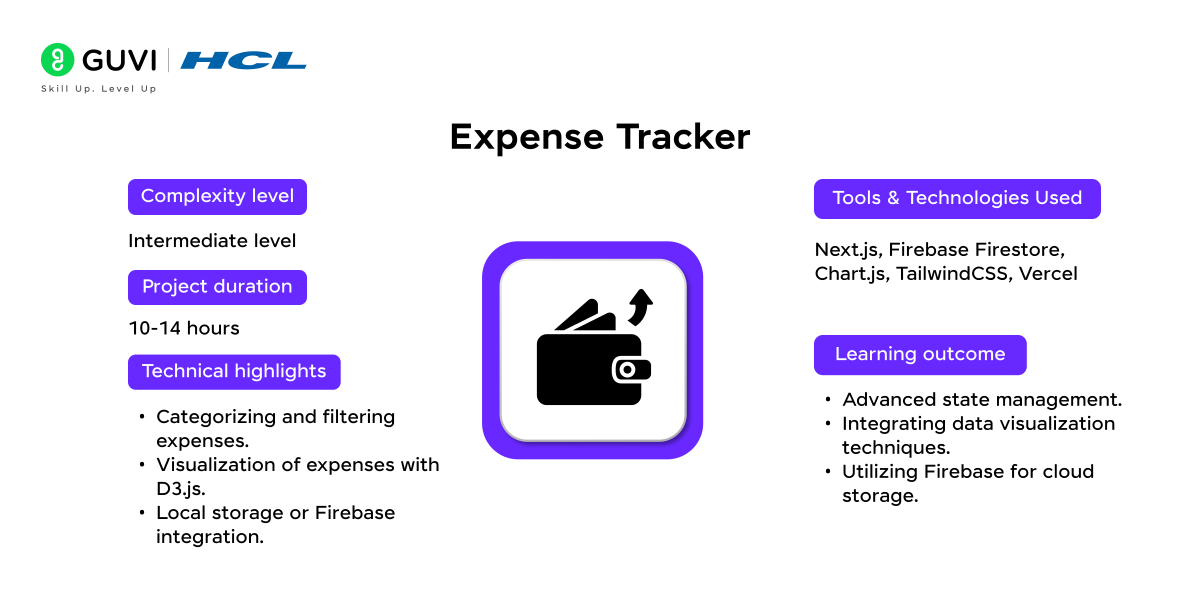
15. Expense Tracker
An expense tracker records income and expenses and provides visual charts to analyze spending patterns. This Next.js project integrates Firebase for real-time updates and uses charting libraries to visualize financial data.
It’s a practical choice for those interested in data visualization, database connectivity, and responsive UI design.
Project Complexity: Intermediate
Development Time: 10-14 hours
Integration with APIs: Optional for currency conversion
Tools and Technologies used: Next.js, Firebase Firestore, Chart.js, TailwindCSS, Vercel
Technical Highlights:
- Implements CRUD operations for income and expenses
- Stores transactions in a persistent database
- Uses Server Functions for data mutations
- Supports categories and date based filtering
- Displays financial summaries and charts
- Can include authentication for user specific records
Learning Outcomes:
- Connecting Next.js with a database
- Performing full stack CRUD operations
- Validating financial form data
- Building filters and summaries
- Creating data visualizations
- Managing user specific application data
Source Code: GitHub Repository
If you are comfortable with intermediate and advanced Next.js projects, these Full Stack Development Project Ideas can help you practise authentication, databases, APIs, ecommerce workflows, and complete application development.
16. Dictionary App
Create a dictionary application that provides word definitions, synonyms, and pronunciation. This project involves API integration with a dictionary service, focusing on efficient data caching and fast responses.
It’s a useful application for practicing API calls, managing state, and creating user-friendly interfaces.
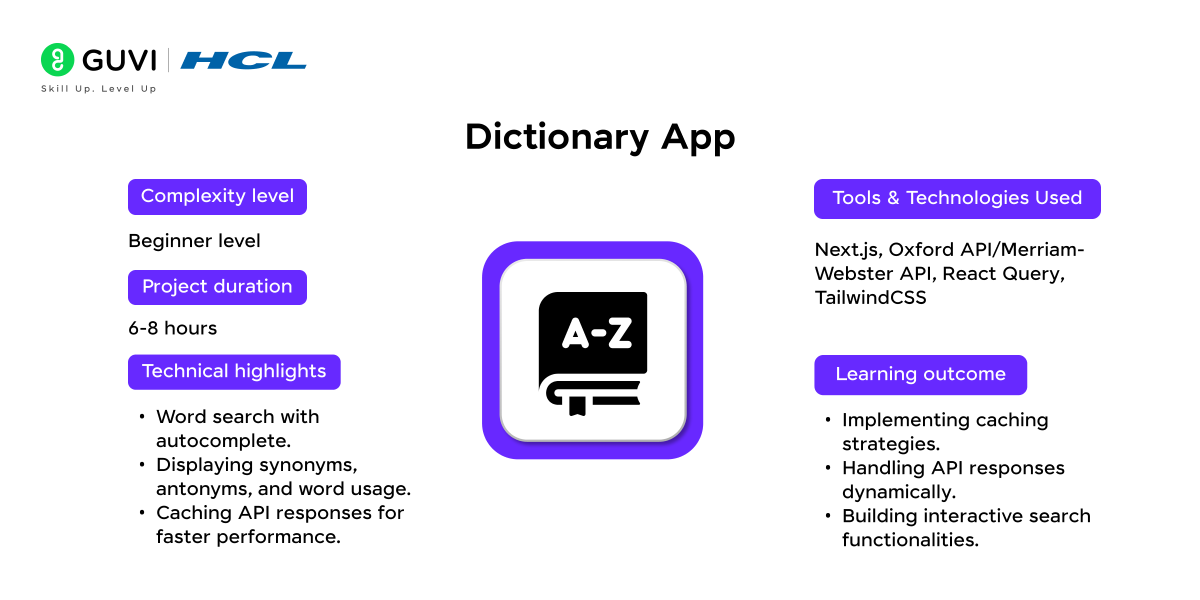
Project Complexity: Beginner
Development Time: 6-8 hours
Integration with APIs: Dictionary API (e.g., Merriam-Webster)
Tools and Technologies used: Next.js, Oxford API/Merriam-Webster API, React Query, TailwindCSS
Technical Highlights:
- Fetches word information from an external dictionary API
- Handles asynchronous data requests
- Displays loading, error, and empty states
- Supports definitions, examples, synonyms, and pronunciation
- Can maintain recent search history
- Uses reusable components for search results
Learning Outcomes:
- Working with external APIs
- Handling asynchronous JavaScript
- Managing API errors and missing results
- Rendering dynamic data
- Building search based interfaces
- Organizing third party API responses for the frontend
Source Code: GitHub Repository
17. Weather Monitoring Dashboard
A weather monitoring app displays live weather data based on the user’s location and preferences. Using Next.js, this project highlights geolocation integration, responsive design, and API calls to weather services.
This app is a good choice for learning about real-time data handling and personalized content.
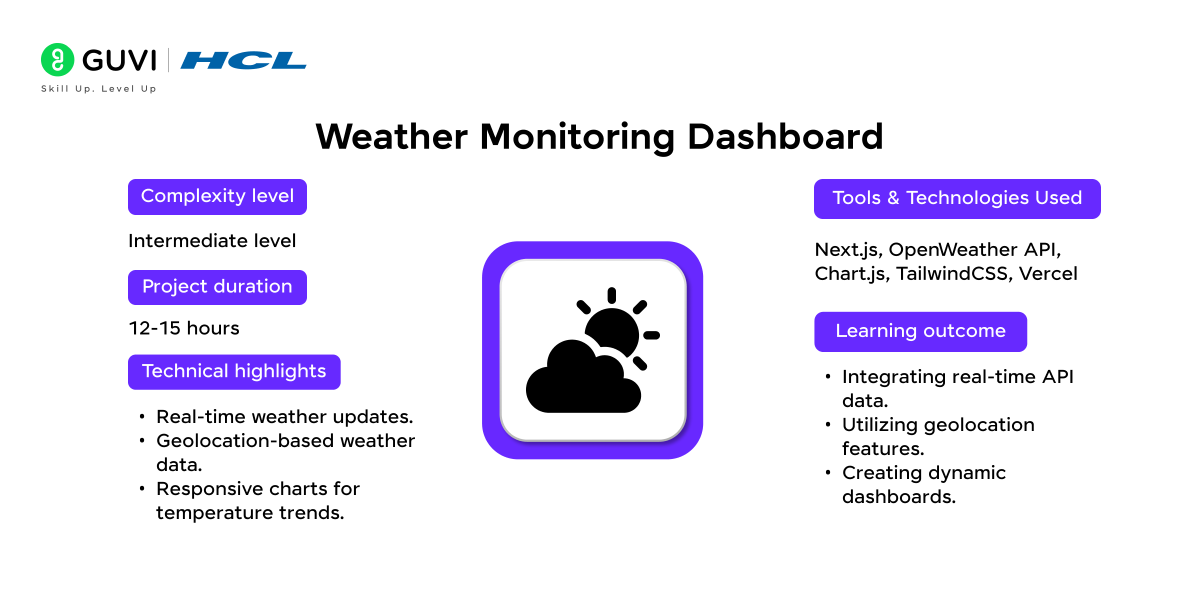
Project Complexity: Intermediate
Development Time: 12-15 hours
Integration with APIs: OpenWeatherMap API
Tools and Technologies used: Next.js, OpenWeather API, Chart.js, TailwindCSS, Vercel
Technical Highlights:
- Connects to a current weather data API
- Supports search by city or location
- Can use browser geolocation with user permission
- Displays current conditions and forecast information
- Uses charts for temperature or weather trends
- Handles API failures and invalid locations
Learning Outcomes:
- Working with dynamic external data
- Using browser location APIs
- Building dashboard interfaces
- Visualizing time based data
- Managing Server and Client Component boundaries
- Handling real world API errors
Source Code: GitHub Repository
Weather monitoring dashboards use real-time API polling and data visualization — skills directly transferable to data engineering and analytics roles. HCL GUVI’s Data Science course covers Python-based data pipelines and visualization: Data Science Course with Placement | Python Tutorial
18. Daily Activity Planner App
Build an activity planner with drag-and-drop scheduling features, where users can organize their daily tasks. This project provides insights into task management, drag-and-drop functionality, and state management.
It’s great for beginners to intermediate learners who want to enhance their skills in user interaction design and efficient state handling.
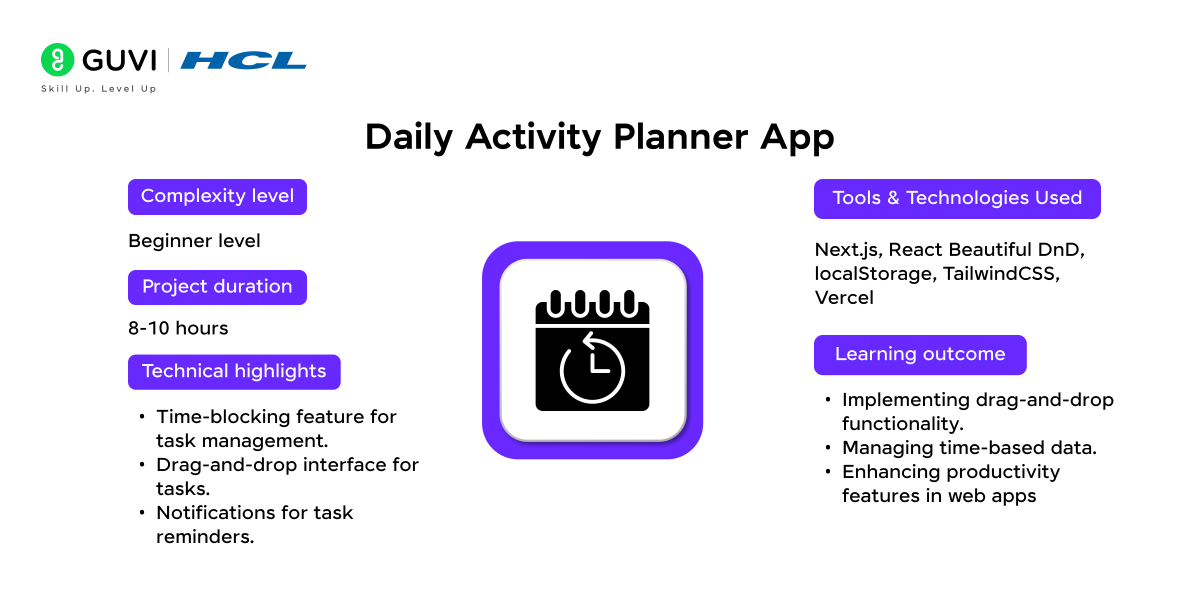
Project Complexity: Beginner
Development Time: 8-10 hours
Integration with APIs: Optional
Tools and Technologies used: Next.js, React Beautiful DnD, localStorage, TailwindCSS, Vercel
Technical Highlights:
- Uses dnd-kit or another maintained drag and drop library
- Supports drag and drop task reordering
- Organizes activities into time blocks or categories
- Manages priorities and completion states
- Can persist planner data in local storage or a database
- Can be extended with reminders and recurring tasks
Learning Outcomes:
- Implementing drag and drop interactions
- Managing complex client state
- Organizing time based application data
- Persisting user preferences
- Building reusable interactive components
- Working with modern React event patterns
Source Code: GitHub Repository
Once you can build advanced applications with authentication, APIs, databases, and real time features, use HCL GUVI’s Full Stack Developer Roadmap to identify what you should learn next beyond individual projects.
You’ve built the projects — now it’s time to master the questions!
Don’t miss our Top 50 Next.js Interview Questions for Freshers (2026 Edition) and walk into your interview with confidence.
How Should You Structure Next.js Projects in 2026?
Modern Next.js projects should use the App Router unless you have a specific reason to maintain a Pages Router application.
A simple structure can look like:
app/
layout.tsx
page.tsx
dashboard/
page.tsx
api/
example/
route.ts
components/
lib/
actions/
public/
Use:
- page.tsx for pages
- layout.tsx for shared layouts
- route.ts for Route Handlers
- Server Components by default
- “use client” only when browser state or APIs are required
- Server Functions for mutations
- metadata or generateMetadata for SEO
The official App Router documentation confirms that pages and layouts are Server Components by default, while Client Components are used for state, event handlers, lifecycle logic, or browser APIs.
How Do You Choose Next.js Projects by Skill Level?
Choose Next.js projects according to the concept you want to learn next.
Beginner
Choose:
- Blog
- To Do App
- Contact Form
- Notes
- Calculator
- Dictionary
Focus on:
- React
- Routing
- Components
- Forms
- State
- API basics
Intermediate
Choose:
- Recipe Finder
- Weather Dashboard
- Expense Tracker
- Cryptocurrency Tracker
- Music Player
- Analytics Dashboard
- Planner
Focus on:
- APIs
- Databases
- Charts
- Search
- Caching
- More complex state
Advanced
Choose:
- Ecommerce
- Admin Dashboard
- Real Estate Platform
- Social Network
- Notification System
Focus on:
- Authentication
- Authorization
- Databases
- Payments
- Server Functions
- Real time features
If you want more ideas after completing this list, explore HCL GUVI’s web development projects with source code.
How Do You Make Next.js Projects Portfolio Ready?
Portfolio ready Next.js projects should show more than a working homepage.
For every serious project, add:
- GitHub repository
- Clear README
- Live deployment
- Screenshots
- Feature list
- Tech stack
- Setup instructions
- Environment variable example
- Database schema where relevant
- Authentication explanation
- Error handling
- Responsive design
- Loading states
- Empty states
- Testing
- Accessibility basics
Also explain what you personally built and one technical problem you solved.
If you want to expand from framework specific applications into larger end to end builds, review these Full Stack Development Project Ideas.
You can also use HCL GUVI’s Full Stack Developer Roadmap to identify the skills that should sit around your project work.
Common Mistakes to Avoid While Building Project Applications
Many Next.js projects look complete visually but miss the technical details that make them useful for learning or a portfolio.
1. Making Everything a Client Component
Adding “use client” to every file removes many of the benefits of the App Router.
Fix: Keep components on the server unless they need state, events, lifecycle logic, or browser APIs.
2. Using Old Tutorials Without Checking the Router
Pages Router tutorials may use patterns that differ from current App Router applications.
Fix: Check whether the tutorial uses /pages or /app before copying its structure.
3. Using Old API Route Terminology
The current article repeatedly refers to API Routes inside App Router style projects.
Fix: Use Route Handlers inside the app directory for HTTP endpoints.
4. Hard Coding Secrets
Never place API keys, payment secrets, or database passwords directly in source files.
Fix: Use environment variables and keep .env files out of public repositories.
5. Copying Source Code Without Rebuilding It
A copied GitHub application does not prove that you understand the framework.
Fix: Rebuild the important parts yourself, add one original feature, and be able to explain your architecture.
Build Stronger Next.js Skills with HCL GUVI
If you understand React fundamentals and want more structured practice, HCL GUVI’s Next.js Course covers routing, server rendering, data fetching, APIs, styling, and application development through guided learning.
Use the course alongside your own project work so you understand both the framework concepts and how they apply inside complete applications.
Conclusion
Building Next.js projects is most useful when every new application adds a skill you did not practise in the previous one.
Start with routing, components, forms, and simple APIs. Then add databases, authentication, caching, dashboards, payments, and real time features as your confidence improves. In 2026, make sure your builds use current App Router patterns rather than blindly following older tutorials. A smaller application with clean code, a live deployment, a clear README, and features you can explain is far more useful than a large copied repository.
FAQs
1. What Are the Best Next.js Projects for Beginners?
Good beginner options include a personal blog, To Do app, notes app, contact form, dictionary app, and calculator. These projects introduce routing, React state, forms, APIs, metadata, and deployment without requiring a complex backend.
2. Is Next.js Good for Full Stack Projects?
Yes. Next.js can handle frontend rendering, server logic, Route Handlers, Server Functions, authentication, database access, and API integration in the same application. Larger systems may still use separate backend services when architecture or scale requires them.
3. What Should I Build With Next.js for My Portfolio?
Build projects that show different skills rather than several versions of the same CRUD application. A strong portfolio could include an ecommerce application, analytics dashboard, authenticated SaaS style app, and one API driven project.
4. Do I Need to Learn React Before Next.js?
Yes, basic React knowledge is strongly recommended. The official Next.js documentation assumes familiarity with React, along with HTML, CSS, and JavaScript.
5. How Do I Deploy a Next.js Project?
You can deploy a Next.js application to platforms that support its required runtime and rendering features. Before deployment, configure environment variables, build the application locally, test production behaviour, and verify that database, API, authentication, and image settings work correctly.
Success Stories

About the Author
Reemsha Khan
Always been a storyteller at heart. Now, I turn complex topics into simple, easy-to-understand stories through content. Hope you find it helpful.
View all posts by Reemsha Khan
Connect with me @














Did you enjoy this article?