


Full Stack Development Articles
Claude for Architecture and Engineering Documentation
Freelancing as a Python Developer: Getting Your First Client


Get In Touch For Details! Request More Information
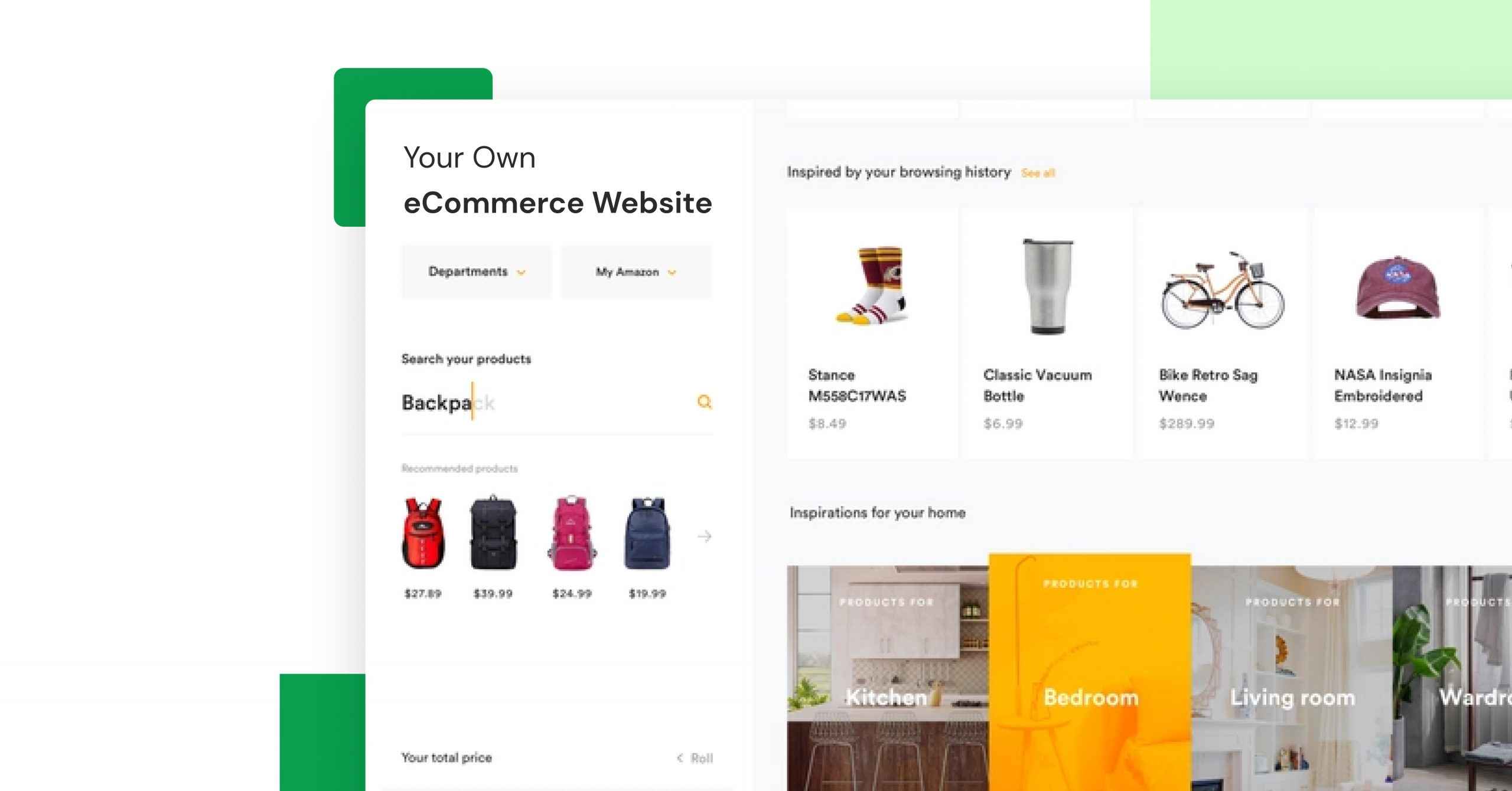
How to Build an eCommerce Website Like Amazon or Flipkart in 2026 – Best Guide
Sep 22, 2026 5 Min Read 33354 Views
(Last Updated)
Table of contents
- TL;DR
- What Should You Know Before Building an eCommerce Website?
- What Makes an eCommerce Website Like Amazon or Flipkart Work?
- Easy Product Discovery
- Trust and Product Information
- Simple Checkout
- Reliable Order Experience
- eCommerce Website Architecture at a Glance
- Core Features Your eCommerce Website Needs
- How to Build an eCommerce Website Step by Step
- Step 1: Define the Marketplace Model
- Step 2: Plan the Database
- Step 3: Build the Frontend
- Step 4: Build the Backend and APIs
- Step 5: Add Authentication and Roles
- Step 6: Integrate Payments
- Step 7: Add Inventory and Order Logic
- Step 8: Test the Full Buying Flow
- Step 9: Deploy and Monitor
- Best Tech Stack for an eCommerce Website in 2026
- Option 1: MERN Stack
- Option 2: Next.js + Node.js + PostgreSQL
- Option 3: Other Valid Backend Choices
- Storage, Database, Cache and Search
- Security Checklist for an eCommerce Website
- Real-World Example: Building a Small Marketplace MVP
- Common Mistakes When Building an eCommerce Website
- Build Your Own Full Stack Web Applications
- Conclusion
- FAQs
- How do I create an eCommerce Website like Amazon or Flipkart?
- Which tech stack is best for an eCommerce Website?
- Can a beginner build an eCommerce Website?
- What database should I use for an eCommerce Website?
- What features should an eCommerce Website have?
- Do I need microservices for an eCommerce Website?
- How do I make an eCommerce Website secure?
- How can I make an eCommerce Website scalable?
TL;DR
To build an eCommerce Website like Amazon or Flipkart, start with an MVP instead of trying to copy every marketplace feature. Your first version needs customer and seller accounts, product listings, search and filters, cart, checkout, payments, order management, reviews, inventory, and an admin dashboard. A practical 2026 stack can use React or Next.js for the frontend, Node.js with Express or NestJS for the backend, PostgreSQL or MongoDB for data, Redis for caching, object storage for product media, and a payment gateway such as Razorpay or Stripe. Build the eCommerce Website as a modular application first, then add more services only when scale requires them.
What Should You Know Before Building an eCommerce Website?
An eCommerce Website like Amazon or Flipkart is more than a product catalogue. It connects customers, sellers, payments, inventory, orders, search, reviews, shipping, and administration in one system.
The easiest way to build an eCommerce Website is to begin with the core buying and selling flow, then add advanced marketplace features in stages. You do not need Amazon-level infrastructure for the first version.
This guide explains the features, architecture, development steps, and updated 2026 tech stack needed to create an eCommerce Website from scratch.
If you are still learning the basics, web development roadmap before starting the project will help.
What Makes an eCommerce Website Like Amazon or Flipkart Work?
A successful eCommerce Website makes it easy for users to discover products, compare options, trust sellers, complete payments, and track orders.
Easy Product Discovery
Use clear categories, useful filters, fast search, product suggestions, and simple navigation.
Trust and Product Information
Show clear product images, descriptions, prices, seller details, delivery information, ratings, reviews, and return policies.
Simple Checkout
Keep the cart and checkout flow short. Support the payment methods your target customers actually use and show the full order amount before payment.
Reliable Order Experience
A good marketplace should keep inventory, payment status, shipping status, cancellations, returns, and notifications connected.
eCommerce Website Architecture at a Glance
| Layer | What It Handles | Practical 2026 Options |
| Frontend | Product pages, cart, checkout, dashboards | React, Next.js |
| Backend | Business logic, orders, sellers, payments | Node.js + Express/NestJS |
| API | Frontend-to-backend communication | REST or GraphQL |
| Database | Users, products, orders, inventory | PostgreSQL or MongoDB |
| Cache | Sessions, carts, frequent reads | Redis |
| Search | Product search and filters | Database search first; OpenSearch/Elasticsearch at scale |
| Media storage | Product images and files | S3-compatible object storage |
| Payments | Checkout and payment confirmation | Razorpay, Stripe or another supported gateway |
| Authentication | Login and role-based access | Secure sessions/JWT with customer, seller and admin roles |
| Deployment | Hosting, scaling and monitoring | Cloud platform + CDN + monitoring |
For a beginner project, keep the architecture simple. A modular monolith is easier to build, test, and deploy than starting with many microservices.
Amazon started as an online bookstore in 1995 before growing into one of the world’s biggest eCommerce platforms. It shows how an eCommerce website can start with one clear product category and expand over time.
Core Features Your eCommerce Website Needs
Update the current feature list to this order:
- Customer Accounts – registration, login, profile, saved addresses and order history.
- Seller Accounts – seller onboarding, product management, inventory, orders and payouts.
- Admin Dashboard – manage users, sellers, products, categories, orders, refunds and reports.
- Product Catalogue – titles, descriptions, images, variants, prices, stock and categories.
- Search and Filters – search by product name and filter by category, price, brand, rating or availability.
- Cart and Wishlist – add, remove, update quantity and save products for later.
- Checkout and Payments – addresses, shipping choice, coupons, payment and confirmation.
- Inventory Management – update stock when orders are placed, cancelled or returned.
- Order Management – order creation, payment state, fulfilment, delivery, cancellation and returns.
- Ratings and Reviews – verified reviews and moderation controls.
- Notifications – email, SMS or push alerts for important order events.
- Security and Permissions – protect customer data and separate customer, seller and admin access.
These features are enough to make the first version useful without copying every Amazon or Flipkart function.
How to Build an eCommerce Website Step by Step
Step 1: Define the Marketplace Model
Decide whether the platform will sell your own products or allow multiple sellers. Amazon and Flipkart are marketplaces, so a true marketplace version needs separate customer, seller and admin workflows.
Step 2: Plan the Database
Create models for users, sellers, products, categories, product variants, inventory, carts, orders, payments, reviews and addresses. If you use MongoDB, MongoDB data modeling guide can help you structure collections and relationships.
Step 3: Build the Frontend
Create the homepage, category pages, product pages, search, cart, checkout, account area and seller dashboard. Interactive actions such as adding products to a cart depend on JavaScript events; see JavaScript events guide for the basics.
Step 4: Build the Backend and APIs
Create APIs for authentication, products, carts, orders, payments, reviews and seller operations. REST API guide explains how frontend and backend systems exchange data.
Step 5: Add Authentication and Roles
The platform should clearly separate customer, seller and administrator permissions. Protect private routes and never trust role information sent only from the browser.
Step 6: Integrate Payments
Create the order on the server, send the user through the payment flow, and verify the payment result on the backend before marking the order as paid.
Step 7: Add Inventory and Order Logic
Prevent overselling, update inventory carefully, store order status changes, and handle cancellation, refund and return states.
Step 8: Test the Full Buying Flow
Test registration, search, filters, cart updates, checkout, failed payments, successful payments, stock changes, order history and admin actions before launching the eCommerce Website.
Step 9: Deploy and Monitor
Deploy the frontend, backend and database, use HTTPS, configure backups, add logs and monitoring, and test the site on mobile as well as desktop.
Best Tech Stack for an eCommerce Website in 2026
Do not present one stack as the only correct choice. Use this practical recommendation:
Option 1: MERN Stack
- MongoDB
- Express.js
- React
- Node.js
This is a good choice for a portfolio project because JavaScript can be used across the application. Link MERN Stack projects once to MERN Stack project ideas.
Option 2: Next.js + Node.js + PostgreSQL
- Next.js for the web application
- Node.js/NestJS or Express for backend services
- PostgreSQL for relational marketplace data
- Redis for caching
- Object storage for product media
This stack works well when the marketplace needs strong product pages, structured order data, server-side rendering, and room to scale.

Option 3: Other Valid Backend Choices
Java with Spring Boot, Python with Django/FastAPI, and PHP with Laravel are also valid. Choose the stack your team can build, secure, test, and maintain well.
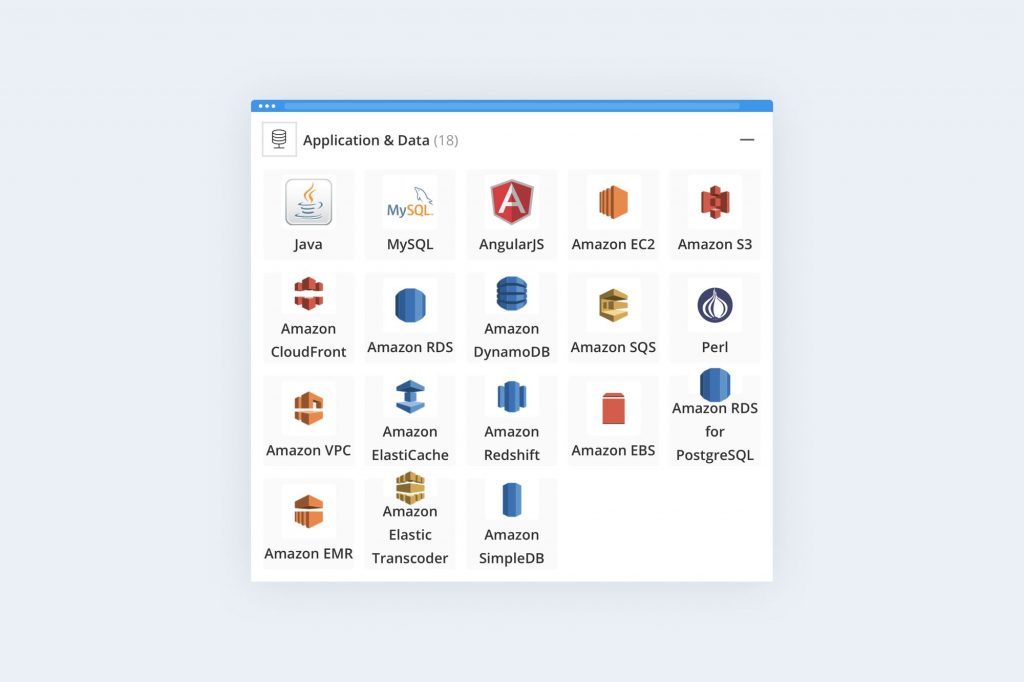
Storage, Database, Cache and Search
For the platform:
- Store product images and documents in object storage.
- Store users, products, orders and inventory in a database.
- Use Redis for caching or short-lived data when needed.
- Start with database search for a small catalogue.
- Add a dedicated search engine such as OpenSearch or Elasticsearch only when search complexity or catalogue size justifies it.
The database design is especially important because the platform has connected data such as products, variants, sellers, customers, inventory, payments and orders.
Security Checklist for an eCommerce Website
Before launch:
- Use HTTPS everywhere.
- Hash passwords with a trusted password-hashing library.
- Validate and sanitize user input.
- Use server-side authorization for customer, seller and admin routes.
- Never store raw card details yourself when a payment gateway can handle them.
- Verify payment callbacks or webhooks on the server.
- Add rate limiting to sensitive endpoints.
- Protect sessions and tokens.
- Keep dependencies updated.
- Back up important data.
- Log important account, payment and order actions.
Security should be part of the eCommerce Website architecture from the beginning, not something added after launch.
Real-World Example: Building a Small Marketplace MVP
Suppose you are creating an eCommerce Website for local electronics sellers. Start with three roles: customer, seller and admin.
Customers can search products, add items to a cart, pay and track orders. Sellers can add products, update prices and stock, and view their orders. The admin can approve sellers, manage categories, review orders and moderate products.
Build this as one full-stack application first. Once the platform gets more traffic, you can separately improve search, caching, image delivery, notifications and other areas instead of rebuilding the whole platform from day one.
Common Mistakes When Building an eCommerce Website
- Trying to copy every Amazon feature: Build the buying and selling flow first.
- Starting with microservices too early: Keep the first eCommerce Website architecture simple.
- Ignoring inventory rules: Stock changes must work correctly during orders, cancellations and returns.
- Trusting payment success from the browser: Verify payments on the server.
- Ignoring mobile users: Test every important page on smaller screens.
- Weak role permissions: Customers, sellers and admins should not have access to the same actions.
Build Your Own Full Stack Web Applications
Building an eCommerce website helps you practise frontend, backend, databases, APIs, authentication, and deployment in one project.
If you want to build these skills step by step, explore the HCL GUVI’s Full Stack Development Course. It covers the core technologies needed to build complete web applications and work on real projects, including eCommerce platforms.
Conclusion
Building an eCommerce Website like Amazon or Flipkart is easier when you treat it as a series of smaller systems rather than one huge project. Start with users, products, search, cart, checkout, payments, inventory, orders and administration. Then add seller tools, caching, advanced search, notifications and scaling features as the platform grows.
For a beginner or portfolio project, the best eCommerce Website is not the one with the most features. It is the one where the complete customer-to-order flow works correctly, the code is organized, the data is secure, and you can clearly explain how the frontend, backend, database and APIs work together.
If you want to strengthen the full development flow before building the project, use HCL GUVI’s full-stack developer roadmap as a learning reference
FAQs
1. How do I create an eCommerce Website like Amazon or Flipkart?
Start with user accounts, product listings, search, cart, checkout, payments, orders, inventory and an admin panel. Add seller features if you are building a multi-vendor marketplace.
2. Which tech stack is best for an eCommerce Website?
MERN is a practical choice for JavaScript developers. Next.js with Node.js and PostgreSQL is another strong option. The best stack is one your team can build, secure and maintain well.
3. Can a beginner build an eCommerce Website?
Yes. Start with a small single-vendor or basic marketplace project instead of trying to reproduce Amazon. Build one feature at a time and test the complete order flow.
4. What database should I use for an eCommerce Website?
PostgreSQL and MongoDB can both work. PostgreSQL is useful for strongly related transactional data, while MongoDB can be convenient for flexible product data. Choose based on your data model and team skills.
5. What features should an eCommerce Website have?
The core features are login, products, categories, search, filters, cart, checkout, payments, inventory, orders, reviews, seller tools where required, and an admin dashboard.
6. Do I need microservices for an eCommerce Website?
No. Most beginner and MVP projects should start with a modular monolith. Move selected parts to separate services only when traffic, team size or technical requirements make it useful.
7. How do I make an eCommerce Website secure?
Use HTTPS, secure authentication, server-side authorization, input validation, trusted payment gateways, rate limiting, dependency updates, backups and monitoring.
8. How can I make an eCommerce Website scalable?
Keep the application modular, optimize database queries, add indexes, use caching and a CDN, move media to object storage, monitor slow areas, and scale only the components that need more capacity.
Success Stories

About the Author
Reemsha Khan
Always been a storyteller at heart. Now, I turn complex topics into simple, easy-to-understand stories through content. Hope you find it helpful.
View all posts by Reemsha Khan
Connect with me @































Did you enjoy this article?