


Cloud Computing Articles
Advanced DNS Interview Questions for Senior Engineers: What to Expect in 2026
Advantages of Computer Network: Key Benefits, Limitations & Practical Applications


Get In Touch For Details! Request More Information
Bridge in Computer Networks: How Networks Talk to Each Other
Dec 27, 2025 4 Min Read 1142 Views
(Last Updated)
Network communication is the process of sharing data and information between two or more computer devices connected via a specific network path or channel. But do all network communication types, such as peer-to-peer (P2P), client-server, broadcasting, or simplex transmission, involve components that are directly linked to each other, or is there middleware that helps connect the different parts?
The answer is yes: A Bridge is a device that is integrated to enhance communication in a computer network by minimizing network traffic and preventing data collisions. Bridges are entities that help link different network architectures and maintain stability and reliability.
In this blog, we will focus on understanding the Bridge and, as we proceed, explore its essential facets. So, let’s get started.
Quick Answer:
A bridge in computer networks is a Layer 2 device that connects multiple LAN segments and improves network performance by managing traffic using MAC addresses. It reduces congestion, organizes data flow, and helps different segments communicate as if they were part of a single network.
Table of contents
- Bridge in Computer Networks: Definition & Working Mechanism
- Let's Understand The Types of Bridges in Computer Networks
- Transparent Bridge
- Source Routing Bridge
- Translational Bridge
- Advantages and Disadvantages of Using a Bridge in Computer Networks
- Applications of the Bridge in Computer Networks
- Wrapping it Up
- FAQs
- What’s the main difference between a bridge and a switch?
- Does a bridge use IP addresses?
- Can a bridge help reduce network congestion?
Bridge in Computer Networks: Definition & Working Mechanism
(Definition)
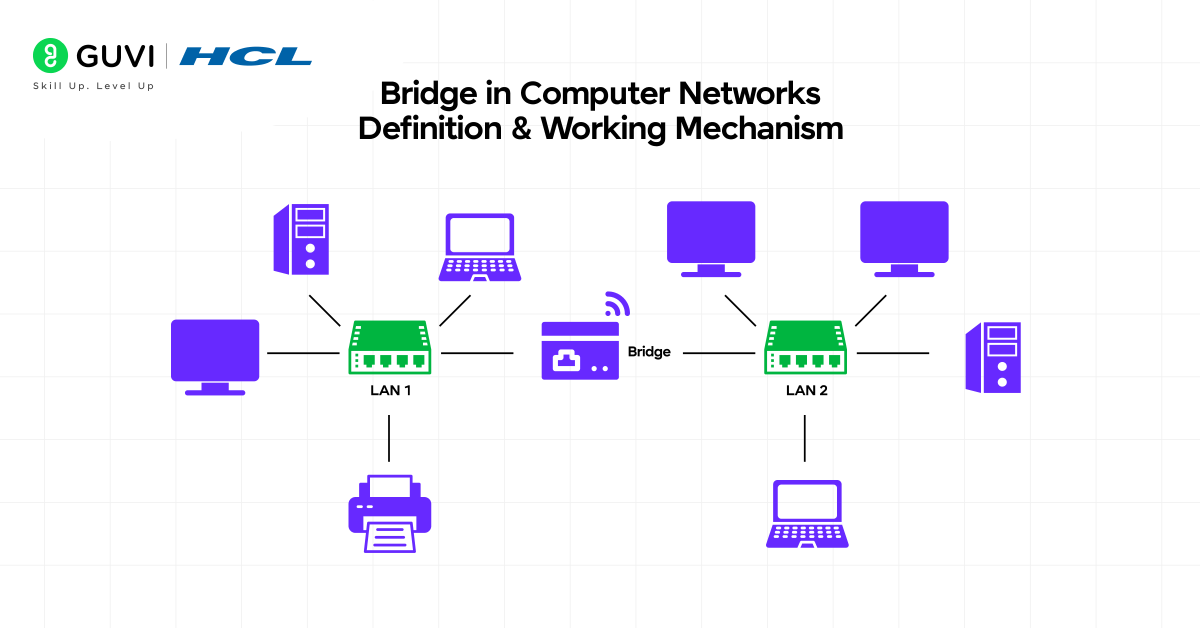
A bridge in computer networking is a Layer 2 device that connects two or more network segments, allowing them to operate as a single network. In simple terms, when multiple LANs (Local Area Networks) are connected to a central LAN system, the process is called bridging to enable smooth communication between them.
The sole purpose of a bridge is to manage MAC-level interactions, meaning it handles data based on hardware addresses rather than IP (Internet Protocol) addresses. In addition, the bridge can expand the network size without altering its fundamental structure, thereby enhancing network performance.
Function:
- A bridge in computer networks is a device that connects separate LAN segments so they behave as a single network operating unit.
- Internally, it maintains a table to track the existing and active devices on each connected network segment.
- It also ensures seamless communication by arranging and defining the flow of data between linked areas of the computing network.
- It keeps the entire network structure clean and organized by pragmatically grouping and managing the connected sections.
- It also helps perform basic error validation to ensure corrupted and nonessential frames are not forwarded to other network segments.
- Moreover, it supports bandwidth management by assigning dedicated bandwidth to each section, enabling stronger traffic monitoring across network segments.
(Working Mechanism)
Now, let’s see the core working mechanism of a bridge in computer networks:
Before starting, understand these three (3) terms →
- Frame: A small bundle of data that is sent across a local network.
- MAC Address: Unique hardware ID of the network device.
- Port: A node that acts as a connection point (a bridge or switch).
The process begins from the bridge interface, listening to each port to identify which network device’s MAC addresses to access.
After that, when a frame arrives, the interface first checks the table (already present in the bridge connector) to decide whether to forward it to the specific network segment.
If the destination is unknown, the frame is sent to all other ports in the computer network so that a response can be received.
During this process, the bridge drops frames that would loop back to their source and continuously updates its table, so future forwarding becomes more precise, which, together, reduces unnecessary traffic and keeps different parts of the LAN communicating efficiently.

Let’s Understand The Types of Bridges in Computer Networks
Bridges come in 3 main types, each helping the computer network handle traffic smoothly and stay organized. Here are the following types of Bridges:
1. Transparent Bridge
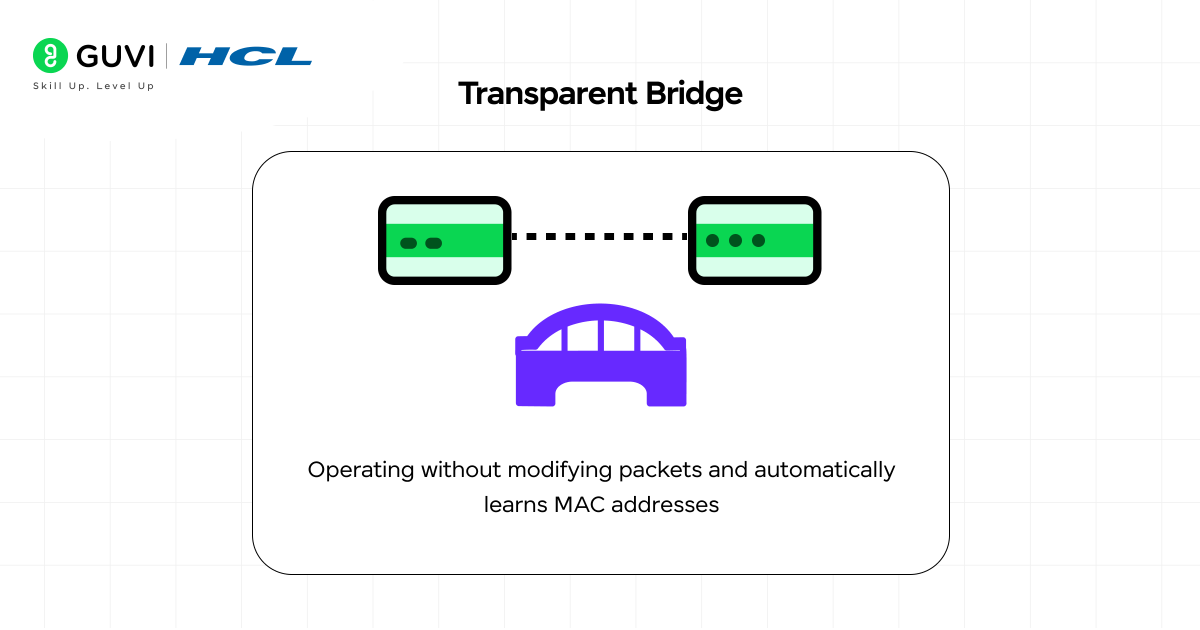
A transparent bridge is a network connector that operates in the background to provide complete control over data flow among network segments. It has the exclusive ability to automatically identify the MAC (Media Access Control) addresses of network devices by monitoring the traffic passing through it.
As a result, the transparent bridge can effectively deliver the data packet to the exact location. It always forwards only the data which are essential to correct the network segment. This approach significantly reduces congestion and enables the network channel to run seamlessly without manual settings.
Key Features:
- It filters out irrelevant and redundant data to keep the network clean and fast.
- Automatically updates the forwarding table as the network devices append to each other.
- Enhances the network’s overall efficiency by reducing collision rates.
2. Source Routing Bridge
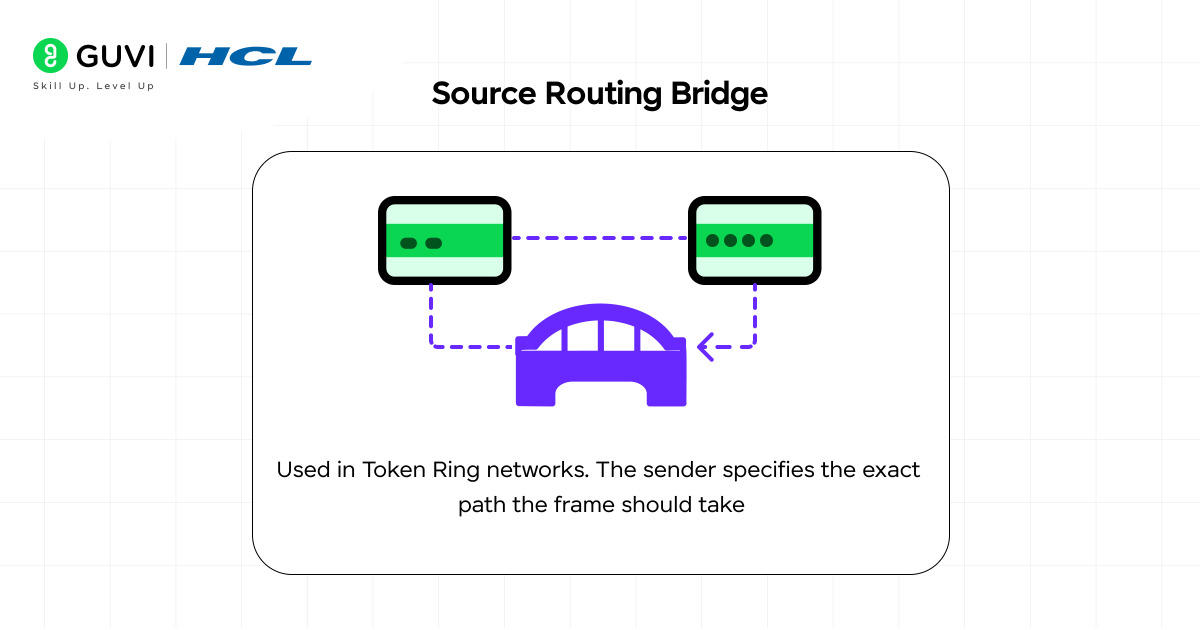
A source routing bridge is a network component primarily implemented in token ring networks (in which devices specify their own route paths). This bridge entirely depends on the sender to define the complete path the data will take to its destination. As data travels along a predefined route, no sophistication is required in the communication process.
Key Features:
- Allows network devices to manage their own routing settings, ensuring greater accuracy and precision.
- Makes the troubleshooting process simpler by defining clear communication paths.
- Avoids looping conflicts by applying the sender’s selected routes.
Also Read: Router in a Computer Network: Everything You Need to Know
3. Translational Bridge
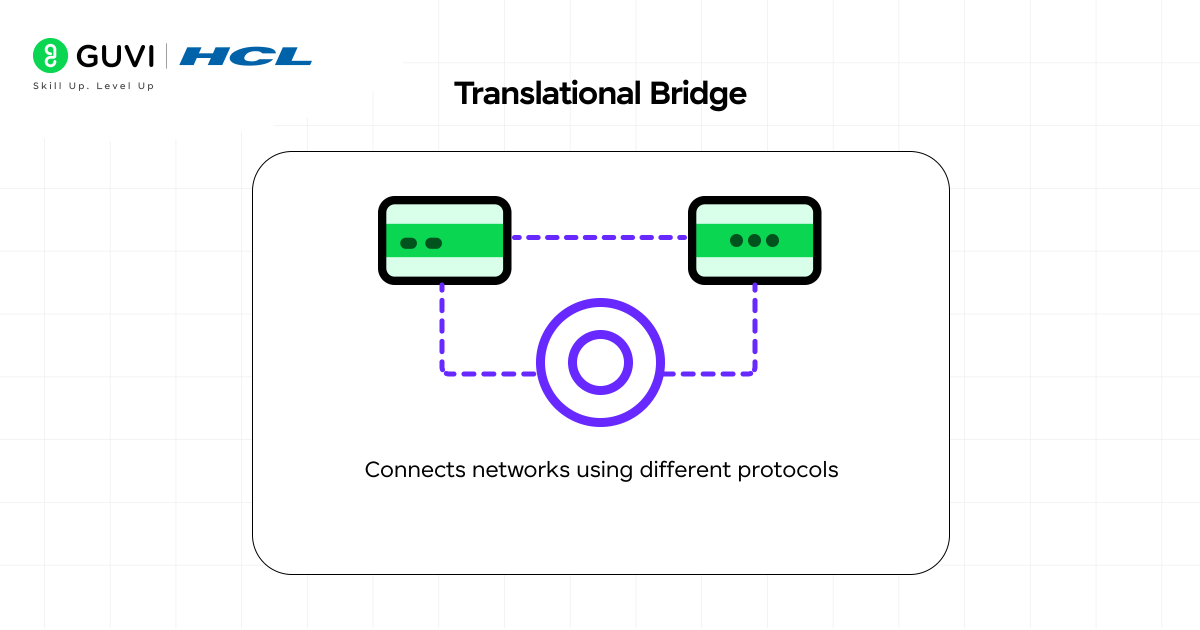
As the name suggests, a translation bridge converts data from one network format to another, enabling straightforward interaction between devices. The translation bridge is often integrated into the network architecture to merge older technologies with the latest, ensuring data integrity and consistency.
The main idea behind creating this bridge component was not only to convert the different data formats of the networks but also to fine-tune differences in network behaviours, such as timing, frame sizes, and error-handling techniques. When internal workflows across networks are incompatible, the translational bridge uses frame translation to ensure reliable, safe communication.
Key Features:
- Strongly supports interactions among multiple networks with different frame structures.
- Efficiently maintains data flow even when network standards don’t align.
- Provides stable connectivity during the network transitions and upgrades.
Advantages and Disadvantages of Using a Bridge in Computer Networks
Bridges help manage network traffic and improve communication between segments, but they also come with a few limitations. Below are the key advantages and disadvantages of using a Bridge in computer networks:
Advantages
- Helps isolate network problems.
- Improves internal privacy between segments.
- Connects different cable types in a LAN.
- Prevents busy areas from slowing the whole network.
- Makes expanding a LAN easier and cleaner.
Disadvantages
- Works more slowly compared to modern switches.
- Can struggle in large networks due to limited filtering ability.
- Does not handle IP-level routing or Layer 3 tasks.
- Still forwards broadcast traffic, which can cause congestion.
- Has fewer ports and limited scalability.
Applications of the Bridge in Computer Networks
| S.No | Application | Description |
| 1 | Network segmentation | Divides a large LAN into smaller segments to improve performance. |
| 2 | Traffic reduction | Limits unnecessary traffic by sending data only where needed. |
| 3 | Connecting different LAN types | Joins LANs that use different physical media or architectures. |
| 4 | Extending LAN size | Helps expand a network without major changes to the existing setup. |
| 5 | Collision domain separation | Reduces collisions by creating separate collision domains. |
| 6 | Enhancing security | Controls which segments can communicate, improving internal security. |
| 7 | Improving reliability | Keeps faults or heavy traffic in one segment from affecting others. |
If you’re curious about software development but unsure where to begin, HCL GUVI has your back. We’re a focused upskilling platform built to boost your tech career with the proper guidance and practical learning. Join our IITM Pravartak Certified MERN Full Stack Developer Course with AI Integration and start working with essential tools like Git, MongoDB, Express, React, Node.js, and many more. This is your chance to step confidently into the world of development.
Wrapping it Up
A bridge in computer networks plays a vital role in maintaining a LAN’s organization, efficiency, and ease of management. It connects different network segments, helps data flow in the right direction, and reduces unnecessary traffic by using MAC addresses and frames.
With functions such as traffic filtering, network segmentation, error control, and reliability improvements, a bridge makes network communication smoother and more structured. Even though modern switches have replaced traditional bridges, the core idea and working mechanism of a bridge remain the foundation of how today’s LANs operate.
FAQs
What’s the main difference between a bridge and a switch?
A bridge has fewer ports, while a switch offers more ports and faster performance.
Does a bridge use IP addresses?
No, a bridge works only with MAC addresses because it operates at the Data Link Layer.
Can a bridge help reduce network congestion?
Yes, it reduces congestion by sending frames only to the appropriate segment rather than broadcasting them to all segments.
Success Stories














Did you enjoy this article?