


Cloud Computing Articles
From Beginner to DevOps Engineer: How HCL GUVI Zen Class Helps You Get There
12 Important Azure Admin Roles and Responsibilities- Complete Guide


Get In Touch For Details! Request More Information
Gateway in Computer Networks: A Beginner’s Guide (2026)
Sep 22, 2026 6 Min Read 3137 Views
(Last Updated)
A gateway in computer network setups is a device or software that connects two networks using different protocols, allowing them to communicate. It sits between these networks and translates data so both sides understand what’s being sent.
Without gateways, systems built on different technologies simply couldn’t talk to each other, whether it’s your home Wi-Fi reaching the internet or a company’s local servers syncing with the cloud. Here, we will break down how gateways work, the different types, and where you’ll find them in real networks today.
Table of contents
- TL;DR Summary
- What Is A Gateway?
- Importance Of Gateways In Computer Networks
- Types of Gateways in Computer Networks: Tabular Overview
- Types Of Gateways in Computer Networks
- Network Gateway
- Internet Gateway
- Cloud Storage Gateway
- VoIP Gateway
- Email Gateway
- Key Roles Of A Gateway
- Translation of Protocols
- Providing Security
- Traffic Management and Routing
- Connecting Disparate Systems
- Real-World Applications Of Gateways
- Challenges With Gateways
- Role of Gateways in India's Growing IT and Networking Industry
- Future Trends In Gateway Technology
- Conclusion
- FAQs
- What is a gateway or router?
- How do gateways work?
- What is the difference between a gateway and a firewall?
- Can a gateway be software instead of hardware?
- Is a modem the same as a gateway?
TL;DR Summary
- A gateway in computer network setups acts as the bridge connecting two networks that speak different protocols or formats.
- Without gateways, systems using different technologies couldn’t exchange data with each other.
- Common types include network, internet, cloud storage, VoIP, and email gateways, each built for a different job.
- Indian companies like Razorpay, TCS, and Jio rely on gateways daily to handle payments, global networks, and calls at scale.
- As networks grow more complex, understanding gateway in computer network systems is becoming a real, in-demand skill, not just textbook knowledge.
What Is A Gateway?
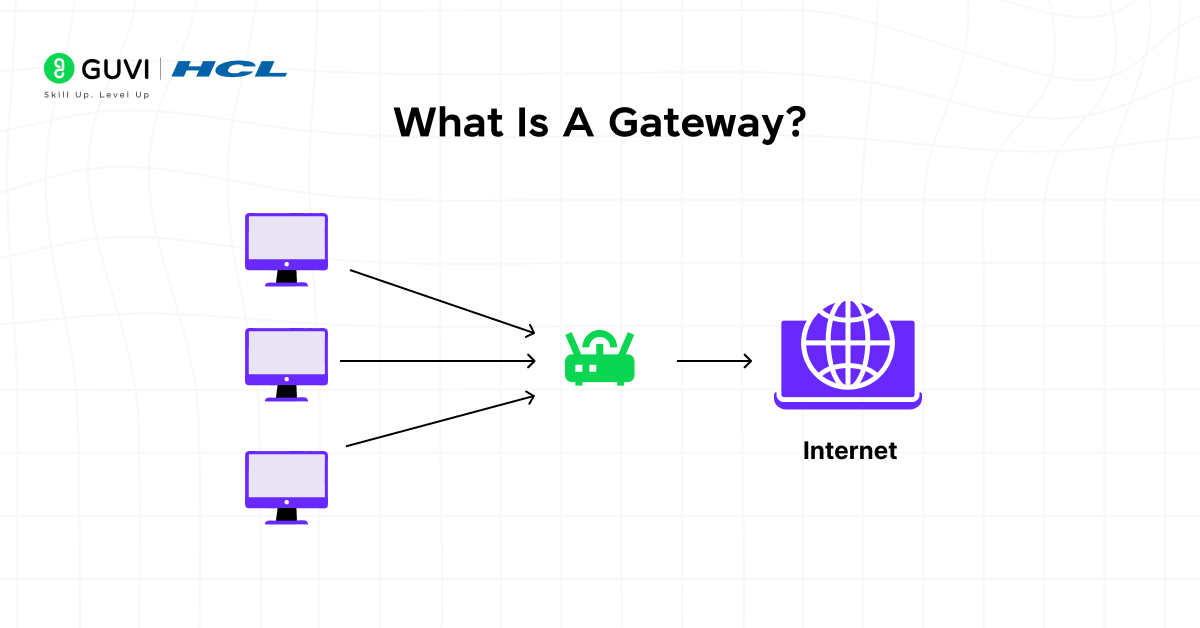
A gateway is a network device that connects two or more networks that rely on different communication protocols or data structures. It manages how information passes from one network to another by translating packet formats, applying security checks, and forwarding data appropriately.
Unlike routers or switches that handle movement within similar networks, a gateway performs deeper conversions to allow incompatible systems to exchange information reliably.
Gateway in computer network act as the entry and exit points, ensuring that any data leaving or entering is properly transformed. They operate at multiple OSI layers depending on how complex the translation needs to be, making them one of the most versatile components in network architecture.
Build a strong foundation in gateways, routing, IP addressing, and network security with hands-on, beginner-friendly learning designed for real-world networking skills. Everything you need to get started is right here in HCL GUVI’s Networking Essentials Course. Join now and start building networking skills that real companies are hiring for!
Importance Of Gateways In Computer Networks
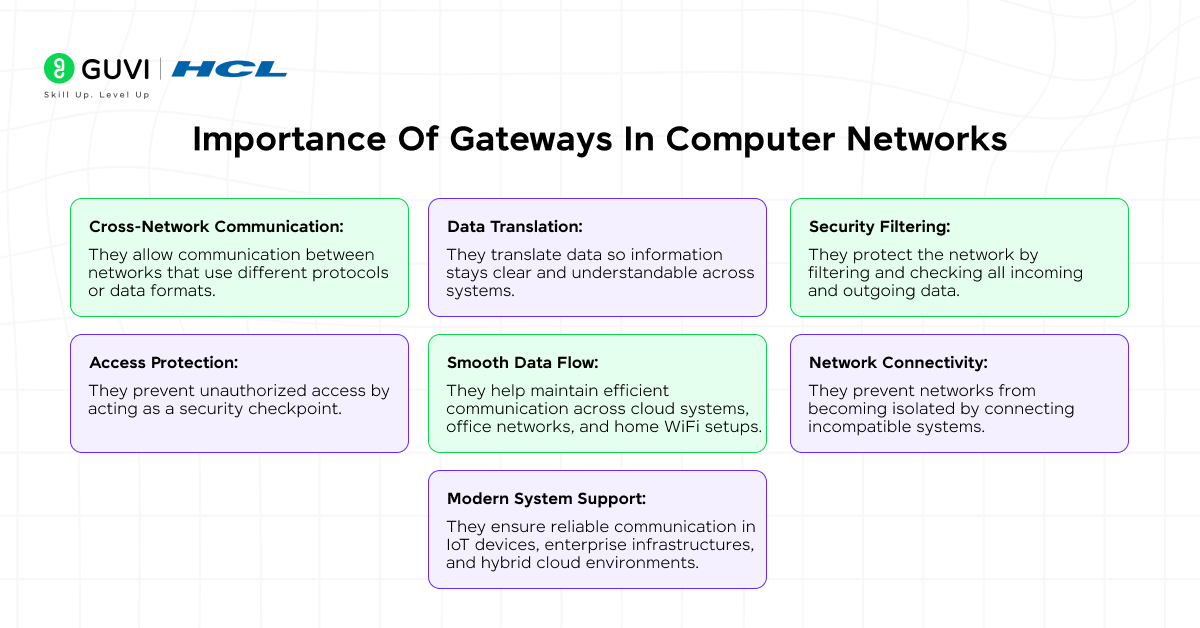
Different networks use different technologies, IP structures, and communication rules. Without a gateway in computer network setups, these networks cannot communicate smoothly. A gateway makes sure that data traveling from one network is translated into a format that another network can understand.
Here’s why gateways are important:
- Cross-Network Communication: They allow communication between networks that use different protocols or data formats.
- Data Translation: They translate data so information stays clear and understandable across systems.
- Security Filtering: They protect the network by filtering and checking all incoming and outgoing data.
- Access Protection: They prevent unauthorized access by acting as a security checkpoint.
- Smooth Data Flow: They help maintain efficient communication across cloud systems, office networks, and home WiFi setups.
- Network Connectivity: They prevent networks from becoming isolated by connecting incompatible systems.
- Modern System Support: They ensure reliable communication in IoT devices, enterprise infrastructures, and hybrid cloud environments.
A gateway ensures secure, efficient, and seamless communication even when networks operate very differently, making it a crucial part of today’s digital world.
Types of Gateways in Computer Networks: Tabular Overview
Different gateways perform distinct actions; here’s a quick breakdown of each type:
| Gateway Type | What It Does | Best For | Example |
|---|---|---|---|
| Network Gateway | Converts data packets between networks with different communication rules and acts as the main LAN-to-WAN pathway | Connecting two networks with different formats | Home router connecting local devices to the internet |
| Internet Gateway | Manages internet traffic, performs NAT, and protects internal devices with firewall security | Securely connecting private networks to the internet | AWS internet gateways for virtual machines |
| Cloud Storage Gateway | Converts local data formats into cloud-supported formats and supports file, block, and object storage | Syncing on-premise storage with cloud platforms | Local files auto-backed up to the cloud |
| VoIP Gateway | Converts voice signals between analog phone lines and digital IP packets | Connecting traditional phone systems with internet-based voice networks | Call centers using both landlines and VoIP |
| Email Gateway | Filters spam, malware, and phishing while enforcing email security policies | Securing and routing email traffic | Corporate email scanning for attachments and threats |
Types Of Gateways in Computer Networks
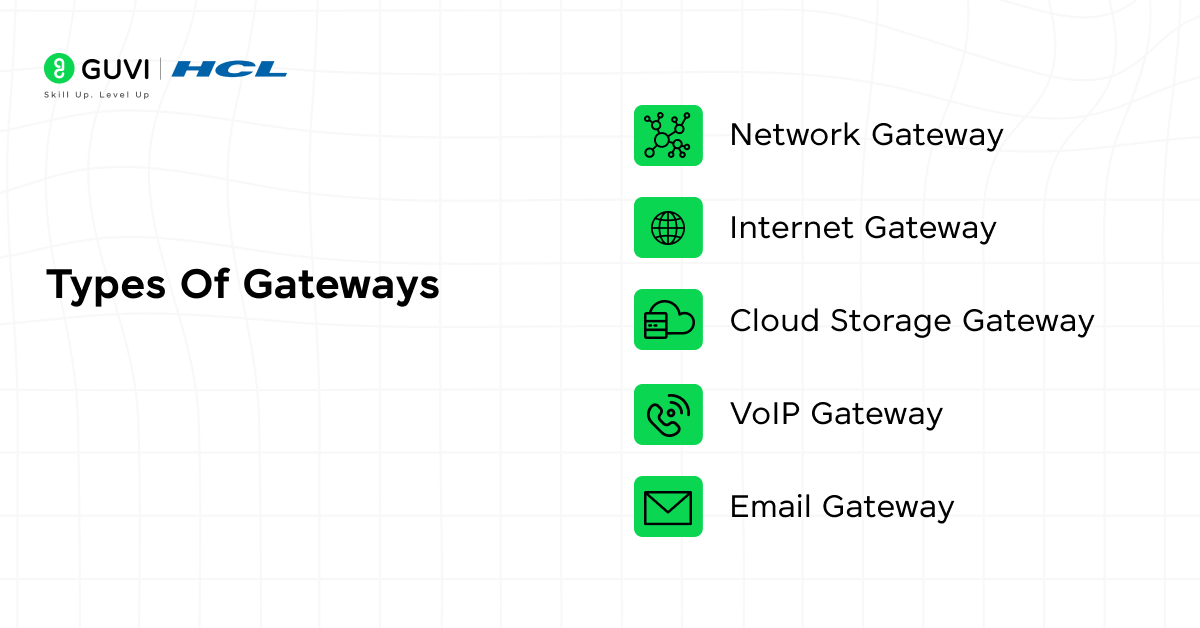
Gateways come in several types based on the kind of communication they handle and the role they play in a network. Here are the most common types of gateways you will find in real-world systems:
- Network Gateway
- Internet Gateway
- Cloud Storage Gateway
- VoIP Gateway
- Email Gateway
Each of these gateways serves a unique purpose and helps different networks communicate smoothly and securely.
1. Network Gateway
A network gateway is one of the most essential forms of a gateway in computer network environments. It connects two networks that use different communication rules or structures, ensuring they can understand each other.
What it does:
- Packet Conversion: Converts data packets from one format to another.
- Default Gateway Role: Acts as the main pathway for LAN-to-WAN communication.
- Network Interoperability: Helps different types of networks communicate seamlessly.
Example:
Your home router works as a network gateway by connecting your local devices to the internet and translating data between them.
2. Internet Gateway
An internet gateway helps a private network connect safely to the internet. It manages internet traffic while keeping internal devices secure from outside threats.
What it does:
- Traffic Management: Handles all incoming and outgoing internet traffic.
- NAT Functionality: Performs Network Address Translation to share a single public IP.
- Firewall Security: Protects the network from unauthorized access.
Example:
Cloud services like AWS use internet gateways to allow virtual machines to connect to the internet safely.
3. Cloud Storage Gateway
A cloud storage gateway connects local storage systems to cloud environments, allowing smooth data transfer between on-premise setups and cloud platforms.
What it does:
- Format Conversion: Translates local data formats into cloud-supported formats.
- Multiple Storage Support: Works with file, block, and object storage systems.
- Easy Cloud Migration: Helps organizations move or sync data to the cloud without issues.
Example:
Businesses that store files locally but automatically back them up to the cloud rely on cloud storage gateways.
4. VoIP Gateway
A VoIP gateway connects traditional telephone systems with modern internet-based voice networks, enabling smooth communication between analog and digital formats.
What it does:
- Signal Conversion: Converts voice signals from PSTN lines to digital IP packets.
- Advanced Processing: Supports echo cancellation, compression, and decompression.
- Hybrid Communication: Allows analog phones and VoIP systems to work together.
Example:
Call centers using both landline phones and VoIP services depend on VoIP gateways to connect the two systems.
5. Email Gateway
An email gateway filters, monitors, and routes email traffic between networks to ensure safe, reliable email communication.
What it does:
- Threat Blocking: Stops spam, malware, and phishing emails.
- Policy Enforcement: Applies security rules to incoming and outgoing messages.
- Reliable Delivery: Ensures emails reach the correct destination without delays.
Example:
Corporate organizations use email gateways to scan attachments, block suspicious emails, and ensure compliance with email security standards.
Key Roles Of A Gateway
In computer network environments, a gateway plays multiple critical roles that keep data flowing smoothly, securely, and intelligently between different systems.
Whether it’s translating data, protecting your network, or connecting modern devices with older systems, gateways ensure seamless communication. In this blog, we will explore four major roles a gateway performs:
- Translation of Protocols
- Providing Security
- Traffic Management and Routing
- Connecting Disparate Systems
1. Translation of Protocols
When two networks use different communication rules or data formats, the gateway makes sure the information stays understandable. It converts packet structures, adjusts headers, and restructures data so both sides can communicate without errors.
Key points:
- Protocol Conversion: Converts data formats such as IPv4 ↔ IPv6.
- Data Repackaging: Restructures packets so they match the receiving network’s requirements.
- Cross-System Compatibility: Ensures smooth communication between different network types.
Example:
A device using IPv6 successfully accesses a website that still operates on IPv4 through protocol translation.

2. Providing Security
Gateways add a strong layer of protection by checking every packet that enters or leaves a network. They filter harmful data, stop unknown connections, and apply security rules to keep the network safe from attacks.
Key points:
- Deep Packet Inspection: Examines data thoroughly before allowing it inside.
- Threat Blocking: Stops untrusted or suspicious sources.
- Secure Communication: Supports encryption and authentication for safe data exchange.
Example:
An email gateway detects and blocks phishing links or malicious attachments before they reach users.
3. Traffic Management and Routing
As networks grow and handle more devices, a gateway helps manage data flow efficiently. It analyzes traffic patterns, chooses the best routes, and prevents the network from slowing down.
Key points:
- Routing Logic: Decides the most efficient path for data packets.
- Bandwidth Optimization: Balances load to avoid network strain.
- Reduced Congestion: Improves speed and reliability during high traffic.
Example:
An enterprise gateway balancing traffic between multiple internal servers and connected cloud services.
4. Connecting Disparate Systems
Modern environments use many different platforms—IoT sensors, mobile devices, cloud applications, and industrial machines. A gateway helps all these systems communicate smoothly by translating their unique formats.
Key points:
- Legacy–Modern Bridging: Connects older systems with newer digital platforms.
- API-Level Translation: Supports communication between applications using different APIs.
- Device Format Conversion: Adapts signals and data formats from specialized devices.
Example:
An IoT gateway collects data from sensors and sends it to a cloud dashboard where it can be monitored in real time.
Real-World Applications Of Gateways
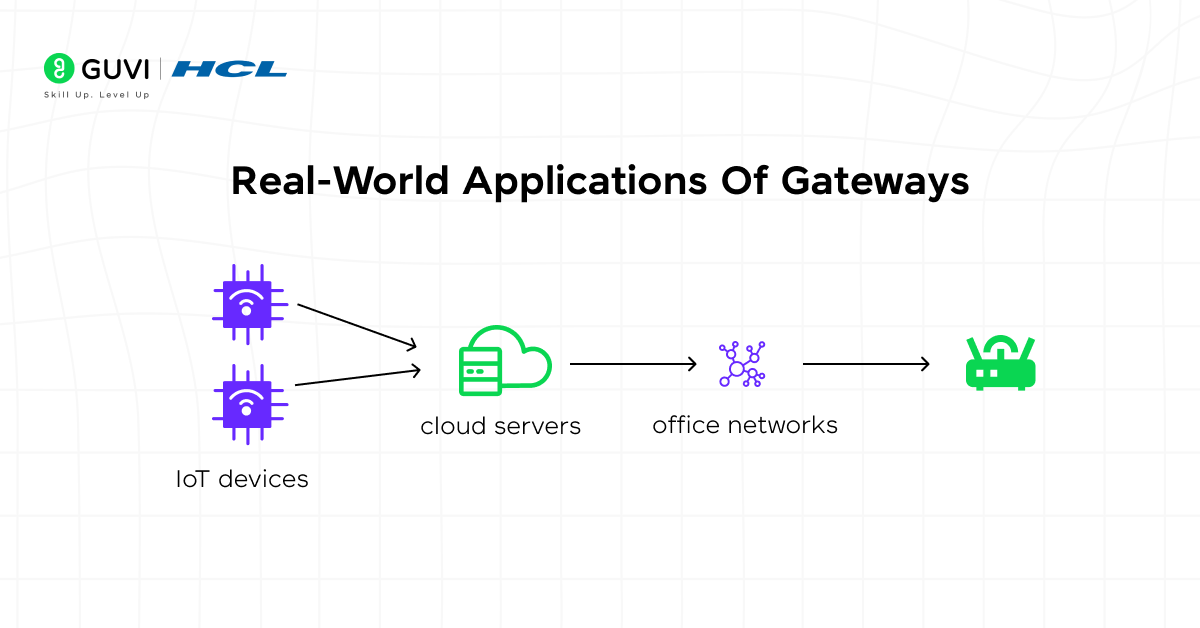
Gateways are used in many real-world situations to connect devices, secure communication, and enable smooth data exchange between different systems. Whether in offices, industries, or cloud environments, a gateway in network setups ensures reliable, secure communication across platforms.
- Office Branch Connectivity
Connects multiple office locations so they can share data and resources securely. - IoT–Cloud Linking
Sends data from IoT sensors to cloud dashboards for monitoring. - Enterprise Security Filtering
Blocks harmful traffic and prevents unauthorized access. - VoIP Communication Support
Converts voice signals so internet-based calling works smoothly. - Industrial System Integration
Links factory machines to monitoring systems in real time. - Secure Email Management
Filters emails to stop spam, viruses, and phishing attempts. - Hybrid Cloud Transfers
Helps move data safely between on-premise systems and cloud storage.
Challenges With Gateways
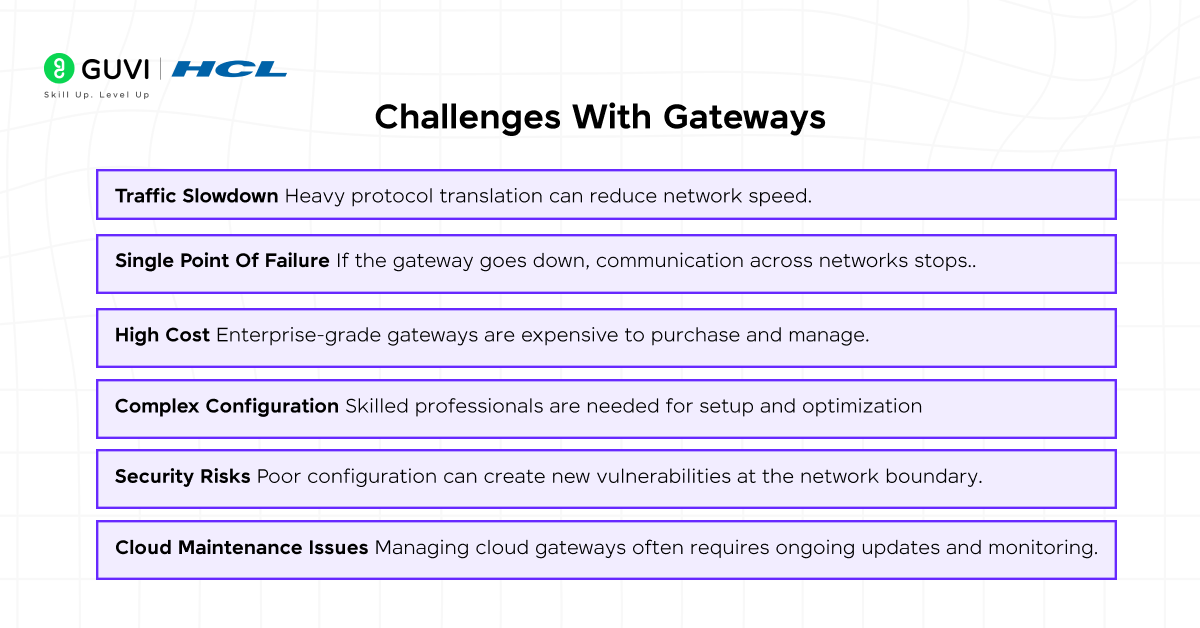
Even though gateways are essential in any gateway in computer network setup, they also come with certain challenges that can affect performance, cost, and security. Understanding these limitations helps in better planning and network management.
- Traffic Slowdown
Heavy protocol translation can reduce network speed. - Single Point Of Failure
If the gateway goes down, communication across networks stops. - High Cost
Enterprise-grade gateways are expensive to purchase and manage. - Complex Configuration
Skilled professionals are needed for setup and optimization. - Security Risks
Poor configuration can create new vulnerabilities at the network boundary. - Cloud Maintenance Issues
Managing cloud gateways often requires ongoing updates and monitoring.
Role of Gateways in India’s Growing IT and Networking Industry
India’s IT, telecom, and fintech sectors depend heavily on gateway in computer network systems to manage the scale of data moving between users, servers, and cloud platforms every day. With India processing some of the highest volumes of digital transactions globally, gateways form the backbone of this infrastructure.
Here’s how leading companies in India actually use gateways:
- Payment platforms like Razorpay and Paytm use API gateways to securely route millions of transaction requests between banks, apps, and servers.
- IT service giants like TCS and Infosys use network gateways to connect client networks across different countries with varying protocols and security standards.
- Telecom providers like Jio and Airtel use VoIP gateways to convert voice calls between traditional and internet-based networks at massive scale.
- Cloud-first companies like Zoho use cloud storage gateways to sync local business data with cloud servers for their SaaS products.
| Company | Gateway Type Used | Purpose |
|---|---|---|
| Razorpay | API Gateway | Secure transaction routing between banks and apps |
| TCS | Network Gateway | Connecting global client networks with different protocols |
| Jio | VoIP Gateway | Converting voice calls between telecom and internet networks |
| Zoho | Cloud Storage Gateway | Syncing business data between local systems and cloud |
This growing reliance on gateway in computer network infrastructure has directly increased demand for networking professionals in India. Companies now look for engineers who understand not just gateways, but the full ecosystem of security, protocols, and cloud integration around them.
Future Trends In Gateway Technology
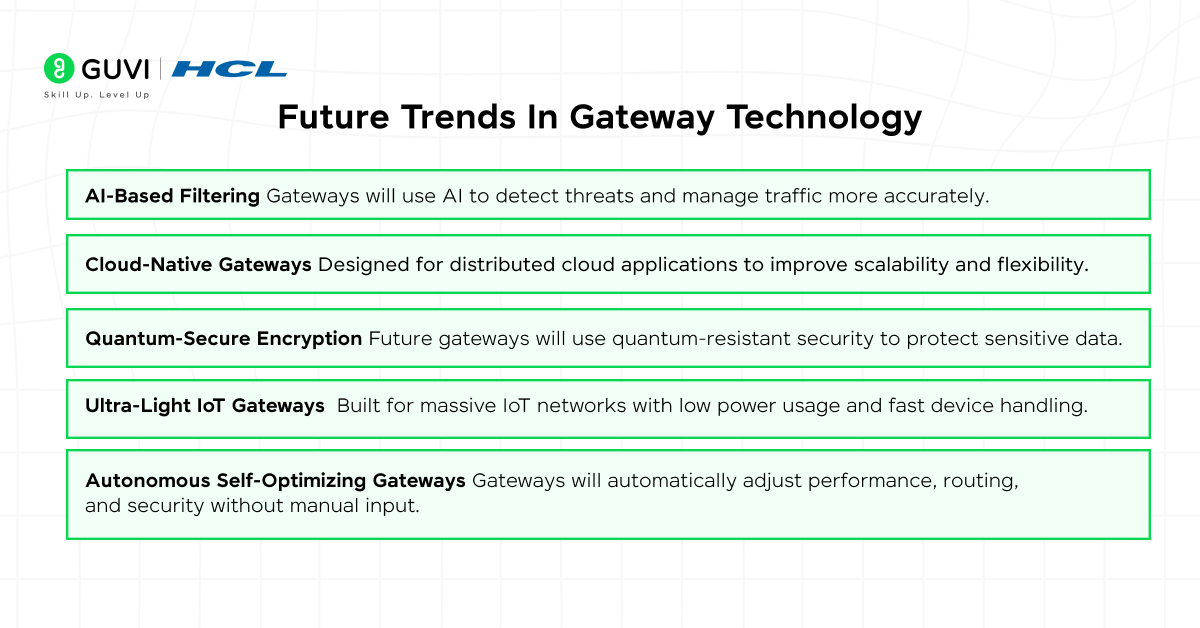
As networking grows more advanced, gateways are evolving to handle smarter security, faster connections, and larger device ecosystems. The future of the gateway in computer network technology is moving toward automation, intelligence, and stronger protection.
- AI-Based Filtering
Gateways will use AI to detect threats and manage traffic more accurately. - Cloud-Native Gateways
Designed for distributed cloud applications to improve scalability and flexibility. - Quantum-Secure Encryption
Future gateways will use quantum-resistant security to protect sensitive data. - Ultra-Light IoT Gateways
Built for massive IoT networks with low power usage and fast device handling. - Autonomous Self-Optimizing Gateways
Gateways will automatically adjust performance, routing, and security without manual input.
Conclusion
Gateways are one of the most important components in modern network architecture, acting as the bridge that allows different systems, platforms, and technologies to communicate effortlessly.
They translate protocols, filter threats, manage heavy traffic, and connect everything from cloud services to IoT devices. Without gateways, networks would remain isolated and unable to share information smoothly.
In today’s world, where businesses depend on cloud computing, smart devices, remote access, and secure communication, the role of a gateway in computer network environments has become more critical than ever.
As networks continue to expand and evolve, gateways will keep adapting with smarter security, faster processing, and improved automation. Their importance will only grow as digital systems become more intelligent, integrated, and globally connected.
FAQs
1. What is a gateway or router?
A router directs traffic within and between similar networks, while a gateway connects networks that use different protocols or formats — a router can act as a gateway, but not every gateway is a router.
2. How do gateways work?
A gateway receives data from one network, translates it into a format the destination network understands, and forwards it — handling protocol conversion in the process.
3. What is the difference between a gateway and a firewall?
A gateway connects and translates data between networks, while a firewall filters traffic for security — many gateways include firewall features, but their core jobs are different.
4. Can a gateway be software instead of hardware?
Yes, gateways can be physical devices or software applications — cloud-based gateways and API gateways are common software-only examples.
5. Is a modem the same as a gateway?
Not exactly — a modem connects your network to your ISP, while a gateway (often combined with a modem in home routers) manages traffic and translates data between networks.
Success Stories





Did you enjoy this article?