

DevOps Articles
How to Switch from System Administrator to DevOps Engineer
Claude for IT Help Desks: Reducing Ticket Volume
From Beginner to DevOps Engineer: How HCL GUVI Zen Class Helps You Get There

Get In Touch For Details! Request More Information
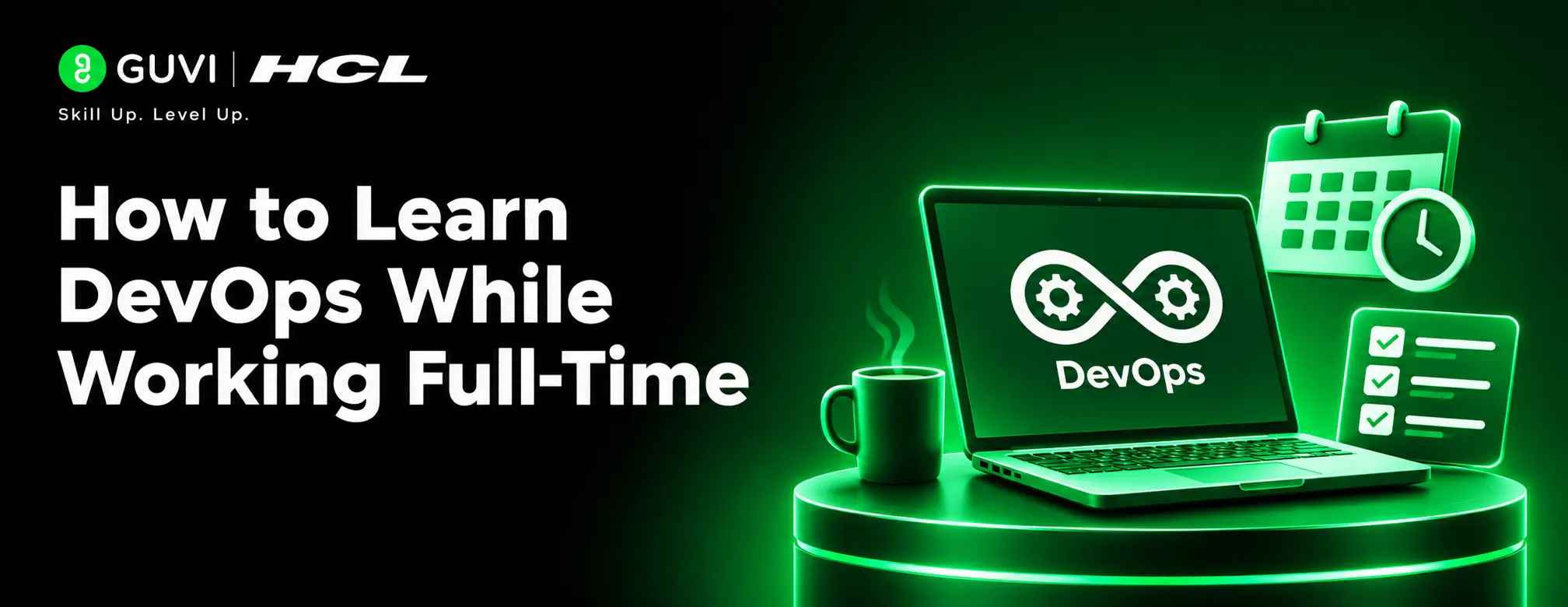
Learning DevOps while working full-time is achievable with a structured approach. You can build the necessary skills without leaving your current job by setting aside dedicated study time each week. Start with Linux, networking, and Git, then gradually learn Docker, cloud computing, CI/CD, and Kubernetes through practical projects.
Table of contents
- TL;DR
- Quick Answer
- Create a Study Schedule You Can Maintain
- Plan Short Weekday Sessions
- Reserve Weekend Project Time
- Track Practical Progress
- Learn DevOps Skills in the Right Order
- Linux and Networking
- Git and Scripting
- Cloud Computing
- Docker and CI/CD
- Terraform and Kubernetes
- Follow a Flexible Six-Month Roadmap
- Month 1: Linux, Networking, and Git
- Month 2: Bash, Python, and Automation
- Month 3: Cloud Fundamentals
- Month 4: Docker and CI/CD
- Month 5: Terraform and Kubernetes
- Month 6: Projects and Interview Preparation
- Use Your Current Experience
- Build Projects That Demonstrate Your Skills
- Infrastructure Monitoring Dashboard
- Automated Cloud Infrastructure
- Kubernetes Deployment
- Use Reliable Learning Resources
- Avoid Common Learning Mistakes
- Trying to Learn Every Tool
- Skipping the Fundamentals
- Watching Tutorials Without Practising
- Expecting a Job Switch on a Fixed Date
- Learn with Structured Guidance
- Conclusion
- FAQs
- Can I learn DevOps while working full-time?
- How many hours a week should I study DevOps?
- How long does it take to learn DevOps?
- Which DevOps tool should I learn first?
- Do I need coding skills to learn DevOps?
- Can a beginner with no IT experience learn DevOps?
- Is certification necessary for a DevOps job?
TL;DR
- Set aside 8–10 focused hours each week, if your schedule allows.
- Start with Linux, networking, Git, and scripting.
- Learn Docker, CI/CD, cloud, and Infrastructure as Code next.
- Practise through small projects instead of watching tutorials alone.
- Follow a flexible six-month roadmap and adjust it to your experience.
Quick Answer
| Study for 45–60 minutes on a few weekdays and reserve one weekend session for practical work. Learn the fundamentals first, then progress to Docker, CI/CD, cloud computing, Terraform, and Kubernetes. Follow the DevOps Roadmap to understand the learning sequence. Complete a small project at each stage and document what you learn. Six months can provide a foundation, but your timeline depends on your starting skills and available study time. |
Create a Study Schedule You Can Maintain
Aim for 8–10 hours a week if possible, but start smaller if work or family commitments leave you limited time.
1. Plan Short Weekday Sessions
Choose three or four weekdays for 45–60 minutes. Learn one concept, then practise it in a terminal or lab.
2. Reserve Weekend Project Time
Use two or three weekend hours to build a script, configure a server, or troubleshoot a container. Keep time for rest so the routine remains sustainable.
3. Track Practical Progress
Each week, note one task you can now complete without a tutorial, such as connecting to Linux or building a Docker image.
Learn DevOps Skills in the Right Order
DevOps combines development, infrastructure, automation, and operations.
1. Linux and Networking
Learn the command line, permissions, processes, services, logs, SSH, IP addresses, DNS, ports, and firewalls. These basics help you troubleshoot unavailable servers and applications.
Practice: Set up Ubuntu in a virtual machine or WSL. Create users, inspect processes, and connect through SSH.
2. Git and Scripting
Learn Git commits, branches, merges, and conflict resolution. Use Bash for Linux automation and learn basic Python for scripts that work with files or APIs.
Practice: Write a backup script, store it in Git, and document how to run it.
3. Cloud Computing
Choose AWS, Azure, or Google Cloud. Learn virtual machines, storage, identity and access management, virtual networks, and security groups. Check pricing and remove unused test resources.
Practice: Deploy a simple website on a cloud virtual machine.
4. Docker and CI/CD
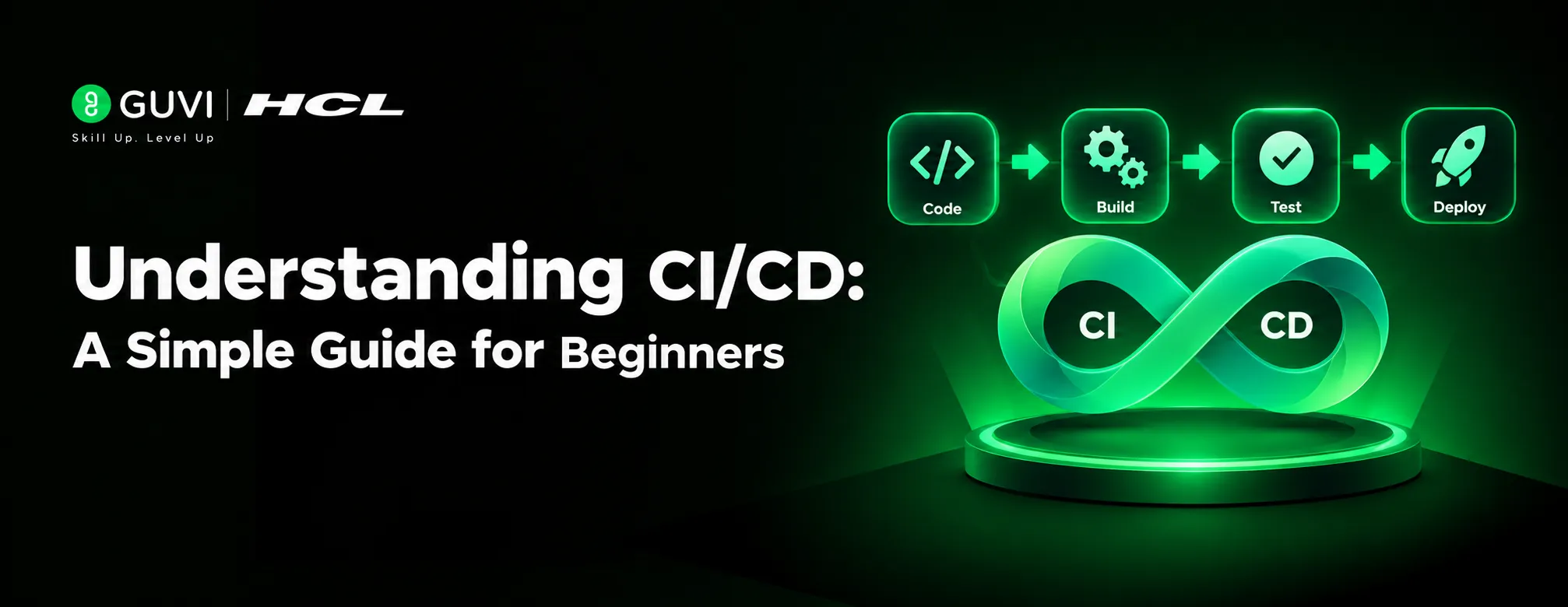
Learn Docker images, containers, Dockerfiles, volumes, and networks. Then choose GitHub Actions or Jenkins to automate code checks, tests, builds, and deployment.
Practice: Containerise a small application and create a workflow that builds it when you push code.
5. Terraform and Kubernetes
Use Terraform to define infrastructure as code. Then learn Kubernetes concepts such as Pods, Deployments, and Services. Understand containers before tackling orchestration.
Practice: Create a test environment with Terraform and deploy an application to a local Kubernetes cluster.
Follow a Flexible Six-Month Roadmap
Use this as a guide, not a strict deadline. Your previous experience and weekly study time will affect your pace.
Month 1: Linux, Networking, and Git
Practice Linux commands, SSH, permissions, networking, and Git. Save your exercises in a repository.
Month 2: Bash, Python, and Automation
Write scripts for backups, disk checks, and website availability. Practise scheduling tasks and handling errors.
Month 3: Cloud Fundamentals
Deploy a basic application and learn how permissions, networking, and storage work together. Monitor usage and shut down unused resources.
Month 4: Docker and CI/CD
Containerise an application and create a pipeline that tests and builds it after code changes.
Month 5: Terraform and Kubernetes
Define a small environment with Terraform, then deploy your application to a local Kubernetes cluster and practise troubleshooting.
Month 6: Projects and Interview Preparation
Polish two or three projects, add READMEs, and practise explaining your tools, setup, and solutions.
DevOps combines tools with collaboration and continuous improvement to make software delivery more reliable.

Use Your Current Experience
Your current experience is useful. System administrators already understand servers and troubleshooting; developers know code and builds; IT support professionals can build on networking and operating systems.
Apply your strengths while learning the missing skills. Never experiment on production systems or use company code and credentials without permission.
Build Projects That Demonstrate Your Skills
Apply your DevOps knowledge to realistic scenarios and projects that help you understand how development and operations work together.
1. Infrastructure Monitoring Dashboard
Set up Prometheus and Grafana to monitor server performance, CPU usage, memory, and application availability.
2. Automated Cloud Infrastructure
Use Terraform to provision a virtual machine, configure networking, and manage cloud resources through reusable configuration files.
3. Kubernetes Deployment
Deploy a sample application to Kubernetes, configure scaling and service discovery, and practise recovering from failed Pods.
Use Reliable Learning Resources
Use official documentation alongside a structured course. The Linux Foundation, Docker documentation, AWS Skill Builder, and Kubernetes tutorials provide learning material and practical guidance. Choose one resource per topic instead of collecting courses you may never finish.
Avoid Common Learning Mistakes
1. Trying to Learn Every Tool
Do not study several cloud platforms, CI/CD systems, and orchestration tools at the same time. Learn one option well enough to complete a project before comparing alternatives.
2. Skipping the Fundamentals
Docker and Kubernetes are harder to troubleshoot without Linux, networking, and process knowledge. Strengthen these basics before moving on.
3. Watching Tutorials Without Practising
Repeat tutorial tasks independently. Change a setting, create a safe error, and learn how to fix it. Troubleshooting builds practical confidence.
4. Expecting a Job Switch on a Fixed Date
A six-month plan is not a job guarantee. Readiness depends on your experience and ability to explain your projects.
Learn with Structured Guidance
Explore HCL GUVI’s AI Cloud Computing & DevOps Programme for expert-led learning, practical projects, and career preparation.
Conclusion
Learning DevOps while working full-time does not require hours of study. Build a manageable routine, learn fundamentals in order, and complete projects that demonstrate your skills. Review progress regularly and adjust your pace when work gets busy.
FAQs
1. Can I learn DevOps while working full-time?
Yes. Short weekday sessions and weekend practice can help you build skills without leaving your job.
2. How many hours a week should I study DevOps?
Aim for 8–10 hours weekly, adjusting during busy periods.
3. How long does it take to learn DevOps?
Six months can build a foundation; job readiness depends on your background and projects.
4. Which DevOps tool should I learn first?
Begin with Linux, networking, and Git. Then learn scripting, Docker, CI/CD, one cloud platform, and infrastructure automation.
5. Do I need coding skills to learn DevOps?
Basic scripting is important. Bash and Python are useful starting points for automating tasks.
6. Can a beginner with no IT experience learn DevOps?
Yes, but start with operating system, networking, and command-line fundamentals before learning cloud and DevOps tools.
7. Is certification necessary for a DevOps job?
Certification helps, but projects and troubleshooting skills matter too.
Success Stories

About the Author
HCL GUVI
This article was selected and published as part of the HCL GUVI AI Blogathon 2026, an initiative designed to encourage students, AI enthusiasts, and aspiring tech writers to simplify complex AI concepts through impactful technical content. The contest recognized high-quality, original, and insightful AI-focused blogs, with selected authors receiving publication opportunities on the HCL GUVI blog platform along with official author credits and recognition.
View all posts by HCL GUVI
Connect with me @

























Did you enjoy this article?