


Javascript Articles
GraphQL with Strawberry Tutorial: Build Your First Python API
gRPC Tutorial: A Beginner's Guide to Building Fast, Modern APIs
Temporal Workflow Engine Tutorial: Build Reliable Workflows
Tauri 2.0 Desktop App Tutorial: Build Your First App Without the Bloat


Get In Touch For Details! Request More Information

Understanding the Spread Operator in JavaScript
Jul 06, 2026 4 Min Read 621 Views
(Last Updated)
Imagine you have a box containing items and need to pour them into a larger container. Instead of putting the box inside, you take each item out individually. The spread operator in JavaScript does exactly this for arrays and objects.
The spread operator is represented by three dots (…) and expands arrays and objects into individual elements. It makes code cleaner and more readable whether you are combining arrays, copying objects, or passing arguments to functions.
This guide explains what the spread operator in JavaScript is, how it works, and shows you practical examples you can use immediately.
Table of contents
- Quick TL;DR Summary
- Spread Operator with Arrays
- Spread Operator with Objects
- Spread Operator with Functions and Strings
- Practical Examples
- Shallow Copy vs Deep Copy
- Conclusion
- FAQs
- What is the difference between spread operator and rest parameters?
- Does spread operator create a deep copy?
- Can I use spread operator with all data types?
- How do I remove duplicates using spread operator?
- What happens when I spread undefined or null?
Quick TL;DR Summary
- The spread operator in JavaScript is three dots (…) that expands arrays and objects into individual elements for copying, combining, or passing to functions.
- You will learn how the spread operator in JavaScript works with arrays, objects, function arguments, and strings with specific use cases for each.
- Practical examples show how the spread operator in JavaScript simplifies common tasks like copying arrays without creating references and merging objects.
- You will understand shallow copy vs deep copy, when to use the spread operator versus other methods, and best practices.
What Is the Spread Operator in JavaScript?
The spread operator in JavaScript is a syntax represented by three dots (...) that expands an iterable object, such as an array, string, or object, into its individual elements or properties. It allows developers to copy, merge, and pass data more conveniently by spreading the contents of one container into another. Common use cases include combining arrays, cloning objects, passing multiple arguments to functions, and creating shallow copies of existing data structures.
You use the spread operator in JavaScript with arrays, objects, function arguments, and strings. Each use case solves a different problem and makes code cleaner.
Read More: Complete JavaScript Roadmap for Frontend: Beginner to Pro
Spread Operator with Arrays
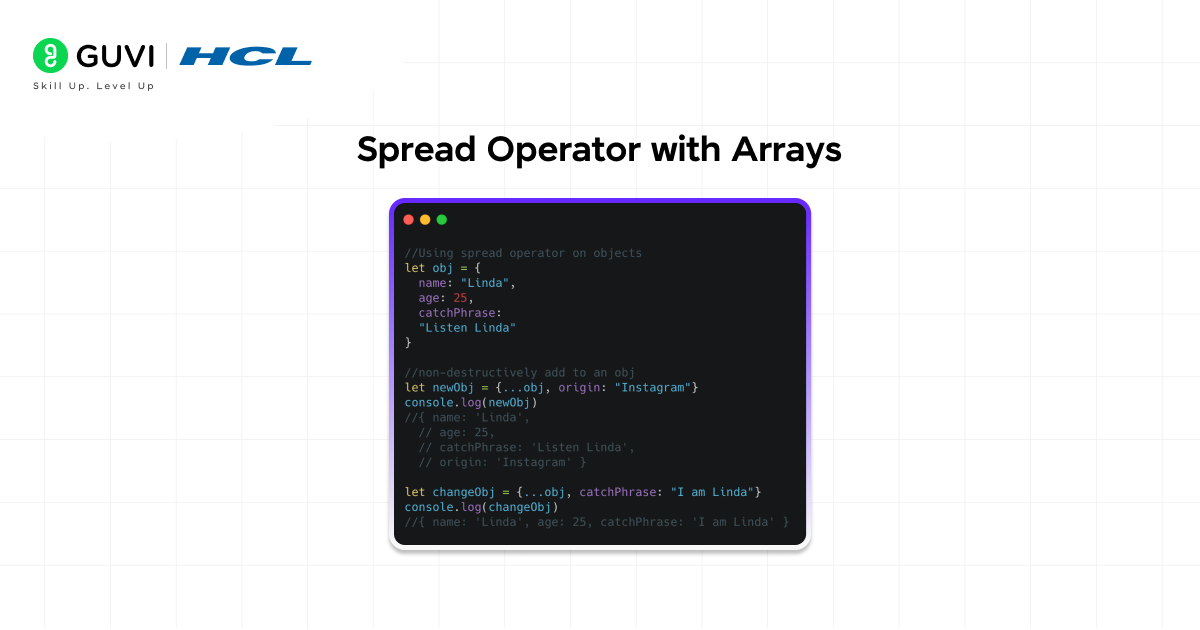
- Copying an array
let originalArray = [1, 2, 3];
let copiedArray = […originalArray];
copiedArray[0] = 999;
console.log(originalArray); // Output: [1, 2, 3] (unchanged)
- Combining arrays
let array1 = [1, 2, 3];
let array2 = [4, 5, 6];
let combined = […array1, …array2];
console.log(combined); // Output: [1, 2, 3, 4, 5, 6]
- Adding elements while spreading
let array1 = [1, 2, 3];
let combined = [0, …array1, 4, 5];
console.log(combined); // Output: [0, 1, 2, 3, 4, 5]
- Removing duplicates
let arrayWithDuplicates = [1, 2, 2, 3, 3, 3, 4];
let uniqueArray = […new Set(arrayWithDuplicates)];
console.log(uniqueArray); // Output: [1, 2, 3, 4]
The spread operator (…) was introduced in ECMAScript 2015 (ES6) and quickly became one of JavaScript’s most widely used features. Before its introduction, developers typically relied on methods such as concat(), slice(), and manual loops to copy or merge arrays. The spread operator made these operations far more concise and readable, allowing arrays and objects to be expanded directly into new collections. Today, it is the standard approach for tasks such as combining arrays, creating shallow copies, and passing multiple values to functions, making modern JavaScript code cleaner and easier to maintain.
Spread Operator with Objects
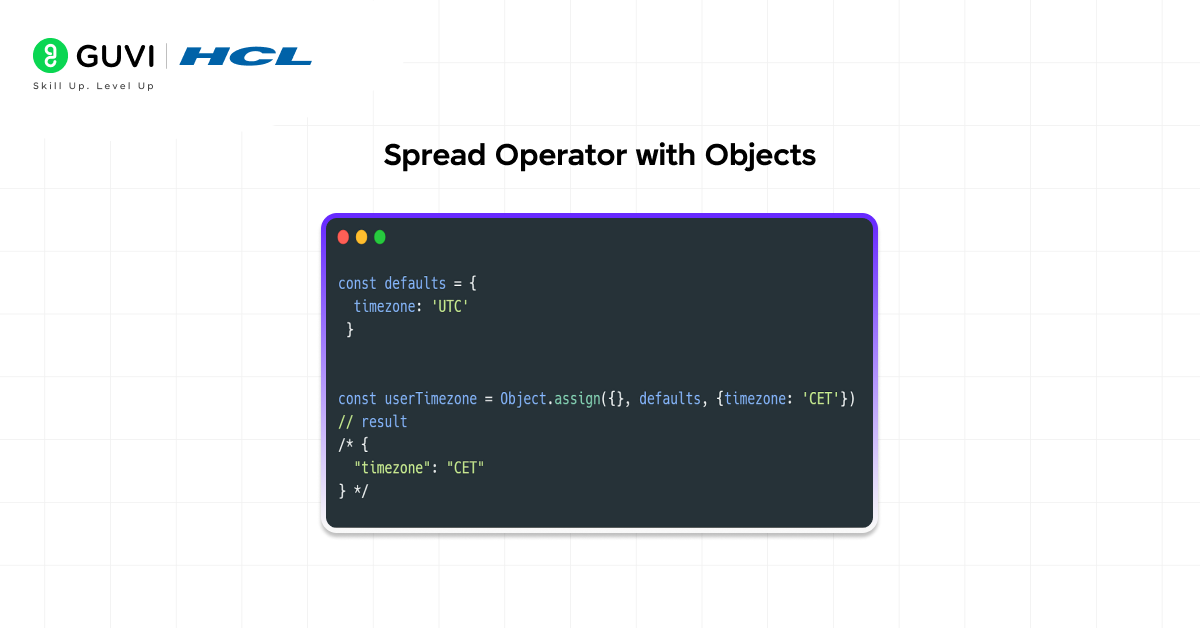
- Copying an object
let originalObject = { name: “John”, age: 30 };
let copiedObject = { …originalObject };
copiedObject.age = 31;
console.log(originalObject.age); // Output: 30 (unchanged)
- Merging objects
let person = { name: “John”, age: 30 };
let job = { title: “Developer”, company: “Tech Corp” };
let merged = { …person, …job };
console.log(merged);
// Output: { name: “John”, age: 30, title: “Developer”, company: “Tech Corp” }
- Updating properties
let user = { name: “John”, age: 30 };
let updated = { …user, age: 31, email: “[email protected]” };
console.log(updated);
// Output: { name: “John”, age: 31, email: “[email protected]” }
- Overriding properties
let object1 = { name: “John”, age: 30 };
let object2 = { age: 25, city: “New York” };
let merged = { …object1, …object2 };
console.log(merged); // Output: { name: “John”, age: 25, city: “New York” }
The spread operator (…) is a cornerstone of React and other modern JavaScript frameworks because it helps developers follow the principle of immutability by creating new arrays and objects instead of modifying existing ones. Frameworks often detect changes by comparing object references rather than inspecting every value, so updating state without creating a new object can prevent the framework from recognizing that anything changed. As a result, a single missing spread operator can lead to subtle bugs, stale UI updates, and difficult-to-debug state management issues. This is why the spread operator has become one of the most important tools in modern frontend development.
Spread Operator with Functions and Strings
- Passing array elements as arguments
function sum(a, b, c) {
return a + b + c;
}
let numbers = [1, 2, 3];
let result = sum(…numbers);
console.log(result); // Output: 6
- Math operations
let numbers = [5, 10, 3, 20, 15];
let maximum = Math.max(…numbers);

let minimum = Math.min(…numbers);
console.log(maximum); // Output: 20
console.log(minimum); // Output: 3
- Converting string to array
let text = “hello”;
let characters = […text];
console.log(characters); // Output: [‘h’, ‘e’, ‘l’, ‘l’, ‘o’]
- Reversing a string
let text = “hello”;
let reversed = […text].reverse().join(“”);
console.log(reversed); // Output: “olleh”
Practical Examples
- Managing user data
let userBasic = { id: 1, name: “John”, email: “[email protected]” };
let userFull = { …userBasic, age: 30, city: “New York”, verified: true };
console.log(userFull);
// { id: 1, name: “John”, email: “[email protected]”, age: 30, city: “New York”, verified: true }
- Building dynamic arrays
let baseArray = [1, 2, 3];
let additionalItems = [4, 5, 6];
let finalArray = […baseArray, …additionalItems];
console.log(finalArray); // Output: [1, 2, 3, 4, 5, 6]
- Processing API response
let apiData = {
status: “success”,
users: [{ id: 1, name: “John” }]
};
let processedData = {
…apiData,
timestamp: new Date(),
processed: true
};
Shallow Copy vs Deep Copy

- Understanding shallow copy
The spread operator in JavaScript creates a shallow copy. Nested objects are still referenced.
let original = { name: “John”, address: { city: “New York” } };
let copied = { …original };
copied.address.city = “Boston”;
console.log(original.address.city); // Output: “Boston” (changed!)
- Understanding deep copy
For deep copying nested objects, use alternative methods.
let original = { name: “John”, address: { city: “New York” } };
// Method 1: JSON parse/stringify
let deepCopied = JSON.parse(JSON.stringify(original));
// Method 2: structuredClone (modern)
let deepCopied2 = structuredClone(original);
deepCopied.address.city = “Boston”;
console.log(original.address.city); // Output: “New York” (unchanged)
- When shallow copy is enough
For simple objects without nested arrays or objects, shallow copy works fine.
let user = { name: “John”, age: 30, email: “[email protected]” };
let copied = { …user };
copied.name = “Jane”;
console.log(user.name); // Output: “John” (unchanged)
To learn more on Spread Operator JavaScript, enroll in this HCL GUVI’s JavaScript course designed for beginners and aspiring web developers. With self-paced learning, expert guidance from industry professionals, and an industry-recognized NASSCOM-approved certification, this course helps you master JavaScript fundamentals, ES6 concepts, closures, hoisting, classes, and interactive web development while building real-time projects to strengthen your portfolio and industry-ready coding skills.
Conclusion
The spread operator in JavaScript is a powerful tool that makes working with arrays and objects simpler and cleaner. It allows you to copy, combine, and manipulate data without modifying originals.
The spread operator works by expanding arrays, objects, and strings into individual elements. Use it for copying arrays and objects, combining multiple arrays, passing arguments to functions, and converting strings to character arrays.
Remember that the spread operator creates a shallow copy for nested structures. For simple objects and arrays, shallow copy is sufficient. For complex nested data, use deep copy methods.
The spread operator has largely replaced older methods like concat() and Object.assign(). Understanding the spread operator in JavaScript is essential for writing clean, modern code.
FAQs
1. What is the difference between spread operator and rest parameters?
Spread operator (…) expands arrays and objects into individual elements. Rest parameters (…) collect multiple arguments into an array. They look the same but work in opposite directions.
2. Does spread operator create a deep copy?
No, the spread operator in JavaScript creates a shallow copy. Nested objects and arrays still reference the original. Use JSON.parse(JSON.stringify()) or structuredClone() for deep copy.
3. Can I use spread operator with all data types?
Spread operator works with iterables like arrays and strings. It also works with objects. It does not work with primitive values like numbers or booleans directly.
4. How do I remove duplicates using spread operator?
Combine spread operator with Set: […new Set(array)]. Set removes duplicate values and spread converts it back to an array.
5. What happens when I spread undefined or null?
Spreading undefined or null causes an error. Check for these values: …( value || [] ).
Success Stories

About the Author
Vishalini Devarajan
An Aerospace Engineer turned content writer, I focus on making complex concepts easy to understand through well-structured, reader-friendly blogs. Whether it’s a technical topic or a non-technical one, I love creating content that is clear, engaging, and impactful.
View all posts by Vishalini Devarajan
Connect with me @
















Did you enjoy this article?