


Python Articles
Freelancing as a Python Developer: Getting Your First Client
Common Python Mistakes Beginners Make And How to Fix Them
Python Best Practices: Writing Clean, Maintainable Code Like a Pro
How to Build a Python Developer Portfolio That Gets You Hired


Get In Touch For Details! Request More Information
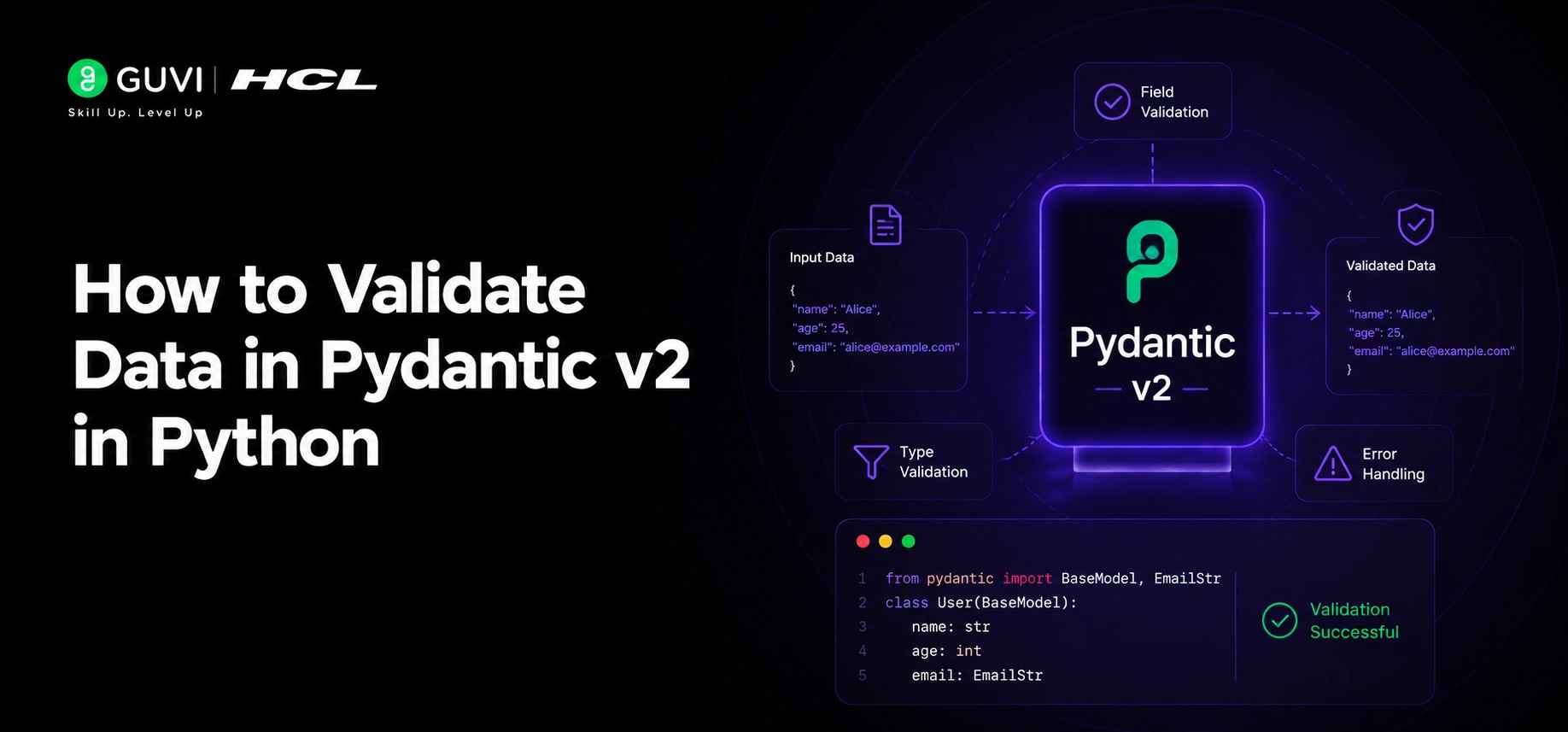
How to Validate Data in Pydantic v2 in Python
Jul 08, 2026 5 Min Read 257 Views
(Last Updated)
If you’ve ever had a Python app crash because someone passed a string where you expected a number, or an API returned unexpected null values that broke your entire pipeline, you already know how painful bad data can be. Pydantic v2 is a Python library that solves this problem cleanly it lets you define what your data should look like, and then validates everything automatically at runtime.
Table of contents
- TL;DRSummary
- What Is Pydantic v2?
- Why Pydantic v2 Is a Big Deal
- Installing Pydantic v2
- Defining Your First Model
- Custom Validators
- Computed Fields
- Pydantic v1 vs v2: Key Differences
- Model Configuration With model_config
- Settings Management With pydantic-settings
- Pydantic and FastAPI
- Serialization Control
- Real-World Use Cases
- Conclusion
- FAQs
- What is Pydantic v2 used for?
- How is Pydantic v2 different from Pydantic v1?
- Does Pydantic v2 automatically convert data types?
- What are custom validators in Pydantic v2?
- What is model_config in Pydantic v2?
- How does Pydantic v2 work with FastAPI?
- What is the purpose of @computed_field?
- Should I migrate from Pydantic v1 to v2?
TL;DR Summary
- Pydantic v2 validates Python data automatically using type hints, helping prevent runtime errors caused by invalid or unexpected input.
- The Rust-powered validation engine delivers 5–50x faster performance than Pydantic v1, making it ideal for APIs, data pipelines, and production applications.
- New features such as model_config, @field_validator, @model_validator, and @computed_field provide cleaner, more powerful data validation and serialization workflows.
To learn how Pydantic v2 makes data validation in Python faster, stricter, and production-ready.Master Python validation, APIs, and backend dev with HCL GUVI’s Python Zero to Hero Course. Start your Python journey here
What Is Pydantic v2?
Pydantic is a data validation library for Python that uses type hints to enforce data structure and types. Version 2 is a complete rewrite in Rust, making it dramatically faster and more powerful than v1. You define a model, and Pydantic checks that any incoming data matches it — throwing a clear error if something doesn’t fit.
Why Pydantic v2 Is a Big Deal
Pydantic has been around for a while, but v2 changed everything. The core validation engine was rewritten in Rust, which pushed performance up to 5–50x faster than v1. That matters a lot when you’re processing thousands of API requests or validating large datasets in a pipeline.
The API also got cleaner. The old class Config approach was replaced with model_config, validators got new decorators like @field_validator and @model_validator, and serialization became far more controllable. If you’ve used Pydantic v1 before, the concepts are familiar but nearly everything works better now.
Installing Pydantic v2
Getting started is simple. Just run:
| pip install pydantic>=2.0 If you also want settings management (reading from environment variables or .env files), install this too: pip install pydantic-settings |
That’s all the setup you need.
Defining Your First Model
- The core idea in Pydantic is the BaseModel class. You create a subclass and define your fields with type hints. Here’s a basic example:
- from pydantic import BaseModel, Field from typing import Optional
| class User(BaseModel): id: int = Field(gt=0) name: str = Field(min_length=2, max_length=100) email: str age: Optional[int] = None |
- Now when you create a User object, Pydantic validates every field automatically. If you pass id=-1, it fails. If you pass a string where an int is expected, Pydantic will try to convert it first and raise a clear `ValidationError` if it can’t.
- This auto-coercion behavior is helpful in most cases. But if you want strict mode (where types must match exactly with no conversion), you can enable that with model_config = ConfigDict(strict=True).
Custom Validators
- Sometimes built-in type checking isn’t enough. You might need to check that a SKU follows a specific format, or that a discount price is always lower than the regular price. That’s where custom validators come in.
- Pydantic v2 gives you two main decorator options. The @field_validator decorator targets a single field:
- from pydantic import field_validator import re
- @field_validator(‘sku’) @classmethod def validate_sku(cls, v: str) -> str: if not re.match(r’^[A-Z]{3}-\d{5}$’, v): raise ValueError(‘SKU must match format ABC-12345’) return v
- The @model_validator decorator runs after all fields are validated, which lets you compare multiple fields against each other. For example, checking that a password and confirm_password match is a perfect use case for this.
Computed Fields
Pydantic v2 introduced @computed_field, which lets you define properties that get included automatically when you serialize the model. Think of it as a calculated column.
from pydantic import computed_field
class OrderItem(BaseModel): unit_price: float quantity: int
@computed_field

@property

def subtotal(self) -> float:
return self.unit_price * self.quantity
When you call model_dump() on this, the subtotal field shows up in the output alongside the others. No extra steps needed.
Pydantic v1 vs v2: Key Differences
| Feature | Pydantic v1 | Pydantic v2 |
| Performance | Baseline | 5–50x faster (Rust core) |
| Config class | class Config | model_config = ConfigDict() |
| Validators | @validator | @field_validator / @model_validator |
| Serialization | .dict() / .json() | .model_dump() / .model_dump_json() |
| Computed fields | Property only | @computed_field (serialized) |
| Strict mode | Limited | Full strict mode via ConfigDict |
| ORM support | orm_mode = True | from_attributes = True |
The migration from v1 to v2 takes some effort, but the cleaner API and performance gains make it worth it for production applications.
Model Configuration With model_config
- One of the cleanest upgrades in v2 is model_config. You can now control model behavior in a single place using ConfigDict:
- from pydantic import BaseModel, ConfigDict
- class StrictUser(BaseModel): model_config = ConfigDict( extra=’forbid’, str_strip_whitespace=True, validate_default=True ) name: str age: int
- Setting extra=’forbid’ means Pydantic will reject any keys in the input that aren’t defined in the model. Setting str_strip_whitespace=True trims leading and trailing spaces from all string fields globally. These small settings prevent a lot of subtle bugs.
Settings Management With pydantic-settings
One of the most practical uses of Pydantic is managing app configuration. The pydantic-settings package lets you load settings from environment variables or .env files and validate them just like any other model:
from pydantic_settings import BaseSettings
class AppSettings(BaseSettings): debug: bool = False secret_key: str db_host: str = “localhost”
class Config:
env_file = ".env"

settings = AppSettings()- If SECRET_KEY is missing from your environment, Pydantic raises an error immediately at startup before your app does anything else. This catches misconfigured deployments before they cause outages.
- For sensitive values like passwords and API tokens, use SecretStr. It masks the value when printed, so it won’t accidentally appear in logs.
Pydantic powers request validation in FastAPI, one of Python’s most popular high-performance web frameworks. Every incoming API request can be automatically validated, parsed, and converted into Python objects before your application logic runs. This built-in validation helps catch invalid data early, reduces bugs, improves reliability, and allows developers to build robust APIs with less boilerplate code.

Pydantic and FastAPI
Pydantic is the backbone of FastAPI. Every request body, query parameter, and response model in FastAPI is powered by Pydantic validation. When you define a route like this:
from fastapi import FastAPI from pydantic import BaseModel
| app = FastAPI() class CreateUserRequest(BaseModel): name: str email: str @app.post(“/users“) async def create_user(user: CreateUserRequest): return user |
FastAPI automatically validates the incoming JSON, maps it to your model, and returns a proper 422 error if validation fails. You get auto-generated API documentation for free as well, because Pydantic models translate directly into JSON Schema.
To learn how Pydantic v2 makes data validation in Python faster, stricter, and production-ready.Master Python validation, APIs, and backend dev with HCL GUVI’s Python Zero to Hero Course. Start your Python journey here
Serialization Control
- Pydantic v2 gives you fine-grained control over how data gets serialized. The model_dump() method supports options like exclude, include, and exclude_unset.
- The exclude_unset=True option is especially useful for PATCH endpoints it returns only the fields that were actually provided in the request, so you don’t accidentally overwrite other fields with their defaults.
- You can also use @field_serializer to control how specific fields appear in output. For example, formatting a Decimal as a currency string, or converting a datetime to a custom format.
Real-World Use Cases
Pydantic v2 fits naturally into several common scenarios.
- In API development, it validates request and response bodies automatically.
- In data pipelines, you can run incoming records through a Pydantic model before writing to a database, catching malformed data at the source instead of downstream.
- In CLI tools and scripts, it validates configuration files so your app fails fast with a clear error rather than mysteriously misbehaving later.
Conclusion
Pydantic v2 brings serious performance improvements and a cleaner API that makes data validation in Python feel natural rather than tedious. The shift to Rust under the hood, combined with new features like model_config, computed_field, and better serialization control, makes it a strong choice for any project that deals with external data.
If you’re starting a new Python project today, build with Pydantic v2 from day one. If you’re still on v1, the migration is worth the effort, especially as more libraries like FastAPI deepen their v2 support.
FAQs
1. What is Pydantic v2 used for?
Pydantic v2 is a Python library for data validation, parsing, and serialization. It uses Python type hints to ensure incoming data matches expected formats and structures before it is processed by an application.
2. How is Pydantic v2 different from Pydantic v1?
Pydantic v2 introduces a Rust-based validation engine, significantly improving performance. It also replaces class Config with model_config, introduces @field_validator and @model_validator, and adds features such as @computed_field and improved serialization controls.
3. Does Pydantic v2 automatically convert data types?
Yes. By default, Pydantic attempts to coerce compatible values into the expected type. For example, a numeric string can be converted to an integer. If strict type enforcement is required, you can enable strict mode using ConfigDict(strict=True).
4. What are custom validators in Pydantic v2?
Custom validators allow developers to define business-specific validation rules that go beyond standard type checking. The @field_validator decorator validates individual fields, while @model_validator can validate relationships between multiple fields.
5. What is model_config in Pydantic v2?
model_config is the new configuration system that replaces the older class Config approach. It allows developers to control behaviors such as strict validation, handling extra fields, whitespace trimming, and default value validation in a centralized way.
6. How does Pydantic v2 work with FastAPI?
FastAPI uses Pydantic models to validate request bodies, query parameters, and responses automatically. If incoming data fails validation, FastAPI returns structured error responses without requiring additional validation logic from developers.
7. What is the purpose of @computed_field?
The @computed_field decorator allows developers to define calculated properties that are automatically included when serializing a model. This is useful for values such as totals, discounts, taxes, or derived metrics.
8. Should I migrate from Pydantic v1 to v2?
Yes, especially for new or actively maintained projects. Pydantic v2 offers substantial performance improvements, cleaner APIs, better serialization capabilities, and stronger integration with modern Python frameworks and libraries.
Success Stories

About the Author
Vishalini Devarajan
An Aerospace Engineer turned content writer, I focus on making complex concepts easy to understand through well-structured, reader-friendly blogs. Whether it’s a technical topic or a non-technical one, I love creating content that is clear, engaging, and impactful.
View all posts by Vishalini Devarajan
Connect with me @















Did you enjoy this article?