


Python Articles
Python and SQL for FP&A: What Finance Managers Should Learn
Excel SQL Python for BPO Professionals Best Guide to Move Into Data Science
Go vs Python for Forward Deployed Engineering Workloads
Python for Forward Deployed Engineers: What You Actually Need to Know


Get In Touch For Details! Request More Information
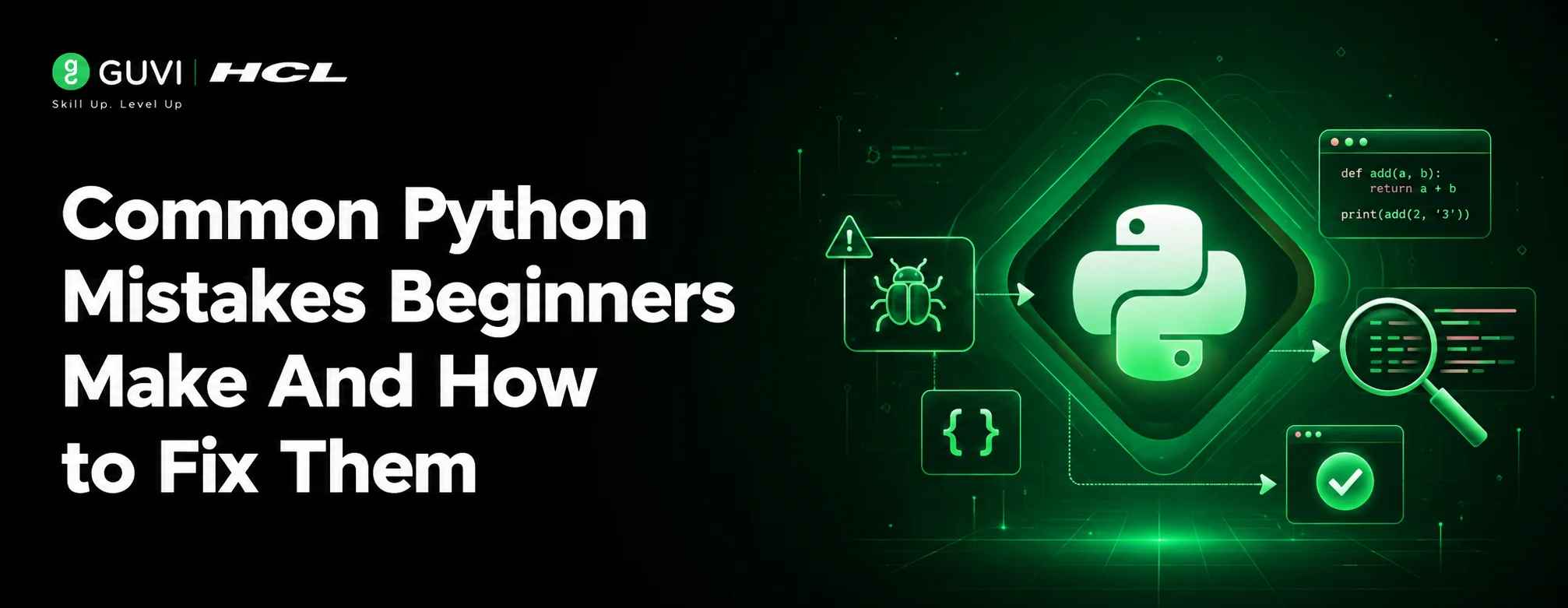
Common Python Mistakes Beginners Make And How to Fix Them
Aug 05, 2026 4 Min Read 876 Views
(Last Updated)
TL;DR Summary Box
- Python relies heavily on proper indentation.
- Beginners often confuse = and ==.
- Mutable objects can cause unexpected behavior.
- Poor exception handling makes debugging harder.
- Understanding scope and data types prevents many common errors.
- Small coding habits learned early pay off in larger projects.
Learning Python is often easier than learning many other programming languages, but that doesn’t mean beginners avoid mistakes. In fact, most new Python developers encounter the same errors repeatedly from indentation issues and variable scope confusion to improper exception handling and inefficient loops.
The good news is that these mistakes are normal. More importantly, understanding them early can save hours of debugging and help you write cleaner, more reliable code. In this article, you’ll learn the most common Python mistakes beginners make, why they happen, and practical ways to fix and prevent them.
Table of contents
- Quick Answer
- Why Do Beginners Make the Same Python Mistakes?
- Mistake 1: Incorrect Indentation
- Why Is Indentation So Important in Python?
- Mistake 2: Confusing = and ==
- What's the Difference?
- Mistake 3: Forgetting to Convert Input Types
- Why Does User Input Cause Problems?
- Mistake 4: Modifying a List While Iterating
- Why Does This Cause Unexpected Results?
- Mistake 5: Ignoring Exception Handling
- Why Is This Risky?
- Mistake 6: Misunderstanding Mutable Objects
- What Makes This Tricky?
- Mistake 7: Using Global Variables Excessively
- Why Is This Problematic?
- Mistake 8: Writing Long Functions
- Why Does This Hurt Readability?
- Mistake 9: Not Using Python Built-in Features
- Why Reinvent the Wheel?
- Mistake 10: Not Understanding Variable Scope
- Why Does Scope Matter?
- Comparison Table: Common Mistakes and Fixes
- Real-World Example: A Beginner Bug That Took Hours to Find
- Answer Block
- Common Python Mistakes vs Python Best Practices
- Conclusion
- FAQs
- What is the most common mistake beginners make in Python?
- Why does Python input() cause type errors?
- What are mutable objects in Python?
- Why should I avoid global variables?
- How can I reduce Python coding mistakes?
- Are beginner mistakes normal when learning Python?
Quick Answer
Common Python mistakes beginners make include indentation errors, confusing assignment with comparison operators, modifying mutable objects unintentionally, mishandling exceptions, misusing loops, and ignoring variable scope. Understanding these issues and following Python best practices helps developers write cleaner, more efficient, and less error-prone code from the start.
Why Do Beginners Make the Same Python Mistakes?
Most Python mistakes happen because beginners focus on making code work rather than understanding why it works. Python’s simple syntax can sometimes hide deeper programming concepts such as object mutability, scope, exception handling, and memory management.
The goal isn’t to avoid every mistake. It’s to recognize common patterns and develop habits that reduce errors as your projects grow.
Data Point
Reviewing beginner Python forums, coding bootcamp assignments, and interview preparation exercises reveals that a small group of recurring mistakes accounts for a large percentage of debugging questions.
Mistake 1: Incorrect Indentation
Why Is Indentation So Important in Python?
Unlike many programming languages that use braces {}, Python uses indentation to define code blocks.
Incorrect Example
if True:
print(“Hello”)
Error
IndentationError: expected an indented block
Correct Example
if True:
print(“Hello”)
How to Fix It
- Use four spaces consistently.
- Avoid mixing tabs and spaces.
- Enable automatic formatting in your code editor.
Pro Tip
Configure your IDE to insert spaces automatically whenever you press the Tab key.
Mistake 2: Confusing = and ==
What’s the Difference?
The = operator assigns a value, while == compares two values.
Incorrect Example
if age = 18:
print(“Adult”)
Correct Example
if age == 18:
print(“Adult”)
Quick Rule
- = → Assignment
- == → Comparison
This mistake is one of the most common causes of beginner syntax errors.
Mistake 3: Forgetting to Convert Input Types
Why Does User Input Cause Problems?
The input() function always returns a string, even if the user enters a number.
Incorrect Example
age = input(“Enter your age: “)
print(age + 5)
Error
TypeError
Correct Example
age = int(input(“Enter your age: “))
print(age + 5)
Common Conversions
int()
float()
str()
bool()
Best Practice
Validate user input before converting it to avoid runtime errors.
Ready to become a better Python developer? Review your recent code, identify recurring mistakes, and apply the best practices from this guide to build stronger programming foundations. Start your Python journey here
Mistake 4: Modifying a List While Iterating
Why Does This Cause Unexpected Results?
Changing a list while looping through it can skip elements or create unpredictable behavior.
Incorrect Example
numbers = [1, 2, 3, 4]
for n in numbers:
if n % 2 == 0:
numbers.remove(n)
Better Solution
numbers = [1, 2, 3, 4]
numbers = [
n for n in numbers
if n % 2 != 0
]
Result
[1, 3]
List comprehensions are often safer and more readable.
Mistake 5: Ignoring Exception Handling
Why Is This Risky?
Programs frequently encounter unexpected input, missing files, or network failures. Without exception handling, applications can crash.
Poor Example
number = int(input())
Better Example
try:
number = int(input())
except ValueError:
print(“Please enter a valid number.”)
Benefits
- Better user experience
- Easier debugging
- More reliable applications
Warning
Avoid catching all exceptions with a generic except: unless necessary.
Ready to become a better Python developer? Review your recent code, identify recurring mistakes, and apply the best practices from this guide to build stronger programming foundations. Start your Python journey here
Mistake 6: Misunderstanding Mutable Objects
What Makes This Tricky?
Lists, dictionaries, and sets are mutable, meaning they can change after creation.
Example
list1 = [1, 2, 3]
list2 = list1
list2.append(4)
print(list1)
Output:
[1, 2, 3, 4]
Many beginners expect only list2 to change.
Correct Approach
list2 = list1.copy()
This creates a separate object.

Mistake 7: Using Global Variables Excessively
Why Is This Problematic?
Global variables make programs harder to debug and maintain.
Example
count = 0
def increment():
global count
count += 1
Better Approach
def increment(count):
return count + 1
Functions should ideally receive inputs and return outputs rather than modifying global state.
Mistake 8: Writing Long Functions
Why Does This Hurt Readability?
Beginners often place dozens of lines inside a single function.
Poor Practice
def process_data():
# 100+ lines
Better Practice
Break functionality into smaller functions.
def load_data():
pass
def clean_data():
pass
def analyze_data():
pass
Smaller functions are easier to test and maintain.
Mistake 9: Not Using Python Built-in Features
Why Reinvent the Wheel?
Python includes many powerful built-in functions that simplify code.
Beginner Version
maximum = numbers[0]
for num in numbers:
if num > maximum:
maximum = num
Pythonic Version
maximum = max(numbers)
Useful built-ins include:
- max()
- min()
- sum()
- sorted()
- enumerate()
- zip()
Pro Tip
Learning Python’s built-in functions often improves code quality more than learning advanced algorithms.
Mistake 10: Not Understanding Variable Scope
Why Does Scope Matter?
Answer Block
Variables created inside a function exist only within that function.
Example
def greet():
message = “Hello”
print(message)
Error
NameError
Correct Usage
def greet():
message = “Hello”
return message
print(greet())
Understanding scope prevents many debugging headaches.
Comparison Table: Common Mistakes and Fixes
| Mistake | Typical Error | Recommended Fix |
| Bad Indentation | IndentationError | Use consistent spacing |
| = vs == | SyntaxError | Use proper operator |
| Input Type Issues | TypeError | Convert data types |
| Modifying Lists During Loops | Unexpected Results | Use list comprehensions |
| Missing Exception Handling | Program Crashes | Use try-except |
| Mutable Object Confusion | Shared Changes | Use copy() |
| Global Variables | Hard Debugging | Pass parameters |
| Large Functions | Poor Readability | Break into modules |
| Ignoring Built-ins | Verbose Code | Use Python features |
| Scope Errors | NameError | Understand variable lifetime |
Real-World Example: A Beginner Bug That Took Hours to Find
Answer Block
During a Python training workshop in late 2025, a beginner spent nearly two hours debugging a program that processed student records. The issue wasn’t a complex algorithm—it was a shared list reference.
The code copied a list using assignment:
backup = original
Instead of:
backup = original.copy()
Every modification affected both lists, producing incorrect reports. Once the distinction between assignment and copying was understood, the issue was fixed within minutes.
This is a perfect example of why understanding Python fundamentals often matters more than learning advanced topics early.
Common Python Mistakes vs Python Best Practices
| Common Habit | Better Practice |
| Large scripts | Modular functions |
| Global variables | Function parameters |
| Generic exceptions | Specific exceptions |
| Manual loops | Built-in functions |
| Hardcoded values | Constants and configs |
| Duplicate code | Reusable functions |
Conclusion
Python’s beginner-friendly syntax makes it one of the easiest programming languages to learn, but every new developer encounters mistakes along the way. The most common issues—indentation problems, data type confusion, mutable object bugs, poor exception handling, and scope errors—are all part of the learning process.
The important thing isn’t avoiding mistakes completely. It’s recognizing patterns, understanding root causes, and adopting coding habits that lead to cleaner and more maintainable programs.
FAQs
What is the most common mistake beginners make in Python?
Indentation errors are among the most common Python mistakes because indentation defines code structure.
Why does Python input() cause type errors?
The input() function returns a string by default. Numerical operations require conversion using int() or float().
What are mutable objects in Python?
Mutable objects can change after creation. Lists, dictionaries, and sets are common examples.
Why should I avoid global variables?
Global variables make code harder to debug, maintain, and test as applications become larger.
How can I reduce Python coding mistakes?
Use linters, write smaller functions, handle exceptions properly, and follow Python best practices consistently.
Are beginner mistakes normal when learning Python?
Absolutely. Every developer encounters these mistakes while learning. The key is understanding why they happen and how to avoid them in future projects.
Success Stories

About the Author
HCL GUVI
This article was selected and published as part of the HCL GUVI AI Blogathon 2026, an initiative designed to encourage students, AI enthusiasts, and aspiring tech writers to simplify complex AI concepts through impactful technical content. The contest recognized high-quality, original, and insightful AI-focused blogs, with selected authors receiving publication opportunities on the HCL GUVI blog platform along with official author credits and recognition.
View all posts by HCL GUVI
Connect with me @













Did you enjoy this article?