


Python Articles
Go vs Python for Forward Deployed Engineering Workloads
Python for Forward Deployed Engineers: What You Actually Need to Know
Freelancing as a Python Developer: Getting Your First Client


Get In Touch For Details! Request More Information
What Is TensorFlow in Python? A Beginner-Friendly Guide to Machine Learning
Sep 29, 2026 5 Min Read 1381 Views
(Last Updated)
What if a computer could learn to read handwriting, understand language, and predict outcomes, just from examples, using Python? It sounds high-tech, but it’s more accessible than you’d think.
TensorFlow in Python is an open-source machine learning library developed by Google that lets you build, train, and deploy machine learning and deep learning models. It helps computers learn from data, recognize patterns, and make predictions without being explicitly programmed for every rule.
This beginner-friendly guide explores TensorFlow from the ground up, explains how it works with Python, and helps you understand its role in building real-world machine learning applications.
Table of contents
- TL;DR Summary
- What Is TensorFlow in Python?
- Why Python Is TensorFlow's Preferred Language
- Key Features of TensorFlow in Python
- Scalability Across Platforms
- Rich TensorFlow Ecosystem
- Automatic Differentiation
- Multi-Language Support
- Optimization and Model Serving
- Understanding Tensorflow Architecture
- Workflow of TensorFlow
- Build the Model
- Train the Model
- Evaluate the Model
- Optimize the Model
- Deploy the Model
- Run Predictions (Inference)
- What Is Keras in TensorFlow?
- Installing TensorFlow in Python
- Advantages of TensorFlow in Python
- Limitations of TensorFlow in Python
- TensorFlow vs Other Machine Learning Frameworks
- How to Choose Between TensorFlow, PyTorch, and Scikit-learn
- Common Mistakes Beginners Make With TensorFlow in Python
- Wrapping It Up
- FAQs
- What is TensorFlow in Python?
- Can a beginner work with TensorFlow?
- Do I need advanced math to learn TensorFlow?
- Why is Python preferred for TensorFlow?
TL;DR Summary
- What it is: an open-source library from Google for building, training, and deploying machine learning and deep learning models in Python
- Current version: TensorFlow 2.21, supporting Python 3.10 to 3.13
- Default execution: eager execution in TF 2.x, so code runs like normal Python instead of building a static graph first
- Keras today: Keras 3 is now multi-backend, running on top of TensorFlow, JAX, or PyTorch, not TensorFlow-only
- Best for: beginners and professionals who want a scalable path from experimentation to production deployment
What Is TensorFlow in Python?
TensorFlow is an open-source machine learning platform created by Google that helps developers build, train, and deploy machine learning and deep learning models effectively. It offers a broad set of libraries and tools that simplify the complex mathematical calculations behind machine learning.
TensorFlow is especially accessible when used with Python. Python’s simple syntax means learners can spend their time understanding machine learning concepts rather than wrestling with complex programming logic.
In simple terms: TensorFlow in Python is a library that helps you train computers to learn from data and make predictions without being explicitly told how. Python is TensorFlow’s default interface, making it simpler to build models, explore concepts, and debug problems.
Why Python Is TensorFlow’s Preferred Language
Python is the most widely used language in the machine learning ecosystem, and TensorFlow is built to work well with it.
Here’s why TensorFlow in Python works so effectively together:
- Beginner-friendly syntax that’s simple and easy to read
- Access to major data science libraries such as NumPy, Pandas, Matplotlib, and SciPy
- Large community support and extensive learning resources
- Fast prototyping for quick model testing
- Smooth integration with other deep learning tools and models
These benefits mean beginners don’t need to wrestle with intricate, verbose machine learning code just to get started.
Key Features of TensorFlow in Python
TensorFlow stands out because of its rich set of features that support both learning and real-world deployment.
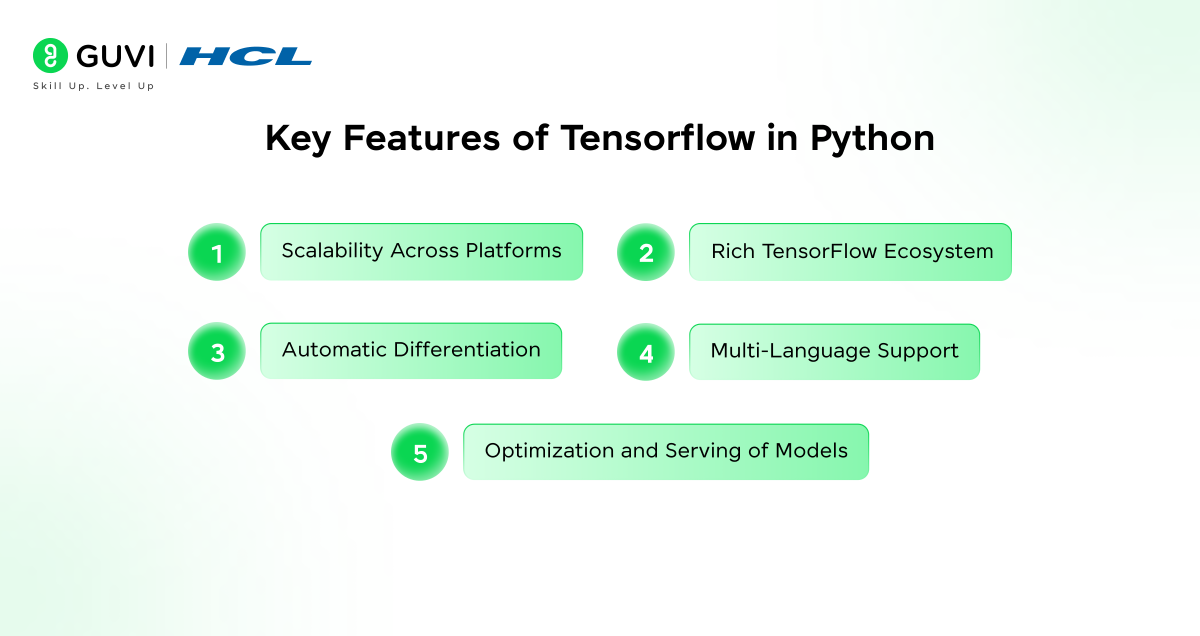
1. Scalability Across Platforms
TensorFlow can run on:
- Laptops and desktops
- Cloud servers
- Mobile devices
- Embedded and edge devices
It also supports distributed training, letting you train models on large datasets efficiently across multiple machines.
2. Rich TensorFlow Ecosystem
TensorFlow isn’t just a single library, it’s a collection of tools that support every phase of machine learning development:
- TensorFlow Core: low-level APIs to describe and run computations
- Keras: a high-level API to build neural networks easily, now running on TensorFlow, JAX, or PyTorch
- TensorFlow Lite: built for mobile and edge devices
- TensorFlow.js: runs machine learning directly in the browser
- TensorFlow Extended (TFX): production ML pipelines
- TensorFlow Hub: ready-to-use pre-trained models
Together, this ecosystem bridges the gap between experimentation and deployment.
3. Automatic Differentiation
Automatic differentiation is one of TensorFlow’s strongest capabilities. During training, TensorFlow automatically calculates the gradients of model parameters. This makes backpropagation straightforward, so optimizers like gradient descent can be used effectively without manually computing derivative terms by hand.
4. Multi-Language Support
Beyond Python, TensorFlow offers APIs in:
- C++
- Java
- JavaScript
This makes TensorFlow accessible to developers from different backgrounds, while Python remains the primary learning interface.
5. Optimization and Model Serving
TensorFlow includes built-in capabilities to:
- Speed up how fast models run
- Reduce model size
- Deploy models into production environments
These capabilities matter most once you move from experimentation to building real-world applications.
Understanding Tensorflow Architecture
TensorFlow functions based on the concept of a computational graph.
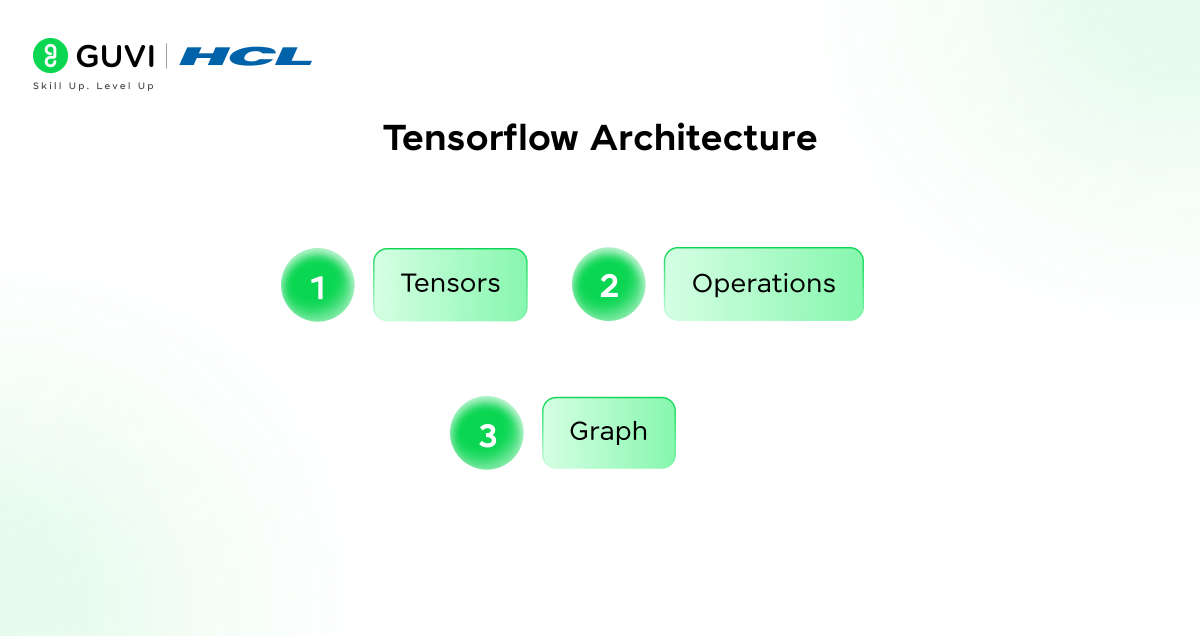
Key components:
- Tensors: multi-dimensional arrays used to store data
- Operations: mathematical functions applied to tensors
- Graph: a network that defines how data flows between operations
In TensorFlow 2.x, eager execution is the default, meaning computations run immediately, just like regular Python code. This makes debugging and learning significantly easier than the graph-first approach used in TensorFlow 1.x.
Workflow of TensorFlow
The general design of a machine learning process with TensorFlow in Python consists of a series of steps that transform raw data into a trained model that can be used to make predictions.
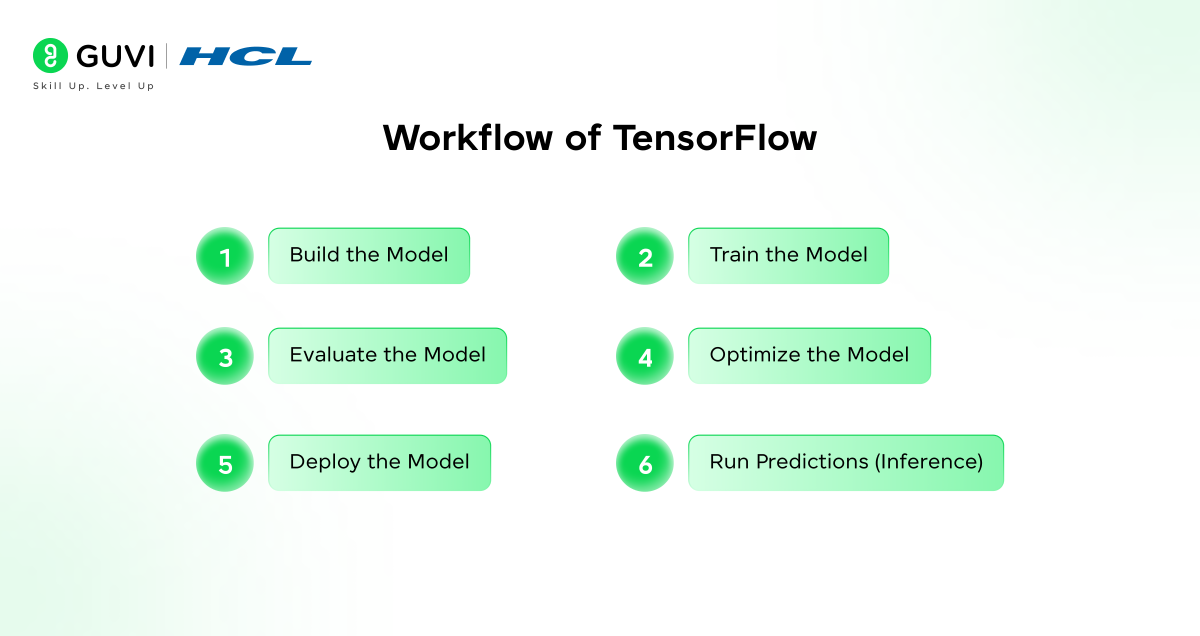
1. Build the Model
This step defines the model’s structure, the number of layers and how data flows through each one. Beginners typically rely on Keras, which simplifies writing models in readable Python code.
2. Train the Model
During training, the model learns by making predictions, measuring its errors, and correcting itself to improve accuracy. This process repeats many times, letting the model progressively learn the patterns in the data.
3. Evaluate the Model
After training, the model is tested against new data to check its performance. This confirms the model generalizes well instead of simply memorizing the training data.
4. Optimize the Model
Optimization improves efficiency by reducing model size, increasing speed, or lowering memory use, particularly important when deploying models to mobile or edge devices.
5. Deploy the Model
Once optimized, the model can be deployed to servers, mobile apps, or embedded systems for use in real-world applications.
6. Run Predictions (Inference)
In the final stage, the deployed model makes predictions on new data, such as classifying images, detecting fraud, or recommending content.
- TensorFlow was originally developed by Google and is widely used in real-world applications like search engines, recommendation systems, and voice assistants.
- The name “TensorFlow” comes from how data (tensors) flows through a computational graph essentially describing how information moves inside a machine learning model.
- TensorFlow powers everyday features such as image recognition, language translation, and even spam detection in emails.
What Is Keras in TensorFlow?
Keras is a high-level neural network API that lets you build TensorFlow in Python models quickly without dealing with low-level operations directly.
Here’s something worth knowing if you’ve used TensorFlow before: as of Keras 3, released in late 2023, Keras is no longer TensorFlow-exclusive.
It’s now a multi-backend framework that can run on top of TensorFlow, JAX, or PyTorch, letting you write model code once and choose the backend that fits your needs.

TensorFlow remains a fully supported, widely used backend, and for most beginners, the TensorFlow backend is still the natural starting point.
With Keras, you can:
- Describe models using simple building blocks
- Experiment rapidly
- Reduce boilerplate code
For learners, Keras remains the most approachable way to start using TensorFlow in Python.
Installing TensorFlow in Python
Before installing TensorFlow in Python, make sure you have Python 3.10 or later and pip installed. TensorFlow 2.21, the current release, supports Python versions 3.10 through 3.13.
Installation:
pip install tensorflowVerification:
python
import tensorflow as tf
print(tf.__version__)
If a version number prints without errors, TensorFlow is installed correctly.
Advantages of TensorFlow in Python
TensorFlow has some advantages which makes it one of the most popular machine learning systems today.
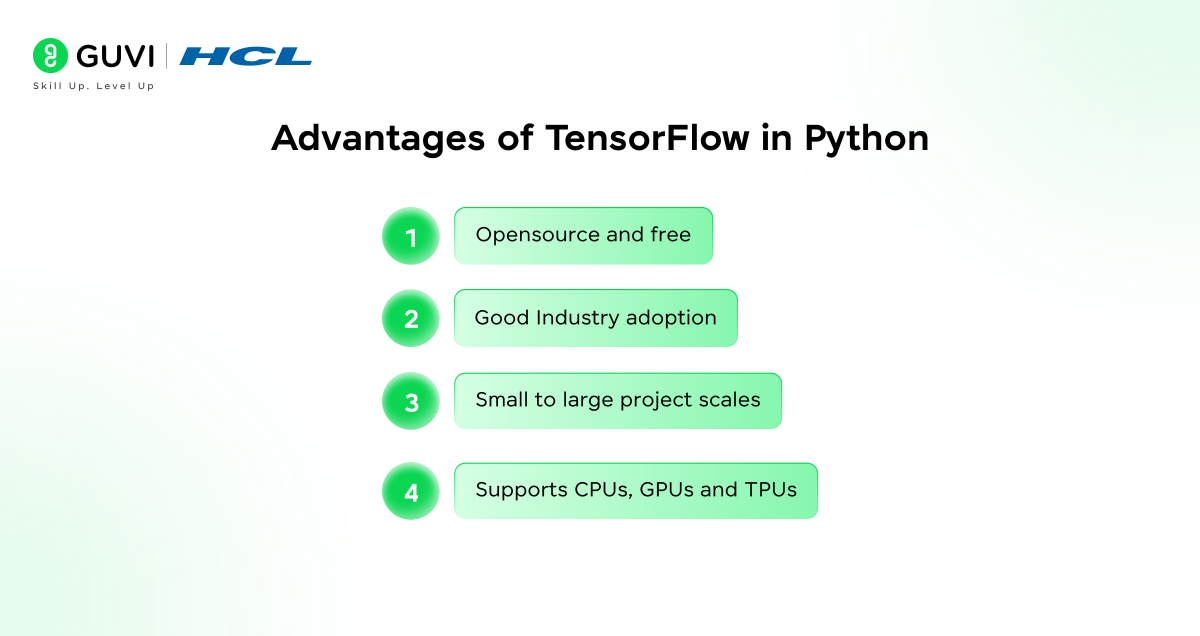
Some major advantages include:
- Open-source and free: TensorFlow is open-source and continually improved by a large international community, keeping it accessible to both learners and specialists.
- Strong industry adoption: major technology companies use TensorFlow, keeping TensorFlow skills in high demand in the job market.
- Scales from small to large projects: TensorFlow supports simple beginner projects as well as large-scale production systems.
- Supports CPUs, GPUs, and TPUs: this flexibility enables faster training and efficient execution across different hardware setups.
- A vibrant ecosystem and documentation: with tools like Keras, TensorFlow Lite, and extensive learning resources, new developers can learn and build with confidence.
Together, these benefits make TensorFlow in Python a solid, future-proof choice for both long-term learning and practical application.
Limitations of TensorFlow in Python
Despite its many strengths, TensorFlow in Python has a few challenges worth knowing about as a beginner.
Common limitations include:
- A steep learning curve when trying to use it fully, especially while also learning core machine learning concepts
- Less beginner-friendly than some simpler machine learning libraries, at least at the lower-level API
- Can feel unnecessarily heavy for very small or simple tasks where a lightweight library would do
That said, TensorFlow 2.x is considerably more beginner-friendly than earlier versions, with easier APIs and better debugging tools built in.
TensorFlow vs Other Machine Learning Frameworks
TensorFlow is often compared with other popular frameworks.
| Aspect | TensorFlow | PyTorch | Scikit-learn |
|---|---|---|---|
| Primary Use | Deep learning and production | Research and prototyping | Classical ML |
| Deployment | Extensive tools | Limited | Minimal |
| Learning Curve | Moderate | Easier for research | Very easy |
| Neural Networks | Strong support | Strong support | Limited |
How to Choose Between TensorFlow, PyTorch, and Scikit-learn
The comparison table above shows the differences, but here’s how to actually decide.
- Building a classical ML model (regression, decision trees, clustering) on structured, tabular data? Start with Scikit-learn. It’s the simplest and fastest route for problems that don’t need deep learning at all.
- Deploying a deep learning model to production, whether on servers, mobile, or edge devices? TensorFlow’s deployment tooling (TensorFlow Lite, TensorFlow.js, TFX) is the most mature option covered here.
- Doing deep learning research or fast prototyping where you’ll be rewriting model architectures often? PyTorch’s more Pythonic, flexible style tends to suit that workflow well.
- Not sure yet, or want flexibility later? Keras 3 lets you write model code once and run it on a TensorFlow, JAX, or PyTorch backend, so you’re not fully locked into one ecosystem from day one.
Master Python the right way with HCL GUVI’s Python Course, where core concepts are broken down through real-world examples and hands-on practice, a strong foundation before you dive into TensorFlow.
Common Mistakes Beginners Make With TensorFlow in Python
A handful of habits trip up almost everyone starting out with TensorFlow in Python.
- Skipping Python fundamentals first. TensorFlow assumes comfort with Python basics like functions, loops, and NumPy arrays. Shaky fundamentals make debugging TensorFlow code far harder than it needs to be.
- Jumping straight to building custom models. Start with Keras’s high-level API and pre-built layers before writing lower-level TensorFlow Core code.
- Ignoring data shapes and types. A huge share of beginner errors in TensorFlow in Python come from mismatched tensor shapes or data types, not from the model logic itself.
- Not using a GPU when one’s available. Training even a modest neural network on CPU alone can take dramatically longer than necessary.
- Treating warnings as errors, or ignoring them entirely. TensorFlow’s deprecation and shape warnings are usually worth reading closely rather than either panicking over or dismissing.
Wrapping It Up
Now that you know what TensorFlow in Python is, it should be clear why it matters so much in AI development today. TensorFlow is powerful, flexible, scalable, and, combined with Python and Keras, genuinely approachable for beginners.
Mastering TensorFlow in Python is a future-proof investment, whether you’re starting your AI journey or deepening your data science skills. With practice and real-world projects, TensorFlow can help you build intelligent systems that solve genuinely useful problems.
FAQs
1. What is TensorFlow in Python?
TensorFlow Python is an open source machine learning library, which enables developers to create, train and deploy machine learning and deep learning models in Python.
2. Can a beginner work with TensorFlow?
Yes, TensorFlow is easy to learn, in particular with the high-level Keras API, which makes building models easier and makes models easier to learn by others.
3. Do I need advanced math to learn TensorFlow?
No, it does not require sophisticated math to begin with. The initial knowledge of the concepts of algebra and machine learning is sufficient.
4. Why is Python preferred for TensorFlow?
Python is friendly to learn and has found extensive application in data science, second, Python works with tools and libraries of TensorFlow, which make it easier and quicker to develop.
Success Stories

About the Author
Jebasta
I translate the language of data into stories that anyone can understand. As a writer with a data science background, I simplify analytics, AI, and decision-making so beginners and enthusiasts can confidently explore the world of data.
View all posts by Jebasta
Connect with me @











Did you enjoy this article?