


Salesforce Articles
Salesforce Admin Interview Questions and Answers for Success in 2026
Salesforce Trigger Interview Questions & Answers
Salesforce API: Integration and Automation Guide
What is Salesforce Architecture: Components, Layers & Workflow


Get In Touch For Details! Request More Information
Top 10 Apex Interview Questions & Answers in Salesforce
Sep 22, 2026 5 Min Read 24 Views
(Last Updated)
Salesforce Apex is one of the most sought-after skills in the CRM world right now, and if you’re gearing up for a Salesforce developer interview, you can count on Apex interview questions taking center stage. Interviewers want to know not just whether you’ve used Apex, but whether you understand how it works under the hood and how to write code that performs well in a real org.
Table of contents
- TL;DR Summary
- What Is Apex in Salesforce?
- Q1: What are governor limits, and why do they exist?
- Q2: What Is an Apex Trigger, and When Do You Use One?
- Q3: What Are Trigger Context Variables?
- Q4: What Is Bulkification and Why Does It Matter?
- Q5: What Is the Difference Between SOQL and SOSL?
- Q6: What Are the Types of Asynchronous Apex?
- Q7: What Is Batch Apex, and How Does It Work?
- Q8: What Is the Difference Between a Class and a Trigger?
- Q9: How Do You Write a Test Class in Apex?
- Q10: What are the with-sharing and without-sharing keywords?
- Quick Tips Before Your Interview
- Conclusion
- FAQs
- What are governor limits and why do they matter?
- When should I use a trigger vs a class?
- How do Trigger context variables help?
- What is bulkification and one common anti-pattern?
- When to use SOQL vs SOSL?
- Which async option should I pick?
- What makes a good Apex test class?
TL;DR Summary
- Apex is Salesforce’s strongly typed, Java-like server-side language for automating business logic and extending the platform.
- Governor limits (SOQL, DML, CPU, heap) protect the multi-tenant platform write bulkified code to stay within them.
- Use one trigger per object and move logic to handler classes; avoid SOQL/DML inside loops.
- Async options (Future, Queueable, Batch, and Scheduled) let you handle large or long-running work; Batch splits work into transactions.
- Test classes with @isTest, Test.startTest()/stopTest(), and assertions are required for deployment and reliable code.
What Is Apex in Salesforce?
Apex is a strongly typed, object-oriented programming language built by Salesforce. It runs on Salesforce’s servers and lets developers automate business logic, build triggers, create web services, and extend the platform beyond what declarative tools allow.
If you’ve worked with Java before,
- Apex will feel familiar.
- The syntax is similar, but Apex runs in a multi-tenant cloud environment.
- which changes how you write code, especially around resource usage.
To know more about Salesforce careers in India, including roles, skills, salary, and growth opportunities, check out Salesforce Careers in India.
Q1: What are governor limits, and why do they exist?
This is one of the most common Apex interview questions you’ll face, and for good reason.
Governor limits are runtime restrictions that Salesforce enforces on every Apex transaction. Since Salesforce is a
- multi-tenant platform, meaning thousands of companies share the same infrastructure,
- These limits prevent any single piece of code from hogging resources and slowing everyone else down.
Enroll in HCL GUVI’s Salesforce Course and learn Apex, triggers, integrations, and real-world development hands-on.
Here are the key limits you should know:
| Governor Limit | Limit Value |
| SOQL queries per transaction | 100 |
| DML statements per transaction | 150 |
| Records retrieved by SOQL | 50,000 |
| CPU time (synchronous) | 10,000 ms |
| Heap size (synchronous) | 6 MB |
| Callouts per transaction | 100 |
- The best way to stay within these limits is to write bulkified code, meaning your code should handle many records at once, not just one at a time.
- Never put an SOQL query inside a for loop. Query once, store results in a collection, then process the collection. That single habit keeps you out of trouble most of the time.
Q2: What Is an Apex Trigger, and When Do You Use One?
An Apex trigger is a piece of code that runs automatically when a record is inserted, updated, deleted, or undeleted in Salesforce. Think of it as an event listener attached to an object.
Best practices: follow the single-trigger-per-object rule, keep the trigger thin, and delegate logic to a separate handler class (trigger handler pattern). This improves testability, predictable execution order, and maintainability.
Q3: What Are Trigger Context Variables?
Trigger context variables are built-in variables available inside every trigger. They give you information about the current operation and the records being processed.
The ones you’ll use most often:
- Trigger. New gives you a list of the new versions of records being inserted or updated.
- Trigger old gives you the old versions of records before the update or delete. Trigger.isInsert,
- Trigger.isUpdate and Trigger. isDelete tells you which operation is happening.
- Trigger.isBefore and Trigger. isAfter tells you which phase you’re in.
A common interview follow-up: “Can you use Trigger. old in an insert trigger?”
The answer is no, there’s no previous version of a record that’s being created for the first time.
Q4: What Is Bulkification and Why Does It Matter?
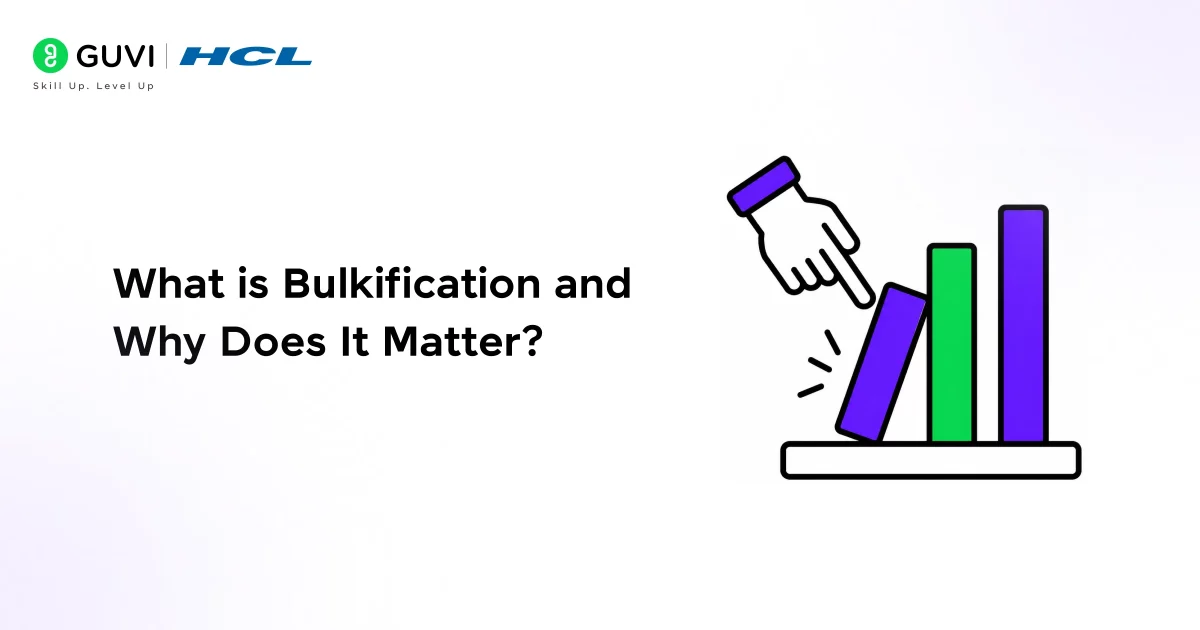
Bulkification means writing Apex that can handle a batch of records in one go, rather than processing one record at a time. Salesforce processes up to 200 records per trigger execution, so your code must be ready for that.
- The classic mistake interviewers watch for is putting SOQL queries or DML statements inside a loop. If 200 records trigger your code and you query inside the loop, you’ll fire 200 SOQL queries and immediately exceed the 100-query limit.
- The fix is simple: move your queries outside the loop, use a map to store results, and update your records in a single call after the loop. This pattern keeps your transaction efficient regardless of how many records CODML me in.
Q5: What Is the Difference Between SOQL and SOSL?
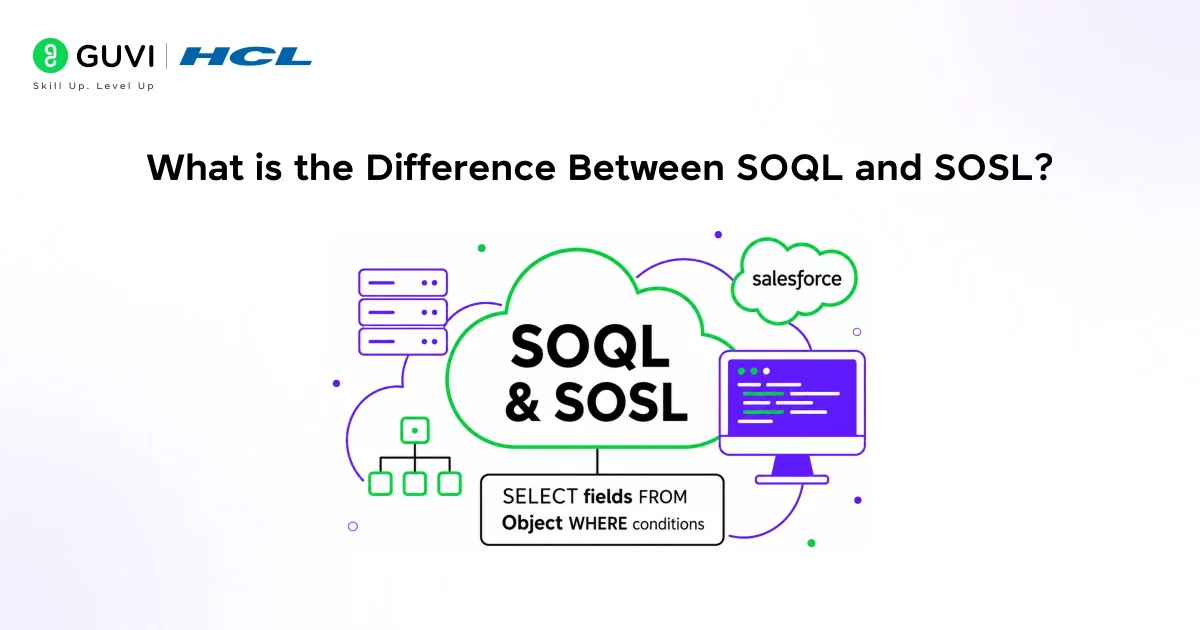
Both SOQL and SOSL are query languages for Salesforce, but they serve different purposes.
- SOQL (Salesforce Object Query Language) works like SQL. You query a single object at a time and can filter, sort, and limit results. Use it when you know which object you’re querying.
- SOSL (Salesforce Object Search Language) searches across multiple objects and multiple fields at once. It’s built for text-based searching. Use it when you need to find a phone number or name that could exist across Contacts, Leads, and Accounts simultaneously.
- A quick example of SOQL: SELECT Id, Name FROM Account WHERE Industry = ‘Technology’. You’re going to a specific table for specific records. SOSL is broader and searches more like a search engine across the org.
Q6: What Are the Types of Asynchronous Apex?
Synchronous Apex runs in real time, and the user waits for it to finish. Asynchronous Apex runs in the background, freeing up the user and giving you higher governor limits. Interviewers love asking you to compare the different async types.
Here’s how they compare:
| Async Type | Best For | Key Limitation |
| @future method | Simple background operations, callouts | Cannot be called from another future/batch |
| Batch Apex | Processing millions of records | Slower to enqueue, max 5 from sync context |
| Queueable Apex | Complex async logic, chaining jobs | Replaces most @future use cases |
| Scheduled Apex | Running jobs on a schedule (daily, weekly) | Tied to a time-based schedule |
The follow-up question is almost always, “Can a future method call another future method?” No, it cannot. Salesforce blocks that to prevent cascading async calls. If you need chaining, use Queueable Apex, which supports job chaining through the System. enqueueJob() method.
In Salesforce Apex triggers, a single execution can process up to 200 records in a batch context. Because of this, writing unbulkified code—such as performing SOQL queries or DML operations inside loops—can quickly exceed governor limits and lead to runtime failures in production. To ensure scalability and reliability, Apex best practices emphasize bulkification: handling collections of records in a single operation rather than processing them individually. This approach is essential for building efficient, high-performance logic in multi-tenant Salesforce environments.

Q7: What Is Batch Apex, and How Does It Work?
Batch Apex is used when you need to process large volumes of records, we’re talking millions that would otherwise exceed governor limits in a single transaction.
A Batch Apex class implements the database. Batchable interface and requires three methods:
- start() fetches the records to process;
- execute() handles the logic on each chunk (default 200 records per chunk);
- and finish() runs after all chunks are processed, useful for sending summary emails or triggering follow-up jobs.
Each chunk in a batch job runs in its own separate transaction with its own fresh governor limits. That’s what makes Batch Apex so powerful for large data operations.
Q8: What Is the Difference Between a Class and a Trigger?
This is a foundational question that sometimes trips up candidates who’ve only memorized code without understanding the structure.
- A trigger is tied directly to a Salesforce object and fires in response to data events (insert, update, delete). It’s reactive; something happens to a record, and the trigger responds.
- A class is a reusable block of code that you design and call when needed. It can contain methods, variables, and business logic. Triggers call classes; classes don’t call triggers.
Best practice is to keep triggers thin and push all the logic into a handler class. This makes your code easier to test, maintain, and extend over time.
Q9: How Do You Write a Test Class in Apex?
Salesforce requires at least 75% code coverage before you can deploy any Apex code to production. Test classes are how you achieve that coverage.
A test class uses the @isTest annotation. Inside your test methods,
- you use Test.startTest() and Test.stopTest() to isolate the code you’re testing and
- reset governor limits.
- You create test data inside the test class itself. Never rely on existing org data, since that data doesn’t exist in scratch orgs or sandboxes.
A good answer also mentions assertions. It’s not enough to run your code in a test
- You should use System. assertEquals() or System.assertNotEquals() to verify the outcome.
- Coverage without assertions is a code smell that interviewers notice.
Q10: What are the with-sharing and without-sharing keywords?
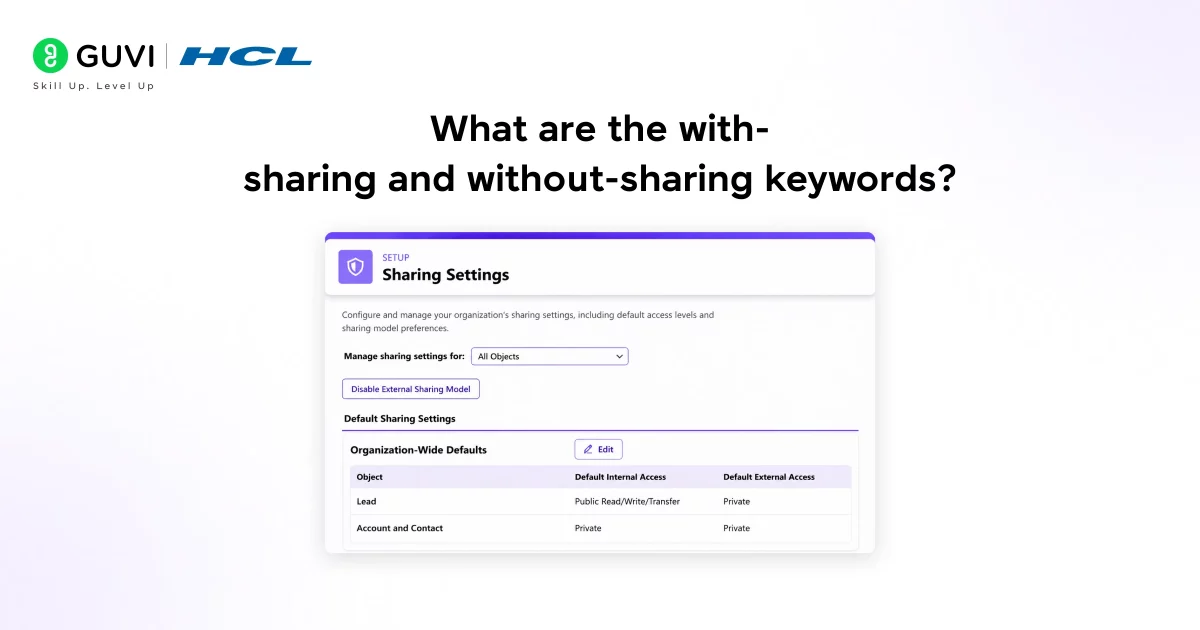
These keywords control whether your Apex class respects the org’s sharing rules. Salesforce’s sharing model determines which records a user can see based on roles, profiles, and sharing rules.
A class declared with sharing enforces those rules the code can only access records the running user is allowed to see. A class declared without sharing ignores sharing rules and can access all records regardless of permissions.
“Without sharing” is used carefully for system-level operations where you genuinely need access to all records, like batch jobs that process the entire dataset. Using it carelessly can expose data to users who shouldn’t see it, which is a security risk.
Quick Tips Before Your Interview
- Prepare for scenario-based questions, not just theory. Interviewers often ask things like “How would you handle a trigger that’s running recursively?” or “Your batch job is timing out, what do you check first?”
- Write code before your interview. Even simple trigger exercises that practice bulkification and collection usage will sharpen your thinking. Use Trailhead to practice in a real Salesforce environment for free.
- Know the Limits class. Being able to say “I use Limits.getQueries() to check how many SOQL queries I’ve used at runtime” shows a level of depth that stands out.
You just reviewed the top Apex interview questions for Salesforce, from triggers and governor limits to Batch Apex and test classes. Ready to master Apex and become a certified Salesforce developer? Enroll in HCL GUVI’s Salesforce Course and learn Apex, triggers, integrations, and real-world development hands-on.
Conclusion
Apex interviews test both your coding knowledge and your understanding of how Salesforce actually works as a platform. Governor limits, triggers, bulkification, and asynchronous processing are the pillars every interviewer comes back to.
Nail those fundamentals and practice writing real code, and you’ll be well prepared for whatever the interviewer puts in front of you. The next step is to open a Trailhead playground, write a trigger from scratch, and test it. Hands-on practice is what separates good answers from great ones.
FAQs
1.What are governor limits and why do they matter?
Governor limits are runtime caps (queries, DML, CPU, heap) Salesforce enforces to protect the shared platform. Staying under limits requires bulkified patterns and efficient queries.
2. When should I use a trigger vs a class?
Triggers respond to data events and should stay thin; put business logic in reusable handler classes to improve testability and control execution order.
3. How do Trigger context variables help?
Context vars like Trigger.new, Trigger.old, and Trigger.isInsert tell you which records and operation phase you’re in, enabling correct conditional logic inside triggers.
4. What is bulkification and one common anti-pattern?
Bulkification means handling many records at once (up to 200); a common anti-pattern is placing SOQL/DML inside a loop, which quickly exceeds limits.
5. When to use SOQL vs SOSL?
Use SOQL for targeted queries on a single object; use SOSL when searching across multiple objects/fields for text or unknown locations.
6. Which async option should I pick?
Use Queueable for complex chained jobs, Batch Apex for millions of records, @future for simple callouts, and Scheduled Apex for timed tasks.
7. What makes a good Apex test class?
Create isolated test data, use @isTest with Test.startTest()/stopTest(), and assert outcomes coverage without assertions is not enough.
Success Stories

About the Author
Vishalini Devarajan
An Aerospace Engineer turned content writer, I focus on making complex concepts easy to understand through well-structured, reader-friendly blogs. Whether it’s a technical topic or a non-technical one, I love creating content that is clear, engaging, and impactful.
View all posts by Vishalini Devarajan
Connect with me @









Did you enjoy this article?