


Salesforce Articles
Salesforce Admin Interview Questions and Answers for Success in 2026
Salesforce Trigger Interview Questions & Answers
What is Salesforce Architecture: Components, Layers & Workflow
Top Salesforce Jobs in 2026: High‑Paying Roles & Career Growth


Get In Touch For Details! Request More Information
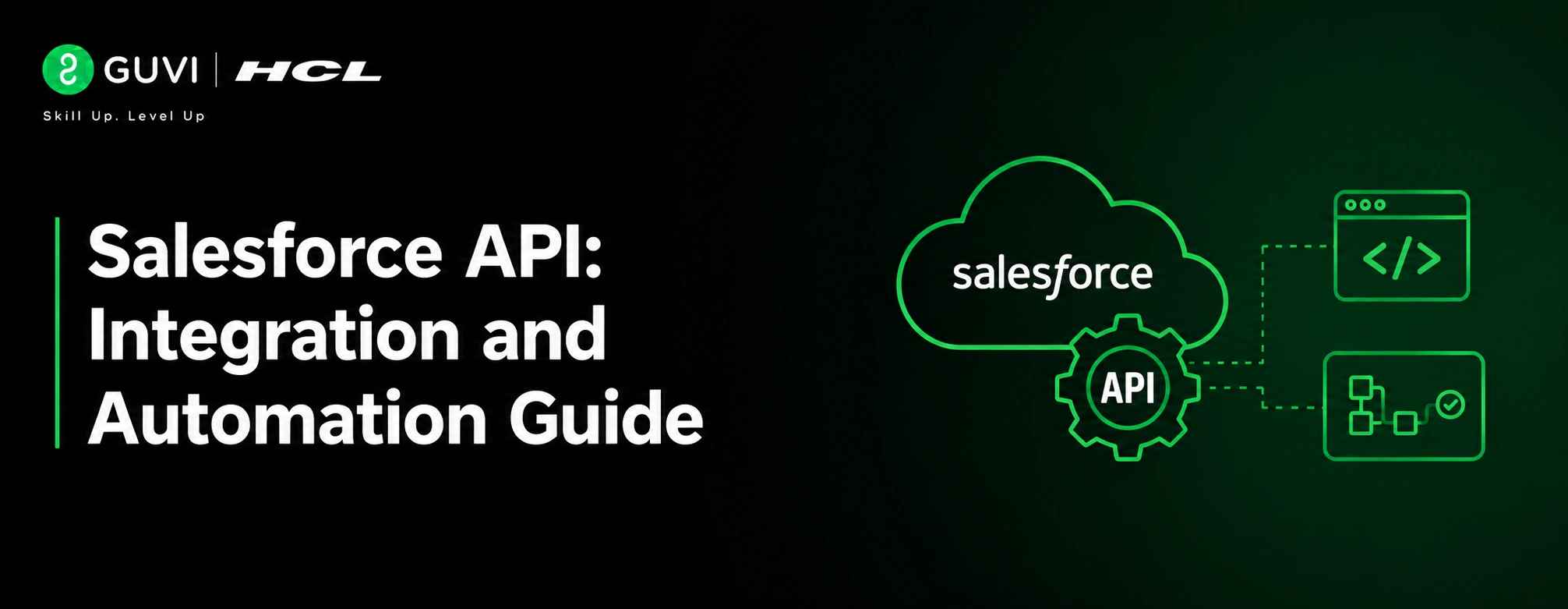
Salesforce API: Integration and Automation Guide
Jun 10, 2026 4 Min Read 569 Views
(Last Updated)
Table of contents
- TL;DR
- Introduction
- What Is Salesforce API?
- Why Salesforce APIs Matter
- How Salesforce API Works
- Types of Salesforce APIs
- REST API
- SOAP API
- Bulk API
- GraphQL API
- Metadata API
- Salesforce API Authentication Methods
- OAuth 2.0
- Username and Password Flow
- JWT Bearer Flow
- Real World Salesforce API Use Cases
- CRM and E-commerce Integration
- Marketing Automation
- Customer Support Systems
- Mobile Applications
- Business Intelligence
- Salesforce API Example
- Best Practices for Using Salesforce APIs
- Use OAuth Authentication
- Minimize API Calls
- Monitor API Limits
- Handle Errors Properly
- Use Bulk API for Large Datasets
- Secure Sensitive Data
- Common Mistakes to Avoid
- Ignoring API Limits
- Using the Wrong API
- Hardcoding Credentials
- Retrieving Excessive Data
- Poor Error Management
- Conclusion
- FAQs
- What is Salesforce API used for?
- Which Salesforce API is best for beginners?
- What is the difference between REST API and SOAP API in Salesforce?
- What is Salesforce GraphQL API?
- Is Salesforce API free to use?
TL;DR
- A Salesforce API is a set of protocols and tools that allows external applications to interact with Salesforce.
- Developers use Salesforce APIs to create, read, update, and delete data, automate business processes, and connect Salesforce with other systems.
- Salesforce offers multiple APIs, including REST API, SOAP API, Bulk API, GraphQL API, and Metadata API, each designed for different use cases.
- Understanding Salesforce APIs helps developers build scalable integrations and automate workflows effectively.
Introduction
Salesforce powers customer relationship management (CRM) for businesses of all sizes. Its true value, however, comes from its ability to connect with websites, mobile apps, ERP systems, marketing platforms, analytics tools, and other business applications. This connectivity is made possible through Salesforce APIs, which enable seamless data exchange, workflow automation, and system integration. Whether you’re building custom applications, synchronizing customer data, or connecting third-party services, understanding Salesforce APIs is essential for creating scalable and efficient business solutions.
What Is Salesforce API?
A Salesforce API (Application Programming Interface) is a set of rules and endpoints that allows applications to interact with Salesforce data and services programmatically.
Instead of manually entering or retrieving information through the Salesforce interface, developers can use APIs to transfer data automatically between Salesforce and other systems.
For instance, an e-commerce application can use Salesforce APIs to create customer records automatically after a purchase. Similarly, a marketing platform can grab lead information from Salesforce to run targeted campaigns.
Salesforce provides a wide range of APIs designed for various integration scenarios, from real-time data access to large-scale data processing.
Interested in Salesforce development and automation? HCL GUVI’s Salesforce Course helps you build hands-on skills in APIs, integrations, and real-world Salesforce applications.
Why Salesforce APIs Matter
Modern businesses use multiple software applications across departments. Without integration, data becomes scattered across systems.
Salesforce APIs help tackle this issue by enabling:
- Real-time data synchronization
- Business process automation
- Application integration
- Improvements in customer experience
- Faster software development
- Less manual work
For example, a support platform can pull customer information from Salesforce before an agent handles a ticket, which improves response times and boosts customer satisfaction.
How Salesforce API Works
Salesforce APIs operate through requests and responses.
The process usually follows these steps:
- An application sends a request to Salesforce.
- Salesforce checks the request.
- The API processes the requested operation.
- Salesforce sends back the requested data or status response.
A request can perform actions such as:
- Retrieving customer records
- Creating new leads
- Updating account information
- Deleting outdated records
- Running queries on Salesforce data
Most modern Salesforce integrations use HTTP-based communication and exchange data in JSON format.
Types of Salesforce APIs
Salesforce offers several APIs tailored to specific business and development needs.
Quick Glance:
| API Type | Best For |
| REST API | Web and mobile applications |
| SOAP API | Enterprise and legacy integrations |
| Bulk API | Large-scale data processing |
| GraphQL API | Optimized data retrieval |
| Metadata API | Configuration and deployment management |
1. REST API
REST API is one of the most commonly used Salesforce APIs.
It uses standard HTTP methods such as:
- GET
- POST
- PUT
- PATCH
- DELETE
REST API is lightweight, easy to use, and suitable for web applications, mobile applications, and cloud integrations.
Common use cases include:
- Retrieving customer records
- Updating contacts
- Integrating websites with Salesforce
- Building mobile applications
Salesforce continues to promote REST API as a key integration option for accessing and managing Salesforce data.
2. SOAP API
SOAP API uses XML-based messaging and follows strict communication standards.
It is often used in enterprise environments where:
- Strong security requirements exist
- Formal contracts are necessary
- Legacy systems need SOAP support
Even though REST is more popular today, SOAP remains valuable for some enterprise integrations.
3. Bulk API
Bulk API is designed to process large volumes of data efficiently.
Instead of handling records one by one, Bulk API processes data in batches.
Common use cases include:
- Data migration projects
- Importing millions of records
- Exporting large datasets
- ETL operations
Bulk API significantly improves performance when managing large-scale data tasks.
4. GraphQL API
GraphQL API offers a modern way to retrieve Salesforce data.
Unlike traditional APIs that might require multiple requests, GraphQL allows developers to request exactly the fields they want through a single endpoint. This cuts down on data transfer and enhances application performance. Salesforce offers benefits such as field selection, resource aggregation, and schema introspection.
Key advantages include:
- Fewer network requests
- Better performance
- Flexible queries
- Optimized responses
Salesforce has expanded GraphQL features in recent updates, including support for mutations that allow the creation, updating, and deletion of records.
5. Metadata API
The metadata API focuses on application configuration instead of business data.
Developers use it to:
- Deploy customizations
- Manage configurations
- Move components between environments
- Automate release processes
It is widely used in DevOps and CI/CD workflows within Salesforce.
Salesforce API Authentication Methods
Before accessing Salesforce data, applications must authenticate.
Common authentication methods include:
1. OAuth 2.0
OAuth 2.0 is the most widely used authentication method in Salesforce integrations.

Benefits include:
- Secure authorization
- Token-based access
- User permission control
- Industry standard security
2. Username and Password Flow
This method uses Salesforce credentials directly.
While simple, it is generally less secure than OAuth-based approaches and should be used cautiously.
3. JWT Bearer Flow
JWT authentication is often used for server-to-server integrations where user interaction is not needed.
It provides better security and automation capabilities.
Real World Salesforce API Use Cases
1. CRM and E-commerce Integration
Online stores can automatically create customer profiles and sales records in Salesforce after purchases.
2. Marketing Automation
Marketing platforms can pull lead information from Salesforce and trigger personalized campaigns.
3. Customer Support Systems
Support applications can access account histories and customer records directly from Salesforce.
4. Mobile Applications
Mobile apps can display and update Salesforce data in real-time.
5. Business Intelligence
Analytics tools can extract Salesforce data to create reports, dashboards, and insights.
Salesforce API Example
Suppose you want to retrieve account information using the Salesforce REST API.
A typical API request may look like this:
GET /services/data/v66.0/sobjects/Account/
The request is sent to Salesforce after authentication.
Salesforce then returns account information in JSON format, which can be shown in an application or processed further. Understanding API response structures can help developers interpret and work with returned data more effectively.
This simple method forms the basis of numerous Salesforce integrations used by businesses worldwide.
Interested in learning how APIs work in real web applications? Check out HCL GUVI’s JavaScript eBook, which covers core development concepts used in modern API integrations and web development projects.
Best Practices for Using Salesforce APIs
1. Use OAuth Authentication
OAuth provides stronger security and better access management than basic credential-based methods.
2. Minimize API Calls
Reduce unnecessary requests by retrieving only the data you need.
3. Monitor API Limits
Salesforce sets API usage limits. Keeping track of usage helps prevent disruptions.
4. Handle Errors Properly
Implement robust error handling and logging to improve reliability.
5. Use Bulk API for Large Datasets
Processing large data volumes through Bulk API boosts performance and efficiency.
6. Secure Sensitive Data
Always use HTTPS and follow Salesforce security guidelines for data protection.
Salesforce APIs are essential for building integrations and automation workflows. If you want to gain practical Salesforce skills and hands-on experience, you can explore HCL GUVI’s Salesforce Course to deepen your understanding of Salesforce concepts and real-world applications.
Common Mistakes to Avoid
1. Ignoring API Limits
Exceeding limits can result in integration failures.
2. Using the Wrong API
Each Salesforce API serves a different purpose. Choosing the right API improves performance and maintainability.
3. Hardcoding Credentials
Store credentials securely instead of embedding them directly in the source code.
4. Retrieving Excessive Data
Requesting unnecessary fields increases response sizes and slows down performance.
5. Poor Error Management
Failing to handle API errors can lead to unstable integrations.
Conclusion
Salesforce APIs are essential tools for building integrations, automating workflows, and extending Salesforce capabilities beyond the CRM platform. Whether you’re connecting business applications, syncing customer data, or developing enterprise solutions, Salesforce provides specialized APIs for nearly every integration scenario.
For beginners, the REST API is often the best place to start due to its simplicity and widespread use. As your projects grow, you can explore Bulk API for large-scale tasks, GraphQL API for optimized data retrieval, and Metadata API for deployment automation. Understanding these APIs will help you create scalable, secure, and efficient Salesforce solutions.
FAQs
1. What is Salesforce API used for?
Salesforce API connects Salesforce with external applications, automates workflows, and exchanges data programmatically.
2. Which Salesforce API is best for beginners?
REST API is usually considered the best starting point because it is simple, lightweight, and widely supported.
3. What is the difference between REST API and SOAP API in Salesforce?
REST API uses JSON and standard HTTP methods, while SOAP API uses XML-based messaging and stricter communication standards.
4. What is Salesforce GraphQL API?
Salesforce GraphQL API allows developers to request exactly the data they need through a single endpoint, reducing unnecessary data transfer and improving performance.
5. Is Salesforce API free to use?
Salesforce APIs are included with supported Salesforce editions, but usage is subject to API limits and licensing terms set by Salesforce.
Success Stories

About the Author
Vishalini Devarajan
An Aerospace Engineer turned content writer, I focus on making complex concepts easy to understand through well-structured, reader-friendly blogs. Whether it’s a technical topic or a non-technical one, I love creating content that is clear, engaging, and impactful.
View all posts by Vishalini Devarajan
Connect with me @










Did you enjoy this article?