


Python Articles
Freelancing as a Python Developer: Getting Your First Client
Common Python Mistakes Beginners Make And How to Fix Them
Python Best Practices: Writing Clean, Maintainable Code Like a Pro
How to Build a Python Developer Portfolio That Gets You Hired


Get In Touch For Details! Request More Information
Python Packaging with pyproject.toml Explained
Aug 13, 2026 3 Min Read 1351 Views
(Last Updated)
Python packaging has historically been fragmented — setup.py, setup.cfg, MANIFEST.in, tox.ini, and more scattered across a project root. pyproject.toml changes that. Introduced through PEP 518 and expanded by PEP 621, it provides a single, standardized configuration surface that modern tools — pip, build, Poetry, Hatch, PDM — all understand natively.
If you are still using a bare setup.py in 2026, this guide is the upgrade path you need.
Table of contents
- Quick TL;DR
- The Core Structure of pyproject.toml
- Breaking Down Each Table
- Tool Configuration and Project Layout
- Building, Publishing, and Migration
- Common Mistakes to Avoid
- Conclusion
- FAQ
- What is pyproject.toml used for?
- Is pyproject.toml a replacement for setup.py?
- Which build backend should I choose?
- Can I keep using setup.cfg alongside pyproject.toml?
- What is the difference between dependencies and optional-dependencies?
Quick TL;DR
- pyproject.toml is the modern, PEP-standardized configuration file that replaces setup.py and setup.cfg for Python packaging.
- It centralizes build system declaration, project metadata, and tool configuration in a single file — making projects cleaner, more portable, and easier to maintain.
- This guide covers basic structure, dependency management, build backends, and publishing to PyPI.
Ready to move beyond configuration and build production-grade Python applications? Explore HCL GUVI’s Python Course structured learning that takes you from core fundamentals to real-world projects, with mentorship and placement support built in.
The Core Structure of pyproject.toml
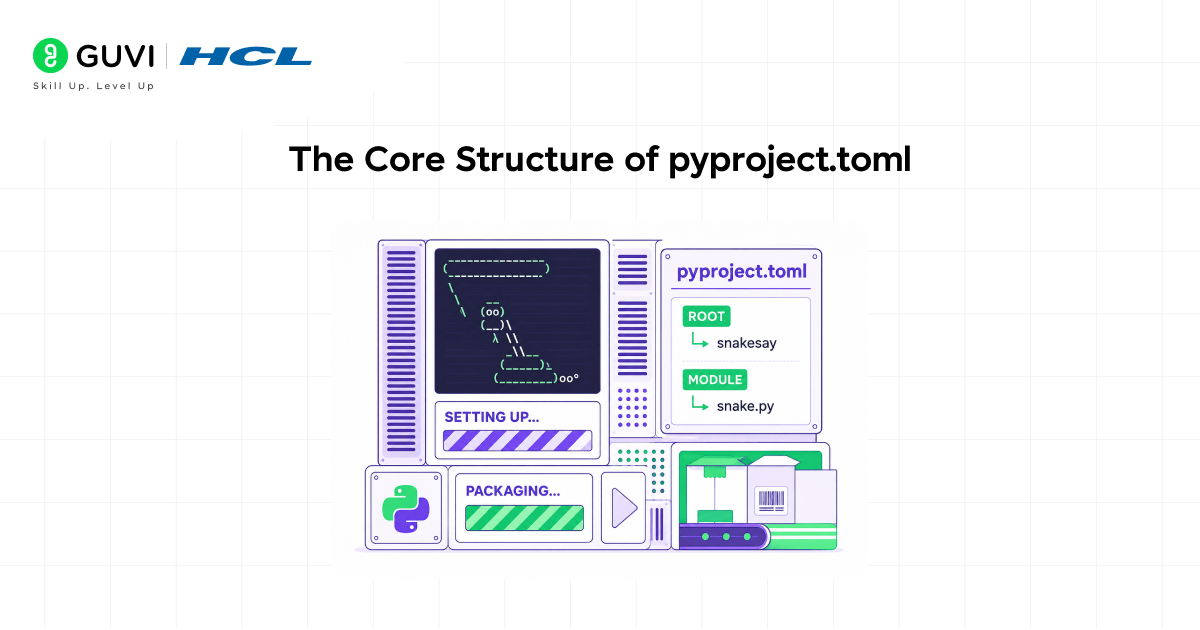
A minimal but complete pyproject.toml:

[build-system]

requires = ["hatchling"]

build-backend = "hatchling.build"

[project]

name = "my-package"

version = "0.1.0"

description = "A short description of the project"

readme = "README.md"

requires-python = ">=3.10"

license = { text = "MIT" }

authors = [

  { name = "Your Name", email = "[email protected]" }

]

dependencies = [

  "requests>=2.28",

  "httpx>=0.24"

]

[project.urls]

Homepage = "https://github.com/yourname/my-package"
Every section has a specific purpose — nothing is implicit, nothing executes at parse time.
Read More: Packaging Your Python Code for Production: Virtualenvs, setup.py & Publishing
PEP 518, which introduced pyproject.toml as the standard configuration file for Python builds, was accepted in 2016, but widespread ecosystem adoption took several years to materialize. A major turning point came with modern packaging tooling—particularly updates in pip 19.0—which helped establish pyproject.toml as a central interface for build system configuration in 2019. Over time, tools such as setuptools, Poetry, and other build backends converged around this standard. By 2026, pyproject.toml has effectively become the authoritative configuration format across the Python packaging ecosystem, simplifying dependency management and build consistency across projects.
Breaking Down Each Table
- [build-system]
Mandatory. Declares the packages pip must install into an isolated build environment (requires) and the backend that performs the build (build-backend).
Common backend choices in 2026:
| Backend | Package | Best For |
| hatchling | hatchling | General-purpose, fast |
| setuptools | setuptools | Legacy compatibility |
| flit-core | flit | Pure Python, minimal |
| poetry-core | poetry-core | Poetry-managed projects |
- [project]
The PEP 621 metadata table. Key fields — name, version, requires-python, dependencies, and optional-dependencies for extras users install explicitly:
[project.optional-dependencies]

dev = ["pytest>=7", "ruff", "mypy"]

docs = ["mkdocs", "mkdocs-material"]

Install with extras: pip install my-package[dev]- Dynamic Metadata
To avoid version drift between code and package metadata, declare version as dynamic:
[project]
name = "my-package"

dynamic = ["version"]

[tool.hatch.version]

path = "src/my_package/__init__.py"- [project.scripts]
Defines CLI entry points — pip creates executable wrappers automatically on install:
[project.scripts]

my-cli = "my_package.cli:main"
Tool Configuration and Project Layout
- Consolidating Tool Config
Tools that previously required separate config files now live under [tool.<name>]:
[tool.pytest.ini_options]

testpaths = ["tests"]

addopts = "-v --tb=short"

[tool.mypy]

strict = true

python_version = "3.11"

[tool.ruff]

line-length = 88

select = ["E", "F", "I"]
This eliminates pytest.ini, mypy.ini, and .flake8 — significantly reducing root-level clutter.
- Recommended src Layout
my-package/

├── src/

│   └── my_package/

│       ├── __init__.py

│       └── core.py

├── tests/

│   └── test_core.py

├── pyproject.toml

└── README.md
With Hatchling, the src layout is auto-detected. With setuptools, declare it explicitly:
[tool.setuptools.packages.find]

where = ["src"]
The src layout prevents accidental imports of local source instead of the installed package — a subtle but real issue in flat layouts.
Ready to move beyond configuration and build production-grade Python applications? Explore HCL GUVI’s Python Course structured learning that takes you from core fundamentals to real-world projects, with mentorship and placement support built in.
Building, Publishing, and Migration
- Building and Publishing
pip install build twine

python -m build

twine upload dist/*
The build tool reads [build-system] automatically. For TestPyPI validation before a real release: twine upload –repository testpypi dist/*
- Migration from setup.py
Before:
from setuptools import setup, find_packages

setup(

    name="my-package",

    version="0.1.0",

    install_requires=["requests"],

    packages=find_packages(),

)
After:
[build-system]

requires = ["setuptools>=68", "wheel"]

build-backend = "setuptools.backends.legacy:build"

[project]

name = "my-package"

version = "0.1.0"

dependencies = ["requests"]

[tool.setuptools.packages.find]

where = ["."]
This retains setuptools as the backend — no changes to existing CI/CD pipelines — while adopting the modern configuration format.
According to the Python Developers Survey 2024, over 68% of Python developers now use pyproject.toml as their primary project configuration file, a significant increase from just 29% in 2021. This shift reflects the broader adoption of modern Python packaging standards introduced through PEPs like 518 and 621. The change has been especially strong among open-source library maintainers, where cleaner and more standardized packaging improves contributor onboarding, dependency management, and overall project portability. As the ecosystem continues to mature, pyproject.toml has become the default foundation for Python project configuration and build tooling.
Common Mistakes to Avoid
1. Mixing setup.py with pyproject.toml — A residual setup.py can cause confusing double-invocation behavior. Remove it once migration is complete.
2. Putting dev dependencies in [project.dependencies] — Dev tools like pytest and ruff should go in optional-dependencies or dependency-groups, not the main dependency list.
3. Hardcoding version in two places — Declare version as dynamic and derive it from one authoritative location. Keeping setup metadata and __version__ in sync manually is a maintenance liability.
4. Omitting requires-python — Without this, pip may install your package on an incompatible Python version and produce cryptic runtime errors.
Conclusion
pyproject.toml is not a trend — it is the settled, PEP-backed standard for Python packaging in 2026. It consolidates build system declaration, project metadata, and tool configuration into a single file that every major Python tool understands.
Whether starting fresh or migrating an existing project, adopting pyproject.toml reduces configuration sprawl, improves reproducibility, and aligns your project with the direction the ecosystem has already moved.
Start with [build-system] and [project] everything else layers on top.
FAQ
What is pyproject.toml used for?
Declaring the build system, defining project metadata such as name, version, and dependencies, and storing configuration for development tools like pytest, mypy, and ruff.
Is pyproject.toml a replacement for setup.py?
Yes — for new projects, pyproject.toml with a modern backend like Hatchling or flit-core replaces both setup.py and setup.cfg entirely.
Which build backend should I choose?
Hatchling is a solid default for new projects. Setuptools remains appropriate for existing projects with complex build logic.
Can I keep using setup.cfg alongside pyproject.toml?
Not recommended. Migrate everything to pyproject.toml and delete setup.cfg to avoid metadata ambiguity.
What is the difference between dependencies and optional-dependencies?
dependencies install whenever your package installs. optional-dependencies are grouped extras users install explicitly — commonly used for dev tooling, docs, or feature extensions.
Success Stories

About the Author
Vishalini Devarajan
An Aerospace Engineer turned content writer, I focus on making complex concepts easy to understand through well-structured, reader-friendly blogs. Whether it’s a technical topic or a non-technical one, I love creating content that is clear, engaging, and impactful.
View all posts by Vishalini Devarajan
Connect with me @








Did you enjoy this article?