


Java Articles
Kafka Streams Tutorial: Build Your First Data Pipeline
What is ArrayList in Java: A Complete Guide
What is HashMap in Java: How It Works, Methods, and Examples


Get In Touch For Details! Request More Information
What is Control Statements in Java: A Complete Beginner’s Guide
Jul 21, 2026 5 Min Read 456 Views
(Last Updated)
Table of contents
- Quick TL;DR
- Introduction
- What Are Control Statements in Java?
- Types of Control Statements in Java
- Decision-Making Statements in Java
- Looping Statements in Java
- Jump Statements in Java
- Real-World Example of Control Statements
- Common Mistakes When Using Control Statements
- Conclusion
- FAQs
- What are control statements in Java?
- How many types of control statements are there in Java?
- What is the difference between while and do-while loop in Java?
- When should I use a switch statement instead of if-else in Java?
- What does the break statement do in Java?
- What is the difference between break and continue in Java?
- Can we use control statements inside each other in Java?
- What happens if I forget to add break in a switch statement in Java?
Quick TL;DR
- Control statements in Java are instructions that control the flow of execution in a program.
- They decide which block of code runs, how many times it runs, and when it stops. Java provides three main types of control statements: decision-making statements (if, if-else, switch), looping statements (for, while, do-while), and jump statements (break, continue, return).
- Every Java program relies on control statements to handle conditions, repeat tasks, and manage program flow efficiently.
Introduction
Many beginners write Java programs that run the same way every time, without any conditions or repetition, simply because they have not yet mastered control statements. Control statements in Java are what make your programs dynamic, allowing them to make decisions, repeat actions, and respond to different inputs. Learning how control statements work is one of the first and most important steps in becoming a confident Java developer.
What Are Control Statements in Java?
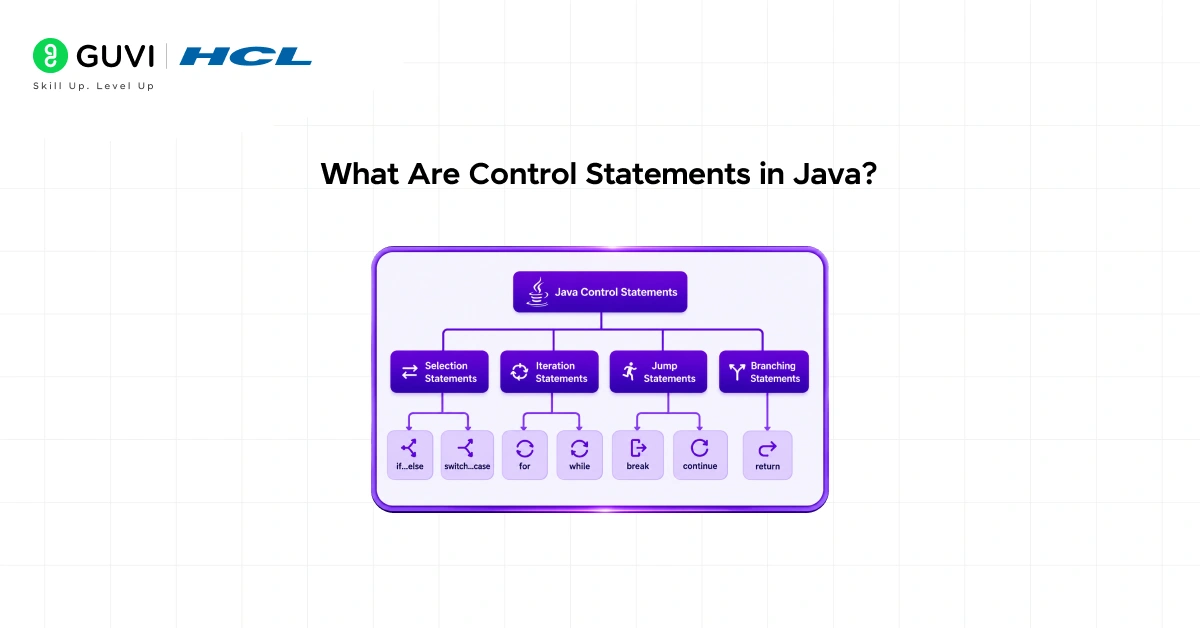
Control statements in Java are special instructions that determine the order in which other statements are executed. Without them, a Java program would simply run from top to bottom, line by line, with no ability to make decisions or repeat tasks.
They give your program the ability to:
- Execute a block of code only when a condition is true
- Repeat a block of code a fixed or dynamic number of times
- Skip or exit a loop based on a condition
Ready to start your full stack development journey? Join HCL GUVI’s IITM Pravartak Certified MERN Full Stack Developer Program with AI Integration and learn to build modern web apps using MongoDB, Express.js, React, Node.js, and AI-powered tools.
Control statements are the backbone of logic in any Java application, from simple calculators to large enterprise systems.
Read More: Introduction to Java | Basic Concepts You Should Know
Types of Control Statements in Java
Java control statements are grouped into three main categories:
| Type | Statements | Purpose |
| Decision-Making | if, if-else, if-else-if, switch | Execute code based on a condition |
| Looping | for, while, do-while, for-each | Repeat a block of code |
| Jump | break, continue, return | Skip, exit, or return from a block |
Now let’s understand each type in detail.
Decision-Making Statements in Java
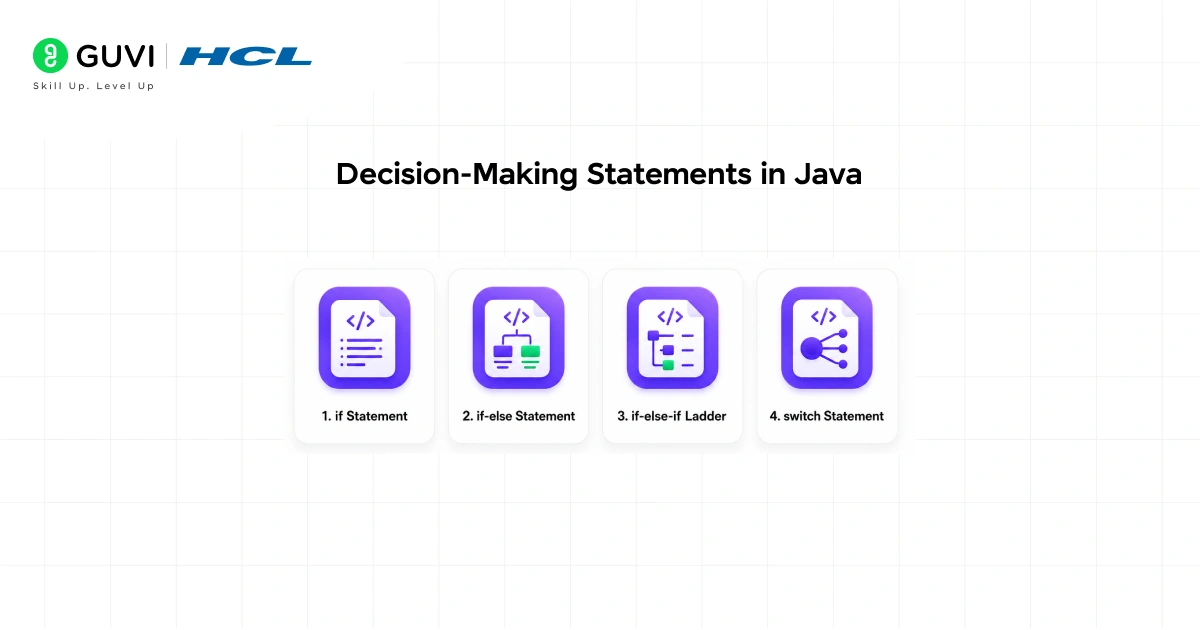
Decision-making statements let your program choose which block of code to run based on a condition.
- if Statement
The simplest form of decision-making. The block runs only if the condition is true.
int marks = 75;

if (marks >= 50) {

    System.out.println("You passed the exam.");

}- if-else Statement
Use this when you want to execute one block if the condition is true and another if it is false.
int marks = 40;

if (marks >= 50) {

    System.out.println("You passed.");

} else {

    System.out.println("You failed.");

}

int marks = 40;

if (marks >= 50) {

    System.out.println("You passed.");

} else {

    System.out.println("You failed.");

}- if-else-if Ladder
Use this when you have multiple conditions to check in sequence.
int marks = 85;

if (marks >= 90) {

    System.out.println("Grade: A");

} else if (marks >= 75) {

    System.out.println("Grade: B");

} else if (marks >= 50) {

    System.out.println("Grade: C");

} else {

    System.out.println("Grade: F");

}- switch Statement
Use switch when you need to compare a variable against multiple fixed values. It is cleaner and faster than a long if-else-if chain for this purpose.
int day = 3;

switch (day) {

    case 1: System.out.println("Monday"); break;

    case 2: System.out.println("Tuesday"); break;

    case 3: System.out.println("Wednesday"); break;

    default: System.out.println("Other day");

}
The default block runs when none of the cases match.
Java introduced the enhanced switch expression as a standard feature in Java 14, improving upon the traditional switch statement. Unlike the older version, switch expressions can directly return values, allowing developers to assign results from a switch without additional variables or verbose control flow. They also eliminate the need for explicit break statements, reducing the risk of fall-through bugs and making the code more concise and readable. This enhancement is part of Java’s broader evolution toward more expressive and less error-prone language constructs, helping developers write cleaner and safer conditional logic.

Looping Statements in Java
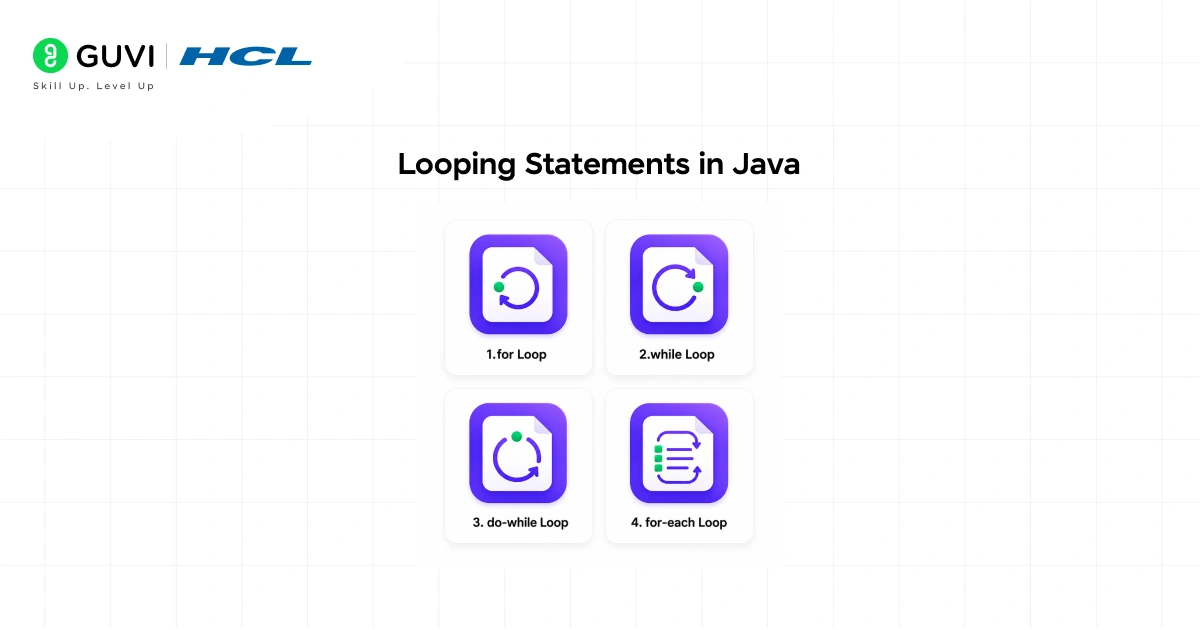
Looping statements allow you to execute a block of code repeatedly until a condition is met. Java provides four looping constructs.
- for Loop
Use the for loop when you know exactly how many times the loop should run.
for (int i = 1; i <= 5; i++) {

    System.out.println("Count: " + i);

}
This loop runs exactly 5 times, printing Count: 1 through Count: 5.
- while Loop
Use the while loop when the number of iterations depends on a condition that is checked before each iteration.
int i = 1;

while (i <= 5) {

    System.out.println("Count: " + i);

    i++;

}
If the condition is false from the start, the loop body never executes.
- do-while Loop
The do-while loop is similar to the while loop, but it checks the condition after executing the body. This guarantees the loop runs at least once.
int i = 1;

do {

    System.out.println("Count: " + i);

    i++;

} while (i <= 5);- for-each Loop
The for-each loop is used to iterate over arrays or collections without managing an index manually.
int[] numbers = {10, 20, 30, 40, 50};

for (int num : numbers) {

    System.out.println(num);

}
This is the cleanest way to loop through a list or array in Java.
In modern Java development, the for-each loop is widely used for iterating over collections and arrays because of its simplicity and readability. Unlike traditional indexed for loops, it abstracts away manual index management, which significantly reduces the risk of common programming mistakes such as off-by-one errors. These errors are especially frequent among beginners when handling loop boundaries incorrectly. By focusing directly on elements rather than indices, the for-each loop helps developers write cleaner, safer, and more maintainable code, making it a preferred choice in many real-world Java codebases.
Jump Statements in Java
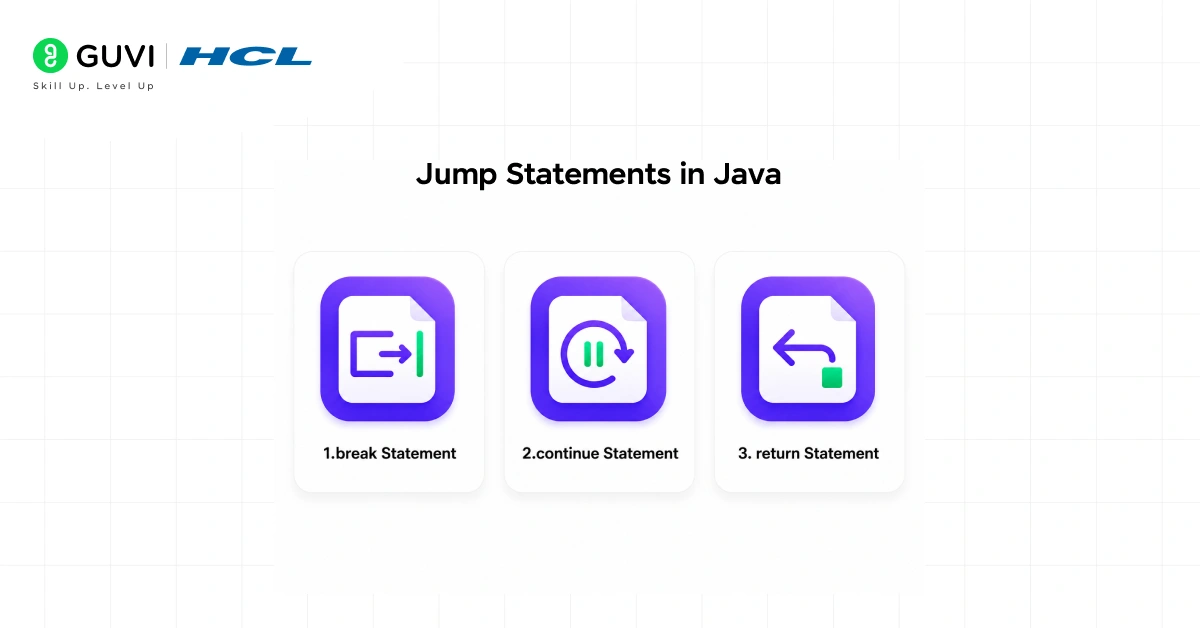
Jump statements are used to transfer control to another part of the program. Java has three jump statements.
- break Statement
The break statement exits the current loop or switch block immediately.
for (int i = 1; i <= 10; i++) {

    if (i == 5) {

        break;

    }

    System.out.println(i);

}

// Output: 1 2 3 4- continue Statement
The continue statement skips the rest of the current iteration and moves to the next one.
for (int i = 1; i <= 5; i++) {

    if (i == 3) {

        continue;

    }

    System.out.println(i);

}

// Output: 1 2 4 5- return Statement
The return statement exits the current method and optionally returns a value to the caller.
public int add(int a, int b) {

    return a + b;

}
Once return is reached, the rest of the method does not execute.
Real-World Example of Control Statements
Consider an e-commerce platform that processes customer orders. Control statements handle the entire order workflow.
int stock = 10;

int orderQuantity = 3;

String membershipType = "premium";

if (stock >= orderQuantity) {

    System.out.println("Order confirmed.");

    for (int i = 1; i <= orderQuantity; i++) {

        System.out.println("Processing item " + i);

    }

    switch (membershipType) {

        case "premium": System.out.println("10% discount applied."); break;

        case "standard": System.out.println("5% discount applied."); break;

        default: System.out.println("No discount applied.");

    }

} else {

    System.out.println("Insufficient stock.");

}
Here, an if statement checks stock availability, a for loop processes each item, and a switch applies the correct discount based on membership type. This pattern is widely used in inventory management and order processing systems built with Java.
Want to become a full stack developer and build modern web applications? Check out HCL GUVI’s IITM Pravartak Certified MERN Full Stack Developer Program with AI Integration, designed for beginners to master MongoDB, Express.js, React, Node.js, AI-powered development, and real-world projects with expert guidance and career support.
Common Mistakes When Using Control Statements
1. Missing break in switch cases: Without a break statement, Java falls through to the next case and executes it even if it does not match. Always add break at the end of each case unless fall-through is intentional.
2. Using = instead of == in conditions: A single = is an assignment operator. Using it inside an if condition instead of == causes a logic error or compile-time error. Always use == for comparison.
3. Infinite loops with no exit condition: Forgetting to update the loop variable inside a while loop causes the loop to run forever and freeze the program. Always make sure the loop condition will eventually become false.
4. Off-by-one errors in for loops: Starting a loop at 1 instead of 0, or using <= instead of <, are among the most common beginner mistakes. Always double-check your loop boundaries against the size of the array or list.
5. Overusing nested loops: Placing a loop inside another loop increases complexity quickly. For large datasets, deeply nested loops can slow down performance significantly. Refactor where possible to keep loops simple and flat.
Conclusion
As Java continues to be one of the most in-demand programming languages across software development, Android, and backend engineering, understanding control statements is the foundation every beginner must get right.
Mastering if-else logic, loops, and jump statements while practising with real code examples will make every other Java concept significantly easier to learn. Start by writing a small program that uses all three types of control statements together, test different conditions, and observe how the output changes.
FAQs
1. What are control statements in Java?
Control statements in Java are instructions that determine the order in which code is executed. They include decision-making statements like if and switch, looping statements like for and while, and jump statements like break, continue, and return.
2. How many types of control statements are there in Java?
Java has three types of control statements: decision-making statements, looping statements, and jump statements. Each type serves a different purpose in controlling the flow of a program.
3. What is the difference between while and do-while loop in Java?
A while loop checks the condition before executing the loop body, so it may not run at all if the condition is false from the start. A do-while loop checks the condition after the body executes, guaranteeing the loop runs at least once.
4. When should I use a switch statement instead of if-else in Java?
Use a switch statement when you are comparing a single variable against multiple fixed values like integers, characters, or strings. It is cleaner and easier to read than a long if-else-if chain in those situations.
5. What does the break statement do in Java?
The break statement immediately exits the current loop or switch block. Any code after the break inside that block is skipped, and execution continues from the next statement after the loop or switch.
6. What is the difference between break and continue in Java?
The break statement exits the loop entirely. The continue statement skips the remaining code in the current iteration and jumps to the next iteration of the loop.
7. Can we use control statements inside each other in Java?
Yes, control statements can be nested inside one another. For example, you can place an if statement inside a for loop, or a for loop inside another for loop. However, deeply nested structures should be kept minimal to maintain readability.
8. What happens if I forget to add break in a switch statement in Java?
If break is missing, Java will fall through to the next case and execute it regardless of whether it matches the value. This is called fall-through behaviour and can cause unexpected results if not handled intentionally.
Success Stories

About the Author
Vishalini Devarajan
An Aerospace Engineer turned content writer, I focus on making complex concepts easy to understand through well-structured, reader-friendly blogs. Whether it’s a technical topic or a non-technical one, I love creating content that is clear, engaging, and impactful.
View all posts by Vishalini Devarajan
Connect with me @











Did you enjoy this article?