


Academics Articles
Is the HCL GUVI AI/ML Program Right for You? A Quick Self-Assessment
Inside the HCL GUVI AI/ML Curriculum: What You’ll Actually Build
Wipro Elite NTH Eligibility Criteria 2026: CGPA, Branch & Backlog Rules Explained
What is Wipro Elite NTH? Complete Overview for 2026 Graduates


Get In Touch For Details! Request More Information
What is a Command Line Interface? Complete Guide to Command Line Prompt
Apr 07, 2026 4 Min Read 1646 Views
(Last Updated)
Before the development of colorful applications, touchscreens, and graphical dashboards, computers were operated with nothing but text. No buttons to click, no icons to drag, no menu to explore, only a blinking cursor that was waiting to be told what to do. The blinking cursor is termed command line prompt and it remains one of the most powerful tools in modern computing.
Even in 2026, developers, data analysts, cybersecurity professionals, and system administrators rely heavily on the command line interface to interact with their systems efficiently. Though this might seem to be daunting initially, the command line prompt is not only easy to follow, but it is very logical and powerful once you have mastered the basics.
And by the end of this blog, you’ll see that the command line interface is not outdated, it is essential.
Quick answer:
A command line prompt is a text-based interface that allows users to interact with a computer by typing commands instead of clicking on graphical elements. It is part of the command line interface, which enables direct communication with the operating system to manage files, run programs, install software, and automate tasks efficiently.
Table of contents
- What is a Command Line Prompt?
- What is the Command Line Interface?
- How Does the Command Line Interface Work?
- Why is the Command Line Interface Still Important?
- Where is the Command Line Interface Used?
- Windows Systems
- Linux Systems
- macOS Systems
- How to Access Command Prompt in Windows
- Method 1: Using the Search Bar
- Method 2: With the help of the Run Dialog Box.10
- How to Access Command Prompt in Mac
- Method 1: Spotlight Search
- Method 2: Using Finder
- How to Access Command Prompt in Linux
- Method 1: Using Keyboard Shortcut
- Method 2: Using the Application Menu
- Basic Commands Every Beginner Should Know
- Command Line Interface vs Graphical User Interface
- Tips to Become Comfortable with the Command Line Interface
- Wrapping it up:
- FAQs
- Is the command line interface difficult to learn?
- Is the command line interface still used by the developers?
- Is there a better interface than the GUI?
- Can I damage my system using the command line interface?
What is a Command Line Prompt?
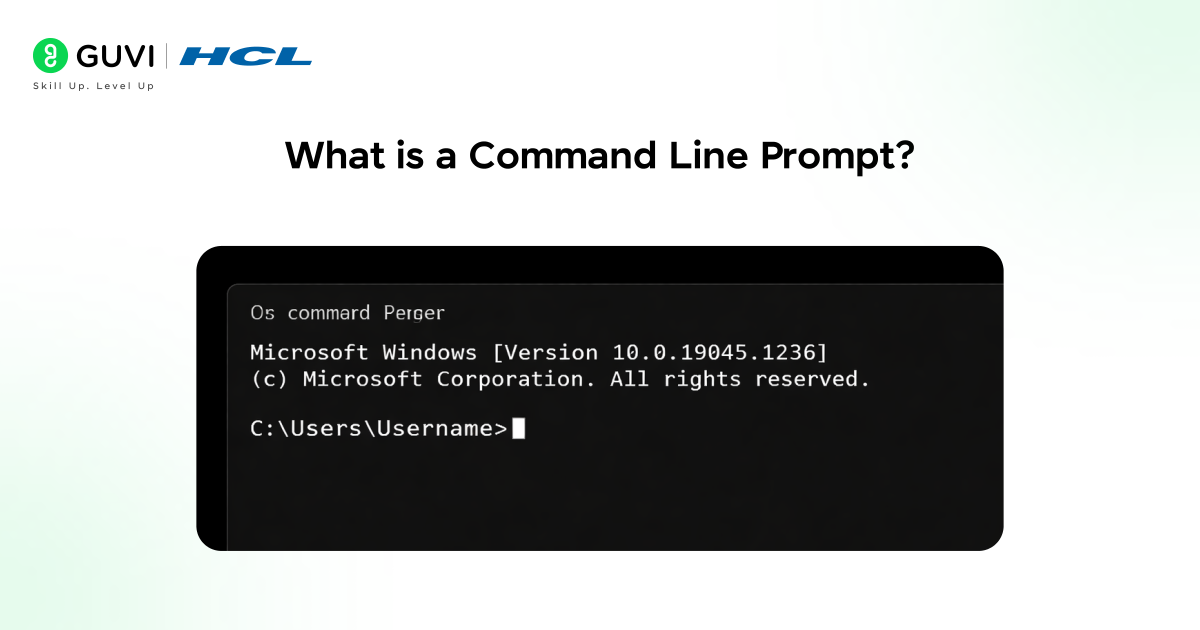
A command line prompt is a text-based interface the user uses to input commands to tell a computer to do certain things.
You do not click buttons and activate the graphical software, but type the instructions directly into the system.
In simple words:
The command line prompt is where you “talk” to your computer using text commands.
What is the Command Line Interface?
The command line interface (CLI) refers to the environment at which the user can access the operating system of a computer by text-based commands.
Although the modern systems provide a graphical interface, the command line interface provides a greater level of control and faster execution of tasks.
Basically:
- The graphical user interface (GUI) ets you click and visually navigate
- CLI lets you type and execute instructions directly.
How Does the Command Line Interface Work?
To understand how the CLI works, let’s break it into simple steps.
- The system displays a command line prompt.
- You type a command.
- The operating system interprets the command.
- The outcome is shown on the screen.
For example, when you type a command in to show the files in a folder, the command line interface accepts what you are typing and automatically displays the files in that particular folder.
Why is the Command Line Interface Still Important?
Many beginners assume the command line interface is outdated since the new computers come with improved graphics. However, professionals still prefer it for several reasons.
- The CLI enables quicker repetitive operations that do not involve scrolling through on various menus.
- It uses less system resources than graphical applications.
- It offers high-level control over system-level.
- It allows scripting automation.
- It is needed in the case of server environments, where no graphical interface is installed.
In industries like software development, DevOps, cloud computing, and cybersecurity, the command line interface is a daily tool.
Where is the Command Line Interface Used?
The command line interface is common in operating systems and in the workplace. Even when graphical tools are available, many advanced tasks are executed through the command line interface because it offers speed, automation, and deeper system control.
1. Windows Systems
In Windows, the command line interface can be opened using Command Prompt, PowerShell or Windows Terminal.
- Using the command line interface, files are handled, system settings are configured and troubleshoot technical issues.
- It is used by the IT administrators to automate processes and control users using scripts.
- It is used by developers to install development tools, execute development programs and manage development environments.
2. Linux Systems
Linux systems are systems that rely extensively on the command line interface in their day to day activities.
- A graphical interface is not needed as many Linux servers do not have a graphical interface, hence the command line interface is very important.
- It is used by system administrators in installing software, configuration of servers and security.
- Cybersecurity experts and developers favour Linux due to its strong CLI tools.
3. macOS Systems
Terminal is an application available in macOS supporting Unix-based command line interface.
- The command line interface is used to start and stop servers, administer the Git repository, and install programming packages by developers.
- It provides higher customization than graphical system settings.
- Numerous free open-source applications can be used directly in the macOS command line.
How to Access Command Prompt in Windows
If you are using Windows, accessing the command line interface is simple and takes only a few seconds. The default command line interface in windows is the Command Prompt which will enable you to communicate with your system using text based instructions.
The following are some methods to open the Command Prompt in windows:
Method 1: Using the Search Bar
- Click on the Windows Start button and type “Command Prompt” in the search bar to quickly locate the application.
- Select the Command Prompt application which can be found in the search results to open the command line interface.
- In case you need administrative privileges, right-click Command Prompt and select Run as Administrator to have elevated acess.

Method 2: With the help of the Run Dialog Box.10
- Press Windows + R on your keyboard to open the Run dialog box.
- Enter the command type cmd in the input field and press Enter to start the command line interface immediately.
- This method is faster and commonly used by professionals who prefer keyboard shortcuts.
How to Access Command Prompt in Mac
On macOS, the command line interface is accessed by an application named Terminal. Although Mac does not officially refer to the Command Prompt, Terminal performs the same function by allowing users to interact with the system using text-based commands.
The various methods of accessing the command line interface in Mac are as follows:
Method 1: Spotlight Search
- Press Command (⌘) + Spacebar to open Spotlight Search on your Mac.
- Type Terminal in the search bar and press Enter to start the command line interface.
- This is the quickest and most widespread technique among the Mac users.
Method 2: Using Finder
- Open Finder and go to the Applications folder.
- Navigate to the Utilities folder inside Applications.
- Click on Terminal and open the CLI.
How to Access Command Prompt in Linux
The CLI in Linux systems is commonly referred to as the Terminal or Shell and it is an essential component of the operating system.
Here are the common ways to open the command line interface in Linux:
Method 1: Using Keyboard Shortcut
- Most Linux distributions can be opened instantly into the Terminal by pressing Ctrl + Alt + T.
- This hack is compatible with normal distributions such as Ubuntu and Linux Mint.
Method 2: Using the Application Menu
- Select the Applications or Activities menu in your Linux.
- Search for Terminal in the search bar.
- Choose the Terminal application and open the command line interface.
Basic Commands Every Beginner Should Know
The following are some of the basic commands in a CLI.
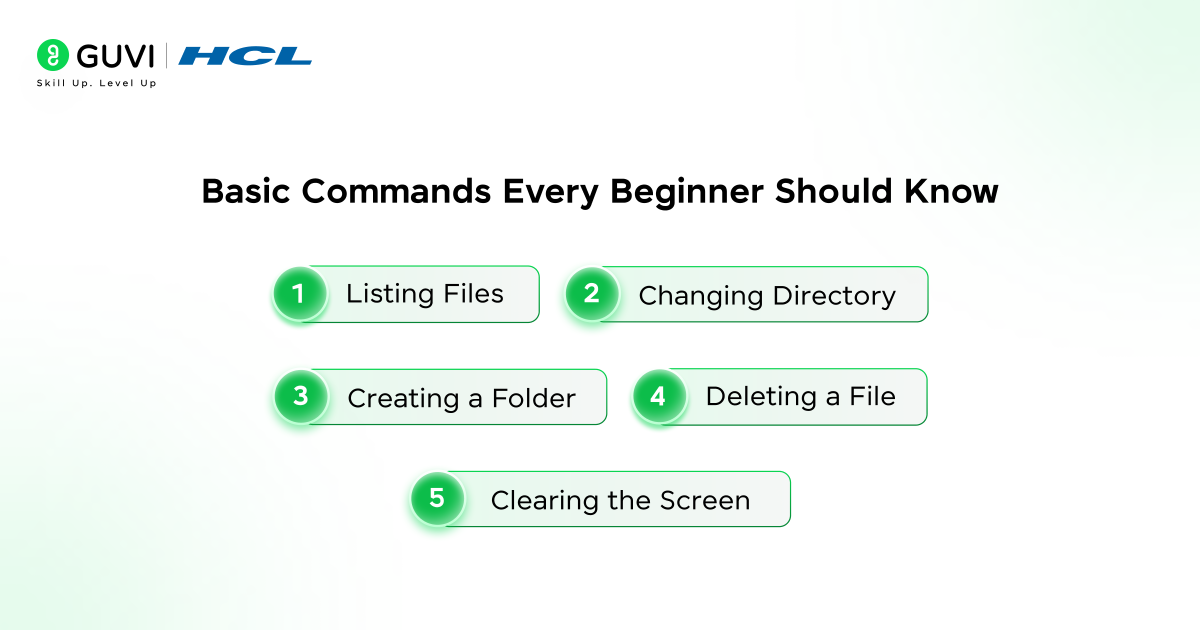
1. Listing Files: This is a command that lists down all files and folders in the present directory.
2. Changing Directory: This is the command where you can jump from one folder to another within the system.
3. Creating a Folder: The command makes a new directory in the current location.
4. Deleting a File: This command deletes a file irreversibly in the system.
5. Clearing the Screen: This command erases past results, making the interface easier to read.
Learning these basic commands gives you confidence in using the command line interface effectively.
Command Line Interface vs Graphical User Interface
Understanding the difference between CLI and GUI is important for beginners.
| Feature | Command Line Interface | Graphical User Interface |
| Interaction | Text-based commands | Visual elements |
| Speed | Faster for advanced users | Slower for repetitive tasks |
| Resource Usage | Low | Higher |
| Learning Curve | Slightly steep | Easy |
Tips to Become Comfortable with the Command Line Interface
- Start small and practice daily rather than learning everything at the same time.
- Use the “help” command to understand how specific commands work.
- Read error messages carefully because they often explain what went wrong.
- Explore open-source documents to learn more.
- Combine several commands to achieve high-level operations.
Quick Summary
- A command line prompt is a text-based entry point to interact with a computer.
- The command line interface enables people to perform certain tasks by typing commands.
- It is extensively applied in system administration, development and cloud computing.
- It is fast, controllable and automatable.
Wrapping it up:
The command line prompt is much more than a blinking cursor; it allows complete command over a system. While graphics make computing fun to look at, the command line interface allows accuracy, speed, and automation that professionals rely on to do their jobs each and every day.
If you want to develop within the fields of software development, data science, cyber security, or cloud computing, you must learn how to use the Command Line Interface (CLI).
Start small, practice consistently, and soon the once-intimidating black screen will become your most powerful productivity tool.
FAQs
1. Is the command line interface difficult to learn?
The command line interface is not that difficult, it seems complex initially but once you get familiar with the basic commands and use them frequently, it is not that difficult.
2. Is the command line interface still used by the developers?
Yes, developers do code on the command line, deploy and automate.
3. Is there a better interface than the GUI?
Command line interface is more efficient and quicker in more advanced jobs and GUI is more user-friendly to beginners.
4. Can I damage my system using the command line interface?
Yes, wrong commands may lead to problems and which is why beginners should practice carefully and understand commands before executing them.
Success Stories

About the Author
Vishalini Devarajan
An Aerospace Engineer turned content writer, I focus on making complex concepts easy to understand through well-structured, reader-friendly blogs. Whether it’s a technical topic or a non-technical one, I love creating content that is clear, engaging, and impactful.
View all posts by Vishalini Devarajan
Connect with me @












Did you enjoy this article?