


Software Development Articles
How to Read and Understand System Design Diagrams?
System Engineer Roles and Responsibilities: 12 Proven Duties for Growth
SAP Consultant Roles and Responsibilities: 12 Proven Duties for Growth and Success
Network Engineer Roles and Responsibilities: 12 Essential Duties for Success


Get In Touch For Details! Request More Information
Difference Between Windows and Linux That Nobody Tells You [2026]
Aug 03, 2026 5 Min Read 4534 Views
(Last Updated)
Quick Comparison
| Factor | Windows | Linux |
|---|---|---|
| Cost | Paid license (₹8,000–₹18,000+) | Free |
| Source code | Closed, owned by Microsoft | Open, publicly viewable |
| Best for | Everyday users, gaming, office work | Developers, servers, security work |
| Learning curve | Low | Moderate to high |
| Software support | Widest commercial software library | Best for coding, DevOps, open-source tools |
Windows has shaped how we interact with computers since its 1985 release, offering an intuitive interface that businesses and everyday users find approachable. The Linux operating system vs. Windows presents a stark contrast in several key areas—it’s free and open-source, generally runs faster, and offers superior security against malware.
In this guide, you’ll discover the hidden differences between windows and linux that most comparisons overlook, helping you make an informed decision about which operating system truly fits your needs.
Table of contents
- TL;DR Summary
- What is the Basic Difference Between Windows and Linux?
- Cost and Licensing
- User Interface
- Windows vs Linux Comparison Table
- Windows and Linux for Programming: Which Should Developers Use?
- Windows vs Linux Performance Comparison for Development
- Can Linux Run Windows Software? Wine and Alternatives
- Which Linux Distro for Beginners vs Advanced Users
- Security: Windows vs Linux
- Use-case Based Comparison: Which OS Fits Your Needs?
- 1) For developers and programmers
- 2) For gamers and multimedia users
- 3) For businesses and enterprise environments
- 4) For cybersecurity professionals
- 5) For casual users and beginners
- Concluding Thoughts
- FAQs
- Q1. What is the main difference between Windows and Linux?
- Q2. Is Linux really free?
- Q3. Can Linux run Windows programs?
- Q4. Which is better for programming, Windows or Linux?
- Q5. Which Linux distro should a beginner choose?
- Q6. Is Linux more secure than Windows?
TL;DR Summary
- Windows is a closed-source, paid operating system built for ease of use and broad software compatibility.
- Linux is open-source, free, and built for control, customization, and efficiency.
- Windows still leads the desktop market with roughly 72% share, while Linux sits near 4.7% but dominates servers, with over 96% of the world’s top web servers running on it.
- Developers building for the cloud, containers, or DevOps pipelines generally get better performance and fewer environment bugs on Linux.
- Beginners who want a plug-and-play experience usually find Windows more comfortable, though distros like Linux Mint and Zorin OS now come close.
What is the Basic Difference Between Windows and Linux?
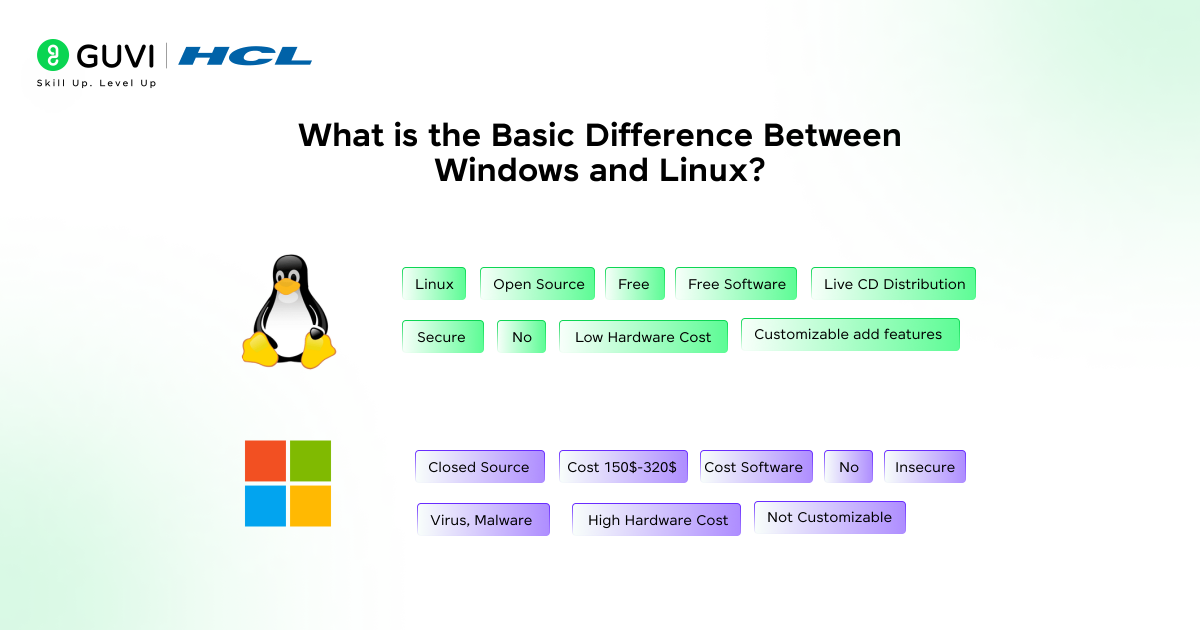
Windows is proprietary software owned and maintained by Microsoft. You buy a license, and Microsoft controls every update, feature, and design decision. Linux, on the other hand, is open-source. Its code is publicly available, so anyone can inspect it, modify it, or build their own version, known as a “distro.”
Cost and Licensing
Windows requires a paid license that ranges from around ₹8,000 for Home editions to significantly more for Pro and Enterprise versions. Linux distributions are free to download, install, and run on unlimited machines under the GNU General Public License.
User Interface
Windows offers a consistent, familiar interface across devices, which is why most schools and offices default to it. Linux interfaces vary by distro. Some, like Zorin OS, are built to feel exactly like Windows, while others favor a more technical, customizable
Windows vs Linux Comparison Table
| Feature | Windows | Linux | Winner For |
|---|---|---|---|
| Price | Paid license | Free and open-source | Budget users, students |
| Customization | Limited to settings menus | Full control over the system | Power users, developers |
| Software compatibility | Widest range of commercial apps | Strong for dev tools, weaker for commercial desktop software | Everyday users |
| Gaming | Native support, best compatibility | 81–83% of Windows performance via Proton | Gamers |
| Server use | Less common | Powers over 96% of top web servers | Businesses, cloud teams |
| Update model | Versioned, major releases | Often rolling release with small updates | Users who want stability |
| Command line | Basic, less powerful | Full-featured shell, scripting native | Developers, sysadmins |
| Hardware needs | Higher minimum specs | Runs well on older, low-spec machines | Budget hardware users |
Windows and Linux for Programming: Which Should Developers Use?
If your work touches web development, cloud infrastructure, or DevOps, Linux tends to be the more natural fit. Most modern developer tools, including Docker, Kubernetes, Git, Nginx, and PostgreSQL, either originated on Linux or run best there.
That does not mean Windows is unusable for coding. It remains a strong choice if you work primarily with .NET, C#, or Visual Studio, where Microsoft’s tooling is deeply integrated.
Here’s a quick way to decide:
- Choose Linux if you work with Python, Node.js, PHP, or containers.
- Choose Windows if your stack is built around .NET or C#.
- Consider WSL (Windows Subsystem for Linux) if you want Linux tools without leaving Windows entirely.
Container startup on native Linux takes around 0.3 seconds, compared to roughly 1.2 seconds on Windows using WSL2. Build times for a typical Node.js app also run close to 40% faster on Linux, according to 2026 benchmark testing from independent developer teams.
Windows vs Linux Performance Comparison for Development
Beyond raw speed, the performance gap shows up in day-to-day development work. Teams running Docker on native Linux report zero environment-parity bugs, while Windows-based setups often hit issues tied to file paths, line endings, and case sensitivity.
A few concrete data points from recent testing:
- File system operations inside containers run 3 to 5 times faster on Linux.
- npm install and similar file-heavy commands can run 40–60% slower inside WSL2 compared to native Ubuntu on identical hardware.
- Native Linux compilation for large projects is still 15–30% faster than through WSL, even with Microsoft’s ongoing improvements.
These numbers matter most if you are deploying to Linux-based servers anyway, since developing on a different OS than your production environment tends to introduce bugs that only appear after deployment.
Can Linux Run Windows Software? Wine and Alternatives
Not natively, but you have real options. Wine is a compatibility layer that lets many Windows applications run on Linux without needing a virtual machine. It does not support every program, so it is worth checking compatibility before you rely on it for critical software.
Other tools worth knowing:
- Bottles – a friendlier interface built on top of Wine, useful if you are not comfortable with command-line configuration.
- CrossOver – a paid, more polished version of Wine with dedicated support.
- Proton – Valve’s compatibility layer, built specifically for gaming, and now capable of running roughly 80% of Windows games on Linux.
- Virtual machines – the most reliable option if you need full Windows compatibility, though it uses more system resources.
For everyday software, Linux alternatives cover most needs already. LibreOffice replaces Microsoft Office for offline work, and browser-based Microsoft 365 apps work identically across any OS.
Which Linux Distro for Beginners vs Advanced Users
Not all Linux distributions are built the same way, and picking the wrong one as your first can be frustrating enough to send you back to Windows.
For beginners, look at:
- Linux Mint – the closest experience to Windows, with a gentle learning curve.
- Zorin OS – includes a built-in tool that mimics the Windows 10/11 layout, plus native Wine support for running some Windows apps.
- Ubuntu LTS – the largest community and the widest hardware support, ideal if you want long-term stability.
For advanced users, consider:

- Arch Linux or Manjaro – rolling-release systems that give you the newest software and maximum control, but expect more manual configuration.
- Fedora – a good middle ground for developers who want current technology without full rolling-release complexity.
- CachyOS – performance-tuned for users who want speed and are comfortable troubleshooting.
If you are unsure, install a distro on a USB drive and test it before committing your main machine to it.
Security: Windows vs Linux
Linux earns its security reputation through a strict permissions model. Regular users have limited rights by default, so installing software or changing system files needs explicit approval. This makes it harder for malware to spread unnoticed.
Windows has closed much of this gap. Windows Defender now performs on par with many third-party antivirus tools, and features like Secure Boot and Windows Sandbox add real protection.
Market share still plays a role too. Since Windows runs on far more desktops, it remains the bigger target, accounting for roughly 95% of desktop malware infections. That said, no operating system protects you from clicking a bad link or downloading an untrusted file.
Use-case Based Comparison: Which OS Fits Your Needs?
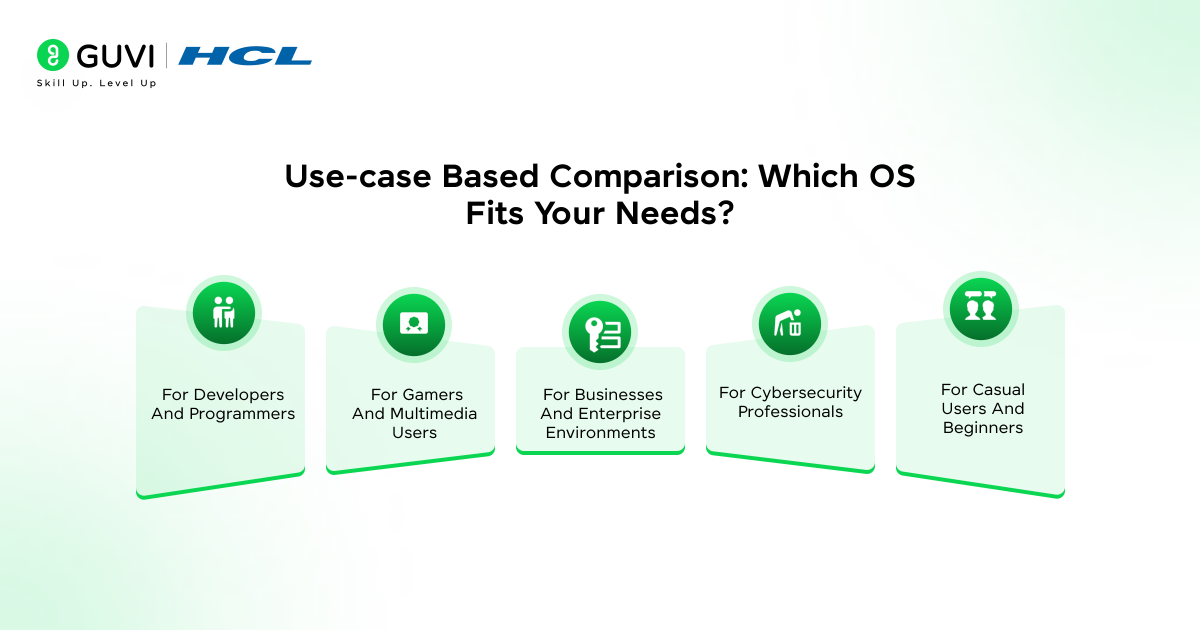
Choosing between Windows and Linux ultimately depends on your specific use case. Let’s explore which operating system might better serve your particular needs.
1) For developers and programmers
- Linux stands out as the preferred choice for coders. It supports nearly all programming languages and offers a superior terminal experience with Bash available by default.
- The built-in SSH support simplifies server management, plus Linux provides efficient developer tools that streamline coding workflows.
- For Windows users, WSL (Windows Subsystem for Linux) offers a compromise by enabling Linux tools while maintaining Windows’ familiar environment.
2) For gamers and multimedia users
- Until recently, Windows dominated gaming completely. Yet, thanks to Valve’s Proton compatibility layer, Linux gaming has improved substantially.
- Certain benchmarks even show Linux outperforming Windows in specific games, with smoother gameplay and fewer stutters. Nonetheless, Windows remains essential for games using kernel-level anti-cheat systems.
3) For businesses and enterprise environments
- Linux reduces costs through zero licensing fees and offers impressive uptime for mission-critical systems.
- Its resource efficiency extends hardware lifespan, cutting business expenses. In contrast, Windows integrates seamlessly with enterprise management systems and provides familiar interfaces that minimize training costs.
4) For cybersecurity professionals
- Cybersecurity experts “live in the Linux terminal”. Most security tools like Nmap, Wireshark, and Metasploit were designed primarily for Linux environments.
- Linux distributions such as Kali offer specialized tools for security operations that provide deeper system visibility.
5) For casual users and beginners
- Windows offers plug-and-play simplicity that “just works”. First-time Linux users might find distributions like Mint, Zorin OS, or Feren OS most approachable as they closely resemble the Windows experience.
- Linux requires a learning curve but rewards users with better privacy, lower resource consumption, and rejuvenated performance on older hardware.
If you’re keen to move beyond simply comparing OS interfaces, consider enrolling in the AI Software Development Course from HCL GUVI, IITM Pravartak & MongoDB. It’s a 9-month, 300+ hour live+recorded program that arms you with industry-ready tools, full-stack software development and Gen AI fluency to advance your career.
Concluding Thoughts
There is no universal winner between Windows and Linux. Windows still makes sense if you want a familiar interface, wide commercial software support, and minimal setup effort. Linux makes more sense if you are working with development tools, servers, or older hardware, and you’re comfortable with a slightly steeper learning curve.
Many developers do not pick one exclusively. Dual-booting, WSL, and virtual machines let you use both systems depending on the task at hand. The better question is not which OS is objectively best, but which one fits how you actually work.
FAQs
Q1. What is the main difference between Windows and Linux?
Windows is closed-source and owned by Microsoft, while Linux is open-source and free to modify. This affects cost, customization, and how each system handles security.
Q2. Is Linux really free?
Yes, most Linux distributions are free to download, install, and use on unlimited devices, unlike Windows, which requires a paid license.
Q3. Can Linux run Windows programs?
Not natively, but tools like Wine, Bottles, and CrossOver let many Windows applications run on Linux. Full compatibility isn’t guaranteed for every program.
Q4. Which is better for programming, Windows or Linux?
Linux is generally preferred for web development, DevOps, and cloud-native tools, while Windows works well for .NET and C# development. WSL offers a middle ground.
Q5. Which Linux distro should a beginner choose?
Linux Mint and Zorin OS are the most beginner-friendly, especially if you’re coming from Windows, since both mimic a familiar desktop layout.
Q6. Is Linux more secure than Windows?
Linux’s permission model and smaller market share make it a less common malware target, but both systems can be secure with proper configuration and safe browsing habits.
Success Stories

About the Author
Jaishree Tomar
A recent CS Graduate with a quirk for writing and coding, a Data Science and Machine Learning enthusiast trying to pave my own way with tech. I have worked as a freelancer with a UK-based Digital Marketing firm writing various tech blogs, articles, and code snippets. Now, working as a Technical Writer at GUVI writing to my heart’s content!
View all posts by Jaishree Tomar
Connect with me @















Did you enjoy this article?