


Academics Articles
Is the HCL GUVI AI/ML Program Right for You? A Quick Self-Assessment
Inside the HCL GUVI AI/ML Curriculum: What You’ll Actually Build
Wipro Elite NTH Eligibility Criteria 2026: CGPA, Branch & Backlog Rules Explained
What is Wipro Elite NTH? Complete Overview for 2026 Graduates


Get In Touch For Details! Request More Information
Best Video Editing Courses in India 2026: Online + Offline with Certificate
Jul 16, 2026 5 Min Read 9473 Views
(Last Updated)
Looking for a video editing course that actually boosts your career prospects? Professional video editing jobs offer annual salaries ranging from ₹6,00,000 to ₹18,00,000, with the average editor earning about ₹10,00,000 per year. Furthermore, certified individuals often earn more than their non-certified counterparts.
When selecting the best video editing course online, certification should be a priority consideration. The right video editing courses not only teach you technical skills but also help you develop a unique editing style.
To make your decision easy, this guide will introduce you to eight top-rated video editing courses with certifications that provide valuable credentials to showcase your expertise. Let’s begin!
Table of contents
- TL;DR Summary
- Top 8 Certified Video Editing Courses in 2026
- HCL GUVI's Adobe After Effects Using VFX Course
- Premiere Pro Certificate – Miracamp
- DaVinci Resolve Advanced Editing – LinkedIn Learning
- Video Editing Bootcamp – Miracamp
- Motion Graphics & VFX – School of Motion
- Final Cut Pro X Guide – Ripple Training
- Advanced Video Editing Techniques – Coursera (University of Colorado Boulder)
- YouTube Video Editing Masterclass – Udemy
- Free Video Editing Courses With Certificate
- Video Editing Courses for YouTube Creators Specifically
- Adobe Premiere Pro vs DaVinci Resolve Courses: Which to Choose
- When Premiere Pro Makes More Sense
- When DaVinci Resolve Makes More Sense
- Common Mistakes to Avoid
- Start Your VFX Journey With GUVI
- Conclusion
- FAQs
- Which video editing course is best for complete beginners?
- Can I get a video editing certificate for free?
- Is DaVinci Resolve better than Premiere Pro for beginners?
- Do YouTube creators need a separate editing course?
- How long does it take to complete a video editing course?
- Are free video editing certificates recognised by employers?
- Which software should I learn first, Premiere Pro or After Effects?
TL;DR Summary
- Best budget pick: GUVI’s Adobe After Effects VFX Course at ₹1,499
- Best free pick: Blackmagic’s DaVinci Resolve training and certification, at zero cost
- Your choice depends on three things: budget, the software you want to specialise in, and whether you’re editing for YouTube, brands, or films
- This guide compares fees, duration, and certificate value across 8 courses, both online and offline
- Goal: help you pick a course without spending weeks comparing tabs
Top 8 Certified Video Editing Courses in 2026
Here’s how the top video editing courses in India stack up on cost, duration, and what you actually walk away with.
| Course | Platform | Duration | Fee | Software Taught | Certificate Value |
|---|---|---|---|---|---|
| Adobe After Effects Using VFX | GUVI | 8 weeks, self-paced | ₹1,499 | After Effects, VFX compositing | Reviewed by working VFX professionals |
| Premiere Pro Certificate | Miracamp | 30 to 90 days | ~₹1,85,000 | Premiere Pro, After Effects | Mentor-reviewed, LinkedIn-ready |
| DaVinci Resolve Advanced Editing | LinkedIn Learning | ~7 hours | ₹2,900/month or free with Premium | DaVinci Resolve | Completion certificate |
| DaVinci Resolve Training and Exam | Blackmagic Design | Self-paced | Free | Editing, colour, Fairlight, Fusion | Official Blackmagic certified editor |
| YouTube Video Editing Masterclass | Udemy | 12.5 hours | ₹499 to ₹3,499 | Premiere Pro | Completion certificate |
| Advanced Video Editing Techniques | Coursera, CU Boulder | 4 months, 5 hrs/week | Free to audit; ~₹3,600/month for certificate | Premiere Pro, After Effects | University-issued certificate |
| Motion Graphics and VFX | School of Motion | 23+ hours | ~₹74,000 | After Effects | Completion certificate, portfolio-focused |
| YouTube Creator Academy | 100% Free | Self-paced | Free | Editing basics, YouTube Studio | Badge, not an external certificate |
Choosing the right video editing course can dramatically change your career trajectory. The following certified courses stand out in 2025 for their comprehensive curriculum and industry recognition. Each offers something unique, from specialized software training to career-ready certification that employers value.
1. HCL GUVI’s Adobe After Effects Using VFX Course
HCL GUVI’s flagship VFX course equips you with professional-grade Adobe After Effects skills focused on visual effects mastery. This course is particularly valuable for Indian students looking to break into the growing VFX industry.
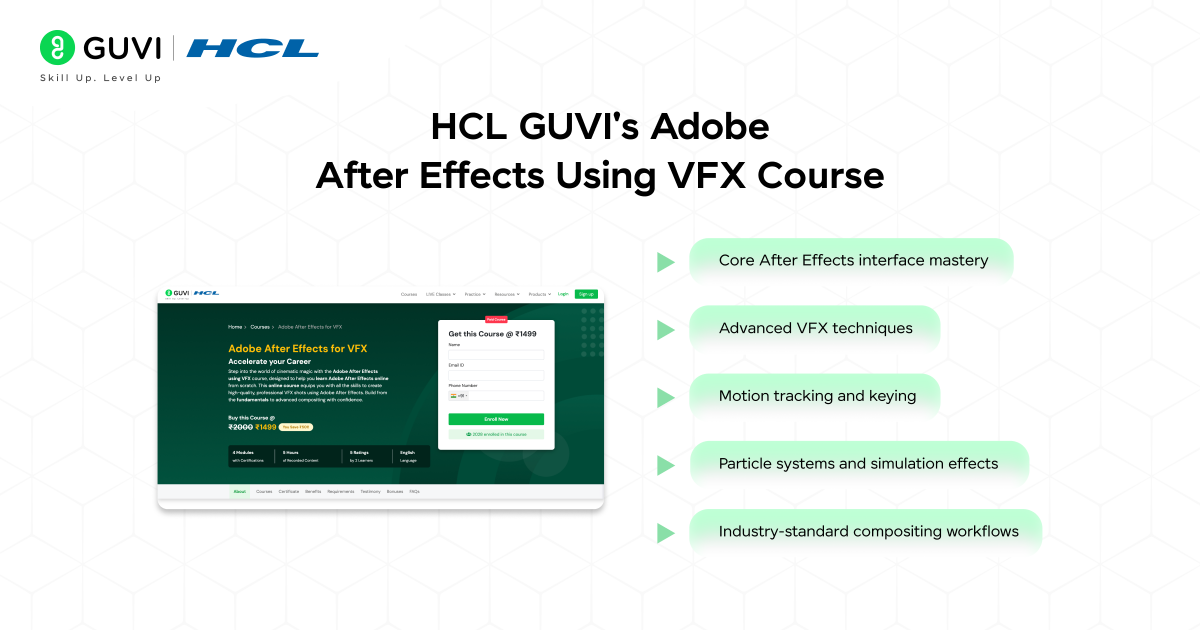
Duration: 8 weeks (self-paced)
Price: ₹1499
Key Features:
- Hands-on projects with industry-standard workflows
- Personalized feedback from VFX professionals
- Lifetime access to course materials
- Course completion certificate recognized by top studios
Course Link: HCL GUVI’s Adobe After Effects Using VFX Course
2. Premiere Pro Certificate – Miracamp
Miracamp’s Premiere Pro Certificate program offers comprehensive training ideal for both beginners and professionals seeking official certification. The course is structured to build your editing skills progressively.
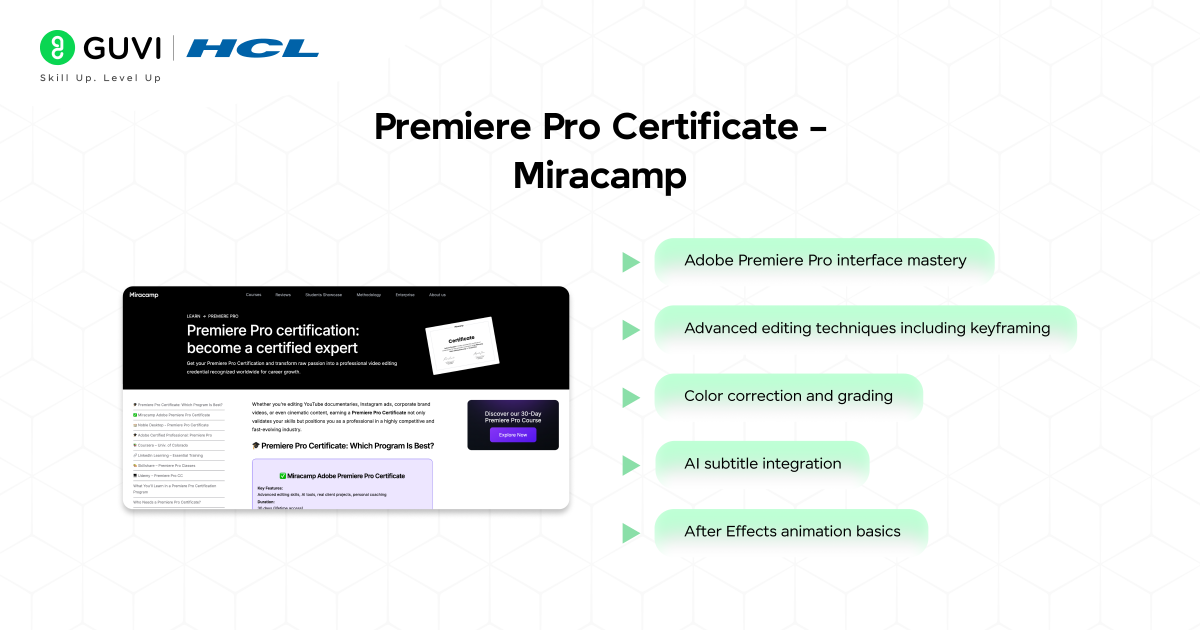
Duration: 30 days full-time or 90 days part-time (self-paced)
Price: ₹185,000 (approximately $2,250)
Key Features:
- One-on-one feedback from professional editors who’ve worked at HBO, Netflix, and Disney
- Personalized coaching sessions
- Access to private job board
- LinkedIn-ready certification
- Flexible payment plans available
Course Link: Premiere Pro Certificate – Miracamp
3. DaVinci Resolve Advanced Editing – LinkedIn Learning
LinkedIn Learning’s DaVinci Resolve course is perfect for filmmakers who want to master color grading alongside advanced editing techniques.
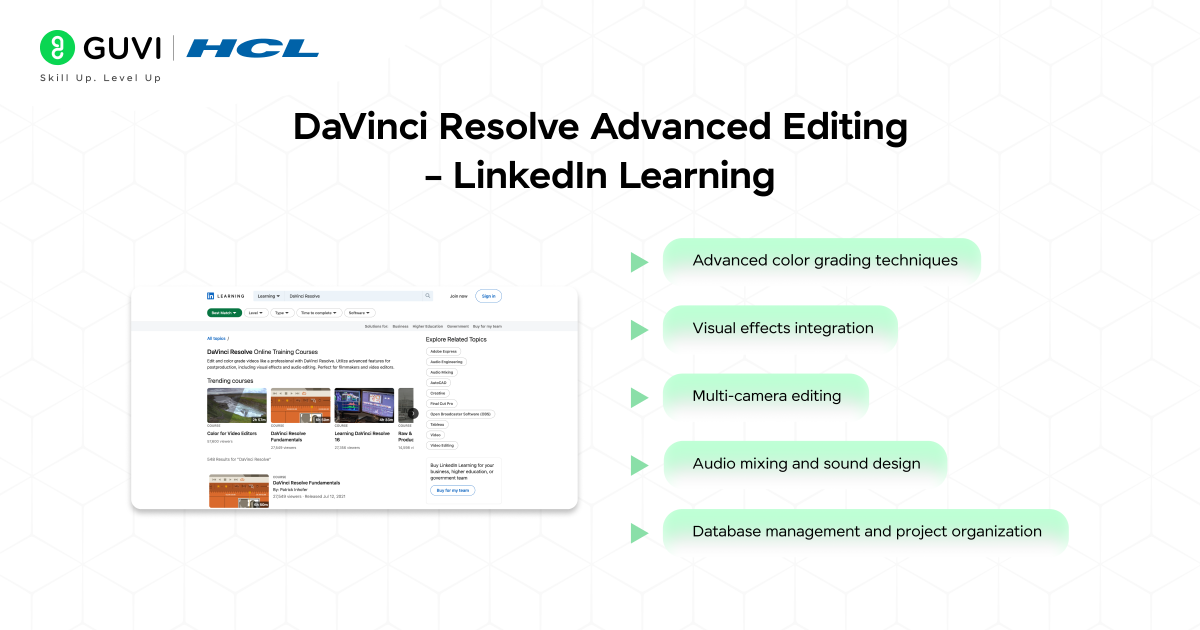
Duration: 6 hours 50 minutes
Price: ₹2,900 (approximately $35 per month) or free with LinkedIn Premium
Key Features:
- Comprehensive platform training
- Certificate of completion
- Access to all LinkedIn Learning courses with subscription
- Highly rated (4.7 out of 5 stars) by learners
Course Link: DaVinci Resolve Advanced Editing – LinkedIn Learning
4. Video Editing Bootcamp – Miracamp
Beyond the Premiere Pro certificate, Miracamp also offers a comprehensive Video Editing Bootcamp covering multiple software platforms and career development.
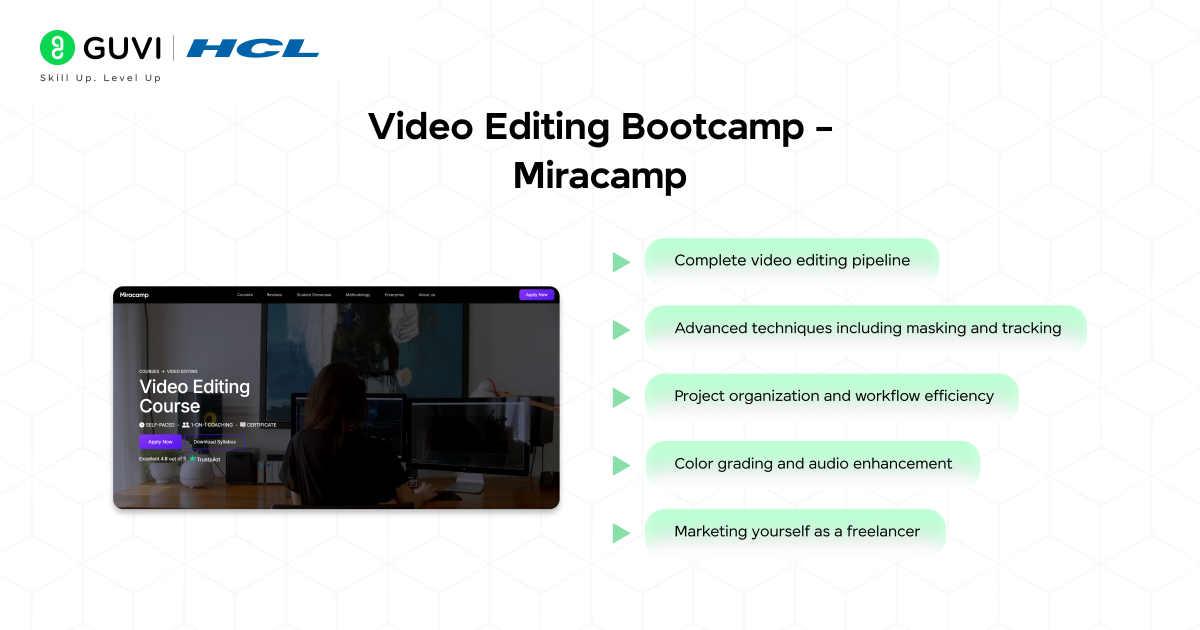
Duration: 150 hours (30 days full-time or 2-3 months part-time)
Price: ₹185,000 (approximately $2,250)
Key Features:
- Training in both Premiere Pro and DaVinci Resolve
- Career development support
- Resume and portfolio building assistance
- Private job board access
- 4.8/5 Trustpilot rating
Course Link: Video Editing Bootcamp – Miracamp
5. Motion Graphics & VFX – School of Motion
School of Motion’s VFX course focuses specifically on visual effects creation within After Effects, making it ideal for those looking to specialize in this high-demand area.
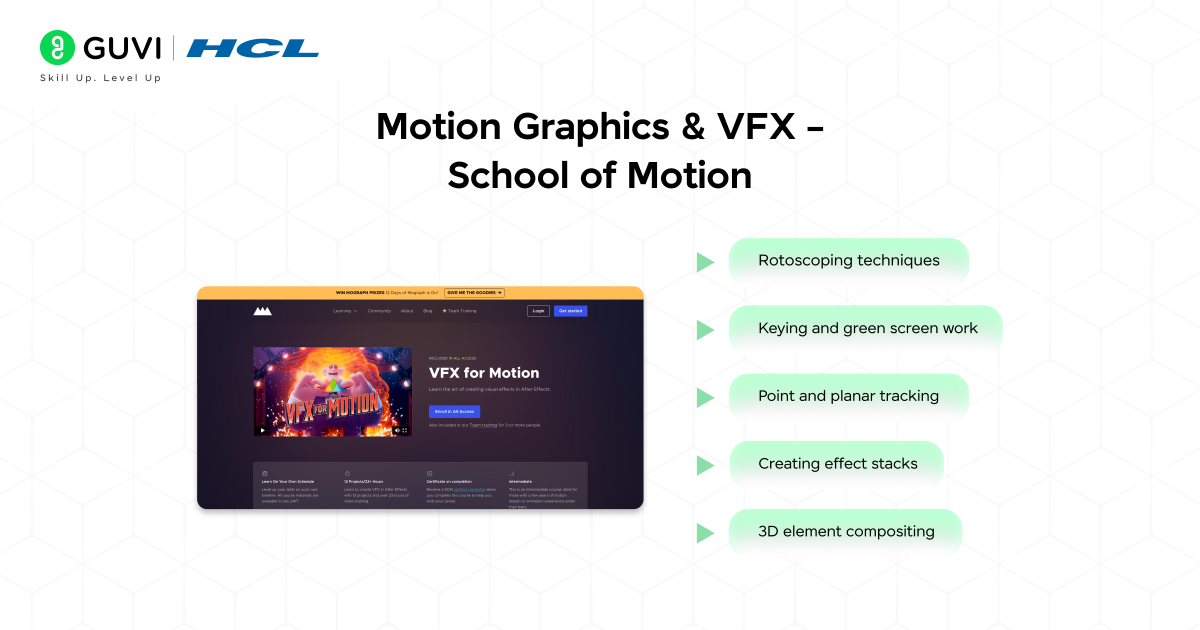
Duration: 23+ hours (self-paced)
Price: Available with All-Access subscription (approximately ₹74,000/$897)
Key Features:
- 12 practical projects
- Certificate upon completion
- Unlimited personalized critique
- Access to 24/7 online community
Course Link: Motion Graphics & VFX – School of Motion
6. Final Cut Pro X Guide – Ripple Training
Ripple Training provides the definitive curriculum for Apple’s professional editing software, Final Cut Pro X.
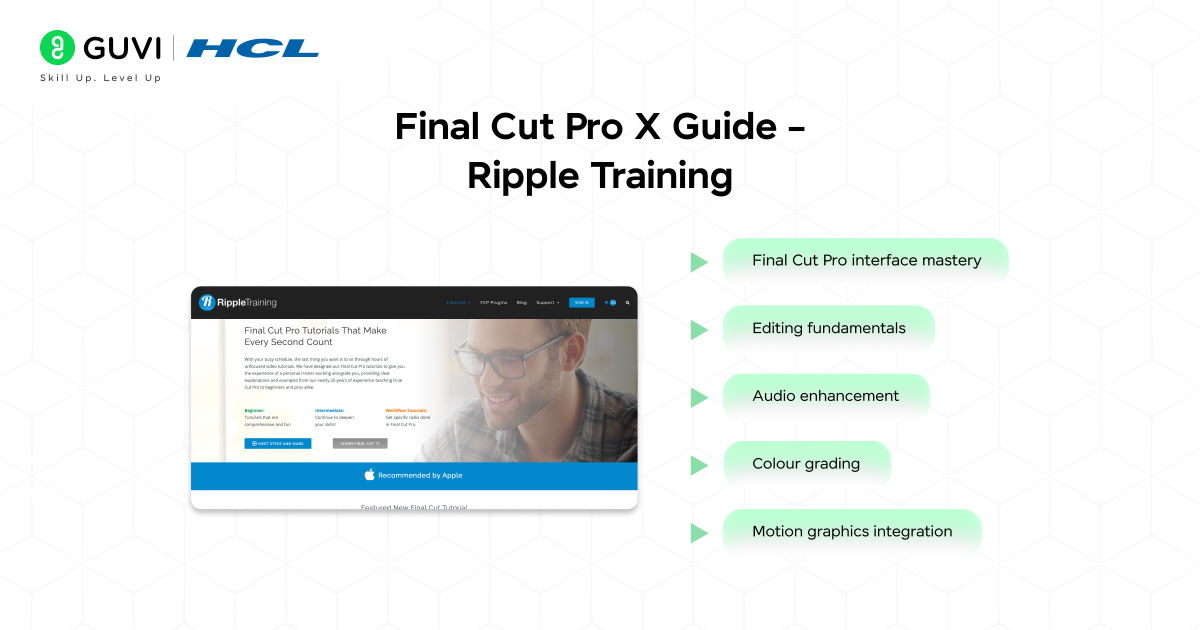
Duration: 7 hours (Core Training)
Price: ₹6,500 ($79) for Core Training; ₹20,500 ($250) for Essentials Bundle
Key Features:
- Step-by-step guidance
- Downloadable project files
- Bookmarking system for reference
- Option to download videos for offline viewing
Course Link: Final Cut Pro X Guide – Ripple Training
7. Advanced Video Editing Techniques – Coursera (University of Colorado Boulder)
This professional certificate course from the University of Colorado Boulder focuses on advanced editing concepts, storytelling, and motion design using industry-leading tools.
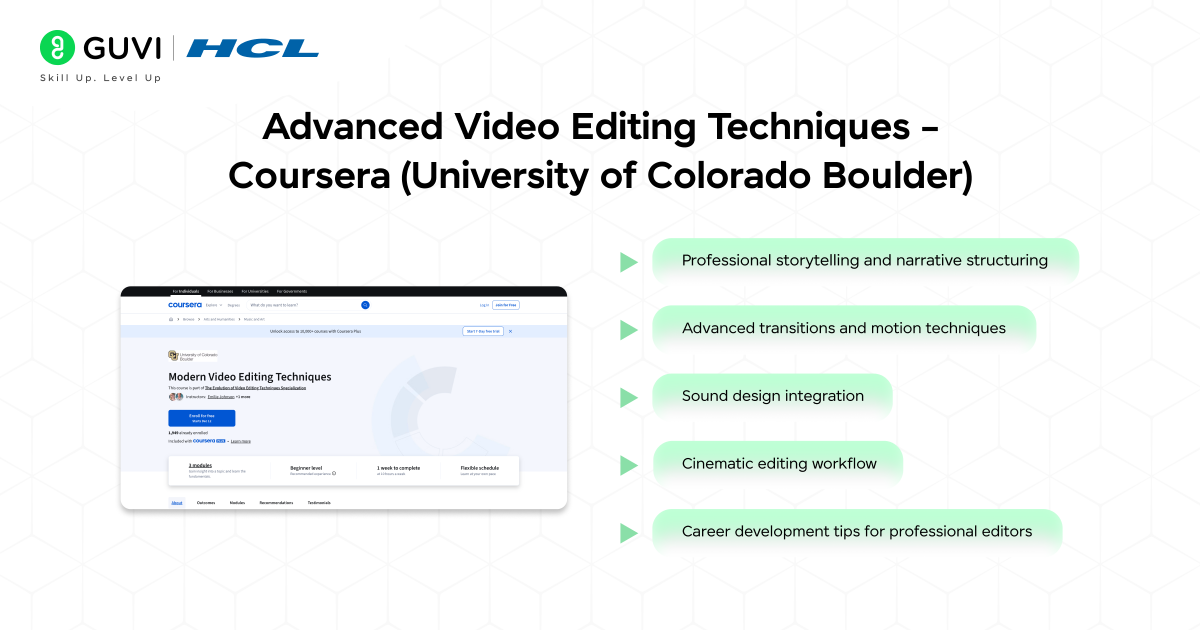
Duration: 4 months (at 5 hours/week)
Price: Free to audit; ₹3,600 per month for certificate access
Key Features:
- Offered by a top U.S. university
- Guided assignments and graded projects
- Professional certificate upon completion
- Instructor-led feedback sessions
- Integrated Adobe Premiere Pro and After Effects workflow
Course Link: Advanced Video Editing Techniques – Coursera
8. YouTube Video Editing Masterclass – Udemy
This Udemy Masterclass is designed for aspiring content creators who want to master YouTube editing techniques to grow their channels and careers.
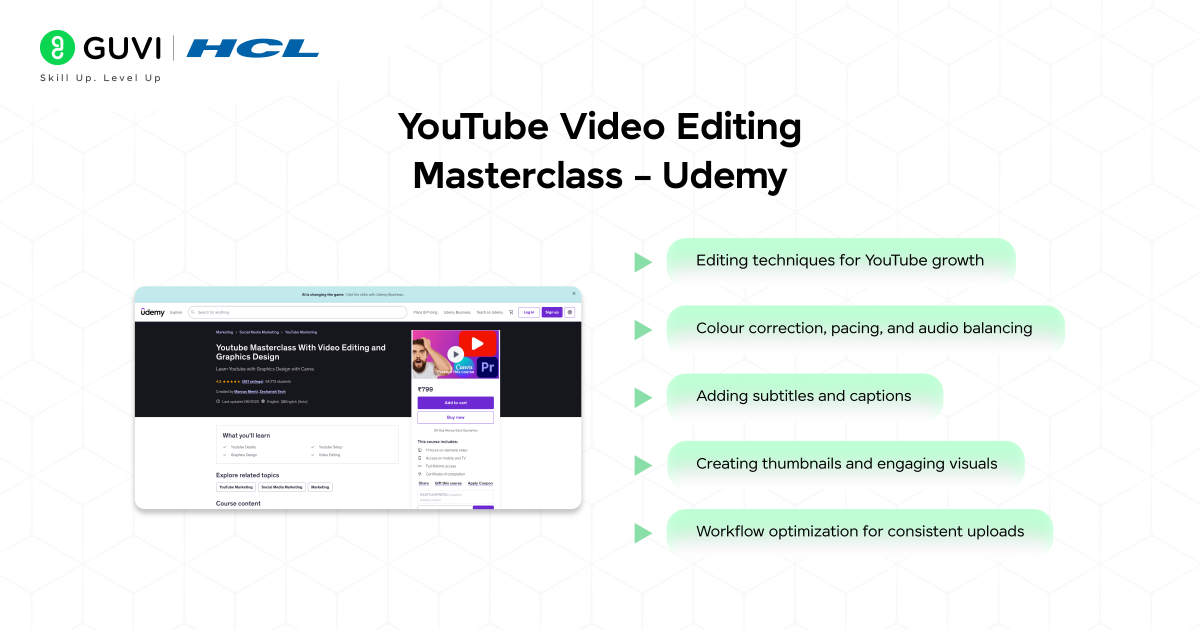
Duration: 12.5 hours (on-demand)
Price: ₹499 (often discounted from ₹3,499)
Key Features:
- Lifetime access with free updates
- Taught by full-time YouTubers and editors
- Certificate of completion
- Beginner to intermediate level coverage
- Includes monetization strategies
Course Link: YouTube Video Editing Masterclass – Udemy
Each of these certified video editing courses offers unique advantages depending on your career goals. Regardless of which you choose, the certification you’ll earn serves as tangible proof of your skills in an increasingly competitive job market.
Before you further dive into the best video editing courses, here are some surprising insights about the craft of editing that might inspire you:
The First Video Edit Was Done in 1895: Early film editors physically cut and spliced film reels using scissors and tape—long before digital tools like Premiere Pro or Final Cut Pro existed.
The Term “Cutting Room Floor” Is Literal: In the early days of cinema, unwanted film segments were literally thrown onto the floor after being trimmed from the reel.
Editing Shapes Storytelling: Alfred Hitchcock famously said, “The film is made in the editing room,” emphasizing that editing, more than filming, defines a movie’s rhythm and emotion.
These facts remind us that while technology has evolved, the art of video editing remains the invisible hand that shapes every story we see on screen.

Free Video Editing Courses With Certificate
Not every good video editing course needs a big budget. If you’re just starting out, these free options let you learn and earn a certificate before you spend a rupee.
- Blackmagic Design’s DaVinci Resolve Training: free training videos plus a free certification exam, covering editing, colour grading, Fairlight audio, and Fusion visual effects.
- YouTube Creator Academy: free, self-paced lessons on video production and editing built for creators, though it issues a badge rather than an external certificate.
- Great Learning Academy’s Video Editing Basics: a short 1.5 to 2 hour course covering trimming, cutting, and basic Premiere Pro work, with a free completion certificate.
- Alison’s video editing courses: free to complete, with a small fee only if you want a printed or downloadable certificate.
Video Editing Courses for YouTube Creators Specifically
YouTube editing has its own demands: fast pacing, jump cuts, captions, and thumbnails that stop the scroll. A generic editing course won’t always cover this, so a few programmes are built specifically around it.
- YouTube Creator Academy covers editing alongside channel strategy, monetisation, and copyright basics, all free.
- YouTube Video Editing Masterclass on Udemy, taught by full-time YouTubers, covers pacing, subtitles, thumbnails, and monetisation-ready editing in 12.5 hours.
- Jump Cut’s free starter course is a short email-based series from two creators who built their channels around viral short-form editing.
Adobe Premiere Pro vs DaVinci Resolve Courses: Which to Choose
Both software are industry standard, so the better course depends on what you already have and where you want to work.
| Factor | Premiere Pro Courses | DaVinci Resolve Courses |
|---|---|---|
| Software cost | Subscription required | Free version available |
| Best for | Agencies, ad houses on Adobe Creative Cloud | Freelancers, colourists, indie filmmakers |
| Learning curve | Easier if you know other Adobe apps | Steeper, but stronger colour tools |
| Certificate source | Miracamp, LinkedIn Learning | Blackmagic Design, free |
When Premiere Pro Makes More Sense
If you’re aiming for a job at a marketing agency or production house already running Adobe Creative Cloud, a Premiere Pro course like Miracamp’s or LinkedIn Learning’s will match what employers use daily.
When DaVinci Resolve Makes More Sense
If budget is tight or you want strong colour grading skills without paying for software, DaVinci Resolve’s free tier and free Blackmagic certification make it the more practical starting point.
Common Mistakes to Avoid
- Picking a course by price alone: The cheapest option isn’t always the one employers recognise, so check what the certificate is actually worth before you enrol.
- Ignoring the software you’ll use on the job: Learning After Effects when your target roles need DaVinci Resolve wastes both time and money.
- Skipping the portfolio projects: A certificate without sample work rarely convinces a recruiter. Choose courses with real editing projects you can showcase.
- Assuming free means lower quality: Blackmagic’s own DaVinci Resolve training is free and still industry-recognised, so don’t rule out free courses by default.
Start Your VFX Journey With GUVI
If you want a course that balances affordability with real VFX skills, HCL GUVI’s Adobe After Effects Using VFX Course is built for exactly this. At ₹1,499, it covers motion tracking, compositing, and particle effects, with feedback from working VFX professionals and a certificate you can add to your portfolio.
Conclusion
Choosing between these video editing courses comes down to your budget, your target software, and where you want to work. If you’re starting out, Blackmagic’s free DaVinci Resolve certification or GUVI’s ₹1,499 VFX course are the most practical entry points. If you’re editing specifically for YouTube, look at the Creator Academy or a course built around short-form pacing.
And if you’re aiming for agency work, a Premiere Pro certificate from a recognised platform is worth the higher cost. Whichever you pick, treat the certificate as proof of effort, not a shortcut, and pair it with real projects you can show.
FAQs
Which video editing course is best for complete beginners?
HCL GUVI’s Adobe After Effects VFX Course and Blackmagic’s free DaVinci Resolve training are both beginner-friendly and don’t assume prior editing experience.
Can I get a video editing certificate for free?
Yes. Blackmagic Design, YouTube Creator Academy, Great Learning, and Alison all offer free courses with either a free certificate or a low-cost certificate add-on.
Is DaVinci Resolve better than Premiere Pro for beginners?
DaVinci Resolve has a free version and strong colour tools, while Premiere Pro is easier to pick up if you already use other Adobe apps. Neither is objectively better, it depends on your budget and target job.
Do YouTube creators need a separate editing course?
Not strictly, but courses built for YouTube cover pacing, captions, and thumbnails that general editing courses often skip, which can save you time.
How long does it take to complete a video editing course?
Most online courses take anywhere from 6 hours on LinkedIn Learning to 150 hours for Miracamp’s Bootcamp, depending on how deep you want to go.
Are free video editing certificates recognised by employers?
Certificates from established sources like Blackmagic Design carry real weight. Certificates from smaller free platforms are useful for learning but may carry less recruiter recognition.
Which software should I learn first, Premiere Pro or After Effects?
Start with Premiere Pro or DaVinci Resolve for core editing skills, then move to After Effects once you want to add VFX and motion graphics.
Success Stories

About the Author
Lukesh S
A professional content writer who has experience in freelancing and now working as a Technical Content Writer at HCL GUVI having sound knowledge in Blog Writing and Creative Writing!
View all posts by Lukesh S
Connect with me @







Did you enjoy this article?