


Artificial Intelligence and Machine Learning Articles
LLM Engineer Skills: What You Need to Know in 2026
Text Classification with Scikit-learn: TF-IDF to BERT


Get In Touch For Details! Request More Information
Replit Mobile Apps: Case Study & Team Insights
Jun 24, 2026 5 Min Read 288 Views
(Last Updated)
Building a mobile app used to mean setting up a heavy development environment, installing dozens of dependencies, and spending hours just getting your workspace ready before writing a single line of code. For many developers, that setup process alone was enough to kill the momentum.
Replit is changing that. With its browser-based platform, developers are now building real, fully functional mobile apps without any of the traditional setup headaches.
In this blog, we take a close look at how Replit Mobile Apps works, share a real case study of a team that built an app entirely on the platform, and get an inside look at what the Replit product team has been building behind the scenes to make this possible.
Quick TL;DR Summary
1. This blog explores how Replit has made mobile app development accessible directly from the browser, without any local setup or installation required.
2. You will get an inside look at what the Replit product team has been working on to support mobile app development on the platform.
3. A real case study walks you through how a team built and shipped a mobile app entirely using Replit, from idea to deployment.
4. You will learn which types of mobile apps are best suited for Replit and where the platform currently has limitations.
5. Practical tips help you get started with your own mobile app project on Replit, even if you have never built one before.
6. You will also understand what is coming next for Replit so you can plan your projects around the platform’s growing capabilities.
Table of contents
- What Does Building a Mobile App on Replit Actually Mean?
- Inside Look: What the Replit Product Team Has Been Building
- Case Study: Building a Mobile App Entirely on Replit
- The Team
- The Goal
- The Approach
- The Process
- The Result
- What Types of Mobile Apps Work Best on Replit?
- Pros and Cons of Building Mobile Apps on Replit
- Pros
- Cons
- Tips for Building Your First Mobile App on Replit
- What Is Coming Next for Mobile Development on Replit?
- Limitations to Keep in Mind
- Conclusion
- FAQs
- Can I build iOS and Android apps directly on Replit?
- Do I need a paid plan to build mobile apps on Replit?
- Can multiple people work on the same mobile app project at the same time?
- How do I test my mobile app on a real phone using Replit?
- Is Replit suitable for building mobile apps if I am a complete beginner?
What Does Building a Mobile App on Replit Actually Mean?
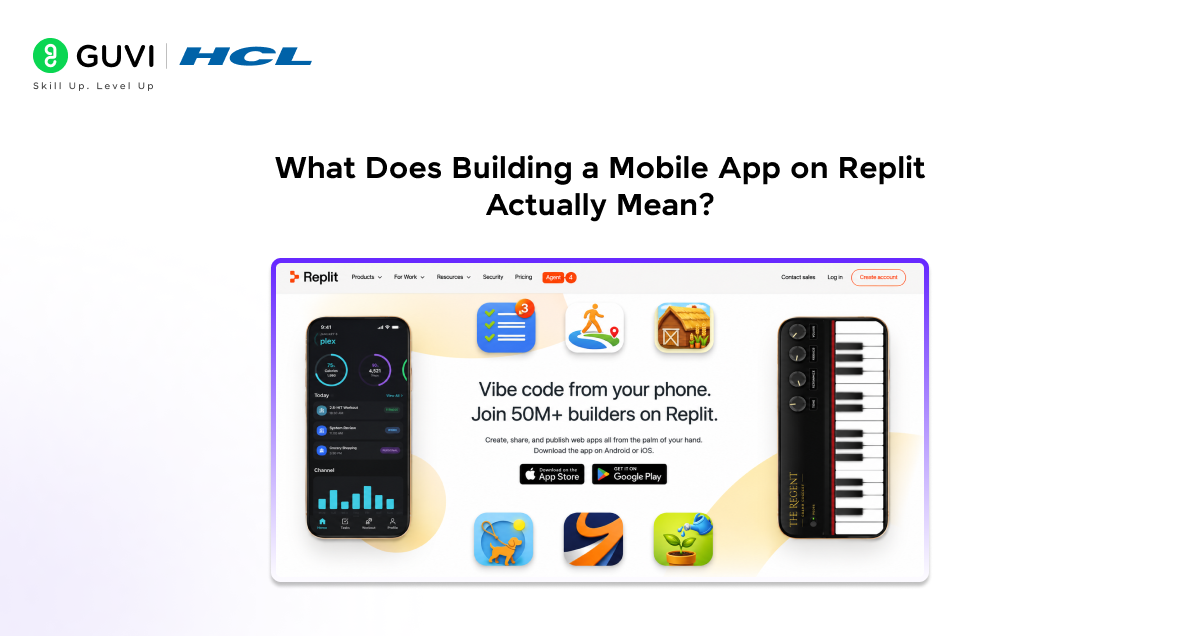
When most people think of building mobile apps, they think of Xcode on a Mac for iOS or Android Studio for Android apps. Both require powerful machines, large software downloads, and a fair amount of configuration before you can even say hello world.
Replit takes a different approach. Instead of running everything on your machine, it runs everything in the cloud. You write your code in the browser, Replit executes it on its servers, and you see the results in real time.
In this guide, we will walk you through how that process works for mobile apps specifically, what tools and frameworks Replit supports, and what a real team experienced when they chose Replit as their primary development environment.
Inside Look: What the Replit Product Team Has Been Building
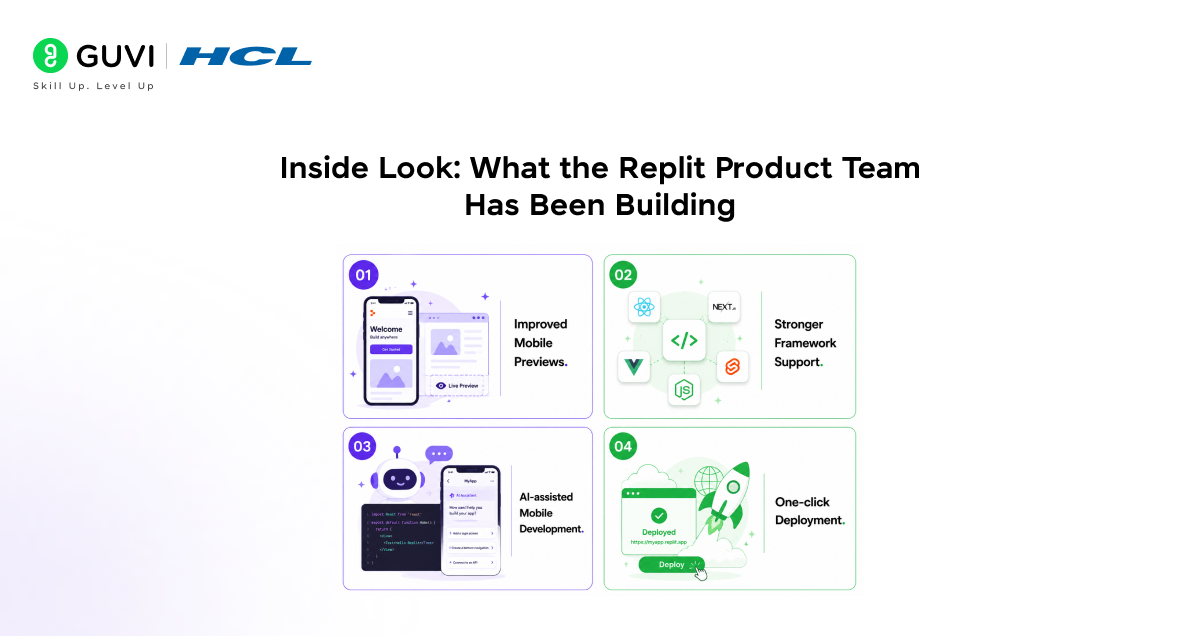
The Replit product team has been quietly working on a set of features specifically designed to make mobile development smoother on the platform. Here is what they have been focused on.
- Improved mobile previews.
Replit now lets you preview how your app looks and behaves on a mobile screen directly within the browser. You do not need a physical device or emulator running locally to see your changes in real time.
- Stronger framework support.
The team has expanded support for popular mobile-friendly frameworks like React Native and Flutter, making it easier to write cross-platform mobile code without leaving Replit.
- AI-assisted mobile development.
Replit’s built-in AI assistant has been trained on mobile development patterns, which means it can suggest mobile-specific code, catch common errors, and help you move faster through the build process.
- One-click deployment.
The product team has worked to simplify the process of taking a finished mobile web app and deploying it so users can access it on their phones immediately, without a complicated publishing process.
The Replit product team includes engineers from companies like Google, Facebook, and Stripe. Many of its mobile development features are shaped by real-world practices used in large-scale engineering teams.

Case Study: Building a Mobile App Entirely on Replit
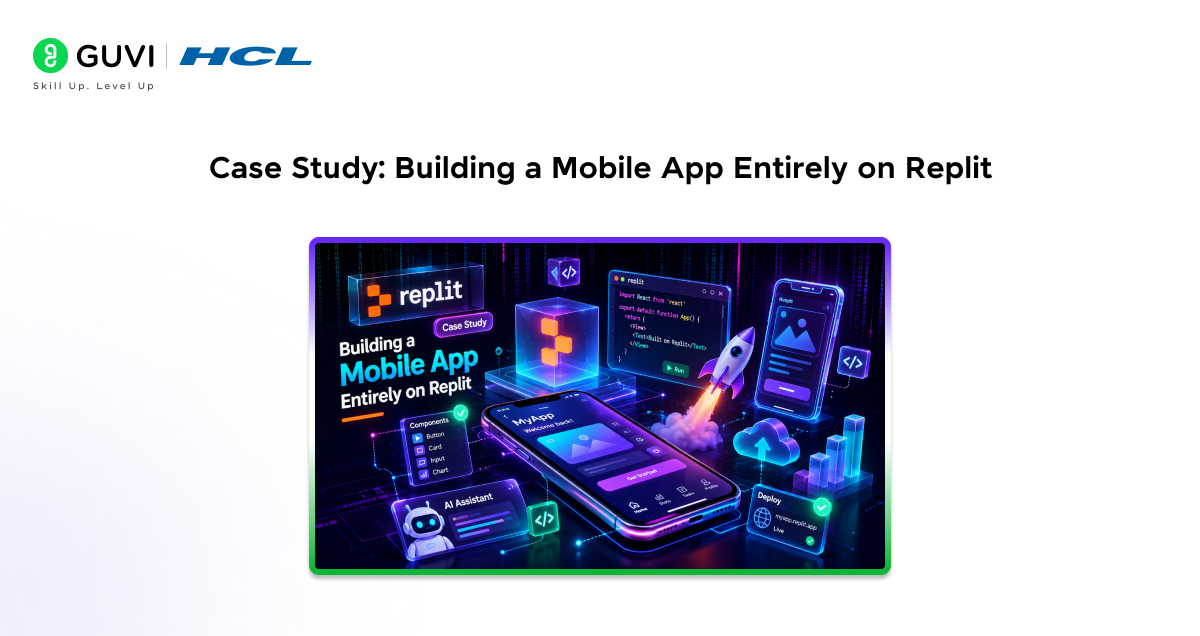
To understand what mobile development on Replit looks like in practice, here is a look at how one small team built and shipped a real mobile app using nothing but the platform.
The Team
A three-person startup consisting of one designer, one frontend developer, and one backend developer. None of them wanted to spend time managing local environments or dealing with version conflicts across their machines.
The Goal
Build a simple task management app for mobile users, with a clean interface, user authentication, and the ability to sync tasks across devices.
The Approach
The team used React for the frontend, built the backend with Node.js, and used Replit’s built-in database for storing user data. All three team members worked inside the same Replit environment, collaborating in real time without ever merging conflicting local setups.
The Process
- The designer built interactive mockups directly in the Replit environment and shared links with the rest of the team for instant feedback.
- The frontend developer used Replit’s AI assistant to generate boilerplate components quickly, then customised them to match the design.
- The backend developer set up authentication and database logic entirely within Replit, testing each endpoint without leaving the browser.
- When the app was ready, the team used Replit’s deployment tools to push it live and share it with their first group of users.
The Result
The team went from idea to a working, deployed mobile app in under two weeks. They estimated that setting up a traditional local development environment for all three members would have taken at least three to four days on its own, time they were able to spend actually building instead.
What Types of Mobile Apps Work Best on Replit?
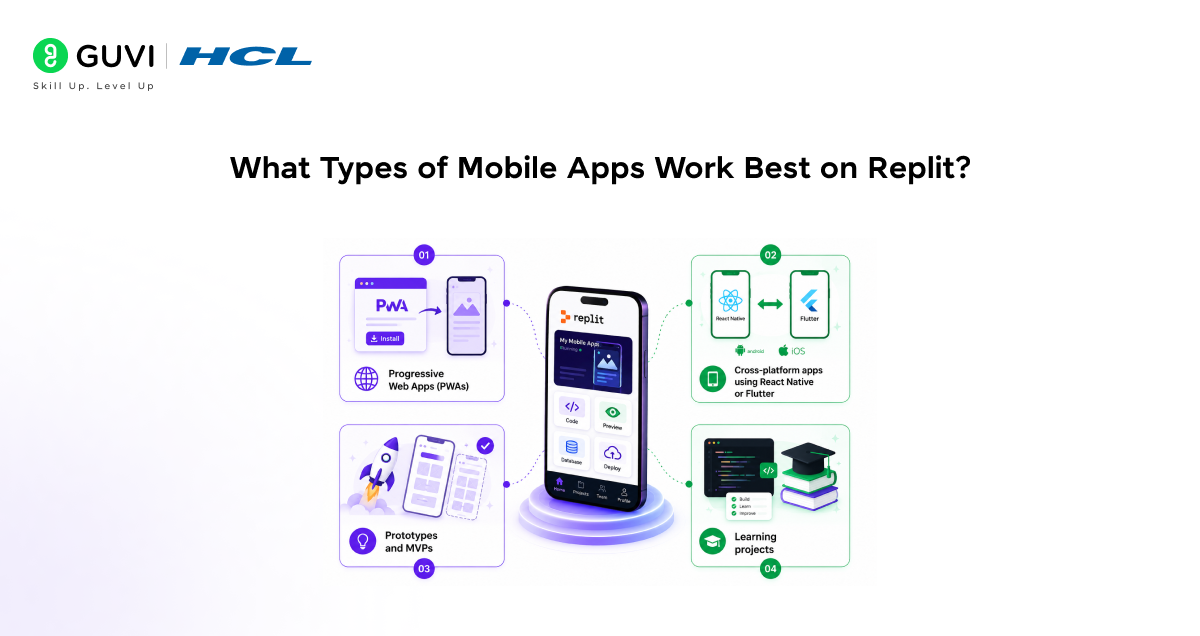
Replit is a strong fit for certain kinds of mobile projects. Here is where it works best.
- Progressive Web Apps (PWAs)
Apps that run in the mobile browser and can be saved to the home screen like a native app. Replit is an excellent environment for building and deploying these.
- Cross-platform apps using React Native or Flutter
Both frameworks let you write code once and deploy to both iOS and Android. Replit’s improved support for these frameworks makes it a practical option for cross-platform development.
- Prototypes and MVPs
If you are testing an idea quickly and need to show something working to a client or investor, Replit lets you move from concept to demo faster than almost any other setup.
- Learning projects
If you are just getting started with mobile development, Replit removes all the setup friction so you can focus entirely on learning to code.
Pros and Cons of Building Mobile Apps on Replit
Pros
- No setup time means you can start building immediately, which is a huge advantage for solo developers and small teams.
- Real-time collaboration makes it easy for designers, frontend developers, and backend developers to work together without environmental conflicts.
- The built-in AI assistant speeds up mobile development by handling repetitive code and catching errors early.
- Deployment is straightforward, especially for web-based mobile apps and PWAs.
- You can work from any device, which means your development environment is always with you.
Cons
- Native iOS and Android app development still has limitations on Replit compared to Xcode or Android Studio.
- Very large mobile projects with complex native integrations may outgrow what Replit’s current environment can handle.
- Internet connectivity is required at all times, which can be a problem in areas with unreliable connections.
- Some mobile-specific testing scenarios, like testing on multiple physical devices, still require tools outside of Replit.
Tips for Building Your First Mobile App on Replit
- Start with a Progressive Web App.
If you are new to mobile development on Replit, a PWA is the easiest starting point. You can use standard HTML, CSS, and JavaScript and still end up with something that feels like a native app on a phone.
- Use the AI assistant from the beginning.
Do not wait until you are stuck to try the AI assistant. Use it from the start to generate your project structure, suggest component layouts, and help you write mobile-friendly CSS.
- Preview on mobile often.
Use Replit’s mobile preview feature regularly as you build. Catching layout issues early saves a lot of time compared to fixing them at the end.
- Keep your project modular.
Break your app into small, manageable pieces. Replit’s collaborative environment works best when the codebase is organised and easy for multiple people to navigate.
- Use Replit’s database for quick backends.
If your mobile app needs to store data, Replit’s built-in database is the fastest way to get a backend running without any external setup.
You can share a live preview of your Replit project using just a link. This allows you to collect real-time feedback from users or clients before official deployment — simply by sending a URL.
What Is Coming Next for Mobile Development on Replit?
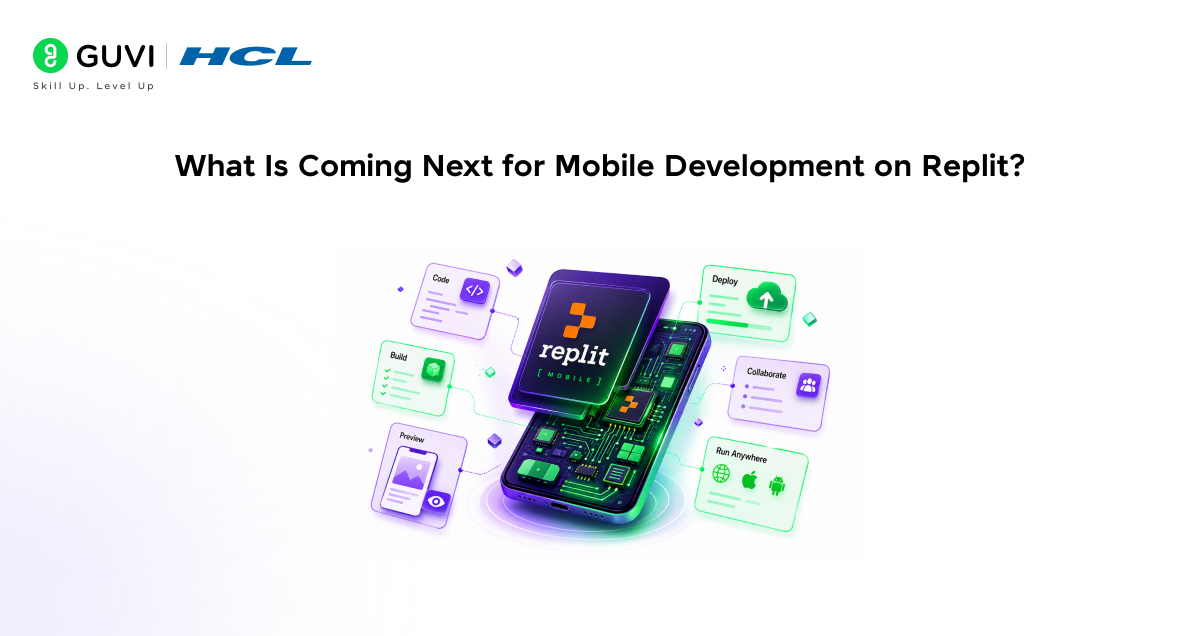
The Replit product team has hinted at several upcoming features that will make mobile development even more capable on the platform.
Better native app support is on the roadmap, which would allow developers to build apps that can be submitted directly to the Apple App Store and Google Play Store from within Replit.
Improved testing tools are being developed so developers can simulate different mobile devices and screen sizes without leaving the browser.
Deeper AI integration is planned, with the assistant becoming more context-aware during mobile projects, offering suggestions based on the specific framework and app type you are building.
Limitations to Keep in Mind
- Replit is a browser-based platform, so a stable internet connection is essential throughout your development process.
- Full native app development for iOS and Android is still more powerful in dedicated tools like Xcode and Android Studio. Replit works best for web-based mobile experiences and cross-platform frameworks.
- Very resource-heavy apps with complex animations or large media files may experience performance limitations depending on your plan.
- Always test your app on real devices before launching. Replit’s preview tools are helpful but cannot fully replace physical device testing.
If you want to learn more on Replit Mobile Apps, do not miss the chance to enroll in HCL GUVI’s Intel & IITM Pravartak Certified Artificial Intelligence & Machine Learning course. Endorsed with Intel certification, this course adds a globally recognized credential to your resume, a powerful edge that sets you apart in the competitive AI job market.
Conclusion
Building mobile apps on Replit is no longer just an experiment. Real teams are using it to ship real products, and the platform is growing quickly to support more of what professional mobile development demands.
Whether you are a solo developer testing a new idea, a student learning mobile development for the first time, or a small team building an MVP on a tight deadline, Replit removes the friction that usually slows you down at the start.
The case study we looked at shows that with the right approach, a small team can go from idea to deployed mobile app in under two weeks, without a single local environment setup. That is a meaningful shift in how fast and how freely developers can work.
FAQs
1. Can I build iOS and Android apps directly on Replit?
Currently, Replit is best suited for Progressive Web Apps and cross-platform frameworks like React Native and Flutter. Full native iOS and Android development with direct App Store submission is still being developed as a future capability.
2. Do I need a paid plan to build mobile apps on Replit?
You can start building on the free plan, but for serious mobile projects, the Core or Pro plan is recommended. They offer more computing power, storage, and AI access, all of which make a noticeable difference during development.
3. Can multiple people work on the same mobile app project at the same time?
Yes. Replit supports real-time collaboration, meaning your entire team can work inside the same project simultaneously, just like editing a shared document.
4. How do I test my mobile app on a real phone using Replit?
Replit generates a live preview link for your project. You can open that link on any mobile device to see and interact with your app as it is being built. For more advanced testing, you can also connect physical devices through browser-based tools.
5. Is Replit suitable for building mobile apps if I am a complete beginner?
Absolutely. Replit removes all the setup complexity that usually discourages beginners. Combined with the built-in AI assistant, it is one of the most beginner-friendly environments available for learning mobile development today.
Success Stories

About the Author
Vishalini Devarajan
An Aerospace Engineer turned content writer, I focus on making complex concepts easy to understand through well-structured, reader-friendly blogs. Whether it’s a technical topic or a non-technical one, I love creating content that is clear, engaging, and impactful.
View all posts by Vishalini Devarajan
Connect with me @




Did you enjoy this article?