


Artificial Intelligence and Machine Learning Articles
Finance Manager to Data Analytics: Career Growth, Salary and Seniority
How to Evaluate LLM Outputs in Production Deployments
AI/ML Skills Gap 2026: Why Companies Can't Find Job-Ready Talent
20 AI/ML Interview Questions Recruiters Can Use Without a Tech Background - Best Guide


Get In Touch For Details! Request More Information
Cursor Vibe Coding: The Future of AI-Powered Development
Aug 04, 2026 6 Min Read 1047 Views
(Last Updated)
Picture this: You are sitting in front of your computer, you have an idea, it is not a detailed technical plan, it is a simple, exciting idea. You open your code editor and begin to write what you want in plain English. Within seconds, real functional code appears on your screen. You talk back to it. You ask it to add a dark mode, clean up a slow loop, or fix a bug you noticed. It adjusts. Within an hour, something that would have taken a full day to write manually is done and working.
This is not science fiction. This is cursor vibe code and it is in action, in a powerful AI-native tool called Cursor IDE. It has already emerged as one of the most discussed developer tools of the 2025, shifting the way engineers, hackers, and startup founders (and even non-technical builders) go about the software building process.
This blog will explain about cursor vibe coding, what it is, how it works, why it matters, and how you can begin to use it to create things more quickly and intelligently than ever.
Quick answer:
Cursor vibe coding is an AI-assisted development approach where developers use natural language and intelligent suggestions within the Cursor IDE to write, edit, and optimize code efficiently.
Table of contents
- What is Cursor Vibe Coding?
- What is Cursor IDE?
- How Cursor Vibe Coding Works
- Context Awareness
- Natural Language Commands
- Smart Autocomplete
- AI Refactoring
- Multi-File Editing
- Key Features of Cursor Vibe Coding
- AI Coding Assistance
- Advanced Autocomplete
- Seamless Code Editing
- Built-in Debugging Support
- Natural Language Interaction
- How to Get Started With Cursor Vibe Coding
- Whom Is Cursor Vibe Coding Best For?
- Beginner Programmers
- Experienced Developers
- Freelancers and Solo Developers
- Startups and Product Teams
- Students and Learners
- Non-Technical Professionals
- Applications of Cursor Vibe Coding in the Real World
- Web Development
- Debugging Code
- Learning Programming
- Rapid Prototyping
- Code Refactoring
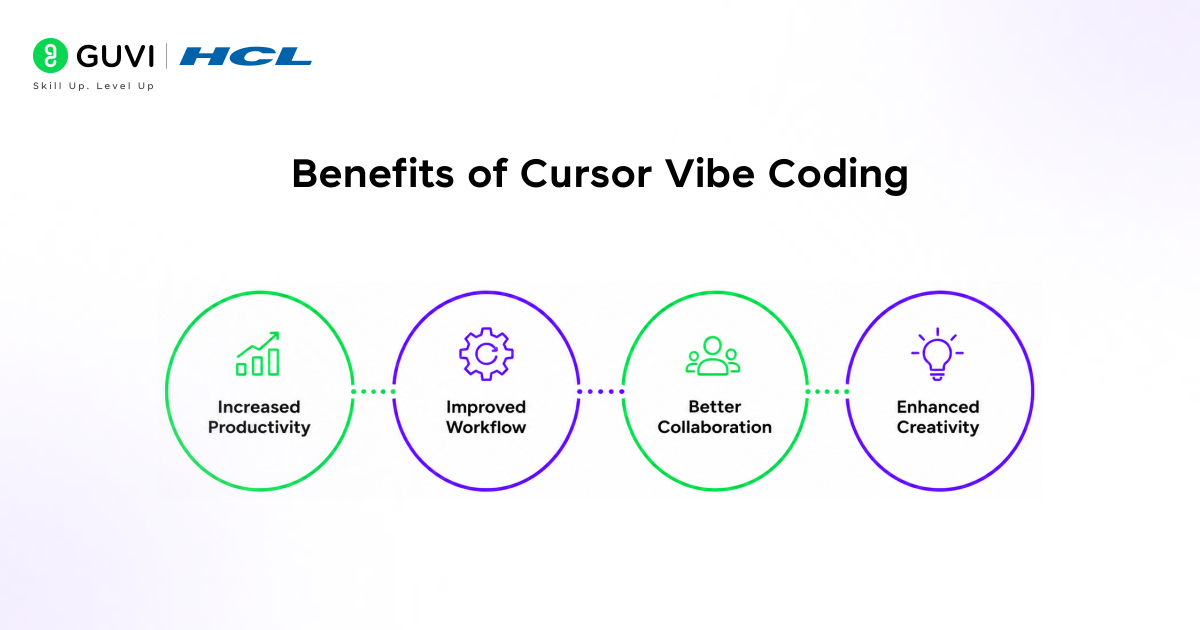
- Benefits of Cursor Vibe Coding
- Increased Productivity
- Improved Workflow
- Better Collaboration
- Enhanced Creativity
- Wrapping it up:
- FAQs
- What is Cursor vibe coding?
- How is Cursor different from traditional code editors?
- Is Cursor vibe coding suitable for beginners?
What is Cursor Vibe Coding?
Cursor vibe coding is an AI-powered coding methodology enabled through AI-assisted tools, particularly the Cursor IDE, allowing users to interact with code intuitively and more naturally.
Rather than manually coding:
- You are able to describe features using plain English.
- AI assists in creating, refining, and improving code.
- Suggestions are context-aware, not generic
- The whole process of working becomes more comfortable and quicker.
The term “vibe coding” refers to staying in a creative, uninterrupted state where coding feels fluid rather than mechanical.
What is Cursor IDE?
Cursor IDE is the next-generation code editor that uses artificial intelligence to streamline the process of writing and developing by incorporating it into the development process.
Cursor IDE is an intelligent assistant that is not just text editing and simple autocomplete features like the traditional code editors, but rather assists you in writing better code by understanding the entire project you are working on.
The major features of Cursor IDE are:
- It examines your complete codebase to give suggestions in a context-sensitive manner, rather than the generic ones.
- It enables developers to communicate with code in natural language commands, which makes the coding easier to understand and use.
- It allows editing of multiple files at the same time, which allows developers to make changes on multiple sections of a project at the same time.
- It can be easily incorporated into current workflows, as it fits perfectly with modern developer tools.
Also check out: Is Vibe Coding the Future of Software Development? (2026)
How Cursor Vibe Coding Works
Cursor vibe coding is a type of coding that combines AI models with your code workspace to build a highly interactive and intelligent development environment.
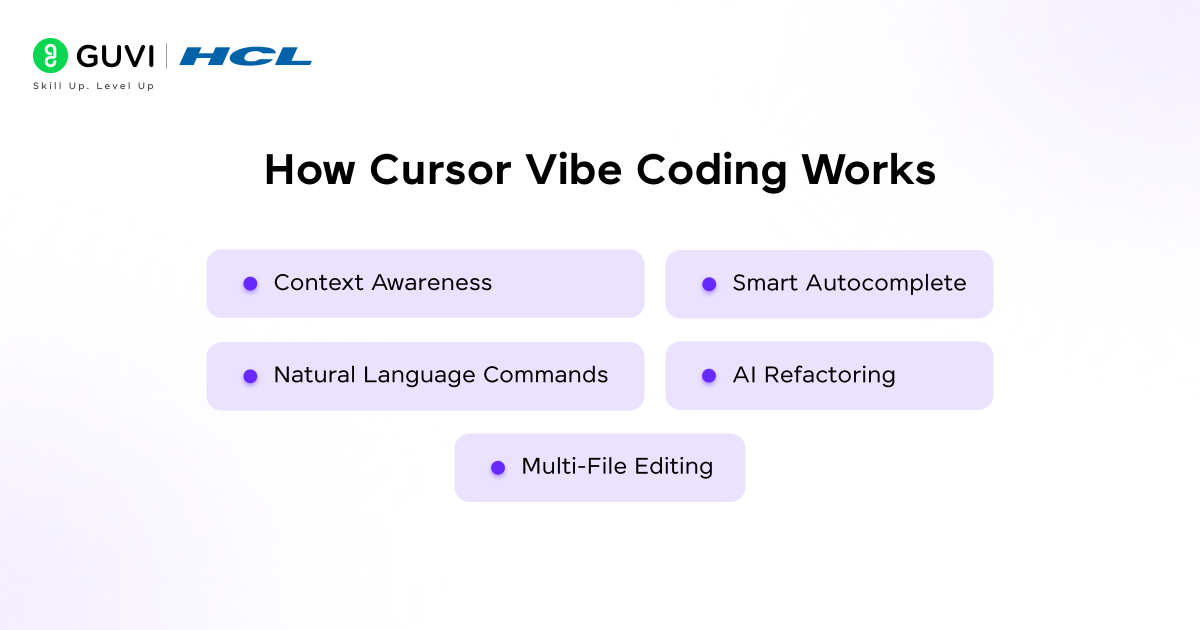
1. Context Awareness
One of the most powerful aspects of cursor vibe coding is its ability to understand context.
- The system examines your whole code base, files, functions and dependencies, to offer very relevant suggestions.
- It knows how the various components of your project are related, thereby being able to produce valid and significant code.
- It becomes more personalized as you go on by modifying its recommendations according to your coding style and past interactions.
2. Natural Language Commands
Cursor enables developers to interact with their code in straightforward, simple language.
- You are able to write what you wish to create, and the AI will convert your words into working code.
- You may request the AI to fix bugs, optimize, or refactor without having to edit each line manually.
- This aspect makes coding easier and particularly to beginners who might not be familiar with complicated syntax.
3. Smart Autocomplete
Autocomplete in cursor vibe coding goes far beyond basic suggestions.
- It predicts entire blocks of code based on the context of your project rather than just completing single words.
- It gives logic-based recommendations that are in line with your desired functionality.
- It saves the repetitive typing and enables the developers to work on the issue at hand rather than syntax.
4. AI Refactoring
Refactoring code can be quite time-consuming, whereas cursor vibe code makes this easier.
- The AI is able to detect ineffective or old-fashioned code and suggest improvements automatically.
- It assists in keeping the code clean and readable by reorganizing the complicated logic into a simpler form.
- It makes sure that your code is developed in a best practices manner, enhancing maintainability and scalability.
5. Multi-File Editing
Managing large codebases can be challenging, but cursor vibe coding makes it easier.
- Changes can be implemented on numerous files at once with one command, which saves a great deal of time and effort.
- The AI will provide uniformity in the update process throughout the project.
- This capability is particularly helpful in applications that are large-scale and the changes are required to be implemented at a global scale.
Also check out: Vibe Coding Jobs: Skills, Roles, Salary & How to Get Started
Key Features of Cursor Vibe Coding
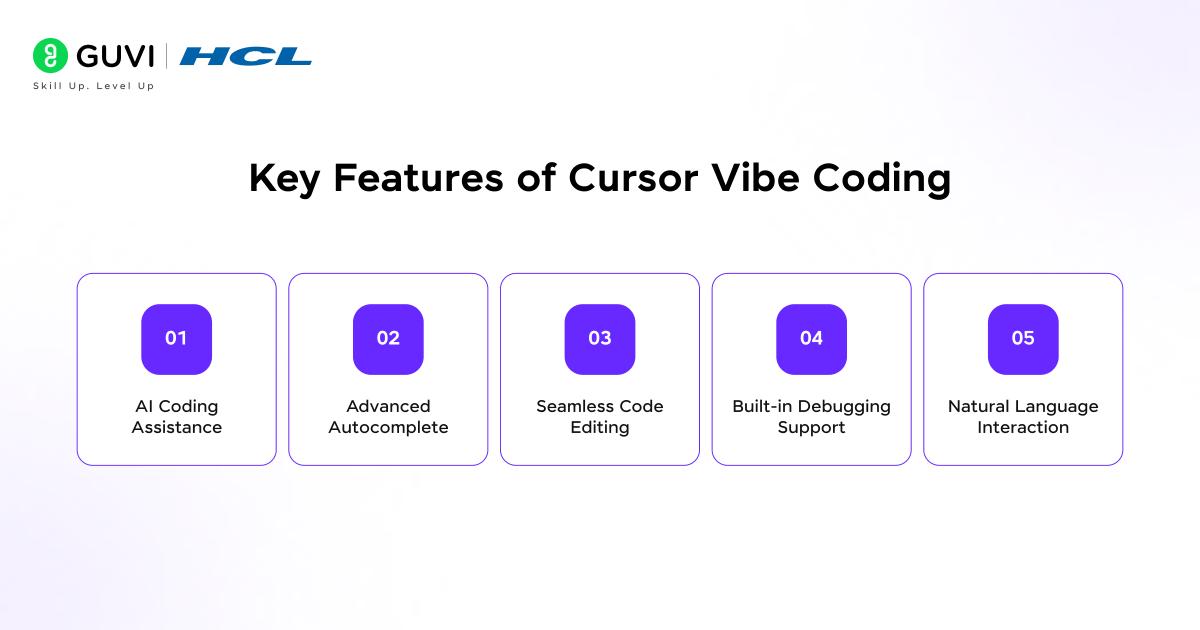
1. AI Coding Assistance
The main part of cursor vibe coding is AI coding assistance that assists developers in working smarter and quicker.
- It enables the developers to create the code immediately depending on their requirements and this saves a lot of time in the development.
- It offers context-related recommendations that are in line with the project structure and requirements.
- It assists in solving complicated issues by providing several solutions and understandable explanations.
2. Advanced Autocomplete
Cursor Autocomplete enhances the efficiency of coding.
- That implies entire functions or logic blocks rather than single lines of code.
- It learns your coding style, and gets more accurate overtime.
- It minimises mistakes by offering recommendations that are relevant to your project.
3. Seamless Code Editing
Cursor simplifies editing by making large-scale changes easier to manage.
- It allows its developers to make changes to entire parts of code with simple AI instructions.
- It guarantees uniformity in implementing changes in various sections of a project.
- It reduces the possibility of mistakes which frequently arise when editing manually.
4. Built-in Debugging Support
With the help of AI, debugging is faster.
- It identifies errors and possible bugs as you code.
- It proposes fixes in a short time; it will work to fix your problems immediately.
- It clarifies issues in a way that they can be easily understood and learnt through mistakes.
5. Natural Language Interaction
The interaction of natural language makes coding more easy to use and understand.
- Task description can be done in plain English and does not require a lot of syntax.
- It makes complex coding processes simplified thus allowing quicker implementation of ideas.
- It makes the process of coding easier to those who are not technical or beginners.
Also check out: Vibe Coding 101 with Replit: Build Your First App Without Overthinking Code
How to Get Started With Cursor Vibe Coding
It is really easy to start. Here is the step by step path from zero to your first productive vibe coding session:
- Step 1 – Download cursor.sh and install it as any other desktop application.
- Step 2 – When you launch it, it will offer to import your VS Code extensions, themes, and keybindings. This helps the transition to become immediate.
- Step 3 – Open the current project or create a new one. Cursor will automatically index your codebase so that the AI knows about your project before you start.
- Step 4 – Open the chat panel and code a little, to invite Cursor to describe what a given file is, or to code a simple utility function. Familiarize yourself with its response.
- Step 5 – Choose one of the existing codes, press Command K and explain what you want to change. Check through the diff and determine whether to accept it or not.
- Step 6 – Open Composer with Command I and describe a larger feature you have been putting off. Watch how it plans and builds across multiple files.
Cursor IDE can analyze your entire codebase, not just a single file, enabling more context-aware suggestions.
Developers can edit multiple files at once using simple natural language commands, speeding up large changes.
Cursor’s AI can also explain bugs and fix them instantly, significantly reducing debugging time.

Whom Is Cursor Vibe Coding Best For?
Cursor vibe coding is created to assist a broad spectrum of users by enabling quicker, more user-friendly, and more approachable coding. It fits your workflow, no matter how new or experienced you are, and gets you doing more with less effort.
Beginner Programmers
For beginners, cursor vibe coding acts like a guided learning assistant that simplifies the coding journey and reduces confusion.
- It will assist beginners coders in grasping coding principles by offering live suggestions and easy explanations as they write the code.
- It also minimises dependency on third-party resources by providing immediate solutions directly in the code editor.
- It enables new learners to create projects more quickly, which helps them gain confidence and promotes continuous practice.
Experienced Developers
For experienced developers, cursor vibe coding increases productivity, and reduces time spent on repetitive tasks.
- It automates routine coding work such as writing boilerplate code and fixing common errors.
- It enables developers to concentrate on solving complex problems and system design rather than manual implementation.
- It improves efficiency by offering optimized solutions and quick refactoring suggestions.
Freelancers and Solo Developers
Freelancers and independent developers benefit from cursor vibe coding by gaining an AI-powered support system.
- It helps them complete projects faster, enabling better time management across multiple clients.
- It lowers the development workload, thus enabling them to do more work without straining on workload.
- It acts as a virtual coding partner, providing assistance when working alone.
Startups and Product Teams
Cursor vibe coding can be applied by startups and teams to speed up product development and innovation.
- It enables rapid development of minimum viable products (MVPs), allowing faster testing of ideas in the market.
- It supports quick iterations, which is essential for adapting to user feedback and changing requirements.
- It improves the productivity of teams and at early stages, the large development teams are not required.
Students and Learners
Cursor vibe coding can be used by students to help them learn programming more by making the process more interactive and practical.
- It gives immediate feedback and explanations, thus understanding of the concepts of coding is easy.
- It allows students to experiment freely without fear of making mistakes or breaking code.
- It speeds up the learning process by combining theoretical knowledge with hands-on practice.
Non-Technical Professionals
The cursor vibe coding also allows people who are not tech savvy to start with coding.
- It enables users to make simple applications or automate tasks with a natural language command.
- It enables professionals to implement their ideas without having to go through serious programming skills.
Also check out: Claude Vibe Coding: The Future of AI-Powered Coding Explained
Applications of Cursor Vibe Coding in the Real World
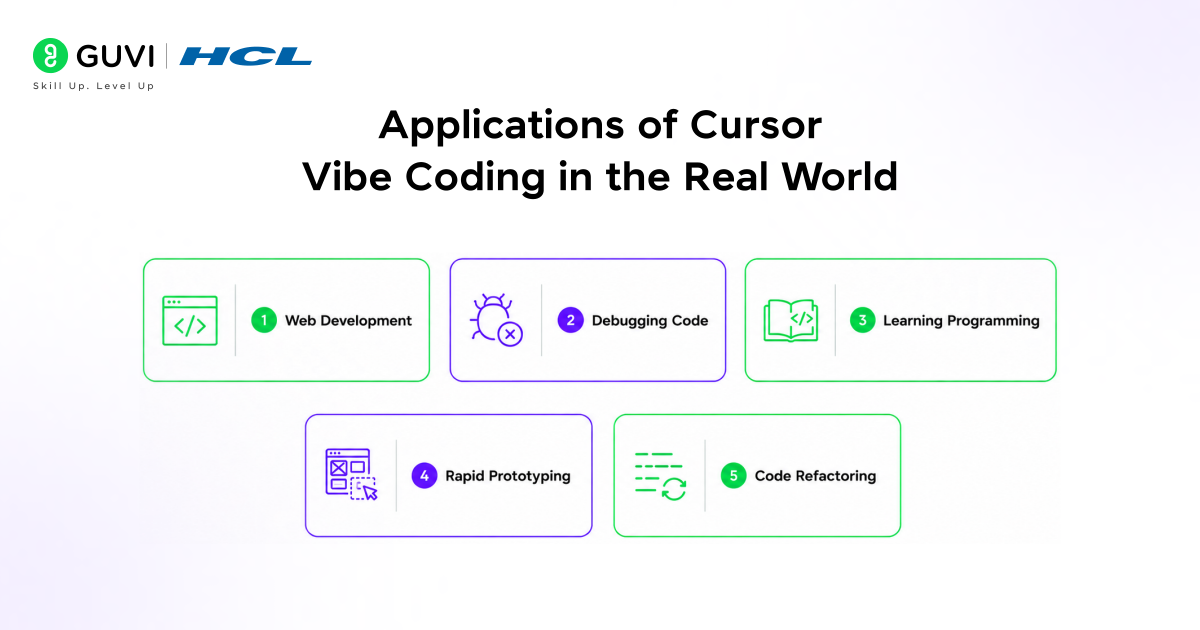
1. Web Development
- With the help of AI developers can develop frontend components quickly, including buttons, forms, and layouts.
- It helps in developing back-end APIs by automating repetitive coding tasks.
- It makes sure there is uniformity in design and functionality throughout the application.
2. Debugging Code
- AI can detect bugs in the code, and provide solutions immediately, which will save hours of debugging.
- It assists developers in knowing the reason why an error took place and how to correct it. This reduces frustration and enhances general productivity.
3. Learning Programming
- Cursor vibe code enables students to learn concepts by getting real-time explanations and examples.
- It enables beginners to work with code and not be afraid of errors. It also enhances learning by giving immediate feedback.
4. Rapid Prototyping
- AI-generated code enables startups to create minimum viable products (MVPs) in a short period of time.
- It enables groups to experiment and iterate more rapidly which minimizes the cost of development and time.
5. Code Refactoring
- With the help of AI, developers can refine legacy code by making it more efficient and cleaner.
- It assists in ensuring long-lasting code quality and scalability.
- It simplifies complicated code structures, simplifying them to understand and maintain.
Benefits of Cursor Vibe Coding
1. Increased Productivity
- Through AI-generated code and recommendations, developers are able to perform tasks more quickly.
- It saves time that would be wasted in doing the same thing over and over again.
2. Improved Workflow
- Cursor eliminates the necessity to combine multiple tools, which makes workflow smoother.
- It integrates multiple functionalities in one platform, making development easier.
- It enables developers to remain focused and does not interept their coding flow.
3. Better Collaboration
- Teams can maintain consistent coding standards with AI assistance.
- It enhances communication and cooperation in development groups.
4. Enhanced Creativity
- The developers will be able to work on creative ideas instead of repetitive tasks.
- It promotes experimentation as it minimizes the effort needed to introduce new features.
- It enables developers to develop creative solutions more effectively.
Take your coding skills beyond theory with HCL GUVI’s AI & ML Course. Master Python, work on hands-on projects, and learn how AI-powered tools like Cursor IDE are redefining modern development workflows.
Wrapping it up:
Cursor vibe coding changes the question from “How do I write this code?” to “What do I want to build?” This change is powerful. By bringing AI directly into the coding environment, it removes much of the friction that slows developers down and replaces it with a more fluid, idea-driven workflow.
The question you ask when doing Cursor vibe coding changes from “How can I write this particular code?” to “What am I going to create?” This change is powerful. By putting AI directly into the code environment, it removes much of the friction that slows developers and replaces it with a more fluid, idea-based process.
Developers have to wait hours just to write code because of syntax issues, debugging issues, or having to repeat similar tasks multiple times. The Cursor IDE, combined with AI coding and intelligent autocomplete, turns the code editor into an active collaborator rather than a passive tool.
Cursor vibe coding gives developers momentum. It allows developers to remain in a creative flow of ideas, to experiment with their ideas, and for them to quickly iterate their code development process. This is how you develop better products and smarter solutions.
FAQs
1. What is Cursor vibe coding?
Cursor vibe coding is an AI-assisted coding approach where developers use natural language and smart suggestions within Cursor IDE to write, edit, and optimize code efficiently.
2. How is Cursor different from traditional code editors?
Unlike traditional editors, Cursor uses AI to understand your entire codebase, provide context-aware suggestions, and automate tasks like debugging and refactoring.
3. Is Cursor vibe coding suitable for beginners?
Yes, it is beginner-friendly. Users can describe what they want in simple language, and the AI helps generate and explain code step by step.
Success Stories

About the Author
Vishalini Devarajan
An Aerospace Engineer turned content writer, I focus on making complex concepts easy to understand through well-structured, reader-friendly blogs. Whether it’s a technical topic or a non-technical one, I love creating content that is clear, engaging, and impactful.
View all posts by Vishalini Devarajan
Connect with me @













Did you enjoy this article?