


Artificial Intelligence and Machine Learning Articles
AI/ML Skills Gap 2026: Why Companies Can't Find Job-Ready Talent
20 AI/ML Interview Questions Recruiters Can Use Without a Tech Background - Best Guide
How Industry-Backed AI/ML Bootcamps Are Changing the AI/ML Hiring Pipeline - Best Guide 2026
From IT Support to AI Engineer: A Realistic Career Switch Guide 2026


Get In Touch For Details! Request More Information
Claude vs NotebookLM for Research: Which One Should You Use?
Aug 17, 2026 4 Min Read 284 Views
(Last Updated)
Both Claude and NotebookLM have become go-to tools for researchers, students, analysts, and knowledge workers, but they are built on fundamentally different design philosophies that make each one significantly better than the other for specific types of research tasks. Understanding the difference is not about which tool is smarter but about which architecture fits your research workflow.
Table of contents
- Quick TL;DR
- What Each Tool Actually Does
- NotebookLM
- Claude
- Head-to-Head Comparison
- When NotebookLM Wins
- Scenario 1: Academic literature review
- Scenario 2: Legal document analysis
- Scenario 3: Studying a fixed knowledge base
- When Claude Wins
- Scenario 1: Synthesizing a topic you are new to
- Scenario 2: Generating original analysis and writing
- Scenario 3: Cross-domain research
- Scenario 4: Iterative research conversations
- The Hybrid Workflow: Using Both Together
- Stage 1: Open exploration with Claude
- Stage 2: Source collection
- Stage 3: Deep source analysis with NotebookLM
- Stage 4: Synthesis and writing with Claude
- Honest Trade-offs Neither Tool Advertises
- Conclusion
- FAQs
- What is the main difference between Claude and NotebookLM?
- Which is better for academic research?
- Can Claude replace NotebookLM for document analysis?
- Does NotebookLM hallucinate?
- Can I use both Claude and NotebookLM in the same research project?
- What is NotebookLM's audio overview feature?
Quick TL;DR
Claude vs NotebookLM is a comparison between two fundamentally different research tools. NotebookLM is a source-grounded research assistant that works exclusively within documents you upload, making it ideal for deep analysis of a fixed document set. Claude is a general-purpose AI assistant that combines broad knowledge, reasoning, and writing capability across any topic, with or without uploaded documents.
What Each Tool Actually Does
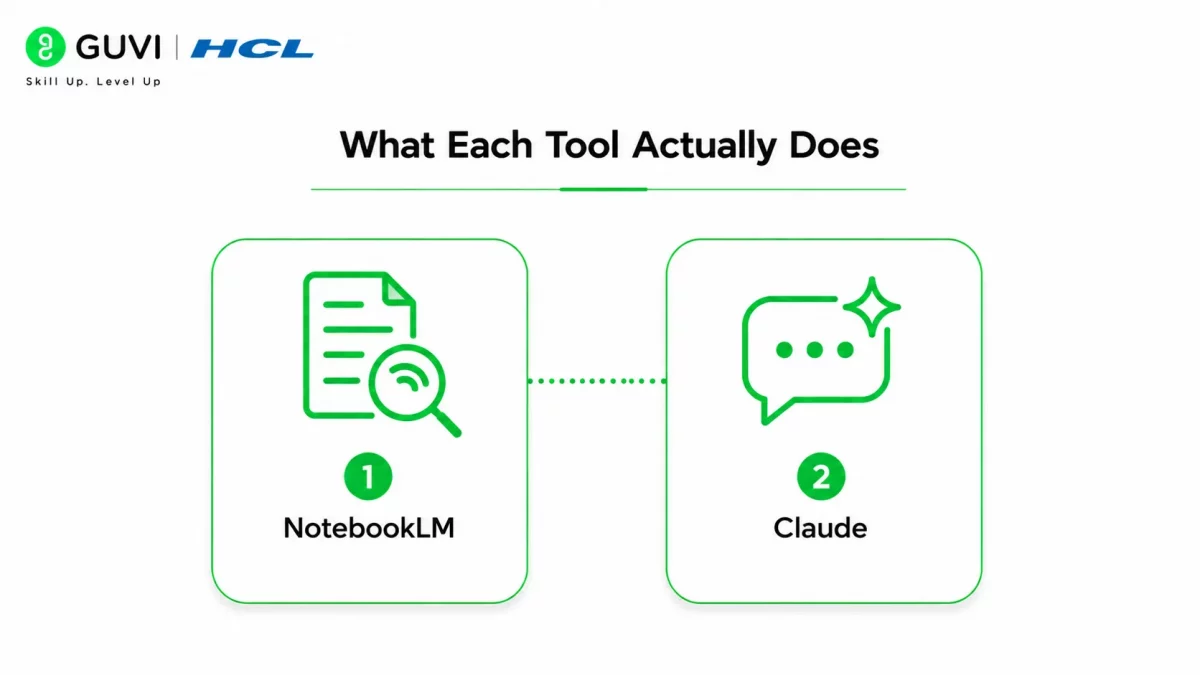
Before comparing them, it is worth understanding the core design intent behind each tool because it explains every difference in how they behave.
1. NotebookLM
It was built by Google as a source-grounded research assistant. It only answers from the documents you upload to a notebook. It will not draw on outside knowledge, make claims beyond what your sources say, or speculate. Every response is cited back to a specific document and passage. This constraint is a feature, not a limitation, because it means you can trust that nothing in the response was hallucinated from general training data.
2. Claude
It was built as a general-purpose AI assistant with strong reasoning, writing, and synthesis capabilities. It can work with documents you upload but is not limited to them. Claude draws on broad knowledge, can reason across domains, generates original analysis, and produces high-quality written output in any format. The trade-off is that Claude’s responses are not automatically source-cited, requiring more critical evaluation when factual precision is critical.
Read More: Claude for Life Sciences: A Beginner’s Research Guide
Head-to-Head Comparison
| Capability | Claude | NotebookLM |
| Works without uploaded documents | Yes | No |
| Cites specific sources automatically | No | Yes, for every response |
| Generates original analysis and writing | Excellent | Limited |
| Handles documents outside uploaded set | Yes | No |
| Audio overview of your documents | No | Yes |
| Cross-document synthesis | Strong | Strong |
| Hallucination risk on facts | Moderate without sources | Very low within sources |
| Writing and formatting output | Excellent | Basic |
| Reasoning across broad domains | Excellent | Limited to your sources |
| Best document volume | Flexible | Up to 50 sources per notebook |
When NotebookLM Wins
NotebookLM is the stronger choice when your research task is close, meaning you have a defined set of source documents, and your job is to understand, compare, or extract from those specific sources accurately.
Scenario 1: Academic literature review
You have downloaded 25 research papers on a topic and need to identify the key themes, methodological differences, and contradictions across them. NotebookLM processes all 25 papers into a single notebook and answers questions like “which papers challenge the findings of the 2019 Jensen study?” with citations pointing to the exact passage. Claude could do this with uploaded documents but without automatic citation, you would need to verify every claim manually.
Scenario 2: Legal document analysis
A lawyer uploads 40 deposition transcripts and contract documents into NotebookLM and asks it to identify every instance where a specific term or obligation is mentioned. NotebookLM returns cited passages from the exact documents. Accuracy and source traceability are non-negotiable here, and NotebookLM’s grounded-only design makes it the safer tool.
Scenario 3: Studying a fixed knowledge base
A student uploads their course textbook, lecture notes, and reading list into a NotebookLM notebook. They can ask questions across all materials simultaneously and receive answers that combine information from multiple sources with citations showing exactly where each piece of information came from. The audio overview feature also generates a podcast-style summary of the uploaded materials, which is genuinely useful for revision.
When Claude Wins
Claude is the stronger choice when your research task is open, meaning you need original analysis, synthesis across a broad domain, or research output that goes beyond summarizing what existing sources say.
Scenario 1: Synthesizing a topic you are new to
You need to understand the competitive dynamics of the Indian edtech market before writing a strategy report. You do not have a fixed document set yet. Claude draws on broad knowledge to give you a structured overview, identify key players, explain the dynamics, and suggest what to research further. NotebookLM cannot help until you have documents to upload.
Scenario 2: Generating original analysis and writing
After reading your sources, you need to write a 2000-word analytical report with a clear argument, structured sections, and professional prose. Claude produces this at high quality. NotebookLM generates basic summaries and answers but does not produce polished long-form written output at the same standard.
Scenario 3: Cross-domain research
You are researching how behavioral economics principles apply to product onboarding design, a question that crosses psychology, economics, and UX research. Claude reasons across all three domains simultaneously. NotebookLM can only answer from the specific papers you uploaded in each domain, requiring you to do the cross-domain synthesis yourself.
Scenario 4: Iterative research conversations
You want to think through a research question, get pushback on your hypothesis, explore counterarguments, and refine your position through dialogue. Claude engages with your reasoning, challenges assumptions, and helps you develop your thinking. NotebookLM responds to questions about its documents but does not engage in this kind of open-ended intellectual dialogue.
NotebookLM launched in 2023 under the name Project Tailwind as one of the first consumer AI products built around source grounding rather than general knowledge generation. Its cited-response architecture was a direct response to hallucination problems, making the design constraint of only answering from your documents also its primary reliability advantage

The Hybrid Workflow: Using Both Together
The most powerful research workflow uses both tools at different stages rather than choosing one exclusively.
Stage 1: Open exploration with Claude
Use Claude to understand the landscape of your topic, identify key concepts, generate research questions, and decide which sources are worth finding. Claude’s broad knowledge makes it the better tool for initial orientation when you do not yet know what you are looking for.
Stage 2: Source collection
Find and download the specific papers, reports, and documents that Claude’s orientation suggested are most relevant to your research question.
Stage 3: Deep source analysis with NotebookLM
Upload your collected sources into NotebookLM. Use it to extract specific claims, compare methodologies, identify contradictions between sources, and build a cited evidence base. The automatic citation makes this stage faster and more reliable than reading every document manually.
Stage 4: Synthesis and writing with Claude
Bring your NotebookLM findings back to Claude. Paste the key insights and cited evidence you extracted and use Claude to synthesize them into original analysis, a structured report, or a presentation. Claude’s writing capability and reasoning depth produce significantly better final output than NotebookLM’s basic generation.
This four-stage workflow gets the best of both tools and is how professional researchers who use both consistently describe their process.
Claude’s context window can process the equivalent of several full-length books in a single conversation, making it a genuine alternative to NotebookLM for document sets under ten sources where analytical depth and writing quality matter more than automatic citation.
Honest Trade-offs Neither Tool Advertises
NotebookLM’s limitations researchers discover later: The 50-source limit per notebook becomes a real constraint for comprehensive literature reviews. Responses can feel repetitive when sources cover similar ground because the tool summarizes rather than synthesizes at a higher analytical level. The basic writing output means you still need another tool to turn findings into polished deliverables.
Claude’s limitations researchers discover later: Without uploaded sources, Claude’s factual claims about specific studies, statistics, and recent events require verification because it can generate plausible-sounding but inaccurate details. The absence of automatic citation means tracking which claim came from which source is the researcher’s responsibility, not the tool’s.
Want to build the AI research skills and tool literacy to work confidently with large language models and knowledge systems? Explore HCL GUVI’s Artificial Intelligence & Machine Learning Course, designed to help you develop the analytical foundations and AI fluency modern research and data roles demand.
Conclusion
Claude and NotebookLM solve different research problems, and the researchers getting the most value from both are those who have stopped treating them as competitors and started treating them as sequential stages in the same workflow.
Use NotebookLM when you have your sources and need to understand them accurately. Use Claude when you need to think beyond your sources, generate original analysis, or produce written research output. Use both in sequence when your research task requires all of the above, which most serious research tasks do.
FAQs
What is the main difference between Claude and NotebookLM?
NotebookLM only answers from documents you upload with automatic citations. Claude draws on broad knowledge and reasoning with or without uploaded documents but does not automatically cite sources.
Which is better for academic research?
NotebookLM only answers from documents you upload with automatic citations. Claude draws on broad knowledge and reasoning with or without uploaded documents but does not automatically cite sources.
Can Claude replace NotebookLM for document analysis?
For small document sets where citation is less critical, yes. For large document sets requiring automatic citation and source traceability, NotebookLM’s grounded architecture is more reliable.
Does NotebookLM hallucinate?
NotebookLM’s grounded design significantly reduces hallucination risk within your uploaded sources. It can still misinterpret passages but will not generate claims from outside your document set.
Can I use both Claude and NotebookLM in the same research project?
Yes, and this is the recommended approach. Use Claude for initial orientation and final writing and NotebookLM for deep analysis of your collected source documents in between.
What is NotebookLM’s audio overview feature?
It generates a podcast-style conversational summary of your uploaded documents, useful for getting a quick orientation to a large document set or for auditory learners who want to review material without reading.
Success Stories

About the Author
HCL GUVI
This article was selected and published as part of the HCL GUVI AI Blogathon 2026, an initiative designed to encourage students, AI enthusiasts, and aspiring tech writers to simplify complex AI concepts through impactful technical content. The contest recognized high-quality, original, and insightful AI-focused blogs, with selected authors receiving publication opportunities on the HCL GUVI blog platform along with official author credits and recognition.
View all posts by HCL GUVI
Connect with me @











Did you enjoy this article?