


VFX Articles
9 Must-Know VFX Project Ideas for Beginners in 2026
VFX Artist Resume: A Comprehensive Guide With Examples
CGI vs VFX: Everything You Must-Know
How to Learn VFX in 2026: Complete Roadmap from Zero to Job-Ready


Get In Touch For Details! Request More Information
Top 16 AI-Driven Tools for 3D Animation and VFX
Sep 08, 2026 10 Min Read 25753 Views
(Last Updated)
Table of contents
- TL;DR Summary
- Introduction
- Top 16 AI-Driven Tools for 3D Animation and VFX – Overview
- Best AI-Driven Tools for 3D Animation and VFX
- 1. RADiCAL – AI-Powered Markerless Motion Capture
- Cascadeur – AI-Assisted Keyframe Animation with Physics Simulation
- Adobe Firefly
- Runway Gen-3
- Sora
- Autodesk Maya
- Core Features:
- DeepMotion – AI Motion Capture from Video
- Flow Studio – AI-Driven CG Animation Automation
- Krikey AI – AI-Powered Motion Capture and 3D Video Editing
- Mixamo – AI-Powered Auto-Rigging and Animation
- Reallusion iClone – Real-Time AI-Assisted 3D Animation
- Massive – AI-Powered Crowd Simulation
- Move.AI – Markerless AI Motion Capture
- Plask AI – AI-Powered Web-Based Motion Capture
- Appy Pie AI Animation Generator
- Midjourney V7
- How to Choose the Right AI Tool for Your VFX Workflow
- How AI Tools Are Transforming Traditional VFX Workflows
- Common Mistakes When Using AI Animation Tools
- Wrapping Up
- FAQs
- What are AI-driven tools in 3D animation and VFX?
- How do AI tools improve the animation workflow?
- Are AI-driven animation tools suitable for beginners?
- Can AI tools replace traditional animation techniques?
- What are some popular AI-driven tools in 3D animation and VFX?
- What is the difference between AI motion capture and traditional motion capture?
- How do I use AI tools with Blender for 3D animation?
- Which AI VFX tools should beginners start with?
- How should I evaluate AI & ML certifications before enrolling?
TL;DR Summary
AI tools for 3D animation and VFX automate the most time-consuming parts of production motion capture, character rigging, crowd simulation, and rendering so artists can focus on creativity. In 2026, the best options include RADiCAL and DeepMotion for markerless motion capture, Cascadeur and Mixamo for AI-assisted rigging and keyframe animation, Flow Studio for automated CG film production, and tools like Move.AI and Plask AI for budget-friendly video-based motion tracking. Most tools offer free tiers starting from ₹700–₹1,500/month, work with Blender, Maya, Unreal Engine, and Unity, and are suitable for both beginners and professionals.
Introduction
AI-driven tools for 3D animation and VFX are transforming how studios from Hollywood productions to indie game developers create characters, simulate crowds, and capture motion. What once required expensive mocap suits, render farms, and teams of technical artists can now be done from a browser with a webcam.
This guide covers the 16 best AI animation and VFX tools in 2026, comparing their features, pricing, compatibility, and ideal use cases so you can choose the right tool for your workflow.
In 2014, Ian Goodfellow introduced GANs, a key foundation for modern AI-Driven Tools in animation and VFX.
Top 16 AI-Driven Tools for 3D Animation and VFX – Overview
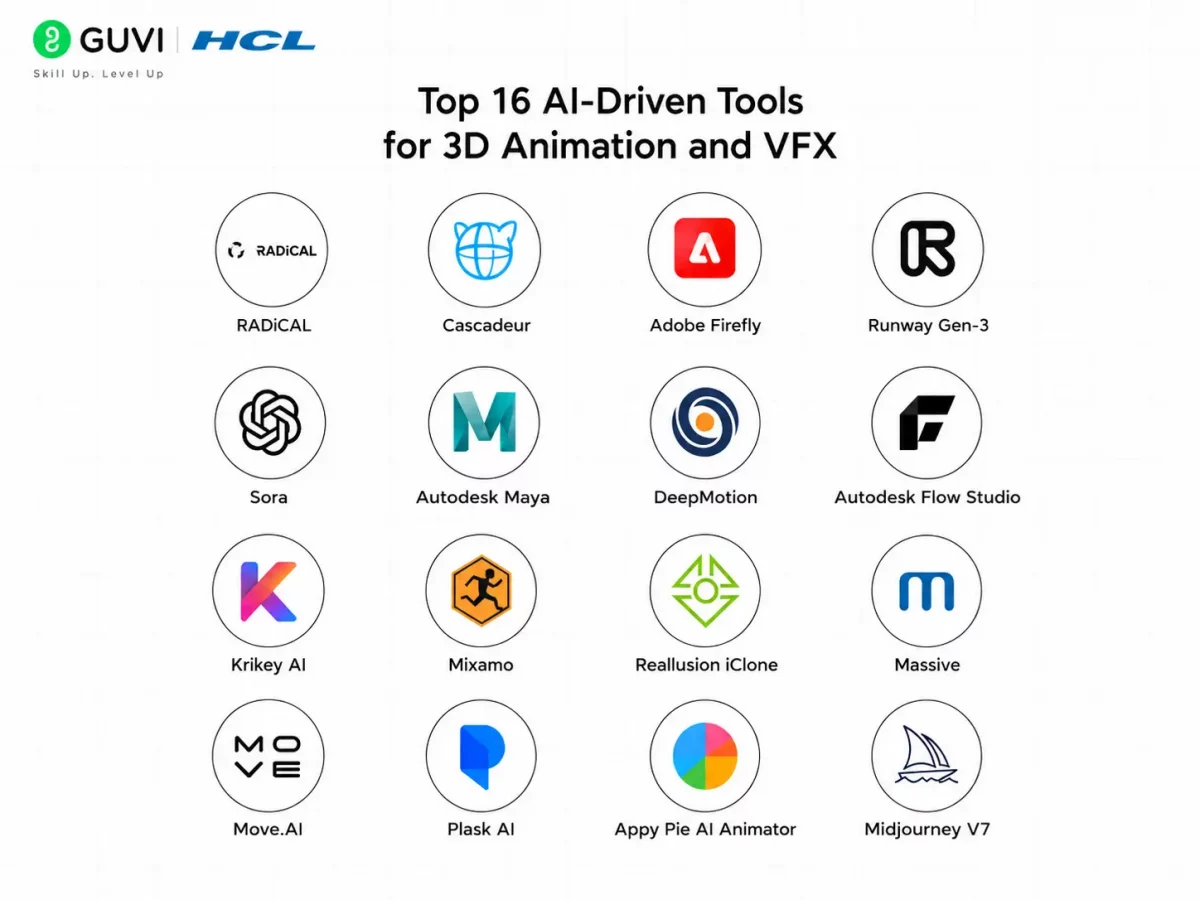
Here’s an overview of the top AI-driven tools that are shaping the 3D animation and VFX industry:
| S.No. | Tool Name | Features | Compatibility | Ease of Integration | Access Now |
| 1 | RADiCAL | AI-powered motion capture, real-time animation | Web-based, supports multiple 3D software | High | Visit Site |
| 2 | Cascadeur | AI-assisted keyframe animation, physics-based motion | Windows, macOS | Moderate | Visit Site |
| 3. | Adobe Firefly | AI image generation, generative fill, creative asset creation | Web-based, Adobe Creative Cloud | High | Visit Site |
| 4 | Runway Gen-3 | AI video generation and advanced video editing | Web-based | High | Visit Site |
| 5 | Sora | Text-to-video generation and cinematic scene creation | Web-based | High | Visit Site |
| 6 | Autodesk Maya | AI-assisted 3D animation, rigging, simulation, and VFX | Windows, macOS, Linux | Moderate | Visit Site |
| 7 | DeepMotion | AI motion capture from video, physics simulation | Web-based | High | Visit Site |
| 8 | Autodesk Flow Studio | AI-driven automation for CG character animation | Web-based | High | Visit Site |
| 9 | Krikey AI | AI-powered animation generator, motion capture | Web-based | High | Visit Site |
| 10 | Mixamo | Auto-rigging and animation | Web-based | High | Visit Site |
| 11 | Reallusion iClone | Real-time animation, AI-driven facial motion capture | Windows | Moderate | Visit Site |
| 12 | Massive | AI-based crowd simulation for large-scale scenes | Windows, Linux | Moderate | Visit Site |
| 13 | Move.AI | AI-powered markerless motion capture from video | Web-based | High | Visit Site |
| 14 | Plask AI | Web-based AI motion capture | Web-based | High | Visit Site |
| 15 | Appy Pie AI Animator | AI animation creation from text prompts | Web-based | High | Visit Site |
| 16 | Midjourney V7 | AI-generated concept art and cinematic visuals | Web-based (Discord/Web | High | Visit Site |
Level up your tech skills with an all-in-one HCL GUVI’s AI & ML course bundle. Learn how to build smart systems, work with real datasets, run machine learning models, and gain hands-on experience with Python and industry tools through practical projects that make you job-ready and future-focused.
Organizations with a clearly documented product strategy are generally better positioned to align teams, prioritize investments, and make consistent decisions than those operating without one. A written strategy provides a shared understanding of target customers, market opportunities, business goals, and the principles that guide product decisions. Yet many companies either lack a formal product strategy or fail to revisit it as customer needs and market conditions evolve. Regularly communicating and updating product strategy helps ensure that roadmaps, feature prioritization, and day-to-day execution remain connected to long-term business objectives, reducing the risk of teams drifting in different directions.
Best AI-Driven Tools for 3D Animation and VFX
AI-driven tools are revolutionizing 3D animation and VFX, making it faster, easier, and more efficient to create high-quality animations. Here is a detailed look at the 10 tools mentioned above!
1. RADiCAL – AI-Powered Markerless Motion Capture

RADiCAL is a cloud-based AI motion capture tool that eliminates the need for expensive suits and sensors. It enables real-time motion capture using just a webcam or smartphone camera.
Core Features:
- Markerless Motion Capture – Uses AI to detect human movements without external sensors.
- Real-Time Processing – Captures movements and converts them into 3D animation in real time.
- Cloud-Based Platform – No need for a powerful PC; processing is done in the cloud.
- Exportable Animations – Supports FBX, BVH, and USD formats for use in Blender, Maya, Unreal Engine, and Unity.
Compatibility:
- Web-based (accessible from any browser)
- Works with Blender, Maya, Unreal Engine, Unity, and 3ds Max
Ease of Use: Beginner-friendly with a simple setup.
Scalability: Great for both indie developers and professional studios.
3D Animation/VFX Ranges: Best for game development, VR/AR projects, and film production.
Pricing: Free plan available/Paid plans starting at 700 INR/month.
User Reviews and Ratings: 3.5/5 (Glassdoor)
Try Now: RADiCAL
2. Cascadeur – AI-Assisted Keyframe Animation with Physics Simulation

Cascadeur is an AI-powered animation tool that helps animators pose and animate 3D characters faster. It uses physics-based AI assistance to ensure movements look natural and realistic.
Core Features:
- AI-Assisted Keyframe Animation – Speeds up character animation.
- Physics-Based Tools – Ensures realistic weight and motion.
- Auto-Posing Feature – Helps characters find natural balance automatically.
- Supports Rigged and Non-Rigged Models – Works with both pre-rigged characters and raw 3D models.
Compatibility:
- Available for Windows & macOS
- Supports Blender, Maya, Unreal Engine, and Unity
Ease of Use: Easy for keyframe animators but has a learning curve for beginners.
Scalability: Ideal for game development, film animation, and stunt simulations.
3D Animation/VFX Ranges: Best for character animation, stunt scenes, and action sequences.
Pricing: Free version available – Pro version starts at 800 INR/month.
User Reviews and Ratings: 4.9/5 (Product Hunt)
Try Now: Cascadeur
3. Adobe Firefly
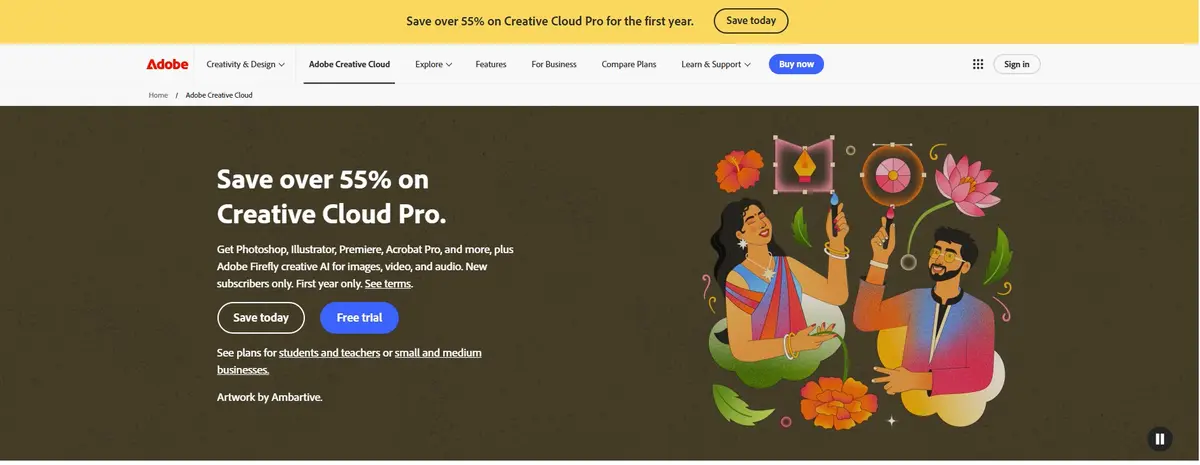
Adobe Firefly is Adobe’s generative AI platform that helps creators generate images, textures, visual assets, and creative effects using text prompts. Integrated across Adobe Creative Cloud applications, it streamlines asset creation for animation, motion graphics, and VFX workflows.
Core Features :
- Generative Image Creation – Create images, textures, and visual assets using simple text prompts.
- AI-Powered Editing – Expand, fill, or modify images with Generative Fill and Generative Expand.
- Creative Cloud Integration – Work seamlessly across Photoshop, Illustrator, Premiere Pro, and other Adobe applications.
- Commercially Safe Content – Generate assets designed for professional creative workflows with Adobe’s licensing approach.
Compatibility : Available through Adobe Creative Cloud applications and the Firefly web application.
Ease of Use : Easy for Adobe users with an intuitive interface and prompt-based workflow.
Scalability : Suitable for freelancers, design teams, animation studios, and enterprise creative workflows.
Pricing : Free credits available; premium plans included with eligible Adobe Creative Cloud subscriptions.. Standard plan costs around ₹797.68/month.
User Reviews and Ratings : (4.4/5) G2
Try Now : Adobe Firefly
4. Runway Gen-3
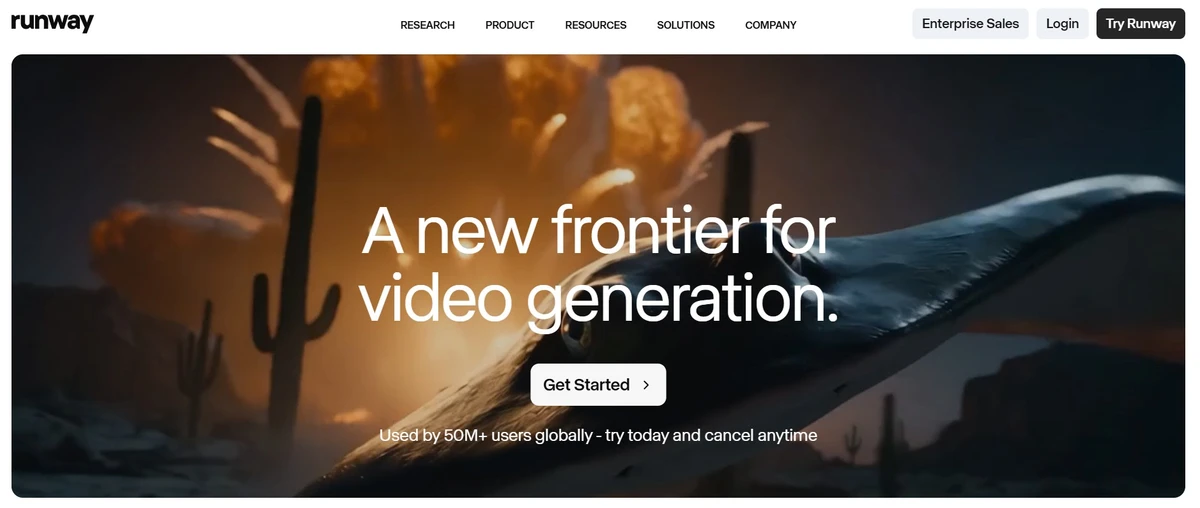
Runway Gen-3 is an advanced AI video generation model that enables creators to generate cinematic videos, edit footage, remove objects, extend scenes, and create visual effects using text, images, and video inputs. It is widely used for pre-visualization, content creation, and AI-assisted filmmaking.
Core Features :
- Text-to-Video Generation – Create high-quality cinematic videos from simple text prompts.
- AI Video Editing – Remove objects, extend scenes, replace backgrounds, and edit videos using AI-powered tools.
- Image-to-Video Creation – Transform static images into realistic animated video clips with natural motion.
- Collaboration Workspace – Work with teams on creative projects using cloud-based collaboration features.
Compatibility : Web-based platform compatible with Windows, macOS, and modern browsers.
Ease of Use : User-friendly interface with minimal technical expertise required.
Scalability : Suitable for content creators, filmmakers, animation studios, marketing teams, and VFX professionals.
Pricing : Free plan available; paid plans start at approximately ₹1,250/month .
User Reviews and Ratings : (4.4/5) Product Hunt
Try Now : Runway Gen-3
5. Sora
Sora is OpenAI’s text-to-video AI model that generates realistic and imaginative videos from natural language prompts. It helps creators rapidly visualize scenes, storyboards, and cinematic concepts, making it valuable for pre-production, creative ideation, and animation planning.
Core Features :
- Text-to-Video Generation – Produce realistic videos from natural language prompts within minutes.
- Cinematic Scene Creation – Generate complex camera movements, lighting, and realistic environments automatically.
- Storyboarding and Pre-visualization – Quickly visualize scenes before moving into full-scale production.
- Creative Prompt Refinement – Iterate on prompts to explore multiple storytelling and animation concepts.
Compatibility : Available through ChatGPT plans that include Sora access and supported web platforms.
Ease of Use : Simple prompt-based interface requiring little technical knowledge.
Scalability : Useful for creators, advertising agencies, filmmakers, and animation teams exploring AI-assisted production.
Pricing : Available with eligible ChatGPT subscription plans. Standard plan costs ₹1,999 per month.
User Reviews and Ratings : (3.9/5) Product Hunt
Try Now : Sora
6. Autodesk Maya
Autodesk Maya is one of the industry’s leading 3D animation and VFX software solutions, now enhanced with AI-assisted tools that accelerate character rigging, animation, simulation, and scene creation. Widely used across films, television, and game development, Maya combines powerful traditional workflows with AI-powered features to improve artist productivity.
Core Features:
- AI-Assisted Animation Tools – Speed up character animation with intelligent posing, retargeting, and motion editing.
- Advanced Character Rigging – Build complex rigs for realistic character movement and facial animation.
- Simulation and Effects – Create realistic cloth, hair, fluids, particles, and physics-based simulations.
- Extensive Plugin Support – Integrate with leading AI, rendering, and production pipeline tools for advanced workflows.
Compatibility : Windows, macOS, and Linux.
Ease of Use : Moderate to Advanced. Best suited for users with prior knowledge of 3D animation and VFX.
Scalability : Ideal for freelancers, animation studios, game developers, and large-scale film production teams.
Pricing : Autodesk Maya costs approximately ₹17,500/user/month.
User Reviews and Ratings : (4.3/5) G2
Try Now : Autodesk Maya
7. DeepMotion – AI Motion Capture from Video

DeepMotion enables motion capture without the need for specialized hardware. By analyzing video footage, the AI extracts body movements and converts them into 3D animations.
It’s perfect for game developers, VR creators, and indie animators looking for a budget-friendly alternative to traditional motion capture.
Core Features:
- AI Motion Capture from Video – Converts real-world movements into 3D character animations.
- Physics-Based Body Tracking – Ensures accurate motion tracking.
- Automatic Rigging and Animation Generation – No manual setup needed.
- Web-Based Platform – No need to install heavy software.
Compatibility: Web-based, works with Blender, Unreal, Maya, and Unity
Ease of Use: Requires minimal setup and learning.
Scalability: Great for both indie creators and studios.
3D Animation/VFX Ranges: Best for game development, cinematics, and AR/VR applications.
Pricing: Free with premium plans that start at 790 INR/month.
User Reviews and Ratings: 4.8/5 (Futurepedia)
Try Now: DeepMotion
8. Flow Studio – AI-Driven CG Animation Automation

Flow Studio uses AI to automate CG character animation, lighting, and scene composition. It allows filmmakers to replace live actors with animated characters seamlessly, without requiring manual motion tracking.
This tool is widely used in film and television production to save time and production costs.
Core Features:
- AI-Driven CG Character Animation – Automates facial expressions, lighting, and motion.
- Automated Rigging and Scene Composition – Saves hours of manual animation work.
- Smart Lighting and Rendering Adjustments – AI optimizes CG elements to match the live-action scene.
Compatibility: Web-based, integrates with Maya, Blender, Unreal Engine
Ease of Use: A fully automated process makes it beginner-friendly.
Scalability: Great for filmmakers, VFX artists, and animation studios.
3D Animation/VFX Ranges: Best for movies, TV, and digital content creation.
Pricing: Paid plans are available that start at 1400 INR/month.
User Reviews and Ratings: 4.6/5 (Futurepedia)
Try Now: Flow Studio
9. Krikey AI – AI-Powered Motion Capture and 3D Video Editing

Krikey AI provides an easy-to-use platform for AI-powered 3D animation and motion capture. It offers pre-built animation templates and web-based 3D editing tools, making it perfect for content creators, educators, and indie animators looking for a quick and efficient animation solution.
Core Features:
- AI Motion Tracking – Uses AI to animate 3D models with realistic movement.
- Pre-Built Animation Templates – Helps speed up the animation process.
- Web-Based 3D Video Editing – Allows real-time animation adjustments.
Compatibility: Web-based, integrates with Blender, Unreal, Unity
Ease of Use: No prior animation experience needed.
Scalability: Ideal for educators, social media creators, and indie animators.
3D Animation/VFX Ranges: Best for short-form animated content, AR/VR experiences, and mobile animation.
Pricing: Free with premium plans that start at 750 INR/month.
User Reviews and Ratings: 4.9/5 (Product Hunt)
Try Now: Krikey AI
10. Mixamo – AI-Powered Auto-Rigging and Animation

Mixamo (by Adobe) offers automated character rigging and access to a large animation library. It allows users to upload custom 3D models, apply pre-made animations, and export them for use in Unreal Engine, Blender, and Unity.
This tool is especially useful for game developers and digital artists.
Core Features:
- AI-Based Auto-Rigging – Upload a character model and get fully rigged skeletons within minutes.
- Extensive Animation Library – Access thousands of pre-made animations (walking, running, jumping, fighting, etc.).
- One-Click Export – Supports FBX, BVH, and Collada formats for Maya, Blender, Unity, Unreal Engine.
Compatibility: Web-based, works with Blender, Unreal, Unity, and Maya
Ease of Use: Simple drag-and-drop interface.
Scalability: Ideal for game developers, animators, and VFX artists.
3D Animation/VFX Ranges: Best for game animation, cinematic sequences, and character rigging.
Pricing: Free for Adobe users.
User Reviews and Ratings: 4.8/5 (G2)
Try Now: Mixamo
11. Reallusion iClone – Real-Time AI-Assisted 3D Animation

iClone is a real-time 3D animation tool that integrates AI-assisted facial motion capture, lip-syncing, and realistic character animation. It is widely used in game development, cinematics, and virtual production, offering powerful animation tools with high-quality rendering.
Core Features:
- Real-Time Animation with AI Assistance – Create high-quality animations in real time.
- AI Facial Motion Capture – Capture expressions and lip-sync automatically.
- Physics-Based Animation – Add realistic physics to characters.
Compatibility: Windows, integrates with Unreal Engine, Maya, Blender, Unity
Ease of Use: Powerful tools but require some learning.
Scalability: Suitable for indie creators and professional studios.
3D Animation/VFX Ranges: Best for character animation, game development, and virtual production.

Pricing: Paid plans are available starting at 17500 INR/month.
User Reviews and Ratings: 4.4/5 (Capterra)
Try Now: iClone
12. Massive – AI-Powered Crowd Simulation

Massive is an industry-leading AI-driven crowd simulation tool used in Hollywood films and AAA games. It allows animators to generate thousands of AI-controlled agents that move and interact realistically. Ideal for battle scenes, stadium crowds, and large-scale simulations.
Core Features:
- AI-Driven Crowd Behavior – Each agent (character) has independent AI and autonomous decision-making.
- Physics-Based Animation – Simulates realistic movement and interactions.
- Large-Scale Simulations – Supports thousands of characters in a scene.
Compatibility: Windows & Linux, works with Maya, Blender, and Unreal Engine
Ease of Use: Requires some training for best results.
Scalability: Best for film studios, game developers, and large-scale projects.
3D Animation/VFX Ranges: Best for battle scenes, stadium crowds, city scenes, and armies.
Pricing: Custom pricing (Contact for pricing).
User Reviews and Ratings: 4.9/5 (G2)
Try Now: Massive
13. Move.AI – Markerless AI Motion Capture

Move.AI provides high-quality markerless motion capture, allowing users to track body movements without expensive suits. It’s widely used in game development, virtual reality, and animation projects to create high-fidelity motion data from simple video footage.
Core Features:
- AI-Powered Markerless Motion Capture – No need for motion capture suits.
- Cloud-Based AI Processing – Processes motion data online.
- Supports Multi-Camera Setups – For greater motion accuracy.
Compatibility: Web-based, works with Blender, Unreal Engine, Maya, and Unity
Ease of Use: Easy setup, no hardware required.
Scalability: Best for indie developers, game studios, and VFX professionals.
3D Animation/VFX Ranges: Best for character animation, game cutscenes, and cinematics.
Pricing: Paid plans are available starting at 1300 INR/month.
User Reviews and Ratings: 4.5/5 (G2)
Try Now: Move.AI
14. Plask AI – AI-Powered Web-Based Motion Capture

Plask AI is a browser-based AI-powered motion capture and animation tool. It enables real-time motion tracking using a webcam and allows users to edit and refine captured animations online. It’s an excellent tool for educators, indie creators, and animators looking for a simple motion capture solution.
Core Features:
- AI-Based Motion Capture from Webcam – No need for specialized hardware.
- Real-Time Editing and Retargeting – Edit captured motions directly in your browser.
- Drag-and-Drop Animation Editor – Apply animations to 3D models quickly.
Compatibility: Web-based, exports to FBX, BVH, and JSON for use in Blender, Unreal, Unity, Maya
Ease of Use: Beginner-friendly, no software installation needed.
Scalability: Great for indie animators, educators, and casual creators.
3D Animation/VFX Ranges: Best for character animation, short-form content, and VR/AR projects.
Pricing: Free with premium features available starting at 1500 INR/month.
User Reviews and Ratings: 4.9/5 (Product Hunt)
Try Now: Plask AI
These AI-driven tools bring game-changing automation to 3D animation and VFX. These tools can enhance efficiency, improve realism, and accelerate workflows.
Which AI Tool Should You Choose?
- For Motion Capture: RADiCAL, DeepMotion, Move.AI, Plask AI
- For AI-Driven Animation: Cascadeur, Mixamo, iClone
- For CG & Film Production: Flow Studio, Massive
15. Appy Pie AI Animation Generator

Appy Pie’s AI Animation Generator transforms simple text prompts into engaging animated videos using cutting-edge AI models. With no design or technical experience required, users can generate animations in minutes directly from their browser.
It’s ideal for marketers, educators, content creators, and businesses looking to produce animations quickly and affordably.
Core Features:
- Text-to-Animation Generation – Converts natural language prompts into full-motion videos using AI.
- Aspect Ratio Options – Supports multiple resolutions including square, portrait, and landscape formats.
- Custom Duration Settings – Allows users to control how long the animation runs.
- Add Background Music – Personalize animations by uploading or selecting background audio.
- Prompt Suggestions – Access sample prompts to kickstart your creativity and understand the tool’s capabilities.
Compatibility: Web-based; exportable videos usable across editing tools and social platforms.
Ease of Use: No-code, beginner-friendly tool with a simple interface.
Scalability: Perfect for solo creators, small teams, and business content marketing.
3D Animation/VFX Ranges: Best for explainer videos, educational content, marketing, and social storytelling.
Pricing: Basic – ₹6990/app/year, Gold – ₹9990/app/year, Platinum – ₹15990/app/year
User Reviews and Ratings: 4.7/5 (Trustpilot)
Try Now: Appy Pie AI
16. Midjourney V7
Midjourney V7 is one of the most popular AI image generation models for creating high-quality concept art, character designs, environments, and cinematic visuals from text prompts. While it does not generate animations directly, it plays an important role in the early stages of animation and VFX production by helping artists quickly visualize ideas before moving into modeling, rigging, or animation.
Core Features
- AI Concept Art Generation – Create stunning character designs, environments, and production artwork from text prompts.
- Photorealistic Visuals – Generate highly detailed and cinematic images suitable for animation and VFX planning.
- Rapid Design Exploration – Experiment with multiple creative styles and visual ideas in minutes.
- Prompt-Based Iteration – Refine concepts through successive prompts to achieve production-ready artwork.
Compatibility : Accessible through Discord and the Midjourney web interface.
Ease of Use : Easy for beginners, though achieving consistent results requires prompt-writing practice.
Scalability : Suitable for individual creators, concept artists, animation studios, and VFX production teams.
Pricing : Starts at approximately ₹990/month (Basic Plan).
User Reviews and Ratings : (4.6/5) productgrowth.in
Try Now : Midjourney
How to Choose the Right AI Tool for Your VFX Workflow
With so many AI animation and VFX tools available today, the right choice depends on your creative goals and workflow. Whether you’re creating concept art, animating characters, or editing cinematic videos, here’s a quick guide to help you pick the right tool.
| If You Want To… | Recommended Tool |
| Create concept art and storyboards | Midjourney V7 |
| Generate images, textures, and creative assets | Adobe Firefly |
| Build and animate 3D characters | Autodesk Maya |
| Automate character animation in live-action scenes | Autodesk Flow Studio |
| Generate AI-powered videos from prompts | Runway Gen-3, Sora |
| Capture human motion without mocap suits | DeepMotion, Move AI, RADiCAL |
| Create realistic keyframe animations | Cascadeur |
| Generate beginner-friendly animations | Appy Pie AI Animator |
| Create quick character animations | Mixamo, Reallusion iClone |
| Simulate large crowds for films and games | Massive |
How AI Tools Are Transforming Traditional VFX Workflows
Artificial intelligence is not replacing VFX artists. Instead, it is taking over repetitive, time-consuming tasks so artists can focus on creativity, storytelling, and high-quality visual effects. From concept generation to motion capture and post-production, AI tools are helping studios deliver projects faster while maintaining professional standards.
| Traditional Workflow | AI-Driven Workflow |
| Manual concept art creation | AI-generated concepts using Midjourney V7 and Adobe Firefly |
| Motion capture with specialized suits and equipment | Markerless AI motion capture using RADiCAL, Move AI, and DeepMotion |
| Manual character animation | AI-assisted animation with Autodesk Maya and Cascadeur |
| Complex VFX compositing | Automated character integration with Autodesk Flow Studio |
| Manual video editing and scene generation | AI-powered video generation and editing with Runway Gen-3 and Sora |
Common Mistakes When Using AI Animation Tools
1. Choosing a tool before defining the output format.
Many beginners pick a mocap tool without checking whether it exports the format their game engine or 3D software needs. Always confirm FBX, BVH, or USD compatibility before subscribing.
2. Using motion capture for simple animations.
AI mocap is powerful but overkill for looping character idles or simple walk cycles. Mixamo’s animation library covers these in seconds. Reserve AI mocap for complex, performance-driven scenes.
3. Skipping cleanup on captured motion data.
Raw AI mocap output always contains jitter, foot-sliding, or imprecise joint rotations. Even the best tools require at least 20–30 minutes of cleanup in Blender or Maya. Plan time for this step.
4. Ignoring lighting in video capture.
Poor lighting during video recording significantly reduces AI tracking accuracy. Film in a well-lit environment with a plain background to get the cleanest skeleton extraction.
5. Overlooking free tools that match paid alternatives.
Mixamo is free and handles auto-rigging better than most paid alternatives. Plask AI and RADiCAL both have genuinely useful free tiers. Test free options before upgrading.
AI-assisted tools such as Autodesk Maya, Autodesk Flow Studio, Runway, and Adobe Firefly are increasingly being used by film and VFX teams for tasks like previsualization, animation, compositing, and asset creation. While AI speeds up production, final creative decisions still rely heavily on skilled artists.
Wrapping Up
Artificial intelligence is changing how animation and visual effects are created, but it is not replacing the people behind them. There’s no need to fear AI-driven tools. Instead, think of them as creative assistants that take care of repetitive tasks, giving artists more time to focus on storytelling, design, and innovation.
As the animation industry continues to transform, learning to work with AI animation and VFX tools is becoming just as important as mastering traditional software. The artists who embrace these technologies alongside strong creative fundamentals will be better prepared for the next generation of animation, gaming, and visual effects careers.
If you’re ready to turn your creativity into practical, job-ready skills, check out HCL GUVI’s Multimedia and Animation course. It’s a flexible, self-paced program with an industry-relevant curriculum designed by experts to help you master animation, graphic design, visual effects, and the latest AI-assisted workflows. Learn at your own pace, build hands-on projects, and gain the confidence to launch your career in the fast-growing world of animation and VFX.
FAQs
What are AI-driven tools in 3D animation and VFX?
AI-driven tools utilize artificial intelligence to automate and enhance various aspects of 3D animation and visual effects, such as motion capture, character rigging, and scene rendering, thereby streamlining the production process.
How do AI tools improve the animation workflow?
By automating repetitive tasks like character rigging and motion capture, AI tools allow animators to focus more on creative elements, significantly reducing production time and effort.
Are AI-driven animation tools suitable for beginners?
Yes, many AI-driven tools are designed with user-friendly interfaces, making them accessible to both beginners and professionals in the animation industry.
Can AI tools replace traditional animation techniques?
While AI tools enhance and expedite certain processes, they complement rather than replace traditional animation techniques, serving as valuable aids in the animator’s toolkit.
What are some popular AI-driven tools in 3D animation and VFX?
Notable AI-driven tools include Blender, PIKA AI, Runway, and Krikey Animator Maker, each offering unique features to assist animators in creating realistic animations and visual effects.
What is the difference between AI motion capture and traditional motion capture?
Traditional motion capture uses physical markers on a performer’s body tracked by infrared cameras requiring a dedicated studio setup costing ₹20–100 lakh or more. AI motion capture uses computer vision to extract skeleton data directly from standard video footage, requiring only a camera and a cloud subscription. The trade-off is accuracy: traditional mocap remains more precise for film-grade performance capture.
How do I use AI tools with Blender for 3D animation?
Most AI animation tools export in FBX or BVH format, which Blender imports natively. Capture or generate your animation in the AI tool, export the file, import it into Blender via File > Import, and apply the animation to your character rig. Tools like RADiCAL, DeepMotion, and Plask AI all support this workflow directly.
Which AI VFX tools should beginners start with?
If you’re just getting started, choose AI VFX tools that are easy to learn and have intuitive interfaces. Tools like Adobe Firefly, Runway Gen-3, Mixamo, Plask AI, and Krikey AI are beginner-friendly and can help you explore animation, motion capture, and visual effects without a steep learning curve. As your skills grow, you can gradually move on to advanced tools like Autodesk Maya, Cascadeur, and DeepMotion for professional VFX workflows.
How should I evaluate AI & ML certifications before enrolling?
Evaluate AI & ML certifications based on industry recognition, curriculum relevance, hands-on learning, project experience, and career outcomes. You can also compare what’s included in the HCL GUVI AI & ML Programme before making a decision.
Success Stories







Did you enjoy this article?