


VFX Articles
Top 16 AI-Driven Tools for 3D Animation and VFX
9 Must-Know VFX Project Ideas for Beginners in 2026


Get In Touch For Details! Request More Information
10 Best VFX Software in 2026 (Ranked & Compared)
Sep 16, 2026 6 Min Read 12452 Views
(Last Updated)
The best VFX software for 2026 depends on what you’re creating — Blender for a free full pipeline, After Effects for motion graphics, Houdini for complex simulations. This guide breaks down 10 solid VFX software options, including pricing, platforms, and what each one is built for.
Whether you’re just starting out or already working on production-level projects, picking the right tool comes down to your budget, skill level, and the kind of work you do. We’ve laid out the details so you can compare them quickly and get back to work.
Table of contents
- TL;DR Summary
- What Is VFX Software?
- VFX Software vs Video Editing Software: What's the Difference?
- Best VFX Software in 2026: Detailed Breakdown
- Adobe After Effects
- Blender
- DaVinci Resolve
- Autodesk Maya
- Unreal Engine
- Foundry Nuke
- Maxon Cinema 4D
- SideFX Houdini
- Blackmagic Fusion
- Adobe Substance 3D Painter
- Best VFX Software Compared: Pricing, Platforms & Best Use (2026)
- How to Choose the Right VFX Software?
- Conclusion
- FAQs
- What is the best VFX software for beginners?
- What VFX software do professional studios use?
- Is free VFX software good enough for professional work?
- Which VFX software is best for 3D animation?
- How much does VFX software typically cost?
TL;DR Summary
- VFX software comes in many forms, from motion graphics tools to full 3D animation and simulation suites.
- Adobe After Effects, Cinema 4D, and Substance 3D Painter suit motion graphics, texturing, and design-focused work.
- Blender, DaVinci Resolve, and Blackmagic Fusion are strong budget-friendly picks that still hold up for real production.
- Autodesk Maya, Foundry Nuke, and SideFX Houdini dominate professional studio work, from character animation to complex simulations.
- Unreal Engine rounds out the list for real-time rendering and virtual production, completing a mix of tools for every VFX software need.
Pixar’s RenderMan, a VFX software still in use today, helped render Toy Story in 1995 and has since been credited on multiple Oscar-nominated films.
What Is VFX Software?
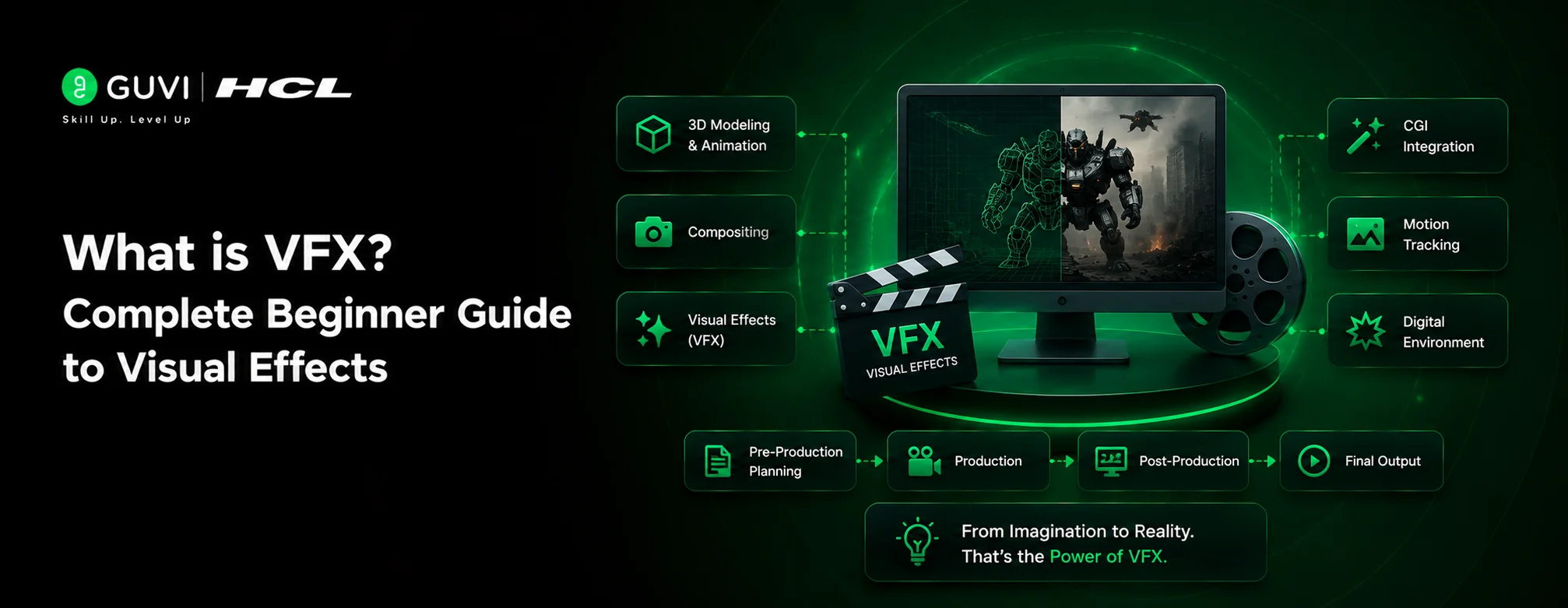
VFX software is a tool used to create visual effects — things like explosions, digital creatures, magic, or elements that can’t be filmed practically. It lets artists combine real footage with computer-generated imagery to build scenes that look realistic on screen.
Some VFX software focuses on compositing, where different layers of footage and effects are blended together. Others handle 3D modeling, simulation, or animation from scratch. Most professional projects use a mix of these tools to get the final result.
Free experimenting is a great start, but real growth comes from structured practice. That’s where HCL GUVI’s Adobe After Effects for VFX Course comes in — covering camera tracking, rotoscoping, color grading, and full compositing workflows, with hands-on projects and certification included. Enroll now and start turning your VFX skills into a portfolio worth showing off.
VFX Software vs Video Editing Software: What’s the Difference?
Video editing software is built to cut, arrange, and trim footage — think of it as putting together a story from clips you already have.
VFX software, on the other hand, is built to create or add things that weren’t there when you filmed, like explosions, creatures, or entire digital environments.
Here’s the easiest way to remember it: editing software works with what you shot; VFX software works with what you imagine. One arranges reality, the other builds on top of it.
| Aspect | Video Editing Software | VFX Software |
|---|---|---|
| Main Purpose | Cutting, trimming, and arranging clips | Creating and adding visual effects |
| Core Skill | Storytelling through sequencing | Compositing, simulation, and 3D creation |
| Example Tools | Premiere Pro, Final Cut Pro | After Effects, Nuke, Houdini |
| Output Focus | A finished, structured video | New visual elements added into a scene |
| Learning Curve | Easier to pick up for basic cuts | Steeper, involves layers, nodes, or 3D tools |
Also Read: How to Learn VFX in 2026
Best VFX Software in 2026: Detailed Breakdown
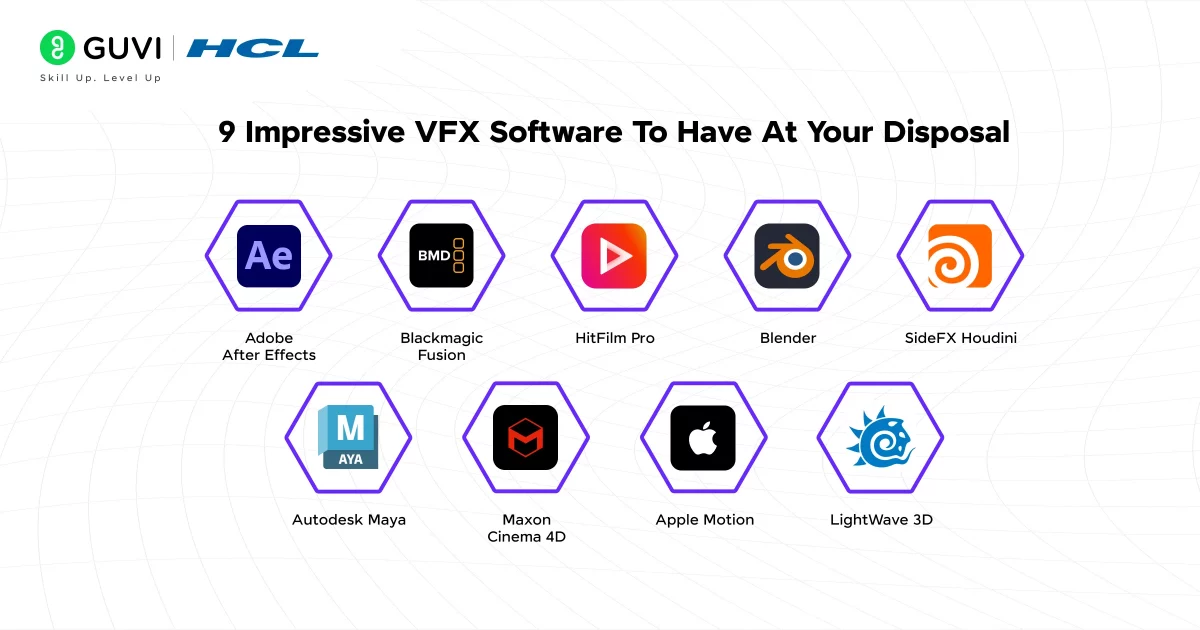
Here are the following VFX software options explained in detail:
1. Adobe After Effects
Official Website: Adobe After Effects
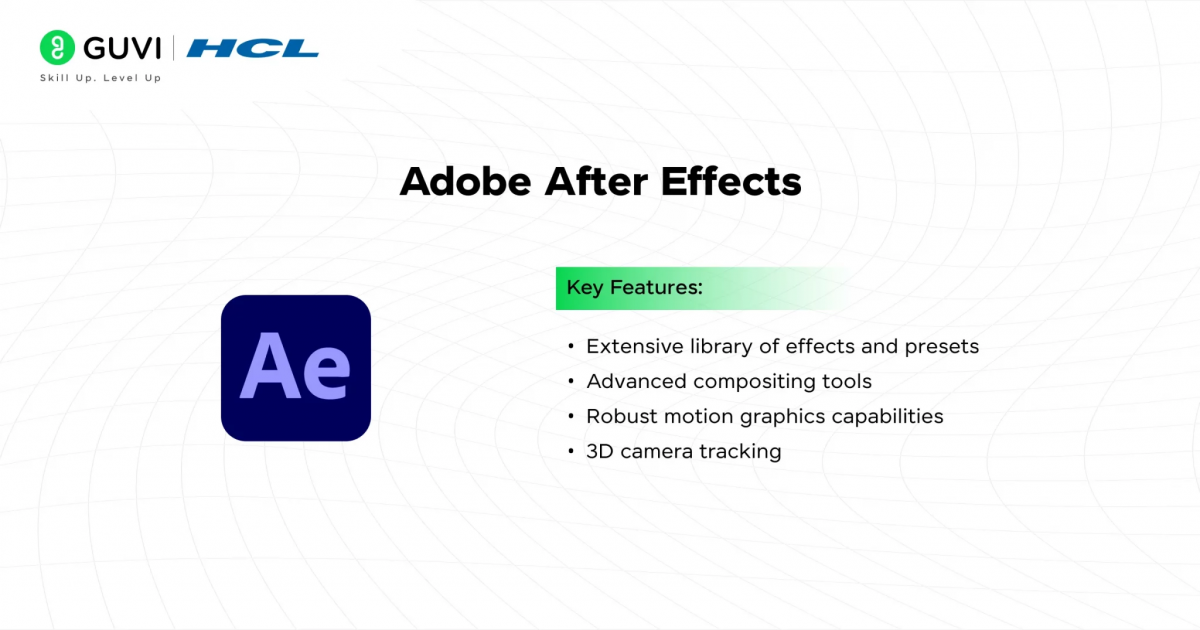
Adobe After Effects is one of the most widely used VFX software for motion graphics, compositing, and visual effects. It offers a complete toolkit for animation and effects work, with tight integration into the Adobe ecosystem for a smoother editing workflow.
Best for: Motion graphics, VFX compositing, and animation-heavy projects.
Key Features:
- AI-powered Roto Brush and content-aware fill for faster masking
- Deep library of effects, presets, and third-party plugins
- 3D camera tracking and Cinema 4D Lite integration
- Seamless Dynamic Link workflow with Premiere Pro
Pricing:
- Single app: $22.99/month (annual) or $34.99/month (monthly)
- Full Creative Cloud: $54.99/month (annual)
System Requirements:
- OS: Windows 10 (64-bit) 1909+ or macOS Monterey (12)+
- CPU: Intel 8th Gen or newer, AVX2 support
- RAM: 16 GB minimum, 32 GB recommended
- GPU: 4 GB VRAM, OpenCL/CUDA support
- Storage: 8 GB free (SSD recommended)
2. Blender
Official Website: Blender
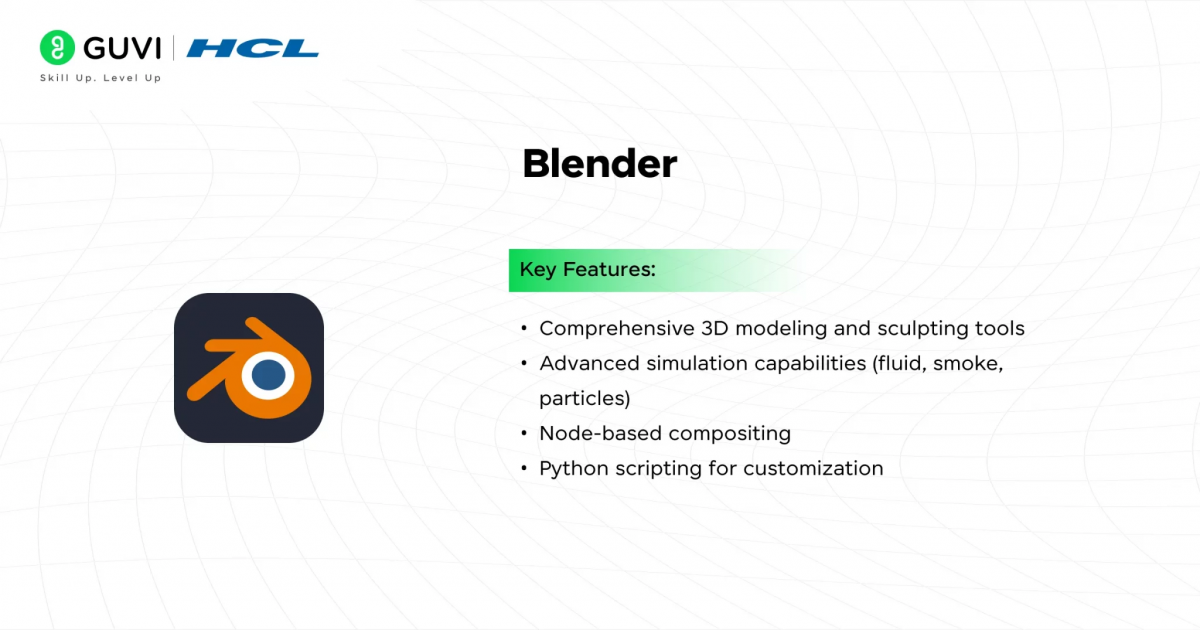
Free and open-source, Blender has grown into a complete 3D creation suite covering modeling, animation, simulation, rendering, and video editing. It’s VFX software that competes directly with paid tools like Maya and Cinema 4D, without charging a cent.
Best for: 3D modeling, animation, and rendering on a zero budget.
Key Features:
- Full 3D pipeline: modeling, sculpting, rigging, animation
- Cycles and EEVEE rendering engines
- Built-in VFX tools: compositing, motion tracking, simulation
- Python scripting for custom tools and add-ons
- Active open-source community and constant updates
Pricing:
- Free, fully open-source (GPL license)
System Requirements:
- OS: Windows 11, macOS 13 (Ventura) or later, or Linux with GLIBC 2.28+
- CPU: 64-bit eight-core processor recommended
- RAM: 8 GB minimum, 32 GB recommended
- GPU: 2 GB VRAM minimum, 8 GB recommended; supports OpenGL 4.3+
- Storage: SSD recommended for smoother performance
3. DaVinci Resolve
Official Website: DaVinci Resolve
DaVinci Resolve bundles editing, color grading, Fusion-powered VFX, and Fairlight audio into one application, making it VFX software and a full post-production suite at once. Its free version already covers most professional workflows, which is rare for a tool this capable.
Best for: All-in-one editing, color grading, and integrated VFX work.
Key Features:
- Fusion page for node-based compositing and motion graphics
- Industry-leading color grading tools
- Fairlight audio suite for sound editing and mixing
- DaVinci Neural Engine AI tools (Magic Mask, Super Scale, noise reduction)
- Multi-GPU acceleration for 4K–8K workflows
Pricing:
- Free version: fully functional, no watermark or time limit
- Studio: $295 one-time, perpetual license with free future updates
System Requirements:
- OS: Windows, macOS, or Linux
- GPU: Dedicated GPU strongly recommended; performance is heavily GPU-dependent
- RAM: 16 GB minimum recommended for smooth 4K+ workflows
- Storage: SSD recommended for media caching and playback
4. Autodesk Maya
Official Website: Autodesk Maya
Autodesk Maya has long been a core pillar of the VFX software landscape, powering character animation, rigging, and simulation for film, TV, and games. Its Arnold renderer and Bifrost simulation framework make it a reliable choice for full production pipelines.
Best for: Character animation, rigging, and full 3D production pipelines.
Key Features:
- Advanced rigging and character animation tools
- Bifrost for liquid, procedural, and effects simulation
- Built-in Arnold renderer with GPU support
- Strong pipeline integration via Python and MEL scripting
- Cross-platform support for large studio workflows
Pricing:
- Monthly subscription: $245/month
- Annual subscription: $1,945/year
- Maya Indie (revenue-capped): lower-cost annual plan for qualifying individuals
System Requirements:
- OS: Windows 10/11, macOS 13–15, or RHEL/Rocky Linux 8–9
- CPU: Multi-core Intel or AMD with SSE4.2 support
- RAM: 16 GB minimum, 32 GB recommended for complex scenes
- GPU: DirectX 11 or OpenGL 4.5 compatible; more VRAM needed for GPU rendering
- Storage: 4 GB minimum for installation, SSD recommended
5. Unreal Engine
Official Website: Unreal Engine
Unreal Engine is real-time VFX software originally built for games but now widely used in virtual production, previsualization, and photorealistic rendering for film and TV. Its Nanite and Lumen systems let artists render cinematic-quality visuals in real time rather than waiting on traditional render farms.
Best for: Real-time rendering, virtual production, and interactive visual effects.
Key Features:
- Nanite for streaming film-quality geometry in real time
- Lumen for dynamic, real-time global illumination
- Full Blueprint visual scripting alongside C++ support
- Built-in Sequencer for cinematic and virtual production work
- Marketplace with ready-made assets and systems
Pricing:
- Free to download and use
- 5% royalty on gross revenue above $1 million (games)
- Non-gaming commercial use (architecture, film, simulation): seat-based license around $1,850/seat/year for companies earning over $1 million annually
System Requirements:
- OS: Windows 10 64-bit (1909+) or Windows 11
- CPU: Quad-core Intel or AMD, 2.5 GHz or faster
- RAM: 8 GB minimum, 32–64 GB recommended for real-time features
- GPU: DirectX 11/12 compatible; dedicated GPU strongly recommended for Nanite and Lumen
- Storage: NVMe SSD recommended for smoother performance
6. Foundry Nuke
Official Website: Foundry Nuke
Foundry Nuke is node-based VFX software built for high-end compositing, used across feature films and episodic television for shots that demand precision. Its layered tool families (Nuke, NukeX, Nuke Studio) let artists scale from basic 2D comp work up to full 3D compositing and editorial review.
Best for: Professional compositing, camera tracking, and complex VFX shot work.
Key Features:
- 2D and 3D node-based compositing with deep image support
- CameraTracker for 3D camera solving inside comp
- Furnace toolset for wire removal and grain matching
- 3D Gaussian Splat import and USD-based 3D system
- CopyCat and BigCat for training custom AI models on VFX data
Pricing:
- Nuke Indie (revenue-capped): $499/year
- Nuke: $3,839/year
- NukeX: $5,219/year
- Nuke Studio: $6,379/year
- Monthly subscription option also available, no usage restrictions
System Requirements:

- OS: Windows 11, Rocky Linux 9.0, or macOS 15.0+
- RAM: More is generally better; heavier comps demand significantly more than base minimums
- GPU: Dedicated GPU recommended for GPU-accelerated nodes and viewport performance
- Storage: Fast SSD/NVMe recommended for large plate and cache handling
7. Maxon Cinema 4D
Official Website: Cinema 4D
Cinema 4D is known for a clean, approachable interface paired with a procedural MoGraph toolset built specifically for motion graphics work. Studios and freelance motion designers rely on it when speed and a manageable learning curve matter as much as output quality.
Best for: Motion graphics, procedural animation, and broadcast design work.
Key Features:
- MoGraph toolset for procedural motion graphics
- Built-in Redshift GPU renderer included with every subscription
- GPU-accelerated liquid simulation and UDIM workflow support
- Smooth interoperability with After Effects and other Maxon tools
- Team Render nodes included for distributed rendering
Pricing:
- Annual subscription: $69.91/month (~$839/year)
- Monthly subscription: $109/month
- Maxon One bundle (Cinema 4D, Redshift, ZBrush, Red Giant): $105.41/month annually
System Requirements:
- OS: Windows 10+ or macOS 14.0+
- GPU: NVIDIA Maxwell, AMD Polaris, or Intel Kaby Lake or newer with DirectX 12 support; 4 GB VRAM minimum, 8 GB+ recommended
- RAM: 16 GB or more recommended, especially with integrated graphics
- Display: 1920×1080 minimum resolution
8. SideFX Houdini
Official Website: SideFX Houdini
SideFX Houdini stands out as VFX software built around procedural workflows, letting artists generate complex simulations, destruction, and effects through connected node networks. It’s the tool of choice for technical directors handling fire, smoke, fluids, and large-scale FX work.
Best for: Procedural simulations, particle effects, and technical VFX work.
Key Features:
- Node-based procedural workflow for modeling and simulation
- FLIP, Pyro, Vellum, and RBD solvers for fluids, smoke, and destruction
- Karma renderer with CPU and GPU (XPU) support
- Solaris and USD-based lighting and layout tools
- Houdini Engine for plugging assets into Maya, Unreal, and Unity
Pricing:
- Apprentice (non-commercial): Free
- Indie (revenue capped): $299/year
- Core (commercial): $1,995/year
- FX (full commercial): $4,495 perpetual, or $4,995/year floating license
System Requirements:
- OS: Windows 10 (64-bit)+, macOS 11 (Big Sur)+, or Linux (Ubuntu 22.04+/RHEL 8+)
- CPU: 64-bit Intel or AMD processor
- RAM: 16 GB minimum for basic scenes; more required for simulation-heavy work
- GPU: 12 GB VRAM or higher recommended, OpenCL 1.2 support required
9. Blackmagic Fusion
Official Website: Blackmagic Fusion
Built around a node-based workflow instead of layers, Blackmagic Fusion is VFX software designed for compositing, keying, and 3D motion graphics work. It handles everything from rotoscoping to full 3D scene imports, making it a genuine option for artists who want feature-film-level compositing tools.
Best for: Node-based compositing, keying, and 3D visual effects work.
Key Features:
- Node-based 2D/3D compositing workspace
- AI-driven IntelliTracker for point tracking
- Built-in keyers, paint, and rotoscoping tools
- Unlimited network rendering (Studio version)
- Support for importing 3D models and scenes from other software
Pricing:
- Free version bundled with DaVinci Resolve
- Fusion Studio (standalone, perpetual license): $295 one-time
System Requirements:
- OS: Windows 10+, macOS, or Linux CentOS 7.3+
- RAM: 16 GB minimum, 32 GB recommended
- GPU: 4 GB VRAM, supports Metal, OpenCL, or CUDA
- Latest graphics driver recommended by GPU manufacturer
10. Adobe Substance 3D Painter
Official Website: Adobe Substance 3D Painter
Adobe Substance 3D Painter is texturing-focused VFX software that lets artists paint materials directly onto 3D models using a layer-based, non-destructive workflow. It’s built around a real PBR pipeline, which is why it’s standard in game studios and film production for adding realistic surface detail.
Best for: 3D texturing, material painting, and PBR workflows.
Key Features:
- Parametric brushes and Smart Materials for fast texturing
- Non-destructive, layer-based workflow similar to Photoshop
- Full UDIM support with UV tile naming
- Real-time PBR rendering for accurate lighting preview
- Export presets for game engines and renderers
Pricing:
- Substance 3D Collection (individuals): $59.99/month, includes Painter plus Sampler, Stager, Designer, and Modeler
- Substance 3D Collection (teams): $119.99/month per license
System Requirements:
- RAM: 16 GB minimum, 32 GB recommended for professional work
- GPU: Dedicated GPU required; more VRAM needed for high-res texture exports (8K exports need 2 GB+ VRAM)
- Display: Minimum 1280 px width, 1000 px height recommended
Best VFX Software Compared: Pricing, Platforms & Best Use (2026)
Here are the following VFX software ranked based on overall popularity and industry usage:
| Software | Platform | Pricing | Best For | Official Website Link |
|---|---|---|---|---|
| Adobe After Effects | Windows, macOS | From $22.99/month | Motion graphics & compositing | Link |
| Blender | Windows, macOS, Linux | Free | 3D modeling & rendering on a budget | Link |
| DaVinci Resolve | Windows, macOS, Linux | Free / $295 one-time (Studio) | All-in-one editing, color & VFX | Link |
| Autodesk Maya | Windows, macOS, Linux | From $245/month | Character animation & rigging | Link |
| Unreal Engine | Windows, macOS, Linux | Free (5% royalty over $1M) | Real-time rendering & virtual production | Link |
| Foundry Nuke | Windows, macOS, Linux | From $499/year (Indie) | Professional VFX compositing | Link |
| Maxon Cinema 4D | Windows, macOS | From $69.91/month | Motion graphics & procedural design | Link |
| SideFX Houdini | Windows, macOS, Linux | Free (Apprentice) / from $299/year | Simulations & technical VFX | Link |
| Blackmagic Fusion | Windows, macOS, Linux | Free / $295 one-time (Studio) | Node-based compositing & VFX | Link |
| Adobe Substance 3D Painter | Windows, macOS | From $59.99/month | 3D texturing & material painting | Link |
Also Check Out: 10 Best Free VFX Software for Beginners in 2026
How to Choose the Right VFX Software?
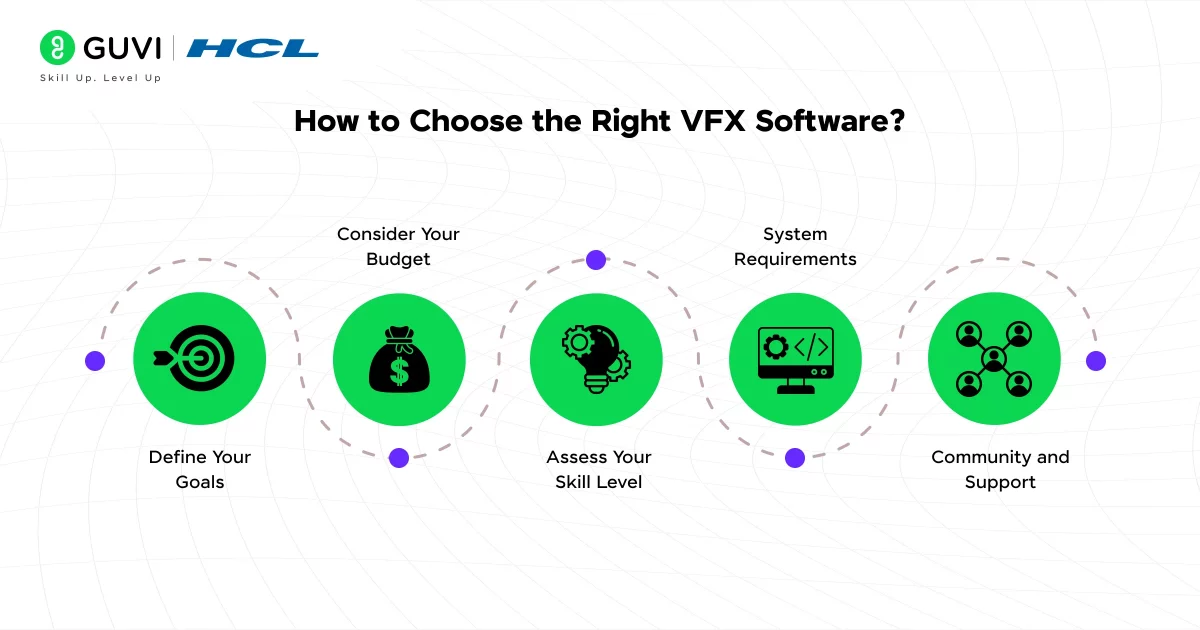
Picking the right VFX software comes down to a few practical checks, not guesswork.
1. Define Your Goals: Motion graphics and compositing work suit Adobe After Effects, while simulations and destruction effects are better handled in SideFX Houdini. Match the tool to the actual output you want.
2. Consider Your Budget: Blender is completely free, DaVinci Resolve has a strong free tier, while tools like Autodesk Maya and Maxon Cinema 4D run on paid subscriptions. Factor in long-term cost, not just the entry price.
3. Assess Your Skill Level: Beginners often find Cinema 4D or DaVinci Resolve easier to pick up. Advanced compositors and technical artists tend to gravitate toward Houdini, Nuke, or Fusion for their depth of control.
4. Check System Requirements: Some tools are lightweight, others demand serious hardware. Maya and Houdini in particular need strong RAM and GPU specs to run smoothly on larger projects — check the specs listed above before committing.
5. Community and Support: A large, active user base means faster answers when something breaks. Blender’s community is especially strong, with endless tutorials, plugins, and forums to lean on.
Choosing the right VFX software ultimately depends on your project, budget, and how much time you’re willing to invest in learning the tool.
Conclusion
Every tool on this list earns its place in a VFX workflow, but the right pick comes down to what you’re building, your budget, and how much time you’re willing to invest in learning it. There’s no single “best” choice here — a beginner working on motion graphics doesn’t need the same tool as a studio handling large-scale simulations. Start with one that fits your current project, get comfortable with it, and expand your toolkit as your skills and requirements grow.
FAQs
1. What is the best VFX software for beginners?
DaVinci Resolve and Blender are best for beginners — both free, well-documented, and easy to start learning.
2. What VFX software do professional studios use?
Studios mainly rely on Foundry Nuke for compositing, and SideFX Houdini for simulations and effects work.
3. Is free VFX software good enough for professional work?
Yes. Blender and DaVinci Resolve are genuinely production-ready, already used in real studio pipelines.
4. Which VFX software is best for 3D animation?
Autodesk Maya remains the industry standard for 3D animation and character rigging.
5. How much does VFX software typically cost?
Costs vary. Blender is free, while Maya or Nuke can run $250–$5,000+ per year.
Success Stories







Did you enjoy this article?