


Software Automation & Testing Articles
How to Use Claude for A/B Testing Content Variations
Cypress Component Testing Tutorial: Test Your UI in a Real Browser, Not a Fake One
Manual Tester Roles and Responsibilities: 12 Important Duties for Career Growth
Quality Assurance Roles and Responsibilities: 12 Essential Duties for Success


Get In Touch For Details! Request More Information
Load Testing Your Application with k6: A Practical Introduction
Sep 25, 2026 4 Min Read 358 Views
(Last Updated)
Table of contents
- TL;DR Summary Box
- Introduction
- Quick Answer
- What Is Load Testing?
- What is k6?
- Why Should You Use k6?
- How Does k6 Work?
- Installing k6
- macOS
- Windows (Chocolatey)
- Linux
- Create Your First Load Test
- Step 1: Import Required Modules
- Step 2: Create a Test Script
- Step 3: Run the Test
- Simulating Multiple Users
- Answer Block
- Understanding k6 Metrics
- Setting Performance Thresholds
- Answer Block
- Load Testing vs Stress Testing vs Spike Testing
- Integrating k6 into CI/CD
- Answer Block
- Common Load Testing Mistakes
- Real-World Use Cases
- Pros and Cons of Using k6
- Conclusion
- FAQs
- What is k6 used for?
- Is k6 suitable for beginners?
- Can k6 test REST and GraphQL APIs?
- What is the difference between load testing and stress testing?
- Can k6 be integrated into CI/CD pipelines?
TL;DR Summary Box
- k6 is an open-source load testing tool written for modern development workflows.
- Tests are written in JavaScript, making them easy to create and maintain.
- k6 measures response time, request rate, latency, and error rates.
- It integrates with CI/CD pipelines for continuous performance testing.
- Regular load testing helps identify bottlenecks before they affect users.
Introduction
Your application may perform perfectly with a handful of users—but what happens when hundreds or thousands of users access it simultaneously? Without load testing, performance bottlenecks often remain hidden until they impact real users, leading to slow response times, failed requests, and poor user experiences.
This is where k6 comes in. Designed for developers and DevOps teams, k6 makes performance testing simple through JavaScript-based scripts, detailed metrics, and seamless CI/CD integration. In this article, you’ll learn how to use k6 for load testing, create your first test script, understand performance metrics, and apply best practices for building reliable, scalable applications.
Ready to improve your application’s scalability? Start by writing your first k6 test script today and make performance testing a routine part of your development workflow with HCL GUVI’s Software Testing & Automation Course.
Quick Answer
k6 is an open-source load testing tool that helps developers measure an application’s performance under different traffic conditions. Using JavaScript, you can create test scripts that simulate virtual users, monitor response times, identify bottlenecks, and verify system reliability before deployment. k6 integrates easily with CI/CD pipelines, making performance testing a regular part of software development.
What Is Load Testing?
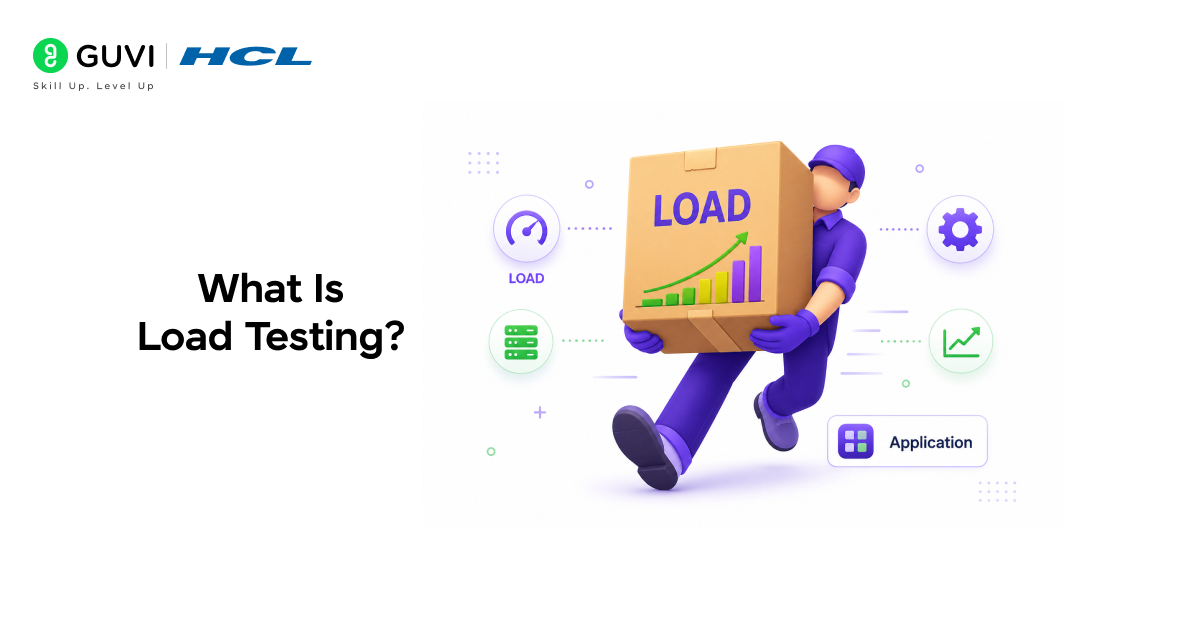
Load testing evaluates how an application performs under expected levels of user traffic. It measures response times, throughput, resource utilization, and stability while multiple users interact with the system simultaneously.
Unlike functional testing, which verifies whether an application works correctly, load testing determines whether it continues to perform efficiently as demand increases.
Common scenarios include:
- Testing login endpoints
- Evaluating REST APIs
- Measuring website performance
- Assessing microservices
- Validating cloud applications
What is k6?
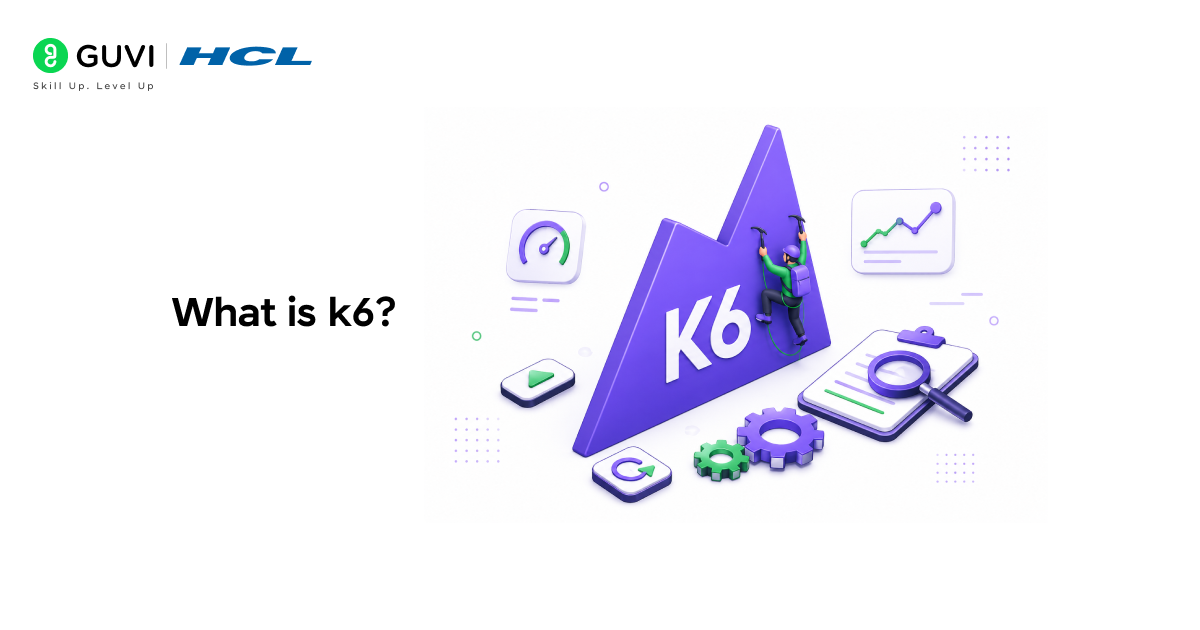
k6 is an open-source performance testing tool designed for developers, QA engineers, and DevOps teams. Instead of using complex XML configurations, k6 uses JavaScript to define load test scenarios, making scripts easier to read, maintain, and version-control.
Key features include:
- JavaScript scripting
- HTTP, WebSocket, and gRPC support
- Built-in performance metrics
- Threshold-based assertions
- Cloud execution support
- CI/CD integration
Data Point
As organizations increasingly adopt DevOps and continuous delivery practices, automated performance testing has become a standard part of modern software release pipelines.
Why Should You Use k6?
k6 helps teams identify performance issues before software reaches production. It supports automated testing during development, reducing the risk of unexpected slowdowns after deployment.
Benefits include:
- Easy-to-write JavaScript scripts
- Lightweight installation
- Fast execution
- Developer-friendly syntax
- Scalable testing
- Rich performance reports
Pro Tip
Treat load tests like unit tests. Run them regularly rather than only before major releases.
How Does k6 Work?
A k6 test script simulates virtual users (VUs) sending requests to your application. During execution, k6 records performance metrics such as response times, request rates, and error percentages.
The workflow typically looks like this:
- Create a test script.
- Define virtual users and duration.
- Execute the script.
- Collect performance metrics.
- Analyze results and optimize the application.
Installing k6
Installing k6 is straightforward on most operating systems.
macOS
brew install k6
Windows (Chocolatey)
choco install k6
Linux
sudo apt install k6
Verify the installation:
k6 version
Create Your First Load Test
Step 1: Import Required Modules
import http from “k6/http”;
import { sleep } from “k6”;
Step 2: Create a Test Script
import http from “k6/http”;
import { sleep } from “k6”;
export default function () {
http.get(“https://test.k6.io”);
sleep(1);
}
This script simulates one user visiting a website and waiting one second before repeating the request.
Step 3: Run the Test
k6 run script.js
k6 automatically displays performance statistics after execution.
Simulating Multiple Users
Answer Block
Real-world applications rarely have just one user. You can configure multiple virtual users using the options object.
export const options = {
vus: 50,
duration: “30s”,
};
This test simulates:
- 50 virtual users
- Running continuously for 30 seconds
Understanding k6 Metrics
After each test, k6 generates detailed metrics that help evaluate application performance.
| Metric | Description |
| HTTP Requests | Total requests sent |
| Response Time | Time taken to complete requests |
| Request Rate | Requests processed per second |
| Error Rate | Percentage of failed requests |
| Virtual Users | Active simulated users |
Data Point

Consistently monitoring percentile response times (such as the 95th percentile) often provides a more accurate picture of user experience than relying solely on average response times.
Setting Performance Thresholds
Answer Block
Thresholds allow you to define acceptable performance limits.
Example:
export const options = {
thresholds: {
http_req_duration: [“p(95)<500”],
},
};
This requires 95% of requests to complete in under 500 milliseconds.
Best Practice
Use thresholds in CI/CD pipelines to automatically fail builds that exceed performance limits.
Load Testing vs Stress Testing vs Spike Testing
| Testing Type | Purpose | Example |
| Load Testing | Expected traffic | 500 concurrent users |
| Stress Testing | Beyond capacity | Increase users until failure |
| Spike Testing | Sudden traffic increase | Flash sale traffic |
| Endurance Testing | Long-running stability | 24-hour workload |
Understanding these testing strategies helps you select the right approach for different scenarios.
Integrating k6 into CI/CD
Answer Block
One of k6’s strengths is its ability to automate performance testing within CI/CD workflows.
Popular integrations include:
- GitHub Actions
- GitLab CI/CD
- Jenkins
- Azure DevOps
- CircleCI
This enables teams to detect performance regressions before deployment.
Ready to improve your application’s scalability? Start by writing your first k6 test script today and make performance testing a routine part of your development workflow with HCL GUVI’s Software Testing & Automation Course.
Common Load Testing Mistakes
- Testing Only Happy Paths
Users don’t always follow ideal workflows. Include invalid requests, authentication failures, and edge cases.
- Ignoring Realistic Traffic Patterns
Avoid sending identical requests repeatedly. Simulate real user behavior with pauses and varied actions.
- Running Tests Against Production Without Planning
Heavy load tests can disrupt live users if not carefully managed.
Warning
Always coordinate production load tests with stakeholders and schedule them during approved maintenance windows or low-traffic periods.
- Focusing Only on Average Response Time
Average values can hide performance spikes.
Instead, monitor:
- P95 latency
- P99 latency
- Error rates
- Throughput
- Resource utilization
Real-World Use Cases
- API Performance Testing
Validate REST and GraphQL endpoints before release.
- E-commerce Applications
Ensure checkout systems remain responsive during sales events.
- Banking Applications
Verify transaction services under heavy demand.
- SaaS Platforms
Measure application scalability as customer usage grows.
- Microservices
Evaluate communication between distributed services.
Pros and Cons of Using k6
| Pros | Cons |
| Easy JavaScript scripting | Limited browser rendering capabilities |
| Open source | UI requires additional tools or cloud services |
| Lightweight and fast | Advanced scenarios require scripting knowledge |
| CI/CD friendly | Browser-based testing differs from dedicated browser automation tools |
| Supports multiple protocols | Learning performance metrics takes practice |
Conclusion
Performance issues often surface only when real users begin interacting with your application at scale. By incorporating load testing early in your development process, you can identify bottlenecks, improve reliability, and deliver a better user experience.
k6 stands out for its developer-friendly JavaScript scripting, lightweight design, and seamless CI/CD integration. Whether you’re testing APIs, microservices, or full web applications, it provides the tools needed to build confidence in your application’s performance before deployment.
FAQs
What is k6 used for?
k6 is an open-source load testing tool used to evaluate the performance, reliability, and scalability of web applications, APIs, and microservices under simulated user traffic.
Is k6 suitable for beginners?
Yes, k6 uses JavaScript for scripting, making it approachable for developers familiar with modern web technologies.
Can k6 test REST and GraphQL APIs?
Yes, k6 supports REST APIs, GraphQL endpoints, WebSockets, and gRPC, allowing you to test a wide range of application architectures.
What is the difference between load testing and stress testing?
Load testing evaluates performance under expected traffic, while stress testing pushes an application beyond its normal capacity to identify breaking points.
Can k6 be integrated into CI/CD pipelines?
Yes, k6 integrates with popular CI/CD platforms such as GitHub Actions, GitLab CI/CD, Jenkins, and Azure DevOps to automate performance testing.
Success Stories

About the Author
HCL GUVI
This article was selected and published as part of the HCL GUVI AI Blogathon 2026, an initiative designed to encourage students, AI enthusiasts, and aspiring tech writers to simplify complex AI concepts through impactful technical content. The contest recognized high-quality, original, and insightful AI-focused blogs, with selected authors receiving publication opportunities on the HCL GUVI blog platform along with official author credits and recognition.
View all posts by HCL GUVI
Connect with me @













Did you enjoy this article?