


Artificial Intelligence and Machine Learning Articles
Finance Manager to Data Analytics: Career Growth, Salary and Seniority
How to Evaluate LLM Outputs in Production Deployments
AI/ML Skills Gap 2026: Why Companies Can't Find Job-Ready Talent
20 AI/ML Interview Questions Recruiters Can Use Without a Tech Background - Best Guide


Get In Touch For Details! Request More Information
Creating Custom Swag Merchandise Using Generative AI
Apr 07, 2026 4 Min Read 988 Views
(Last Updated)
Merchandising has always served as an effective means of creating identity for brands, startups, and communities. Branded T-shirts and hoodies, as well as stickers, mugs, and tote bags, can be used to help people associate with a brand in a cool and memorable manner.
Nevertheless, to create swag merchandise, one needs graphic design skills, high cost design software or professional designers. Today, Generative AI is changing the entire process. With the help of AI tools, anyone can design unique and creative merchandise within minutes.
In this blog, we’ll be creating custom swag merchandise using generative AI, know about the tools you can use, and provide a step-by-step workflow to create your own custom swag.
Quick Answer:
Generate Custom Swag Merchandise With Generative AI enables each user to create unique merchandise (t-shirts, stickers, mugs, etc.) using AI-generated art. Just type in a few simple text prompts on the AI tool and anyone can have a new creative design quickly & easily! No advanced graphic design skills are required.
Table of contents
- Types of Swag Merchandise You Can Create Using Generative AI
- T-Shirts and Hoodies
- Stickers
- Mugs and Water Bottles
- Tote Bags
- Phone Cases
- Tools Used for Creating Custom Swag Merchandise Using Generative AI
- DALL·E
- Midjourney
- Stable Diffusion
- Canva AI
- Adobe Firefly
- Step-by-Step Guide to Creating Custom Swag Merchandise Using Generative AI
- Step 1: Define Your Concept
- Step 2: Write an Effective AI Prompt
- Step 3: Generate AI Artwork
- Step 4: Refine the Design
- Step 5: Prepare the Design for Printing
- Step 6: Upload to Print-on-Demand Platforms
- Best Practices for Designing AI-Generated Swag Merchandise
- Challenges of Using Generative AI for Merchandise Design
- Wrapping it Up:
- What is Custom Swag Merchandise Using Generative AI?
- Do I need design skills to create AI-generated merchandise?
- What types of products can be created using AI-generated designs?
- Which tools can help in creating AI swag designs?
Types of Swag Merchandise You Can Create Using Generative AI
Numerous products can be designed using generative AI.
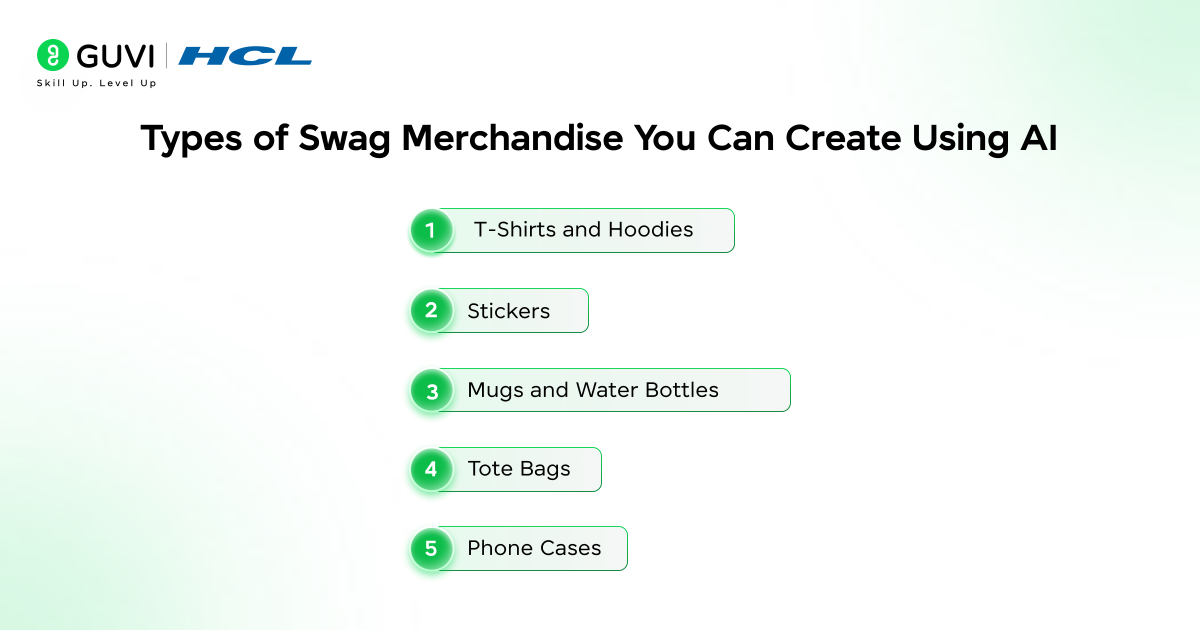
1. T-Shirts and Hoodies
One of the widespread applications of AI-generated artwork is clothing merchandise. The arts of typography, futuristic drawings, and funny designs are particularly effective in clothes.
2. Stickers
The AI generated stickers are very popular forlaptops, notebooks and water bottles. They are frequently used in branding events and hackathons by tech communities.
3. Mugs and Water Bottles
Custom illustrations generated using AI can make everyday items like mugs or bottles visually appealing and unique.
4. Tote Bags
Minimalist illustrations or typography designs generated by AI are perfect for eco-friendly tote bags.
5. Phone Cases
Creative AI art styles can be applied to phone cases, making them attractive merchandise items for communities and creators.
With generative AI, you can quickly generate different designs tailored for each type of merchandise.
Also read: Top Generative AI Courses and Certifications [Free+Paid]
Tools Used for Creating Custom Swag Merchandise Using Generative AI
Many AI-powered design tools can help create merchandise artwork.
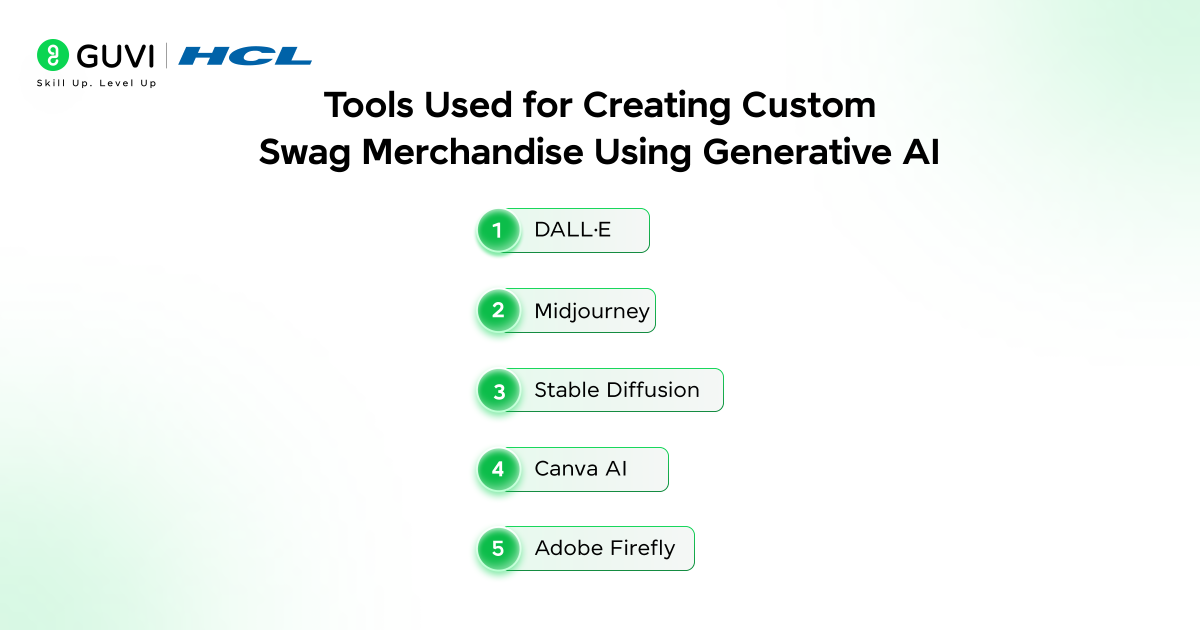
1. DALL·E
DALL.AI creates images with high levels of quality based on textual prompts. It has a wide application in the creation of illustrations and artwork on merchandise.
2. Midjourney
Midjourney is known for producing visually striking and artistic images. It is especially popular for generating stylized illustrations and creative artwork.
3. Stable Diffusion
Stable Diffusion is a free AI model that enables its users to make designs and tailor them locally or using other platforms.
4. Canva AI
Canva has AI image generators and design tools that assist its users to easily transforming AI artwork into print-ready merchandise designs with ease.
5. Adobe Firefly
Adobe Firefly is the latest product to add generative AI into the Adobe ecosystem and is designed to help in creating professional designs, which can be printed.
Also read: A Complete Roadmap for Generative AI
Step-by-Step Guide to Creating Custom Swag Merchandise Using Generative AI
Step 1: Define Your Concept
Start by deciding what type of merchandise you want to create.
For example:
- A coding-themed T-shirt
- A funny developer sticker
- A tech conference hoodie
- A startup branding mug
Consider who you are targeting as your audience and what message you want to convey in your design.
For instance, a developer community might like designs related to coding humor, programming languages, or futuristic technology.
Explore HCL GUVI’s Generative AI Ebook to understand the fundamentals of generative AI and start building smarter AI-powered solutions.
Step 2: Write an Effective AI Prompt
The quality of the generated AI-based design is highly dependent on what you write in a prompt.
A good prompt should include:
- Subject
- Style
- Colors
- Mood
- Level of detail
Example prompt:
“Minimalist robot coding on a laptop, neon blue and purple colors, cyberpunk style, vector illustration suitable for T-shirt printing.”
You can experiment with different prompts to generate multiple design options.
Also read: Top 9 Best Generative AI Projects for All Techies [With Source Code]
Step 3: Generate AI Artwork
Once the prompt is ready, input it into a generative AI tool.
The tool is going to produce several design variations. You can choose according to your preference, the one that fits your concept of merchandise.
If the design is not expected, then you can make changes in the prompt and try again to get best results. This iterative process allows creators to explore multiple creative directions quickly.
Step 4: Refine the Design
Artificial intelligence-generated images can occasionally be subjected to minor modifications before they can be printed.
You may fine-tune the design with tools such as:
- Canva
- Photoshop
- Illustrator
- Figma
Possible improvements include:
- Adjusting colors
- Removing unwanted elements
- Adding text or branding
- Converting the design to vector format
This ensures that the created design is clean and suitable for the merchandise printing.
Step 5: Prepare the Design for Printing
Merchandise printing needs particular file formatting and will have resolutions.
Common specifications are:
- High resolution (300 DPI)
- Transparent background
- PNG or vector formats
- Correct color settings
Here is a sample prompt:

“Can you create a high-resolution merchandise that is suitable for t-shirts and mugs. I need the design to be 300 DPI and should have a transparent background. Use bold shapes, vibrant colors and clear lines suitable for printing. And make sure the design is print-ready. And the final out should be in PNG or vector format”.
Many print-on-demand platforms provide templates that help align the design correctly on merchandise.
Also read: Top Generative AI Use Cases
Step 6: Upload to Print-on-Demand Platforms
When you are done with your design, you can post it on other merchandise sites like:
- Printful
- Redbubble
- Teespring
- Printify
These platforms deal with the production, packaging and shipping and creators can concentrate on the design and marketing.
Best Practices for Designing AI-Generated Swag Merchandise
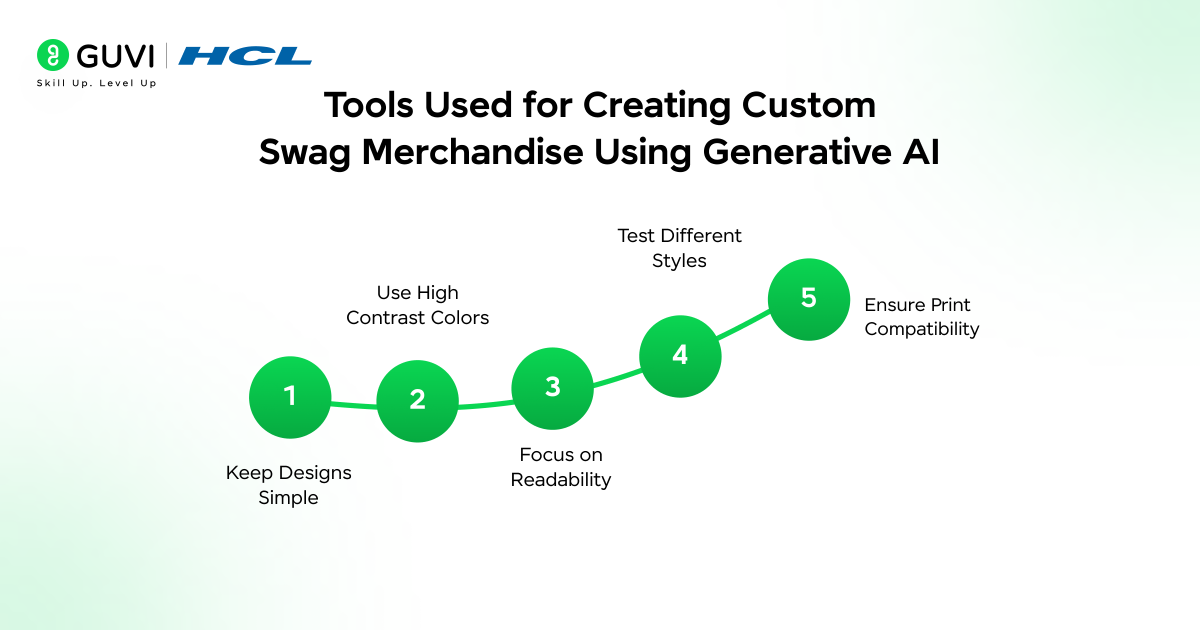
- Keep Designs Simple: Clean and minimal designs with merchandise tend to look good. Too complicated designs are not well printable.
- Use High Contrast Colors: Better visibility on clothing and accessories is enhanced by high contrast colors.
- Focus on Readability: If your design includes text, ensure that it is clear and readable even from a distance.
- Test Different Styles: There is a wide range of styles with which you can make arts using generative AI. Experiment with the prompts to find out the most desirable designs.
- Ensure Print Compatibility: Always check that the design resolution and colour format should be in compliance with printing requirements.
Following these practices helps ensure that Creating Custom Swag Merchandise Using Generative AI results in professional-quality products.
Also read: What is ChatGPT, DALL-E, and Generative AI?
Challenges of Using Generative AI for Merchandise Design
While generative AI offers many advantages, there are also some challenges.
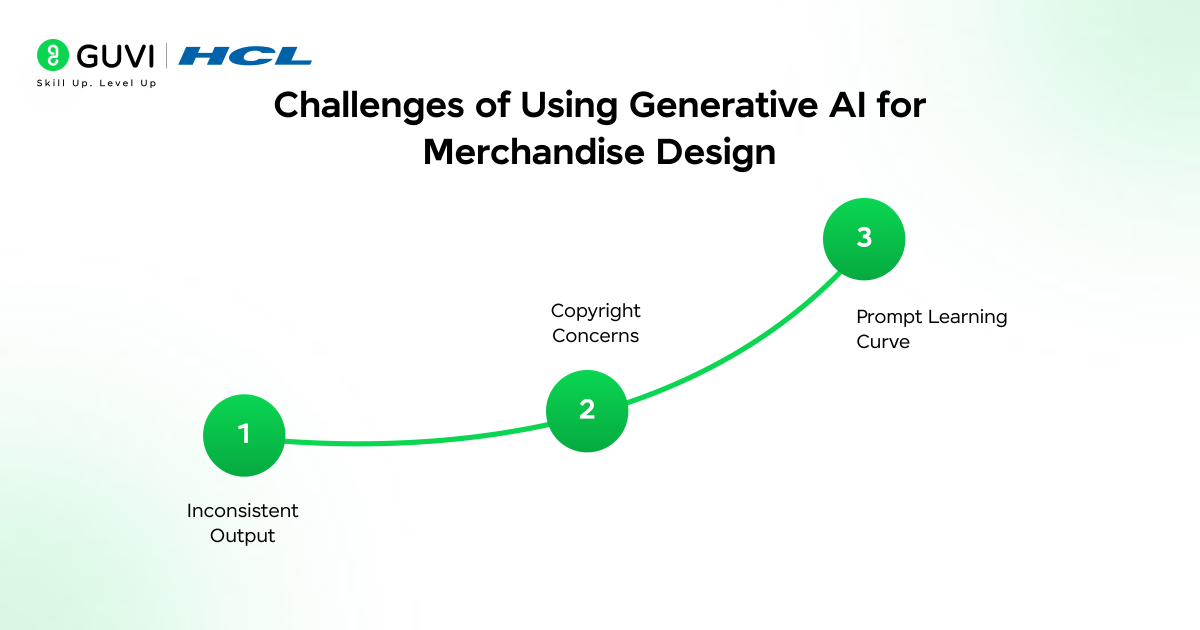
- Inconsistent Output: Designs generated by AI are not always predictable and may have some unexpected features or artifacts that should be edited manually.
- Copyright Concerns: There are cases when AI-generated images are similar to the already known pieces of art. Before selling merchandise, designers are expected to make sure that they have created unique designs.
- Prompt Learning Curve: Writing effective prompts takes practice. Beginners may need to experiment before achieving the desired results.
Despite these challenges, AI tools continue to improve, making Custom Swag Merchandise Using Generative AI more reliable and efficient.
If you’re excited about Creating Custom Swag Merchandise Using Generative AI, it’s the perfect time to start learning the skills behind AI-powered creativity. With HCL GUVI’s industry-relevant AI and ML Course, you can gain hands-on experience, work on real-world projects, and understand how generative AI tools are used to build practical applications. Start your learning journey today and turn your creative ideas into innovative AI-powered solutions.
Wrapping it Up:
Merchandise has always been a creative outlet for people to show their identities, create communities and advertise brands. The most exciting aspect about the current era is that creativity is no longer limited by technical skills or expensive design tools. Thanks to generative AI, people can quickly convert their ideas into visual designs.
The use of generative AI for creating custom swag merchandise makes it quicker, simpler, and more innovative than ever before for individuals, startups, and communities to design swag and products.
As AI continues to evolve, designing unique merchandise will become even more creative and personalized. I hope this blog was helpful, and that it motivates you to create your own custom AI-generated swag items!
1. What is Custom Swag Merchandise Using Generative AI?
It refers to creating promotional items such as apparel, accessories, or stickers using designs generated by AI tools based on text prompts or creative inputs.
2. Do I need design skills to create AI-generated merchandise?
No, you don’t need any experience in designing to make AI-generated swag merchandise! Most generative AI tools are quick to learn, create a simple text prompt and the tool will generate designs for you.
3. What types of products can be created using AI-generated designs?
Common AI-generated swag merchandise includes T-shirts, hoodies, mugs, stickers, tote bags, phone cases, and laptop skins.
4. Which tools can help in creating AI swag designs?
There are many tools available for creating AI-generated swag merchandise. The most used tools are AI-based image generators, AI-enabled design applications (e.g., Canva AI), and generative models (e.g., Midjourney or Stable Diffusion).
Success Stories

About the Author
Vishalini Devarajan
An Aerospace Engineer turned content writer, I focus on making complex concepts easy to understand through well-structured, reader-friendly blogs. Whether it’s a technical topic or a non-technical one, I love creating content that is clear, engaging, and impactful.
View all posts by Vishalini Devarajan
Connect with me @











Did you enjoy this article?