


Python Articles
Excel SQL Python for BPO Professionals Best Guide to Move Into Data Science
Go vs Python for Forward Deployed Engineering Workloads
Python for Forward Deployed Engineers: What You Actually Need to Know
Freelancing as a Python Developer: Getting Your First Client


Get In Touch For Details! Request More Information
Speech Recognition in Python Using Google Speech API
Jul 13, 2026 7 Min Read 1215 Views
(Last Updated)
Have you ever talked to Siri, used Google Assistant, or dictated a message on your phone? All of those features are powered by a technology called speech recognition. At its core, speech recognition is the ability of a computer program to listen to what you say and convert it into text. What once required years of research and expensive hardware can now be done in Python with just a few lines of code.
Python has become one of the most popular languages for building AI-powered applications, and speech recognition is no exception. The combination of Python’s simplicity and the power of Google’s speech processing capabilities makes it surprisingly approachable, even for someone who has never worked with audio before.
In this article, we will walk through everything you need to know to get started with speech recognition in Python using the Google Speech API. We will cover how speech recognition works, which libraries to use, how to handle audio from both files and a live microphone, and how to deal with common issues like background noise.
Table of contents
- TL;DR
- How Speech Recognition Actually Works
- The recognition library
- Step 1: Installing the Required Libraries
- Step 2: Recognizing Speech from an Audio File
- Step 3: Recognizing Speech from a Microphone
- Understanding the Energy Threshold
- Working with Different Languages
- Real-World Applications of Speech Recognition
- Common Issues and How to Fix Them
- Energy Threshold and Ambient Noise
- RequestError and Connectivity
- Importance of Audio Quality
- Practical Tips to Improve Accuracy
- Wrapping Up
- FAQS
- What libraries do I need to get started with speech-to-text in Python?
- Do I need a Google API key for speech recognition?
- How do I handle background noise during speech recognition?
- Can I use speech recognition offline?Speech recognition?
- What audio formats work best with SpeechRecognition?
TL;DR
- Start simple: transcribe a WAV file first to avoid mic/setup issues.
- Calibrate noise: use adjust_for_ambient_noise() to set the energy threshold.
- Use good hardware: a USB mic/headset dramatically improves accuracy over built-in mics.
- Watch connectivity: RequestError means the client couldn’t reach Google’s servers; offline needs Sphinx.
- Pick the right language code: set language=”hi-IN” or “en-GB” for better regional results.
- Test and review: always handle UnknownValueError and RequestError and manually verify transcriptions before using them in production.
What Is Speech Recognition in Python?
Speech recognition in Python is the process of converting spoken audio into text using Python libraries and speech-to-text APIs. One of the most widely used approaches involves the SpeechRecognition library, which can connect to services like Google Speech API to transcribe audio either in real time through a microphone or from prerecorded audio files.
How Speech Recognition Actually Works
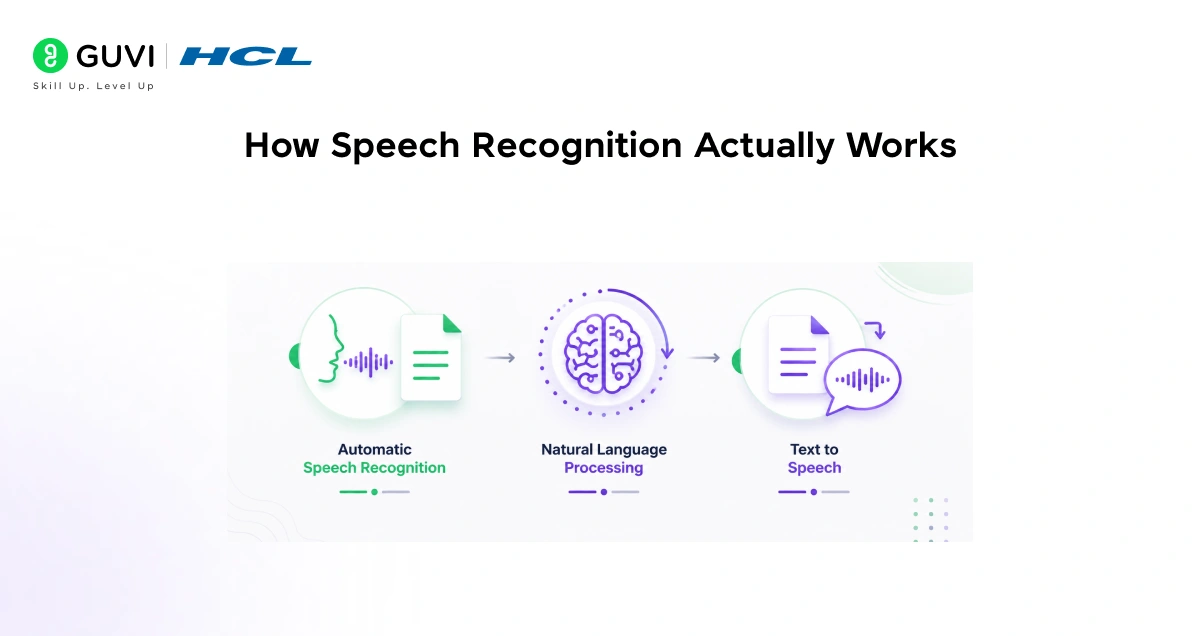
Before writing any code, it helps to understand what is happening behind the scenes when your program listens to speech.
- The process converts speech from physical sound to electrical signals using a microphone, then uses an analog-to-digital converter to turn this into digital data, and finally uses multiple models to transcribe that audio to text.
- Once the audio is in a digital format, the recognition engine gets to work. It breaks the audio into small chunks and compares them against patterns it has learned from massive amounts of training data.
- Google’s speech recognition service has been trained on an enormous quantity of spoken language, which is why it handles different accents, speaking speeds, and vocabularies as well as it does.
- The output of all this processing is a simple text string containing what was said. What makes this powerful for NLP and AI applications is that once you have text, you can do almost anything with it: analyze sentiment, extract keywords, feed it into a chatbot, translate it, or store it as a transcript. Speech recognition is often the first step in a much larger voice processing pipeline.
The recognition library
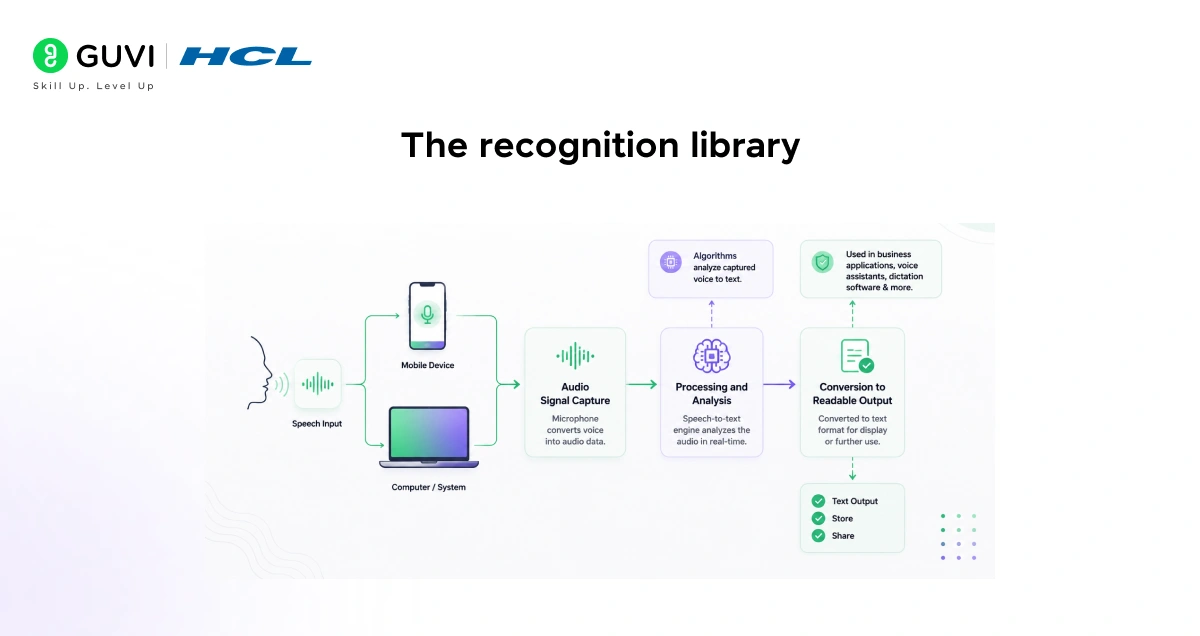
- The easiest way to work with speech recognition and voice processing in Python is through the SpeechRecognition library. Instead of having to build scripts for accessing microphones and processing audio files from scratch, SpeechRecognition will have you up and running in just a few minutes.
- The SpeechRecognition library acts as a wrapper for several popular speech APIs and is thus extremely flexible. One of these, the Google Web Speech API, supports a default API key that is hard-coded into the SpeechRecognition library, which means you can get started without having to sign up for a service.
- The library supports multiple recognition engines, including Google Speech Recognition, CMU Sphinx, and more, allowing you to choose the one that best fits your needs. It also supports recognizing speech in multiple languages and dialects, depending on the capabilities of the underlying engine.
- The central piece of the library is the Recognizer class. All of the magic in SpeechRecognition happens with the Recognizer class.
- The primary purpose of a Recognizer instance is to recognize speech, and each instance comes with a variety of settings and functionality for recognizing speech from an audio source. Everything you do, whether reading from a file or capturing live microphone input, flows through a Recognizer object.
Step 1: Installing the Required Libraries

To get started, you need to install the SpeechRecognition library. Open your terminal and run:
pip install SpeechRecognition
- PyAudio is required if and only if you want to use microphone input. PyAudio version 0.2.11 or higher is required, as earlier versions have known memory management bugs when recording from microphones in certain situations.
- On Windows, install it using pip by running pip install SpeechRecognition`. On Debian-based Linux distributions like Ubuntu, install PyAudio using sudo apt-get install python-pyaudio python3-pyaudio. On macOS, install PortAudio using Homebrew first with brew install portaudio, then install with pip install SpeechRecognition.
- If you are only working with existing audio files and not a live microphone, you can skip PyAudio entirely. The core speech recognition library will handle audio file transcription without it.
Step 2: Recognizing Speech from an Audio File
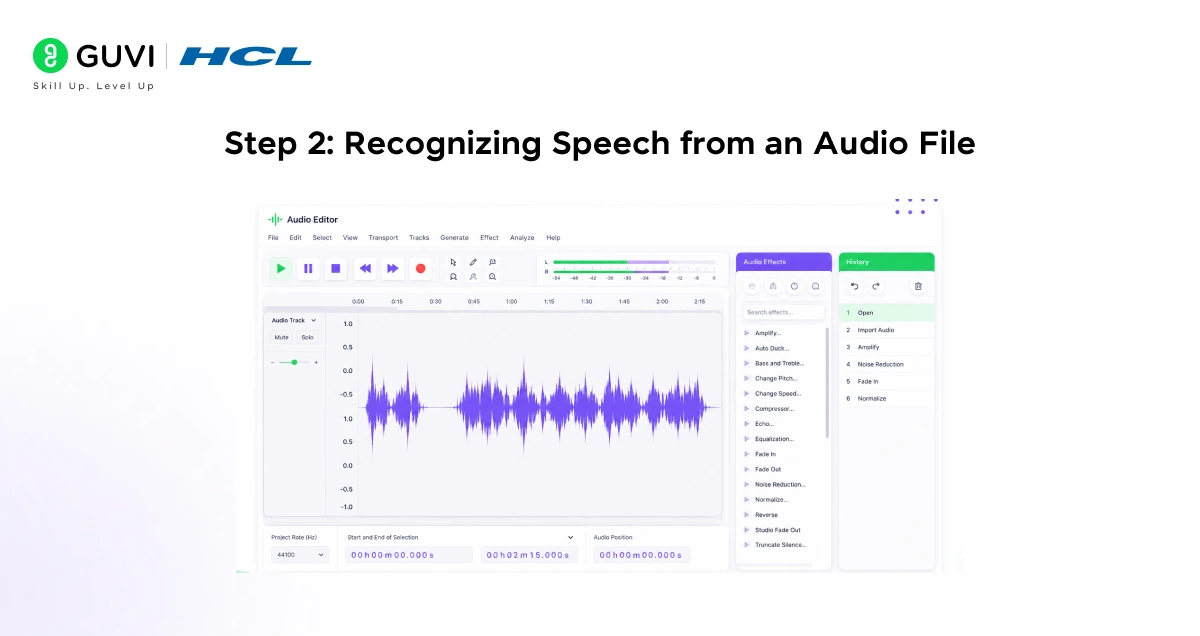
Working with a pre-recorded audio file is the simplest way to start. You do not need a microphone set up, and you get consistent input every time you run the code. Here is how to transcribe a .wav audio file using the Google Speech API:
import speech_recognition as sr
recognizer = sr.Recognizer()
with sr.AudioFile(“your_audio_file.wav”) as source:
print(“Reading audio file…”)
audio_data = recognizer.record(source)
try:
text = recognizer.recognize_google(audio_data)
print(“Recognized Text:”, text)
except sr.UnknownValueError:
print(“Sorry, could not understand the audio.”)
except sr.RequestError:
print(“Could not connect to Google API. Check your internet connection.”)
- The code creates a Recognizer instance, opens the audio file as a source, records the entire content into an audio_data object, and then passes it to recognize_google().
- The two exception types you should always handle are UnknownValueError, which fires when the audio is unclear or unintelligible, and RequestError, which fires when there is a problem reaching the Google API, such as no internet connection.
- The SpeechRecognition library works best with WAV files. If your audio is in a different format, like MP3 or M4A, you may need to convert it to WAV first using a tool like ffmpeg before passing it to the recognizer.
Step 3: Recognizing Speech from a Microphone
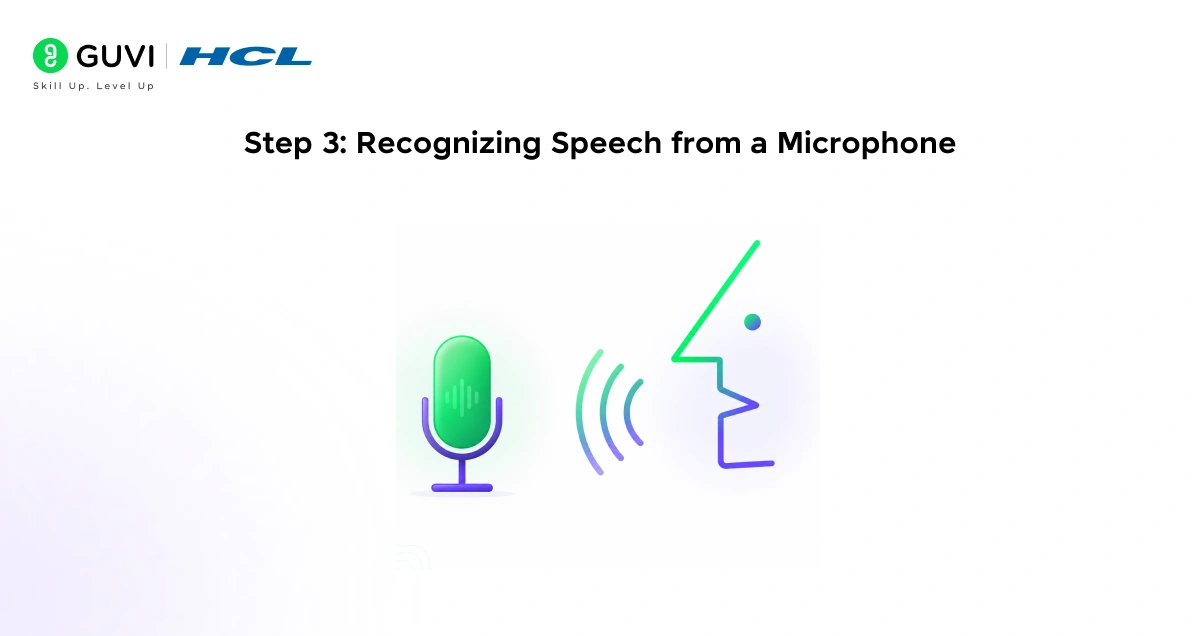
Once you have PyAudio installed, you can capture live audio directly from your microphone. This is what makes real-time AI applications like voice assistants possible. Here is the basic pattern:
import speech_recognition as sr
recognizer = sr.Recognizer()
with sr.Microphone() as source:
print(“Adjusting for background noise… please wait.”)
recognizer.adjust_for_ambient_noise(source)
print(“Listening… speak now.”)
audio = recognizer.listen(source)
try:
text = recognizer.recognize_google(audio)
print(“You said:”, text)
except sr.UnknownValueError:
print(“Could not understand the audio.”)
except sr.RequestError as e:
print(f”Request failed: {e}”)
- The key line here is recognizer.adjust_for_ambient_noise(source). All audio recordings have some degree of noise in them, and unhandled noise can wreck the accuracy of speech recognition apps.
- The adjust_for_ambient_noise() method listens to the environment for one second by default and calibrates the recognizer accordingly.
- The SpeechRecognition documentation recommends using a duration of no less than 0.5 seconds, and in most cases, the default duration of one second is adequate.
With just a few lines of Python using libraries like SpeechRecognition, developers can convert spoken audio into text and immediately feed it into NLP pipelines, enabling applications such as real-time voice assistants, medical transcription systems, and conversational AI tools. One surprisingly effective trick for improving recognition accuracy is using adjust_for_ambient_noise() for a brief calibration period, which helps the recognizer adapt to background noise and solves many of the most common speech recognition issues beginners encounter.

Understanding the Energy Threshold
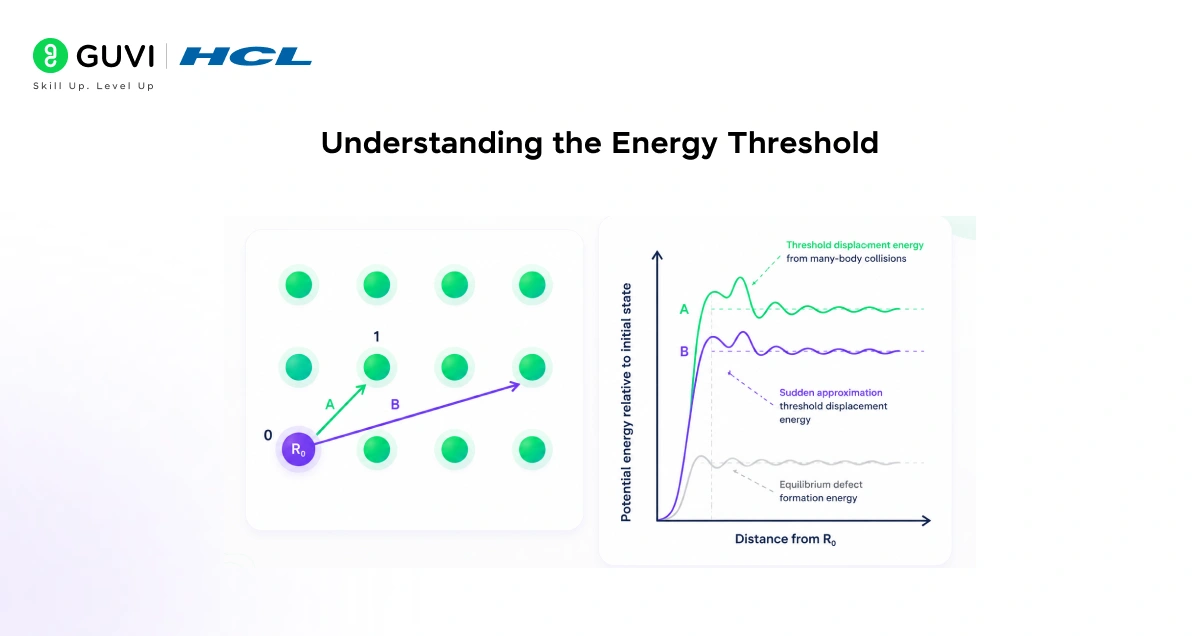
One concept that trips up many beginners is the energy threshold. This setting tells the recognizer how loud a sound needs to be before it counts as speech rather than background noise.
- Typical values for a silent room are 0 to 100, and typical values for speaking are between 150 and 3500. Ambient noise has a significant impact on what values will work best. If you are having trouble with the recognizer picking up words when you are not speaking, try setting this to a higher value. If it is not recognizing your words when you are speaking, try setting it to a lower value.
- With dynamic_energy_threshold set to True, the program will continuously try to readjust the energy threshold to match the environment based on the ambient noise level at that time. This is a useful setting when you are building an application that needs to run in different environments where the background noise level might change.
You can set these manually if needed:
recognizer.energy_threshold = 4000
recognizer.dynamic_energy_threshold = True
3. Starting with a higher value like 4000 and letting dynamic adjustment bring it down to a stable level often works better than relying entirely on the defaults, especially in noisier environments.
Working with Different Languages
One thing many people do not realize is that Google’s speech recognition API supports a wide range of languages out of the box. By default, recognize_google() uses American English, but you can pass a language code to change this.
text = recognizer.recognize_google(audio_data, language=”hi-IN”)
- This tells the API to transcribe audio in Hindi. You can use codes like “fr-FR” for French, “de-DE” for German, “es-ES” for Spanish, or “en-GB” for British English.
- Setting the recognition language to your specific language or dialect tends to produce significantly better results. For example, if your language is British English, using “en-GB” as the language code is better than “en-US”.
- This multilingual support is one of the features that make the Google Speech API genuinely practical for real-world voice processing and NLP projects.
Real-World Applications of Speech Recognition
- Everyday Consumer Products
Speech and audio recognition power a huge range of consumer features people use daily, with voice assistants being the most visible example. When you ask Google Assistant or Alexa a question, speech recognition converts your words to text, which an NLP model then interprets to generate a response. This end-to-end pipeline also underpins smart speakers, voice search, and many mobile voice features.
- Professional and Productivity Tools
Transcription services are a major real-world use case: medical professionals dictate notes into patient records to save time, journalists and researchers transcribe interviews automatically, and customer‑support systems use speech recognition to log calls and summarize content.
In these contexts, Python-based recognition tools often integrate with backend workflows, enabling automation across smart homes, mobile apps, and enterprise systems.
- Accessibility and Inclusion
Perhaps the most meaningful applications are accessibility features that give people with physical disabilities new independence. Accurate speech recognition enables voice-controlled navigation, dictation software, hands-free phone operation, and other assistive tools, transforming convenience into essential access for many users.
Common Issues and How to Fix Them
1. Energy Threshold and Ambient Noise
The most frequent problem beginners run into is the recognizer either failing to detect speech at all or constantly picking up background noise; both usually come down to the energy threshold setting if it’s too high, your speech is ignored; if it’s too low, random noise is treated as speech. Using adjust_for_ambient_noise() before listening fixes this in most cases by calibrating the threshold to the current environment.
2. RequestError and Connectivity
Another common issue is the RequestError exception appearing frequently when the program cannot reach Google’s servers. Because the free Google Web Speech API requires an internet connection, this error appears if you are offline; for offline recognition, recognize_sphinx() (PocketSphinx) works without a network but is generally less accurate than Google’s cloud service.
3. Importance of Audio Quality
Audio quality matters more than most beginners expect: a decent USB microphone or headset produces dramatically better results than a built-in laptop microphone in a noisy room. Noise robustness is essential for real-world use, and the API performs far better in quieter environments.
4. Practical Tips to Improve Accuracy
Keeping your recording environment as quiet as possible will improve transcription accuracy more than any code tweak, and combining good hardware with ambient noise calibration (adjust_for_ambient_noise()) and a reliable internet connection will avoid the most common failures beginners face.
If you’re serious about building speech-enabled apps with Python and Google Speech APIs, real-time transcription, speaker diarization, and production-grade audio pipelines, don’t miss the chance to enroll in HCL GUVI’s Intel & IITM Pravartak Certified Artificial Intelligence & Machine Learning Course, co-designed by Intel.
Wrapping Up
Speech recognition in Python is one of those topics that seems complex from the outside but turns out to be very approachable once you start working with it. The SpeechRecognition library takes care of all the heavy lifting, and Google’s Speech API handles the actual audio recognition with impressive accuracy.
Within a few lines of Python, you can turn spoken words into text and build that capability into any kind of application you can imagine. Start by transcribing an audio file, then try capturing live microphone input, and then experiment with different languages or build a small voice command script.
Each step teaches you something new about how voice processing and AI applications work in practice. The foundation you build here connects directly to bigger topics in NLP, conversational AI, and real-time audio processing that are increasingly central to modern software development.
FAQS
1. What libraries do I need to get started with speech-to-text in Python?
Install the SpeechRecognition package using pip install SpeechRecognition. This gives you basic speech-to-text functionality. You only need to add PyAudio (pip install pyaudio) if you want live microphone input. Transcribing WAV files works without PyAudio.
2. Do I need a Google API key for speech recognition?
No API key is required for basic use of the Google Web Speech API via SpeechRecognition, as it includes a default key for quick testing. However, for production use, you should switch to a paid Google Cloud Speech API key to handle quotas and ensure reliability.
3. How do I handle background noise during speech recognition?
Before calling listen(), use recognizer.adjust_for_ambient_noise(source) to calibrate the energy threshold against ambient noise. You can also enable dynamic_energy_threshold=True to allow the system to adapt to varying environments during recognition.
4. Can I use speech recognition offline?Speech recognition?
Yes. SpeechRecognition supports offline recognition using PocketSphinx via the recognize_sphinx() method. However, offline accuracy is typically lower than that of cloud services like Google Speech Recognition.
5. What audio formats work best with SpeechRecognition?
WAV files are preferred and natively supported for optimal results. If you have MP3 or M4A files, convert them to WAV using ffmpeg for better compatibility.
Success Stories

About the Author
Vishalini Devarajan
An Aerospace Engineer turned content writer, I focus on making complex concepts easy to understand through well-structured, reader-friendly blogs. Whether it’s a technical topic or a non-technical one, I love creating content that is clear, engaging, and impactful.
View all posts by Vishalini Devarajan
Connect with me @












Did you enjoy this article?