


Artificial Intelligence and Machine Learning Articles
Finance Manager to Data Analytics: Career Growth, Salary and Seniority
How to Evaluate LLM Outputs in Production Deployments
AI/ML Skills Gap 2026: Why Companies Can't Find Job-Ready Talent
20 AI/ML Interview Questions Recruiters Can Use Without a Tech Background - Best Guide


Get In Touch For Details! Request More Information
How to Make a Slack Bot: Python vs Low-Code (Complete Beginner Guide)
Sep 03, 2026 4 Min Read 1160 Views
(Last Updated)
Quick Answer: Building a Slack bot can be done using Python for full customization and control or low-code platforms for faster, no-code automation. Python-based bots use frameworks like Slack Bolt and APIs for advanced logic, integrations, and scalability. In contrast, low-code tools like Zapier or Slack Workflow Builder allow non-developers to create bots quickly using visual workflows. The right choice depends on your technical skills, use case complexity, and scalability needs.
What if your Slack workspace could automate repetitive tasks, answer questions instantly, or even integrate with your internal tools without human intervention? That’s exactly what Slack bots enable. From simple reminders to intelligent AI assistants, Slack bots are becoming essential for modern teams.
But here’s the real question: Should you build one using Python for full control or use low-code tools for speed and simplicity?
In this guide, we break down both approaches step by step so you can choose the right path and start building your own Slack bot today.
Table of contents
- What is a Slack Bot?
- Types of Bots
- Python vs Low-Code: Key Differences
- How to Make a Slack Bot Using Python
- Step 1: Create a Slack App
- Step 2: Configure OAuth Scopes and Permissions
- Step 3: Set Up Python Environment
- Step 4: Initialize Slack Bolt Application
- Step 5: Implement Event Listeners and Commands
- Step 6: Expose Local Server (Development Phase)
- Step 7: Enable Event Subscriptions
- Step 8: Deploy the Bot to Production
- Step 9: Add Advanced Capabilities
- How to Make a Slack Bot Using Low-Code Tools
- Step 1: Choose a Low-Code Platform
- Step 2: Define a Trigger Event
- Step 3: Design Workflow Logic Visually
- Step 4: Configure Actions and Responses
- Step 5: Integrate External Applications
- Step 6: Test Workflow Execution
- Step 7: Deploy and Activate the Bot
- Step 8: Optimize and Scale Workflows
- Step 9: Extend with AI Capabilities
- Python vs Low-Code: When to Choose What
- Choose Python If:
- Choose Low-Code If:
- Common Challenges in Building Slack Bots
- Final Words
- FAQs
- Can I switch from low-code to Python later?
- Do Slack bots require hosting to run continuously?
- Are Slack bots secure for enterprise use?
What is a Slack Bot?
A Slack bot is a programmable application integrated within Slack’s platform that interacts with users, channels, and external systems via APIs, events, and webhooks. It operates using event-driven architecture, listening to triggers such as messages or commands, processing them through defined logic, and responding in real time. Slack bots can automate workflows, orchestrate microservices, and act as intelligent interfaces for enterprise systems.
Types of Bots
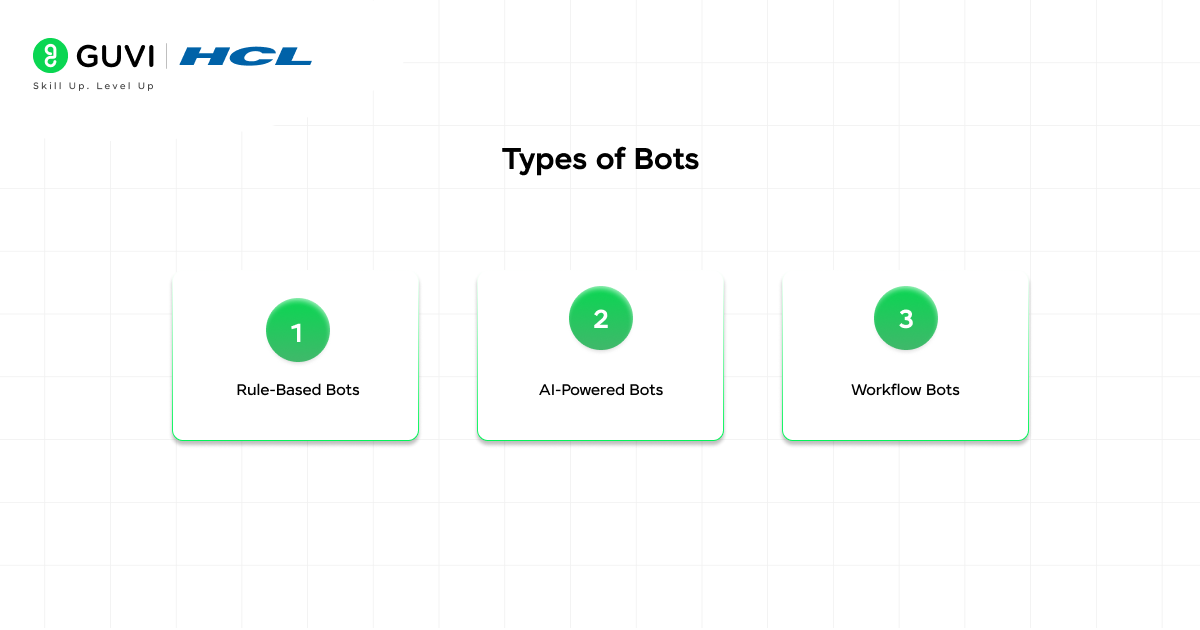
- Rule-Based Bots: Operate on predefined conditions and triggers using deterministic logic. They respond to specific keywords, commands, or events without learning capabilities, making them reliable for structured, repetitive tasks.
- AI-Powered Bots: Leverage NLP models and machine learning to understand intent, context, and unstructured inputs. These bots can generate responses, summarize data, and integrate with LLMs for dynamic, context-aware interactions.
- Workflow Bots: Focus on process automation by orchestrating multi-step tasks across systems. They integrate with tools and APIs to execute sequences such as approvals, notifications, and data updates through event-driven pipelines.
Python vs Low-Code: Key Differences
| Feature | Python Approach | Low-Code Approach |
| Skill Required | Programming knowledge | Beginner-friendly |
| Flexibility | High | Limited |
| Setup Time | Moderate | Very fast |
| Scalability | Excellent | Moderate |
| Custom Logic | Fully customizable | Restricted |
| Cost | Low (mostly free tools) | Subscription-based |
How to Make a Slack Bot Using Python
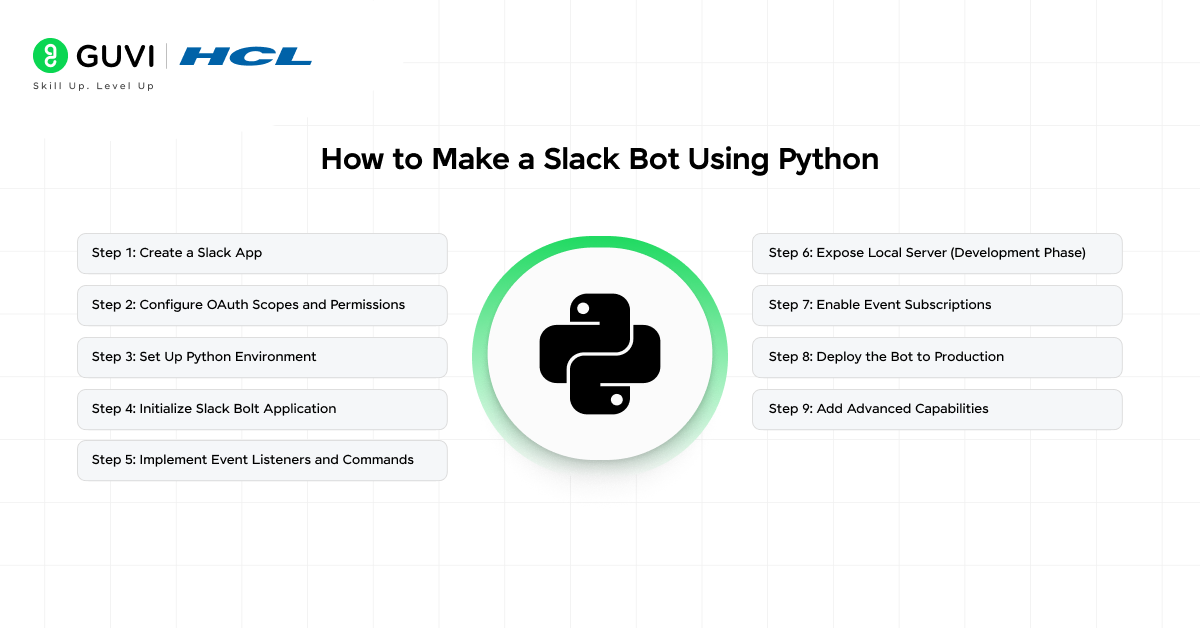
Step 1: Create a Slack App
Go to the Slack API dashboard and create a new app from scratch. This app acts as the container for your bot, configurations, and permissions. Choose a workspace, define the app name, and enable Bot Token Scopes to allow programmatic interaction with Slack channels and users.
Step 2: Configure OAuth Scopes and Permissions
Under “OAuth & Permissions,” assign scopes such as:
- chat:write → send messages
- app_mentions:read → listen to mentions
- commands → enable slash commands
Install the app to your workspace to generate a Bot User OAuth Token, which will be used for authentication in your Python application.
Step 3: Set Up Python Environment
Create a virtual environment and install required dependencies:
- slack_bolt → official Slack framework for event-driven apps
- flask or fastapi → for handling HTTP endpoints (optional but useful)
This setup enables you to build an event-driven bot that listens to Slack events via HTTP requests.
Step 4: Initialize Slack Bolt Application
Use the Slack Bolt SDK to initialize your bot with the OAuth token and signing secret. The framework abstracts low-level API handling and provides decorators for event listeners, making it easier to define bot behavior.
Step 5: Implement Event Listeners and Commands
Define handlers for:
- Events → messages, mentions, reactions
- Slash Commands → custom commands like /status
- Actions → button clicks, interactive components
The bot processes incoming payloads, executes logic, and sends structured responses (text, blocks, or attachments).
Step 6: Expose Local Server (Development Phase)
Use tools like ngrok to expose your local server to the internet. Configure the generated public URL in Slack’s Event Subscriptions and Interactivity settings so Slack can send real-time events to your bot.
Step 7: Enable Event Subscriptions
Turn on Event Subscriptions in your Slack app settings and define a request URL. Subscribe to events such as:
- app_mention
- message.channels
This allows your bot to operate in an event-driven manner, reacting instantly to user interactions.
Step 8: Deploy the Bot to Production
Deploy your bot on cloud platforms like AWS, Render, or Heroku. Ensure environment variables (tokens, secrets) are securely managed. Use HTTPS endpoints for Slack verification and maintain uptime for continuous event handling.
Step 9: Add Advanced Capabilities
Enhance your bot by integrating:
- Databases (for state management)
- External APIs (CRM, analytics tools)
- AI models (for intelligent responses)
This transforms the bot from a simple responder into a scalable and production-grade automation system.
Build a strong foundation in Python and move from basics to real-world application. Download HCL GUVI’s Python eBook to learn core concepts, practical examples, and coding techniques that help you write efficient and scalable programs.
How to Make a Slack Bot Using Low-Code Tools
Step 1: Choose a Low-Code Platform
Select a platform based on your use case:
- Slack Workflow Builder → native Slack automation
- Zapier → simple integrations
- Make (Integromat) → advanced multi-step workflows
These platforms abstract API complexity and provide visual interfaces to design bot logic.
Step 2: Define a Trigger Event
Start by configuring a trigger inside Slack:
- New message in a channel
- Reaction added
- Slash command initiated
Triggers act as entry points, activating workflows based on real-time Slack events without manual polling.

Step 3: Design Workflow Logic Visually
Use drag-and-drop workflow builders to define actions:
- Conditional branching (if/else logic)
- Data transformation
- Multi-step sequences
This replaces traditional coding with declarative logic, where workflows are executed as event-driven pipelines.
Step 4: Configure Actions and Responses
Map actions that the bot should perform:
- Send messages or replies in Slack
- Create tasks in tools like Jira
- Update records in Google Sheets or CRM systems
Each action is pre-built, leveraging API connectors behind the scenes to interact with external services.
Step 5: Integrate External Applications
Authenticate and connect third-party tools using OAuth within the platform. This enables seamless data exchange across systems, allowing your bot to act as an orchestration layer between Slack and business tools.
Step 6: Test Workflow Execution
Run test scenarios to validate trigger conditions, data flow, and responses. Most low-code platforms provide execution logs and step-by-step debugging views to identify failures or misconfigurations.
Step 7: Deploy and Activate the Bot
Once validated, publish the workflow. The bot becomes active instantly and runs continuously in the background, handling events in real time without requiring infrastructure management.
Step 8: Optimize and Scale Workflows
Enhance performance by:
- Adding filters to reduce unnecessary triggers
- Using scheduling for periodic automation
- Managing task limits and execution quotas
This ensures efficient resource usage while maintaining reliability at scale.
Step 9: Extend with AI Capabilities
Many low-code platforms support AI integrations. You can connect services like OpenAI APIs to:
- Generate responses
- Summarize conversations
- Automate decision-making
This upgrades your Slack bot from rule-based automation to intelligent workflow orchestration without writing code.
Go beyond building basic Slack bots and develop scalable AI-driven automation systems. Join HCL GUVI’s Artificial Intelligence and Machine Learning Course to learn from industry experts and Intel engineers through live online classes, master Python, ML, MLOps, Generative AI, and Agentic AI, and gain hands-on experience with 20+ industry-grade projects, 1:1 doubt sessions, and placement support with 1000+ hiring partners.
Python vs Low-Code: When to Choose What
Choose Python If:
- Complex Logic Requirements: Your bot needs conditional flows, multi-layered decision-making, or custom business logic that goes beyond predefined workflows.
- AI/ML Integrations: You plan to integrate LLMs, NLP pipelines, or custom machine learning models for intelligent, context-aware interactions.
- Scalability Needs: Your use case involves high concurrency, large user bases, or enterprise-grade integrations requiring robust backend architecture.
- Production-Grade Systems: You are building mission-critical bots that require reliability, extensibility, version control, and full infrastructure control.
Choose Low-Code If:
- Quick Automation Goals: You want to automate tasks rapidly without investing time in development, setup, or infrastructure management.
- No Coding Experience: Your team prefers visual interfaces and pre-built connectors over writing and maintaining code.
- Simple Workflows: Your requirements are limited to straightforward triggers and actions without complex logic or deep integrations.
- Rapid Prototyping: You need to validate ideas, test workflows, or demonstrate use cases quickly before committing to full-scale development.
Common Challenges in Building Slack Bots
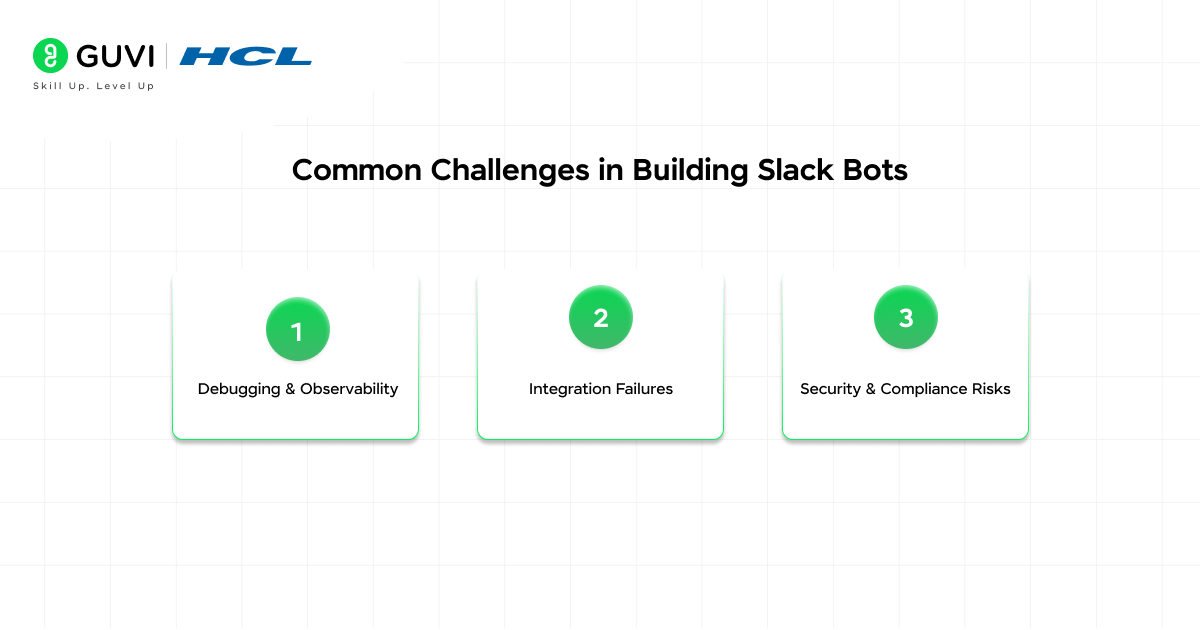
- Debugging & Observability: Identifying issues in webhook responses, failed executions, or silent errors requires proper logging, monitoring, and tracing mechanisms.
- Integration Failures: Dependencies on external APIs (CRM, Jira, etc.) can lead to failures due to downtime, schema changes, or latency issues.
- Security & Compliance Risks: Ensuring data protection and access control to enterprise security standards is essential when handling sensitive information.
Final Words
Choosing between Python and low-code for building a Slack bot ultimately comes down to control versus speed. Python offers deep customization and scalability, while low-code tools enable rapid deployment with minimal effort. By aligning your approach with your technical skills and use case complexity, you can build efficient, automation-driven Slack bots that enhance productivity and streamline workflows.
FAQs
Can I switch from low-code to Python later?
Yes, many teams start with low-code for quick validation and later migrate to Python when requirements grow. This approach helps test workflows early while ensuring scalability and deeper customization in the long term.
Do Slack bots require hosting to run continuously?
Python-based bots require a hosting environment with a public endpoint to handle events, while low-code bots run on managed platforms, eliminating infrastructure management but limiting control over execution environments.
Are Slack bots secure for enterprise use?
Slack bots are secure when proper OAuth scopes, token management, and HTTPS endpoints are used. Enterprise-grade implementations also include role-based access control, audit logs, and secure API integrations to protect data and workflows.
Success Stories

About the Author
Vaishali
I'm a seasoned writer with four years of experience across technical, non-technical, and just about every genre or niche you can imagine. Adaptable and curious, I enjoy exploring new topics and making information engaging and easy to understand. Fueled by a steady stream of tea, I approach each project with creativity, reliability, and genuine enthusiasm for storytelling.
View all posts by Vaishali
Connect with me @

















Did you enjoy this article?