


Artificial Intelligence and Machine Learning Articles
AI/ML Skills Gap 2026: Why Companies Can't Find Job-Ready Talent
20 AI/ML Interview Questions Recruiters Can Use Without a Tech Background - Best Guide
How Industry-Backed AI/ML Bootcamps Are Changing the AI/ML Hiring Pipeline - Best Guide 2026
From IT Support to AI Engineer: A Realistic Career Switch Guide 2026


Get In Touch For Details! Request More Information
Claude Tool Integrations: Build a Smarter AI Companion with Connected Workflows
Jun 05, 2026 5 Min Read 879 Views
(Last Updated)
AI has progressed way beyond just having a chat conversation. Where AI was first developed as something to answer questions, it is slowly transforming into a tool that takes action and actually performs work. The difference lies beyond just having “better answers”; it lies in action and context.
This is where Claude tool integrations come in. Instead of simply working alone, Claude can connect to other systems and tools and access live data to perform specific tasks across platforms.
In this article, you’ll learn how Claude tool integrations work, their significance, and how they enable you to create a smarter AI companion that is embedded in your workflows.
TL;DR
- Claude tool integrations connect AI with various tools, APIs, and other systems
- These integrations allow Claude to perform actions, not just produce text outputs
- Model Context Protocol is a key component that enables interaction between Claude and tools
- Claude can serve as a unifying layer for apps and workflows
- With features like agents and computer use, Claude can become a full-fledged AI companion
Table of contents
- What Are Claude Tool Integrations
- From Assistant to AI Companion
- The Backbone: Model Context Protocol
- Example: Full-Stack Claude Tool Integration Flow
- Backend API (Node.js)
- Tool Function
- Claude Interaction (Conceptual)
- How It Works
- Types of Tools You Can Connect
- Productivity Tools
- Data Sources and APIs
- Databases
- Automation Platforms
- Real-World Use Cases
- Business Reporting
- Customer Support
- Content Workflows
- Operations and Automation
- Claude as a Unified Interface
- Setting Up Claude Tool Integrations
- Step 1: Defining Your Use Case
- Step 2: Selecting Appropriate Tools
- Step 3: Utilizing the Claude API
- Step 4: Configure Access
- Step 5: Iterative Testing
- Best Practices for Effective Integrations
- Common Mistakes to Avoid
- The Bigger Shift: AI as a Workflow Engine
- Conclusion
- FAQs
- What are Claude's tool integrations?
- Do I need coding knowledge to use them?
- Can Claude work with real-time data?
- What makes Claude different from other AI tools?
- What is the biggest advantage of using integrations?
- What types of tools can Claude integrate with?
What Are Claude Tool Integrations
Claude’s tool integrations can be defined as the ability of Claude to interact with external systems such as APIs, applications, databases, and automation tools. These capabilities allow Claude to receive information and act on it, instead of only generating text output. If you want to set this up practically, this guide on getting started with Claude connectors explains how Claude connects to external tools and systems step by step.
This can be explained with a basic example. A standard AI can generate an answer to a sales data question, whereas Claude, with tool integrations, can pull this data from your CRM, process it, and even generate and send a report.
From Assistant to AI Companion
Today, most AIs still offer a reactive experience. They listen for input and give an output. The actual role of an AI companion is to understand your context, take initiative, act autonomously, and perform operations with other systems on your behalf.
Claude progresses in this model by offering three specific features.
Firstly, it is aware of the context and can call a tool without you telling it explicitly. Secondly, it is able to trigger actions with other tools (data retrieval, system updates, or workflow triggers). Thirdly, it is able to remember past conversations for a more integrated approach rather than a stateless chat. The combination of these three features does not simply let you chat with AI; instead, it empowers you to delegate tasks.
The Backbone: Model Context Protocol
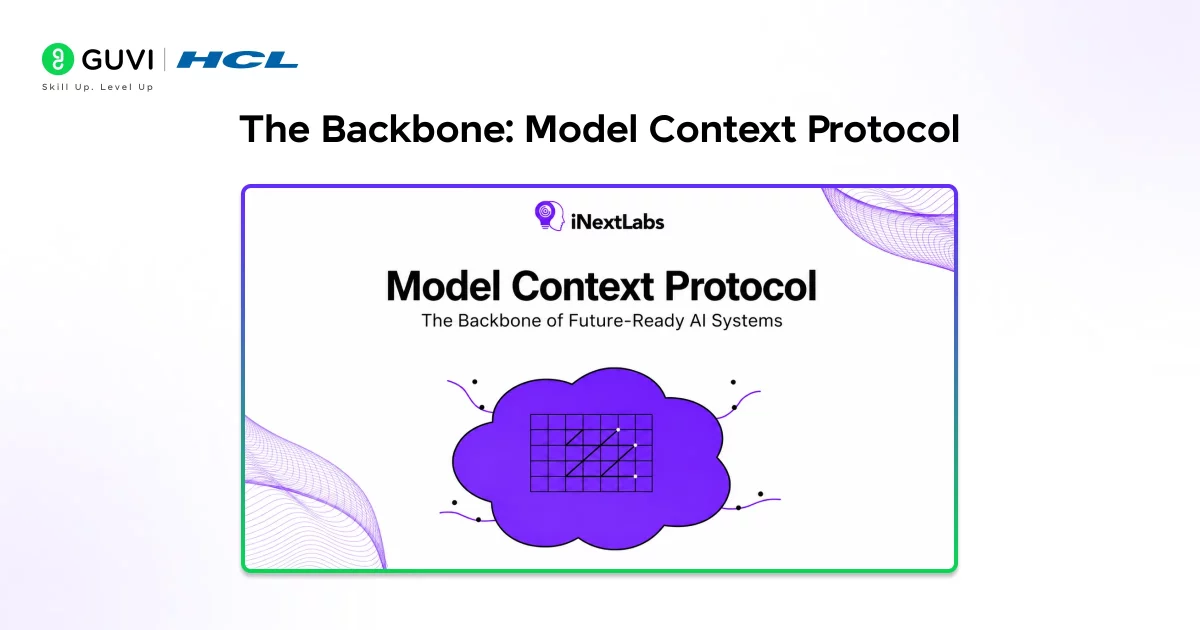
The foundation of Claude tool integration is the Model Context Protocol (MCP), which enables structured interaction between Claude and external tools.
Instead of sending a raw request to an API for a query, Claude relies on a format that communicates what arguments to provide to the tool, and how to use the tool’s response and integrate it into the final reply.
This format allows for consistency in communication, no matter what tool Claude interacts with (databases, productivity apps, automation frameworks, etc.). The biggest value here is that it places other tools inside the Claude environment without requiring constant tab switching, thereby enabling higher efficiency and quicker workflows.
Claude doesn’t just wait for instructions to use tools. With the Model Context Protocol (MCP), it can autonomously decide when to call external tools, fetch real-time data, and continue workflows — all without interrupting the user.
Example: Full-Stack Claude Tool Integration Flow
Imagine a practical full-stack system where Claude gets up-to-date sales figures by fetching data from an API.
To take this further, you can explore how to build AI apps with Claude and share them easily for real-world implementation
Backend API (Node.js)
app.get(“/api/sales”, (req, res) => {
res.json({
revenue: 125000,
orders: 320
});
});
Tool Function
async function getSalesData() {
const res = await fetch(“http://localhost:3000/api/sales”);
return res.json();
}
Claude Interaction (Conceptual)
if (userPrompt.includes(“sales report”)) {
const data = await getSalesData();
return `Revenue: ${data.revenue}, Orders: ${data.orders}`;
}
How It Works
- Claude understands that the user wants real-time information instead of a static answer
- It connects to a linked backend application to retrieve the required information
- The system retrieves current data from the backend
- Claude uses this information to generate an informative answer
Types of Tools You Can Connect
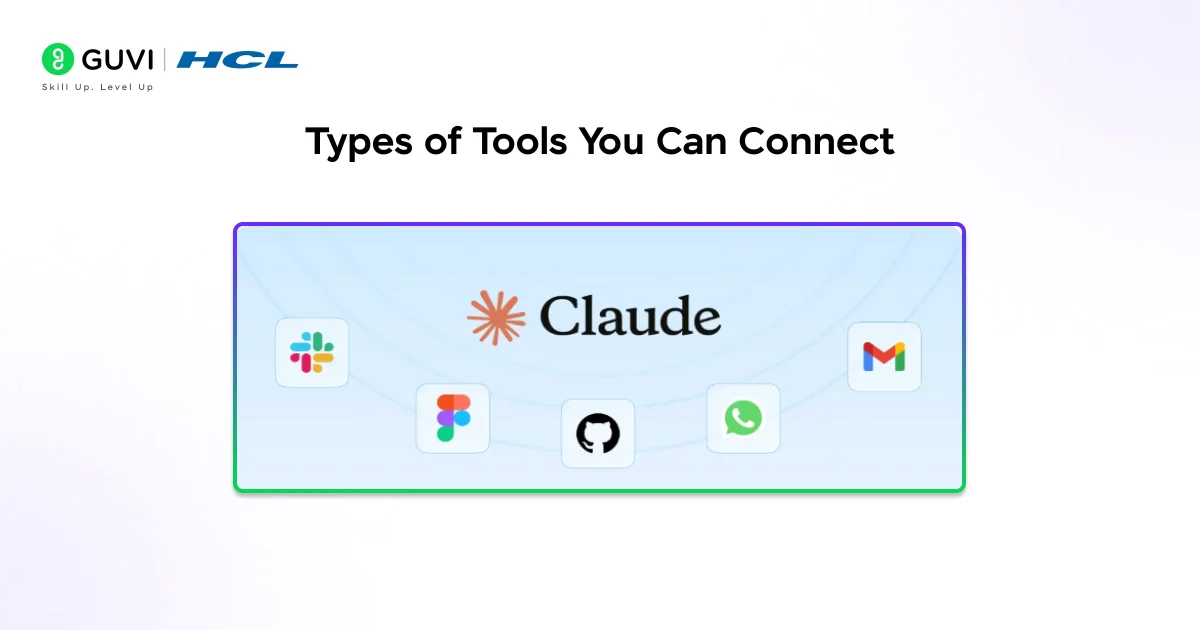
Claude is not limited to one type of tool integration. It can integrate across many types of tools based on your requirements.
Productivity Tools
1. Slack helps Claude summarize messages, extract crucial information, and assist in team communication.
2. Notion enables Claude to organize documents, produce notes, and manage a knowledge base.
3. Google Workspace provides Claude access to use email, documents, and calendars in daily operations.
Data Sources and APIs
- Google Analytics helps Claude determine site traffic, user activity, and site performance.
- Custom REST APIs give Claude access to retrieve real-time data, such as user activity or logs.
Databases
- MySQL allows Claude to fetch and query structured datasets.
- MongoDB allows Claude to handle unstructured and flexible data used in dynamic applications.
Automation Platforms
- Zapier enables Claude to automate tasks such as sending updates and updating CRMs.
- Make (Integromat) facilitates multi-step integrations across multiple applications.
Real-World Use Cases
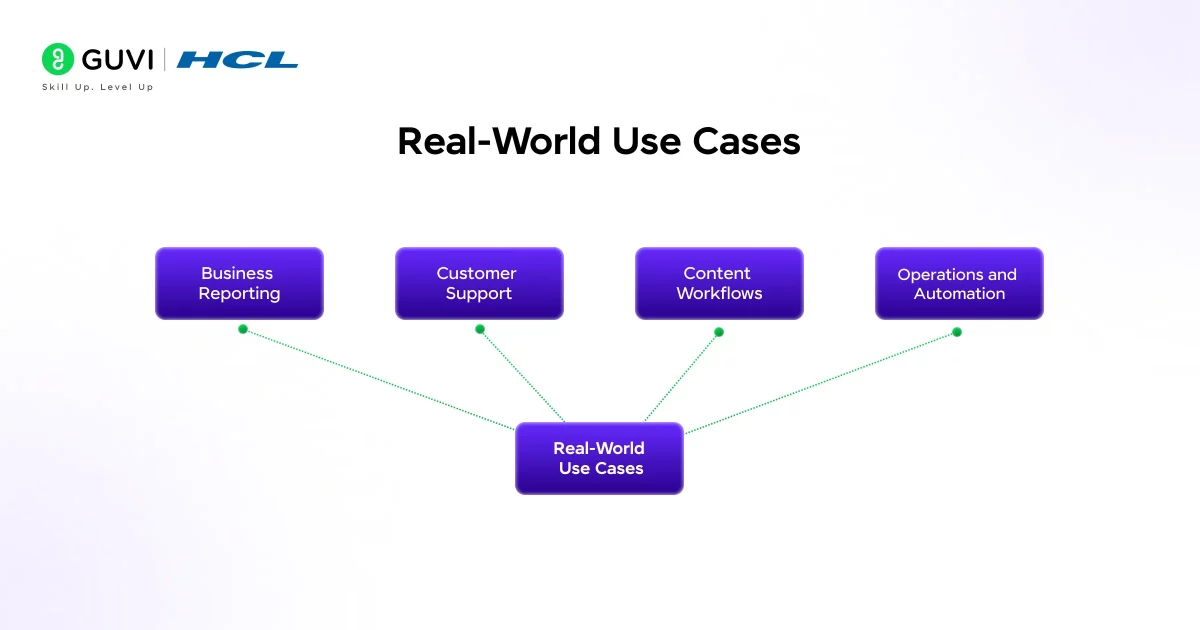
Business Reporting
Rather than fetching information manually from different data sources, you can leverage Claude to retrieve information from connected systems and build reports in a matter of seconds. This is not just theoretical; as shown in how Anthropic teams build faster with Claude Code, where teams use Claude to improve development workflows and productivity.
Customer Support
You can leverage Claude to interact with customer data, analyze queries, and provide appropriate responses. You can also use Claude to initiate processes like creating support tickets or escalating requests.

Content Workflows
Writers and marketers can use Claude to retrieve research data, create initial content drafts, and further refine the content using tool integrations.
For a quick understanding of how generative AI fits into such workflows, you can refer to this Generative AI eBook.
Operations and Automation
You can leverage Claude to monitor systems, identify anomalies in their functioning, and automate processes based on such conditions.
Claude as a Unified Interface
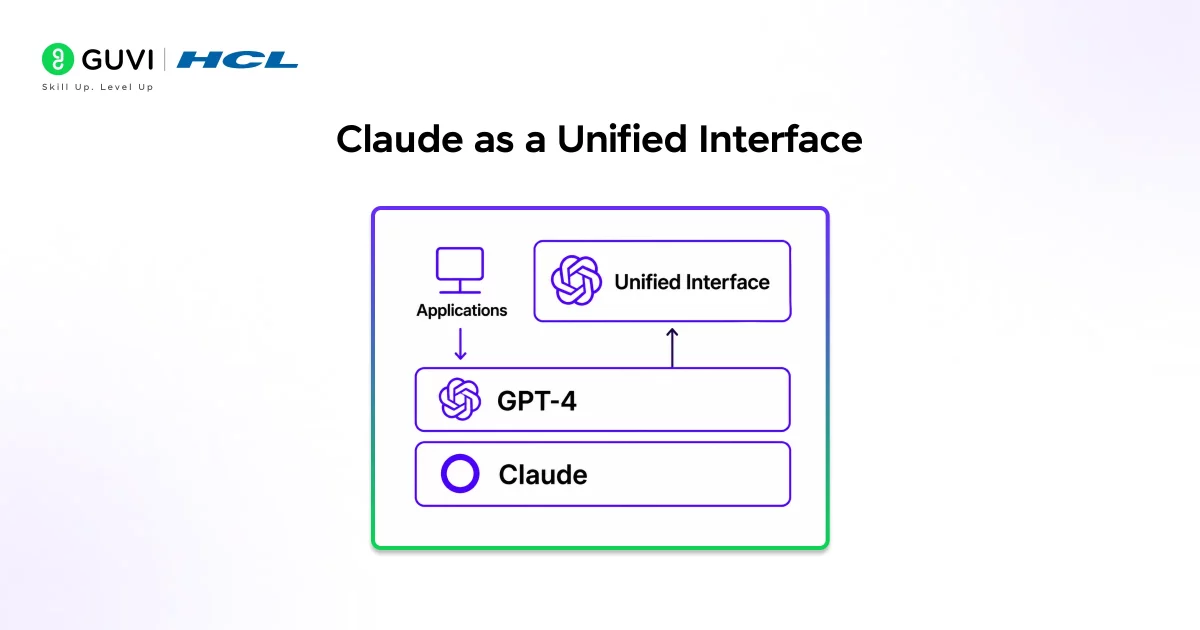
One of the most significant shifts we are witnessing is the emergence of Claude as a unified interface.
Rather than navigating between applications, clicking through tabs, and ensuring data interoperability, you can leverage Claude to communicate and interact with all the tools it is integrated with. It acts as a layer through which you interact with and control your tools.
The fragmented nature of business workflows changes into a unified system.
Setting Up Claude Tool Integrations
Setting up an integration process can be easy when a structured approach is followed:
Step 1: Defining Your Use Case
Start by determining exactly what problem you aim to solve. Do not integrate everything from the start; focus on a specific case.
Step 2: Selecting Appropriate Tools
Integrate with systems or platforms that suit your workflow needs, for example, data stores or external APIs.
Step 3: Utilizing the Claude API
Use the Claude API to access the system and create a bridge to external platforms or APIs for integrations. Define how they communicate with the model.
Step 4: Configure Access
Authenticate and assign permissions as needed, enabling the integration to access external systems and execute its function.
Step 5: Iterative Testing
Ensure all aspects work and refine the process by sending test cases, optimizing prompts, or adjusting parameters.
Best Practices for Effective Integrations
Keep the system focused and build incrementally. Attempting to integrate too many tools and use cases simultaneously can result in confusion.
Use a singular focus for every integration, making it simpler to track, optimize, and debug.
Validate your data. Ensure high-quality data is used for better output.
Format your prompts clearly; well-defined prompts result in improved output.
Always validate outputs before making key decisions.
Common Mistakes to Avoid
Excessive complication during initial setup. A complex system is likely to fail or be buggy. Aim for a simple and manageable system.
Over-reliance on models without validation. Claude models are powerful but not infallible. They improve efficiency, not replace human judgment.
Ignoring user experience. Integrations should improve efficiency, not make processes complex or unintuitive.
Lack of a clear goal. Without a clear objective, it is difficult to measure whether the system is performing as intended.
The Bigger Shift: AI as a Workflow Engine
These Claude tool integrations are an early glimpse into a bigger change in the use of AI. AI is no longer simply for generating content; it is rapidly becoming an orchestrator, managing workflows, linking systems, and performing tasks.
For individuals and organizations, this changes how work is approached by allowing a significant amount of manual coordination of different systems to be offloaded to AI.
Claude embodies this change. It is no longer just an assistant; it is becoming an operating layer for modern workflows.
To build real-world skills in Claude tool integrations, connected workflows, and automation, programs like the Artificial Intelligence and Machine Learning Course by HCL GUVI Zen Class help you move from concepts to hands-on implementation, enabling you to build and manage scalable, integration-driven systems effectively.
Conclusion
Claude’s tool integrations open a new perspective in the use of AI. With the ability to connect systems, tools, and data sources, Claude can transform from an intelligent assistant into a true partner working alongside you.
The key value these integrations deliver lies in managing complexity. Instead of handling separate tools and systems, a unified system can use context to execute and deliver results.
Handled properly with a practical approach, starting with a few integrations and clear use cases, Claude can become a core part of your workflow.
The future of AI is not just intelligence. It is integration, execution, and real-world impact, and that is where Claude is heading.
FAQs
1. What are Claude’s tool integrations?
Claude tool integrations allow the AI to connect with external tools and systems to perform real tasks and access live data.
2. Do I need coding knowledge to use them?
Basic technical understanding helps, but many integrations can be set up using no-code or low-code platforms.
3. Can Claude work with real-time data?
Yes, when connected to APIs or live data sources, Claude can process and respond using real-time information.
4. What makes Claude different from other AI tools?
Claude can decide when to use tools, execute actions, and operate as part of a workflow rather than just generating responses.
5. What is the biggest advantage of using integrations?
The biggest advantage is turning Claude into an action-oriented AI that can handle tasks, not just provide information.
6. What types of tools can Claude integrate with?
Claude can integrate with a wide range of tools, including APIs, databases, productivity platforms, and automation tools, depending on your workflow requirements.
Success Stories

About the Author
Vishalini Devarajan
An Aerospace Engineer turned content writer, I focus on making complex concepts easy to understand through well-structured, reader-friendly blogs. Whether it’s a technical topic or a non-technical one, I love creating content that is clear, engaging, and impactful.
View all posts by Vishalini Devarajan
Connect with me @










Did you enjoy this article?