


Artificial Intelligence and Machine Learning Articles
Finance Manager to Data Analytics: Career Growth, Salary and Seniority
How to Evaluate LLM Outputs in Production Deployments
AI/ML Skills Gap 2026: Why Companies Can't Find Job-Ready Talent
20 AI/ML Interview Questions Recruiters Can Use Without a Tech Background - Best Guide


Get In Touch For Details! Request More Information
Replit’s All-in-One: AI Builds While You Draw
Jun 24, 2026 5 Min Read 918 Views
(Last Updated)
Imagine you’re deep in app development, code flows perfectly, APIs connect, and the backend hums along. But then you need images: stock photo hunts, design tool exports, hex code tweaks, endless file imports. That second workflow kills momentum. Developers just want to build and ship, not play designer. The friction between code and visuals has always been brutal.
August 15, 2025: Replit Agent gains AI-powered image generation; now it thinks, codes, and draws. Stay in one place: describe your idea, generate images instantly, and integrate as app assets seamlessly. No external tools, no stock libraries, no format wars, just the idea to ship visuals in seconds. Every Replit builder gets this chat-driven magic, ending design workflow hell forever.
In this article, we will walk through exactly what Replit’s All-in-One Agent’s image generation feature does, how it integrates with your codebase automatically, what kinds of assets you can create with it, how to enable and use it, what it costs, and where it fits within the broader trajectory of Replit Agent’s capabilities.
TL;DR:
- AI generates custom images directly in your Replit project—no external tools, stock photos, or file imports needed.
- Automatic code integration images are saved to project files, and code updates instantly to display them in your running app.
- A chat-driven workflow describes style/colors/vibe, generates icons/UI/game sprites, and refines conversationally.
- $0.04 per image under effort-based pricing—a full app visual set (logo + icons + hero) costs under $2.
- Perfect for solo founders, game devs, PMs—MVP visuals, sprite sheets, prototypes without designers.
- Part of Agent 4’s “Design Freely” pillar—unifies code + visuals in one fluid workflow.
Table of contents
- What Is Image Generation for Replit Agent?
- How Image Generation Integrates With Your Codebase
- What Kinds of Images Can You Generate?
- Everyday App Assets Made Simple
- Game Sprites and Pixel Art Mastery
- Precision Prompts Unlock Perfect Results
- How to Enable and Use It
- Step 1: Enable Image Generation in 30 Seconds
- Step 2: Generate Assets Through Simple Chat Prompts
- Step 3: Refine Contextually Without Re-Description
- Step 4: Iterate, Vary, and Replace Seamlessly
- What It Costs Under Effort-Based Pricing
- Who Benefits Most From This Feature
- Visuals Without External Tools
- Ideal for Fast-Moving Founders
- Game Devs' In-Editor Asset Factory
- PMs and Non-Tech Prototypers
- Where This Fits in Replit Agent's Evolution
- Final Thoughts
- Frequently Asked Questions
- How do I enable image generation?
- What happens after image generation?
- Can I refine generated images?
- What assets can I create?
- What's the cost structure?
- Does it replace Figma/Photoshop?
What Is Image Generation for Replit Agent?
It is a built-in AI image creation tool that generates custom visual assets and saves them directly into your project files, all through a chat prompt.
How Image Generation Integrates With Your Codebase
- The most practically significant aspect of this feature is not the image generation itself; it is what happens after the image is generated. Most AI image tools produce an output you then have to bring into your project manually. Replit’s approach eliminates that step entirely.
- Agent seamlessly integrates generated images into your codebase through automatic file creation, where generated images are saved directly to your project files; code updates, where Agent updates your code to reference the new image files; and asset organization, where images are placed in logical directories within your project structure.
- This streamlined workflow means you can generate and implement visual content without leaving your development environment. This end-to-end integration is what makes the feature genuinely useful rather than just interesting.
- When you ask for a logo, it does not just create the image file; it creates the file, puts it in the right directory, and updates the code so the logo actually shows up in your app. You see the result in your running application, not just in a file browser.
- If you want to change it, you describe what you want different, and the agent regenerates and updates everything again. The magic here is speed. You do not stop to look for stock photos; you do not lose your groove swapping between tools. You just ask Agent for an image, and it delivers, right where you need it.
What Kinds of Images Can You Generate?
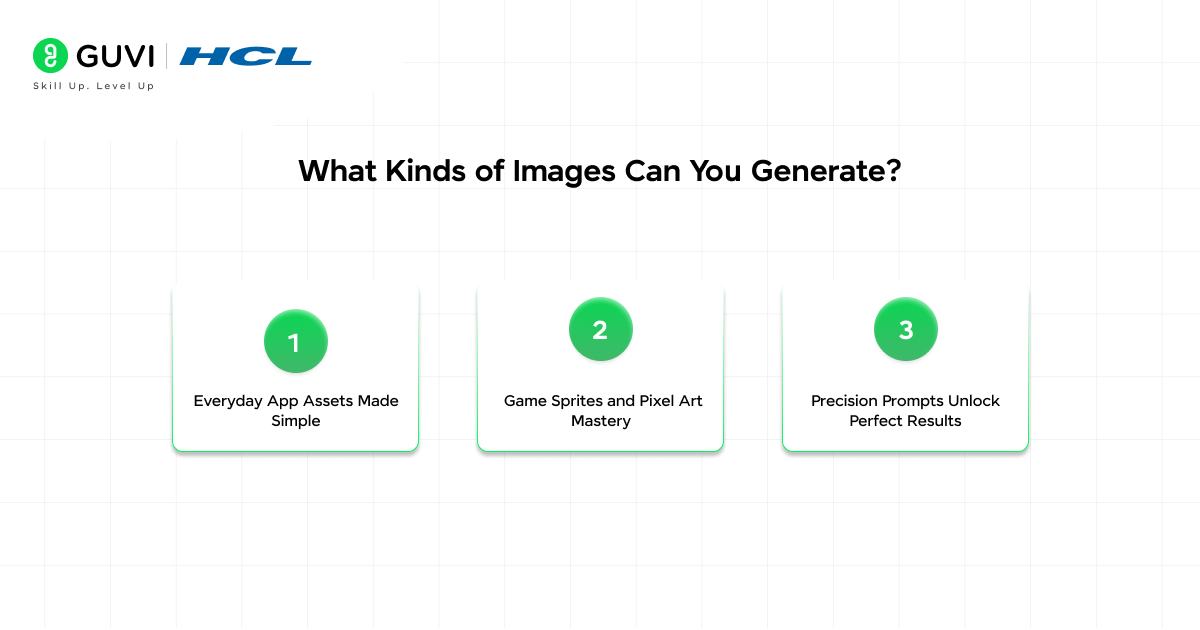
1. Everyday App Assets Made Simple
Replit Agent generates everything web/mobile apps need, from polished UI elements to functional game assets. Logos for plant trackers, teal-to-purple homepage gradients, friendly robot empty states, or laptop hero images with code snippets. Marketing visuals and UI illustrations emerge instantly via chat prompts.
2. Game Sprites and Pixel Art Mastery
Pixel-art slimes (cute but menacing), flying bats, and walking mushrooms are all fully supported for retro platformers. Specify 32×32 pixels, 8-color palettes, or exact sprite behaviors for precise game-ready assets. No external tools; sprites land directly in your game logic environment.
3. Precision Prompts Unlock Perfect Results
Official examples show detail control: “Hero illustration cartoon coder at computer, warm blues/oranges, beginner-friendly vibe.” Game prompt: “32×32 pixel enemies: bat, mushroom, and slime; 8 colors; cute-menacing tone.” ” Specificity rules, style, palette, dimensions, and mood all shape outputs for first-try perfection.
How to Enable and Use It
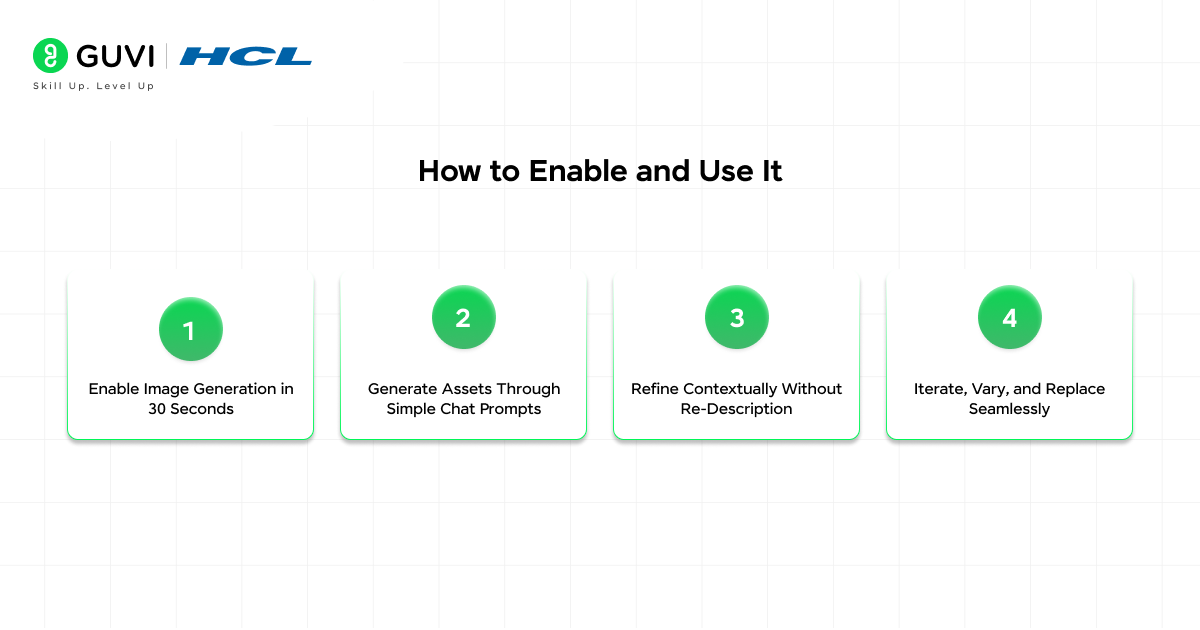
Step 1: Enable Image Generation in 30 Seconds
Start by opening any Replit project with Agent already active, then click the Agent Tools icon in the bottom-right corner of your screen. Toggle Image Generation to ON; this single switch activates the feature instantly with zero additional configuration or setup required.
Step 2: Generate Assets Through Simple Chat Prompts
With image generation enabled, use the familiar chat interface to describe your visual needs, including style, colors, and vibe (e.g., “Modern green logo for plant-watering app”). The Agent immediately generates the image, saves it directly to your project files in the proper directory, and automatically updates your codebase to reference and display the new asset in your live preview.
Step 3: Refine Contextually Without Re-Description
If the first result needs tweaks, the wrong color, style too detailed, or off proportions, describe changes conversationally like “Make the leaf bolder and swap green for teal” or “Wizard’s hat blue.” Agent maintains full session context, so references to “previous image” or specific elements work without re-explaining your entire vision from scratch.
Step 4: Iterate, Vary, and Replace Seamlessly
Request variations (“three-color versions”), style shifts (“convert to pixel art”), or complete replacements (“swap robot for fox, same pose”). Each iteration follows the same magic workflow of file creation, code updates, and live preview refresh. This conversational refinement loop keeps you in flow, turning rough concepts into production-ready assets through natural dialogue rather than manual file management.
What It Costs Under Effort-Based Pricing
Replit introduced effort-based pricing alongside several other feature updates in 2025, and image generation sits within that same billing model.
- Each image costs about $0.04 under Replit’s effort-based pricing, so you can generate dozens of assets for just a few dollars.
- To understand the broader pricing model this sits within: with Replit’s effort-based pricing model, simple changes still result in a single checkpoint typically costing less than $0.25, while larger or more complex tasks are bundled into one checkpoint, which may cost more but reflects the total effort involved.
- This means you pay less for simple requests and may pay more for complex requests, ensuring pricing aligns better with the actual work the agent performs. At $0.04 per image, generating a full set of visual assets for a typical application, a logo, a set of icons,
- A hero illustration and a few empty-state images would cost under two dollars. For independent developers and small teams who would otherwise pay for stock photo subscriptions
- Or hire a designer for basic visual content; this is a significant reduction in both cost and friction. Even generating multiple variations to find the right look only adds a few cents per iteration.
Replit Agent’s image generation removes a major development bottleneck by eliminating the need to search for stock images or export assets from design tools.
It can generate custom visuals with automatic code integration, costing as little as $0.04 per image.
This allows founders to ship visually complete MVPs without designers, while game developers can generate sprite sheets in the same environment where they write logic.
The result is a workflow that reduces multiple tool switches into a single prompt-driven system that delivers production-ready assets directly into live previews.

Who Benefits Most From This Feature
Visuals Without External Tools
Build visually compelling apps using Replit Agent’s image generation; no stock photos, design software, or hired designers needed. Custom icons, illustrations, and UI elements generate via chat, tailored to your portfolio site, game, or mobile interface. Everything stays in the project; momentum never breaks.
Ideal for Fast-Moving Founders
Solo builders and MVP founders thrive here, generating placeholders to production assets without design delays. Skip workflow switches; describe, create, and integrate instantly to keep shipping velocity high. Production polish arrives without slowing your build.
Game Devs’ In-Editor Asset Factory
Game developers create sprite sheets, backgrounds, and UI in the same space they code logic, with no exports or imports. Pixel art enemies, hero images, or environments emerge from prompts, ready for gameplay integration. Full asset pipeline collapses into conversational AI.
PMs and Non-Tech Prototypers
Product managers prototype visually complete apps that are functional plus polished; zero designers are required. Non-technical users turn ideas into demo-ready interfaces via simple descriptions. Not Figma replacement, but perfect for in-editor basics like icons that maintain dev flow.
Where This Fits in Replit Agent’s Evolution
- Image generation is one piece of a broader expansion of what Replit Agent can do beyond code. In 2025, builders generated 1,500 3D models per day using Agent, marking expanded creative capabilities.
- Image generation rolled out to all builders as part of Agent’s growing toolkit. Alongside the design theme system, Figma import, mobile app publishing, and database and authentication integration, image generation is part of a deliberate pattern: Replit is collapsing the number of external tools a builder needs to touch to ship a complete product.
- Replit’s Agent 4, launched in March 2026, is built around four pillars: Design Freely, Build Together, Ship Anything, and Move Faster. The Design Freely pillar is where image generation sits, the idea that design and code should be part of the same fluid creative process rather than separate workflows that require separate tools.
- Image generation is the most visible expression of that philosophy for visual assets, giving every builder on the platform the ability to produce custom imagery as naturally as they produce custom code.
Ready to build stunning AI apps that look pro-level with Replit? Don’t miss HCL GUVI’s Intel & IITM Pravartak Certified Artificial Intelligence & Machine Learning course. Intel-endorsed and packed with hands-on Replit skills, it delivers a globally recognized credential to supercharge your resume and dominate the AI job market.
Final Thoughts
Replit Agent’s image generation feature solves a specific but persistent problem in app development: the friction of stopping your building flow to source, create, and integrate visual assets.
At $0.04 per image, with automatic project integration, conversational refinement, and no setup beyond a single toggle, it removes every barrier that previously made generating a custom icon or illustration feel like more trouble than it was worth.
Enable image generation in your Replit project and watch your ideas take visual form in seconds. Describe it, refine it, ship it; it is that simple.
If you have been building something on Replit and reaching for a browser tab to find stock images or download design assets, the next time that moment arrives, try describing what you need to Agent instead. The first result might not be perfect, but the second or third prompt almost always gets you there without leaving your project or breaking your flow.
Frequently Asked Questions
1. How do I enable image generation?
Open Agent Tools (bottom-right); toggling Image Generation on works in any Replit project instantly.
2. What happens after image generation?
The agent saves the image to the proper project directory, updates your code automatically, and shows the result in the running app.
3. Can I refine generated images?
Yes, chat “make the hat blue” or “same style, add a background.” Agent maintains context across iterations.
4. What assets can I create?
Logos, icons, hero illustrations, game sprites (pixel art slimes/bats), UI elements, and backgrounds all via prompts.
5. What’s the cost structure?
$0.04/image. Simple prompts = single cheap checkpoint; complex requests bundle into fair effort-based pricing.
6. Does it replace Figma/Photoshop?
No for prototyping/MVP visuals during building. Perfect for “good enough” assets that keep momentum.
Success Stories

About the Author
Vishalini Devarajan
An Aerospace Engineer turned content writer, I focus on making complex concepts easy to understand through well-structured, reader-friendly blogs. Whether it’s a technical topic or a non-technical one, I love creating content that is clear, engaging, and impactful.
View all posts by Vishalini Devarajan
Connect with me @


















Did you enjoy this article?