


UI/UX Designing Articles
Behind The Scenes: Real UI UX Design Interview Experience at Top Tech
Design Systems in the Age of AI and Automation


Get In Touch For Details! Request More Information
Rapid Prototyping with AI: Building Web UI Concepts
Feb 23, 2026 6 Min Read 1109 Views
(Last Updated)
What if a web interface could move from concept to functional prototype in a single afternoon? Artificial intelligence has made that question more practical than imaginative. Rapid prototyping with AI allows designers and developers to generate, test, and refine user interfaces faster than ever before. Instead of manually sketching, adjusting, and aligning components, teams now describe their ideas in natural language and watch AI translate them into structured, interactive designs. This approach merges creativity with precision, making it easier to explore multiple directions and validate usability early in the process.
Read the full blog to understand how AI reshapes the way digital products come to life.
Quick Answer: Rapid prototyping with AI accelerates web interface design by converting ideas into interactive prototypes through automation and smart iteration. It enhances speed, consistency, and creativity while supporting usability testing and collaboration. With tools like Figma AI and Uizard, teams create accessible, high-quality designs that unite innovation with technical precision.
Table of contents
- What is Rapid Prototyping with AI?
- The AI-Powered Rapid Prototyping Process
- Ideation and Conceptualization
- AI-Assisted Design and Wireframing
- Prototyping and Interactivity
- Testing and Feedback
- Iteration
- Key Benefits of Rapid Prototyping with AI
- Speed and Efficiency
- Consistency Across Designs
- Creative Expansion
- Early Usability Validation
- Collaboration Between Teams
- Real-World Use Cases of AI in Web UI Prototyping
- SaaS Dashboards
- E-Commerce Storefronts
- Mobile Web UI Concepts
- Landing Pages
- Internal Tools and Admin Panels
- Startup MVP Development
- Top AI-Powered Prototyping Tools for Faster UI/UX Development
- Quick Insight Summary
- Best Practices for High-Quality AI-Driven Prototypes
- Use Detailed Prompts
- Start Low-Fidelity, Move to High-Fidelity
- Validate with User Feedback Early
- Keep Design Systems Consistent
- Maintain Accessibility Compliance
- Common Mistakes When Using AI for User Interface Design
- Over-Relying on AI Without a UX Strategy
- Ignoring Responsive Design Constraints
- Using Generic Prompts That Reduce Design Quality
- Skipping Validation of AI-Generated Components
- Future Trends: Where AI UI Prototyping Is Going
- Conclusion
- FAQs
- How does AI affect the creative process in web design?
- What skills remain essential for designers using AI tools?
- How can teams integrate AI design tools into existing workflows?
What is Rapid Prototyping with AI?
Rapid prototyping with Artificial Intelligence is a method that uses artificial intelligence to quickly create and refine web interface concepts. It helps designers and developers move from an idea to a functional layout in a short time. AI tools interpret written prompts or design inputs to produce wireframes and visual layouts that reflect user goals and design intent.
The process supports quick experimentation and continuous improvement, allowing teams to evaluate usability and aesthetics before development begins. It also helps align creative direction with technical feasibility, which reduces rework and improves collaboration between design and engineering teams.
The AI-Powered Rapid Prototyping Process
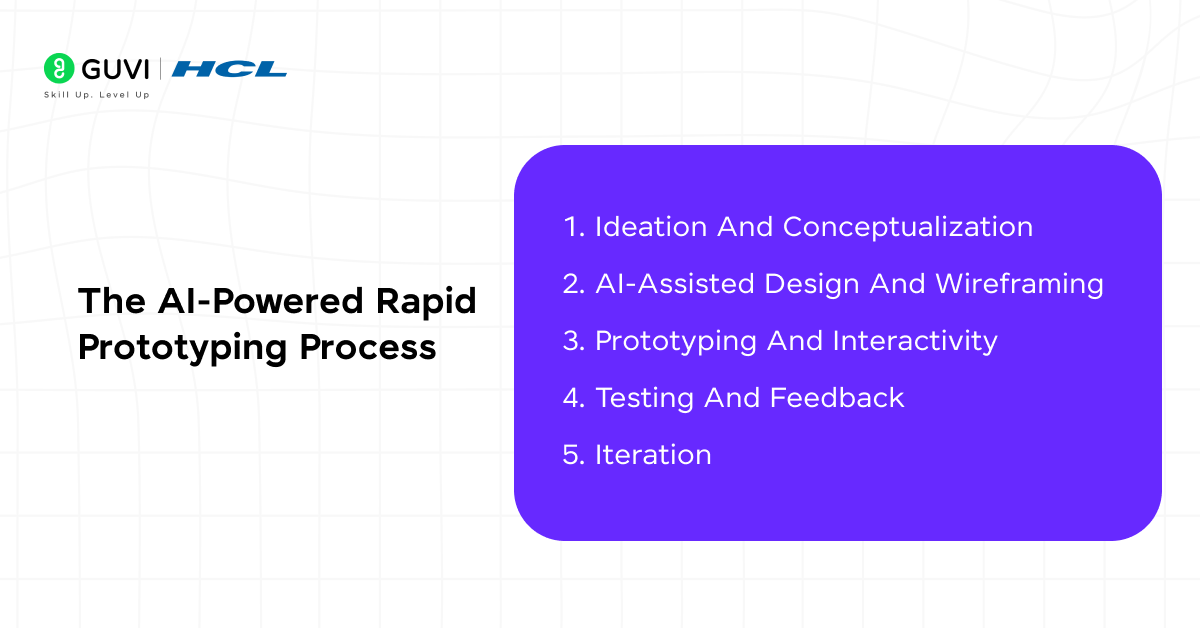
1. Ideation and Conceptualization
The process begins with defining the purpose and direction of the interface. Teams outline user goals, layout priorities, and functional expectations to provide AI tools with a clear creative foundation. The focus remains on setting intent before design generation starts.
To establish a strong conceptual base, teams usually:
- Identify the main problem the interface should solve
- Define the target audience and desired user journey
- Set design tone, layout hierarchy, and accessibility standards
- Create prompt briefs that describe the visual and functional intent
2. AI-Assisted Design and Wireframing
Once goals are clear, AI-driven tools and platforms translate those inputs into wireframes that reflect hierarchy and structure. The designer’s role shifts toward reviewing and refining what AI produces to align with usability and brand coherence.
Key activities during this phase include:
- Generating multiple layout options from a single design prompt
- Reviewing AI-suggested spacing, alignment, and component placement
- Refining navigation flow to support logical movement between elements
- Integrating brand colors, fonts, and grid systems into the structure
3. Prototyping and Interactivity
AI tools for business success help transform static wireframes into prototypes that simulate user interaction. This stage focuses on bringing the experience closer to reality and verifying how users might move through the interface.
Teams concentrate on:
- Adding transitions and interactive components
- Building responsive layouts for different screen sizes
- Testing click paths and motion effects for usability flow
- Reviewing how design behavior supports core user actions
4. Testing and Feedback
Testing converts assumptions into measurable insights. AI systems evaluate prototypes through automated usability analysis and user session data to reveal how effectively the design communicates its intent.
The testing and feedback process often involves:
- Running usability tests with target users or simulated interactions
- Collecting AI-generated analytics on click distribution and dwell time
- Identifying areas that reduce clarity or slow user progression
- Compiling structured feedback for improvement planning

5. Iteration
Iteration refines the prototype through repeated improvement cycles guided by both AI recommendations and design expertise. The objective is to reach a balanced version that meets performance and visual expectations.
The refinement cycle usually includes:
- Adjusting layouts based on user feedback and data analysis
- Enhancing readability, spacing, and interaction timing
- Reassessing component consistency across screens
- Preparing the final prototype for developer handoff and implementation
Key Benefits of Rapid Prototyping with AI
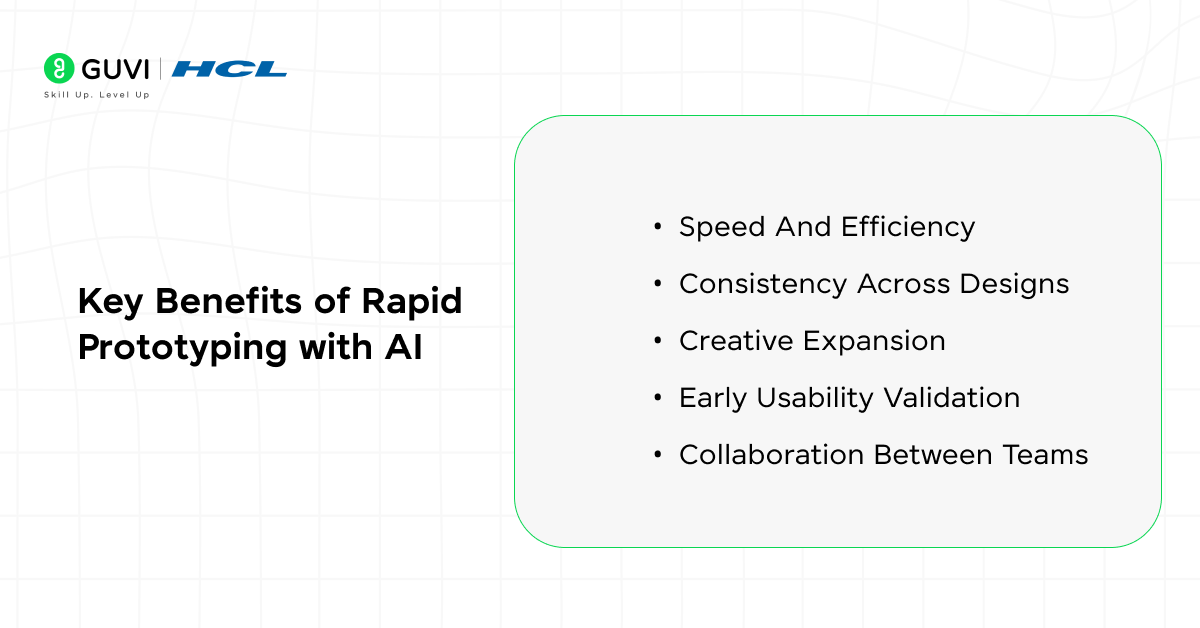
1. Speed and Efficiency
AI reduces the time required to turn abstract concepts into visual prototypes. It interprets prompts, sketches, or requirements and produces wireframes and layouts that fit the intended design logic. This automation helps teams validate ideas within hours rather than weeks. It speeds up feedback loops and shortens product timelines.
2. Consistency Across Designs
Automated rules built into AI systems preserve visual structure and component logic across multiple pages or product versions. Designers no longer need to manually replicate layouts or typography standards, which prevents style drift and keeps products visually unified.
3. Creative Expansion
AI opens access to a wide range of design possibilities. Instead of following a single visual path, teams can evaluate multiple interpretations of the same concept. This exploration supports creative decision-making that balances aesthetics with usability.
4. Early Usability Validation
Prototyping platforms use AI-based simulations to assess how users might interact with the interface. Predictive analytics reveal friction points in navigation or layout, which guide early refinements before user testing. This reduces waste and strengthens the product’s functional clarity.
5. Collaboration Between Teams
Shared AI prototypes create a common visual language between product management and engineering. Everyone can view, comment, and iterate on the same digital model, which improves coordination and prevents miscommunication during development.
Real-World Use Cases of AI in Web UI Prototyping
SaaS Dashboards
AI-generated dashboard layouts translate data complexity into clear visual hierarchies. The system can prioritize metrics and define responsive grids. It can organize user interactions around decision-making flows.
E-Commerce Storefronts
Automated layout generation optimizes catalog design, checkout flow, and conversion paths. AI evaluates product hierarchy and user browsing behavior to produce structures that align with commercial goals.
Mobile Web UI Concepts
Prototypes built through AI adapt interface elements to varied screen sizes and interaction gestures. The design engine simulates touch behavior and visibility to guide mobile-specific optimization.
Landing Pages
AI models test visual combinations and call-to-action placements to find the best mix of contrast, spacing, and typography for engagement. The process supports rapid experimentation and measurable improvement.
Internal Tools and Admin Panels
Functional tools often need clarity more than decoration. AI simplifies the process of organizing tables, filters, and workflows that enhance operational performance across departments.
Startup MVP Development
Early-stage teams rely on AI prototypes to visualize business ideas before development investment. The process produces visual evidence that aids investor discussions and early market validation.
Top AI-Powered Prototyping Tools for Faster UI/UX Development
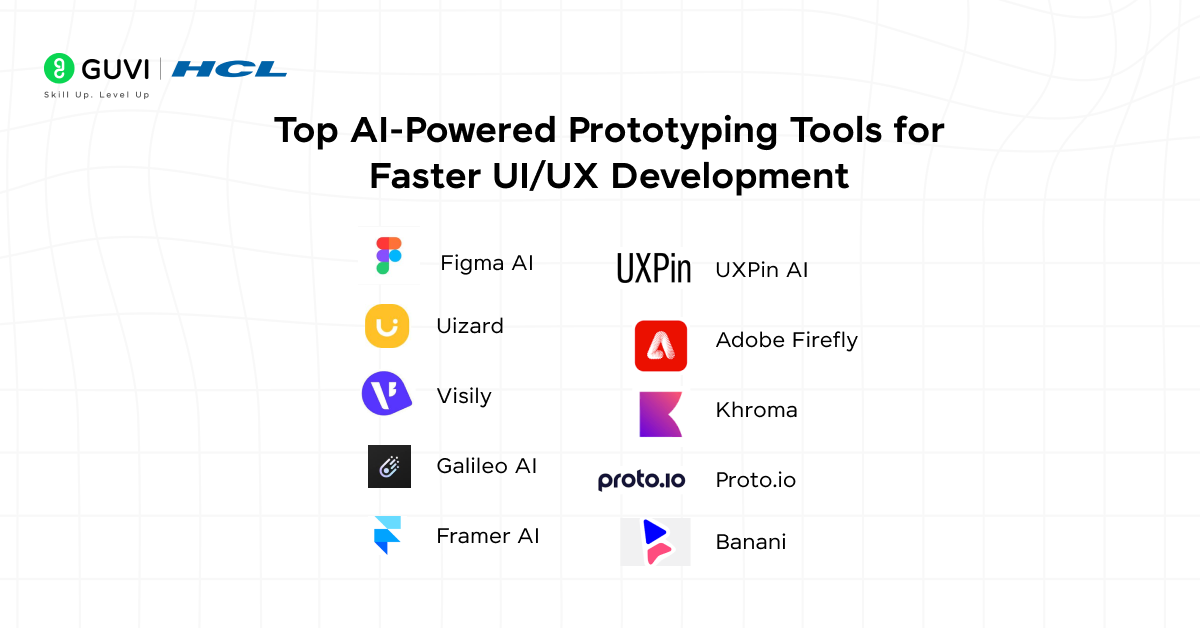
| Tool | Core AI Capability | Best Use Case | Output Type | Collaboration & Handoff | Limitations |
| Figma AI | Generates layouts, suggests hierarchy, automates spacing and alignment | Team-based prototyping, interface iteration, interactive flow design | High-fidelity prototypes, design systems | Real-time multiplayer editing, dev handoff | Requires manual refinement for brand precision |
| Uizard | Converts text, sketches, or screenshots into editable wireframes | Rapid idea sketching, MVP visualization, non-designer workflows | Low to mid-fidelity mockups | Simple sharing and feedback features | Limited advanced animation or system logic |
| Visily | Creates wireframes and prototypes from prompts and screenshots | Quick web and mobile mockups, startup ideation | Editable wireframes and layouts | Built-in team collaboration tools | Fine-tuning design details may need manual work |
| Galileo AI | Text-to-UI generation that produces themed layouts | Fast concept visualization for web and app design | Editable design files, mock screens | Export for Figma and other tools | Consistency may vary with design systems |
| Framer AI | Converts written briefs into responsive site layouts | Landing pages, marketing prototypes, presentation-ready web drafts | Interactive responsive prototypes | Real-time co-editing and publish options | Deep customization may still need coding |
| UXPin AI | Generates UI components that match defined design systems | Enterprise workflows, design-system-driven apps | High-fidelity prototypes and component libraries | Developer-ready handoff with code specs | Requires structured setup and initial system definition |
| Adobe Firefly | Creates AI-based assets like icons, textures, and UI visuals | UI asset generation, illustration, and theme creation | Images and design elements | Syncs with Creative Cloud for asset flow | Not a layout or interaction prototyping tool |
| Khroma | AI color generation and palette management based on visual learning | Branding, theme consistency, and accessibility-focused design | Color palettes and accessibility reports | Export to major design tools | Only supports color-related design aspects |
| Proto.io | Smart template suggestions and drag-drop logic for prototypes | Interactive app flows, gesture testing, and UX demos | Interactive, animation-rich prototypes | Team feedback, preview on devices | AI capability is minimal; best for manual prototyping |
| Banani | Produces full editable UI layouts from prompts or requirement briefs | Early-stage product visualization and design sprint prep | High-fidelity, editable mockups | Exportable to design suites | Generated layouts may lack full design-system alignment |
Quick Insight Summary
- Fastest for concept generation: Galileo AI, Uizard, Visily
- Most collaboration-friendly: Figma AI, UXPin
- Best for realistic prototypes: Framer AI, Proto.io
- Strongest for enterprise design systems: UXPin AI
- Ideal for early ideation or non-designers: Uizard, Visily, Banani
- Best for asset and visual consistency support: Adobe Firefly, Khroma
Accelerate your design career with HCL GUVI’s UI/UX Design Course, where creativity meets cutting-edge AI. Learn to build intuitive, visually striking interfaces and practice rapid prototyping using modern AI tools like Figma AI and Uizard. With hands-on mentorship from industry experts, real-world projects, and placement guidance, this program helps you master both design thinking and AI-driven workflows that define the future of digital product design.
Best Practices for High-Quality AI-Driven Prototypes
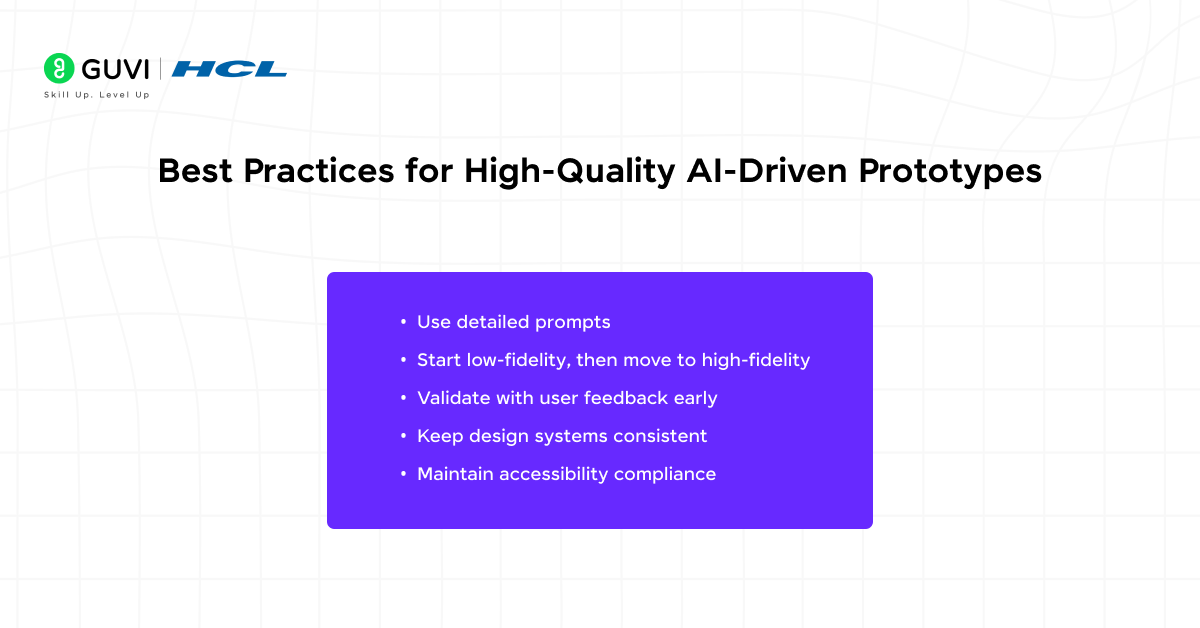
Use Detailed Prompts
AI tools interpret instructions literally. Precise prompts describing layout structure, color tone, content type, and user flow lead to cleaner, more relevant results. Vague input often produces generic or misaligned layouts that slow progress.
Start Low-Fidelity, Move to High-Fidelity
Beginning with wireframes helps establish structure before styling decisions. Once layout and flow are approved, refinement at high fidelity adds detail and brand accuracy without losing design intent.
Validate with User Feedback Early
Prototypes must represent user expectations rather than internal assumptions. Early validation highlights friction points, unclear interactions, and content gaps that may not appear during design review.
Keep Design Systems Consistent
Consistency maintains trust and usability. Components generated by AI should align with established typography, spacing, and color logic defined in the product’s design system. This alignment prevents visual fragmentation across pages or products.
Maintain Accessibility Compliance
Inclusive design is essential for product reliability. AI-generated layouts should follow accessibility guidelines for contrast ratios, font sizing, and interaction patterns that accommodate diverse user needs.
Common Mistakes When Using AI for User Interface Design
Over-Relying on AI Without a UX Strategy
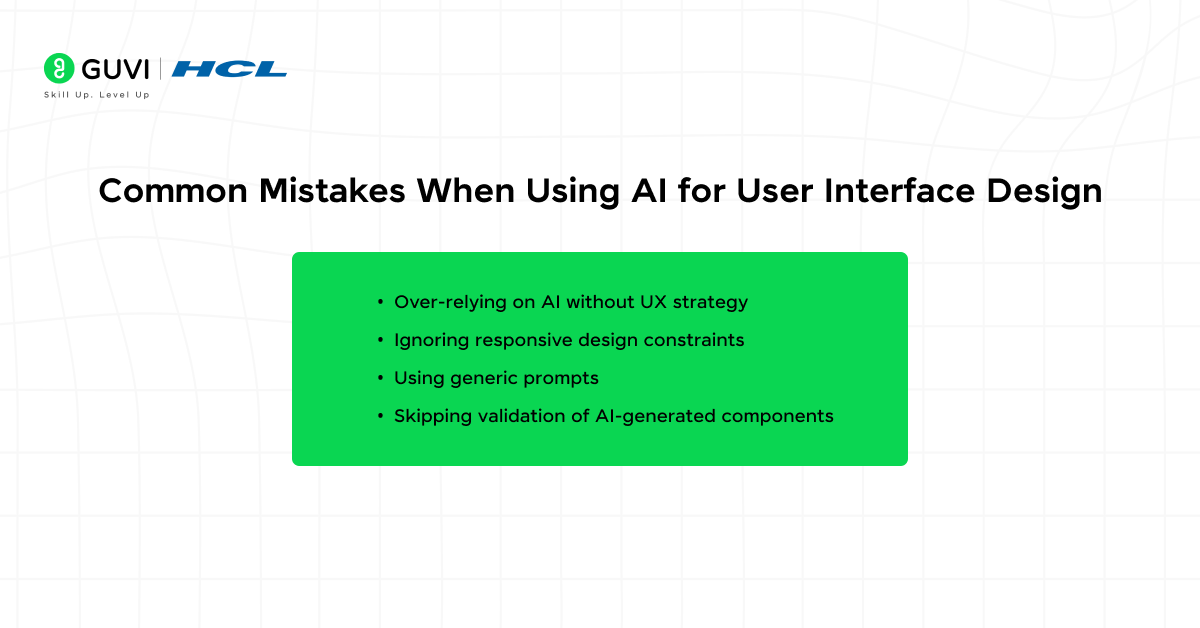
AI generates structure but lacks a strategic understanding of user behavior or business goals. Each prototype must reflect a clear UX plan that defines purpose, audience, and measurable outcomes.
Ignoring Responsive Design Constraints
Layouts that look balanced on desktops may collapse or distort on smaller screens. Testing across multiple breakpoints ensures the design adapts gracefully to every device.
Using Generic Prompts That Reduce Design Quality
Non-specific inputs produce uniform results that ignore brand identity or unique interface tone. Contextual prompts aligned with product vision create designs that feel intentional and relevant.
Skipping Validation of AI-Generated Components
Generated buttons, forms, and grids may appear consistent but fail technical or accessibility standards. Every component requires review and adjustment before integration into production workflows.
Future Trends: Where AI UI Prototyping Is Going
- AI-Driven Design-to-Code Pipelines: The gap between design and development will narrow further as AI tools generate fully functional code from validated prototypes. This approach minimizes translation errors. It gives developers a head start with accurate front-end components.
- Predictive User Experience (UX) Modeling: Future AI systems will simulate user journeys and anticipate problem points before testing begins. Predictive analysis will suggest layout refinements that enhance clarity and reduce cognitive load, leading to smoother navigation experiences.
- Adaptive Personalization: Interfaces will evolve into intelligent systems that modify layouts, color schemes, and content density based on user habits, device context, and accessibility preferences. Personalization will become continuous and automatic rather than a post-launch adjustment.
- Voice and Gesture-Based Prototyping: The act of prototyping itself will change. Designers will build prototypes using spoken commands or gesture interfaces that translate intent directly into design form. This shift will allow greater accessibility for non-technical contributors.
- Cross-Platform Consistency: Future AI platforms will maintain a unified experience across web and emerging environments such as augmented and virtual interfaces. Each prototype will automatically adjust its visual language to the medium while maintaining brand integrity.
- Cognitive Interaction Feedback Loops: Prototyping platforms will learn from user expressions and behavior data. They will interpret emotional response patterns to fine-tune interface tone and content pacing for higher satisfaction and usability.
Transform your ideas into powerful web applications with our Full Stack Development Course, where innovation meets execution. Learn to build complete web solutions using AI-assisted design concepts and modern development frameworks. Master frontend and backend technologies, work on live projects, and gain IIT-M Pravartak certification with placement support that helps you turn prototypes into fully functional products faster than ever.
Conclusion
Rapid prototyping with AI marks a shift in how web interfaces are conceived and developed. It merges the efficiency of automation with the creativity of human judgment to deliver refined design outcomes at record speed. Teams can now test ideas, refine experiences, and align technical feasibility without losing time or direction. As AI tools evolve, this workflow will continue to set the foundation for faster and more adaptive digital design.
FAQs
1. How does AI affect the creative process in web design?
AI supports creativity by removing repetitive design work and allowing designers to focus on intent and emotional impact. It offers layout suggestions and structural ideas based on prompts, which helps teams explore more design possibilities in less time without replacing human judgment.
2. What skills remain essential for designers using AI tools?
Designers still need a strong understanding of visual hierarchy, accessibility, user behavior, and interaction logic. AI simplifies execution but depends on clear creative direction and decision-making. Human expertise defines purpose, tone, and user relevance, which remain beyond automation.
3. How can teams integrate AI design tools into existing workflows?
Integration works best when AI complements current systems rather than replacing them. Teams can start by using AI for early ideation, asset creation, or layout generation while continuing to refine high-fidelity prototypes in familiar tools. Gradual adoption helps maintain consistency and build trust in the new workflow.
Success Stories

About the Author
Vaishali
I'm a seasoned writer with four years of experience across technical, non-technical, and just about every genre or niche you can imagine. Adaptable and curious, I enjoy exploring new topics and making information engaging and easy to understand. Fueled by a steady stream of tea, I approach each project with creativity, reliability, and genuine enthusiasm for storytelling.
View all posts by Vaishali
Connect with me @











Did you enjoy this article?