


Artificial Intelligence and Machine Learning Articles
AI/ML Skills Gap 2026: Why Companies Can't Find Job-Ready Talent
20 AI/ML Interview Questions Recruiters Can Use Without a Tech Background - Best Guide
How Industry-Backed AI/ML Bootcamps Are Changing the AI/ML Hiring Pipeline - Best Guide 2026
From IT Support to AI Engineer: A Realistic Career Switch Guide 2026


Get In Touch For Details! Request More Information
How to Use Claude for Writing Product Changelog Updates
Aug 17, 2026 3 Min Read 274 Views
(Last Updated)
Every product update deserves clear communication, but writing changelog entries for every release can quickly become repetitive. Claude changelog workflows help product teams, developers, and technical writers transform release notes into structured, reader-friendly updates that explain what’s new, what’s improved, and what’s been fixed. Instead of spending hours formatting announcements, teams can use Claude to draft changelog entries while ensuring the final version accurately reflects each release.
Table of contents
- TL;DR Summary
- Why Are Product Changelog Updates Important?
- How Can Claude Help Write Changelog Updates?
- Structuring an Effective Product Changelog
- Writing Changelogs for Different Audiences
- Creating a Repeatable Changelog Workflow
- How to Keep Your Changelog Clear and User-Friendly
- Real-World Example
- Common Mistakes to Avoid
- Key Takeaways
- Conclusion
- FAQs
- Can Claude write product changelog updates?
- Can Claude summarize software releases?
- Can Claude create changelogs for different audiences?
- Should AI-generated changelogs be reviewed?
- Who can use Claude for writing changelog updates?
TL;DR Summary
- Claude helps draft product changelog updates faster.
- AI organizes release notes into a consistent format.
- It summarizes new features, bug fixes, and improvements.
- Human review ensures technical accuracy.
- Claude reduces documentation effort for every release.
Build modern software with HCL GUVI’s Full Stack Development Course. Learn APIs, backend development, version control, and deployment through hands-on, real-world projects.
Why Are Product Changelog Updates Important?
A changelog keeps users informed about how a product evolves over time. It communicates new features, bug fixes, performance improvements, and security updates while helping customers understand the value of each release.
Well-written changelogs also reduce support requests because users can quickly see what has changed without searching through documentation.
Benefits of maintaining changelogs include:
- Improved product transparency
- Better customer communication
- Easier release tracking
- Increased user confidence
- Clear documentation for internal teams
Read More: Claude for Product Managers: PRDs and Roadmaps
Many successful SaaS companies publish changelog updates for every release, helping users stay informed while showcasing continuous product improvements.
How Can Claude Help Write Changelog Updates?
Claude transforms technical release notes into clear updates that are easy for both technical and non-technical users to understand.
It can assist with:
- Release summaries
- Feature announcements
- Bug fix descriptions
- Performance improvements
- Security update summaries
- Version release notes
- Internal release documentation
- Customer-facing product updates
Pro Tip: Provide Claude with developer release notes and completed tickets instead of asking it to invent changes. Accurate inputs produce reliable changelog updates.
Structuring an Effective Product Changelog
A consistent format makes every release easier to read. Claude can organize updates into sections that highlight the most important changes first.
A typical changelog includes:
- Version number
- Release date
- New features
- Improvements
- Bug fixes
- Security updates
- Known issues
- Upgrade notes
Using the same structure across releases helps users quickly find relevant information.
Best Practice: Separate customer-facing improvements from internal engineering updates so every audience receives information that’s relevant to them.
Writing Changelogs for Different Audiences
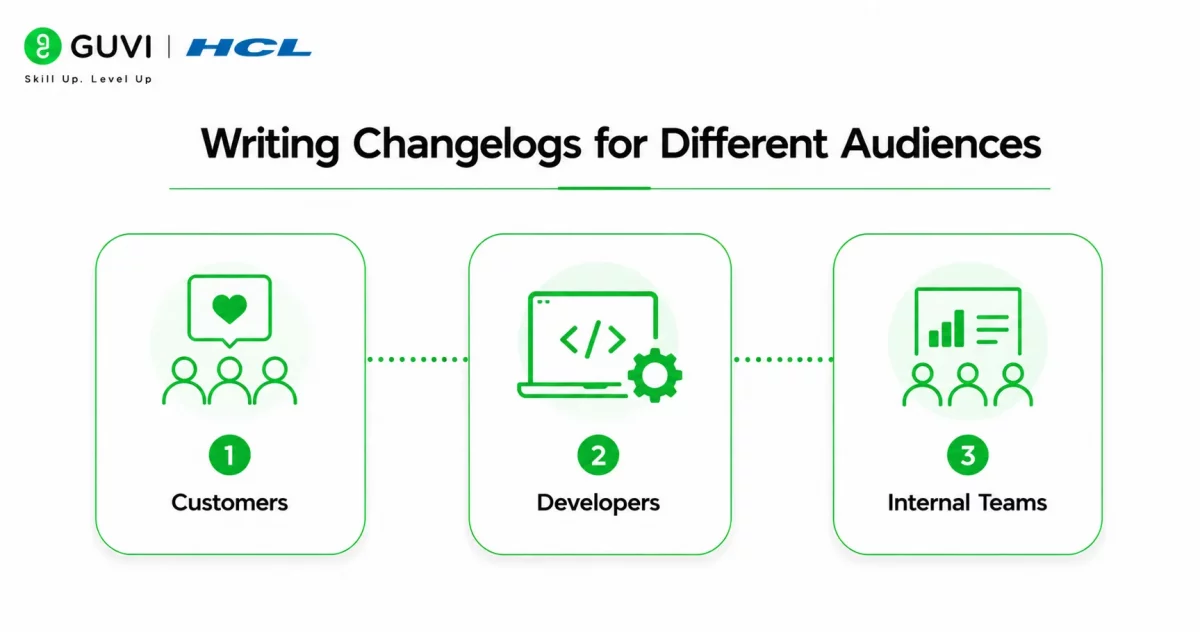
Not every reader wants the same level of technical detail. Claude can adjust the language based on who will read the update.
- Customers
Customer changelogs should focus on benefits rather than implementation details. Explain how the update improves usability, performance, or reliability.
- Developers
Developer changelogs can include API updates, dependency changes, breaking changes, migration notes, and technical implementation details.
- Internal Teams
Internal documentation may include deployment notes, testing outcomes, infrastructure updates, rollout schedules, and unresolved issues that aren’t shared publicly.
Data Point: Audience-specific release notes improve communication by giving each group the level of detail they actually need.
Creating a Repeatable Changelog Workflow
Instead of rewriting updates from scratch every release, teams can create a repeatable workflow with Claude.
A simple process includes:
- Collect release notes from developers.
- Organize completed features and bug fixes.
- Provide the information to Claude.
- Review technical accuracy.
- Publish the finalized changelog.
A standardized workflow keeps documentation consistent regardless of release frequency.
Build modern software with HCL GUVI’s Full Stack Development Course. Learn APIs, backend development, version control, and deployment through hands-on, real-world projects.
How to Keep Your Changelog Clear and User-Friendly
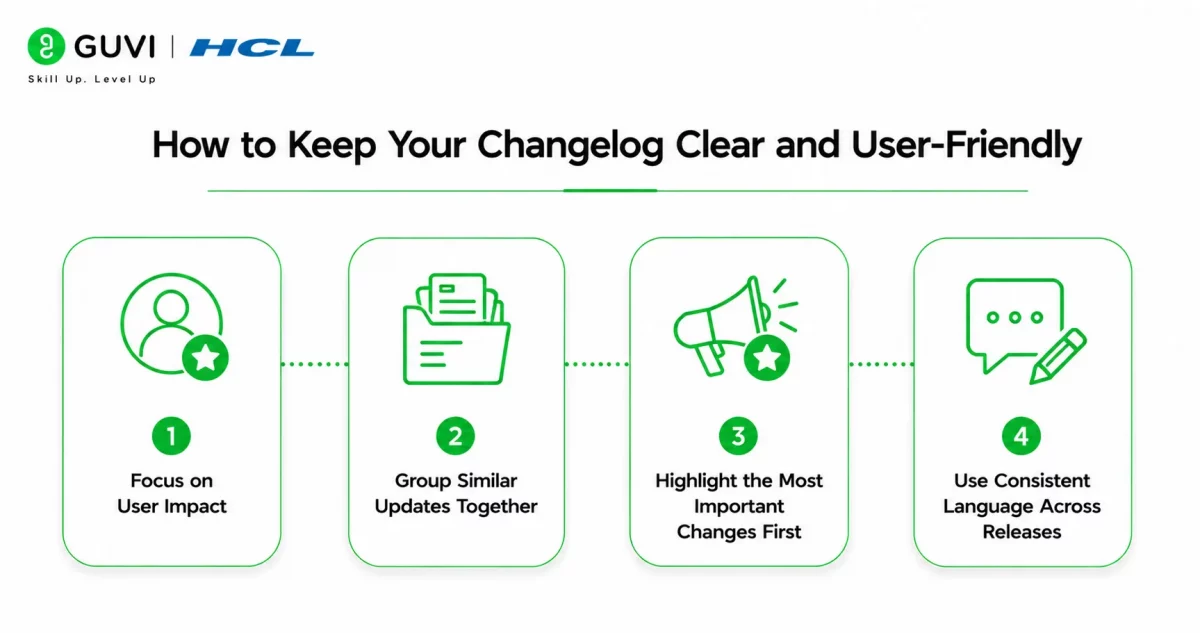
A changelog should help users quickly understand what has changed—not overwhelm them with technical details. Claude can simplify complex engineering updates into language that’s easier for customers, stakeholders, and support teams to understand while still preserving the meaning of each release.

- Focus on User Impact
Instead of listing every technical change, explain how the update benefits users. For example, rather than saying “Optimized database query execution,” describe the outcome as “Improved page loading speed for large reports.”
- Group Similar Updates Together
Organize related changes under headings such as New Features, Improvements, Bug Fixes, and Security Updates. A consistent structure makes every release easier to scan and helps readers find relevant information quickly.
- Highlight the Most Important Changes First
Major features, breaking changes, or significant performance improvements should appear at the beginning of the changelog. Less impactful updates can follow later so readers immediately see what matters most.
- Use Consistent Language Across Releases
Maintain the same writing style, terminology, and formatting for every changelog. Consistency helps users become familiar with your release notes and makes documentation look more professional over time.
Best Practice: Create a reusable changelog template in Claude with predefined sections such as Version, New Features, Improvements, Bug Fixes, Known Issues, and Upgrade Notes. Using the same template for every release improves readability, simplifies documentation, and creates a consistent experience for users.
Real-World Example
Imagine a SaaS company releasing product updates every two weeks.
The development team exports completed Jira tickets, bug fixes, feature summaries, and deployment notes before providing them to Claude. The AI organizes the information into customer-friendly release notes with clear sections for new features, improvements, resolved issues, and known limitations.
After product managers verify the content, the changelog is published on the company’s website and shared with customers.
Common Mistakes to Avoid
Even well-written changelogs can become confusing if they contain unnecessary technical jargon or incomplete information.
Avoid these mistakes:
- Publishing vague feature descriptions.
- Omitting important bug fixes.
- Mixing customer updates with internal deployment notes.
- Forgetting version numbers and release dates.
- Skipping the review process before publishing.
Warning: Always verify release notes with developers before publishing. AI should summarize changes—not determine what was included in the release.
Key Takeaways
- Claude speeds up changelog writing.
- AI organizes release information into structured updates.
- Different audiences require different levels of technical detail.
- Consistent templates improve documentation quality.
- Human review ensures every release note is accurate.
- Claude helps teams communicate product improvements more efficiently.
Conclusion
Claude is an effective writing assistant for product teams that publish regular software updates. By organizing release notes, summarizing completed work, and drafting structured changelogs, it reduces repetitive documentation while improving communication with customers and internal stakeholders.
However, changelogs represent official product communication and should always be reviewed before publication. Combining Claude’s drafting capabilities with developer validation ensures every release update remains accurate, useful, and easy to understand.
FAQs
Can Claude write product changelog updates?
Yes. Claude can organize release notes into structured changelog entries using the information you provide.
Can Claude summarize software releases?
Yes. It can create concise summaries of new features, improvements, bug fixes, and security updates.
Can Claude create changelogs for different audiences?
Yes. Claude can tailor changelog updates for customers, developers, or internal teams.
Should AI-generated changelogs be reviewed?
Yes. Every changelog should be verified to ensure release details and technical information are correct.
Who can use Claude for writing changelog updates?
Product managers, software developers, technical writers, DevOps engineers, and SaaS teams can all use Claude to streamline release documentation.
Success Stories

About the Author
HCL GUVI
This article was selected and published as part of the HCL GUVI AI Blogathon 2026, an initiative designed to encourage students, AI enthusiasts, and aspiring tech writers to simplify complex AI concepts through impactful technical content. The contest recognized high-quality, original, and insightful AI-focused blogs, with selected authors receiving publication opportunities on the HCL GUVI blog platform along with official author credits and recognition.
View all posts by HCL GUVI
Connect with me @










Did you enjoy this article?