


Artificial Intelligence and Machine Learning Articles
AI/ML Skills Gap 2026: Why Companies Can't Find Job-Ready Talent
20 AI/ML Interview Questions Recruiters Can Use Without a Tech Background - Best Guide
How Industry-Backed AI/ML Bootcamps Are Changing the AI/ML Hiring Pipeline - Best Guide 2026
From IT Support to AI Engineer: A Realistic Career Switch Guide 2026


Get In Touch For Details! Request More Information

Create Powerful AI Apps with Artifacts — No Coding Needed
Jun 20, 2026 6 Min Read 585 Views
(Last Updated)
Imagine building a working calculator, interactive chart, or even a complete game without typing a single line of code. Sounds impossible? It is not. Artifacts in Claude are changing how people create digital tools and visualizations, and you do not need to be a programmer to use them.
A teacher creating interactive quizzes for students. A small business owner building a custom inventory tracker. A project manager designing a team dashboard. These are not trained developers. They are everyday professionals who need digital tools but lack coding skills. Artifacts are beginning to bridge that gap by making app creation accessible to everyone.
This guide explains what artifacts are, why they matter, how they work, and how you can start creating your own apps and visualizations today. No technical jargon. No complex terminology. Just straightforward guidance that anyone can follow.
Quick TL;DR Summary
- This guide explains what artifacts are and why they represent one of the most important developments in making technology accessible to everyone.
- You will learn the core building blocks of artifacts, including visualizations, interactive tools, and data displays.
- The guide covers when artifacts genuinely help solve real problems and when a simpler approach is better.
- A step-by-step walkthrough shows you how to create your first artifact the right way.
- Real-world examples demonstrate how people are using artifacts today in education, business, and personal projects.
- Practical strategies help you avoid the most common mistakes and get the best results from artifacts.
Table of contents
- What Are Artifacts?
- The Problem with Current App Creation
- When to Use Artifacts
- The Core Building Blocks
- Types of Artifacts You Can Create Today
- Step-by-Step: Creating Your First Artifact
- Step 1: Define What You Want Clearly
- Step 2: Describe Your Artifact to Claude
- Step 3: Review the First Version
- Step 4: Request Changes and Improvements
- Step 5: Test with Real Data
- Step 6: Share or Save Your Artifact
- Step 7: Iterate as Needs Change
- Real-World Examples of Artifacts in Action
- Pros and Cons of Using Artifacts
- Pros
- Cons
- Top Strategies to Get the Most Out of Artifacts
- How Artifacts Make Technology Accessible
- Conclusion
- FAQs
What Are Artifacts?
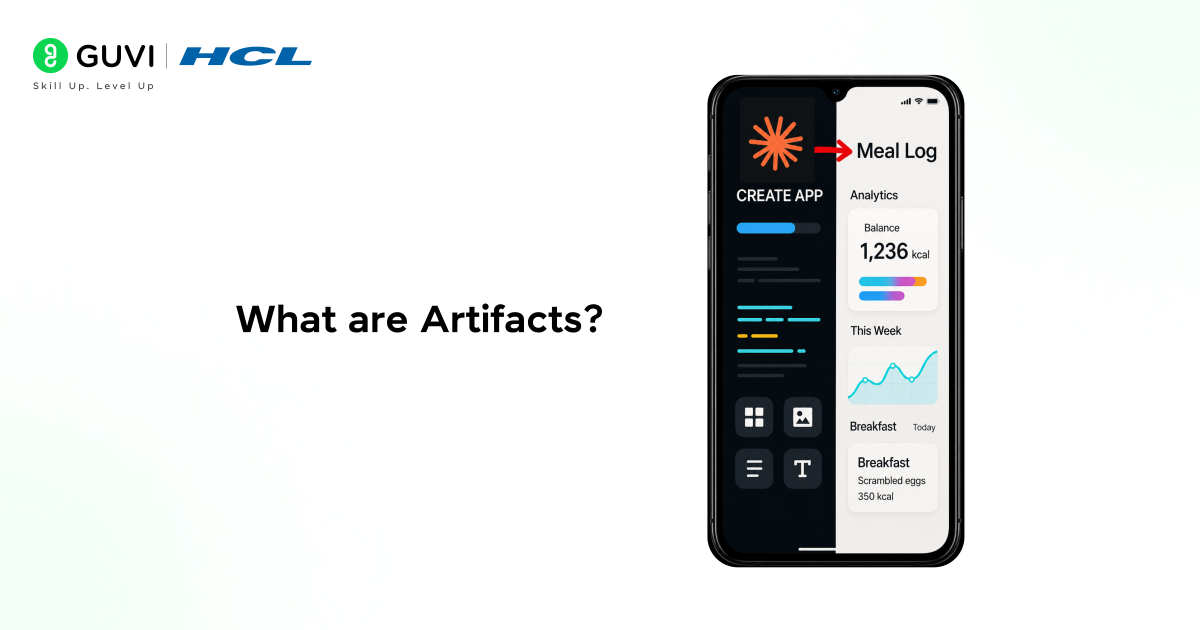
Artifacts are interactive visual tools and applications that Claude creates for you based on simple instructions. They work like having a skilled developer who listens to what you need and builds it for you instantly.
In a classroom setting, an artifact might be an interactive timeline that students can explore. In a business context, an artifact might be a budget calculator that updates automatically as you enter numbers. In a personal project, an artifact might be a custom to-do list that tracks your goals.
The key difference between asking Claude a question and creating an artifact is that artifacts give you something you can actually use and interact with. Without artifacts, Claude gives you text answers. With artifacts, Claude builds working tools that you can click, modify, and share.
The Problem with Current App Creation
Creating digital tools traditionally requires technical skills that most people do not have.
- What Non-Programmers Face Today
People spend hours searching for apps that almost but not quite fit their needs. They pay for expensive software subscriptions to use just one or two features. They rely on IT departments for simple customizations. They settle for spreadsheets when they need something more interactive. They abandon ideas because building them seems too complex.
- The Real Cost
Innovation slows down because good ideas never get built. Productivity suffers because people use tools that do not quite fit their workflow. Money gets wasted on software that does too much or too little. Projects get delayed because custom tools require hiring developers.
- Why Artifacts Change Everything
Traditional app development is complex. It requires knowing programming languages, understanding design principles, and testing code. Artifacts remove all of that. You describe what you need in plain English, and AI builds it instantly. This solves the real problem: most people can imagine useful tools but cannot build them.
When to Use Artifacts
Artifacts are not the solution for every need. Being clear about where they add genuine value helps you use them effectively.
- Tasks Involving Data Visualization
Charts, graphs, timelines, and diagrams help people understand information faster than reading numbers. Artifacts can create these visualizations instantly based on your data.
- Interactive Tools and Calculators
Loan calculators, unit converters, budget planners, and scoring systems all follow predictable logic. Artifacts handle these reliably and make them easy to use.
- Educational and Learning Materials
Quizzes, flashcards, interactive diagrams, and practice exercises help people learn. Artifacts create these teaching tools quickly.
- Custom Forms and Trackers
Habit trackers, workout logs, reading lists, and project checklists help people stay organized. Artifacts build these personalized tools to match your specific needs.
- Games and Interactive Experiences
Simple games, puzzles, and interactive stories make learning and engagement more fun. Artifacts can create these experiences without complex game development.
Research shows that people understand and remember information up to 65% better when it is presented visually rather than as plain text. Artifacts make it easy to transform raw data and complex ideas into clear, interactive visuals that improve comprehension and retention.
The Core Building Blocks
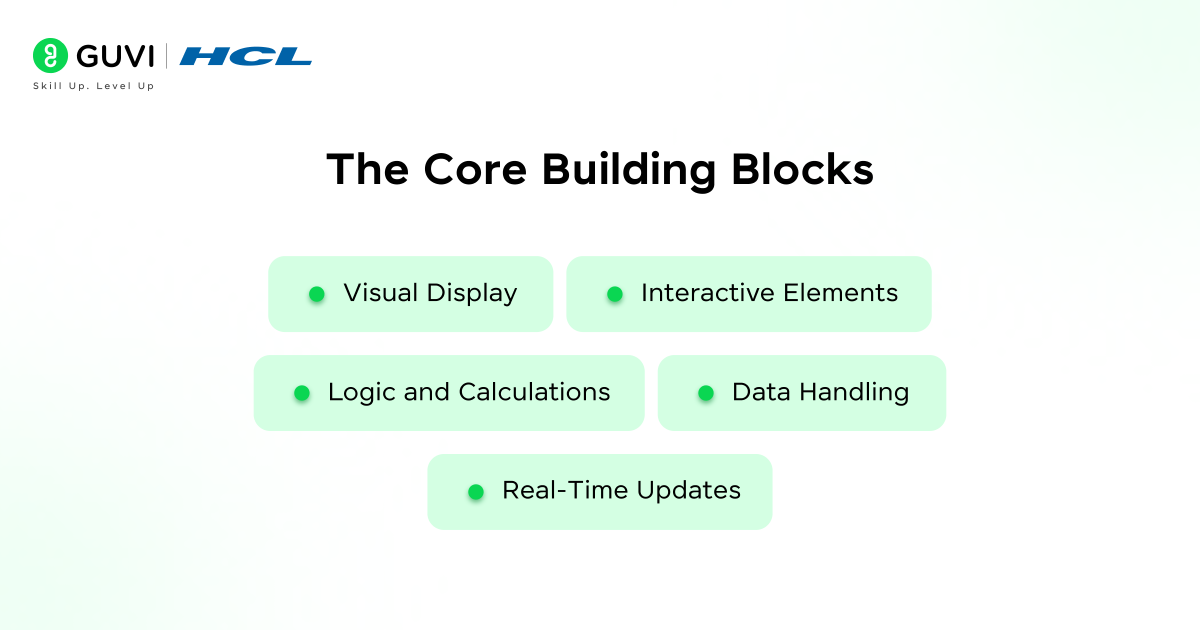
Every artifact Claude creates uses the same fundamental components. Understanding these helps you request better artifacts.
- Visual Display
This is what you see on screen. It might be a chart showing sales data, a form collecting information, or a game board. A well-designed display is clear, easy to understand, and works on different screen sizes.
- Interactive Elements
Buttons, sliders, input fields, and clickable areas let you interact with the artifact. Good interactive elements respond immediately and make it obvious what they do.
- Logic and Calculations
Behind every artifact is logic that makes it work. A calculator needs math operations. A quiz needs to check if answers are correct. A tracker needs to store and display information. Claude handles this logic automatically.
- Data Handling
Artifacts often work with information you provide. This might be numbers for a chart, questions for a quiz, or items for a list. The artifact needs to receive, process, and display this data correctly.
- Real-Time Updates
Good artifacts respond instantly to your actions. When you click a button, move a slider, or enter information, the artifact updates immediately to show the results.
Read More: How to Use Claude Artifacts
Types of Artifacts You Can Create Today
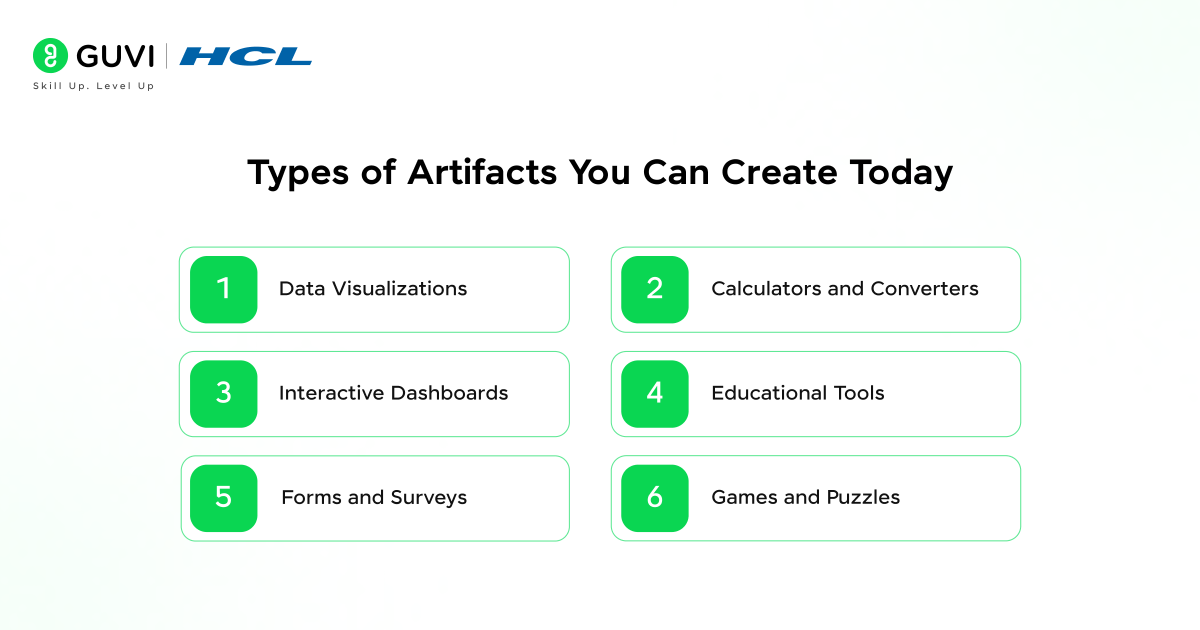
- Data Visualizations
Bar charts, line graphs, pie charts, and scatter plots turn numbers into pictures. These help you spot trends, compare values, and understand data at a glance.
- Calculators and Converters
Mortgage calculators, tip calculators, unit converters, and currency converters do math for you. These save time and prevent calculation errors.
- Interactive Dashboards
Project dashboards, health trackers, and progress monitors bring multiple pieces of information together in one place. You see everything important at a glance.
- Educational Tools
Flashcards, practice quizzes, interactive timelines, and concept maps help with learning and teaching. These make studying more engaging and effective.
- Forms and Surveys
Contact forms, feedback surveys, registration forms, and questionnaires collect information from people. These make data gathering simple and organized.
- Games and Puzzles
Memory games, word puzzles, trivia quizzes, and simple arcade games provide entertainment and practice. These make learning and skill building fun.
Step-by-Step: Creating Your First Artifact
Step 1: Define What You Want Clearly
Write down exactly what you want the artifact to do, what information it needs, and what result you expect. Clear requirements prevent Claude from building the wrong thing. Be specific about features, layout, and behavior.
Step 2: Describe Your Artifact to Claude
Use simple, everyday language to explain what you need. For example, “Create a budget calculator that lets me enter my monthly income and expenses, then shows how much I have left over.” The clearer your description, the better your artifact.
Step 3: Review the First Version
Claude will create an initial version of your artifact. Try it out. Click buttons, enter test data, and see if it works the way you expected. This first version might not be perfect, and that is normal.
Step 4: Request Changes and Improvements
Tell Claude what needs to change. “Make the text bigger,” “Add a reset button,” “Change the colors to blue and white,” or “Show results as a pie chart instead.” Claude will update the artifact based on your feedback.
Step 5: Test with Real Data
Use the artifact with actual information, not just test data. This reveals any problems you did not notice before. Make sure all features work correctly with real-world inputs.
Step 6: Share or Save Your Artifact
Once the artifact works the way you want, you can use it immediately. Some artifacts you will use once. Others you will return to regularly. Claude keeps your artifacts accessible in your conversation history.

Step 7: Iterate as Needs Change
Your needs might change over time. The good news is that you can always ask Claude to modify your artifact. Add new features, change the design, or adjust the functionality as your requirements evolve.
Real-World Examples of Artifacts in Action
- The Teacher Making Lessons Interactive
A history teacher creates an interactive timeline of World War II events. Students click on dates to see details, images, and context. Engagement in class increases because students explore rather than just read.
- The Small Business Owner Tracking Inventory
A shop owner builds a simple inventory tracker. Enter items, quantities, and reorder points. The artifact highlights items running low. No expensive inventory software needed.
- The Fitness Enthusiast Logging Workouts
A gym member creates a workout tracker that calculates total weight lifted, tracks personal records, and shows progress over time. Motivation increases because progress is visible.
- The Event Planner Managing Tasks
A wedding planner builds a custom checklist with timelines, vendor contacts, and budget tracking. Everything needed for the event in one organized tool.
- The Student Studying for Exams
A college student creates interactive flashcards with immediate feedback. Study sessions become more effective because the tool adapts to what needs more practice.
Pros and Cons of Using Artifacts
Pros
- No coding knowledge required, making technology creation accessible to everyone
- Instant results, with working tools created in minutes instead of days or weeks
- Easy to modify and improve based on your changing needs
- Free to create and use within your Claude conversations
- Visual and interactive, making information easier to understand and engage with
- Customizable to your exact requirements rather than settling for generic apps
Cons
- Artifacts only exist within your Claude conversation and cannot be published as standalone apps
- Complex applications with many features might be challenging to create in one artifact
- You need a Claude account to create and access your artifacts
- Artifacts work best for relatively simple tools and visualizations
- Understanding how to describe what you want takes some practice
- Technical limitations exist on what kinds of apps can be created as artifacts
The average person uses only 20% of the features in most software. With artifacts, you can create exactly what you need — nothing more, nothing less. This results in tools that are simpler to use, faster to learn, and perfectly aligned with your specific requirements.
Top Strategies to Get the Most Out of Artifacts
- Start Simple Before Adding Complexity
Begin with basic features and add more later. A simple working tool is better than a complex broken one. Build your skills and understanding gradually.
- Be Specific in Your Descriptions
The more details you provide about what you want, the better your artifact will be. Include information about colors, sizes, features, and behavior.
- Test Each Feature as You Add It
When Claude adds new functionality, test it immediately before requesting more changes. This prevents problems from piling up.
- Use Real Examples When Explaining
Instead of abstract descriptions, give Claude concrete examples. “I want a quiz about European capitals with ten questions” is clearer than “I need an educational tool.”
- Ask for Explanations When Confused
If Claude creates something you do not understand, ask for an explanation. Understanding how your artifact works helps you improve it.
- Think About Your End Users
Consider who will use your artifact and what they need. A tool for children needs bigger buttons and simpler language than a tool for professionals.
- Keep Track of What Works
When you create artifacts you like, note what you asked for and how you described it. This helps you create better artifacts faster in the future.
How Artifacts Make Technology Accessible
The real power of artifacts is democratization. Technology creation is no longer limited to people who can code. This opens up possibilities for:
- Teachers create custom learning tools for their specific students and subjects.
- Small business owners build exactly the tools they need without expensive software.
- Researchers visualizing data without learning complex statistical software.
- Hobbyists bring their creative ideas to life without technical barriers.
- Students learn by creating rather than just consuming technology.
- Anyone with an idea turning that idea into something real and usable.
If you want to learn more about using artifacts to visualize and create AI apps without ever writing a line of code, do not miss the chance to enroll in HCL GUVI’s Intel & IITM Pravartak Certified Artificial Intelligence & Machine Learning course. Endorsed with Intel certification, this course adds a globally recognized credential to your resume, a powerful edge that sets you apart in the competitive AI job market.
Conclusion
Artifacts represent one of the most significant opportunities to make technology creation accessible to everyone. The potential to build custom tools, visualize data, create engaging experiences, and solve specific problems without coding is real and growing.
The best approach is to start with something simple, learn from the experience, and gradually take on more complex projects as your confidence grows. The people who will benefit most from artifacts are not those who build the most complex tools the fastest. They are those who identify real needs, create solutions that work, and iterate based on feedback.
Start with one simple artifact today. Build something useful. See how it feels to create technology instead of just using it. Then build something else. Your ideas deserve to become real tools, and artifacts make that possible.
FAQs
1. Do I need any programming knowledge to use artifacts?
No. The entire point of artifacts is that you describe what you want in plain English, and Claude builds it. You do not need to know any programming languages, understand code, or have technical training.
2. Can I save my artifacts and use them later?
Your artifacts remain in your conversation with Claude. You can return to them anytime by going back to that conversation. You can also ask Claude to recreate or modify artifacts in new conversations.
3. What kinds of artifacts work best?
Artifacts work best for tools and visualizations that solve specific problems. Data charts, calculators, trackers, simple games, quizzes, and forms are all excellent uses. Very complex applications with many interconnected features can be challenging.
4. Can I share my artifacts with other people?
Currently, artifacts exist within your Claude conversation. You can show them to others by sharing your screen or taking screenshots, but they cannot access the live interactive version unless they are logged into your Claude account.
5. How do I fix an artifact that is not working correctly?
Simply tell Claude what is wrong in plain language. “The calculator gives the wrong answer when I enter decimals” or “The chart is too small to read.” Claude will fix the problem and update the artifact.
Success Stories

About the Author
Vishalini Devarajan
An Aerospace Engineer turned content writer, I focus on making complex concepts easy to understand through well-structured, reader-friendly blogs. Whether it’s a technical topic or a non-technical one, I love creating content that is clear, engaging, and impactful.
View all posts by Vishalini Devarajan
Connect with me @












Did you enjoy this article?