


Artificial Intelligence and Machine Learning Articles
How Generative AI in Business is Changing Operations
Claude + Obsidian: AI-Powered Note-Taking Setup


Get In Touch For Details! Request More Information
What is n8n: Build AI Workflows with n8n
Jun 25, 2026 6 Min Read 724 Views
(Last Updated)
All the digital activities you do today when sending emails, updating spreadsheets, replying to messages, analyzing data have a pattern. Click, copy, paste, tab switching, and repeat. It feels normal, but in reality, it’s inefficient.
Now imagine a system that notices these patterns and acts them out on your behalf. No repetition. No manual effort. Nothing more than smooth and clever background operations.
This is what n8n makes possible.
Rather than changing our workflows to fit software, it enables software to change according to our workflows. You can design automation as you like, whether you are working with data, creating AI-powered systems, or linking various applications, n8n provides the flexibility to create automation in the way you desire.
In this blog, we’ll break down everything you need to know about n8n clearly and practically, so you can understand how it works and how to use it to build powerful AI workflows.
Quick Answer
n8n is a free open-source workflow automation platform that enables you to integrate apps, services, and APIs to automate work. It promotes no-code and low-code development, which any beginner can use, and advanced customization by more advanced developers.
Table of contents
- What is n8n?
- Why is it called n8n?
- Why n8n is becoming Popular?
- Open-Source Advantage
- No-Code + Low-Code Flexibility
- AI Integration
- Cost-Effective
- How n8n Works
- Nodes - Building blocks of Automation
- Workflows - Making It All Work
- Implementation - Automatic Workflow Running
- Simple Way to Understand It
- Key Features of n8n
- Visual Workflow Builder
- Extensive Integrations
- Custom Code Support
- Open-Source and Self-Hosting
- Debugging and Handling of errors
- No-Code vs Low-Code in n8n
- No-Code Approach
- Low-Code Approach
- AI Integration with n8n
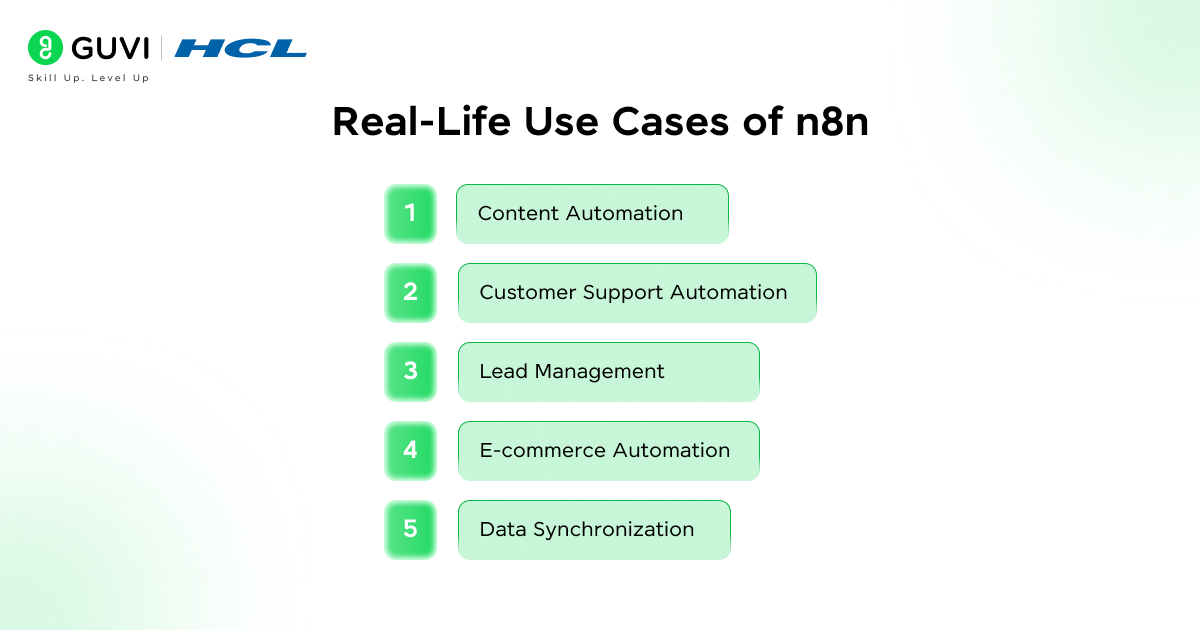
- Real-Life Use Cases of n8n
- Content Automation
- Customer Support Automation
- Lead Management
- E-commerce Automation
- Data Synchronization
- Advantages of Using n8n
- Limitations of n8n
- n8n vs Other Automation Tools
- Tips to Use n8n Effectively
- Wrapping it up:
- FAQs:
- What is n8n used for?
- Is n8n a no-code tool?
- Is n8n free?
What is n8n?
n8n (pronounced “n-eight-n”) is a workflow automation platform that allows users to integrate applications and automate workflows without having to write complex code.
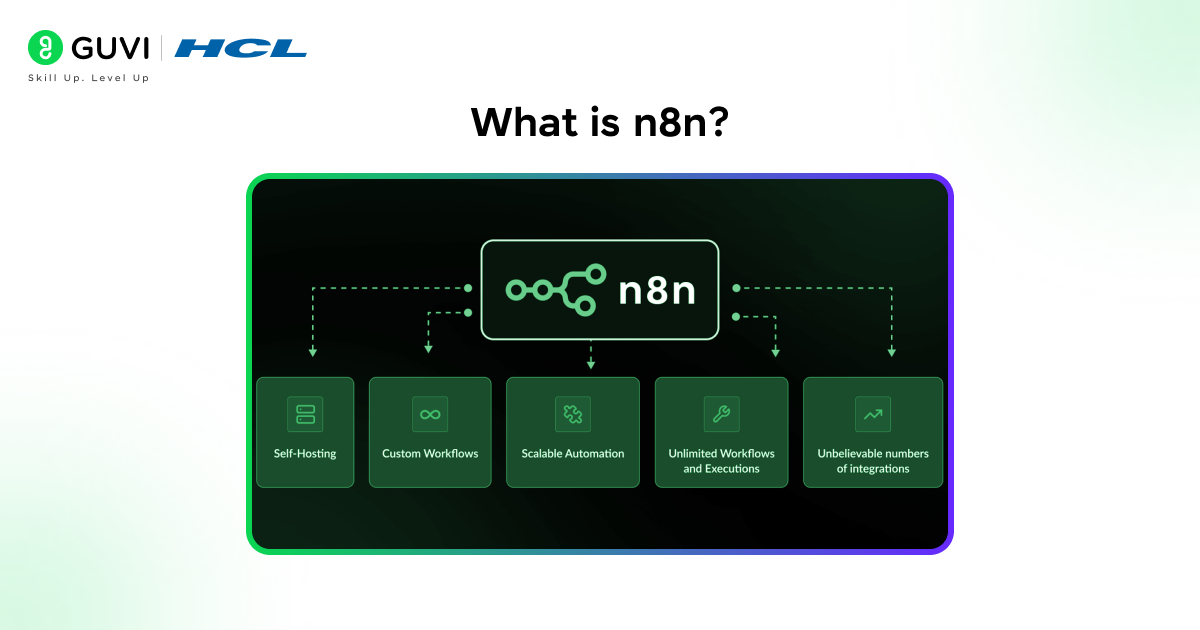
n8n is a digital assistant that is activated by triggers and conditions to perform tasks.
For example:
- Upon receiving a new email with an attachment → Save to Google Drive.
- Upon submit of a form → Send a Slack notification
- When data is updated → Run an AI model.
Unlike most automation tools, n8n is:
- Open-source – You can self-host it.
- Very customizable – Add custom logic and code.
- Flexible – API, database and AI compatible.
Why is it called n8n?
It is named after the word “nodemation” where:
- “n” stands for node
- “8” represents the letters between the first and last “n”
This is indicative of its main idea: node-based automation.
Why n8n is becoming Popular?
n8n is becoming popular because it solves a major problem: manual repetitive work.
Here’s why more people are choosing it:
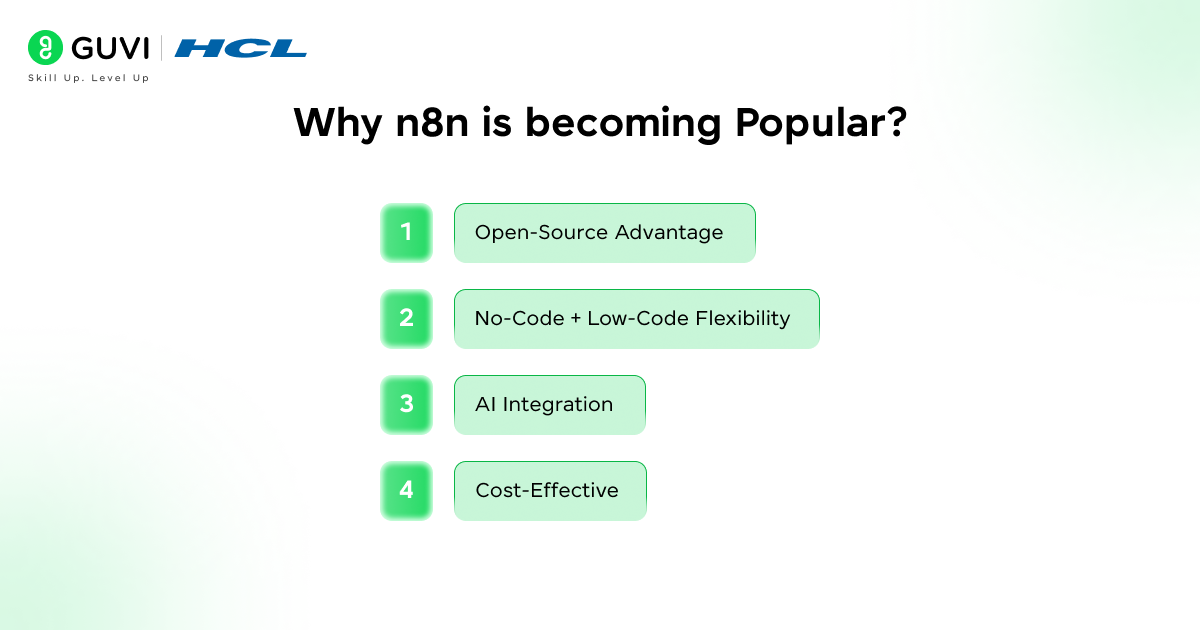
1. Open-Source Advantage
Unlike most automation tools that restrict functionality by paywalls, n8n enables users to:
- Host it on their own servers
- Modify the source code
- Play with it without being vendor dependent
2. No-Code + Low-Code Flexibility
Beginners can build workflows graphically, and developers can:
- Write custom JavaScript
- Use advanced logic
- Integrate APIs
3. AI Integration
n8n can be easily integrated with AI tools including:
- Chatbots
- Content generators
- Data analysis models
4. Cost-Effective
As it is open-source, you can:
- Avoid subscription costs
- Pay-per-workflow-free scale
Most professionals spend hours every week on repetitive tasks like copying data, sending emails, and updating spreadsheets. Tools like n8n can automate these workflows entirely, helping you save significant time and effort while reducing manual errors.

How n8n Works
n8n has three basic building blocks: nodes, workflows and execution. These combine to make manual work automated.
1. Nodes – Building blocks of Automation
In n8n, the nodes represent the steps that are taken in particular within a workflow. You can consider every node to be a minor task that can be used in the process.
Nodes are of three basic types:
- Trigger nodes are used to initiate the workflow, i.e., to wait until a particular event (such as an email or completing a form) happens before the automation is triggered.
- Action nodes are the actual steps in the workflow, e.g., emailing someone, storing data in a database, or a Slack message.
- Logic nodes are used to manage the behavior of the workflow, which enables you to add conditions, filters or loops so that actions are only performed when specific conditions are satisfied.
In simple terms, nodes are similar to a single command and when you connect them together they form an entire automated process.
2. Workflows – Making It All Work
A workflow refers to a network of interconnected nodes, which constitute the whole automation process to the end.
You create a workflow once and n8n takes care of the rest, instead of manually executing tasks.
For example, consider the following real world situation:
- When a new email is received, a trigger node is triggered.
- A node is then used to extract valuable information in the email like the name of the sender or attachment.
- This data are recorded in another action node in a database or Google Sheet to be stored.
- Lastly, the notification node will inform your team on Slack or email in order to take a course of action in case it is necessary.
This is a series of steps are known as a workflow and when configured automatically, it operates automatically without human intervention.
3. Implementation – Automatic Workflow Running
Execution refers to how and when your workflow runs. Once you activate a workflow in n8n, it operates in the background based on predefined triggers.
Workflow may be executed in various modes:
- Time based execution enables the execution of workflows based on a schedule e.g. every hour, day or week, which is applicable in reports or frequent updates.
- Event-based execution initiates workflows when an event occurs such as a message is received, a form is submitted or a file uploaded.
- Execution using API enables workflows to be executed when triggered by external systems, and thus n8n can be dynamically integrated with apps and services.
Execution is what brings your workflow to life, ensuring that all the steps you designed actually run automatically at the right time.
Simple Way to Understand It
- Nodes = Individual tasks
- Workflows = A series of activities connected to each other.
- Execution = Automatic running of those tasks.
Key Features of n8n
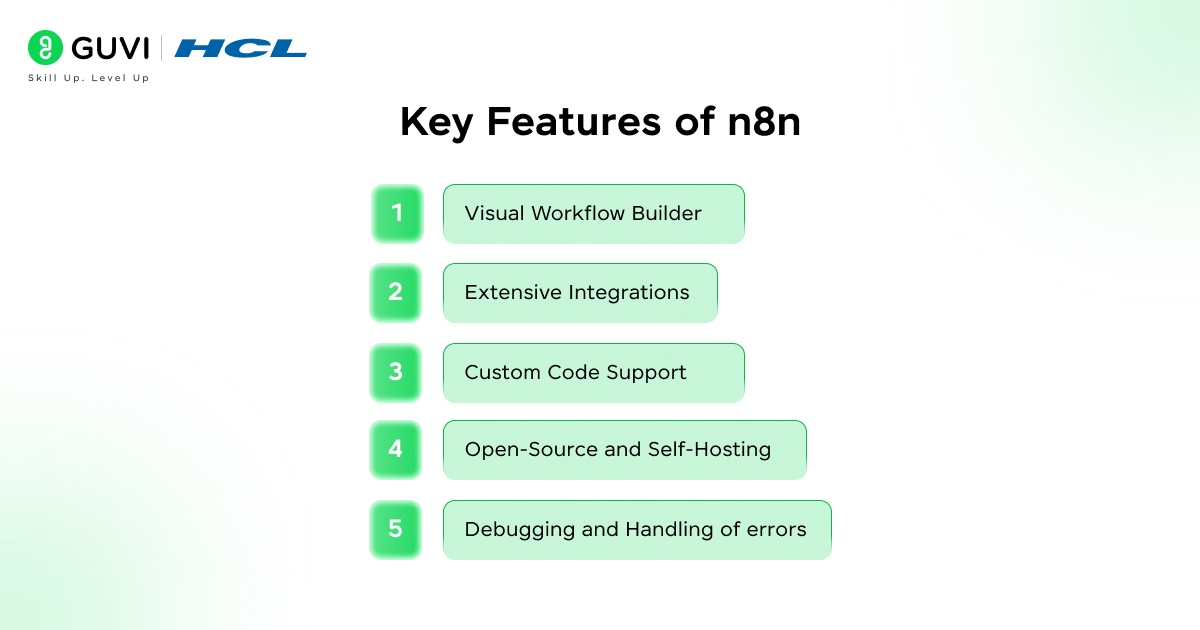
1. Visual Workflow Builder
- The graphical interface enables users to design workflows through drag-and-drop functionality and hence automation becomes simple to learn even by a novice user.
- The workflow layout has a clear connection between each step that allows users to comprehend the overall process without getting lost.
- The user-friendly interface minimizes the learning curve, enabling users to begin creating workflows without any prior experience.
2. Extensive Integrations
- n8n has more than 300 integrations, which allows users to integrate popular apps, such as Google Sheets, Slack, and Notion.
- It supports API integrations, which means that you can integrate nearly any service even though it may not be directly supported.
- These integrations can be used to automate cross-platform workflows, eliminating the need to manually move data between tools.
3. Custom Code Support
- n8n enables users to add JavaScript to workflows to add advanced customization and flexibility.
- Data can be manipulated, custom logic can be written and complex situations can be dealt with that is beyond normal automation.
- This feature makes n8n usable by both technical and non-technical users, between no-code and programming.
4. Open-Source and Self-Hosting
- As open-source, n8n has the ability to run the platform in their own servers and have complete control over their data.
- The source code can be changed by users to suit their requirements, and thus it can be highly customized to closed platforms.
- Self-hosting also enhances privacy and security of data because sensitive information is not stored on third party servers.
5. Debugging and Handling of errors
- n8n provides detailed execution logs, which help users identify and fix issues within workflows.
- The platform has retry features, which automatically retries unsuccessful tasks, enhancing reliability.
- The debugging tools enable users to debug the workflows step by step, so that all goes well before the deployment.
No-Code vs Low-Code in n8n
No-Code Approach
- The no-code interface enables users to create workflows graphically without any code, which is easy for beginners.
- The automation can be made by users by merely connecting the nodes and setting up the configurations via an easy to use interface.
- It is the best method to use for non-technical users who desire to automate tasks fast and effectively.
Low-Code Approach
- The low-code functionality allows users to write custom scripts, enabling more advanced and flexible workflows.
- The APIs can be combined with developers to develop complex logic that is not possible with the visual tools alone.
- This makes n8n strong enough to develop enterprise-scale automation systems.
AI Integration with n8n
n8n can also be enhanced with AI to be even more powerful because it enables workflows to extend beyond just automation and perform intelligent actions.
- n8n enables users to incorporate AI models capable of producing content, which is helpful when it comes to blogs, emails, and social media posts.
- The integration of AI allows workflows to analyze data and give insights that can assist businesses in making better decisions.
- n8n can be used to build chatbots that automatically respond to user queries in real time.
- The platform supports automated decision-making, in which workflows are able to select actions to follow based on AI-generated decisions.
Real-Life Use Cases of n8n
1. Content Automation
- n8n is capable of creating content ideas and drafts automatically, enabling creators to save time and be consistent.
- The platform is able to plan and post content on various platforms without having to do it manually.
- It also assists in simplifying the content workflow by incorporating such tools as writing platforms and social media.
2. Customer Support Automation
- With n8n, businesses can respond to customer queries automatically, enhancing the response time and efficiency.
- Depending on the request, the platform is able to channel queries to the relevant teams.
- It also has the capability of analyzing customer messages through AI to understand sentiment and urgency.
3. Lead Management
- n8n has the ability to extract leads on forms and automatically save them in databases or CRM systems.
- The site supports automated following up emails and no lead is lost.
- AI can be used to score leads based on quality, helping sales teams prioritize effectively.
4. E-commerce Automation
- n8n has the capability to process orders automatically, which decreases the amount of manual work required by online businesses.
- The platform is able to deliver order confirmations and updates to the customers in real time.
- It is also able to monitor the inventory and update the stock in real time.
5. Data Synchronization
- n8n enables the synchronization of data between various platforms and ensures consistency and accuracy.
- The platform eliminates the need for manual data entry, reducing errors.
- It assists companies to have one source of truth in all systems.
Advantages of Using n8n
- n8n gives full flexibility, where users can create workflows in their own way without limitations.
- The platform is affordable, particularly to users who opt to self-host and do not want to pay subscription charges.
- n8n is immensely scalable, i.e. it can manage both basic and advanced automation processes effectively.
- The users are in control of their data and this enhances security and privacy unlike in cloud-only tools.
Limitations of n8n
- n8n can be challenging to learn by those who are new to the concept of workflow automation.
- N8n needs technical skills to set up and self-host, which might not be easy to do by non-technical users.
- The maintenance of the system as well as updates and server management are the responsibility of the users.
n8n vs Other Automation Tools
| Feature | n8n | Zapier | Make |
| Open-source | Yes | No | No |
| Self-hosting | Yes | No | No |
| Custom code | Yes | Limited | Yes |
| Cost | Free (self-hosted) | Paid | Paid |
Tips to Use n8n Effectively
- Begin with simple workflows to learn how nodes and automation operate and then progress to more complicated structures.
- Use pre-built templates available in n8n to save time and learn best practices.
- Test workflows should always be thoroughly tested to make sure they are working before they are applied.
- Periodically streamline work processes to enhance performance and efficiency.
- Use error handling to avoid workflow errors and run smoothly.
Take your learning beyond theory with HCL GUVI’s AI & Machine Learning Course. Learn Python, build real projects, and master concepts like model routing and multi-model systems.
Wrapping it up:
n8n is a highly versatile platform that enables users to automate, add AI, and develop intelligent systems with ease.
Its open-source flexibility, no-code simplicity, and advanced customization have made it to be used by a broad spectrum of users, including beginners and developers.As automation continues to play a crucial role in modern workflows, tools like n8n are becoming essential for improving efficiency and productivity.
n8n is worth considering in case you want to make your work easier, less manual, and more intelligent.
I hope that this blog is helpful and insightful!!
FAQs:
1. What is n8n used for?
n8n is used to automate tasks by connecting apps and services, helping you save time and reduce manual work.
2. Is n8n a no-code tool?
Yes, n8n provides no-code options for beginners, and low-code options for advanced users who need to customize.
3. Is n8n free?
n8n can be self-hosted and used for free, but a paid option exists for cloud usage.
Success Stories

About the Author
Vishalini Devarajan
An Aerospace Engineer turned content writer, I focus on making complex concepts easy to understand through well-structured, reader-friendly blogs. Whether it’s a technical topic or a non-technical one, I love creating content that is clear, engaging, and impactful.
View all posts by Vishalini Devarajan
Connect with me @








Did you enjoy this article?