


Artificial Intelligence and Machine Learning Articles
AI/ML Skills Gap 2026: Why Companies Can't Find Job-Ready Talent
20 AI/ML Interview Questions Recruiters Can Use Without a Tech Background - Best Guide
How Industry-Backed AI/ML Bootcamps Are Changing the AI/ML Hiring Pipeline - Best Guide 2026
From IT Support to AI Engineer: A Realistic Career Switch Guide 2026


Get In Touch For Details! Request More Information

Claude Enterprise Administrator Guide
Aug 21, 2026 8 Min Read 8435 Views
(Last Updated)
Claude Enterprise empowers organizations with secure, scalable AI access tailored to diverse roles.
From flexible seat types to robust audit logs, it ensures data control and compliance.
Admins gain visibility while users unlock productivity across chat and code workflows.
Structured training and resources like Anthropic Academy drive effective adoption.
Department sessions and office hours build skills for real-world impact.
This approach transforms AI from access to a transformative organizational capability.
In this article, we will walk through how Claude Enterprise works from the administrator’s perspective, covering technical setup, user management, security and compliance, seat configuration, training, and the tools available to help your organization scale AI adoption the right way.
TL;DR
- Claude Enterprise is Anthropic’s organizational plan with SSO, SCIM provisioning, an admin console, audit logs, and a Compliance API, everything IT needs to deploy AI safely at scale.
- Deployment follows four phases: Technical Setup, Change Management and Launch, Enablement and Training, and Scaling Adoption.
- Seat types determine who gets access to Claude Code. Chat-only seats do not include it, while Chat and Code or Claude Enterprise seats do.
- Security features include SOC 2 Type II and ISO 27001 certifications, immutable audit logs, configurable data retention, HIPAA-ready plans, and real-time compliance monitoring.
- Adoption scales best when you appoint team champions, run department-specific training, and measure both activity metrics and real business outcomes over time.
Table of contents
- Claude Enterprise Administration at a Glance
- What Is Claude Enterprise?
- A Plan Built for Organizations, Not Individuals
- Why It Exists
- Who Uses It
- What Makes It Different From Team
- Phase 1: Technical Setup
- Step 1: Configure Single Sign-On
- Step 2: Choose Your Provisioning Method
- Step 3: Complete the Pre-Launch Checklist
- Understanding Seat Types and Claude Code Access
- Seat Types Explained
- Managing Spend Limits
- Connecting Claude Code
- Security and Compliance
- Audit
- Certifications
- Data Control
- Phase 2: Change Management and Launch
- Phase 3: Enablement and Training
- Training Essentials
- Resources and Support
- Phase 4: Scaling Adoption
- Managing Projects and Connectors
- Complete Claude Enterprise Administrator Guide in India 2026
- Claude Enterprise Features and Pricing in 2026
- Limitations to Know Before You Roll Out
- CONCLUSION
- FAQs
- How do you manage users in Claude Enterprise?
- Does Claude Enterprise support SSO and SCIM?
- Does Claude Enterprise include Claude Code?
- How much does Claude Enterprise cost?
- What security features does Claude Enterprise include?
Claude Enterprise Administration at a Glance
| Administration Area | 2026 Capability | Administrator Focus |
|---|---|---|
| Authentication | SSO, SAML, OIDC, domain capture | Centralize secure access |
| Provisioning | SCIM and JIT | Automate onboarding and offboarding |
| Access Control | RBAC and custom roles | Limit access by responsibility |
| Usage Management | User and organization spend limits | Control AI costs |
| Security | Audit logs, IP allowlisting, network controls | Monitor and restrict access |
| Compliance | Compliance API and custom retention | Support governance requirements |
| Data Protection | Customer-managed encryption keys | Strengthen control of enterprise data |
| Monitoring | Analytics API and OpenTelemetry | Measure usage and adoption |
| Developer Access | Claude Code | Govern coding workflows |
| Integrations | Google Workspace, GitHub, Slack, Microsoft 365 and others | Connect approved business data |
What Is Claude Enterprise?
1. A Plan Built for Organizations, Not Individuals
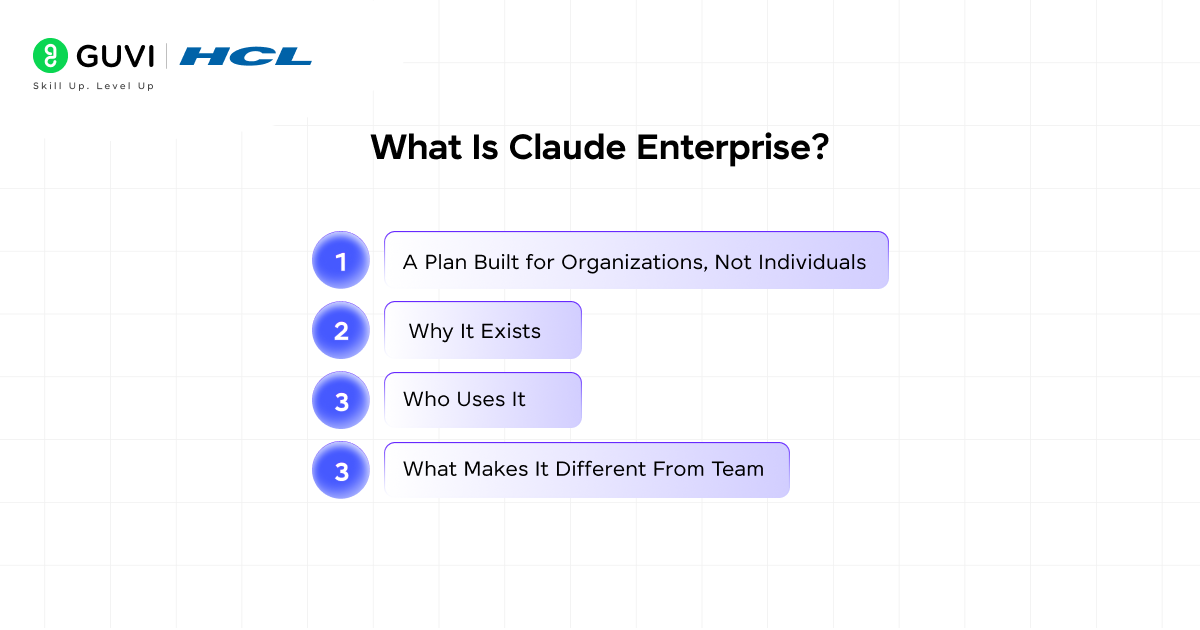
Claude Enterprise is Anthropic’s plan for organizations that require centralized AI administration, advanced security controls and scalable access across teams.
As of 2026, Enterprise includes Claude, Claude Code and Claude Cowork along with SSO, SCIM, audit logs, role-based permissions, custom data retention, a Compliance API, an Analytics API, customer-managed encryption keys and US-only inference options.
The previous 500,000-token context-window statement should also be updated. Claude Opus 5 and Sonnet 5 currently support a 1 million-token context window on paid Claude plans. Opus 4.8, 4.7, 4.6 and Sonnet 4.6 support 500K when chatting with Claude.
2. Why It Exists
Anthropic launched Claude Enterprise in late 2024 in direct response to what enterprise customers were asking for: security, scalability, and compliance. The plan is designed to meet corporate needs that a consumer subscription simply cannot address, including audit trails, role-based access, and programmatic compliance monitoring.
3. Who Uses It
Claude Enterprise is being deployed across large organizations in professional services, technology, financial services, healthcare and other industries.
One major example is Deloitte. In October 2025, Anthropic announced that Claude would become available to more than 470,000 Deloitte employees worldwide. Deloitte and Anthropic also announced plans to train and certify 15,000 professionals on Claude.
4. What Makes It Different From Team
The Enterprise plan builds on the Team plan with additional capabilities, including the Compliance API, HIPAA-ready configuration, Business Associate Agreements, Data Processing Addenda for GDPR compliance, IP allowlisting, custom data retention controls, and dedicated support.
These are the features that enterprise IT and security teams require before they can sign off on any AI deployment.
Phase 1: Technical Setup
This is the foundation on which everything else depends. Before any user logs in and starts working, the administrator needs to get authentication, provisioning, and security properly configured. Rushing through this phase is the most common mistake organizations make, and it leads to access issues, compliance gaps, and messy offboarding later on.
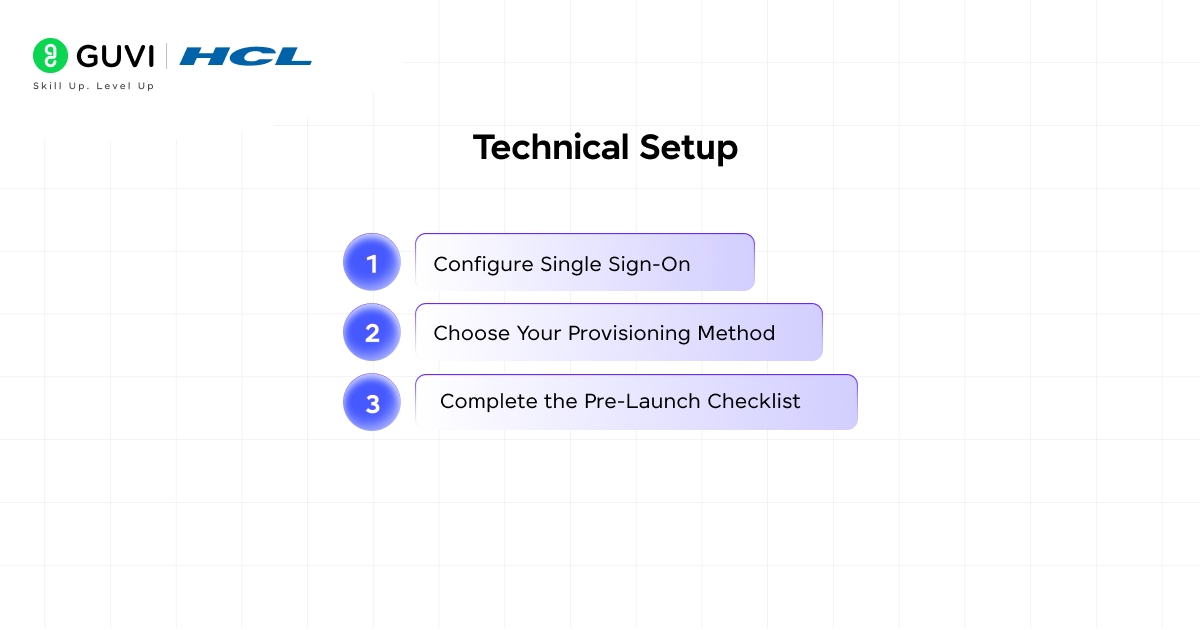
Step 1: Configure Single Sign-On
The first thing to set up is Single Sign-On. Claude Enterprise supports SAML 2.0 and OIDC for single sign-on. The recommended approach is to test SSO with a small pilot group before broad rollout, enable domain capture to automatically route users from your domain to your workspace, and then enforce SSO for all access once configuration is validated.
This keeps access centralized through your existing identity provider and means users never need separate credentials just for Claude.
Step 2: Choose Your Provisioning Method
Once SSO is working, decide how users will be provisioned. Three options are available. SCIM is the recommended approach and enables automatic sync from your identity provider. Just-in-Time provisioning creates users upon first SSO login and is simpler to set up, but offers less control.
Manual provisioning through admin-managed invitations works best for small, controlled pilots. For most organizations rolling out to more than a few dozen people, SCIM is the right choice. When someone leaves the company and is removed from your identity provider, they lose Claude access automatically without any manual cleanup.
Step 3: Complete the Pre-Launch Checklist
Before going live, confirm that SSO is configured and tested, user provisioning is set up, a security review has been completed with IT and information security teams, data retention policies are documented, Compliance API and audit log access are configured, connectors are set up for tools your organization uses, and admin roles are properly assigned using Primary Owner, Owner, and Member permission levels.
Understanding Seat Types and Claude Code Access
Seat Types Explained
- One of the more confusing aspects of Claude Enterprise for new administrators is understanding how seat types work, especially in relation to Claude Code. Not every user needs the same access level, and the billing structure reflects this. Claude Enterprise offers different seat types depending on your pricing model, allowing tailored access for various roles.
- For usage-based plans, Chat-only seats do not include Claude Code access, while Chat and Code seats and Claude Enterprise seats do. For organizations with both general knowledge workers and developers, this distinction matters quite a bit. Most employees would receive standard Chat access, while your engineering team would get the premium seats that include Claude Code.
- Administrators have full flexibility to assign standard or premium seats according to individual user requirements and organizational roles. Premium seats give users access to both Claude and Claude Code, enabling them to partner with Claude throughout the entire development lifecycle. This setup optimizes costs while empowering developers with advanced tools.
Managing Spend Limits
- Setting spend limits at both the individual and organizational level is also important it ensures that extra usage does not create billing surprises while still giving power users the flexibility they need. Administrators can configure these limits via the Claude Enterprise dashboard to align with budgets and usage patterns. This feature is crucial for scaling AI adoption without financial risks.
- Regular monitoring of usage reports helps administrators adjust limits proactively as team needs evolve. For instance, power users in engineering might require higher thresholds during project sprints. Balancing control and flexibility prevents overspending while fostering innovation.
Connecting Claude Code
- To connect Claude Code to the enterprise account, the process is straightforward for end users. They install Claude Code by running the installation command for their operating system, start it by typing “claude” in the terminal, select “Claude account with subscription” as the login method, and authenticate via Enterprise SSO with their corporate credentials.
- The seat subscription links to Claude Code automatically upon successful authentication.This seamless integration minimizes setup friction for developers. Once linked, users gain immediate access to Claude Code’s full capabilities within their IDE. Troubleshooting is rare, but admins can verify connections through the enterprise management console.
Security and Compliance
1. Audit
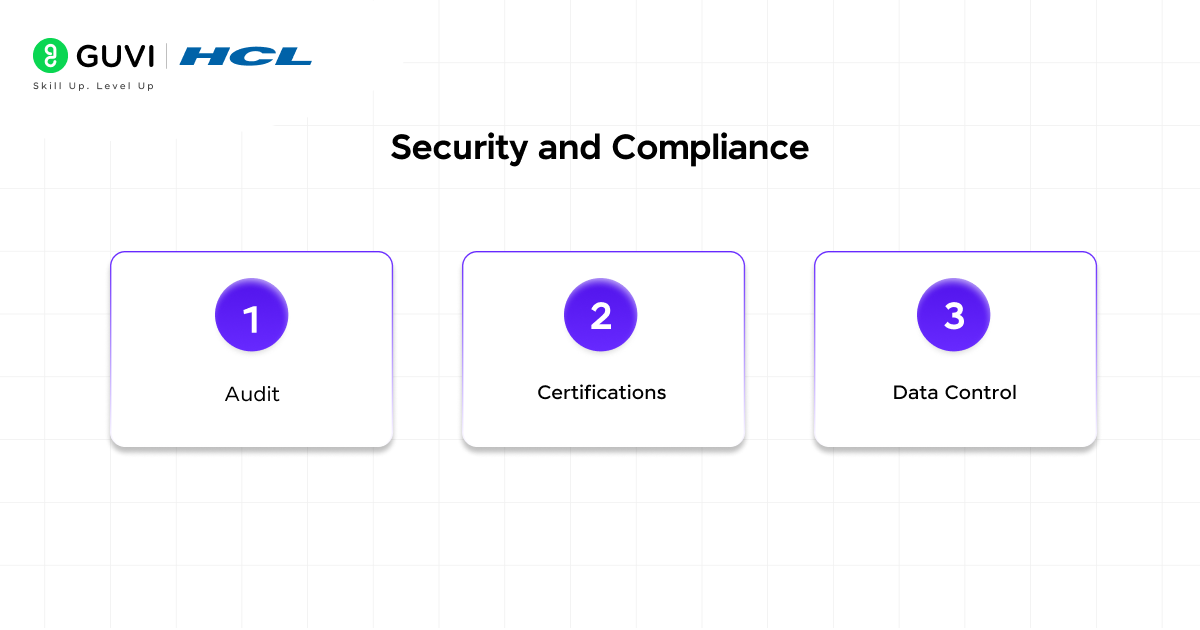
Claude Enterprise’s security model ensures administrators have full visibility into platform activity at all times. Audit logs are fully implemented, recording every query, prompt, and response immutably for security monitoring and compliance. Administrators can review these usage trails for post-incident analysis or regulatory needs.
Configurable data retention is exportable via the Compliance API, enabling real-time programmatic access to usage data. This supports continuous monitoring and automated policy enforcement without manual exports. Organizations can integrate Claude activity directly into existing SIEM systems or compliance dashboards.
For regulated industries, this auditability is essential, providing immutable records and selective deletion for precise data management.
2. Certifications
Claude Enterprise holds ISO 27001 and SOC 2 Type II certifications, assuring IT staff that it meets corporate security audit standards. These credentials validate robust security practices for data handling and operations. They build confidence for organizations undergoing their own audits.
3. Data Control
Your organization’s data remains yours by default, with no use in training Claude models. Role-based access via Primary Owner, Owner, and Member roles offers granular permissions to limit admin privileges. Data retention and IP allowlisting further restrict access to approved networks.
The Compliance API enables real-time access to content and usage, supporting automated flagging of issues. For strict needs, HIPAA-ready configurations, Business Associate Agreements, and GDPR Data Processing Addenda are available. This ensures compliance while maintaining control over sensitive information.
Phase 2: Change Management and Launch
- Technical setup is necessary, but it is not sufficient. Many enterprise AI deployments fail not because of technical problems but because employees never genuinely adopted the tool. Change management bridges the gap between “the tool is live” and “people actually use it every day.”Champions are a central part of a successful launch.
- The recommended approach is to select two to three enthusiastic early adopters per department or team, provide them with early access and advanced training, equip them with talking points and demo guidance, and create a dedicated communication channel for peer support.
- These people become your internal advocates and your first line of support for day-to-day user questions that do not need to go to IT.
- Your launch communication plan should be multi-channel and run over several weeks rather than a single announcement. A well-structured plan covers pre-launch communications two weeks out to highlight benefits and use cases, an executive announcement, and a getting-started guide on launch day.
- Tips and success stories in week one after launch, and then ongoing weekly tips, monthly newsletters, and quarterly business reviews as part of the ongoing cycle. The post-launch communication matters just as much as the launch event itself.
Phase 3: Enablement and Training
Training Essentials
Giving someone access to Claude doesn’t mean they know how to use it effectively. Prompt engineering, Projects, and modes like Research require active teaching, especially for AI newcomers. Structured 101 sessions cover basics like navigation, prompts, and core features for all staff at launch and new hires.

Department sessions are tailored to workflows with executive sponsors for buy-in. Generic training starts with users, but job-specific demos drive real behavior change. Repeat sessions ensure broad adoption across teams.
Resources and Support
Anthropic Academy offers interactive courses on fundamentals and prompting. Use Case Library provides examples by function; Help Center details all features. Developers get Quick Start Guide, Academy walkthroughs, and DeepLearning.ai courses for fast productivity.
LMS integration tracks completion and access. Early office hours with power users answer real questions in the first 30-60 days. This builds skills and confidence organization-wide.
Claude Enterprise is certified with SOC 2 Type II and ISO 27001, ensuring that every query, prompt, and response is securely logged and auditable. In October 2025, Deloitte rolled it out to over 470,000 employees — one of the largest enterprise AI deployments ever.
With the Compliance API, organizations can access real-time usage data for continuous monitoring, while SCIM provisioning ensures automatic access control — removing users instantly when they leave, without manual intervention.
Phase 4: Scaling Adoption
- Once the initial deployment is stable and your first wave of users is active, the focus shifts from setup to expansion, spreading Claude across more teams and demonstrating whether it is delivering real business value. This is the phase where AI investment either compounds or stalls.
- When expanding to new teams, conduct a brief needs assessment to identify high-value workflows, provision seats including Claude Code for developer teams, deliver tailored onboarding, and appoint a local champion to drive adoption and share early wins.
- Each team has different workflows, and a targeted approach works far better than asking everyone to figure it out independently.
- On the measurement side, the goal is shifting from activity metrics to business outcomes. Track adoption through active users, department penetration, and feature usage via the admin dashboards and API. Measure productivity gains through periodic user surveys.
- Pair quantitative data with qualitative examples, short case studies from team leads illustrating real impact, and establish a regular reporting cadence, such as quarterly business reviews, to keep leadership informed and engaged.
- As usage scales, governance becomes more important, not less. Revisit data retention policies, audit log cadences, and project visibility defaults. Maintain an allowlist of approved connectors and extensions, routing new requests through your standard IT governance process.
- Consider forming a lightweight Center of Excellence to curate prompts, Skills, and playbooks that can be shared across teams so that good practices spread organically rather than remaining siloed.
Managing Projects and Connectors
- Projects and Connectors are two of the features that make Claude Enterprise genuinely useful for teams doing recurring work, not just individual users having one-off conversations.
- Projects function as persistent workspaces where teams can upload reference files, set custom instructions, and maintain context across multiple conversations over time.
- Projects are reusable workspaces where you can update instructions, upload new files, and iterate on outputs. For recurring tasks, you simply update the data and rerun the workflow.
- Projects can be shared with specific individuals by entering email addresses or made available to all organization users, depending on visibility settings.
- Connectors extend Claude by giving it access to your organization’s existing tools and data sources. Pre-built connectors are available for Google Drive, GitHub, Slack, and Microsoft 365, among others. Enterprise managed policies enforced by IT or DevOps apply across all Claude Code users and cannot be changed by individual users.
- These settings allow administrators to control what Claude Code can read, what commands it can run, and whether it can access the internet, giving very precise organizational control over how the tool behaves in practice.
Complete Claude Enterprise Administrator Guide in India 2026
Claude adoption has become particularly relevant for Indian organizations in 2026. India accounts for 5.8% of global Claude.ai usage, making it Anthropic’s second-largest market by total usage. Anthropic also officially opened its Bengaluru office in February 2026.
Indian enterprises planning Claude Enterprise deployment can follow this sequence:
Step 1: Establish Governance
- Identify approved business use cases.
- Define data-handling rules.
- Assign Owners, Admins and Users.
- Establish acceptable-use policies.
Step 2: Configure Identity
- Enable SSO.
- Verify organizational domains.
- Use SCIM or JIT for provisioning.
- Test access with a controlled pilot group.
Step 3: Configure Security
- Set retention policies.
- Enable audit and compliance monitoring.
- Review connectors before enabling them.
- Configure network or IP restrictions where required.
Step 4: Control Spending
- Set organizational budgets.
- Apply user or group spend limits.
- Monitor Claude Code and Cowork consumption.
- Review high-usage workflows regularly.
Step 5: Launch and Train
- Select department champions.
- Provide role-specific training.
- Build approved prompt and workflow examples.
- Establish internal support channels.
Step 6: Measure Adoption
- Track active users.
- Review feature usage.
- Measure business outcomes.
- Expand successful workflows across teams.
Anthropic’s India expansion also reflects growing enterprise demand. The company reported in February 2026 that its run-rate revenue in India had doubled since October 2025.
Claude Enterprise Features and Pricing in 2026
There is no salary data relevant to an administrator guide, so the important 2026 freshness update is Enterprise pricing, models and platform capabilities.
| Area | Current 2026 Information |
| Enterprise seat | $20 per user/month |
| Billing | Annual |
| Usage | Billed separately at API rates |
| Minimum seats | 20 |
| Current flagship models | Claude Opus 5 and Claude Sonnet 5 |
| Maximum chat context | Up to 1M tokens on supported models |
| Claude Code | Included with current Enterprise seats |
| Claude Cowork | Included with current Enterprise seats |
| Provisioning | SCIM and JIT |
| Governance | RBAC, audit logs, spend controls |
| Compliance | Compliance API, custom retention |
| Encryption | CMEK available to eligible organizations |
Anthropic currently lists Enterprise at $20 per seat per month plus usage charged at API rates. Enterprise subscriptions are billed annually.
Anthropic’s current model generation has also advanced beyond the models referenced in older guides. Claude Sonnet 5 launched on June 30, 2026 and Claude Opus 5 launched on July 24, 2026.
Limitations to Know Before You Roll Out
- Like any enterprise software, Claude Enterprise has constraints worth understanding before you build critical workflows around it.
- The Compliance API provides real-time monitoring, but building it into existing compliance dashboards requires some initial technical setup and integration work.
- Organizations without a dedicated DevOps or security engineering function may need outside help to configure continuous monitoring properly.
- Change management is often underestimated. The platform can be technically perfect and still see low adoption if the human side of the rollout is not handled thoughtfully.
- Champions, department-specific training, and ongoing communication are not optional steps; they are what determine whether the investment pays off. Plan for at least 30 to 60 days of active enablement after launch before expecting stable adoption numbers.
If you want to go beyond the admin setup and learn how to build AI-powered workflows, automate document processes, and manage enterprise AI deployments at scale, explore HCL GUVI’s AI and ML Course and take the next step in your career.
CONCLUSION
Finally, treat Claude’s outputs as strong starting points that benefit from human review before they go to clients, leadership, or decision-makers. Formulas in spreadsheets should be verified, data in reports should be checked, and any content involving sensitive business information should be reviewed before sharing. Claude is a fast, capable collaborator, but the final sign-off should always come from the people responsible for the work.
FAQs
How do you manage users in Claude Enterprise?
Claude Enterprise administrators can manage users through manual invitations, JIT provisioning or SCIM. SCIM is particularly useful for larger deployments because users can be provisioned from the organization’s identity provider and automatically removed when access is revoked.
Admins can also manage roles, groups and permissions while Owners and Primary Owners receive additional controls for billing, security and organization settings.
Does Claude Enterprise support SSO and SCIM?
Yes. Claude Enterprise supports SAML 2.0 and OIDC-based SSO along with SCIM and JIT provisioning.
Organizations can test SSO with a pilot group before enforcing it across the company. SCIM can then automate user provisioning and offboarding through the organization’s identity provider.
Does Claude Enterprise include Claude Code?
Yes. Claude Code is included with every seat on current new and self-serve Enterprise plans. Users can access it through the terminal or supported IDEs after authenticating with their Enterprise account. Older Enterprise contracts may still use Chat + Claude Code or Premium seat configurations until their next renewal.
How much does Claude Enterprise cost?
As of 2026, Claude Enterprise costs $20 per seat per month and is billed annually. Usage is charged separately at standard API rates based on the models and tasks an organization uses.
Administrators can set user-level and organization-level spend limits to manage consumption and reduce unexpected costs.
What security features does Claude Enterprise include?
Claude Enterprise includes:
1. SSO and domain capture
2. SCIM provisioning
3. Role-based access controls
4. Audit logs
5. Compliance API
6. Custom data retention
7. IP allowlisting
8. Network-level controls
9. Customer-managed encryption keys
10. US-only inference
11. HIPAA-ready options for eligible organizations
Anthropic also states that Enterprise customer inputs and outputs are not used to train its models by default.
Success Stories

About the Author
Vaishali
I'm a seasoned writer with four years of experience across technical, non-technical, and just about every genre or niche you can imagine. Adaptable and curious, I enjoy exploring new topics and making information engaging and easy to understand. Fueled by a steady stream of tea, I approach each project with creativity, reliability, and genuine enthusiasm for storytelling.
View all posts by Vaishali
Connect with me @











Did you enjoy this article?