


Programming Languages Articles
Product Manager Portfolio: How to Build The Best One That Gets You Hired in 2026
Code Review Best Practices: How to Give and Receive Feedback Effectively
Bubble Sort in C: A Complete Beginner’s Guide
Cracking the Code: Your First Dive into the Fractional Knapsack Problem


Get In Touch For Details! Request More Information
Accumulate Function in C++: Syntax, Examples, Use Cases
Aug 04, 2026 4 Min Read 1397 Views
(Last Updated)
accumulate() is one of the most useful STL functions in C++ for cumulative operations on elements in arrays, vectors, and containers. Instead of writing manual loops for summation or aggregation, developers can use a cleaner, more efficient STL-based approach.
From competitive programming to backend systems and analytics applications, accumulate() helps reduce boilerplate code and improve readability.
In this blog, you will learn how the accumulate() function works in C++, its syntax, parameters, examples, time complexity, and practical use cases.
Table of contents
- What is the Accumulate Function in C++?
- Header File Required for accumulate()
- Syntax of accumulate()
- Parameters of accumulate()
- Start Iterator
- End Iterator
- Initial Value
- Operation
- Return Value of accumulate()
- Basic Example of accumulate()
- Output
- Using accumulate() with Arrays
- Output
- Using accumulate() with Vectors
- Output
- Using accumulate() for Multiplication
- Output
- Using Custom Lambda Functions with accumulate()
- Time Complexity of accumulate()
- Real World Use Cases of accumulate()
- Data Analytics
- Competitive Programming
- Financial Applications
- Game Development
- Backend Systems
- Build Real-World C++ Projects to Strengthen STL Skills
- Difference Between accumulate() and reduce()
- Common Mistakes Beginners Make
- Forgetting the <numeric> Header
- Using Wrong Initial Value
- Integer Overflow
- Advantages of Using accumulate()
- Conclusion
- FAQs
- What is the use of accumulate() in C++?
- Which header file is required for accumulate() in C++?
- Can accumulate() work with vectors in C++?
- What is the time complexity of accumulate()?
- Can accumulate() perform operations other than addition?
- What is the difference between accumulate() and reduce() in C++?
What is the Accumulate Function in C++?
The accumulate() function in C++ is an STL algorithm used to calculate the cumulative result of elements in a range.
By default, it performs addition, but developers can also customize the operation using functions or lambda expressions.
Header File Required for accumulate()
To use accumulate() in C++, you must include the <numeric> header file.
#include <numeric>
Without this header, the compiler will not recognize the function.
Syntax of accumulate()
The general syntax of accumulate() is:
accumulate(start_iterator, end_iterator, initial_value);
You can also use a custom operation:
accumulate(start_iterator, end_iterator, initial_value, operation);
Parameters of accumulate()
The accumulate() function accepts the following parameters:
1. Start Iterator
Represents the beginning position of the range.
2. End Iterator
Represents the ending position of the range.
3. Initial Value
The starting value used during accumulation.
4. Operation
A custom function or lambda expression is used instead of the default addition.
Return Value of accumulate()
The function returns the final accumulated result after processing all elements in the specified range.
For example:
int result = accumulate(arr, arr + n, 0);
The variable result stores the final sum.
Basic Example of accumulate()
Let us see a simple example.
#include <iostream>
#include <numeric>
using namespace std;
int main() {
int arr[] = {1, 2, 3, 4, 5};
int sum = accumulate(arr, arr + 5, 0);
cout << “Sum = ” << sum;
return 0;
}
Output
Sum = 15
Here:
- arr is the array.
- arr + 5 points to the end of the array.
- 0 is the initial value.
The function adds all elements and returns the final sum.
Reading that std::accumulate can multiply, concatenate, or apply custom operations is one thing; passing in a lambda and watching the result change is what makes it click. HCL GUVI’s online IDE lets you test this instantly, no setup required.
Using accumulate() with Arrays
accumulate() works efficiently with arrays.
#include <iostream>
#include <numeric>
using namespace std;
int main() {
int marks[] = {85, 90, 78, 92};
int total = accumulate(marks, marks + 4, 0);
cout << “Total Marks = ” << total;
return 0;
}
Output
Total Marks = 345
This is commonly used in score calculation and analytics applications.
Using accumulate() with Vectors
The function also works with vectors using iterators.
#include <iostream>
#include <vector>
#include <numeric>
using namespace std;
int main() {
vector<int> nums = {10, 20, 30, 40};
int total = accumulate(nums.begin(), nums.end(), 0);
cout << “Sum = ” << total;
return 0;
}
Output
Sum = 100
Using vectors with STL algorithms is considered a modern C++ programming practice.
If you want more hands-on coding practice, explore these C++ examples and practice exercises to strengthen your STL and programming skills
Using accumulate() for Multiplication
accumulate() can also perform multiplication using a custom operation.
#include <iostream>
#include <vector>
#include <numeric>
using namespace std;
int multiply(int a, int b) {
return a * b;
}
int main() {
vector<int> nums = {1, 2, 3, 4};
int product = accumulate(nums.begin(), nums.end(), 1, multiply);
cout << “Product = ” << product;
return 0;
}
Output
Product = 24
Notice that the initial value is 1 instead of 0.
Using Custom Lambda Functions with accumulate()
Modern C++ developers often use lambda expressions with accumulate().
#include <iostream>
#include <vector>
#include <numeric>
using namespace std;
int main() {
vector<int> nums = {1, 2, 3, 4};
int result = accumulate(nums.begin(), nums.end(), 0,
[](int a, int b) {
return a + (b * 2);
}
);
cout << “Result = ” << result;
return 0;
}
This approach is useful for implementing custom aggregation logic.
Modern C++ features like lambda expressions and STL algorithms help developers write cleaner and more efficient code.
You can also explore HCL GUVI’s Data Structures and Algorithms ebook to understand how STL algorithms and containers simplify real programming problems.
Time Complexity of accumulate()
The time complexity of accumulate() is:
O(n)
Where n is the number of elements in the range, the function processes each element exactly once.
Real World Use Cases of accumulate()
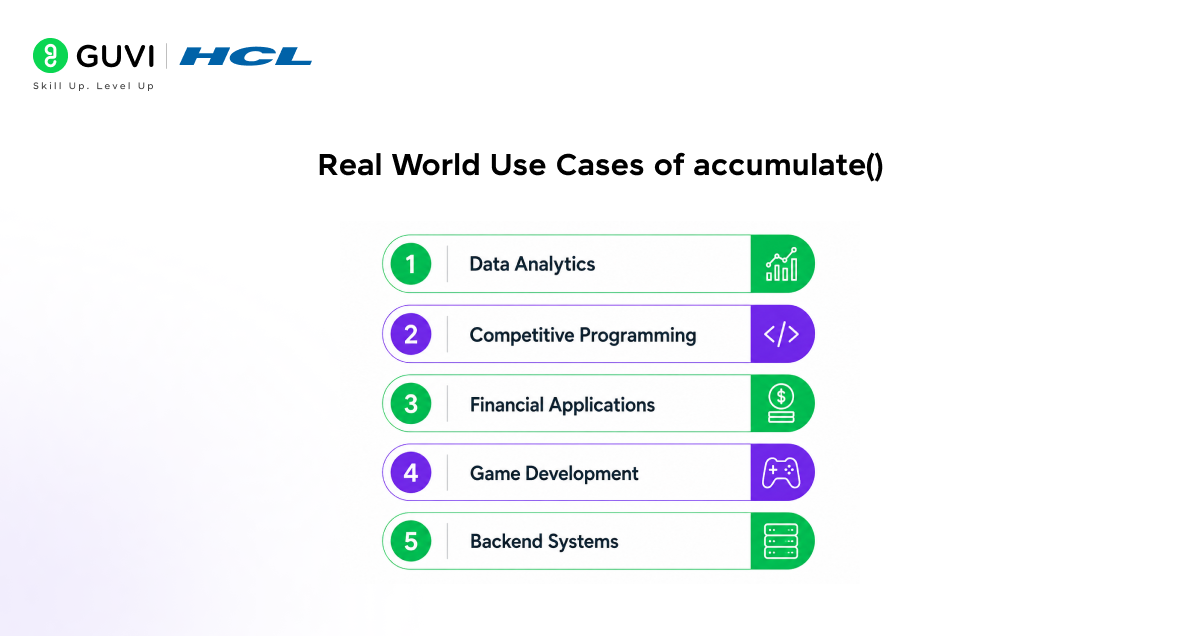
The accumulate() function is widely used in real applications.
1. Data Analytics
Used for calculating totals, averages, and cumulative metrics.
2. Competitive Programming
Helps reduce loop boilerplate and speeds up coding during contests.

3. Financial Applications
Used in revenue calculation, transaction aggregation, and portfolio analysis.
4. Game Development
Useful for calculating total scores, health points, and resource values.
5. Backend Systems
Used in reporting systems and data processing pipelines.
Build Real-World C++ Projects to Strengthen STL Skills

Learning functions like accumulate() becomes much easier when you apply them in practical projects. Real-world C++ projects help you understand how STL algorithms, loops, vectors, and data handling work together in actual applications.
For example, projects like calculators, To-Do list applications, ATM simulators, and hospital management systems heavily use aggregation logic similar to accumulate() for totals, balances, scores, and reports.
If you want hands-on practice, explore these beginner-to-advanced C++ project ideas:
- Simple Calculator
- Number Guessing Game
- To-Do List Application
- ATM Simulator
- Text-Based RPG Game
- Compiler Construction
You can explore the complete project list here:
C++ Project Ideas
These projects help improve problem-solving skills, STL usage, file handling, object-oriented programming, and real-world coding confidence.
Difference Between accumulate() and reduce()
| Feature | accumulate() | reduce() |
| Header File | <numeric> | <numeric> |
| Execution Order | Sequential | Can execute in parallel |
| Introduced In | Earlier STL versions | C++17 |
| Deterministic Output | Yes | May vary in parallel execution |
| Performance Focus | Predictable sequential aggregation | Performance-oriented parallel computation |
Since accumulate() is widely used in algorithms and competitive programming, understanding Data Structures and Algorithms is equally important. You can explore this detailed guide on learning DSA in C++
Common Mistakes Beginners Make
Forgetting the <numeric> Header
Without including <numeric>, the program will fail to compile.
Using Wrong Initial Value
Using 0 during multiplication will always return 0.
Integer Overflow
Large sums may cause overflow if int is used.
Example:
long long sum = accumulate(arr, arr + n, 0LL);
Using 0LL ensures the result is stored as long long.
std::accumulate(), available through the <numeric> header in the C++ Standard Template Library (STL), is far more versatile than its name suggests. While it is commonly used to calculate sums, it can also perform multiplication, bitwise XOR operations, string concatenation, and even complex custom aggregations by supplying a user-defined binary operation. This flexibility makes accumulate() a powerful example of the STL’s generic programming philosophy, where the same algorithm can be reused across many different data-processing tasks with minimal code changes.
Advantages of Using accumulate()
- Reduces manual loop writing
- Improves code readability
- Works with STL containers
- Supports custom operations
- Helps write modern C++ code
- Commonly used in competitive programming
If you want to build stronger problem-solving skills, HCL GUVI’s C++ certificate course includes hands-on coding concepts, logic building, and industry-related development practices.
Conclusion
The accumulate() function in C++ is a powerful STL tool that simplifies cumulative operations on arrays and containers.
Whether you are calculating sums, products, scores, or custom aggregated values, accumulate() helps you write cleaner and more maintainable code.
For beginners, understanding STL algorithms like accumulate() is an important step toward writing efficient modern C++ programs.
As you progress in C++, learning how to combine STL functions with iterators, lambda expressions, and containers will significantly improve your coding efficiency and problem-solving ability.
FAQs
1. What is the use of accumulate() in C++?
The accumulate() function is used to calculate the cumulative result of elements in a range. It is commonly used for summation, multiplication, and custom aggregation operations.
2. Which header file is required for accumulate() in C++?
You must include the <numeric> header file to use the accumulate() function in C++.
3. Can accumulate() work with vectors in C++?
Yes, accumulate() works with vectors, arrays, lists, and other iterable STL containers using iterators.
4. What is the time complexity of accumulate()?
The time complexity of accumulate() is O(n) because it processes each element exactly once.
5. Can accumulate() perform operations other than addition?
Yes, developers can use custom functions or lambda expressions with accumulate() to perform multiplication, XOR operations, string concatenation, and other custom logic.
6. What is the difference between accumulate() and reduce() in C++?
accumulate() performs sequential aggregation with predictable results, while reduce() supports parallel execution and is mainly used for performance-oriented computations in C++17 and later.
Success Stories

About the Author
Vishalini Devarajan
An Aerospace Engineer turned content writer, I focus on making complex concepts easy to understand through well-structured, reader-friendly blogs. Whether it’s a technical topic or a non-technical one, I love creating content that is clear, engaging, and impactful.
View all posts by Vishalini Devarajan
Connect with me @
















Did you enjoy this article?