


Artificial Intelligence and Machine Learning Articles
Data Analyst vs Machine Learning Engineer: Which Career Grows Faster?
Finance Manager to Data Analytics: Career Growth, Salary and Seniority
How to Evaluate LLM Outputs in Production Deployments
AI/ML Skills Gap 2026: Why Companies Can't Find Job-Ready Talent


Get In Touch For Details! Request More Information

Top 10 AI Tools for Excel in 2026: Best Tools for Formulas, Data Analysis & Automation
Sep 08, 2026 6 Min Read 18545 Views
(Last Updated)
What’s the tool that every developer or a techie should know even if they don’t know coding? It’s none other than Excel. A versatile tool that helps not only data scientists but every tech person to organize their workflow.
But have you ever wondered how much easier working with Excel could be if you had known the best AI tools for Excel that do some of the heavy lifting?
Whether it’s handling large datasets, automating tasks, or analyzing data, AI has made Excel more powerful than ever before. That’s why in this article, we’ll break down the best AI tools for Excel, showing you which ones can enhance your experience.
Without further ado, let us get started!
Table of contents
- Top 10 AI Tools for Excel – Overview
- Best AI Tools for Excel
- Microsoft Copilot in Excel
- Arcwise AI
- PromptLoop
- Genspark for Excel
- DataRobot AI Cloud
- Alteryx
- Azure Machine Learning (AML)
- Excel Formula Bot
- GPTExcel
- Power BI
- Best AI Tools for Excel in India 2026
- Want to Learn More about Data?
- Conclusion
- FAQs
- What are the best AI tools for Excel in 2026?
- Which AI tool is best for Excel formulas?
- What is the best AI tool for Excel data analysis?
- Can AI automate Excel tasks?
- Are there free AI tools available in Excel?
- Is there an AI tool that can work directly inside Excel?
Top 10 AI Tools for Excel – Overview
AI tools for Excel are software tools that use artificial intelligence to automate spreadsheet tasks such as formula generation, data analysis, data cleaning, visualization, and reporting. They allow users to perform complex Excel tasks using natural-language instructions, reducing manual work and improving productivity.
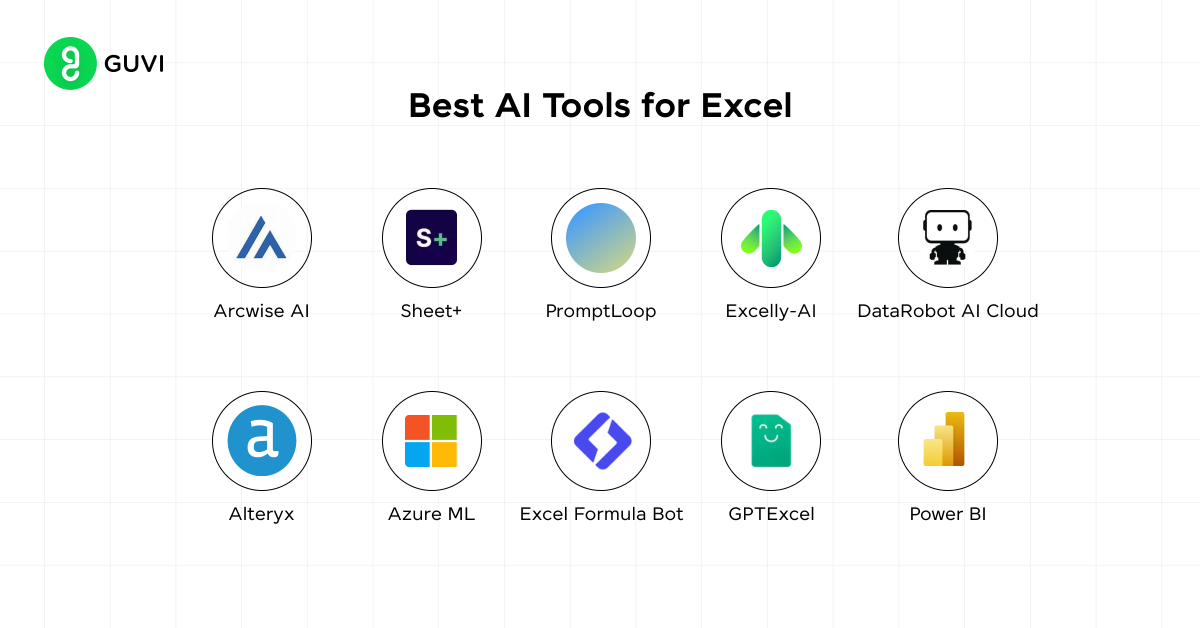
Here’s an overview of the top 10 AI tools for Excel:
| S.No. | Tool | Features | Best for | Easy / Moderate | Access Now |
| 1 | Microsoft Copilot in Excel | Formula generation, data analysis, charts, PivotTables, insights, data transformation | Overall Excel AI assistance | Easy | Access Now |
| 2 | Arcwise AI | Data extraction, SQL query generation, report creation | Excel & Google Sheets | Easy | Access Now |
| 3 | PromptLoop | GPT-3 powered query automation, advanced research | Excel 2016+ | Moderate | Access Now |
| 4 | Genspark for Excel | Data analysis, chart creation, spreadsheet generation and AI-assisted workflows | Spreadsheet analysis & AI automation | Easy | Access Now |
| 5 | DataRobot AI Cloud | Automated machine learning, predictive analytics | Excel, cloud databases | Moderate | Access Now |
| 6 | Alteryx | Data blending, data cleansing, automation, and analytics | Excel, databases, cloud services | Moderate | Access Now |
| 7 | Azure ML | Machine learning model building, predictive analytics | Excel with Azure | Moderate | Access Now |
| 8 | Excel Formula Bot | Formula generation from text instructions | Excel, Google Sheets | Easy | Access Now |
| 9 | GPTExcel | Formula generation, multi-language support | Excel, Google Sheets | Easy | Access Now |
| 10 | Power BI | Data visualization, interactive dashboards | Office 365, Excel 2016+ | Moderate | Access Now |
Quick pick: If you want AI directly inside Excel, Microsoft Copilot in Excel is the strongest choice. It can generate formulas, create charts and PivotTables, identify trends and outliers, and make workbook changes using natural-language instructions.
Best AI Tools for Excel
The previous section covered the overview of Excel AI tools and this section will cover an in-depth analysis of those tools. Let us learn about them in detail:
1. Microsoft Copilot in Excel
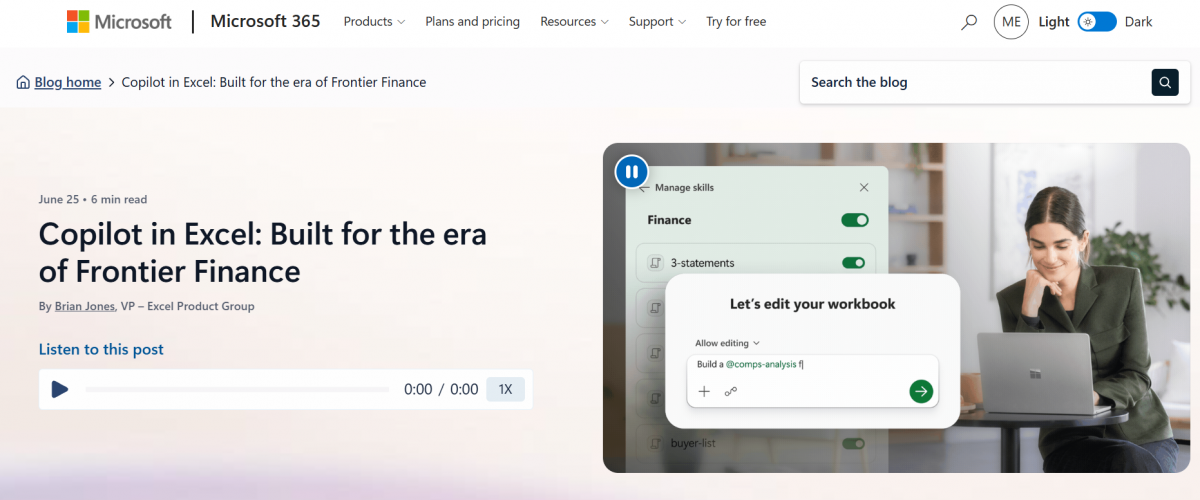
Microsoft Copilot in Excel is an AI-powered assistant designed to help users work with spreadsheet data using natural-language instructions.
It can assist with formulas, data analysis, charts, PivotTables, insights, and data transformation, making everyday Excel tasks faster and easier.
Core Features:
- Formula generation and explanation
- Data analysis and insights
- Chart and PivotTable creation
- Data transformation
- Identification of trends and patterns
Compatibility: Microsoft Excel / Microsoft 365
Ease of Use: Easy, with natural-language prompts and an intuitive interface.
Ease of Integration: Seamlessly integrated into supported Microsoft Excel and Microsoft 365 environments.
Scalability: Suitable for individual users, professionals, and business teams.
Security: Benefits from Microsoft 365 security, privacy, and compliance controls.
Pricing: Requires an eligible Microsoft 365 subscription or Copilot plan. Pricing varies depending on the Microsoft 365 plan and account type.
User Reviews and Ratings: 4.6/5 (dpm.)
Try Now: Microsoft Copilot in Excel
If you’re interested in learning how professionals work with data, check out our guide on ‘What Is Data Science?’.
2. Arcwise AI
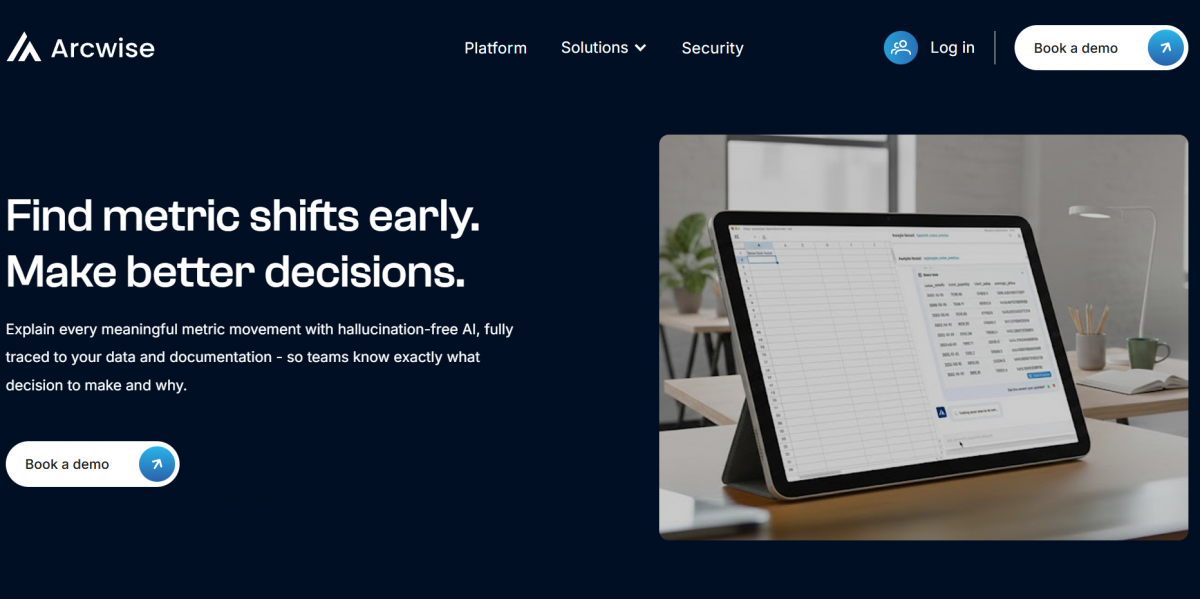
Arcwise AI is a versatile tool that allows users to extract data from web pages and convert it into structured tables in Excel or Google Sheets.
It can generate SQL queries, create reports, and even act as a writing assistant in documents. This makes it ideal for data science professionals who frequently work with web-based information and need an efficient way to bring that data into Excel.
Core Features:
- Web data extraction
- SQL query generation
- Automated report creation
Compatibility: Excel, Google Sheets
Ease of Use: Very easy with intuitive interfaces.
Ease of Integration: Seamlessly integrates into Excel and Google Sheets.
Scalability: Suitable for individuals and small to large teams.
Security: Adheres to standard security protocols such as SSL, HTTPS and Network protocols.
Pricing: Free and premium plans are available. Contact them for premium pricing.
User Reviews and Ratings: 4.5 / 5 (Source: Chrome Web Store)
Try Now: Arcwise AI

3. PromptLoop
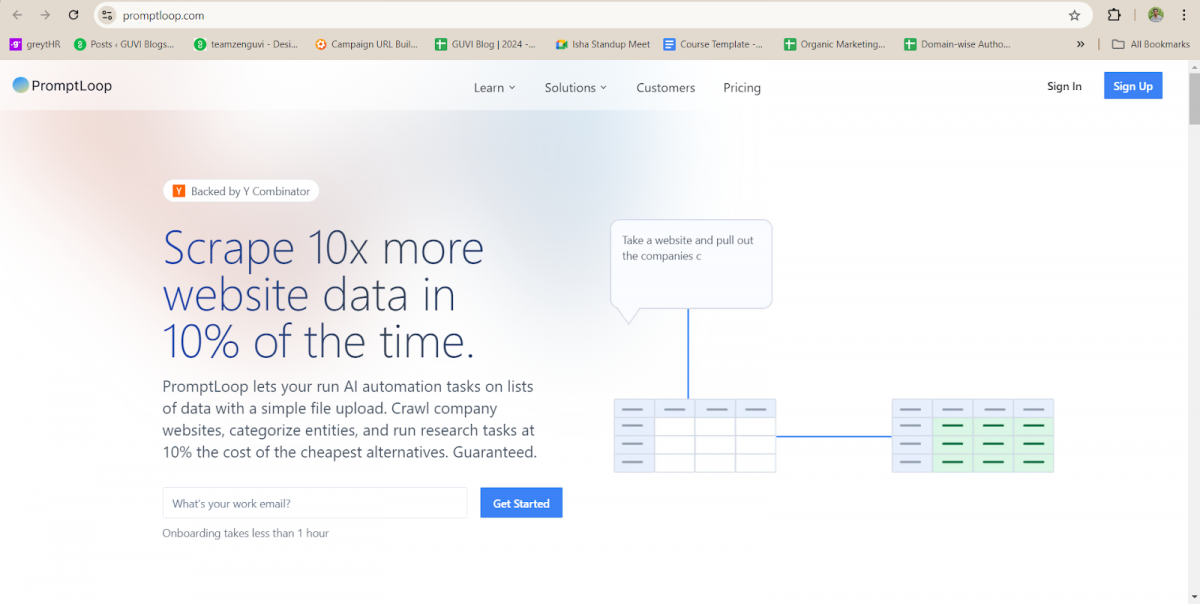
PromptLoop uses GPT-3 to automate queries and extract insights from data. It simplifies the task of finding relevant data from large datasets and provides valuable insights, making it a great tool for professionals who need quick answers from complex data.
Core Features:
- GPT-3 powered query automation
- Efficient research capabilities
- Collaborative features
Compatibility: Excel 2016+
Ease of Use: Moderate, requires understanding of basic prompts.
Ease of Integration: Easily integrates with Excel and supports advanced models.
Scalability: Suitable for users dealing with large datasets.
Security: Follows data protection protocols.
Pricing: Free and paid versions that start from $18/month.
User Reviews and Ratings: 4.9 / 5 (Source: Google Workspace)
Try Now: PromptLoop
Want to move beyond Excel and automate data workflows? Explore ‘Python Skills for Data Science’.
4. Genspark for Excel
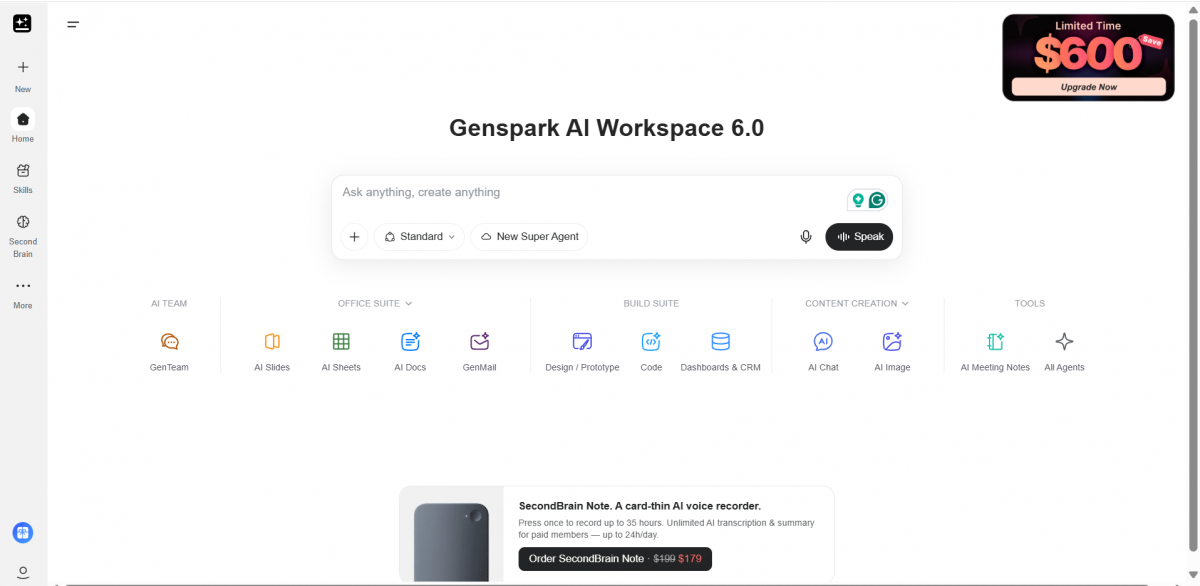
Genspark for Excel is an AI-powered spreadsheet tool designed to help users analyze data, create charts, generate spreadsheets, and complete spreadsheet-related tasks using AI-assisted workflows.
It can be useful for users who want to work with spreadsheet data using natural-language instructions instead of performing every task manually.
Core Features:
- Spreadsheet data analysis
- Chart creation
- Spreadsheet generation
- AI-assisted workflows
- Natural-language spreadsheet assistance
Compatibility: Excel and spreadsheet-based workflows
Ease of Use: Easy, particularly for users who prefer natural-language instructions.
Ease of Integration: Designed to work with spreadsheet workflows and provide AI assistance for Excel-related tasks.
Scalability: Suitable for individual users and professionals working with spreadsheet data.
Security: Users should review Genspark’s current privacy and security policies before uploading sensitive business or personal data.
Pricing: Pricing and plan availability may vary. Check the price now.
User Reviews and Ratings: 3.3 / 5 (Source: Trustpilot).
Try Now: Genspark for Excel
5. DataRobot AI Cloud

DataRobot AI Cloud is a powerful platform that integrates AI and machine learning into your Excel workflows. This tool is designed to simplify the process of building and deploying machine learning models for users who work extensively with data in Excel.
DataRobot offers automated machine learning (AutoML) and predictive analytics, enabling you to gain valuable insights from your datasets without needing deep technical expertise in coding or data science.
Core Features:
- Automated Machine Learning (AutoML): Automatically builds and trains machine learning models, saving time and effort.
- Predictive Analytics: Generates predictions based on your historical data, allowing you to forecast future trends.
- Data Preparation: Cleans and prepares data for analysis, ensuring high-quality input for models.
- Model Deployment: Easily deploys machine learning models and monitors their performance over time.
- Customizable Workflows: Users can create custom workflows to suit specific business needs.
Compatibility: Excel, cloud databases, and a range of data sources.
Ease of Use: Easy to moderate; designed for both non-technical users and data scientists.
Ease of Integration: Integrates well with Excel and other data systems for seamless model training and deployment.
Scalability: Suitable for organizations of any size, from small teams to large enterprises.
Security: Offers enterprise-grade security and data governance features.
Pricing: Offers free trials, with pricing models depending on usage.
User Reviews and Ratings: 4.6 / 5 (Source: Gartner).
Try Now: DataRobot
6. Alteryx
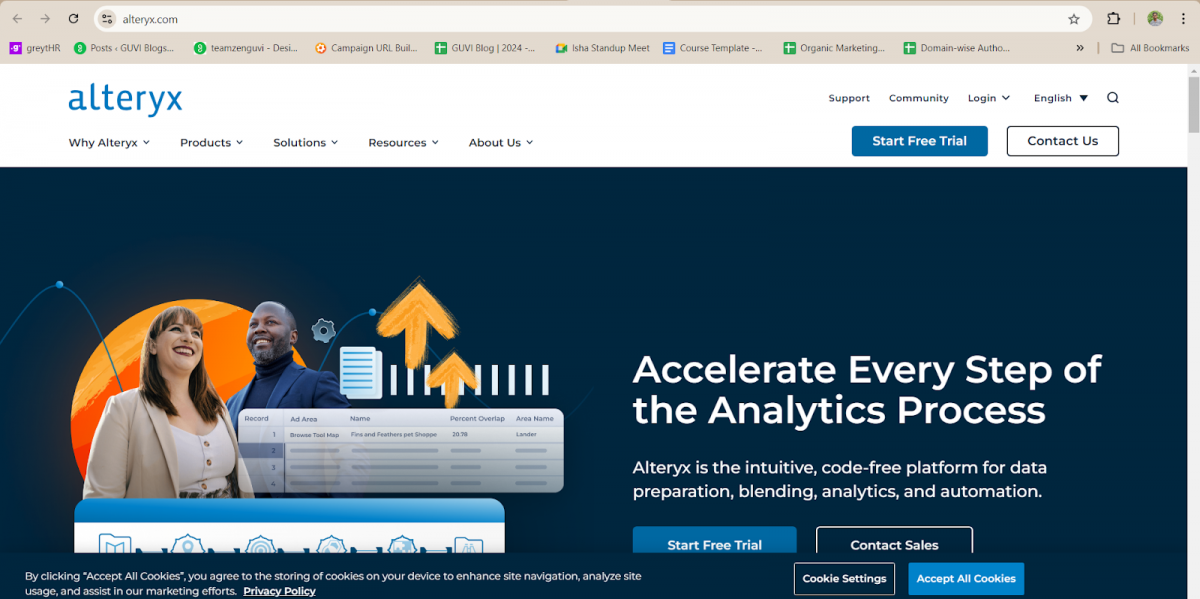
Alteryx is a self-service analytics platform that allows you to easily blend, clean, and analyze data from multiple sources.
It’s ideal for users who want to perform complex data preparation tasks but may not be familiar with coding or scripting.
Alteryx allows for data manipulation through an intuitive drag-and-drop interface, making it a powerful alternative to Power Query.
Core Features:
- Combines data from various sources such as databases, cloud services, and Excel files.
- Offers advanced tools to clean and prepare data.
- Provides built-in tools for advanced analytics.
- Automates data workflows, reducing manual work and enabling users to reuse processes across multiple projects..
Compatibility: Integrates with Excel, databases (SQL, Oracle), cloud data sources, and other enterprise applications.
Ease of Use: Very easy due to its drag-and-drop interface, designed for non-technical users.
Ease of Integration: Integrates seamlessly with Excel and other enterprise systems, providing the ability to connect data sources quickly.
Scalability: Scales well from individual analysts to enterprise-level data teams.
Security: Provides robust data security features, ensuring compliance with industry standards.
Pricing: Contact them for pricing
User Reviews and Ratings: 4.6 / 5 (Source: Gartner)

Try Now: Alteryx
7. Azure Machine Learning (AML)
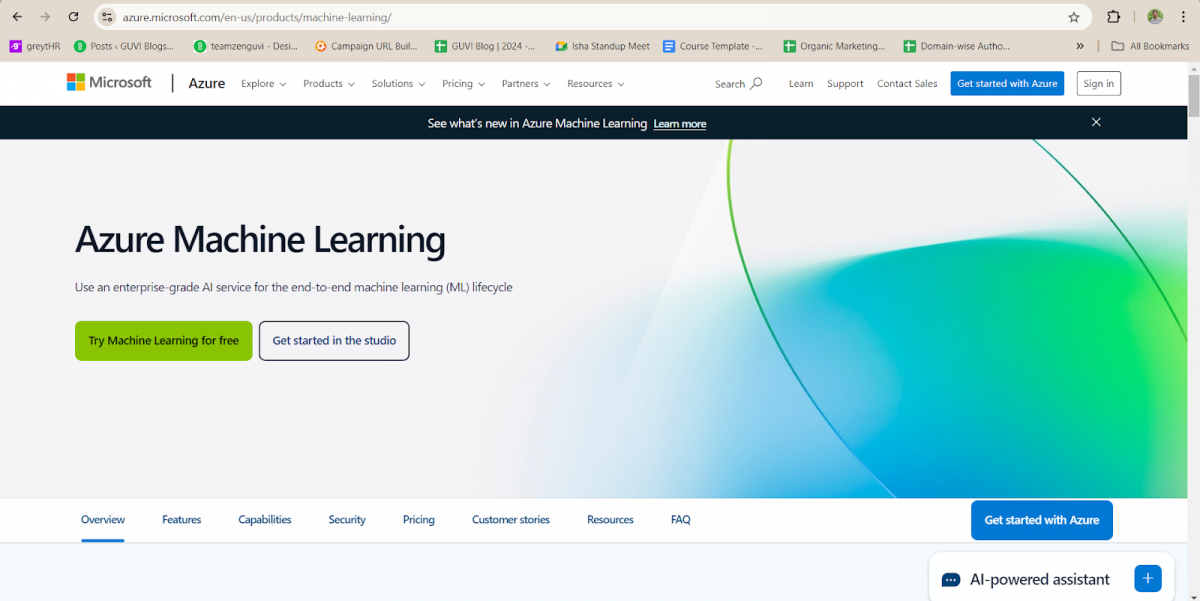
Azure Machine Learning (AML) integrates with Excel to enable users to build, train, and deploy machine learning models directly from their spreadsheets.
This tool offers powerful machine learning capabilities for predictive analytics.
Core Features:
- Model building and training
- Predictive analytics
- Cloud-based integration
Compatibility: Excel with Azure
Ease of Use: Moderate, requires some understanding of machine learning.
Ease of Integration: Integrates smoothly with Azure cloud services.
Scalability: Ideal for enterprise-level machine learning tasks.
Security: Robust data protection features.
Pricing: Pay-as-you-go model, based on Azure services.
User Reviews and Ratings: 4.2 / 5 (Source: Gartner)
Try Now: Azure Machine Learning
8. Excel Formula Bot
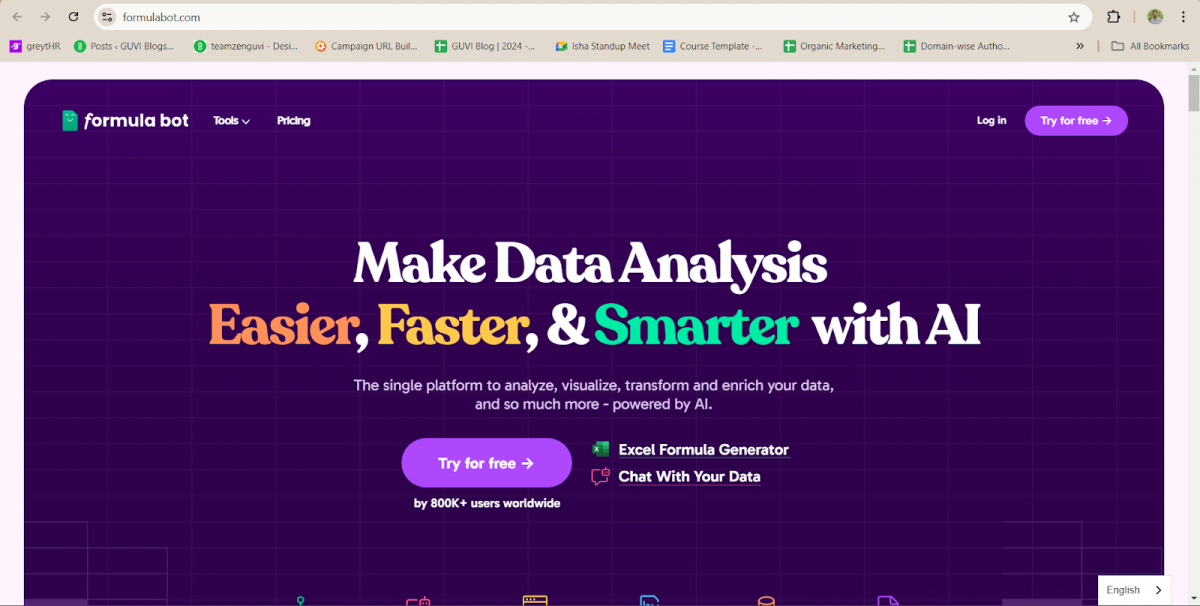
Excel Formula Bot turns text instructions into Excel and Google Sheets formulas instantly.
It simplifies the process of generating complex formulas and even supports VBA code.
Core Features:
- Text-to-formula generation
- VBA code support
- Error handling
Compatibility: Excel, Google Sheets
Ease of Use: Very easy, designed for users of all levels.
Ease of Integration: Fast and easy setup in Excel.
Scalability: Suitable for both individual and enterprise use.
Security: Standard data protection features.
Pricing: Free and paid versions are available that start from $13/month and have premium options as well.
User Reviews and Ratings: 4.5 / 5 (Source: G2)
Try Now: Excel Formula Bot
9. GPTExcel
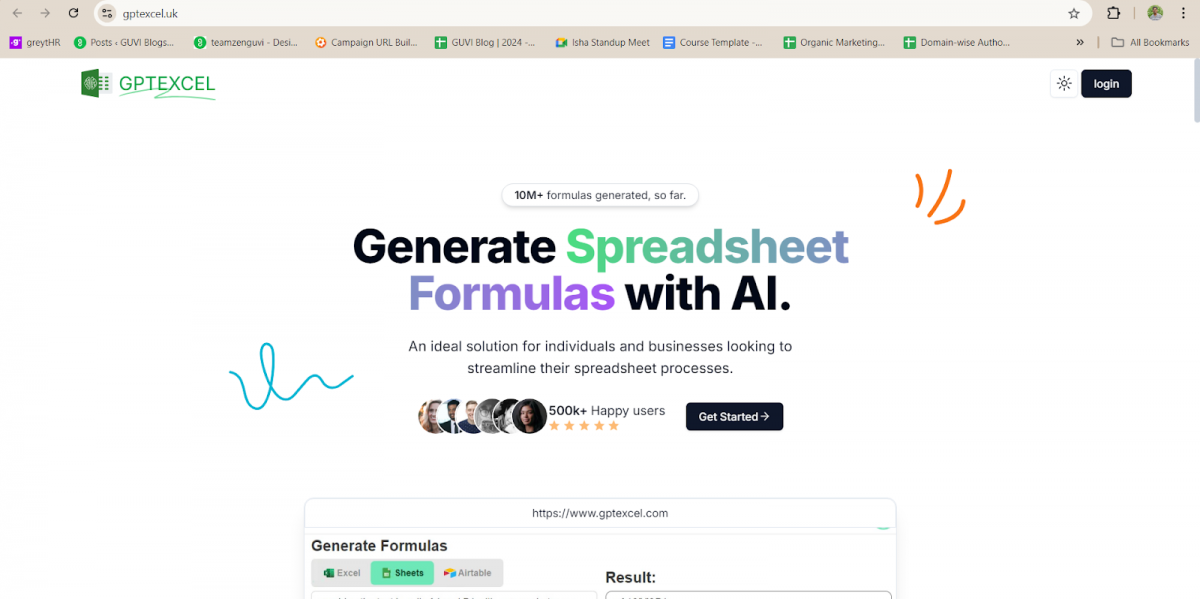
GPTExcel uses AI to generate formulas for Excel and Google Sheets. It also helps users understand how the formulas work by providing explanations.
Core Features:
- Formula generation
- Multi-language support
- VBA and Google Apps Script support
Compatibility: Excel, Google Sheets
Ease of Use: Easy to use for generating formulas.
Ease of Integration: Quick integration with Excel.
Scalability: Suitable for both personal and professional use.
Security: Follows standard security protocols.
Pricing: Free and premium versions are available that start from $18/month
User Reviews and Ratings: 4.3 / 5 (Source: FuturePedia)
Try Now: GPTExcel
10. Power BI
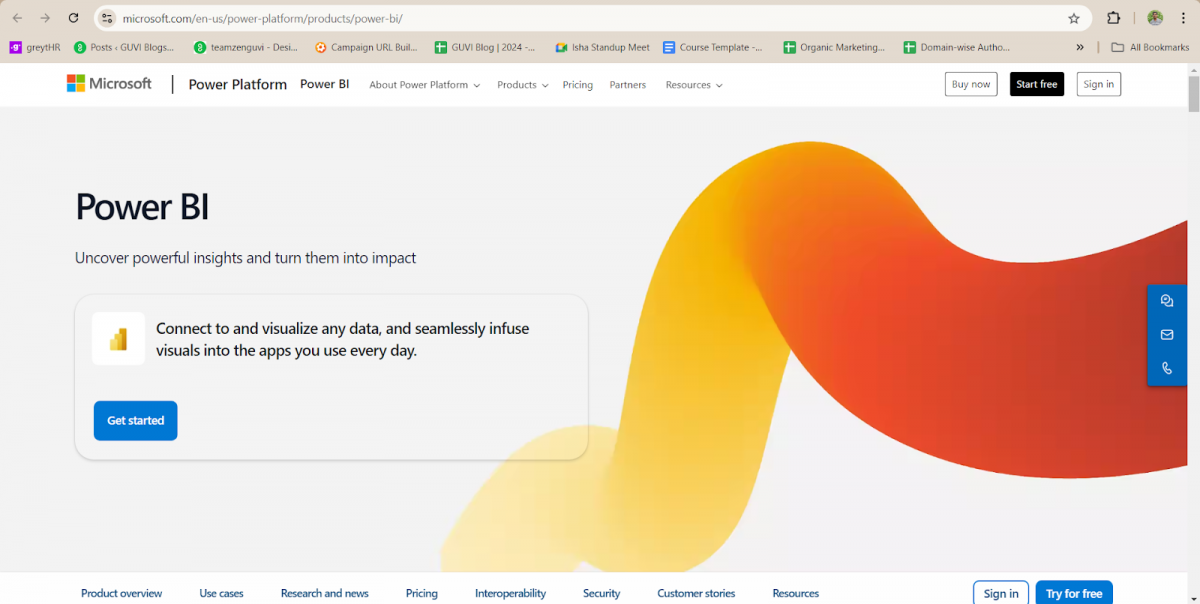
Power BI helps Excel users visualize data and create interactive dashboards. If you’re looking to get more insights from your data, this AI tool is essential for making data-driven decisions.
Core Features:
- Data visualization
- Real-time insights
- Interactive dashboards
Compatibility: Office 365, Excel 2016+
Ease of Use: Moderate, but offers a lot of value once you’re familiar with it.
Ease of Integration: Easily integrates with Excel in Office 365 environments.
Scalability: Suitable for businesses of any size.
Security: Enterprise-level data protection.
Pricing: Free and paid versions are available that start from $14/month.
User Reviews and Ratings: 4.6 / 5 (Source: Capterra India)
Try Now: Power BI
Learn more about ‘Data Visualization’ and how charts can turn raw data into actionable insights.
With this 10th tool, we come to an end to our long list of 10 best AI tools for Excel. We hope you find comfortable with these tools and make your workflow smooth and efficient!
Best AI Tools for Excel in India 2026
For Excel users in India, the best AI tool depends on the type of spreadsheet work you perform.
| Requirement | Recommended Tool |
| Best overall Excel AI | Microsoft Copilot in Excel |
| Data extraction | Arcwise AI |
| Research and automation | PromptLoop |
| Spreadsheet analysis and AI automation | Genspark for Excel |
| Predictive analytics | DataRobot AI Cloud |
| Data preparation | Alteryx |
| Machine learning | Azure Machine Learning |
| Formula generation | Excel Formula Bot |
| Formula assistance | GPTExcel |
| Dashboards and visualization | Power BI |
For beginners, tools such as Microsoft Copilot in Excel, Genspark for Excel, Excel Formula Bot, and GPTExcel are easier starting points.
More advanced platforms such as DataRobot, Alteryx, and Azure Machine Learning are better suited to users working with complex analytics, automation, or machine learning workflows.
In India, Excel remains widely used across finance, operations, sales, HR, business analytics, and education. AI-powered Excel tools can help professionals automate reporting, clean datasets, generate formulas, and build dashboards without spending hours on repetitive spreadsheet work.
Want to Learn More about Data?
If you want to learn more about Excel and how it enriches Data Science, consider enrolling in HCL GUVI’s Data Science Course, which teaches everything you need and will also provide an industry-grade certificate!
Conclusion
In conclusion, Excel is an incredibly powerful tool for data management, and with the right AI integrations, its capabilities are taken to a whole new level.
Whether you need to automate tasks, generate complex formulas, analyze large datasets, or visualize data with real-time insights, the best AI tools for Excel can help you achieve these goals with greater efficiency.
Tools like Microsoft Copilot in Excel, Arcwise AI, Genspark for Excel, Excel Formula Bot, GPTExcel, and Power BI can help users reduce repetitive work, analyze data, generate formulas, and create more effective reports and dashboards.
FAQs
1. What are the best AI tools for Excel in 2026?
The best AI tools for Excel in 2026 include Microsoft Copilot in Excel, Arcwise AI, PromptLoop, Genspark for Excel, DataRobot AI Cloud, Alteryx, Azure Machine Learning, Excel Formula Bot, GPTExcel, and Power BI. The best option depends on whether you need formula generation, data analysis, automation, predictive analytics, or visualization.
2. Which AI tool is best for Excel formulas?
Microsoft Copilot in Excel, Excel Formula Bot, and GPTExcel are useful options for generating Excel formulas from natural-language instructions. Dedicated formula-generation tools can be particularly useful for users who want help creating or understanding complex formulas.
3. What is the best AI tool for Excel data analysis?
Microsoft Copilot in Excel, Genspark for Excel, Arcwise AI, and Power BI are useful options for Excel-related data analysis. The best choice depends on whether you need spreadsheet analysis, data extraction, visualization, or broader business intelligence capabilities.
4. Can AI automate Excel tasks?
Yes. AI can help automate several Excel tasks, including formula creation, data analysis, data transformation, reporting, chart creation, and repetitive spreadsheet workflows. Tools such as Microsoft Copilot in Excel, PromptLoop, Genspark for Excel, and Alteryx can help reduce manual spreadsheet work.
5. Are there free AI tools available in Excel?
Several AI tools for Excel offer free options, trials, or limited free features. Availability and pricing can vary by tool and plan, so users should check the provider’s current pricing before choosing a tool.
6. Is there an AI tool that can work directly inside Excel?
Yes. Microsoft Copilot in Excel is designed to work directly within supported Microsoft Excel and Microsoft 365 environments. It can assist with formulas, data analysis, charts, PivotTables, and other spreadsheet tasks using natural-language instructions.
Success Stories

About the Author
Hashmithaa
Hi, I’m Hashmithaa — a content writer with a love for words. Writing isn’t just what I do; it’s how I connect, communicate, and create meaning in a noisy digital world. And if my words help someone make a better decision, learn something new, or feel more confident, then I’ve done my job well.
View all posts by Hashmithaa
Connect with me @

















Did you enjoy this article?