


Artificial Intelligence and Machine Learning Articles
AI/ML Skills Gap 2026: Why Companies Can't Find Job-Ready Talent
20 AI/ML Interview Questions Recruiters Can Use Without a Tech Background - Best Guide
How Industry-Backed AI/ML Bootcamps Are Changing the AI/ML Hiring Pipeline - Best Guide 2026
From IT Support to AI Engineer: A Realistic Career Switch Guide 2026


Get In Touch For Details! Request More Information
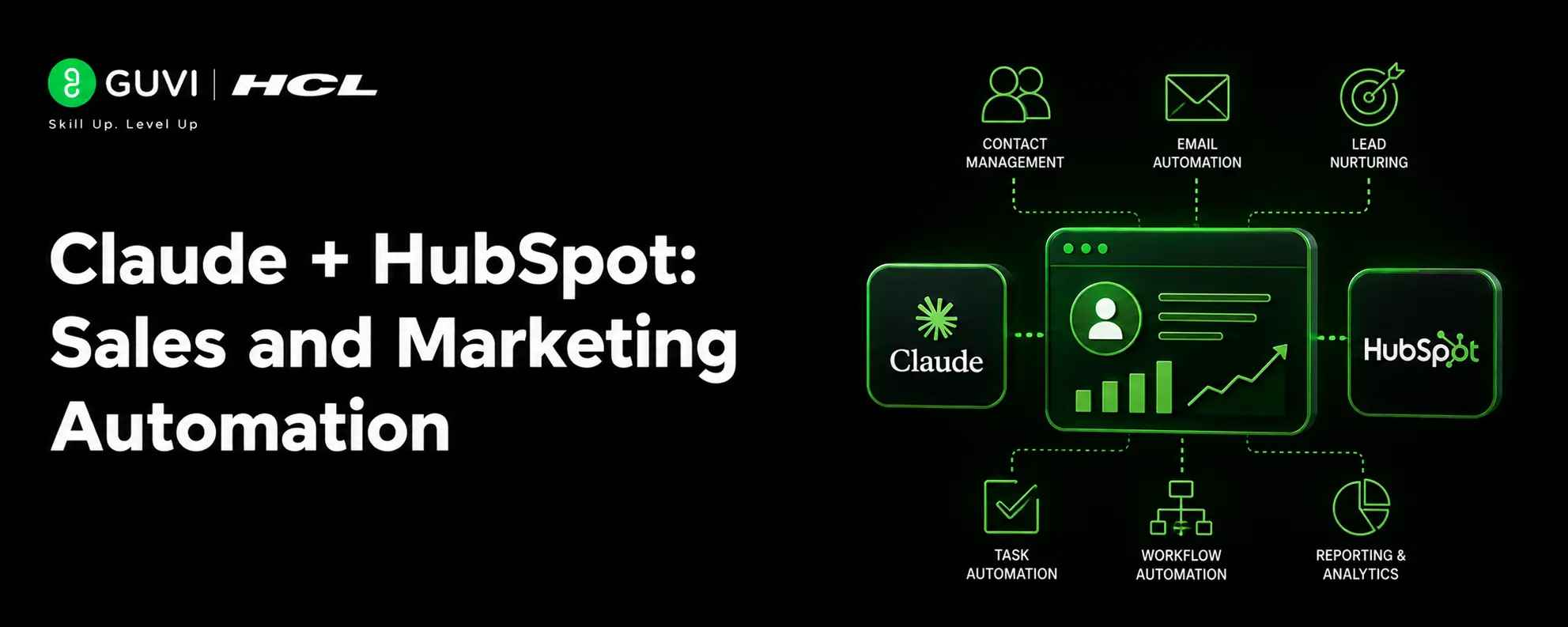
Claude + HubSpot: Sales and Marketing Automation
Aug 05, 2026 4 Min Read 353 Views
(Last Updated)
Claude becomes much more useful when it has live CRM context. HubSpot provides the customer and deal data, while Claude helps you understand it, summarize it, and turn it into next steps.
That combination is powerful because sales and marketing work are usually not about a lack of data. They are about turning data into clear action. Claude helps make that faster by converting raw CRM context into useful summaries, drafts, and decisions.
Claude + HubSpot can turn your CRM data into faster sales follow-ups, smarter segmentation, and better marketing automation. Learn business intelligence with HCL GUVI’s Business Intelligence Analyst course.
Table of contents
- TL;DR Summary
- What You Can Do With It
- How Sales Teams Use It
- How Marketing Teams Use It
- What HubSpot Adds
- Best Workflow Structure
- Strong Use Cases
- Common Mistakes
- Practical Examples
- What To Automate First
- What To Do Next
- Conclusion
- FAQs
- What can Claude do with HubSpot?
- Is Claude useful for sales teams?
- Can Claude help with marketing in HubSpot?
- Should I let Claude send messages automatically?
- What is the best first workflow to build?
- Does Claude replace HubSpot reporting?
- How do I make the output better?
TL;DR Summary
- Claude and HubSpot work well together because HubSpot holds the CRM context and Claude turns that data into actions, insights, and drafts.
- Sales teams can use Claude to summarize pipelines, prioritize deals, and prepare follow-ups faster.
- Marketing teams can use Claude to analyze campaign performance, build segments, and draft smarter outreach.
- The strongest workflows keep humans in the loop for review, approval, and final sending.
- Start with one use case, then expand into sales, marketing, and service automation.
What You Can Do With It
Claude + HubSpot can support both sales and marketing workflows. The most useful use cases are the ones that save time on repetitive analysis and writing.
Common use cases include:
- Summarizing active deals by stage or close date.
- Identifying accounts that need follow-up.
- Drafting personalized sales emails.
- Reviewing campaign performance.
- Creating audience segments from CRM signals.
- Generating customer or lead summaries for team handoffs.
This makes Claude a practical assistant for revenue teams, not just a chat tool. It helps people move from “what is in the CRM?” to “what should I do next?”
How Sales Teams Use It
Sales teams get immediate value from Claude because it can turn pipeline data into readable summaries. Instead of scanning dozens of records manually, a rep can ask for a weekly deal brief, a list of at-risk opportunities, or a quick view of what needs attention first.
Useful sales workflows include:
- Prioritizing deals by stage and close date.
- Summarizing accounts before a call.
- Highlighting stalled opportunities.
- Drafting follow-up emails from CRM context.
- Preparing a weekly pipeline review.
Pro Tip: Use Claude before your pipeline meeting, not during it. A pre-meeting summary gives you time to spot problems and prepare better questions.
How Marketing Teams Use It
Marketing teams can use Claude to make CRM data more actionable. Instead of guessing who should receive a campaign, you can ask Claude to help find patterns in engagement, lifecycle stage, or recent behavior.
Useful marketing workflows include:
- Finding contacts who opened but did not click.
- Grouping leads by intent or engagement.
- Drafting segmented follow-up messages.
- Summarizing campaign performance.
- Turning CRM data into campaign ideas.
This is especially helpful when you need fast segmentation without digging through every field by hand. Claude can help turn CRM context into audience logic and message ideas.
What HubSpot Adds
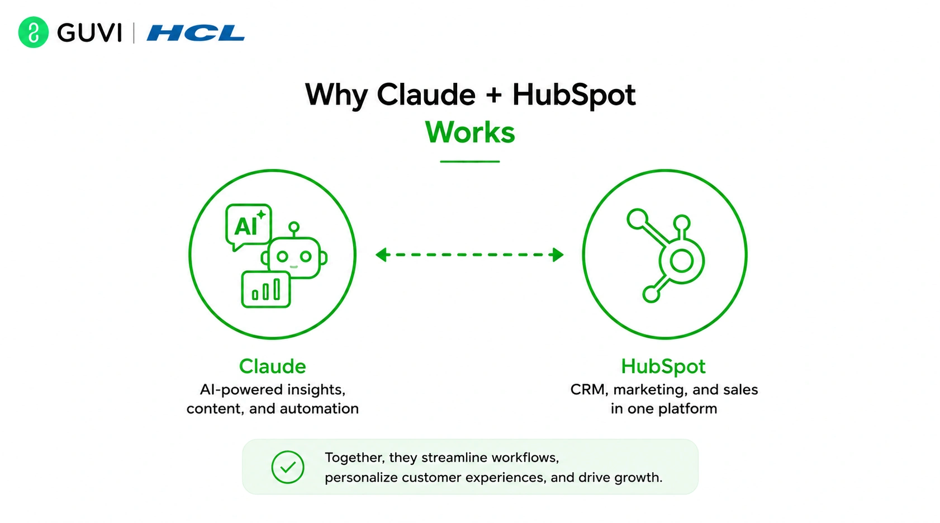
- HubSpot is the source of truth for customer context. It stores contact, company, deal, and ticket data, which makes Claude’s answers more grounded and relevant.
- That matters because AI is only as useful as the context it receives. When Claude can work with CRM data, it can produce answers that feel closer to a real sales or marketing assistant.
- HubSpot also helps keep access controlled. Users only see the data they are allowed to see, which is important for team-based workflows and permissions.
Best Workflow Structure
The best Claude + HubSpot workflows are simple and repeatable. You do not need a giant automation system to get value.
A useful flow looks like this:
- Pull the relevant CRM record or set of records.
- Ask Claude to summarize or analyze the data.
- Use the output to draft an email, brief, or segment.
- Review the result.
- Take action inside HubSpot.
This structure keeps the AI helpful without letting it run unchecked. Claude does the analysis and drafting; your team decides the final move.
Strong Use Cases
The most successful use cases are the ones that connect directly to daily work.
Here are some high-value examples:
- Weekly deal health summaries for sales reps.
- Follow-up drafts for warm leads.
- Campaign analysis for marketing managers.
- Lifecycle stage reviews for revenue ops.
- Customer handoff summaries for service teams.
The key is not to automate everything at once. Start with one routine task that happens often and costs too much manual time.

Common Mistakes
The biggest mistake is asking Claude to do too much with too little structure. If the prompt is vague, the output usually becomes vague too.
Other common mistakes include:
- Using incomplete CRM data.
- Not reviewing the output before action.
- Trying to automate every decision.
- Ignoring permissions and access control.
- Building workflows that are too broad to trust.
⚠️ Warning: Do not treat Claude as a replacement for CRM judgment. For pricing, forecasting, and customer communication, use AI to assist the team, not replace review.
Practical Examples
Imagine a sales rep starts Monday morning with a full pipeline view. Instead of opening each deal one by one, Claude gives a clean summary of opportunities by stage, value, and close date. The rep can then focus on the top deals first.
Now imagine a marketer reviewing a campaign. Claude spots contacts who engaged with the email but did not click through, and then helps draft a follow-up segment. That saves time and makes targeting more precise.
These are the kinds of workflows that make CRM data easier to use every day.
What To Automate First
Start with low-risk, high-frequency tasks. Those are the easiest to test and the most likely to save time right away.
A smart rollout order is:
- Sales summaries.
- Follow-up drafts.
- Campaign analysis.
- Lead segmentation.
- More advanced routing or automation.
This staged approach helps your team learn what Claude is good at before you trust it with larger decisions.
Claude + HubSpot can turn your CRM data into faster sales follow-ups, smarter segmentation, and better marketing automation. Learn business intelligence with HCL GUVI’s Business Intelligence Analyst course.
What To Do Next
Pick one workflow that your team already does manually every week. A weekly deal summary or campaign recap is usually a good place to start.
Build a simple process where Claude receives CRM context, produces a concise output, and leaves the final decision to a human. Once that works, you can add more depth, more automation, and more team-specific prompts.
Conclusion
Claude and HubSpot make a strong combination because they connect CRM data with useful language and reasoning. Sales teams get faster pipeline insights, marketing teams get better segmentation and campaign analysis, and everyone spends less time digging through records.
The best results come from starting small, keeping the workflow structured, and using Claude as an assistant rather than an autopilot.
FAQs
1. What can Claude do with HubSpot?
Claude can summarize deals, analyze engagement, draft emails, suggest segments, and help teams make better use of CRM data.
2. Is Claude useful for sales teams?
Yes. Sales teams can use Claude for pipeline summaries, deal prioritization, call prep, and follow-up drafting.
3. Can Claude help with marketing in HubSpot?
Yes. Marketing teams can use it for campaign analysis, segmentation ideas, and audience follow-up recommendations.
4. Should I let Claude send messages automatically?
Usually not at first. It is safer to start with drafting and review before allowing anything to be sent.
5. What is the best first workflow to build?
A weekly deal summary or a follow-up draft workflow is usually the easiest and most useful place to start.
6. Does Claude replace HubSpot reporting?
No. Claude helps interpret and summarize data, but HubSpot still remains the system where the CRM data lives.
7. How do I make the output better?
Keep the prompt specific, include the right CRM context, and ask for a clear output format such as bullets, priorities, or draft copy.
Success Stories

About the Author
Vishalini Devarajan
An Aerospace Engineer turned content writer, I focus on making complex concepts easy to understand through well-structured, reader-friendly blogs. Whether it’s a technical topic or a non-technical one, I love creating content that is clear, engaging, and impactful.
View all posts by Vishalini Devarajan
Connect with me @













Did you enjoy this article?