


Python Articles
Freelancing as a Python Developer: Getting Your First Client
Common Python Mistakes Beginners Make And How to Fix Them
Python Best Practices: Writing Clean, Maintainable Code Like a Pro
How to Build a Python Developer Portfolio That Gets You Hired


Get In Touch For Details! Request More Information
Build a Job Board Scraper and Email Digest with Python
Aug 17, 2026 4 Min Read 331 Views
(Last Updated)
Table of contents
- TL;DR
- Introduction
- What Is a Job Board Scraper and Email Digest?
- Key Components of a Job Scraper
- Why Learn Job Scraping and Automation with Python?
- Benefits of Building Job Scraping Applications
- Build a Job Board Scraper and Email Digest with Python
- Step 1: Install Required Libraries
- Step 2: Fetch Job Listings
- Step 3: Parse Job Data
- Step 4: Extract Relevant Information
- Step 5: Convert Data to a DataFrame
- Step 6: Create the Email Digest
- Step 7: Send the Email Report
- How Does a Job Scraper and Email Digest Work?
- Key Stages
- Real-World Applications of Job Scraping Systems
- Personal Job Tracking
- Recruitment Intelligence
- Salary Analysis
- Talent Research
- Career Opportunity Monitoring
- Key Takeaways
- What To Do Next
- Conclusion
- FAQs
- What is a Job Board Scraper?
- Is web scraping legal?
- Which Python libraries are commonly used for job scraping?
- Can I scrape multiple job websites?
- How are email digests generated?
- Can I automate the scraper to run daily?
- Is this project suitable for beginners?
TL;DR
- A Job Board Scraper is a Python application that automatically extracts job listings from online job portals and career websites.
- A Job Board Scraper and Email Digest collects job titles, company names, locations, posting dates, and application links into a centralized report.
- Python libraries such as Requests, BeautifulSoup, Pandas, and SMTP are commonly used to scrape job data, process information, and send automated email updates.
- The workflow involves web scraping, HTML parsing, data extraction, job filtering, report generation, and email delivery.
- Building a Job Board Scraper with Python helps developers learn web scraping, automation, data processing, scheduling, and real-world Python application development.
Introduction
Searching multiple job boards daily can be time-consuming and repetitive. A Job Board Scraper and Email Digest automates this process by collecting job listings, filtering relevant opportunities, and delivering a curated summary directly to your inbox. This saves effort and helps users stay updated efficiently. To build such automation skills, HCL GUVI’s Python Course provides hands-on training in Python, web scraping, automation, and real-world projects.
Data Point: According to LinkedIn, millions of job applications are submitted through online job platforms every month, highlighting the growing importance of efficient job discovery tools.
What Is a Job Board Scraper and Email Digest?
A Job Board Scraper and Email Digest is an automated application that collects job postings from online job boards and career websites, filters them based on user-defined criteria such as job title, location, or skills, organizes the results, and sends a summarized email report. By combining web scraping, data processing, and email automation, the system helps job seekers stay updated with relevant opportunities without manually checking multiple websites. It can be customized to run on a schedule, track new listings, remove duplicates, and deliver personalized job digests directly to a user’s inbox.
What Is a Job Board Scraper and Email Digest?
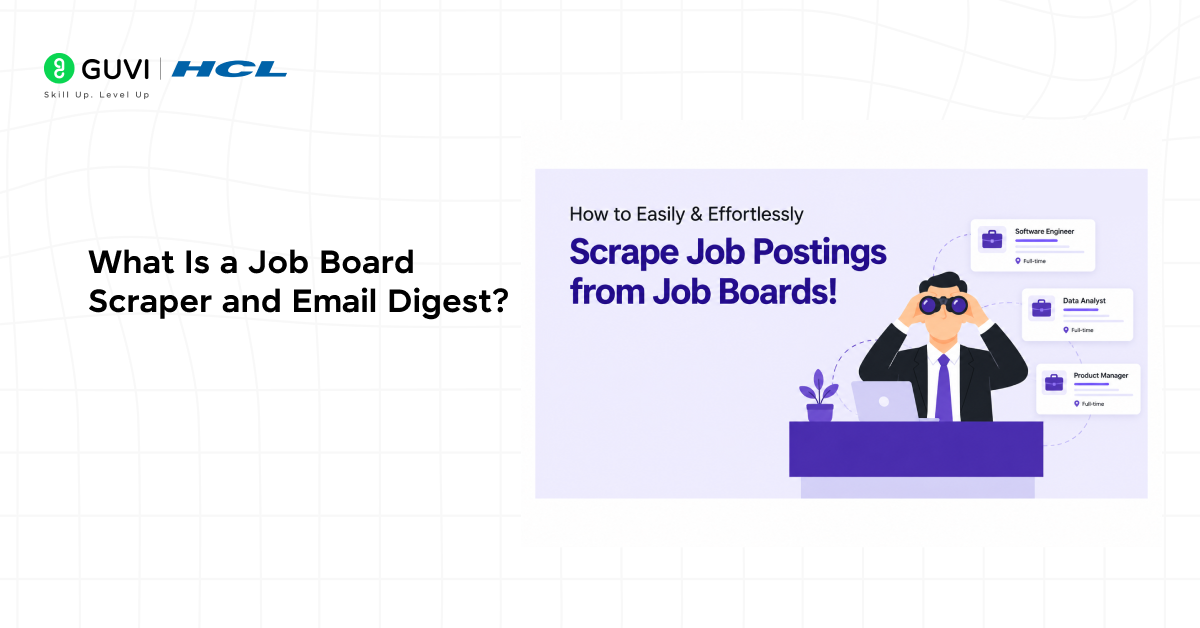
A Job Board Scraper is a program that automatically extracts job postings from websites. The collected information may include job titles, company names, locations, salary ranges, application links, and posting dates.
An Email Digest takes this collected information and delivers it in a structured format to users at regular intervals. Together, these technologies create a personalized job monitoring system.
Python is widely used for this type of automation because of its extensive ecosystem of web scraping, data processing, and email management libraries. Popular libraries include BeautifulSoup for extracting data from web pages.
Key Components of a Job Scraper
- Job Board Source – Website containing job listings.
- Web Scraper – Extracts job-related information.
- Data Filter – Selects jobs matching specific criteria.
- Data Storage – Stores collected listings.
- Email Generator – Creates digest reports.
- Email Service – Delivers reports to recipients.
Many recruitment platforms and talent intelligence systems use automated data collection techniques to track hiring trends, identify emerging skills, and analyze job market demand across industries. These insights help employers make data-driven hiring decisions while enabling job seekers, educators, and workforce planners to better understand evolving career opportunities and in-demand technologies.

Why Learn Job Scraping and Automation with Python?

Python allows developers to build practical automation solutions with relatively little code.
Benefits of Building Job Scraping Applications
| Benefit | Why It Matters |
| Automation Skills | Reduces repetitive manual tasks |
| Real-World Project | Demonstrates practical development ability |
| Data Processing Experience | Improves handling of structured information |
| Web Scraping Knowledge | Builds data collection expertise |
| Portfolio Value | Showcases automation capabilities |
Data Point: According to the Python Software Foundation, Python remains one of the most popular languages for automation, scripting, and data-related applications due to its simplicity and extensive library support.
If you’re new to Python, HCL GUVI’s Python eBook can help strengthen the programming fundamentals needed to build automation projects with confidence.
Build a Job Board Scraper and Email Digest with Python
Let’s create a simple automated job monitoring system.
Step 1: Install Required Libraries
pip install requests

pip install beautifulsoup4

pip install pandas

Verify installation:

import requests

import pandas as pd

print("Libraries Installed Successfully")
Step 2: Fetch Job Listings
import requests

url = "https://example-job-board.com"

response = requests.get(url)

html_content = response.text
Step 3: Parse Job Data
from bs4 import BeautifulSoup

soup = BeautifulSoup(html_content, "html.parser")

jobs = soup.find_all("div", class_="job-card")
Step 4: Extract Relevant Information
job_data = []

for job in jobs:

    title = job.find("h2").text

    company = job.find("span", class_="company").text

    job_data.append({

        "title": title,

        "company": company

    })
Step 5: Convert Data to a DataFrame
import pandas as pd

df = pd.DataFrame(job_data)

print(df.head())
Step 6: Create the Email Digest
email_body = df.to_string(index=False)

print(email_body)
Step 7: Send the Email Report
import smtplib

from email.mime.text import MIMEText

message = MIMEText(email_body)

message["Subject"] = "Daily Job Digest"

server = smtplib.SMTP("smtp.gmail.com", 587)

server.starttls()

server.login("[email protected]", "password")

server.send_message(message)

server.quit()
Pandas helps organize scraped job data into structured DataFrames, making it easier to filter listings, analyze information, and generate clean email digests for users.
⚠️ Warning
Always review a website’s terms of service and robots.txt policy before scraping data. Some websites restrict automated access, and violating usage policies may lead to account restrictions or legal issues.
Once you’ve built a basic scraper, you can expand the project using scheduling tools, database integration, job recommendation systems, and AI tools for ranking mechanisms.
How Does a Job Scraper and Email Digest Work?
A job automation system continuously collects listings, filters relevant opportunities, and distributes summarized reports.
Instead of manually visiting multiple websites, the system performs the entire workflow automatically.
Key Stages
- Website Selection
- Data Collection
- HTML Parsing
- Information Extraction
- Data Filtering
- Report Generation
- Email Delivery
- User Review
Data Point: Research from industry automation reports shows that workflow automation can significantly reduce repetitive administrative tasks and improve operational efficiency.
Real-World Applications of Job Scraping Systems
Job scraping and automation solutions support various recruitment and career-related workflows.
1. Personal Job Tracking
Job seekers can receive daily updates tailored to their preferred skills, locations, and industries.
2. Recruitment Intelligence
Recruiters can monitor hiring trends, emerging roles, and competitor hiring activity.
3. Salary Analysis
Organizations can analyze compensation trends across different job markets.
4. Talent Research
Companies can study skill demand and workforce requirements across industries.
5. Career Opportunity Monitoring
Professionals can track new openings without manually browsing multiple platforms.
✅ Best Practice
Implement filtering rules to remove duplicate listings and prioritize highly relevant opportunities. Clean data significantly improves the usefulness of automated job reports.
To strengthen your Python skills, HCL GUVI’s Python Course offers hands-on learning and practical projects that help developers build automation solutions for real-world use cases.
Key Takeaways
- Job Board Scrapers automate job discovery across multiple websites.
- Python provides powerful tools for scraping, automation, and email delivery.
- Email digests help users track opportunities efficiently.
- Data filtering improves relevance and reduces information overload.
- Automation projects strengthen practical software development skills.
What To Do Next
After completing this tutorial, explore:
- Multi-site job aggregation systems
- Scheduled scraping workflows
- Database-backed job trackers
- AI-powered job recommendation engines
- Resume matching and ranking systems
Building increasingly advanced automation projects will strengthen your Python development skills and improve your ability to create real-world productivity tools.
Conclusion
A Job Board Scraper and Email Digest demonstrates how Python can automate repetitive tasks and simplify information gathering. By learning web scraping, data processing, filtering, and email automation, developers gain valuable hands-on experience with technologies widely used in business and productivity applications. This project serves as an excellent foundation for building more advanced automation and data-driven systems.
FAQs
1. What is a Job Board Scraper?
A Job Board Scraper is a tool that automatically collects job listings from websites and extracts relevant information.
2. Is web scraping legal?
Web scraping legality depends on website policies, terms of service, and local regulations. Always review applicable rules before scraping.
3. Which Python libraries are commonly used for job scraping?
Popular options include Requests, BeautifulSoup, Scrapy, Selenium, and Pandas.
4. Can I scrape multiple job websites?
Yes. A scraper can be configured to collect data from multiple sources and combine the results.
5. How are email digests generated?
Collected job data is formatted into a report and delivered using email automation tools such as SMTP.
6. Can I automate the scraper to run daily?
Yes. Tools such as Cron, Task Scheduler, and workflow automation platforms can schedule scraping tasks.
7. Is this project suitable for beginners?
Yes. Developers with basic Python knowledge can build a beginner-friendly version and gradually add advanced features.
Success Stories

About the Author
Vishalini Devarajan
An Aerospace Engineer turned content writer, I focus on making complex concepts easy to understand through well-structured, reader-friendly blogs. Whether it’s a technical topic or a non-technical one, I love creating content that is clear, engaging, and impactful.
View all posts by Vishalini Devarajan
Connect with me @












Did you enjoy this article?