


Artificial Intelligence and Machine Learning Articles
AI/ML Skills Gap 2026: Why Companies Can't Find Job-Ready Talent
20 AI/ML Interview Questions Recruiters Can Use Without a Tech Background - Best Guide
How Industry-Backed AI/ML Bootcamps Are Changing the AI/ML Hiring Pipeline - Best Guide 2026
From IT Support to AI Engineer: A Realistic Career Switch Guide 2026


Get In Touch For Details! Request More Information
What’s New in Claude: Turning Claude into Your Thinking Partner
Jun 15, 2026 5 Min Read 1369 Views
(Last Updated)
If you have been using AI tools for a while, you already know the frustration. You open a chat, explain everything from scratch, get an answer, close the window, and repeat the same process next time. Nothing carries over. Nothing remembers you. It just keeps starting from zero.
Claude changes that. Not just as an AI assistant that answers questions, but as a genuine Claude thinking partner that reasons with you, remembers your context, and stays involved across your entire workflow. The 2026 updates from Anthropic have made Claude significantly more useful for students, professionals, developers, and anyone who needs a reliable AI that actually keeps up with them.
This guide walks you through every major new feature in Claude, what it does, why it matters, and how to use it. Whether you are exploring Claude for the first time or looking to get more out of it, this covers everything step by step.
Let us get started!
Quick TL;DR Summary
- Extended Thinking: Claude reasons step by step and shows its thinking process before giving a final answer.
- Memory: Claude remembers your name, role, goals, and preferences across sessions no more re-explaining yourself.
- Projects: A dedicated workspace that holds your documents, instructions, and conversation history for ongoing work.
- Voice Mode: Have natural, hands-free conversations with Claude on mobile.
- Vision: Upload images, screenshots, or diagrams and Claude will analyze them.
- Best Practices: How to prompt Claude well, use modes strategically, and get consistently better results.
Table of contents
- What is Claude's Thinking Partner Mode?
- Extended Thinking: Claude Reasons Before It Answers
- Memory: Claude Now Remembers You
- Claude Projects: Your Ongoing AI Workspace
- Voice and Vision Capabilities
- Talk to Claude Naturally
- Upload Images and Claude Will Analyze Them
- Tips for Getting the Best Results from Claude
- Conclusion
- FAQs
- What does it mean to use Claude as a thinking partner?
- How is Claude different from ChatGPT in 2026?
- Is Claude's Memory feature private and safe?
- Can I use Claude for free?
- What is Extended Thinking in Claude and when should I use it?
What is Claude’s Thinking Partner Mode?
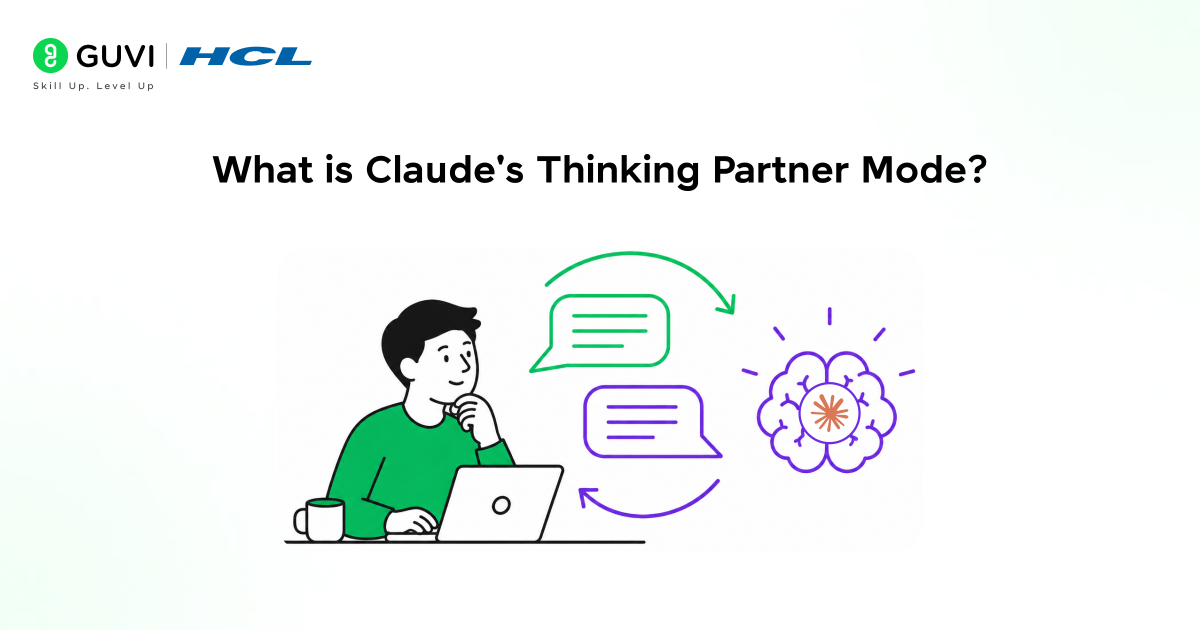
Claude is an AI assistant built by Anthropic, a company focused on AI safety. Unlike most AI tools that are designed to give fast answers, Claude is built to reason carefully, acknowledge uncertainty, and engage with complex problems without oversimplifying them.
The phrase Claude thinking partner describes exactly how Claude is designed to work not as a search engine that spits out results, but as a collaborator that thinks alongside you. It asks clarifying questions when needed, works through problems step by step, and adapts its responses to your context rather than giving generic answers.
Earlier versions of Claude were already strong at this. The 2026 updates go further by adding memory, long-term project context, voice interaction, and a reasoning mode that shows its work before giving a final answer.
What’s New in Claude: Key Updates
The latest version of Claude comes with several significant updates. Here is a quick overview before we go through each one in detail:
- Extended Thinking: Claude reasons step by step before giving its final answer
- Memory Claude stores your name, role, goals, and preferences across sessions
- Projects dedicated workspace with documents, instructions, and full conversation history
- Voice Mode: Natural hands-free conversations with Claude on mobile
- Vision: Upload images, screenshots, or diagrams and Claude will analyze them
- Web Search: Claude can look up current information when needed
- Artifacts Claude creates documents, code files, and structured outputs inside the chat
Each of these features is built to make Claude more useful for real, ongoing work not just one-off questions.
Extended Thinking: Claude Reasons Before It Answers
Most AI tools give you an answer immediately. Extended Thinking changes that. When this mode is on, Claude works through the problem step by step and shows you its reasoning process before delivering a final response.
Think of it like watching a colleague think out loud at a whiteboard. You can follow the logic, spot where something might be off, and understand how the conclusion was reached not just what the conclusion is.
Extended Thinking was first introduced in Claude 3.7 Sonnet, making it one of the earliest reasoning-focused AI models available to everyday users. It is especially effective for multi-step problems, where understanding the process is just as important as arriving at the final answer.
When should you use Extended Thinking?
• When working through multi-step problems in math, logic, or strategy
• When drafting structured content like essays, reports, or plans
• When debugging code or tracing the root cause of an error
• When comparing options and making decisions that involve trade-offs
You can turn Extended Thinking on from Claude’s settings. Once enabled, you will see Claude working through its reasoning in real time before it gives a final answer. It makes the output easier to trust because you can see exactly how it got there.
Memory: Claude Now Remembers You
One of the most repeated frustrations with AI tools is having to re-explain yourself every single session. Your job, your project, your tone preference, your goals all of it disappears the moment you close the chat window.
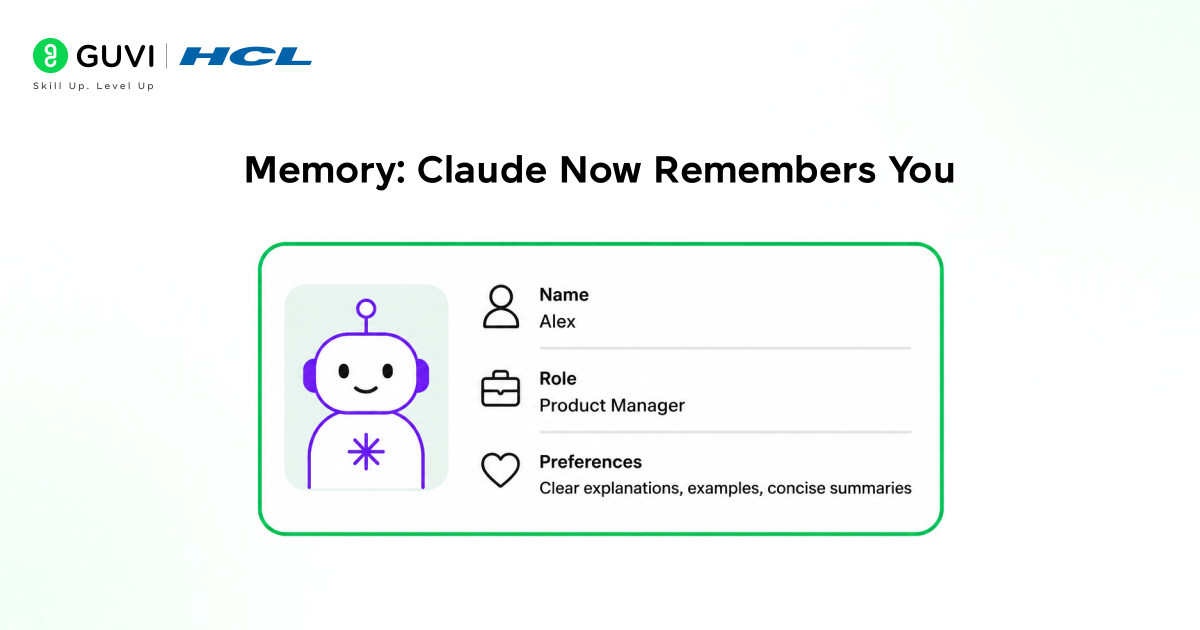
Claude’s Memory feature solves this. Claude can now store information about you across sessions and use it to give more relevant, personalized responses from the moment you start a new conversation.
What can Claude remember?
- Your name and professional role
- Ongoing projects or goals you are working toward
- Your preferred communication tone (formal, casual, concise, detailed)
- Topics or skills you are actively learning
- Recurring preferences like output format or language
You stay in complete control of this. You can view everything Claude has stored about you, edit it, or delete it at any time from your settings. Claude is transparent about what it remembers and only stores things that are actually useful for your work.
Claude Projects: Your Ongoing AI Workspace
Projects are one of the most practically useful features Claude has added. It lets you create a dedicated workspace for a specific task, topic, or goal and Claude carries full context from that workspace into every conversation you have within it.
Think of it as a folder that also reads everything inside it. You can upload documents, add custom instructions, and build up a conversation history that Claude can reference at any point. Every time you return to a Project, Claude picks up right where you left off.
Claude Projects can handle up to 200,000 tokens of context — roughly equivalent to 500 pages of text. You can upload research papers, codebases, briefs, notes, or any relevant documents, and the model will use all of this context to generate more accurate and informed responses.
Practical uses for Claude Projects:
- Managing a content calendar and storing all briefs, drafts, and feedback in one place
- Studying for an exam with all your notes, flashcards, and questions together
- Running a freelance project with client requirements and deliverables in one workspace
- Building a product with architecture docs, feature specs, and progress notes saved
This is where Claude genuinely starts to feel like a thinking partner rather than a tool. It is not just answering questions it is staying involved in your work over time.

Voice and Vision Capabilities
Talk to Claude Naturally
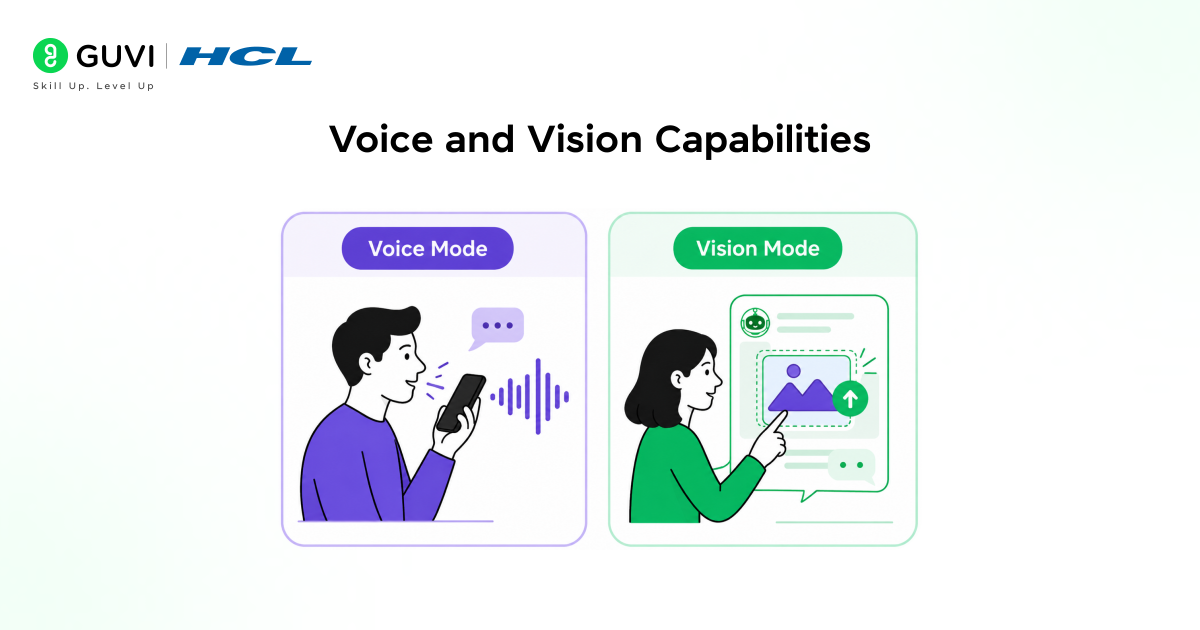
Claude now supports voice conversations on mobile. You can speak freely and Claude will respond in a clear, natural voice. This is useful when you are on the move, want a hands-free session, or simply find it faster to talk through a problem than to type it.
Voice mode is not just text-to-speech layered on top. Claude maintains conversational context, handles interruptions, and understands follow-up questions the same way it does in text.
Upload Images and Claude Will Analyze Them
Claude’s Vision feature lets you upload images, screenshots, diagrams, charts, or photos and ask Claude questions about them.
What can you do with Vision?
• Upload a whiteboard photo and ask Claude to turn it into a structured summary
• Share a chart from a report and ask Claude to explain what the data shows
• Take a photo of a handwritten problem and get a step-by-step solution
• Show a UI design or diagram and ask for feedback or improvements
Tips for Getting the Best Results from Claude
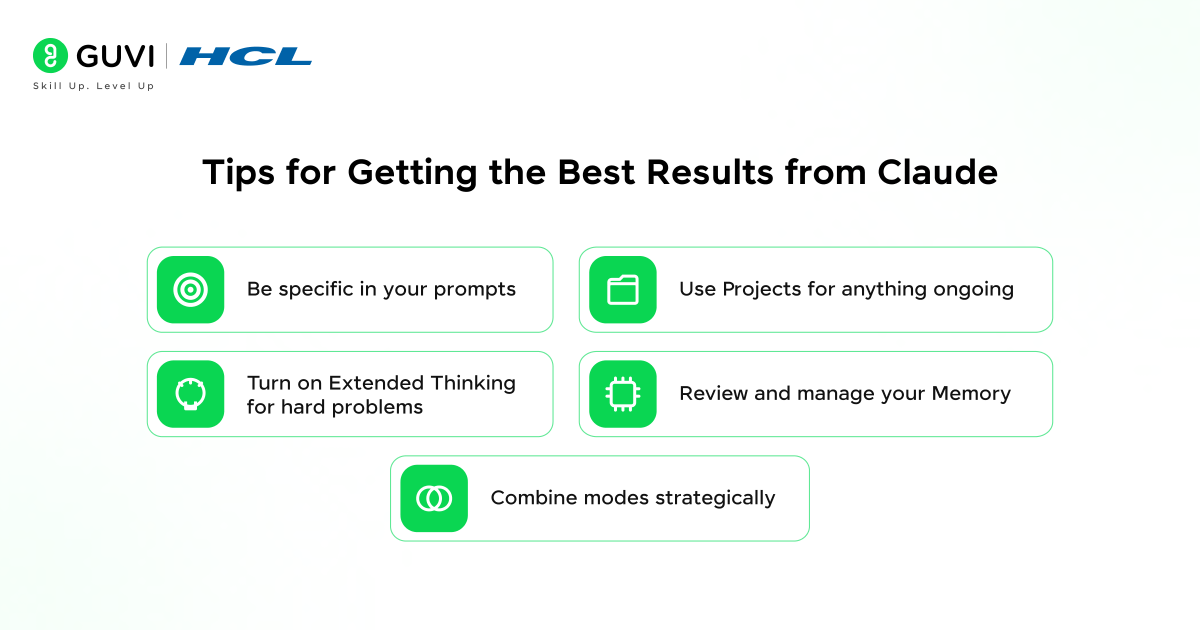
A few habits will make a meaningful difference in how useful Claude is for you:
1. Be specific in your prompts. Vague requests produce vague results. Instead of “summarise this,” say “summarise this into three bullet points focused on the key risks mentioned.” The more context you give, the better Claude responds.
2. Use Projects for anything ongoing. If you are working on something over more than one session, create a Project. Upload the relevant documents, write your instructions once, and Claude will use that context every time you return.
3. Turn on Extended Thinking for hard problems. You do not need it on all the time. But when you are working through something complex a strategy decision, a debugging problem, a structured essay it makes a real difference to see Claude’s reasoning before the answer.
4. Review and manage your Memory. Check what Claude has stored about you occasionally. Update your role or goals if they have changed, and delete anything that is no longer relevant. Accurate memory leads to better responses.
5. Combine modes strategically. Use Extended Thinking for reasoning-heavy tasks, Projects for long-term work, Voice for hands-free sessions, and Vision when you need Claude to work from images or screenshots.
Anthropic’s internal research shows that users who provide specific, structured prompts consistently receive higher-quality outputs compared to vague or one-line requests. In fact, specificity is often the single most important factor in determining prompt effectiveness.
If you want to learn more about using CLAUDE and Customizing Claude Code for your codebase, do not miss the chance to enroll in HCL GUVI’s Intel & IITM Pravartak Certified Artificial Intelligence & Machine Learning course. Endorsed with Intel certification, this course adds a globally recognized credential to your resume, a powerful edge that sets you apart in the competitive AI job market.
Conclusion
In conclusion, Claude is no longer just an AI chatbot. The 2026 updates have turned it into a genuine Claude thinking partner, something you can work with across sessions, projects, and problems, not just use once and forget.
Extended Thinking, Memory, Projects, Voice, and Vision all work together to make Claude adapt to the way you actually work. The more context you give it and the more intentionally you use it, the more useful it becomes.
AI-assisted thinking and working is already standard practice in forward-looking teams. The sooner you build fluency with a tool like Claude, the more leverage you have regardless of what you are building or learning next.
FAQs
1. What does it mean to use Claude as a thinking partner?
Using Claude as a thinking partner means working with it collaboratively rather than just asking it questions. You share context, build on ideas together, use Projects and Memory to maintain continuity, and engage Claude in reasoning through problems rather than just fetching answers.
2. How is Claude different from ChatGPT in 2026?
Both are capable AI assistants, but Claude places a stronger emphasis on careful reasoning, safety, and long-form context. Claude’s Extended Thinking mode and Projects feature make it particularly well-suited for deep, ongoing work. ChatGPT is stronger for breadth and general-purpose use.
3. Is Claude’s Memory feature private and safe?
Yes. You control everything Claude stores. You can view, edit, and delete any memory at any time from your settings. Claude does not retain information without it being useful, and it is fully transparent about what it has stored.
4. Can I use Claude for free?
Claude has a free tier with usage limits. Claude Pro unlocks higher limits, Projects, Extended Thinking, and priority access to new models. Features like Memory and voice are available on supported plans.
5. What is Extended Thinking in Claude and when should I use it?
Extended Thinking is a mode where Claude works through a problem step by step and shows its reasoning before giving a final answer. Use it for complex tasks multi-step problems, code debugging, structured writing, or any decision that involves multiple factors.
Success Stories

About the Author
Vishalini Devarajan
An Aerospace Engineer turned content writer, I focus on making complex concepts easy to understand through well-structured, reader-friendly blogs. Whether it’s a technical topic or a non-technical one, I love creating content that is clear, engaging, and impactful.
View all posts by Vishalini Devarajan
Connect with me @










Did you enjoy this article?