


Software Development Articles
My Google SDE Interview Experience: From Rejection to Selection [2026 Success Story]
Apple Interview Experience for Software Developers: What to Expect
Decoding Differences between Network OS and Distributed OS
Operating System Examples: Top OS Types, Features, and Uses Explained


Get In Touch For Details! Request More Information
Difference Between Windows and Linux That Nobody Tells You [2025]
Jan 09, 2026 7 Min Read 2782 Views
(Last Updated)
Did you know the difference between Windows and Linux goes far beyond just their interfaces? Windows dominates the desktop market with a staggering 63% share worldwide, while Linux remains the preferred choice for security experts and developers. Although both serve the same fundamental purpose, they represent completely different philosophies in computing.
Windows has shaped how we interact with computers since its 1985 release, offering an intuitive interface that businesses and everyday users find approachable. The Linux operating system vs. Windows presents a stark contrast in several key areas—it’s free and open-source, generally runs faster, and offers superior security against malware.
In this guide, you’ll discover the hidden differences that most comparisons overlook, helping you make an informed decision about which operating system truly fits your needs.
Table of contents
- Quick Answer:
- What is the Basic Difference Between Windows and Linux?
- 1) Open-source vs proprietary nature
- 2) Cost and licensing models
- 3) User interface and ease of use
- Hidden Technical Differences You Rarely Hear About
- 1) File system structure and naming conventions
- 2) Kernel architecture: monolithic vs hybrid
- 3) User account types and permission models
- 4) Command-line vs GUI usage
- Performance and Efficiency: What Benchmarks Don’t Show
- 1) System resource usage on older hardware
- 2) Boot time and background processes
- 3) Rolling release vs versioned updates
- Security Myths and Realities
- 1) Why Linux is considered more secure
- 2) Windows Defender and modern security tools
- 3) User behavior and system vulnerabilities
- Use-case Based Comparison: Which OS Fits Your Needs?
- 1) For developers and programmers
- 2) For gamers and multimedia users
- 3) For businesses and enterprise environments
- 4) For cybersecurity professionals
- 5) For casual users and beginners
- Concluding Thoughts…
- FAQs
- Q1. What are the key differences between Windows and Linux operating systems?
- Q2. Is Linux more secure than Windows?
- Q3. How does the performance of Linux compare to Windows?
- Q4. Can I run all my Windows programs on Linux?
- Q5. Is Linux suitable for everyday users or just for tech enthusiasts?
Quick Answer:
The key difference between Windows and Linux lies in their core philosophy — Windows is a proprietary, user-friendly operating system designed for ease of use and commercial applications, while Linux is open-source, highly customizable, and favored by developers and professionals for its stability, security, and control over system resources.
What is the Basic Difference Between Windows and Linux?
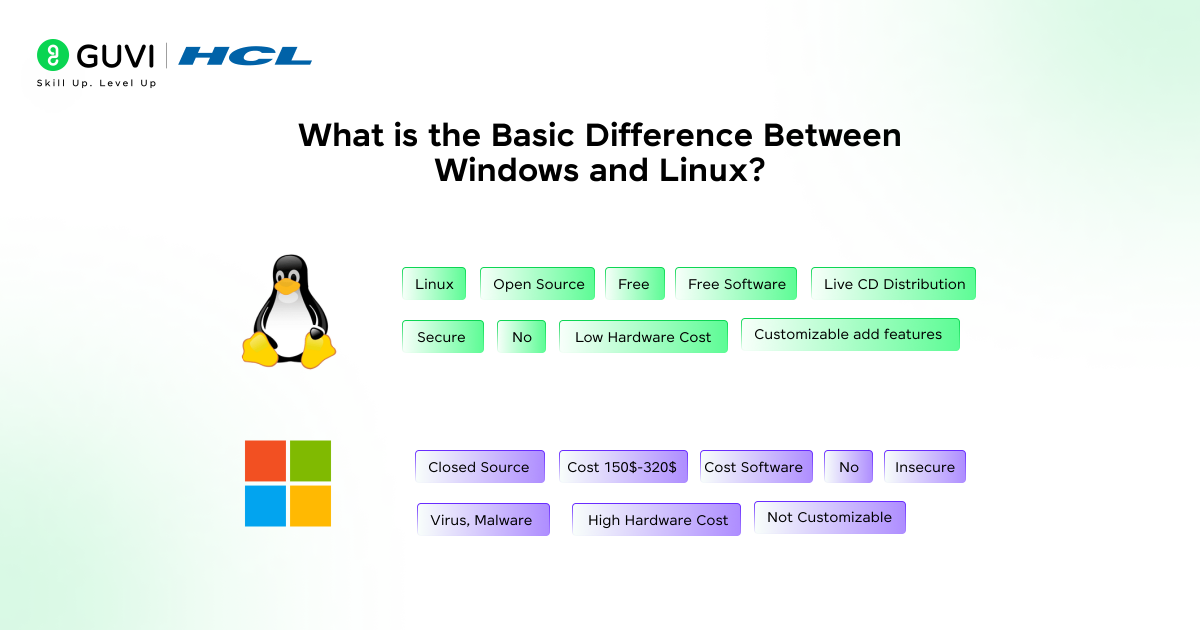
The fundamental difference between Windows and Linux stems from their core philosophies. One is built as a commercial product, the other as a community project. This distinction affects everything from how they’re developed to how you interact with them as a user.
1) Open-source vs proprietary nature
- Linux and Windows represent two opposing approaches to software development. Linux, first released in 1991, is an open-source operating system where the source code is freely available for anyone to view, modify, and improve. This transparency allows users to alter the system according to their specific requirements.
- In contrast, Windows is proprietary software developed and sold exclusively by Microsoft. The source code remains closed and inaccessible to the public. This closed-source model means outside developers cannot scrutinize or modify Windows’ underlying code. Microsoft maintains complete control over the development, testing, and distribution of their operating system.
- The proprietary nature of Windows has helped standardize the computing experience across devices, whereas Linux’s open-source foundation has fostered diverse community-driven distributions like Ubuntu, Fedora, and CentOS. Each Linux distribution (or “distro”) offers unique features tailored to different user preferences.
2) Cost and licensing models
Perhaps the most noticeable difference between Linux and Windows is their pricing structure. Most Linux distributions are completely free to use, modify, and distribute. This makes Linux particularly attractive for educational settings, startups, and personal use, where budgets may be tight.
Windows, however, requires users to pay a licensing fee. The cost varies based on:
- Edition type (Home, Pro, Enterprise)
- Licensing agreement (individual, volume, OEM)
- Version and features
The initial price of Windows Home starts at USD 139.00, with the Pro version ranging between USD 199.00 and USD 210.00. For businesses, enterprise licensing costs can be substantially higher.
Beyond the initial purchase, Linux follows the GNU General Public License (GPL), which provides users with extensive freedoms. This includes the right to install Linux on unlimited machines without restrictions. Windows licensing typically limits installation to a specific number of devices and prohibits sharing.
3) User interface and ease of use
From its earliest versions, Windows was designed with user-friendliness as a priority. Its consistent, polished interface features familiar elements like the Start menu, taskbar, and file explorer that remain intuitive even for novice users. Microsoft has created an environment where even people with limited technical knowledge can navigate the system easily.
Linux, meanwhile, offers remarkable customization options. Distributions like Ubuntu feature user-friendly interfaces similar to Windows, but others cater to more technically advanced users. Linux interfaces can range from simple to complex, depending on the distribution and desktop environment chosen.
Many users find Windows more approachable due to its:
- Standardized design across versions
- Familiar navigation patterns
- Automatic hardware detection and configuration
- Extensive software compatibility
Nevertheless, Linux has made significant progress in user-friendliness. Modern distributions like Ubuntu and Mint have reduced the learning curve substantially. Linux also excels in offering interface customization – you can even make it closely resemble Windows if preferred.

Hidden Technical Differences You Rarely Hear About
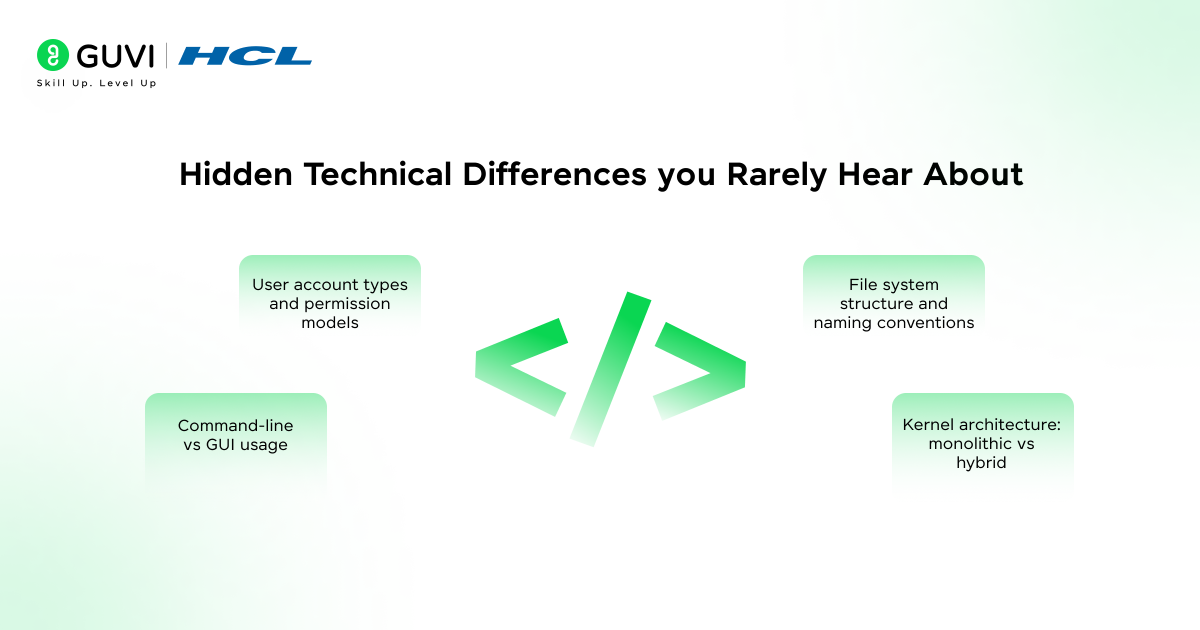
Beyond the surface-level differences between Windows and Linux lie several technical distinctions that significantly impact how these systems operate. These hidden differences often explain why each system excels in different environments.
1) File system structure and naming conventions
Windows and Linux organize files fundamentally differently. While both use hierarchical structures, Linux employs a single root directory designated as “/” with multiple subdirectories branching beneath it. In contrast, Windows uses drive letters (C:, D:, etc.) as multiple root directories. This means a Linux computer has only one root directory, whereas Windows can have several.
Linux keeps configurations almost exclusively in the /etc directory, while Windows stores them across multiple locations, primarily under C:\Windows and its many subdirectories. Furthermore, Linux uses forward slashes (/) in paths, while Windows uses backslashes (), creating a subtle yet important distinction when navigating either system.
File naming rules also differ significantly:
- Linux: Case-sensitive (file.txt and File.txt are different files), prohibits only forward slash (/) and NULL characters
- Windows: Case-insensitive (file.txt and File.txt are the same file), prohibits several characters, including < > : ” / \ | ? *
Additionally, Windows doesn’t allow files to end with spaces or periods, and reserves names like CON, PRN, AUX, NUL, COM1-COM9, and LPT1-LPT9 – restrictions that don’t exist in Linux.
2) Kernel architecture: monolithic vs hybrid
- At the core of these operating systems are different kernel architectures that affect performance, security, and stability. Linux uses a monolithic kernel where all operating system services run in kernel space. Specifically, this includes device drivers, file systems, network stacks, and core kernel subsystems functioning as a single large binary with a common address space.
- The monolithic architecture provides higher performance through direct procedure calls between components, eliminating the overhead of inter-process communication. On the other hand, Linux’s approach means a bug in any service could potentially compromise the entire system since all services operate in kernel mode.
- Windows employs a hybrid kernel that combines aspects of both monolithic and microkernel designs. It runs some services in kernel mode for speed while others operate in user mode for better isolation and stability. This design offers flexibility and balance between performance and modularity, though at the cost of greater development complexity.
3) User account types and permission models
The difference between Linux and Windows extends to how they manage user accounts and permissions:
Linux account types:
- Regular Users – Limited to their home directory
- Root (Administrative) – Has complete system control
- Service Users – For system services only
Windows account types:
- Administrator – Full system control
- Standard User – Limited privileges
- Child Account – Monitored access
- Guest Account – Minimal temporary access
Permission models differ even more dramatically. Linux follows a straightforward read/write/execute (r/w/x) permission system assigned to owner, group, and others. Commands like ‘chmod’ and ‘chown’ manage these permissions.
Windows implements a more complex Access Control List (ACL) system with granular permissions like Read, Write, List Folder Contents, Modify, and Full Control. This offers flexibility but adds complexity compared to Linux’s simpler approach.
4) Command-line vs GUI usage
Though both systems support graphical interfaces, they differ in command-line philosophy and implementation. Linux terminals trace their lineage back to UNIX shells, offering powerful scripting capabilities, conditional logic, and programming functionality. The Linux command line is considered a primary interface rather than just a supplement to the GUI.
Windows Command Prompt derives from MS-DOS with fewer built-in commands and less powerful scripting capabilities than Linux shells. Commands between systems often perform similar functions but use different syntax:
- Directory listing: dir (Windows) vs ls -l (Linux)
- File deletion: del (Windows) vs rm (Linux)
- Changing directories: cd (both systems)
These technical differences, though often overlooked, explain why Linux dominates server environments while Windows maintains its desktop stronghold. Each system’s architecture reveals the different philosophies and priorities that guided its development.
Here are some lesser-known but fascinating facts about these two operating systems that might surprise you:
1. Linux Runs Most of the Internet: Over 90% of the world’s top 500 supercomputers and nearly all major web servers run on Linux, not Windows — including giants like Google, Facebook, and Amazon.
2. Windows Wasn’t Always Called Windows: Before its 1985 launch, Microsoft’s OS was internally called “Interface Manager.” The name “Windows” was chosen later because of its graphical interface built around on-screen windows.
3. Linux Can Run on Anything: From smart refrigerators to NASA spacecraft, Linux powers an enormous range of devices. Its lightweight and customizable design makes it ideal for both tiny embedded systems and massive data centers.
4. Windows Source Code Is Locked, Linux’s Is Open to All: While Windows’ code remains tightly protected inside Microsoft, Linux’s entire source code is publicly available—meaning anyone can read, modify, and improve it.
These facts reveal just how differently Windows and Linux have evolved—one thriving on openness and collaboration, the other on uniformity and enterprise control.
Performance and Efficiency: What Benchmarks Don’t Show
When comparing performance between Windows and Linux, standard benchmarks often miss the real-world differences that affect everyday use. The practical efficiency gaps between these operating systems become most apparent in situations that benchmark tests rarely measure.
1) System resource usage on older hardware
Linux shines brightest on aging hardware, where Windows often struggles. On computers with 4GB RAM or less, Linux distributions like Lubuntu or Linux Lite remain responsive while Windows 10 tends to become sluggish during multitasking.
The resource efficiency gap stems from fundamental design differences:
- Base system requirements: Many Linux distros need only 512MB RAM to function, whereas Windows 10 requires a minimum of 2GB
- Background services: Linux runs fewer automatic services and daemons by default
- File indexing: Windows’ comprehensive indexing consumes resources continuously
- Desktop environments: Lightweight Linux DEs (like XFCE or LXDE) use a fraction of the resources required by Windows’ shell
Moreover, Linux distributions like Puppy Linux, specifically designed for older hardware, can revive computers that Windows declared obsolete years ago.
2) Boot time and background processes
- Startup speed reveals another practical difference between these operating systems. A fresh Linux installation typically boots 30-60% faster than an equivalent Windows setup on identical hardware.
- Despite this, boot times tell only half the story. After startup, Windows continues loading numerous background processes that affect overall responsiveness. In fact, a Windows system often becomes fully usable minutes after the desktop appears as services like Windows Update, antivirus scanning, and various application updaters initialize.
- Linux, conversely, reaches peak performance almost immediately after the desktop loads. This happens because Linux typically starts fewer background services by default and manages system resources more efficiently through its process scheduling.
3) Rolling release vs versioned updates
- The update approach represents perhaps the most overlooked performance difference. Windows follows a versioned update model with major releases every few years (Windows 10, 11, etc.) and feature updates in between. This approach often leads to performance degradation over time as the system accumulates updates.
- In contrast, many Linux distributions follow a “rolling release” model where small, incremental updates continually refine the system without major version jumps. Arch Linux and Manjaro exemplify this approach, delivering the latest software without requiring disruptive system overhauls.
- Surprisingly, Linux systems typically maintain consistent performance over years of updates, while Windows installations commonly experience the notorious “Windows slowdown” that drives many users to eventually reinstall their operating system from scratch.
Security Myths and Realities
Security often becomes the deciding factor in the battle between operating systems. Recent Kaspersky data reveals an upward trend in vulnerability exploits for both systems, with the share of critical vulnerabilities reaching 64% in Q2 2025.
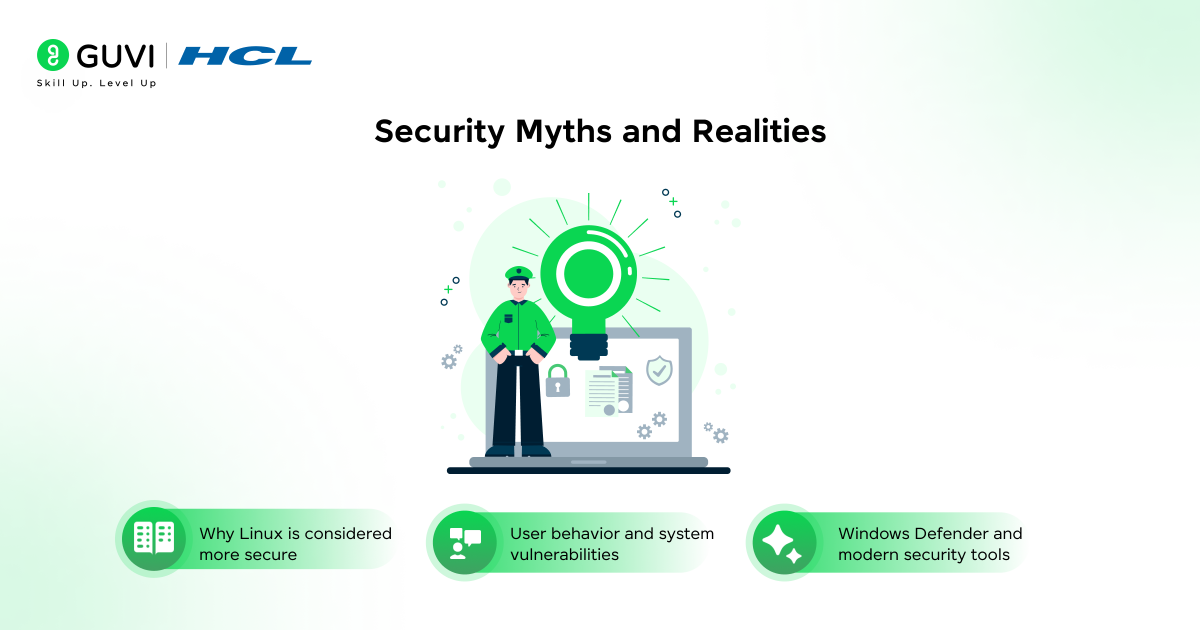
1) Why Linux is considered more secure
Linux earns its security reputation through several key advantages:
- Restricted permissions: Linux strictly limits root access through its user privilege model, where regular users have minimal automatic rights. Installing software or making system changes requires explicit permission, creating a significant barrier against malware spread.
- Open-source advantage: The source code remains visible for global scrutiny, allowing thousands of developers to continuously examine, audit, and improve security. As the Linux Foundation notes, over 13,500 developers have contributed to the Linux kernel since 2005.
- Package management: Most Linux distributions use trusted repositories for software installation, drastically reducing the risk of downloading malicious content. This centralized approach ensures applications come from verified sources.
- Diverse ecosystem: Linux’s variety of distributions creates a challenging target for attackers, as exploits developed for one version might fail on others.
2) Windows Defender and modern security tools
Microsoft has substantially strengthened Windows security in recent years:
- Built-in protection: Windows Defender now ranks alongside leading antivirus programs, providing real-time protection against malware, ransomware, and spyware with automatic background updates.
- Security features: Modern Windows versions incorporate Secure Boot (preventing rootkits during startup), User Account Control, and Windows Sandbox for safely testing suspicious software.
- Update cycle: “Patch Tuesday” delivers monthly security updates, fixing vulnerabilities within days of discovery.
3) User behavior and system vulnerabilities
Ultimately, security depends as much on user practices as operating system design:
- Attack targeting: Windows faces more threats primarily because of its larger market share—95% of malware affects Windows, according to AV Atlas research.
- User privileges: Many Windows users operate with administrator privileges by default, making systems more vulnerable. Linux users typically function with limited permissions, requiring explicit elevation for system modifications.
- Security awareness: The Linux community generally demonstrates greater technical knowledge, helping identify suspicious activity before it becomes threatening.
Both systems remain vulnerable to user errors—clicking suspicious links or downloading untrusted software compromises security regardless of the operating system. The difference between Windows and Linux security ultimately comes down to their architecture, update approaches, and how users interact with each system.
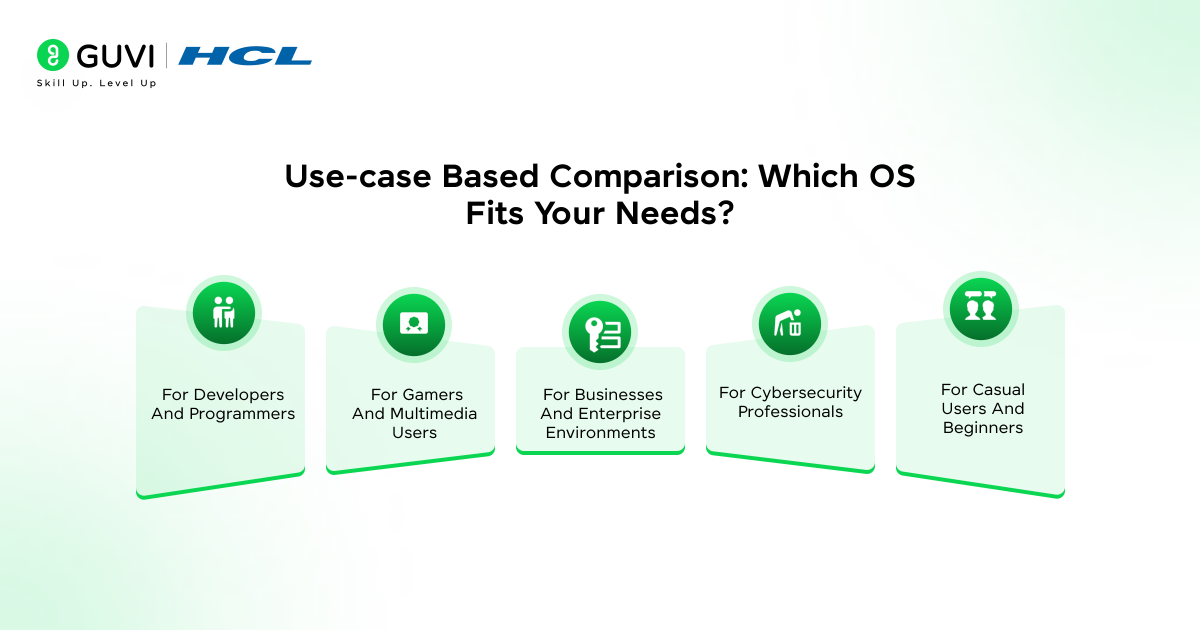
Use-case Based Comparison: Which OS Fits Your Needs?
Choosing between Windows and Linux ultimately depends on your specific use case. Let’s explore which operating system might better serve your particular needs.
1) For developers and programmers
- Linux stands out as the preferred choice for coders. It supports nearly all programming languages and offers a superior terminal experience with Bash available by default.
- The built-in SSH support simplifies server management, plus Linux provides efficient developer tools that streamline coding workflows.
- For Windows users, WSL (Windows Subsystem for Linux) offers a compromise by enabling Linux tools while maintaining Windows’ familiar environment.
2) For gamers and multimedia users
- Until recently, Windows dominated gaming completely. Yet, thanks to Valve’s Proton compatibility layer, Linux gaming has improved substantially.
- Certain benchmarks even show Linux outperforming Windows in specific games, with smoother gameplay and fewer stutters. Nonetheless, Windows remains essential for games using kernel-level anti-cheat systems.
3) For businesses and enterprise environments
- Linux reduces costs through zero licensing fees and offers impressive uptime for mission-critical systems.
- Its resource efficiency extends hardware lifespan, cutting business expenses. In contrast, Windows integrates seamlessly with enterprise management systems and provides familiar interfaces that minimize training costs.
4) For cybersecurity professionals
- Cybersecurity experts “live in the Linux terminal”. Most security tools like Nmap, Wireshark, and Metasploit were designed primarily for Linux environments.
- Linux distributions such as Kali offer specialized tools for security operations that provide deeper system visibility.
5) For casual users and beginners
- Windows offers plug-and-play simplicity that “just works”. First-time Linux users might find distributions like Mint, Zorin OS, or Feren OS most approachable as they closely resemble the Windows experience.
- Linux requires a learning curve but rewards users with better privacy, lower resource consumption, and rejuvenated performance on older hardware.
If you’re keen to move beyond simply comparing OS interfaces, consider enrolling in the AI Software Development Course from HCL GUVI, IITM Pravartak & MongoDB. It’s a 9-month, 300+ hour live+recorded program that arms you with industry-ready tools, full-stack software development and Gen AI fluency to advance your career.
Concluding Thoughts…
Choosing between Windows and Linux ultimately comes down to your specific needs and technical comfort level. Both operating systems serve the same fundamental purpose but differ significantly in philosophy and implementation. Linux offers remarkable flexibility, superior resource efficiency, and excellent security through its open-source nature, making it ideal for developers, security professionals, and users with older hardware.
Undoubtedly, both systems continue to evolve and learn from each other. Windows has incorporated more open-source elements and developer tools, while Linux distributions have become increasingly user-friendly. Whichever system you choose, understanding these fundamental differences helps you make an informed decision that serves your computing needs effectively.
FAQs
Q1. What are the key differences between Windows and Linux operating systems?
Windows is a proprietary, closed-source OS developed by Microsoft, while Linux is open-source and community-driven. Windows offers more user-friendly interfaces and wider software compatibility, while Linux provides greater customization, better security, and is generally free to use.
Q2. Is Linux more secure than Windows?
Linux is generally considered more secure due to its open-source nature, stricter user permissions, and smaller market share (making it a less attractive target for malware). However, both systems can be secure if properly configured and maintained.
Q3. How does the performance of Linux compare to Windows?
Linux typically performs better on older hardware and uses system resources more efficiently. It often boots faster and maintains consistent performance over time, while Windows may slow down with prolonged use and frequent updates.
Q4. Can I run all my Windows programs on Linux?
Not all Windows programs run natively on Linux. However, many popular applications have Linux versions, and tools like Wine and Proton allow running some Windows software on Linux. Gaming compatibility has improved significantly, but some games with certain anti-cheat systems may not work.
Q5. Is Linux suitable for everyday users or just for tech enthusiasts?
Modern Linux distributions like Ubuntu or Linux Mint are user-friendly enough for everyday tasks such as web browsing, document editing, and media consumption. However, some users may face a learning curve when switching from Windows, particularly for more advanced operations or troubleshooting.
Success Stories

About the Author
Jaishree Tomar
A recent CS Graduate with a quirk for writing and coding, a Data Science and Machine Learning enthusiast trying to pave my own way with tech. I have worked as a freelancer with a UK-based Digital Marketing firm writing various tech blogs, articles, and code snippets. Now, working as a Technical Writer at GUVI writing to my heart’s content!
View all posts by Jaishree Tomar
Connect with me @
















Did you enjoy this article?