


Artificial Intelligence and Machine Learning Articles
LLM Engineer Skills: What You Need to Know in 2026
Text Classification with Scikit-learn: TF-IDF to BERT


Get In Touch For Details! Request More Information
What is Replit’s New Database Editor? A Beginner-Friendly Guide
Jun 24, 2026 4 Min Read 23 Views
(Last Updated)
The backend has always been the one thing that stands between an idea and a working application. Spinning up databases, schemas, and queries has always bottlenecked even the most basic of projects.
And that’s where the Replit database editor comes in.
Instead of having the database treated as a separate system altogether, it is embedded within the development workflow of your applications and comes with a visual and easy-to-use interface, making full-stack applications with backend requirements much quicker and more user-friendly without knowing a lot about backends.
In this post, you’ll learn about how the Replit database editor works and when not to rely on it.
Table of contents
- TL;DR
- What Replit’s Database Editor Actually Is
- Core Capabilities of Replit Database Editor
- Visual Data Management
- Built-in SQL Database
- One-Click Setup
- AI + Agent Integration
- Point-in-Time Restore
- Secure by Default
- Development vs Production Separation
- What’s Actually “New” About This Feature
- What Problem It Solves
- How It Works in Practice (Real Example)
- Create a table with the Agent
- Add rows with the editor
- Query your data in code
- Update the schema with the Agent
- Strategic Insight: Why This Feature Exists
- Where This Tool Shines
- Where It Falls Short
- Best Practices for Using Replit Database Editor
- Conclusion
- FAQs
- What is Replit’s database editor used for?
- Does Replit database editor require SQL knowledge?
- Is Replit database editor suitable for production apps?
- What database does Replit use internally?
- Can I undo changes made in the database editor?
- How does Replit Agent help with databases?
TL;DR
- The Replit database editor is a visual interface built on top of a fully managed SQL database that is hosted directly on Replit.
- The visual editor enables users to manage data directly without writing any SQL queries by providing a spreadsheet-like interface.
- Under the hood, the Replit database editor uses tools such as PostgreSQL and Drizzle Studio, which are production-ready.
- The editor simplifies backend development by removing the hassle of having to deal with databases.
- Recommended for learners, prototypes, and MVPs, but NOT for production and large-scale enterprise applications.
What is Replit Database Editor?
Replit Database Editor is a built-in feature within the Replit workspace that allows users to manage application databases directly inside the coding environment. Its spreadsheet-like interface lets users interact with data visually, eliminating the need to write database queries or rely on external database dashboards.
What Replit’s Database Editor Actually Is
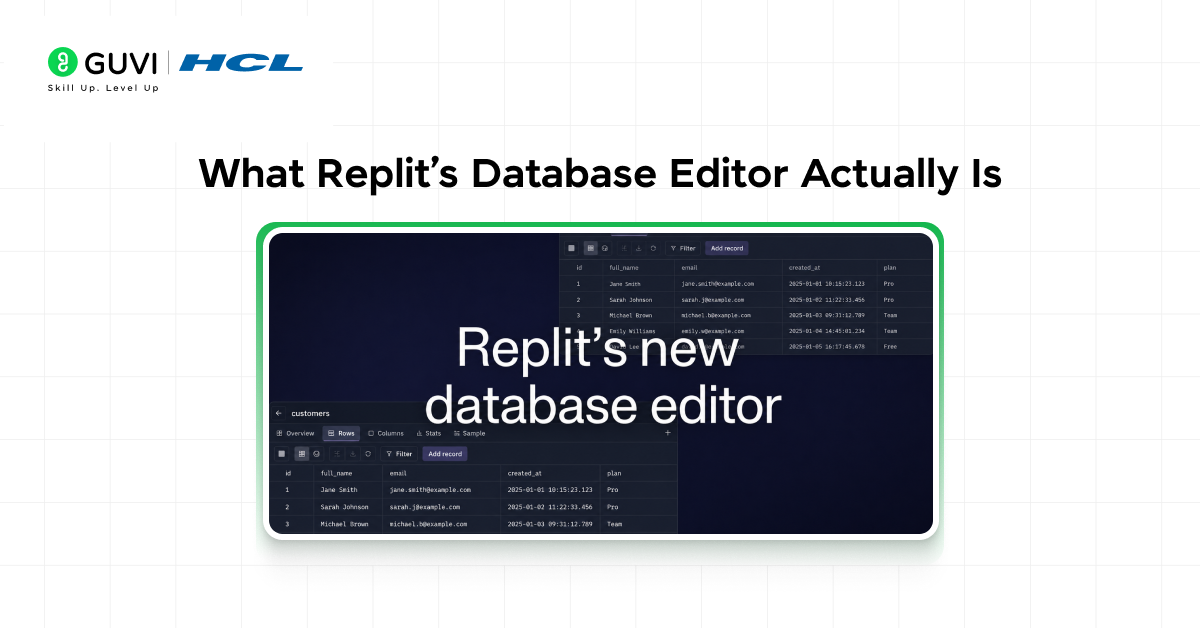
Fundamentally, it’s not actually a new database. Instead, it’s a UI layer on top of a real database.
What you’re working with is a fully managed SQL database, but instead of writing queries, you interact with it visually.
Traditional Workflow vs Replit Workflow:
- SQL → Write query → View data
- Replit → Write nothing → Edit data (instantly reflects)
This turns a traditional backend task into something much more akin to working in a spreadsheet program than writing backend code.
Core Capabilities of Replit Database Editor
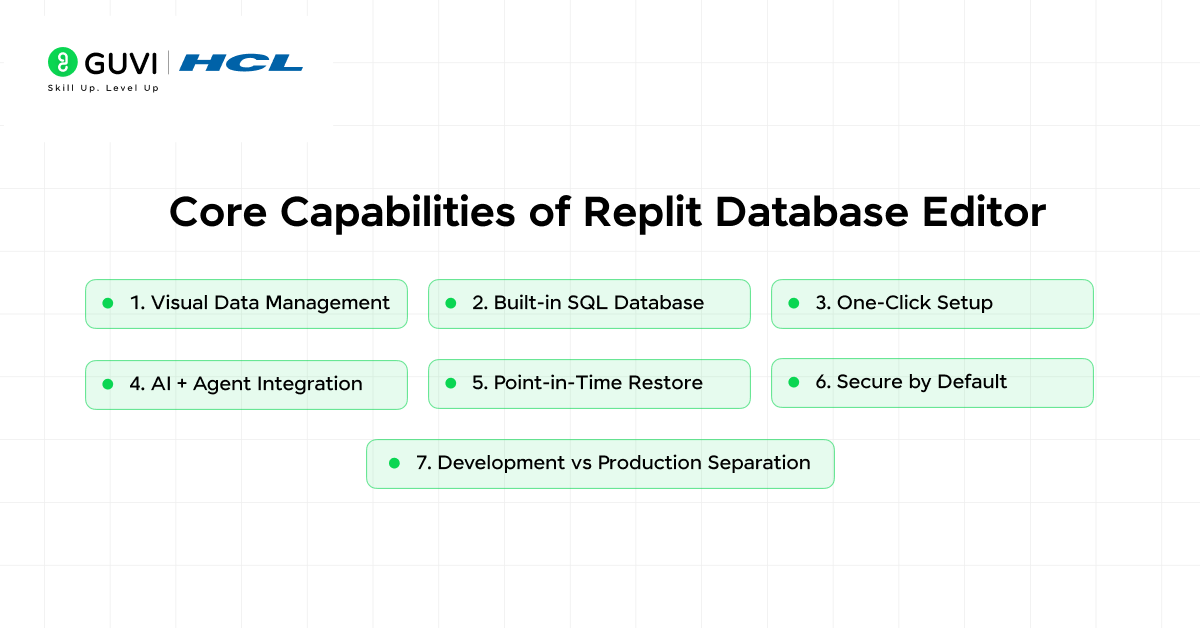
1. Visual Data Management
This is the most obvious benefit of this feature.
You are given a table-like view and can:
- See rows in a spreadsheet-like format
- Edit each row directly
- Filter and sort without a single query
This immediately takes away one of the major barriers for newcomers: writing SQL just to poke at data.
2. Built-in SQL Database
This is not a limited key-value system.
This feature provides a full, managed SQL database, which means:
- SQL can still be used if needed
- Schemas can be defined
- Relations can be built
3. One-Click Setup
Usually, the first step when working with a database is setting up hosting, credentials, and connecting to it.
This becomes as simple as opening a table.
Every project is automatically given:
- An available database
- Zero connection strings to manage
- Zero external databases to sign up for
This eliminates setup.

4. AI + Agent Integration
The truly innovative part of this feature is the ability to leverage the Replit agent. You can:
- Ask the agent: “Create a new users table.”
- Ask the agent: “Add an age column.”
- Ask the agent to “Update the schema.”
And it handles:
- Updating the schema
- Writing the corresponding backend logic
- Making even frontend updates
This turns database work into a conversational task.
The Replit agent lets you create tables, update schemas, and manage backend logic using simple prompts. This reflects a shift toward automation-first development. To understand how this works in real scenarios, see AI agents for startups.
5. Point-in-Time Restore
Errors that occur within a database come with a huge price tag.
Replit solves this with rollback capability:
- Restore previous states
- Undo incorrect updates
- Recover lost data
This is particularly advantageous in the context of experimentation and quick development.
6. Secure by Default
Security is done programmatically.
The database:
- It is not publicly exposed
- Is accessed through your app
- Does not involve manually passing user credentials
It reduces the usual security hazards for beginners.
7. Development vs Production Separation
Separation of environments is an under-recognized aspect that is vital.
You get:
- A development database
- A production database
This would enable you to safely test without involving your live applications.
What’s Actually “New” About This Feature
Replit already had databases.
What is, in the end, innovative is the editor layer.
Before:
Now:
- Visual interface
- Spreadsheet-style editing
- Everything inside the IDE
This makes the experience more intuitive.
The new editor makes everything visual and easier to use. It brings backend interaction into a single interface. For a deeper look at how such systems are structured, read common workflow patterns for AI agents.
What Problem It Solves

Backend development traditionally involves setting up a database server, writing SQL queries, managing connections, and switching between tools.
With Replit, the database is built-in, the interface is visual, and the setup is automatic.
The result is simple. Backend becomes more usable.
Top tech companies like Google, Amazon, and Meta don’t expect perfect system design answers.
Instead, they evaluate how you think, structure problems, and handle trade-offs under real-world constraints.
A clear, logical approach often matters more than the final design itself.
How It Works in Practice (Real Example)
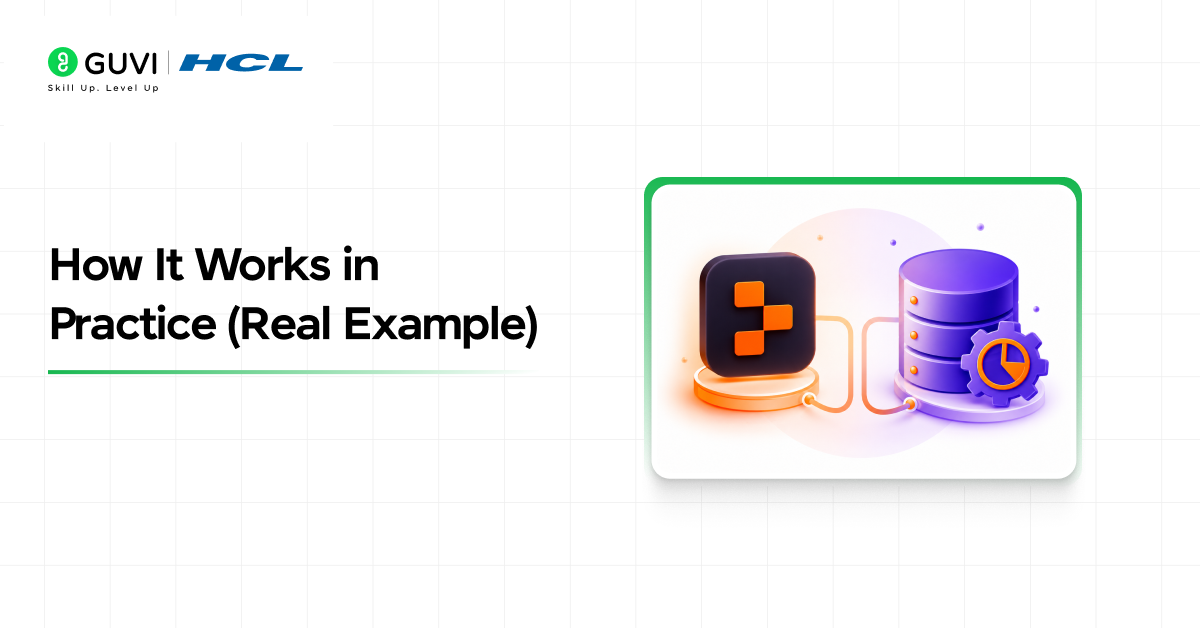
How does this work in reality?
Suppose you are building a simple task manager.
1. Create a table with the Agent
Prompt for Replit Agent:
“Create a tasks table with id, title, and completed status.”
The agent:
- Creates the schema
- Links to the app
- Prepares backend code
What the Agent roughly creates behind the scenes:
CREATE TABLE tasks (
id SERIAL PRIMARY KEY,
title TEXT,
completed BOOLEAN
);
2. Add rows with the editor
Rather than typing an SQL statement such as:
INSERT INTO tasks (title, completed) VALUES (‘Finish blog’, false);
You can:
- Go to “My Data”
- Add a row and enter the values
3. Query your data in code
# Example: Basic database connection
from replit import db
tasks = db.execute(“SELECT * FROM tasks WHERE completed = false”)
SQL is still there if you need it.
4. Update the schema with the Agent
Prompt:
“Add due_date column to tasks table.”
The system:
- Updates the schema
- Performs migrations
- Keeps your app updated
If you want to go deeper into how modern backend systems and databases work, refer to this ebook for deeper knowledge and understanding. A must-read to understand how tools like Replit simplify complex infrastructure.
Strategic Insight: Why This Feature Exists
This is not just about convenience.
It’s part of a trend. One-stop shop for all development, less context switching, and an integrated workflow.
From code editor + database tool + deployment to one place.
This leads to less friction and faster development.
Replit is moving toward an all-in-one development model. Code, backend, and deployment exist in one place. This reduces friction and speeds up development. A similar idea is explored in vibe coding with Replit.
Where This Tool Shines
Use it for solo development, MVP startups, hackathons, and learning.
This way, you can move fast, try different things, and build without a heavy backend infrastructure.
This tool is ideal for MVPs, solo projects, hackathons, and learning. It helps you build quickly without a heavy backend setup. A similar approach is explained in AI prototyping for product managers.
Where It Falls Short
Do not expect it to handle all scenarios.
Less sophisticated optimization features, not good for enterprise-level production deployments, and very tightly coupled to the Replit platform.
Enterprise teams will want to have separate database dashboards, monitoring tools, and custom infrastructure.
Best Practices for Using Replit Database Editor
It’s important to use it the right way.
Start with small projects first. Use the Agent for schema manipulation. Test on the development database before committing to the live one.
Don’t use it to manage large-scale production systems.
This is mainly a productivity tool, not a full replacement for the whole database engineering task.
If you want to go beyond tools and truly understand backend systems, explore:
HCL GUVI’s AI & Machine Learning Course, which also covers data handling, system design, and real-world application building.
Conclusion
Replit’s database editor isn’t just a feature; it’s a fundamental rethinking of the backend development process. By integrating visual management, AI-driven automation, and built-in infrastructure, Replit takes away a significant amount of friction associated with application development.
However, like any tool, its effectiveness depends on what you do with it. For learners and rapid prototypers, it’s incredibly useful, but for complex, large-scale systems, Replit’s database editor is where you begin, not the final solution.
FAQs
1. What is Replit’s database editor used for?
It is used to create, manage, and edit application data directly inside the Replit workspace using a visual interface.
2. Does Replit database editor require SQL knowledge?
No, beginners can use it without SQL. However, SQL can still be used for advanced operations.
3. Is Replit database editor suitable for production apps?
It can support small to medium apps, but large-scale systems may require dedicated database solutions.
4. What database does Replit use internally?
Replit uses a fully managed PostgreSQL database system for its database services.
5. Can I undo changes made in the database editor?
Yes, you can use point-in-time restore and rollback features to revert changes.
6. How does Replit Agent help with databases?
Replit Agent can automate schema creation, database updates, and even synchronize backend and frontend changes using natural language prompts.
Success Stories

About the Author
Vishalini Devarajan
An Aerospace Engineer turned content writer, I focus on making complex concepts easy to understand through well-structured, reader-friendly blogs. Whether it’s a technical topic or a non-technical one, I love creating content that is clear, engaging, and impactful.
View all posts by Vishalini Devarajan
Connect with me @










Did you enjoy this article?