


Artificial Intelligence and Machine Learning Articles
MLflow Experiment Tracking: A Complete Beginner's Guide
Explainable ML with SHAP Values: Interpreting Black-Box Models
FAANG vs Product-Based vs Service-Based: Which Should You Target?


Get In Touch For Details! Request More Information
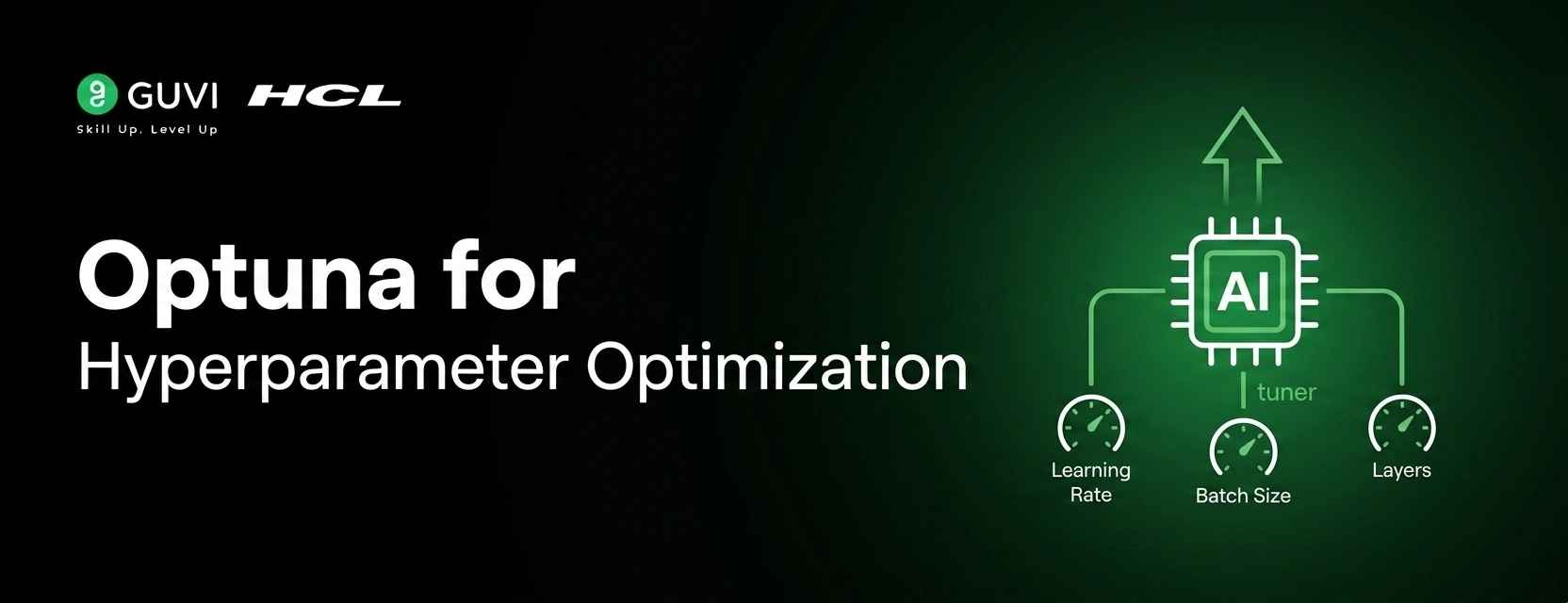
Optuna for Hyperparameter Optimization
Jun 19, 2026 4 Min Read 24 Views
(Last Updated)
Table of contents
- Quick TL;DR
- Introduction
- Grid Search: The Brute-Force Baseline
- Basic Grid Search Usage
- Optuna: Optimization with Intelligence
- Basic Optuna Usage
- Pruning: Killing Bad Trials Early
- Optuna vs Grid Search: Side-by-Side
- Which Should You Use in 2026?
- Common Mistakes When Using Optuna
- Conclusion
- FAQs
- What is Optuna and how does it differ from grid search?
- Is Optuna better than random search?
- Can Optuna work with any ML framework?
- What is pruning in Optuna?
- How many trials should I run with Optuna?
- Does Optuna support parallel hyperparameter search?
Quick TL;DR
- Grid search is brute-force. Optuna is intelligent.
- While grid search mechanically tests every combination in a predefined space, Optuna uses Bayesian optimization and the Tree-structured Parzen Estimator (TPE) algorithm to learn from past trials and zero in on the best hyperparameters in a fraction of the time.
- In 2026, Optuna hyperparameter optimization is the default choice for anyone serious about model performance.
Introduction
Every machine learning model has hyperparameters — learning rate, depth, regularization strength — that are not learned during training but must be set before it. Getting them right is the difference between a model that generalizes and one that does not. For years, grid search and random search were the only tools available. They work, but they scale terribly. Optuna arrived to solve that problem with a define-by-run API, native pruning, and a built-in visualization dashboard. This blog compares Optuna vs grid search side by side and shows why Optuna wins for any non-trivial search space.
Want to master machine learning optimization, model tuning, and production ML pipelines with mentorship? Check out HCL GUVI’s Python Programming Course designed for learners who want job-ready ML skills with hands-on practice and structured guidance.
Grid Search: The Brute-Force Baseline
Grid search exhaustively evaluates every combination of hyperparameters you specify. It is simple, reproducible, and completely unintelligent. If you define three values for learning rate, four for max depth, and three for regularization, you get 36 training runs — regardless of whether 30 of them are clearly suboptimal.
Basic Grid Search Usage
from sklearn.model_selection import GridSearchCV
from sklearn.ensemble import GradientBoostingClassifier

param_grid = {
	'learning_rate': [0.01, 0.1, 0.2],
	'max_depth': 	[3, 5, 7, 9],
	'n_estimators':  [100, 200, 300]
}

# 36 combinations × 5 folds = 180 training runs
model = GradientBoostingClassifier()
grid = GridSearchCV(model, param_grid, cv=5, n_jobs=-1)
grid.fit(X_train, y_train)

print(grid.best_params_)
print(grid.best_score_)
The cost compounds fast. A neural network with five hyperparameters at four values each means 4^5 = 1,024 training runs — before cross-validation. Deep learning makes grid search practically unusable.
Want to master machine learning optimization, model tuning, and production ML pipelines with mentorship? Check out HCL GUVI’s Python Programming Course designed for learners who want job-ready ML skills with hands-on practice and structured guidance.
Optuna: Optimization with Intelligence
Optuna is an automatic hyperparameter optimization framework that treats the search as a sequential decision problem. Each trial informs the next. The TPE sampler builds a probabilistic model of which hyperparameter regions produce good scores and samples from there preferentially. The result: Optuna typically finds better hyperparameters in 10–20% of the trials grid search would require
Basic Optuna Usage
import optuna
from sklearn.ensemble import GradientBoostingClassifier
from sklearn.model_selection import cross_val_score

def objective(trial):
	params = {
    	'learning_rate': trial.suggest_float('learning_rate', 0.001, 0.3, log=True),
    	'max_depth': 	trial.suggest_int('max_depth', 2, 10),
    	'n_estimators':  trial.suggest_int('n_estimators', 50, 500)
	}
	model = GradientBoostingClassifier(**params)
	score = cross_val_score(model, X_train, y_train, cv=5).mean()
	return score

study = optuna.create_study(direction='maximize')
study.optimize(objective, n_trials=50)

print(study.best_params)
print(study.best_value)
Fifty trials beat grid search’s 180 — and find a better result. The log=True flag on learning rate searches the parameter in log space, which matches how learning rate actually affects training dynamics.
Optuna includes a powerful feature called pruning, which can automatically stop underperforming hyperparameter trials before they finish training. Using strategies such as MedianPruner or HyperbandPruner, Optuna evaluates intermediate results and terminates trials that are unlikely to outperform existing ones. This early-stopping mechanism can significantly reduce computational cost, especially in deep learning experiments, often cutting total training time by 60–80% compared to exhaustive approaches like full grid search. As a result, Optuna is widely used for efficient hyperparameter optimization in modern machine learning workflows.
Read More: What is a REST API? A Complete Beginner’s Guide

Pruning: Killing Bad Trials Early
import optuna
import torch

def objective(trial):
	lr = trial.suggest_float('lr', 1e-5, 1e-1, log=True)
	model = build_model(lr)

	for epoch in range(30):
    	val_loss = train_one_epoch(model)

    	# Report intermediate value and prune if unpromising
    	trial.report(val_loss, epoch)
    	if trial.should_prune():
        	raise optuna.exceptions.TrialPruned()

	return val_loss

study = optuna.create_study(
	direction='minimize',
    pruner=optuna.pruners.MedianPruner(n_startup_trials=5)
)
study.optimize(objective, n_trials=100)
Trials that are clearly underperforming at epoch 5 never reach epoch 30. This is impossible with standard grid search.
Optuna vs Grid Search: Side-by-Side
| Feature | Grid Search | Optuna |
| Search Strategy | Exhaustive / Manual | Bayesian / TPE |
| Speed | Slow (all combos) | Fast (smart sampling) |
| Pruning (early stop) | ❌ No | ✅ Yes |
| Async / Parallel | ⚠️ Limited | ✅ Native support |
| Visualization | ❌ None built-in | ✅ Built-in dashboard |
| Define-by-run API | ❌ No | ✅ Yes |
| Categorical params | ✅ Yes | ✅ Yes |
| Continuous params | ⚠️ Manual steps only | ✅ Native float range |
| Best for | Small param grids | Large / deep search spaces |
Which Should You Use in 2026?
• Choose Grid Search if: you have a tiny parameter space (fewer than 3 hyperparameters, 2–3 values each), need fully reproducible exhaustive coverage for a research paper, or are working in a regulated environment where sampling-based methods require additional justification.
• Choose Optuna if: you are optimizing deep learning models, have continuous or log-scale parameters, need to tune more than four hyperparameters, or want built-in parallelism across multiple machines using Optuna’s distributed storage backend.
• Use Optuna with Pruning if: your training is expensive — GPU hours for neural networks, long simulations, or large datasets where incomplete trials waste significant compute.
Common Mistakes When Using Optuna
1. Running too few trials: TPE needs at least 20–30 startup trials before its probabilistic model becomes reliable. Below that, it defaults to random sampling. Set n_trials to at least 50 for any non-trivial search.
2. Using uniform ranges for log-scale parameters: Learning rates from 0.0001 to 0.1 should use suggest_float(…, log=True). A uniform distribution massively oversamples values near 0.1 and barely touches the critical low-LR region.
3. Not seeding for reproducibility: Optuna is stochastic by design but can be seeded: optuna.create_study(sampler=optuna.samplers.TPESampler(seed=42)). Always seed before sharing results.
4. Ignoring the visualization dashboard: optuna.visualization.plot_optimization_history() and plot_param_importances() reveal which hyperparameters actually matter. Skipping this leaves insight on the table.
Conclusion
Optuna hyperparameter optimization is not just an alternative to grid search — it is a fundamentally different paradigm. Grid search treats hyperparameter tuning as a table lookup. Optuna treats it as a learning problem. The TPE sampler, native pruning, parallel trials, and built-in visualization dashboard make Optuna the right tool for any search space that grid search would make computationally prohibitive. In 2026, reaching for Optuna by default is not premature optimization — it is standard practice for anyone building models that need to perform in production.
FAQs
What is Optuna and how does it differ from grid search?
Optuna is an automatic hyperparameter optimization framework using Bayesian optimization and the TPE sampler to intelligently select trials. Grid search exhaustively tests all combinations you specify. Optuna learns from each trial and focuses compute on promising regions, requiring far fewer runs to find better results.
Is Optuna better than random search?
Yes, after enough startup trials (typically 20–30). Before that, Optuna behaves like random search while its probabilistic model warms up. Beyond startup, TPE consistently outperforms pure random search by exploiting learned parameter distributions.
Can Optuna work with any ML framework?
Yes. Optuna is framework-agnostic. It works with scikit-learn, PyTorch, TensorFlow, XGBoost, LightGBM, and any Python-callable training loop. The objective function just needs to return a numeric score.
What is pruning in Optuna?
Pruning terminates unpromising trials mid-training rather than waiting for them to finish. Using trial.report() and trial.should_prune(), Optuna compares intermediate values to completed trials and stops poor performers early, saving significant compute.
How many trials should I run with Optuna?
A minimum of 50 trials for simple models, 100–200 for neural networks, and 200+ for complex multi-stage pipelines. The TPE sampler needs at least 20–30 startup trials before its model becomes meaningful.
Does Optuna support parallel hyperparameter search?
Yes. Optuna supports parallel trials via multi-processing locally and distributed search across machines using shared storage backends (PostgreSQL, MySQL, or Redis). Multiple workers run trials concurrently against the same study.
Success Stories

About the Author
Vishalini Devarajan
An Aerospace Engineer turned content writer, I focus on making complex concepts easy to understand through well-structured, reader-friendly blogs. Whether it’s a technical topic or a non-technical one, I love creating content that is clear, engaging, and impactful.
View all posts by Vishalini Devarajan
Connect with me @









Did you enjoy this article?