


Artificial Intelligence and Machine Learning Articles
How to Evaluate LLM Outputs in Production Deployments
AI/ML Skills Gap 2026: Why Companies Can't Find Job-Ready Talent
20 AI/ML Interview Questions Recruiters Can Use Without a Tech Background - Best Guide
How Industry-Backed AI/ML Bootcamps Are Changing the AI/ML Hiring Pipeline - Best Guide 2026


Get In Touch For Details! Request More Information
Replit Automated Database Migrations for Production-Ready Apps
Jun 24, 2026 4 Min Read 806 Views
(Last Updated)
The reason that most applications fail is not due to weak features; it’s when something goes wrong silently during a production deployment. A poorly executed schema change may cause data to be overwritten or discrepancies to occurMost applications fail not because of between the production and dev environments.
A schema change is very often part of a database migration and is unavoidable when developing an application. However, it is also the place where something can go critically wrong.
At Replit, we take another path. The migrations are not manual tasks performed by developers but rather automated, controlled processes aimed at production safety.
In this post, we’ll dive into how Replit Automated Database Migrations for production are used to build robust, scalable applications without risking live data.
TL;DR
- Replit database migrations for production are automated processes that enable safe schema changes without downtime.
- Development and production databases are separated to prevent data corruption.
- Migrations are generated at deployment time, not during development.
- Built-in validation, preview, and rollback systems reduce failure risk.
- This ensures predictable and stable production database behavior.
Table of contents
- What Are Replit Database Migrations for Production?
- What are Database Migrations in Production
- Why Manual Migrations Fail in Real Apps
- How Replit Changes Database Migrations for Production
- Development vs Production Database Separation
- Migration Timing: The Real Innovation
- Step-by-Step Migration Workflow on Replit
- Built-in Safety Systems
- Real Insight: Migration Is Not a Tool Problem
- Common Mistakes That Lead to Production Crashes
- Replit Versus the Traditional Migration Workflow
- Why Automation Matters in Production-Ready Systems
- Conclusion
- FAQs
- What makes a database migration production-ready?
- Why should development and production databases be separate?
- Are Replit database migrations fully automated?
- Can migrations break a live application?
- What is deployment time migration?
- What happens if a migration fails?
What Are Replit Database Migrations for Production?
Replit database migrations for production are automated workflows that manage and apply database schema changes safely in live applications. They ensure database updates remain consistent, controlled, and reliable in production environments.
What are Database Migrations in Production
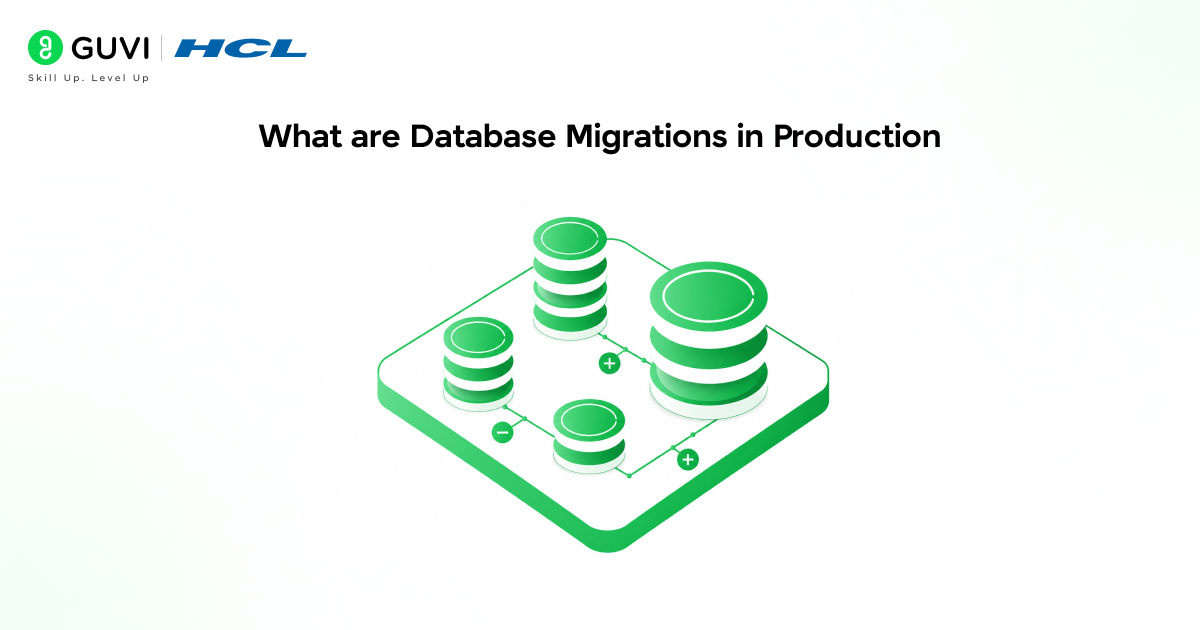
Database migrations are a system to update the schema and structure of a database without any loss of data.
You simply run a table creation and reboot, but when a change is run on the production environment, things might become trickier.
A simple schema change in production may cause:
- The already written queries in your app do not work correctly
- The relationships between the tables get corrupted, leading to partial system failures that are very difficult to detect
Understanding how database servers work helps explain why even small schema changes can impact performance, consistency, and system behavior in production environments.
Why Manual Migrations Fail in Real Apps
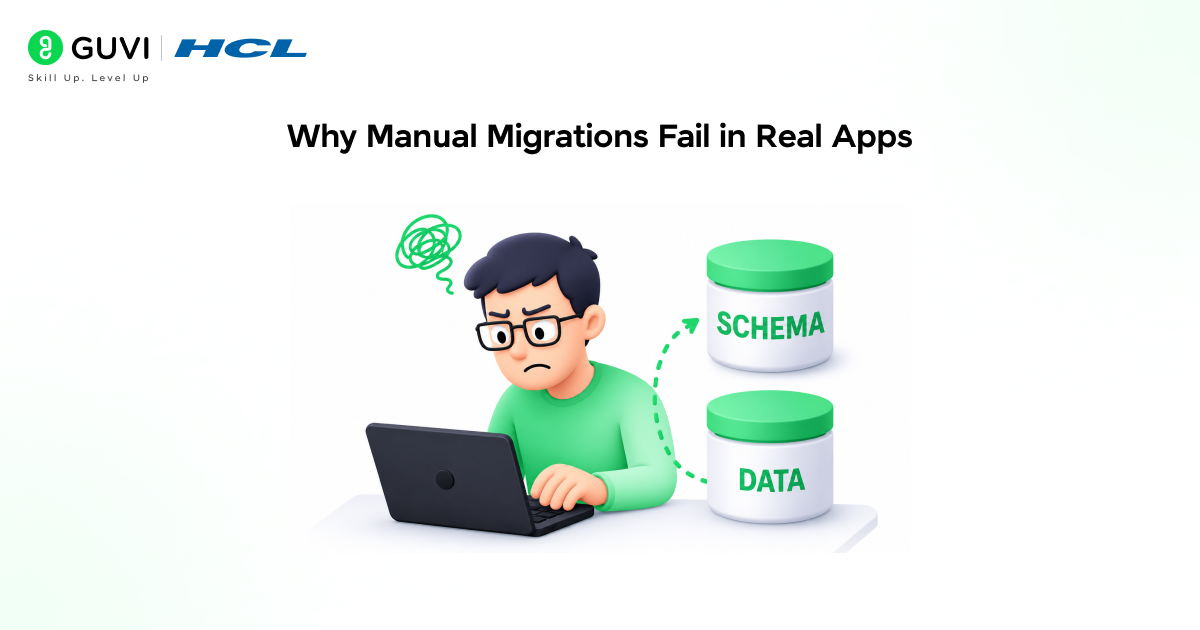
Manual migrations can work for small projects, but they fall apart quickly in a real-world system.
Developers often apply schema changes directly to production, don’t perform proper validation, and forget about rollbacks.
The silent failure is often the worst. Renaming a column but forgetting to update dependent queries won’t crash your app; it’ll just silently break parts of it.
Data stops moving through the pipeline, but an error doesn’t show up anywhere.
As your application grows and more and more people work on it, the individual errors are compounded.
Inconsistencies build up between environments, data integrity problems emerge, and unexpected behavior is introduced to production.
How Replit Changes Database Migrations for Production
Replit takes migrations out of the hands of developers and places them firmly in system control.
Instead of manually writing and applying migration scripts, the platform handles detecting schema drift, generating the necessary migration script, validating changes, and safely applying the migration.
This paradigm shift is built on three principles.
Separating development from production, prioritizing automation over manual effort, and applying changes at deployment time so your system is in a stable state.
Pre-production validation is built in, so you can test changes before they reach users.
Strong database design principles, such as data integrity, normalization, and scalability, play a critical role in ensuring that migrations remain reliable and consistent in production environments.
Development vs Production Database Separation
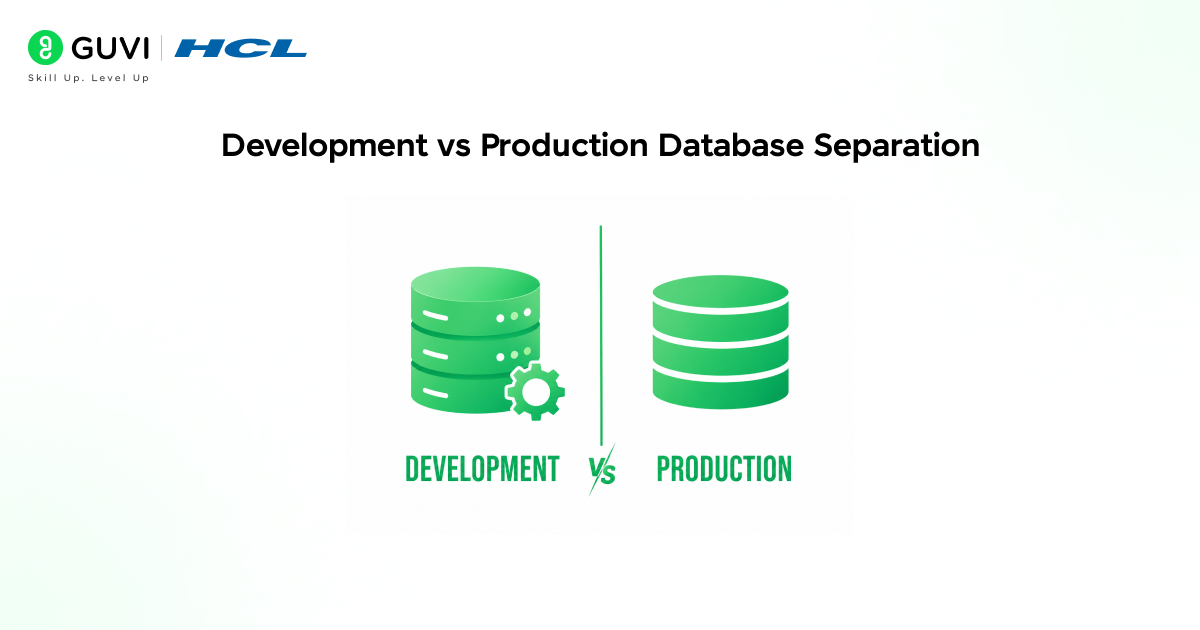
In any production-level application, this is not optional.
Your development database is used for testing and is expected to change frequently.
Your production database contains live customer data and has a real-world impact when anything is done wrong.
In early, simpler systems, it is common for development to share the same database as production, which is a dangerous practice at scale.
Replit enforces strict dev and production separation to remove:
- Accidental overwrites of live data
- Temptation to test in production
- Silent environment inconsistencies
Migration Timing: The Real Innovation
The major deviation that Replit introduces to the traditional workflow is where migrations are generated. Replit is taking migration generation to deployment time.
When you are in development, schemas are changing constantly, features are unfinished, and dependencies are still somewhat volatile. When you deploy, changes are locked in, code is complete and stable, and your intent is clear.
By generating migrations at deploy time, you ensure only applied changes are considered, your schema updates will be in sync with your deployed code, and there will be no unexpected discrepancies.
To better understand how automated database migrations work in real-world scenarios, you can explore this ebook as a practical reference.
In large-scale systems, database migrations can trigger table locks, temporarily blocking reads and writes.
That’s why controlled and carefully timed migrations are critical in production environments to avoid downtime and performance issues.
Step-by-Step Migration Workflow on Replit
- You make a schema change when you are developing.
E.g. ALTER TABLE users ADD COLUMN phone TEXT.
The database change is then tested on your local database without impacting production. - Once you are ready to deploy your code, Replit first compares the production schema to the schema that was found on your development machine. Rather than looking at the written migrations, it identifies the difference, generates the necessary migration, and prepares it for execution.
- Before running the migrations, a preview environment will be set up in which Replit ensures that your existing queries continue to function, that your constraints are not violated, and that any data transformations you may be undertaking are handled safely.
- Once Replit confirms that the migrations will not break things, only then are the migrations run against your production database.
In the real world, you prevent things like deadlocks on production tables when doing massive dataset updates, queries breaking when a certain field becomes unavailable in production, and incomplete updates leaving your database in a poor state.

Built-in Safety Systems
Safety features are built into Replit.
A rollback feature will undo the database if something goes wrong. Preview environments will test the migration before it hits production. It will even detect if an unsafe schema change will occur before running it, and also perform schema validation to prevent an unsafe operation from running.
It is crucial to recognize that there is not one “safety feature”; it is a collection of several safeguards that work together to protect the database. Without all these layers, even an automated system will likely still fail.
Real Insight: Migration Is Not a Tool Problem
Many developers think that the real problem with migrations is that you are using the wrong tool.
The real reason why migrations fail is due to poor timing, validation, and a lack of control over the process itself. Even the best tool will fail if the changes are made at the wrong time, or if no preview was used, or if a rollback was never thought of.
Replit is solving this by providing control over when migrations run and by turning it from a set of independent scripts into an integrated system. The change here is not technological; it is operational.
Common Mistakes That Lead to Production Crashes
Running the same database for development and production applications to hide development problems is dangerous. Executing schema changes manually will only lead to inconsistencies. Not testing migration execution leads to production runtime failures.
Not having a rollback plan to revert changes in case of a problem is costly. Assuming automation will always work leads to a lack of real control.
Even experienced developers struggle with such errors when the process is not properly controlled.
Replit Versus the Traditional Migration Workflow
The traditional migration process puts almost everything on the developer.
- Writes migration scripts
- Executes scripts
- Running migrations without built-in validation
Replit takes a completely different approach with automated schema comparison, migration generation, and execution only after validation.
It shifts from manual risk-taking to controlled deployment. Traditional relies on developers not to make mistakes, while Replit introduces system-level reliability.
Why Automation Matters in Production-Ready Systems
Automation is what transforms database migrations from a risky manual task into a reliable system.
Instead of relying on developers to write, manage, and execute migration scripts correctly every time, automation ensures that schema changes are detected, generated, and validated consistently.
This reduces human error, improves consistency across environments, and makes database changes predictable.
To effectively build production-ready applications with automated database migrations on Replit, understanding how deployment workflows, schema validation, and migration automation interact is essential to creating reliable, scalable systems. Programs like HCL GUVI’s Artificial Intelligence and Machine Learning course can help build these skills through hands-on experience.
Conclusion
Writing a production-ready application is about removing points of failure, not about adding additional features.
Database migrations are a notorious source of production incidents, not because they are complicated, but because we take them lightly.
Replit adds control, timing, and validation to database migrations. This is what makes automated migrations a core part of building production-ready applications, not just a deployment step but a system that ensures long-term reliability.
FAQs
1. What makes a database migration production-ready?
A production-ready migration ensures safe schema updates, preserves data integrity, and avoids disrupting live systems.
2. Why should development and production databases be separate?
Separation prevents accidental data loss and allows safe testing without affecting real users.
3. Are Replit database migrations fully automated?
They are automated in generation and validation, but still allow user control before execution.
4. Can migrations break a live application?
Yes, especially if applied without testing, validation, or rollback planning.
5. What is deployment time migration?
It means generating and applying migrations during deployment instead of during development.
6. What happens if a migration fails?
It stops safely and can be rolled back to prevent data issues.
Success Stories

About the Author
Vishalini Devarajan
An Aerospace Engineer turned content writer, I focus on making complex concepts easy to understand through well-structured, reader-friendly blogs. Whether it’s a technical topic or a non-technical one, I love creating content that is clear, engaging, and impactful.
View all posts by Vishalini Devarajan
Connect with me @










Did you enjoy this article?