


Software Development Articles
How to Read and Understand System Design Diagrams?
System Engineer Roles and Responsibilities: 12 Proven Duties for Growth
SAP Consultant Roles and Responsibilities: 12 Proven Duties for Growth and Success
Network Engineer Roles and Responsibilities: 12 Essential Duties for Success


Get In Touch For Details! Request More Information
Popular Tools Used in Agile Software Development
Aug 24, 2026 5 Min Read 818 Views
(Last Updated)
Agile moves fast: sprints, shifting priorities, and distributed teams all happening at once. Without the right tools, even the best agile team struggles to stay in sync. The tools you choose directly affect how well your team collaborates, tracks work, and ships software.
Table of contents
- TL;DR Summary
- Which Is the Most Popular Tool in Agile Software Development?
- What Is an Agile Tool and Why Does It Matter?
- The Right Way to Think About Agile Tools
- Project Management Tools
- CI/CD Tools
- Version Control and Code Collaboration
- GitHub
- Communication and Collaboration Tools
- How to Choose the Right Combination
- Conclusion
- FAQs
- What’s the best agile tool for sprint planning and backlog management?
- When should I use Trello vs Jira?
- Which CI/CD tool is best for most teams?
- Why is GitHub central to modern agile development?
- How do Slack integrations help agile teams?
- What’s the role of Zoom and Google Workspace in agile?
- How should I choose my tool stack?
TL;DR Summary
- Jira Software is the most popular agile project management tool globally, but agile teams need a coordinated stack: project tracking, code collaboration, CI/CD, and communication.
- A practical starter stack: Jira for sprint/backlog, GitHub for code/reviews, Jenkins or GitLab CI for automation, and Slack for daily comms.
- Integrated key tools that talk to each other (e.g., Jira updates on PR close, Slack alerts on build failure) remove manual overhead and keep teams in sync.
Ready to build software using Agile and AI-powered development practices? Enroll in HCL GUVI’s AI Software Development Course and master full-stack development, AI tools, Agile workflows, and real-world projects.
Which Is the Most Popular Tool in Agile Software Development?
Jira Software is the most widely used agile project management tool globally, known for sprint planning, backlog management, and workflow visibility. But agile teams rarely rely on just one tool CI/CD platforms like Jenkins, communication tools like Slack, and code platforms like GitHub all play equally critical roles in a modern agile setup.
What Is an Agile Tool and Why Does It Matter?
- An agile tool is any software platform that supports agile methodologies, helping teams plan iterations, track progress, communicate in real time, and deliver working software consistently.
- Without these tools, teams end up relying on email chains and spreadsheets, none of which scale. The right toolset gives everyone, developers, designers, product managers, and stakeholders, a shared view of what’s being built, what’s in progress, and what’s done.
- Agile tools support the core values: transparency, continuous delivery, collaboration, and responsiveness to change. They don’t just automate tasks; they embed agile behavior into how a team works every day.
The Right Way to Think About Agile Tools
Agile teams typically need tools across four categories, and each category solves a distinct problem.
| Category | What It Solves | Examples |
| Project Management | Sprint planning, backlog, task tracking | Jira, Trello, ClickUp, monday.com |
| Version Control & Code Collaboration | Managing code changes, reviews, and branching | GitHub, GitLab |
| CI/CD Automation | Automated builds, testing, and deployments | Jenkins, GitLab CI, Travis CI |
| Communication & Collaboration | Real-time updates, meetings, documentation | Slack, Zoom, Google Workspace |
Most agile teams use at least one tool from each category. The strongest setups are the ones where these tools integrate cleanly with each other.
Project Management Tools
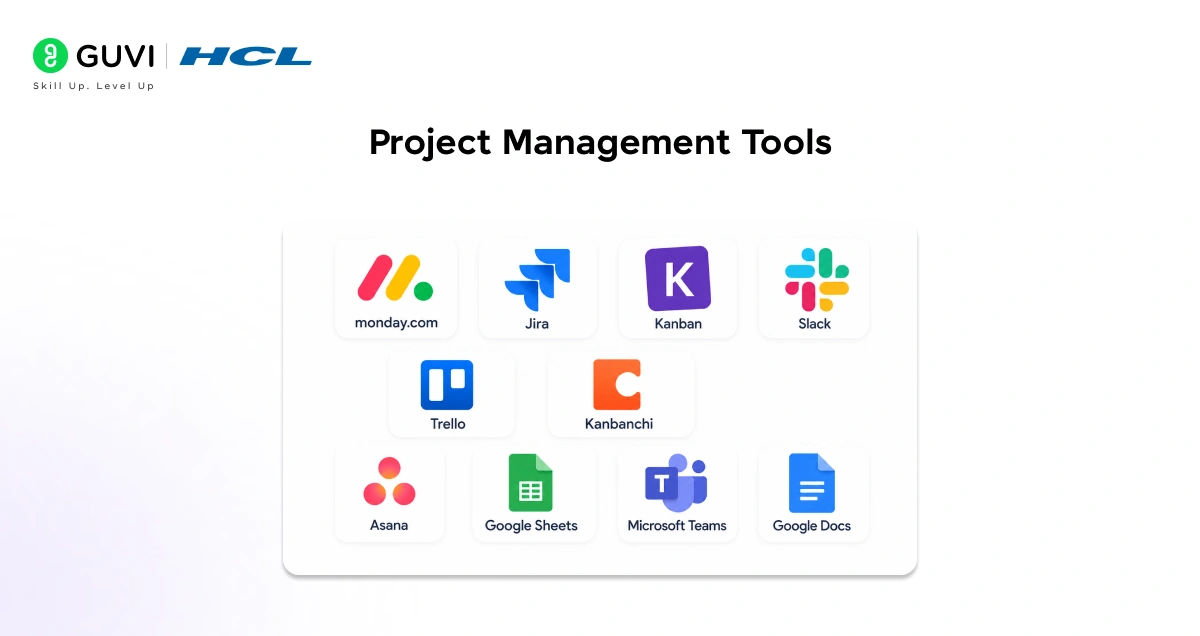
- Jira Software
Jira is the most popular agile project management platform in the industry. It was built specifically for software teams running Scrum or Kanban, and its depth of features reflects that.
With Jira, teams plan sprints, maintain a prioritized backlog, estimate in story points, track velocity, and visualize work moving from “To Do” to “Done.” Hundreds of integrations connect it to code repositories, test tools, and CI/CD pipelines.
Jira is used by teams at companies like Spotify, Airbnb, and Atlassian itself, and it scales from a two-person startup to an enterprise engineering organization without a change in tooling.
- Trello
Trello organizes work on Kanban boards where cards move through columns; task status is obvious at a glance. Each card carries checklists, due dates, and comments. Trello is faster to set up than Jira and suits smaller teams or projects that don’t need full sprint management.
Many teams use Trello alongside Jira: Trello for lightweight personal task tracking and Jira for the official sprint board.
- ClickUp
ClickUp combines task management, docs, goals, chat, and reporting in one platform with multiple view types: lists, boards, timelines, and calendars. Its ability to break goals into sprints and integrate communication into task context makes it a strong all-in-one agile workspace.
- monday.com
Monday.com is a customizable work management platform with drag-and-drop workflows and automation. Development, QA, design, and product teams can all work in the same space with views tailored to their roles, making it especially useful when multiple departments need visibility into the same project.
- Zoho Projects
Zoho Projects is an affordable option well-suited for small and mid-sized teams. It includes task lists, Gantt charts, time tracking, and dashboards.
Built-in time tracking helps agile teams compare actual iteration time against estimates. It integrates with Slack and GitHub and fits naturally into teams already using the Zoho ecosystem.
Agile tools do more than automate project management tasks—they help embed core Agile principles into everyday development. Features such as Kanban boards, sprint planning, backlog management, and real-time collaboration promote transparency, continuous delivery, teamwork, and rapid adaptation to changing requirements, enabling teams to work more efficiently and deliver value faster.
CI/CD Tools
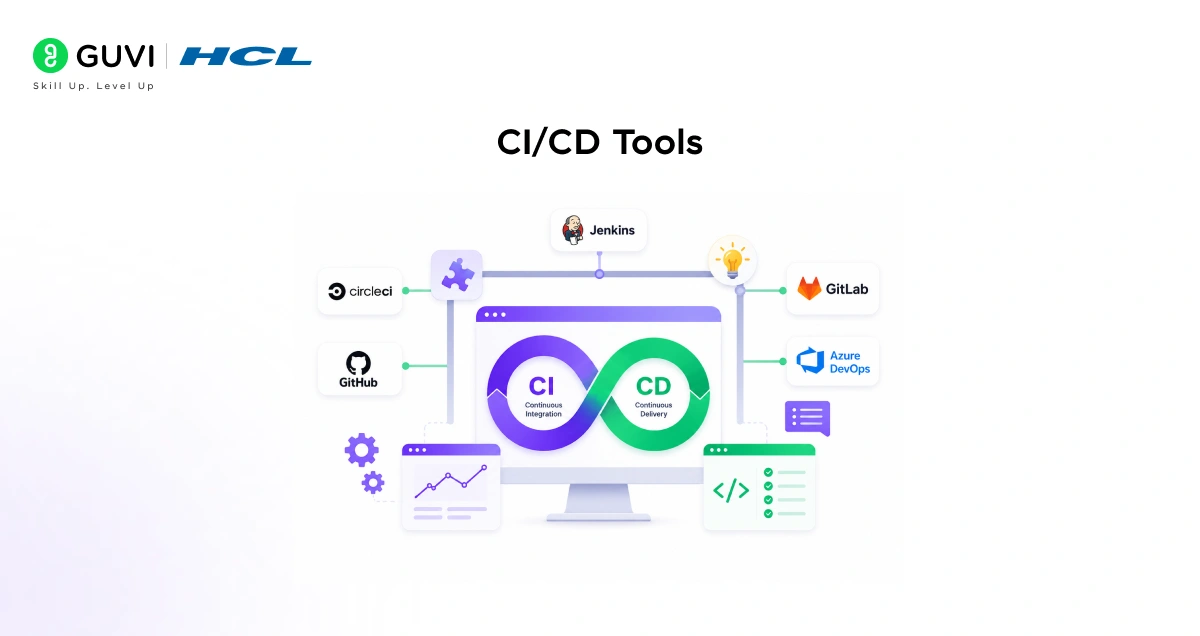
CI/CD, continuous integration and continuous delivery, is what allows teams to integrate code frequently, test automatically, and deploy reliably. Without it, agile’s promise of frequent working software deliveries is hard to keep.
- Jenkins
Jenkins is the most widely used open-source CI/CD server in the world. It automates building, testing, and deploying code, and its ecosystem of over 1,800 plugins makes it adaptable to almost any development stack or language.
When a developer pushes code, Jenkins triggers tests immediately, so problems surface before they compound. It integrates with most version control systems, build tools, and deployment targets and is used by organizations from startups to Google, Netflix, and LinkedIn.
- GitLab CI/CD
GitLab CI/CD is built into the GitLab platform. Pipelines are defined in a YAML file alongside the code. GitLab runs tests, scans for security issues, and deploys automatically. For teams already using GitLab for code hosting, it removes the need for a separate CI server entirely.

- Travis CI
Travis CI is a cloud-based CI/CD platform with strong integration with GitHub. It’s known for its simplicity, straightforward configuration, clean interface, and minimal setup overhead. Teams that want to get CI running quickly without managing infrastructure often choose Travis CI as their starting point.
Ready to build software using Agile and AI-powered development practices? Enroll in HCL GUVI’s AI Software Development Course and master full-stack development, AI tools, Agile workflows, and real-world projects.
Version Control and Code Collaboration
GitHub
GitHub is the standard for collaborative software development. Teams host repositories, work in parallel branches, and review changes via pull requests before merging.
GitHub Actions adds built-in CI/CD. The combination of code hosting, reviews, and automation in one platform has made it central to modern agile development.
Communication and Collaboration Tools
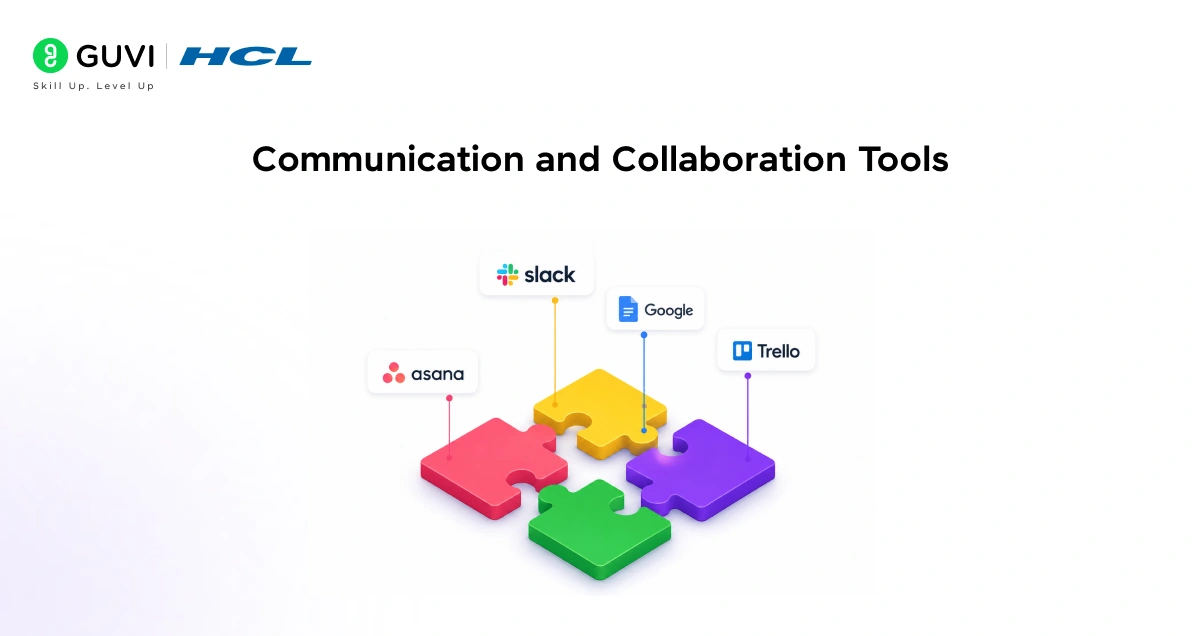
- Slack
- Slack is the real-time communication layer that keeps agile teams connected between standups and sprint ceremonies.
- Teams organize conversations in topic-based channels, one per project, per team, or per incident , and integrate Slack with Jira, GitHub, and CI/CD tools so that important events surface automatically in the right channels.
- For remote agile teams, Slack replaces the ad hoc conversations that happen naturally in an office, keeping information flowing without filling inboxes.
- Integrations with Jira, GitHub, and Jenkins mean the team gets notified about deployments, failed builds, and new issues without switching tools.
- Zoom
- Zoom enables the face-to-face communication that agile ceremonies depend on standups, sprint planning, and retrospectives.
- Screen sharing, whiteboarding, and session recording cover both structured meetings and spontaneous collaboration. Recordings and transcriptions help distributed teams catch up on anything missed.
- Google Workspace
- Google Workspace gives agile teams a shared content layer for specs, retrospective notes, and design documents.
- Real-time co-editing, inline comments, and revision history make it ideal for the iterative, collaborative documentation that agile work produces.
How to Choose the Right Combination
- No agile team needs every tool on this list. The most effective setups are small, well-integrated stacks where each tool solves a specific problem and they all connect to each other.
- A practical starting point for most software teams: Jira for sprint and backlog management, GitHub for code and reviews, Jenkins or GitLab CI for automated testing and deployment, and Slack for daily communication.
- Add Zoom for ceremonies and Google Workspace for shared documents, and you have a complete toolchain covering every stage of the development cycle.
- The key is integration. Tools that talk to each other, like Jira updating when a GitHub PR closes and Slack notifying when a Jenkins build fails, remove the manual overhead that slows teams down.
- Start with what your team actually needs today. Add tools as pain points emerge; don’t build a complex stack before you’ve outgrown a simple one.
Conclusion
The most popular tool in agile software development is Jira for project management, but no single tool tells the whole story. A well-functioning agile team needs a coordinated stack project tracking, code collaboration, automated CI/CD, and real-time communication all working together. The tools covered here
Jira, GitHub, Jenkins, Slack, Trello, ClickUp, and others have proven themselves across thousands of teams and projects. Pick the right combination for your team’s size, workflow, and maturity, integrate them well, and they’ll do exactly what good agile tooling should: get out of your way and let the team ship.
FAQs
What’s the best agile tool for sprint planning and backlog management?
Jira Software is the industry standard for Scrum/Kanban teams, with sprint planning, backlog prioritization, story points, and velocity tracking.
When should I use Trello vs Jira?
Use Trello for lightweight Kanban boards and quick setup; use Jira for full sprint management, detailed workflows, and enterprise-scale teams.
Which CI/CD tool is best for most teams?
Jenkins is the most widely used open-source CI/CD server; GitLab CI/CD is ideal for teams already using GitLab for code hosting.
Why is GitHub central to modern agile development?
GitHub hosts repos, enables parallel branches and pull-request reviews, and includes GitHub Actions for built-in CI/CD in one platform.
How do Slack integrations help agile teams?
Slack channels surface events automatically (new issues, build failures, deployments) via integrations with Jira, GitHub, and Jenkins, reducing tool-switching.
What’s the role of Zoom and Google Workspace in agile?
Zoom supports standups, planning, and retros with screen sharing/recording; Google Workspace provides shared docs with real-time co-editing and revision history.
How should I choose my tool stack?
Start small and integrated: pick one tool per category that solves your core pain points, ensure they integrate well, and add more only as needed.
Success Stories

About the Author
Vishalini Devarajan
An Aerospace Engineer turned content writer, I focus on making complex concepts easy to understand through well-structured, reader-friendly blogs. Whether it’s a technical topic or a non-technical one, I love creating content that is clear, engaging, and impactful.
View all posts by Vishalini Devarajan
Connect with me @









Did you enjoy this article?