


Software Development Articles
My Google SDE Interview Experience: From Rejection to Selection [2026 Success Story]
Apple Interview Experience for Software Developers: What to Expect
Operating System Examples: Top OS Types, Features, and Uses Explained


Get In Touch For Details! Request More Information
Decoding Differences between Network OS and Distributed OS
Dec 22, 2025 5 Min Read 2008 Views
(Last Updated)
Have you ever wondered how massive cloud systems stay synchronized while office networks remain tightly controlled? Network and distributed operating systems form the silent foundation behind these complex environments. Both manage communication, computation, and resource coordination but follow entirely different principles. The Network Operating System (NOS) centralizes control across connected computers, whereas the Distributed Operating System (DOS) spreads computation across independent nodes that function as one logical unit. Understanding these systems clarifies how modern computing achieves scalability and resilience.
Read on to explore a detailed comparison between Network OS and Distributed OS, their structures and real-world applications.
- Over 94% of large enterprises report using cloud computing solutions, which depend heavily on distributed operating system infrastructures.
- The global network operating systems market is projected to reach USD 42.81 billion by 2030.
- A study found that 76.9% of central government autonomous institutions in a certain region used a network operating system for campus networks and server management.
Table of contents
- What is a Network Operating System?
- Examples of Network Operating Systems
- What is a Distributed Operating System?
- Examples of Distributed Operating Systems
- Key Features of Network Operating System
- Key Features of a Distributed Operating System
- Advantages of Network Operating Systems
- Advantages of a Distributed Operating System
- Top 5 Applications of Network Operating Systems
- Top 5 Applications of a Distributed Operating System
- Step-by-Step Functioning of Network Operating System (NOS)
- Step 1: System Initialization
- Step 2: User Verification and Session Start
- Step 3: Resource Discovery and Allocation
- Step 4: Data Communication and Protocol Management
- Step 5: Monitoring and Traffic Regulation
- Step 6: Session Termination and Log Storage
- Step-by-Step Functioning of a Distributed Operating System (DOS)
- Step 1: Node Boot and Registration
- Step 2: Resource Mapping and Task Assignment
- Step 3: Process Synchronization and Execution
- Step 4: Inter-Node Communication and Data Sharing
- Step 5: Fault Detection and Recovery Handling
- Step 6: Result Aggregation and Completion Reporting
- Best Practices for Network Operating System (NOS)
- Structured Configuration Management
- Periodic Patch and Firmware Control
- Segmented Access Policies
- Centralized Logging Architecture
- Backup Synchronization Protocols
- Best Practices for Distributed Operating System (DOS)
- Node Configuration Consistency
- Reliable Communication Protocols
- Clock Synchronization Audits
- Fault Isolation and Recovery Checks
- Scalable Resource Mapping
- Disadvantages of Network Operating System
- Disadvantages of Distributed Operating System
- Comparison: Network OS vs Distributed OS
- The Bottom Line
- FAQs
- Can Network Operating Systems run without an internet connection?
- Why is synchronization important in Distributed Operating Systems?
- Which programming languages are used to build Network and Distributed Operating Systems?
What is a Network Operating System?
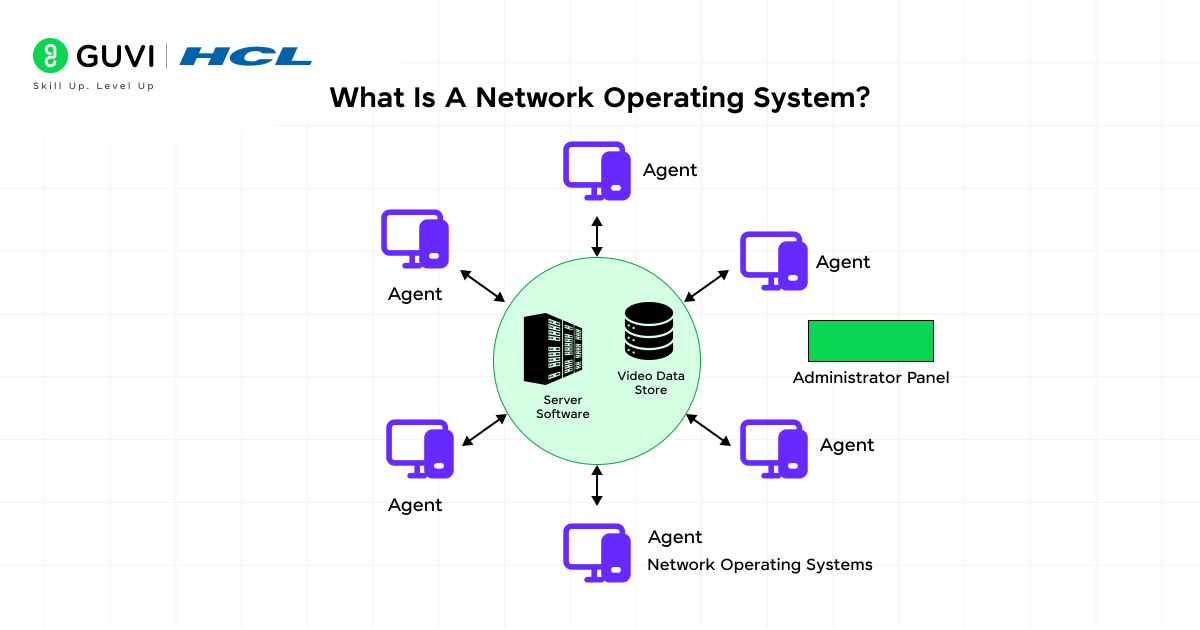
A Network Operating System (NOS) coordinates multiple connected computers and manages network-based operations. It provides a structured communication layer that handles user authentication and file access across shared systems. The NOS configures routing tables and device drivers to control data transmission. It also enforces connection protocols and monitors traffic to maintain consistency. Each machine operates locally but remains part of a managed network domain that follows centralized administrative control.
Examples of Network Operating Systems
- Windows Server
- Novell NetWare
- UNIX Server
- Linux Server (Red Hat Enterprise, Ubuntu Server)
- IBM LAN Server
What is a Distributed Operating System?
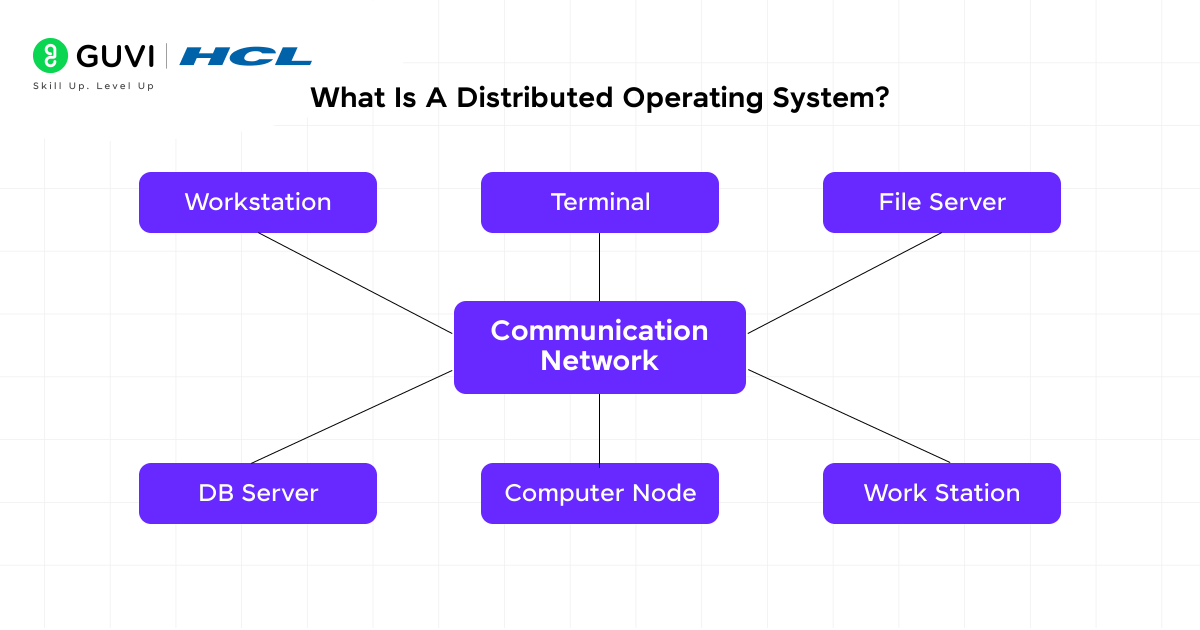
A Distributed Operating System (DOS) is a type of operating system that operates across several independent systems that cooperate to function as one logical unit. It synchronizes computation and communication between nodes through distributed scheduling and memory-sharing mechanisms. Each node maintains local control but interacts through global resource coordination. The DOS manages task distribution and fault detection. It also maintains clock synchronization to preserve event sequence and process accuracy across the entire network.
Examples of Distributed Operating Systems
- Amoeba Distributed Operating System
- LOCUS Distributed UNIX System
- Google’s Android Distributed Framework
- Mach Operating System
- Sprite Distributed System
Key Features of Network Operating System
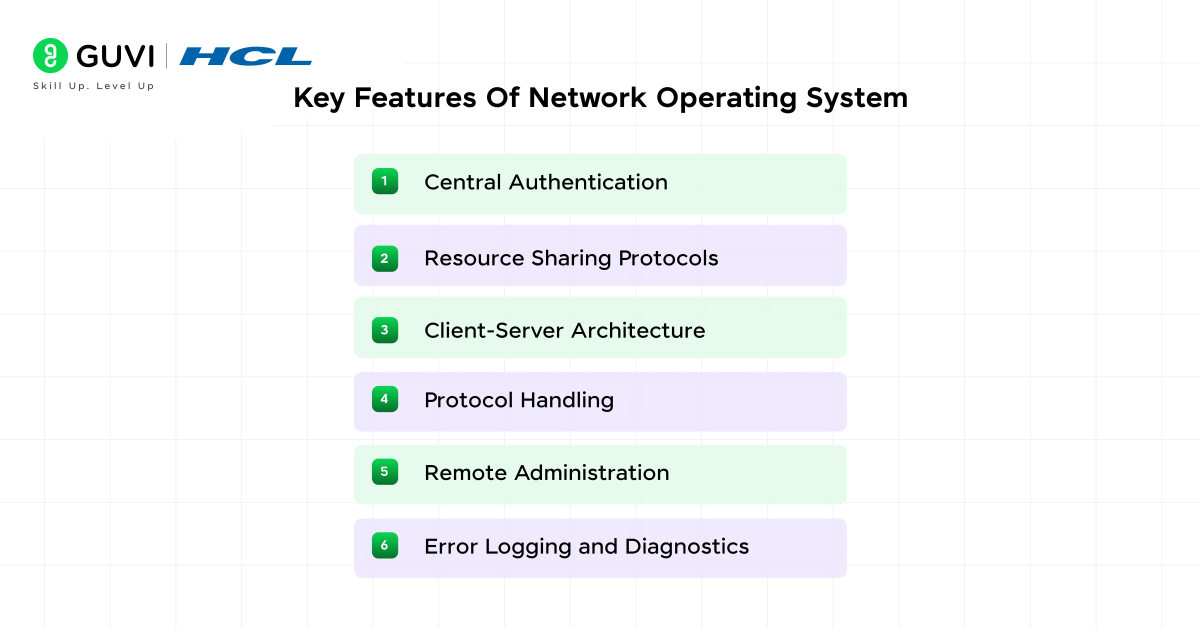
A network operating system focuses on the communication structure and controlled access. Here are the key features of a network operating system:
- Central Authentication: Manages user identities and permissions through secured login systems.
- Resource Sharing Protocols: Controls shared drives and peripheral access using standards such as NFS or SMB.
- Client-Server Architecture: Separates data request and response functions for efficient communication.
- Protocol Handling: Implements TCP/IP and routing algorithms that direct data between network nodes.
- Remote Administration: Provides tools that manage users, devices, and configurations from a central console.
- Error Logging and Diagnostics: Tracks network faults and latency events to maintain operational consistency.

Key Features of a Distributed Operating System
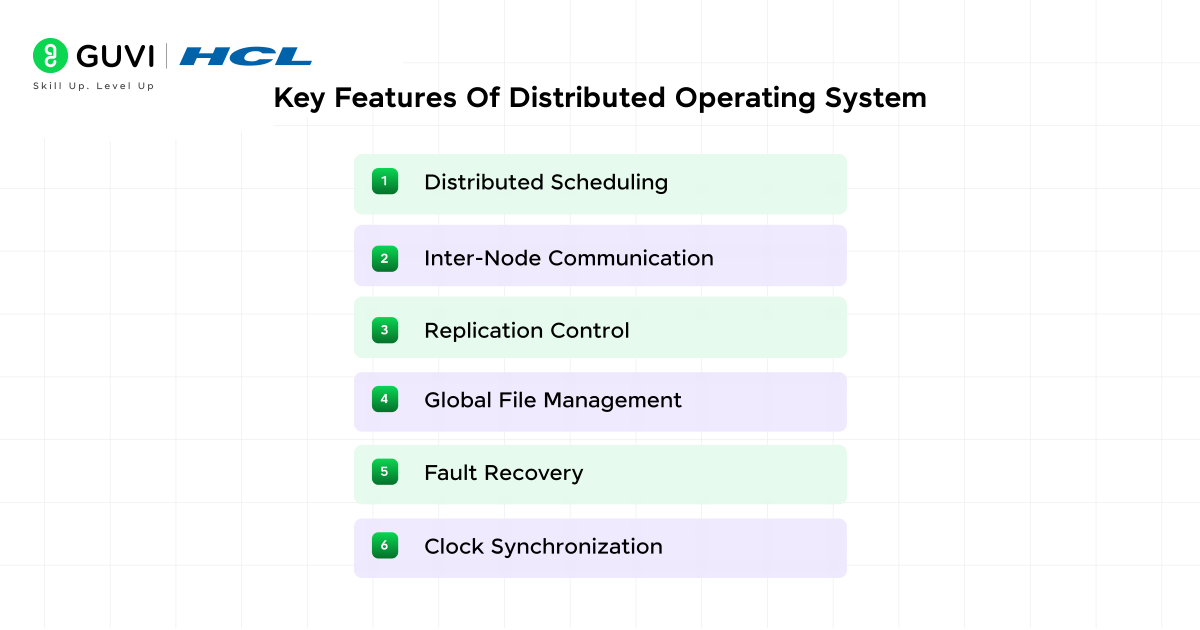
A distributed operating system manages computation and reliability across multiple systems through a coordinated operating system structure. Here are the key features of a distributed operating system:
- Distributed Scheduling: Allocates processing tasks across nodes through coordinated algorithms.
- Inter-Node Communication: Uses message passing and shared memory to maintain process interaction.
- Replication Control: Duplicates key data blocks for fault resilience and synchronization accuracy.
- Global File Management: Maintains a unified directory structure accessible from all connected nodes.
- Fault Recovery: Restores interrupted processes through checkpointing and controlled reallocation.
- Clock Synchronization: Maintains a uniform time reference across systems to preserve execution order.
Advantages of Network Operating Systems
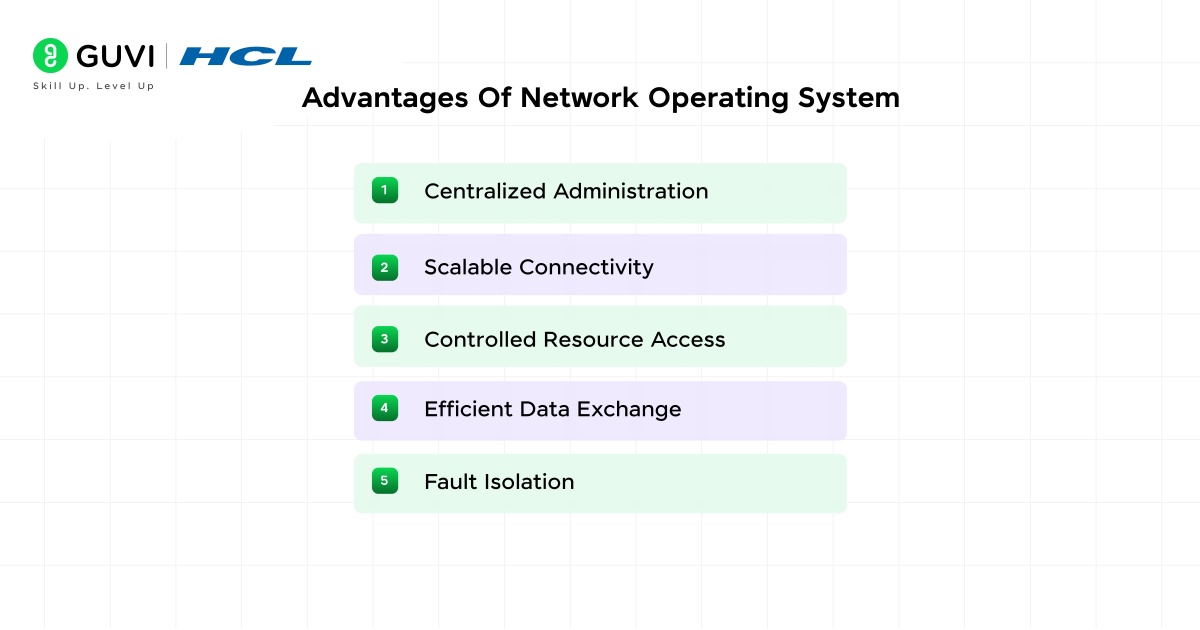
A Network Operating System (NOS) strengthens coordination and control across connected computers. Its technical structure provides operational clarity and secure management. Here are its top advantages:
- Centralized Administration: All user accounts, permissions, and device settings are managed from one console, which simplifies supervision and auditing.
- Scalable Connectivity: New devices and users can be integrated into the network with minimal configuration changes.
- Controlled Resource Access: The NOS maintains structured file and printer sharing through defined access levels that protect against misuse.
- Efficient Data Exchange: Communication protocols reduce packet loss and improve transfer reliability across local and remote nodes.
- Fault Isolation: Each system operates independently, which minimizes the spread of errors and simplifies recovery during network interruptions.
Advantages of a Distributed Operating System
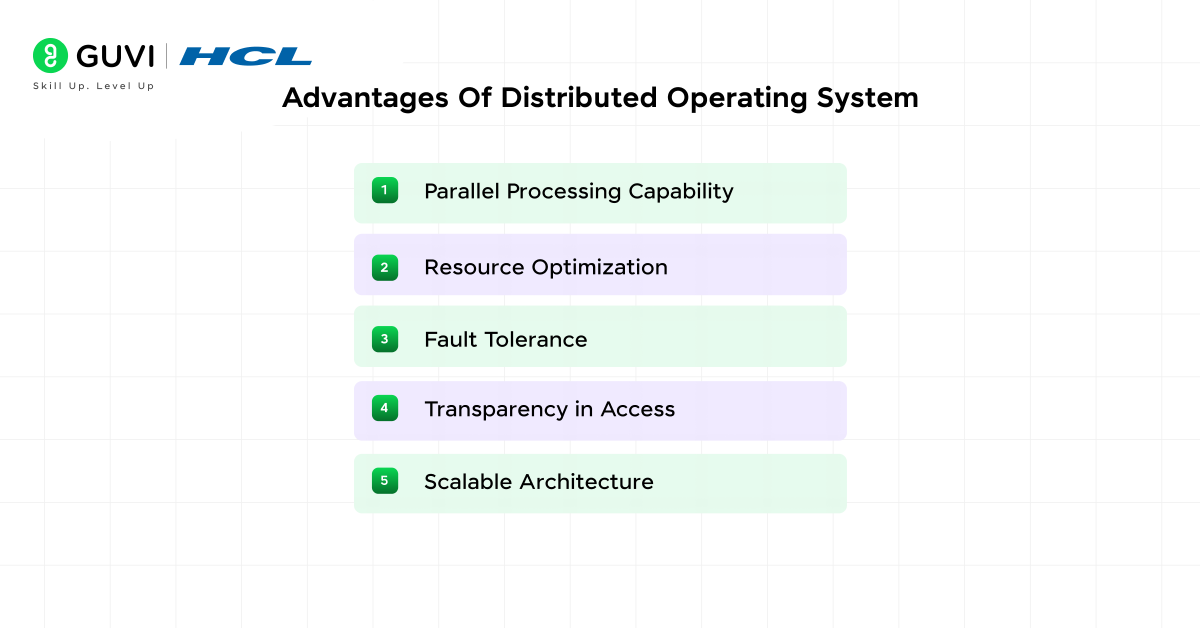
A Distributed Operating System (DOS) enhances processing through coordinated computation across multiple systems. Its design supports resilience and balanced workload distribution. Here are its top advantages:
- Parallel Processing Capability: Tasks are executed simultaneously across different nodes, which improves speed and throughput.
- Resource Optimization: The DOS allocates CPU cycles, memory, and storage where demand is highest, which maintains consistent system performance.
- Fault Tolerance: Node failures do not halt operations because tasks are automatically reassigned to available nodes.
- Transparency in Access: Users experience the distributed system as a unified environment, which simplifies operation and control.
- Scalable Architecture: Nodes can be added or removed without disrupting overall processing, which supports growth in large-scale computing environments.
Top 5 Applications of Network Operating Systems
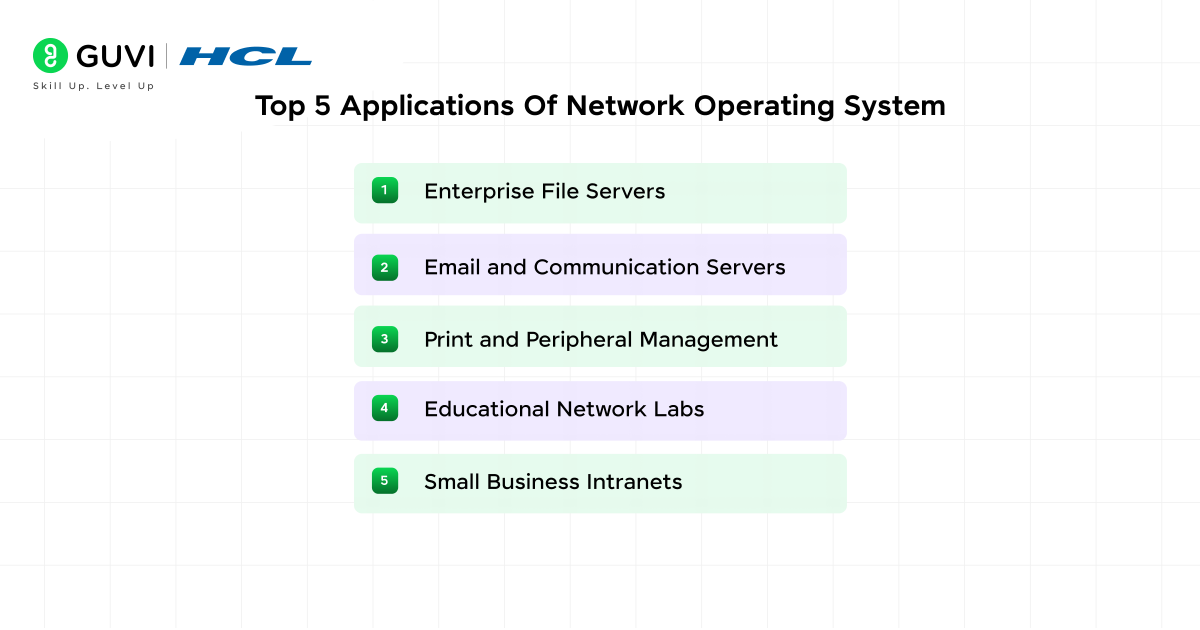
- Enterprise File Servers: Manage shared data repositories with structured permissions and version control.
- Email and Communication Servers: Handle mail routing and authentication in corporate networks.
- Print and Peripheral Management: Coordinate shared printer access and manage device queues for multiple users.
- Educational Network Labs: Support classroom environments that rely on centralized login and resource allocation.
- Small Business Intranets: Maintain internal data exchange and secure access for office teams.
Top 5 Applications of a Distributed Operating System
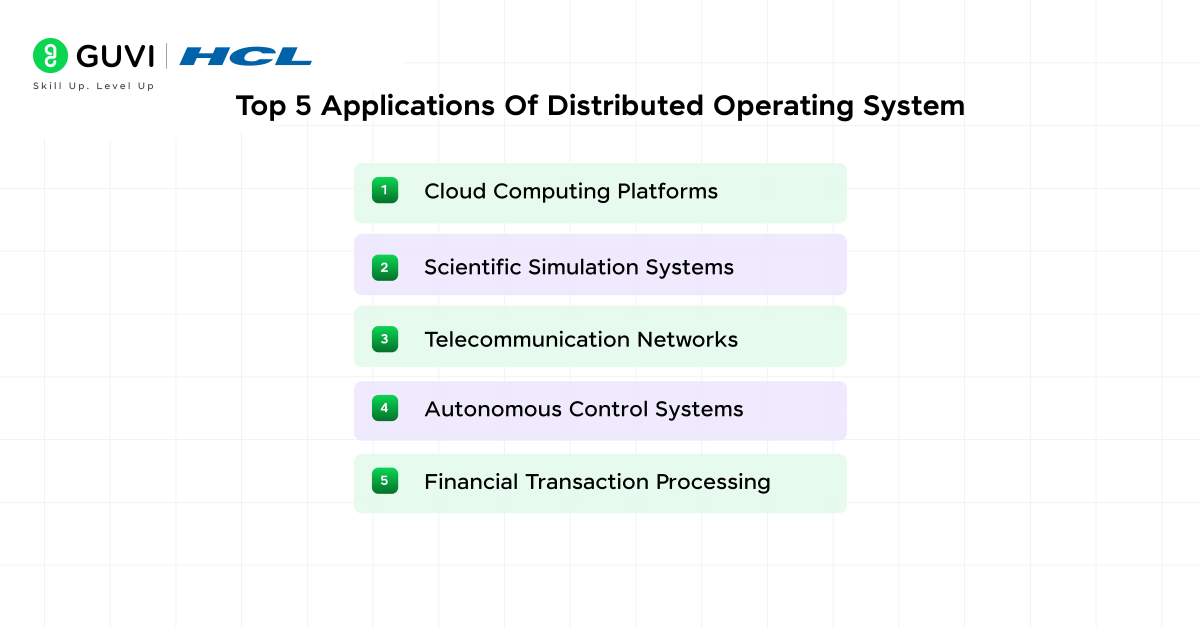
- Cloud Computing Platforms: Manage workloads across distributed data centers with automated scaling and redundancy.
- Scientific Simulation Systems: Coordinate complex calculations across high-performance clusters.
- Telecommunication Networks: Support continuous routing and switching functions through distributed control nodes.
- Autonomous Control Systems: Maintain synchronized processing in robotics and industrial automation.
- Financial Transaction Processing: Handle parallel data operations in banking and trading systems where timing precision is critical.
Step-by-Step Functioning of Network Operating System (NOS)
Step 1: System Initialization
The server activates authentication modules and loads routing protocols. It also initializes device interfaces that support data transfer. After setup, each connected client sends a request to join the network domain under defined credentials.
Step 2: User Verification and Session Start
The NOS confirms login credentials through centralized authentication records. Once validated, it generates a session key that links the user to approved directories and connected devices.
Step 3: Resource Discovery and Allocation
The system scans available drives and communication ports. It maps these resources to logical identifiers so that users can access shared storage under controlled permissions.
Step 4: Data Communication and Protocol Management
Data packets move through defined routes managed by transmission control protocols. Each packet undergoes integrity verification before reaching its destination. The NOS uses acknowledgment sequences that confirm delivery and maintain order.
Step 5: Monitoring and Traffic Regulation
The system measures packet latency and detects route congestion. It adjusts traffic flow by reallocating bandwidth or redirecting packets through alternative routes. This continuous adjustment maintains data stability during transmission.
Step 6: Session Termination and Log Storage
The NOS closes connections and clears temporary credentials after logout. It records usage history and network statistics that support later diagnostics and optimization.
Step-by-Step Functioning of a Distributed Operating System (DOS)
Step 1: Node Boot and Registration
Each node starts its kernel and reports its processing capacity to the central controller. Registration data includes processor configuration and available memory space.
Step 2: Resource Mapping and Task Assignment
The global scheduler gathers node information and updates the system map. It divides workload segments and assigns them to nodes based on current utilization and processing efficiency.
Step 3: Process Synchronization and Execution
Parallel processes begin under coordinated scheduling. Synchronization primitives maintain consistent access to shared memory and preserve sequence order across executing threads.
Step 4: Inter-Node Communication and Data Sharing
Nodes exchange partial results through message passing. Each exchange passes through validation routines that confirm delivery and maintain a consistent data state across the distributed cluster.
Step 5: Fault Detection and Recovery Handling
Monitoring modules detect missing heartbeat signals that indicate failure. The system transfers active tasks to other nodes and restores computation through stored checkpoint data.
Step 6: Result Aggregation and Completion Reporting
Each node returns output data to the controller, which merges results into a unified dataset. The consolidated report updates the distributed file system for access and further computation.
Best Practices for Network Operating System (NOS)
1. Structured Configuration Management
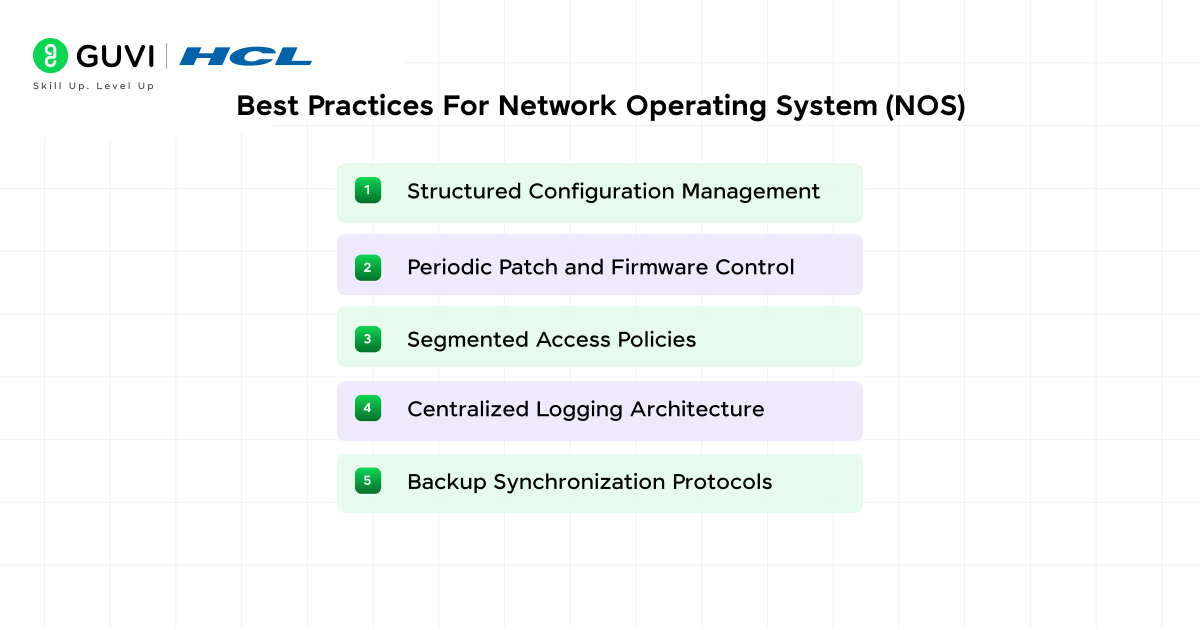
Maintain a defined configuration policy for all network nodes. Document IP assignments, user permissions, and routing setups using essential functions of the operating system such as resource management and process coordination. This practice avoids conflicts and simplifies audits.
2. Periodic Patch and Firmware Control
Apply verified patches across servers and connected devices through a controlled update schedule. Version tracking helps prevent compatibility issues during network expansion.
3. Segmented Access Policies
Divide network segments based on purpose and privilege level. Limit administrative access through multi-layer authentication to protect control files and core services.
4. Centralized Logging Architecture
Collect and archive event logs on a dedicated management server. Analyze network traffic anomalies and connection errors regularly to maintain operational clarity.
5. Backup Synchronization Protocols
Schedule automated backups for authentication databases, system registries, and configuration files. Use incremental backups that reduce restoration time after a network fault.
Best Practices for Distributed Operating System (DOS)
1. Node Configuration Consistency
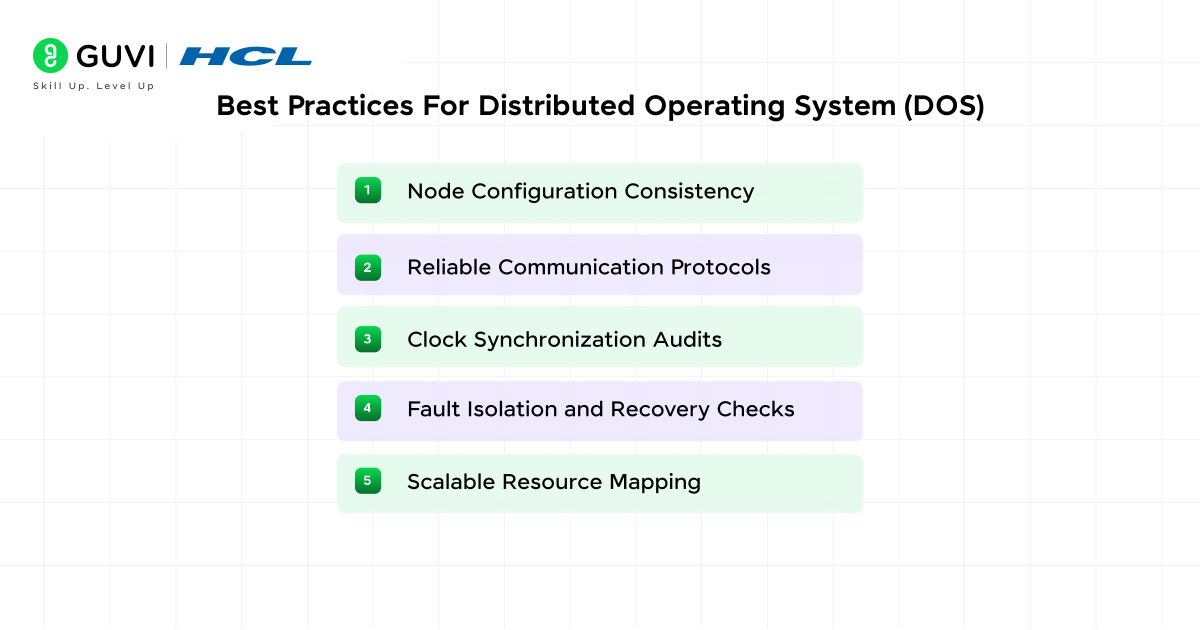
Maintain uniform versions of kernels, libraries, and system utilities across all nodes. Consistency ensures that scheduling and file management modules behave identically under load, especially when nodes rely on operating system commands for coordination.
2. Reliable Communication Protocols
Implement verified message-passing frameworks with acknowledgment systems. These protocols confirm packet delivery and maintain accuracy in process coordination.
3. Clock Synchronization Audits
Calibrate system clocks through network time services at defined intervals. Regular synchronization maintains event sequence integrity during distributed computation.
4. Fault Isolation and Recovery Checks
Run scheduled fault simulations to verify checkpointing and rollback processes. Controlled testing ensures recovery mechanisms operate as expected under node failure.
5. Scalable Resource Mapping
Design resource allocation policies that adapt to changing workloads. The distributed scheduler should redistribute tasks automatically when computational demand increases.
Also, Explore: Top Free and Paid Operating System Courses to Learn in 2026
Disadvantages of Network Operating System
- Requires continuous maintenance and skilled administration for configuration and security updates.
- Network performance depends on server reliability and connection stability.
- System upgrades or hardware failures can interrupt shared resource access.
Disadvantages of Distributed Operating System
- Complex design and coordination make system setup and debugging more difficult.
- Communication delays between nodes can affect overall processing speed.
- Synchronization failures or inconsistent data replication may reduce system reliability.
Find out how operating systems power intelligent networks and distributed systems with our AI Software Development Course, a job-ready program with industry projects, global certification, and 100% placement support. Learn to design scalable, AI-driven solutions that automate decision-making and optimize performance across complex computing environments
Comparison: Network OS vs Distributed OS
| Characteristics of Operating System | Network Operating System (NOS) | Distributed Operating System (DOS) |
| System Structure | Runs on separate computers linked through a network under central control. | Operates on interconnected nodes that function as one system. |
| Resource Management | Each computer manages local resources under network rules. | Resources are coordinated globally through a shared scheduler. |
| Control Type | Centralized through a main server. | Decentralized across multiple nodes. |
| Communication | Uses standard network protocols such as TCP or IPX. | Relies on message passing and shared memory. |
| Data Access | Files and devices accessed remotely through mapped paths. | Data presented as one unified global file system. |
| Fault Handling | Server failure affects connected users until manual recovery. | Faults handled through automatic task reassignment. |
| Scalability | Suitable for small to mid-level networks. | Supports large-scale clusters and cloud systems. |
| Transparency | Each system maintains its separate identity. | Nodes appear as one logical unit to users. |
| Performance Base | Depends on server strength and network speed. | Depends on synchronization and balanced workload. |
| Primary Use | Office networks, labs, and small enterprises. | Cloud, research grids, and automation systems. |
The Bottom Line
Network and distributed operating systems define how interconnected systems function in modern computing. The Network OS centralizes control for efficient administration, while the Distributed OS promotes shared processing and reliability across multiple nodes. Understanding both models builds a strong foundation for mastering cloud infrastructure and parallel computing principles essential for scalable system design.
FAQs
1. Can Network Operating Systems run without an internet connection?
Yes. A Network Operating System operates on local area networks (LANs) and does not require internet connectivity. It manages data exchange, file sharing, and authentication across connected systems within the same internal network
2. Why is synchronization important in Distributed Operating Systems?
Synchronization maintains order among nodes during distributed processing. It ensures that tasks execute in the correct sequence, and that data remains accurate when shared between multiple systems performing concurrent operations.
3. Which programming languages are used to build Network and Distributed Operating Systems?
Most operating systems are developed using C and C++ because they offer low-level hardware access and high performance. Some distributed environments also use Python or Java for middleware and inter-node communication frameworks.
Success Stories

About the Author
Vaishali
I'm a seasoned writer with four years of experience across technical, non-technical, and just about every genre or niche you can imagine. Adaptable and curious, I enjoy exploring new topics and making information engaging and easy to understand. Fueled by a steady stream of tea, I approach each project with creativity, reliability, and genuine enthusiasm for storytelling.
View all posts by Vaishali
Connect with me @
















Did you enjoy this article?