


Artificial Intelligence and Machine Learning Articles
AI/ML Skills Gap 2026: Why Companies Can't Find Job-Ready Talent
20 AI/ML Interview Questions Recruiters Can Use Without a Tech Background - Best Guide
How Industry-Backed AI/ML Bootcamps Are Changing the AI/ML Hiring Pipeline - Best Guide 2026
From IT Support to AI Engineer: A Realistic Career Switch Guide 2026


Get In Touch For Details! Request More Information

Claude Prompt Engineering for Structured Outputs
Jul 27, 2026 4 Min Read 406 Views
(Last Updated)
Large Language Models (LLMs) are excellent at generating natural language, but real-world applications often need responses in a predictable format. Whether you’re building a chatbot, automating document processing, extracting data, or integrating AI into business workflows, inconsistent outputs can quickly become a challenge.
That’s where structured output prompting comes in. By designing prompts that specify the exact response format, you can make Claude generate consistent, machine-readable outputs that are easier to validate, parse, and integrate into applications. In this article, you’ll learn how to write prompts for structured outputs, common design patterns, best practices, and practical examples for production-ready AI systems.
Table of contents
- TL;DR Summary Box
- What are structured outputs in the Claude API?
- Why should I use structured outputs instead of free-form text?
- How do I improve the consistency of structured outputs?
- Is JSON the best format for structured outputs?
- Should I validate Claude's structured responses?
- Can structured outputs be combined with Tool Use?
TL;DR Summary Box
- Structured outputs make AI responses predictable and machine-readable.
- Clearly specify the desired format in your prompt.
- Define required fields, data types, and formatting rules.
- Include examples to improve consistency.
- Validate outputs before using them in production.
- Combine structured prompting with Tool Use for robust workflows.
Use clear prompts, examples, and JSON schema to get reliable structured outputs from Claude.
Learn AI & ML with HCL GUVI’s Artificial Intelligence and Machine Learning course.
What Are Structured Outputs?
Structured outputs are responses organized according to a predefined schema rather than free-form text.
Common formats include:
- JSON
- XML
- CSV
- Markdown tables
- YAML
- Fixed report templates
Unlike conversational responses, structured outputs are designed to be consumed by software systems with minimal post-processing.
Clear prompt instructions often improve structured output reliability more than complex post-processing. Defining the expected format, required fields, and including a sample response helps Claude generate consistent, machine-readable data that is easier to validate and integrate into production workflows.
Why Do Structured Outputs Matter?
Applications often need data that can be processed automatically.
Structured outputs make it easier to:
- Parse responses programmatically
- Populate databases
- Trigger workflows
- Build dashboards
- Integrate APIs
- Reduce manual cleanup
Instead of interpreting paragraphs of text, your application receives predictable data structures.
📊 Data Point
Production AI systems commonly use structured responses to reduce parsing errors and improve the reliability of downstream automation.
How Does Prompt Engineering Improve Structured Outputs?
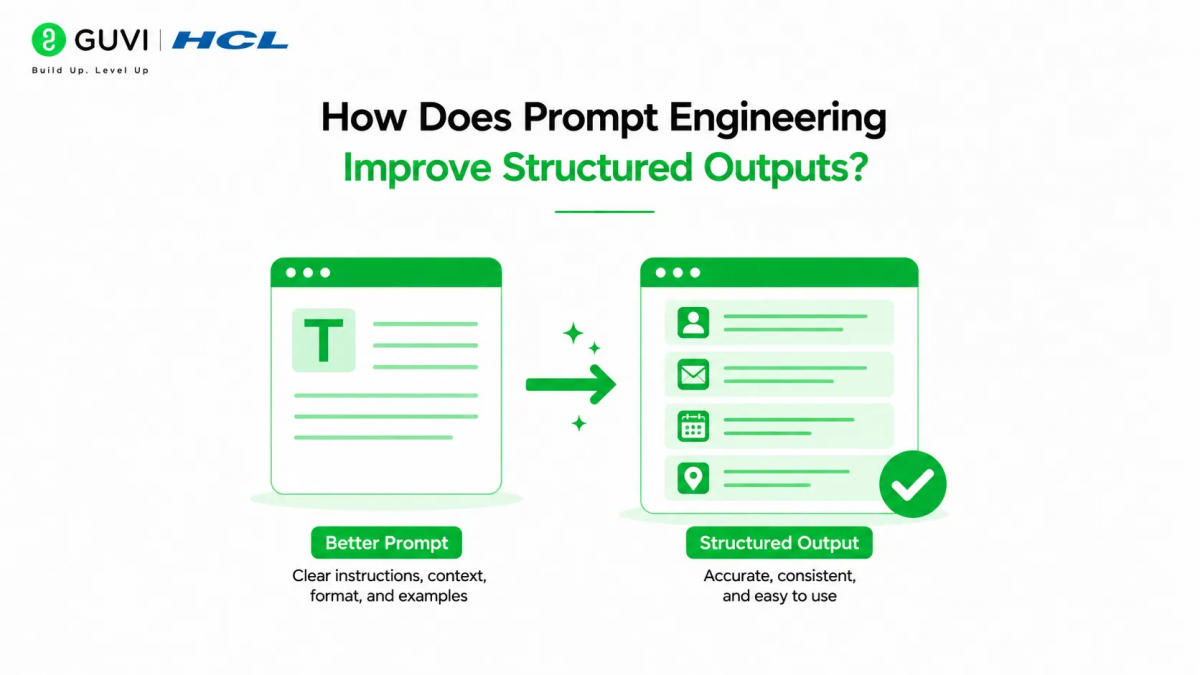
Claude performs best when the prompt clearly specifies the required format.
A good prompt should define:
- Output format
- Required fields
- Optional fields
- Data types
- Formatting rules
- Error handling expectations
The more explicit your instructions, the more consistent the responses are likely to be.
Specify the Output Format Clearly
Never assume Claude knows the format you want.
Instead of saying:
“Summarize this customer review.”
Try:
“Summarize this customer review and return the response as a JSON object containing the fields: sentiment, summary, confidence, and key_topics.”
This removes ambiguity and improves consistency.
💡 Pro Tip
State the desired format at the beginning of your prompt so Claude treats it as a primary requirement.
Define Required Fields
List every field your application expects.
For example:
| Field | Description |
| title | Short descriptive title |
| category | Content classification |
| summary | Brief overview |
| confidence | Confidence score |
| keywords | List of relevant keywords |
Explicit field definitions reduce the likelihood of missing information.
Use Examples in Your Prompts
Providing an example output helps Claude understand your expectations more accurately.
For example:
{

  "title": "API Rate Limits",

  "category": "Developer Guide",

  "summary": "Explains API usage limits.",

  "keywords": [

    "API",

    "Rate Limits"

  ]

}
Few-shot prompting often improves formatting consistency, especially for complex schemas.
Ask Claude to Return Only the Structured Data
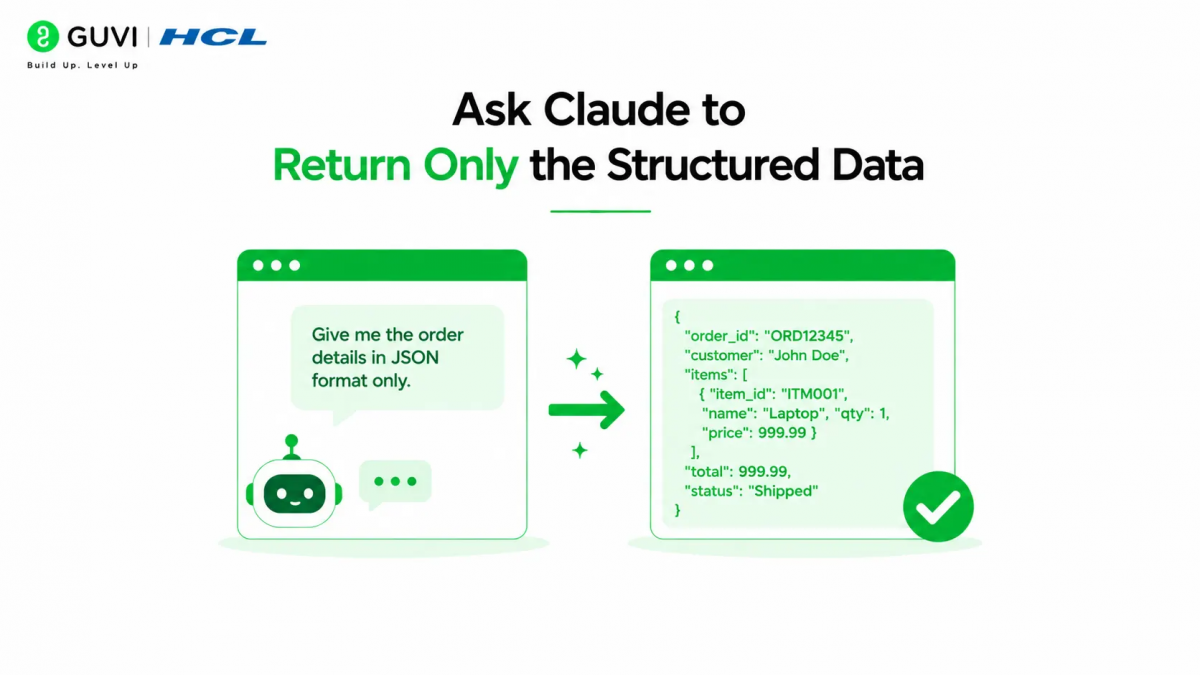
Extra explanations can make parsing difficult.
Include instructions such as:
- Return only the JSON object.
- Do not include Markdown.
- Do not explain the output.
- Do not wrap the response in code fences.
These constraints help produce cleaner responses for automated workflows.
⚠️ Warning
If your application expects machine-readable output, avoid prompts that encourage conversational explanations alongside the structured data.
Validate Structured Outputs
Even well-designed prompts can occasionally produce formatting errors.
Applications should validate responses before processing them.
Common validation steps include:
- Required field checks
- Data type validation
- Schema validation
- Range validation
- Enum validation
- Missing value detection
Validation improves reliability in production environments.
Common Structured Output Formats
Different formats suit different use cases.
| Format | Best Use Case |
| JSON | APIs and automation |
| XML | Enterprise integrations |
| CSV | Data exports |
| Markdown tables | Reports and documentation |
| YAML | Configuration files |
| HTML | Web content generation |
Choose the format that aligns with your application’s requirements.

Use clear prompts, examples, and JSON schema to get reliable structured outputs from Claude.
Learn AI & ML with HCL GUVI’s Artificial Intelligence and Machine Learning course.
Structured Outputs vs Free-Form Responses
Not every AI task requires structured formatting.
| Free-Form Output | Structured Output |
| Natural conversation | Machine-readable |
| Flexible wording | Fixed schema |
| Better for creative writing | Better for automation |
| Human-focused | Software-focused |
| Less predictable | Highly consistent |
Many applications combine both approaches depending on the task.
Common Use Cases
Structured outputs are widely used for:
- Document extraction
- Invoice processing
- Customer feedback analysis
- Product categorization
- Content moderation
- Resume parsing
- CRM automation
- Knowledge management
- Workflow orchestration
- Business reporting
These applications benefit from predictable, standardized responses.
Common Mistakes
| Mistake | Better Approach |
| Vague formatting instructions | Define the exact schema |
| Mixing text with JSON | Return only structured data |
| Omitting required fields | List all expected fields |
| Assuming valid formatting | Validate every response |
| Overly complex schemas | Keep structures as simple as possible |
Real-World Example
Imagine an e-commerce company analyzing thousands of customer reviews.
Instead of requesting a written summary for each review, the company prompts Claude to return a JSON object containing sentiment, rating estimate, product category, and recurring themes.
These structured responses are automatically ingested into an analytics platform, enabling dashboards, trend analysis, and reporting without requiring manual data cleaning. The combination of clear prompting and schema validation makes the workflow both scalable and reliable.
Structured Prompt Template
A reusable prompt template often includes:
- Task description
- Context
- Output format
- Required fields
- Formatting rules
- Validation requirements
This structure helps produce consistent outputs across different tasks.
Best Practices for Structured Output Prompting
- Specify the required output format explicitly.
- List every required field and expected data type.
- Include sample outputs for complex schemas.
- Request only the structured data when automation is involved.
- Keep schemas concise and easy to validate.
- Validate responses before using them in production.
- Test prompts with diverse input scenarios to ensure consistency.
Key Takeaways
- Structured outputs make AI responses predictable and machine-readable.
- Clear prompts significantly improve formatting consistency.
- Define schemas, required fields, and formatting rules explicitly.
- Examples help Claude understand the expected structure.
- Validation is essential for production applications.
- Simpler schemas often lead to more reliable outputs.
FAQs
1. What are structured outputs in the Claude API?
Structured outputs are responses formatted according to a predefined schema—such as JSON, XML, or Markdown tables—making them easier for software systems to process automatically.
2. Why should I use structured outputs instead of free-form text?
Structured outputs provide predictable formatting, reduce parsing errors, simplify automation, and integrate more easily with databases, APIs, and business workflows.
3. How do I improve the consistency of structured outputs?
Clearly specify the desired format, define required fields, provide example outputs, and instruct Claude to return only the structured data without additional explanations.
4. Is JSON the best format for structured outputs?
JSON is one of the most commonly used formats for APIs and automation because it is lightweight and widely supported. However, XML, CSV, YAML, and Markdown tables may be better suited for specific use cases.
5. Should I validate Claude’s structured responses?
Yes. Applications should validate responses against the expected schema to detect missing fields, incorrect data types, or formatting issues before processing the output.
6. Can structured outputs be combined with Tool Use?
Yes. Structured prompting works well alongside Tool Use, allowing Claude to retrieve external data and return it in a consistent, machine-readable format for downstream systems.
Conclusion
Structured outputs are a key building block for reliable AI applications. Instead of relying on free-form text that requires additional parsing, you can guide Claude to produce predictable, machine-readable responses by defining clear schemas, required fields, and formatting rules in your prompts. This approach reduces integration complexity and improves the reliability of automated workflows.
Whether you’re extracting information from documents, generating API responses, or building enterprise automation, investing time in structured prompt design pays off through cleaner outputs and fewer downstream errors. Combine well-crafted prompts with validation and iterative testing to create AI systems that are both flexible and production-ready.
Success Stories

About the Author
Vishalini Devarajan
An Aerospace Engineer turned content writer, I focus on making complex concepts easy to understand through well-structured, reader-friendly blogs. Whether it’s a technical topic or a non-technical one, I love creating content that is clear, engaging, and impactful.
View all posts by Vishalini Devarajan
Connect with me @











Did you enjoy this article?