


Python Articles
Excel SQL Python for BPO Professionals Best Guide to Move Into Data Science
Go vs Python for Forward Deployed Engineering Workloads
Python for Forward Deployed Engineers: What You Actually Need to Know
Freelancing as a Python Developer: Getting Your First Client


Get In Touch For Details! Request More Information

Ever built a calculator or a small game in Python and wondered how it actually listens to what you type? That’s exactly what input handling does, it’s the bridge between your code and the person using it.
Taking input in Python means capturing data a user types while a program is running, most commonly using the built-in input() function, which reads whatever is typed as a string until you convert it into another type.
Without this, every program would run the exact same way every single time, with no way to respond to what a real user actually wants.
This guide covers how the input() function works, the six common input types you’ll actually use, and the mistakes beginners run into most often.
Table of contents
- TL;DR Summary
- What Is Input in Python
- How to Take Input Using the input() Function
- Input Types at a Glance
- Common Types Of Input In Python With Examples
- String Input
- Integer Input
- Float Input
- Multiple Inputs Using split()
- List Input
- Boolean Input Using Condition
- Common Mistakes While Taking Input In Python
- 💡 Did You Know?
- How to Validate User Input in Python
- Reading Multiple Lines of Input at Once
- Conclusion
- FAQs
- How does Python handle empty input when the user just presses Enter?
- What happens if input in Python contains special characters or emojis?
- Is there a way to limit the length of user input in Python?
- How can input in Python be handled securely in real-world applications?
- Does input in Python behave differently across operating systems?
TL;DR Summary
- What it is: capturing user-typed data while a Python program runs, using the built-in input() function
- The default behavior: everything typed is read as a string, even if it looks like a number
- Common types: string, integer, float, multiple values via split, list input, and boolean-style input
- Where beginners go wrong: forgetting to convert types, mishandling multiple inputs, and assuming input is always well-formed
- Why it matters: it’s what turns static code into something that actually responds to a real person
What Is Input in Python
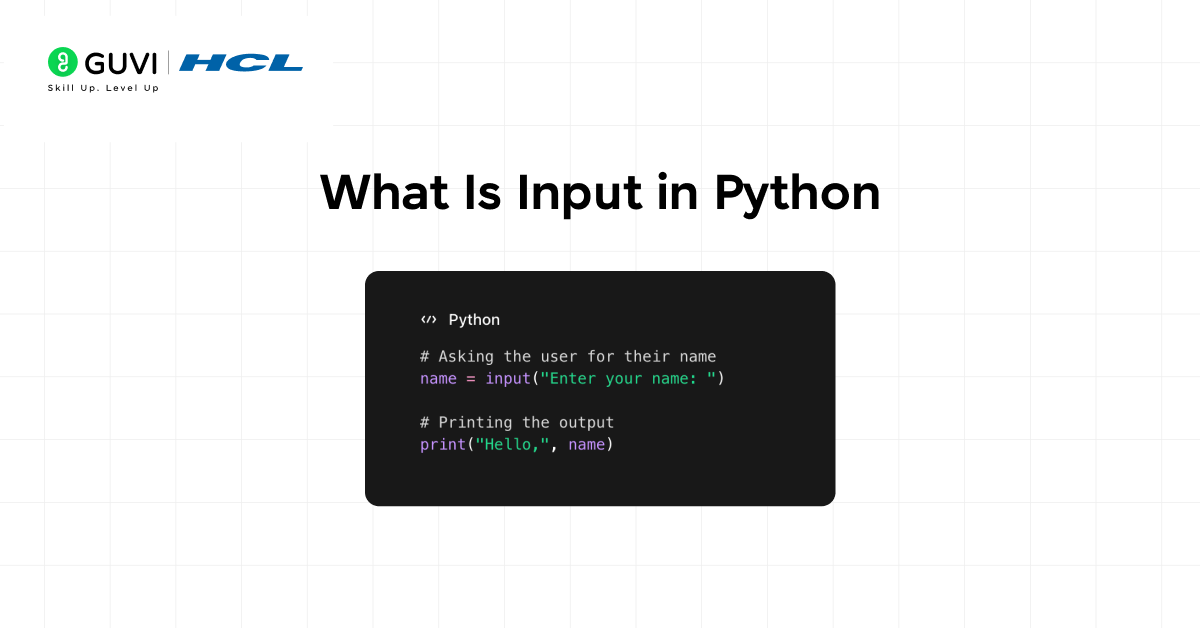
In Python, input refers to the data a program receives from the user while it is running. Handling input in Python allows programs to behave dynamically instead of executing the same instructions every time. By taking input in Python, developers can create interactive programs like calculators, quizzes, games, and data-driven applications.
Python makes capturing input simple through the input() function. Beginners can quickly learn to take user data, while advanced programmers can combine input with data validation, type conversion, and multiple inputs to build complex applications. Understanding input in Python is the first step toward creating responsive and user-friendly programs.
Key Points
- Dynamic Programs: Programs can perform different actions based on user input in Python.
- Interactive Applications: Input enables games, quizzes, and calculators that respond to users.
- Flexible Data Handling: Input in Python can be strings, integers, floats, or processed for further logic.
- Beginner-Friendly: The input() function is simple and intuitive for new programmers.
- Supports Advanced Features: Combined with type conversion and validation, input in Python powers robust programs.
Example
age = input("Enter your age: ")
print("You are " + age + " years old.")
Explanation
Here, the program asks the user for their age. The input() function reads the value as a string and stores it in the variable age, which is then used to display a personalized message. This is a simple illustration of taking input in Python and using it in a program.
If you want to go beyond basics like input in Python and build real interactive programs, do check out HCL GUVI’s Python Course. The course helps beginners practice Python concepts such as user input, data handling, and logic building through guided sessions and hands-on projects, making it easier to apply what you learn in real scenarios.
How to Take Input Using the input() Function
The built-in input() function pauses your Python program and waits until the user types something and presses Enter. Whatever they typed gets stored in a variable so you can use it later in your code. Python’s own Input and Output documentation covers this in more depth if you want the official reference.
This matters because almost every real-world program depends on some form of user interaction, from a simple command-line tool to a basic login form. Understanding how input() behaves is one of the first genuinely useful skills a new Python programmer picks up.
Key Points
- User Interaction: The input() function allows users to provide data while the program is running.
- Always Returns Text: Input in Python is received as a string by default.
- Easy to Use: Just one line of code is enough to capture user input.
- Reusable Data: The stored input can be used multiple times in the program.
- Essential for Beginners: Most beginner Python programs rely on input() for practice.
Example
name = input("Enter your name: ")
print("Hello", name)
Explanation
In this example, Python displays a message asking the user to enter their name. The value typed by the user is stored in the variable name. The program then prints a greeting using that input, showing how input in Python helps personalize program output.
Input Types at a Glance
Here’s a quick reference for the six input patterns covered below, before diving into each one in detail.
| Type | How You Get It | Common Use Case |
|---|---|---|
| String | input() directly | Names, text responses |
| Integer | int(input()) | Age, quantity, anything needing arithmetic |
| Float | float(input()) | Prices, measurements, decimal values |
| Multiple values | .split() | Two or more values entered on one line |
| List | list(map(int, input().split())) | A set of numbers to process together |
| Boolean-style | comparison on a string | Yes/no questions, simple confirmations |
Common Types Of Input In Python With Examples
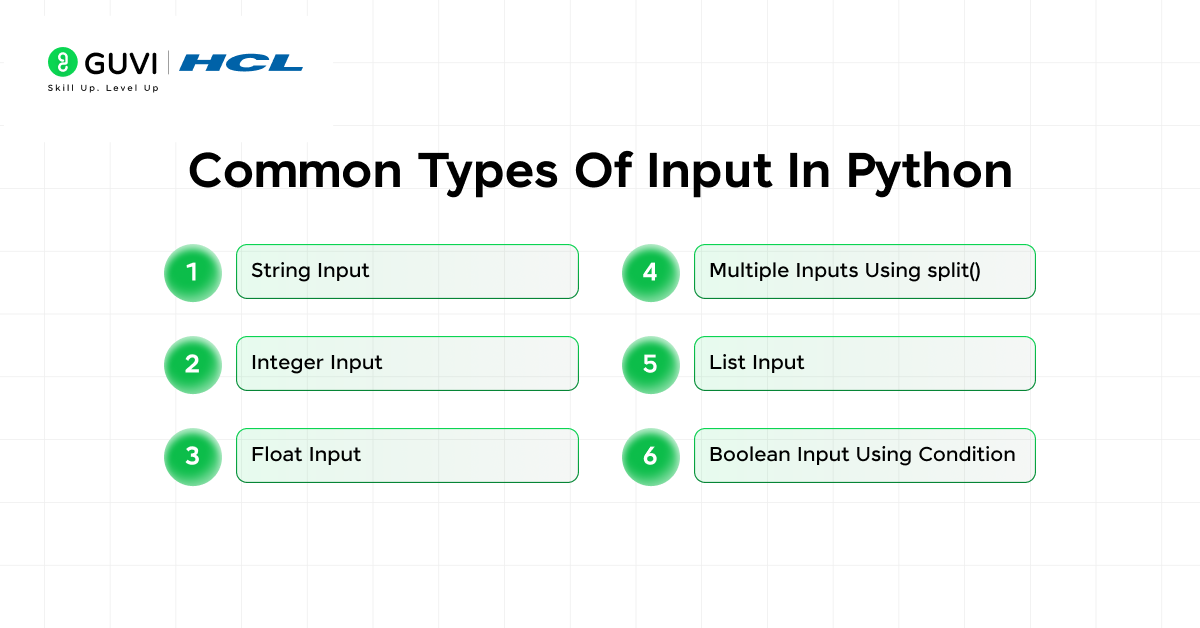
When learning input in Python, beginners often assume there is only one way to take user input. In reality, Python supports different types of input based on how the data is processed after being entered. Understanding these input types helps you write programs that handle text, numbers, multiple values, and even logical decisions correctly.
This section walks through the most commonly used input types in Python, explains when to use each one, and shows simple examples that you can try immediately.
Key Points
- Default Input Is Text: All input in Python is read as a string unless converted.
- Type Conversion Is Essential: Numbers must be explicitly converted using built-in functions.
- Multiple Inputs Are Common: Many programs require more than one value at a time.
- Input Shapes Program Logic: Correct input handling prevents errors and improves usability.
1. String Input
name = input("Enter your name: ")
print(name)
Explanation: This takes input in Python as plain text and stores it as a string.

2. Integer Input
age = int(input("Enter your age: "))
print(age + 1)
Explanation: The input is converted into an integer so arithmetic operations can be performed.
3. Float Input
price = float(input("Enter the price: "))
print(price * 2)
Explanation: This converts user input into a decimal number for precise calculations.
4. Multiple Inputs Using split()
a, b = input("Enter two numbers: ").split()
print(int(a) + int(b))
Explanation: This allows taking multiple inputs in Python in a single line and processing them separately.
5. List Input
numbers = list(map(int, input("Enter numbers: ").split()))
print(numbers)
Explanation: Multiple numeric values are taken as input and stored together in a list.
6. Boolean Input Using Condition
answer = input("Type yes or no: ")
is_yes = answer.lower() == "yes"
print(is_yes)
Explanation: User input is converted into a Boolean value using a logical comparison.
Want to practice input in Python without installing anything or switching tools? Try the HCL GUVI IDE, where you can instantly write Python code, take user input, and see outputs in real time. It’s perfect for beginners who want to experiment, fix mistakes quickly, and build confidence through hands-on practice.
Common Mistakes While Taking Input In Python
When working with input in Python, beginners often run into errors that feel confusing at first but are actually easy to fix. Most mistakes happen because Python treats all user input as text and expects developers to handle conversions and validations properly.
Being aware of these common issues helps you write cleaner code and avoid unexpected crashes while handling input in Python.
- Missing Type Conversion: Forgetting to convert input causes calculation errors.
- Wrong Multiple Input Handling: Not using split() leads to unpacking issues.
- Assuming Perfect Input: Users may enter invalid or unexpected values.
- Case Sensitivity Issues: Text comparisons can fail due to letter casing.
If you want to deepen your understanding of input in Python and explore other essential concepts with clear tutorials and examples, check out the HCL GUVI Python Hub. It’s packed with beginner-friendly lessons that make learning Python easier and more practical.
💡 Did You Know?
- Python always treats user input as a string, even when you type numbers, which is why type conversion is necessary for calculations.
- You can quickly test input behavior in Python using the interactive shell without writing a full program.
- Many beginner errors in Python programs come from improper input handling rather than complex logic issues.
How to Validate User Input in Python
Simply converting a value with int() or float() isn’t enough on its own, if the user types something that isn’t actually a number, your program crashes with a ValueError. Wrapping the conversion in a try/except block lets you catch that and ask again instead of breaking.
while True:
    try:
        age = int(input("Enter your age: "))
        break
    except ValueError:
        print("Please enter a valid number.")
Explanation: the loop keeps prompting until a valid number is entered. If the conversion fails, the except block catches the error, prints a helpful message, and the loop runs again instead of crashing the program.
Reading Multiple Lines of Input at Once
Sometimes you need to collect several lines of input in a row, for example, asking for a list of names one at a time rather than all on a single line.
names = []
for i in range(3):
    name = input(f"Enter name {i+1}: ")
    names.append(name)
print(names)
Explanation: this loop runs three times, calling input() fresh each time and appending each response to a list. Adjust the range for however many entries you actually need.
Conclusion
Learning how to handle input in Python is one of the most important steps for beginners because it turns static code into interactive programs. From taking simple text input to handling numbers and multiple values, understanding input helps you build real programs that respond to users.
Once you get comfortable with input in Python and avoid common mistakes, writing user friendly and error free programs becomes much easier. With practice, input handling will feel natural and open the door to building more meaningful Python projects.
FAQs
1. How does Python handle empty input when the user just presses Enter?
When the user presses Enter without typing anything, Python returns an empty string. Programs must explicitly check for this condition to avoid unexpected behavior or errors later in execution.
2. What happens if input in Python contains special characters or emojis?
Python accepts special characters and emojis as part of string input without errors, as long as the environment supports Unicode, which modern Python versions do by default.
3. Is there a way to limit the length of user input in Python?
Python does not limit input length automatically, but developers can manually check the length of the input string and enforce rules using conditions.
4. How can input in Python be handled securely in real-world applications?
Secure input handling involves validating user data, sanitizing inputs, and avoiding direct use of raw input in sensitive operations like database queries.
5. Does input in Python behave differently across operating systems?
The input() function behaves consistently across operating systems, though terminal behavior such as line endings or encoding may vary slightly.
Success Stories

About the Author
Jebasta
I translate the language of data into stories that anyone can understand. As a writer with a data science background, I simplify analytics, AI, and decision-making so beginners and enthusiasts can confidently explore the world of data.
View all posts by Jebasta
Connect with me @
















Did you enjoy this article?