


Javascript Articles
GraphQL with Strawberry Tutorial: Build Your First Python API
gRPC Tutorial: A Beginner's Guide to Building Fast, Modern APIs
Temporal Workflow Engine Tutorial: Build Reliable Workflows
Tauri 2.0 Desktop App Tutorial: Build Your First App Without the Bloat


Get In Touch For Details! Request More Information

Email Validation in JavaScript: Techniques, Implementation, and Best Practices
Feb 12, 2026 4 Min Read 2770 Views
(Last Updated)
Email validation in JavaScript (JS) is a vital process for verifying an email address, ensuring it is appropriately formatted and potentially deliverable. Most software applications require users’ email addresses to access the system, so validating email input to ensure it complies with all standard protocols is necessary.
Without validating email addresses in JS applications, there can be many technical risks, such as undelivered messages or notifications, increased bounce rates, and communication blockages. Apart from all these, trusting invalid emails can degrade companies’ reputations, reduce user trust, and often lead to problems such as frequent spam or unauthorized system penetration.
In this blog, we will walk through the best techniques for validating an email address in JavaScript, along with their implementation and best practices. So, without any further ado, let’s get started with our discussion.
Table of contents
- Why Email Validation in JavaScript Matters
- Characteristics of Email Validation
- Email Validation Techniques
- Regex-Based Email Validation
- Email Validation Using validator.js Library
- Validating Multiple Email Addresses
- Email Validation Using HTML5
- Implementation Steps
- Best Practices for Email Validation
- Conclusion
- FAQs
- What is email validation, and why is it important?
- Which method of email validation is the most reliable?
- Can email validation prevent fake or disposable emails?
Why Email Validation in JavaScript Matters
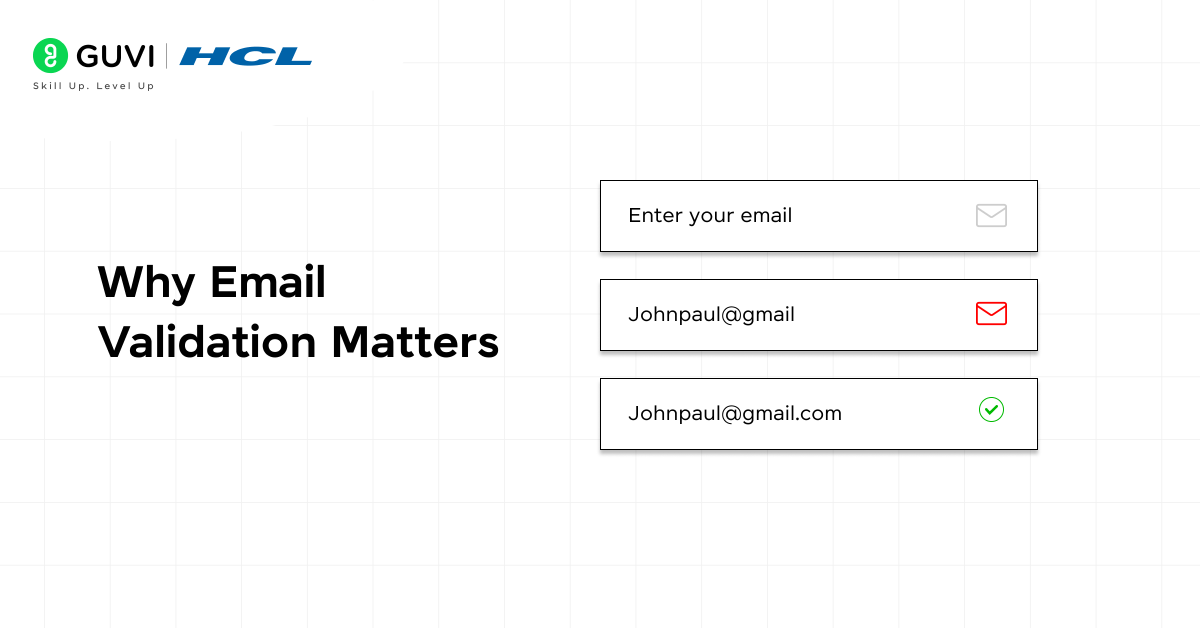
Email validation is crucial when the system’s database stores email addresses for many users. Because it helps ensure the effectiveness and usability of every email, preventing resource wastage on messages.
The emails that are fake, inconsistent, invalid, or duplicates can be blocked on the spot when they are detected. Performing email validation tasks helps establish trust among end users and clients, reducing the risks of communication conflicts. It is also a key step for any JS application that uses email as a primary channel of interaction.
Characteristics of Email Validation
- Format Verification: It checks whether the email follows the standard syntax rules (like [email protected] ).
- Domain Validation: It also confirms the existence of a domain and its ability to receive email messages and updates.
- Disposable Email Detection: Through validation, you can easily trace down the temporary and throwaway email addresses.
- Real-Time Validation: Checks the validity of the email address spontaneously when it is entered in the input field, improving the user experience (UX).
- Error Prevention: Significantly reduces typos and incorrect email inputs before submission.
Explore our free JavaScript handbook and level up your programming skills: JS Handbook
Email Validation Techniques
There are different JavaScript methodologies for validating email addresses; each has its own level of complexity and flexibility. Among these methods, developers can choose the one that best suits their project requirements. So let’s explore the following techniques:
1. Regex-Based Email Validation
Regular expressions (regex) are used by developers to add a level of strictness when checking email addresses. These are used to define the patterns an email address must follow. This technique provides more control and flexibility, but it can sometimes become complex due to the type of expressions used.
For example, in this code /^[^\s@]+@[^\s@]+\.[^\s@]+$/ is a complex regex that basically checks the format of the email. After that, the regex.text() function returns the boolean value true if the email string matches the pattern and false if it doesn’t.
(Code)
{
function validateEmail(email) {
const regex = /^[^\s@]+@[^\s@]+\.[^\s@]+$/;
return regex.test(email);
}
console.log(validateEmail(“[email protected]”)); // true
console.log(validateEmail(“invalid-email”)); // false
}
2. Email Validation Using validator.js Library
One of the most commonly used methods is to implement validator.js in the code, a JS library that helps validate email addresses. This library provides built-in functions, such as isEmail(), to validate email addresses.
In this example, we invoke the validator function by writing validator.isEmail(‘…’), and before that, we include the library using the require keyword. Inside the library, there is a method called isEmail, accessed via validator.isEmail(), which takes the email address to be validated. Finally, we return true if the email is valid and false otherwise.
(Code)
{
// First, include the library (via npm or CDN)
const validator = require(‘validator’);
console.log(validator.isEmail(‘[email protected]’)); // true
console.log(validator.isEmail(‘invalid-email’)); // false
}
3. Validating Multiple Email Addresses
In some cases, users try to enter multiple email addresses at once. To validate multiple email addresses, you can use the split method, which is usually used to split strings (like commas or semicolons). In this example, we first split the string using a comma separator so that we can treat the email addresses as individual array elements. After that, we run an array operation: the .map() function, which maps each email using the .trim() method to remove the leading and trailing spaces.
In the final step, the .every() is implemented to run the single-email validator on each one; step-by-step, this means the string “[email protected], [email protected]” becomes an array [‘[email protected]’,’[email protected]’], each is checked individually, and only if every address returns true does the function return true — otherwise it returns false.
(Code)
{
const validator = require(‘validator’);
function validateMultipleEmails(input) {
const emails = input.split(‘,’).map(email => email.trim());
return emails.every(email => validator.isEmail(email));
}
console.log(validateMultipleEmails(“[email protected], [email protected]”)); // true
console.log(validateMultipleEmails(“[email protected], invalid-email”)); // false

}
//Additional Method
4. Email Validation Using HTML5
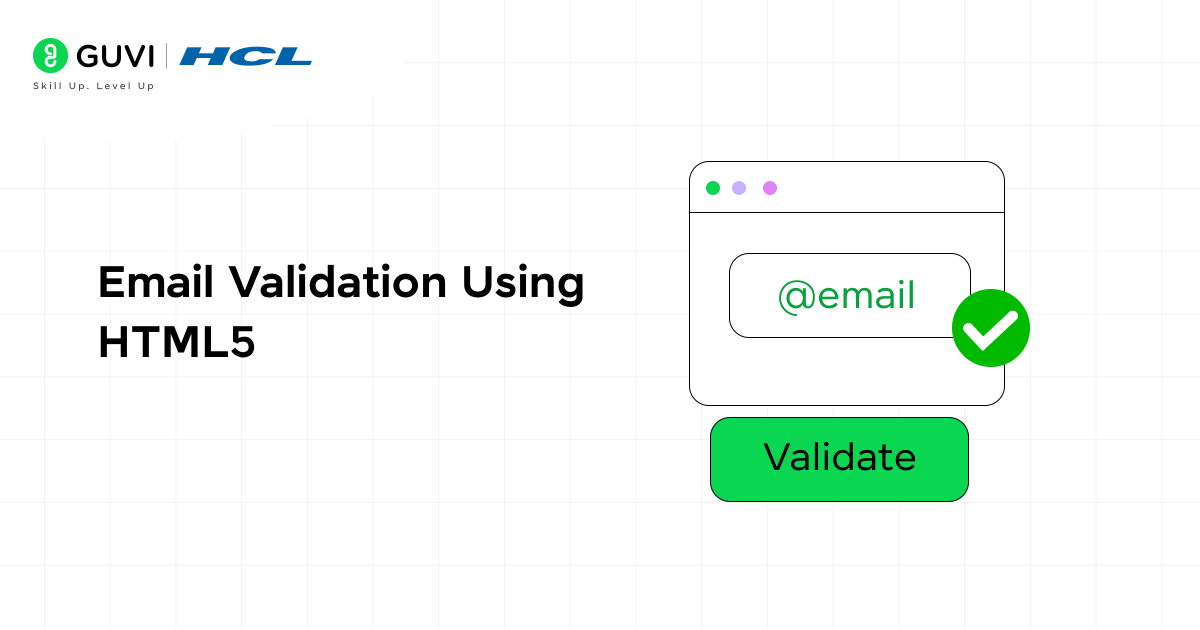
HTML5 is the major version that provides a straightforward yet effective attribute to validate email addresses in input fields. The attribute is type=”email”, which checks the basic email format (e.g., [email protected] ). If the format is invalid, it is automatically rejected for submission.
Here, the required keyword is implemented to ensure users enter their email address rather than leaving the field blank. You don’t have to write any additional JS code for validation.
(Code)
{
<form>
<label for=”email”>Email:</label>
<input type=”email” id=”email” name=”email” required>
<button type=”submit”>Submit</button>
</form>
}
Kickstart your JavaScript journey by delving deep into our free resource covering all the essential concepts: JS eBook
Implementation Steps
These are the following steps that you need to follow for implementing the email validation:
- Step 1: According to your project requirements, first, choose the most appropriate validation method. HTML5 for simple checks, Regex for flexible and stricter rules, or validator.js for accurate and reliable results.
- Step 2: Before checking the email addresses, you need to design a simple HTML form with an email input field and a submit button.
- Step 3: After that, write the JS logic to validate the email address, and the JS function must target the email input field. You are free to choose any validation technique that matches your needs.
- Step 4: Once that is done, attach the validation function to the format submit button. Once the user triggers the submit event, the validation process will start in the background.
- Step 5: Display a clear error message indicating whether the email format is valid.
- Step 6: It is one of the vital steps, where you need to thoroughly test your validation using valid, invalid, and edge-case email formats. This step will ensure your email validation performs consistently and captures all potential errors.
- Step 7: Lastly, remember to optimize and fine-tune your email validation to ensure seamless performance across all devices and browsers.
Best Practices for Email Validation
Following the right practices ensures your email validation process is accurate, user-friendly, and secure. Here are some key guidelines to make your validation more effective:
- Validate on both client and server sides: Use client-side checks for quick feedback and server-side validation for better security and reliability.
- Provide clear and helpful error messages: Show simple, specific messages that help users fix mistakes quickly.
- Avoid overly strict validation rules: Allow valid emails with symbols like “+” or subdomains so genuine users aren’t blocked.
- Use real-time validation: Provide instant feedback as users type to reduce submission errors.
- Prevent disposable or fake emails: Filter temporary or fake addresses to keep your user database clean and accurate.
- Test with different email formats and devices: Ensure validation works consistently across browsers, screens, and devices.
If you’re eager to explore full-stack development and gain hands-on experience building real-world software, HCL GUVI’s IITM Pravartak Certified MERN Full Stack Development Course is the perfect opportunity. Learn to work with essential tools such as Git, MongoDB, Express, React, and Node.js under the guidance of industry professionals. Take the next step toward a successful tech career—connect with our experts today to find out more.
Conclusion
Email validation is a vital step in ensuring data accuracy, security, and smooth communication. By using the right techniques, implementing them carefully, and following best practices, you can create a reliable, user-friendly validation system that enhances both the user experience and data quality. Proper validation also helps reduce bounce rates, prevent fake sign-ups, and maintain the integrity of your database. Overall, it is a simple yet powerful way to improve the efficiency and credibility of any application or website that relies on email communication.
FAQs
What is email validation, and why is it important?
Email validation checks if an email is correctly formatted and deliverable, helping ensure accurate communication and clean user data.
Which method of email validation is the most reliable?
Using libraries like validator.js, along with server-side checks, is the most reliable approach for accuracy and security.
Can email validation prevent fake or disposable emails?
Yes, it can detect and block temporary or fake emails to maintain data quality and reduce spam.
Success Stories















Did you enjoy this article?