


Software Development Articles
How to Read and Understand System Design Diagrams?
System Engineer Roles and Responsibilities: 12 Proven Duties for Growth
SAP Consultant Roles and Responsibilities: 12 Proven Duties for Growth and Success
Network Engineer Roles and Responsibilities: 12 Essential Duties for Success


Get In Touch For Details! Request More Information

Best Software Development Tools: A Complete Guide for 2026
Jul 15, 2026 6 Min Read 3173 Views
(Last Updated)
Machines and tools are invented and created to save the time and physical effort of human beings. Tasks and activities that were too tedious, redundant, and exhausting have gradually become simpler since technology has been an integral part of our lives. In a similar sense, when it comes to developing and designing software, the process is often sluggish in nature, resulting in everyday issues such as deadline extensions, slow deployment, and inconsistencies in code quality.
However, with the advent of advanced software development tools such as frameworks, libraries, and other third-party integrations, the entire approach to software development has undergone a revolution. These tools enable developers to build products more quickly without compromising on performance, usability, reliability, or safety.
In this blog, we will discuss some of the most widely used and popular software development tools in 2026. So, without any further ado, let’s begin.
Table of contents
- What are Software Development Tools?
- List of Best Software Development Tools
- Visual Studio Code (VS Code)
- Git / GitHub
- Docker
- Jira
- Flutter
- React Native
- React
- NodeJS
- Conclusion
- FAQs
- What are the most important software development tools in 2026?
- What are the best tools for mobile app development?
- What web development tools should I learn first?
What are Software Development Tools?
Software development tools are like add-ons that are integrated with the main program to enhance the overall quality of the development process. These are external applications and platforms that facilitate developers in creating, testing, and maintaining software in a well-structured manner.
They include frameworks and libraries to optimize the design patterns, visual components and navigational flow, there are also code editors and IDEs (Integrated Development Environment) that are used to write and maintain large codebases, Debugging tools are used to detect and handle the errors and bugs existing inside the code scripts, end-to-end third-party platforms also exist that are capable of handling both front-end and back-end operations.
Apart from these, there are Version control systems like Git, which help to track changes in the code and enable team collaboration where multiple members can work in parallel on different modular components by remaining on the same page.
In simple terms, these tools serve as a medium through which programming and development become efficient, resulting in minimal errors. This enables the delivery of high-quality software products on time, while meeting the expectations of both clients and end users.
List of Best Software Development Tools
The following are some of the best software development tools existing in the market:
1. Visual Studio Code (VS Code)
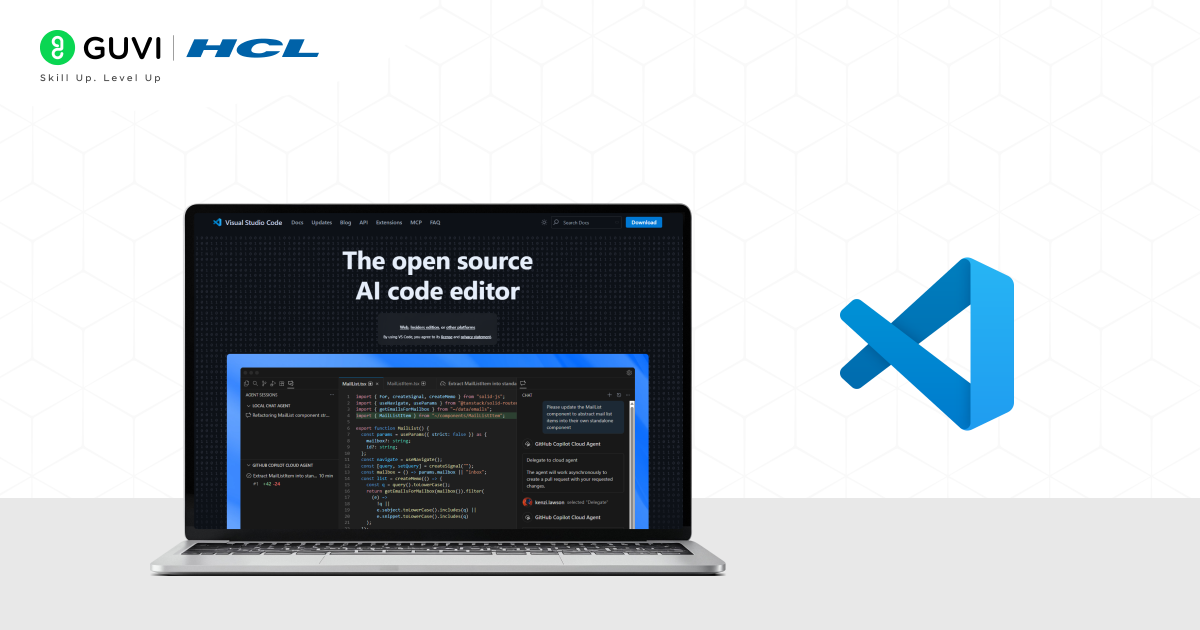
VS Code is a fast and lightweight code editor that was developed by Microsoft. The primary purpose behind its development was to enhance the efficiency and productivity of developers by enabling them to write, debug, test, and run code in multiple programming languages. It provides flexibility by offering extensive customization options, auto-completion, and unlimited extensions to support programming files.
Key Features
- It provides a rich, integrated debugging environment that enables developers to easily navigate through all errors and bugs with accuracy and precision.
- Programmers and developers can seamlessly integrate Git or other version control systems to manage and track codebase modifications and execute commands directly within the editor.
- VS Code is highly compatible across all major operating systems, including Windows, macOS, and Linux.
Pros
- It has strong community support, an extensive amount of documentation, tutorials, and active technical forums where new updates and insights are shared to guide developers and programmers.
- Users can modify and set up their own coding environment by adjusting their own layouts, keybindings, and extensions according to their workflow.
Cons
- In projects where multiple extensions are integrated, there are chances of high memory consumption, due to which the overall performance and speed of the program significantly decrease.
- It requires a steep learning curve, especially for individuals with zero coding experience, due to the range of features and options offered by it.
2. Git / GitHub
Git is a distributed version control system that enables users to track their changes efficiently and effectively. Remember, Git is the software system, and on top of this technology, the GitHub platform has been created that enables team collaboration, code hosting, and project management. By staying on the same page, developers can work on different branches that are connected to the main source branch. This tool is used to manage large project codebases and eliminate version conflicts.
Key Features
- It provides strong support for automating CI/CD (Continuous Integration and Continuous Delivery) pipelines directly on the platform.
- This tool acts as an effective integration support for numerous IDEs and code editors, as well as cloud platforms.
- It helps in managing tasks, bugs, and features rest effectively without any distortion.
Pros
- It is very efficient in keeping a detailed history of all code modifications and comments attached to them, which makes code recovery much easier.
- It is widely adopted and utilized for software projects that are community-driven or open-source.
Cons
- In scalable and complex projects where changes are inevitable and continuous, the number of merge conflicts also increases, making resolution quite challenging and time-consuming.
- Git commands are not beginner-friendly, which can make the initial days tough for individuals to understand the workflow of this version control system.
3. Docker

Docker is an open-source platform that allows developers to create, ship, and deploy software applications inside portable containerized modules. These containers help these applications to be executed consistently across various environments, making them compatible across all machines and systems. It is one of the best tools for modern DevOps operations, as it enhances scalability, portability, and helps with optimal resource allocation.
Key Features
- It encourages containerization by packing the applications and essential dependencies into modular and portable units.
- It supports a centralized cloud-based repository known as Docker Hub, a service for sharing and pulling container images.
- It supports microservices, which is the perfect choice for developing and designing scalable and distributed application or system architectures.
Pros
- Applications can be deployed much faster, as containers are launched quickly, which minimizes setup time.
- In comparison to virtual machines, it uses fewer resources yet effective ones, which helps reduce memory consumption and leads to faster system performance.
Cons
- Containers that are not well-maintained or are misconfigured can expose vulnerabilities, through which potential security risks can arise.
- Managing and organizing data outside the containers often requires additional setup, which can be time-consuming.
Explore: Best Chrome Extensions for Developers in this Digital Era
4. Jira
Jira is an advanced and powerful development tool and project management software developed by Atlassian. This software tool is designed to help development or technical teams plan their development workflow and track all kinds of changes associated with program modules with ease. It is most common among teams that follow an agile development methodology, where constant feedback, quick adaptation to changes, and modular programming are given the highest priority.
Jira provides a unified platform where developers, testers, and engineering managers can collaborate seamlessly to ensure complete transparency throughout the development process, delivering high-quality software products.
Key Features
- It provides the Scrum and Kanban boards to support agile project management and visualization.
- It also helps in prioritizing the tasks and organizing the development operations.
- Jira offers customizable and personalized dashboards that are interactive and engaging, allowing you to track multiple project metrics and KPIs (key performance indicators).
Pros

- Starting from the project planning stage to the final product release, Jira provides comprehensive tools to manage the entire project in an efficient way.
- It also offers descriptive insights on project progress and team performance, which is really important to ensure the end products meet the client’s and users’ requirements and needs.
Cons
- The overall development can increase significantly when scalability and complexity are involved, because to build scalable and top-notch products, many advanced functions require third-party integrations, resulting in an increase in cost.
- Teams often encounter notification overloading due to the excessive emails and alerts, which eventually leads to cluttered communication between team members.
5. Flutter
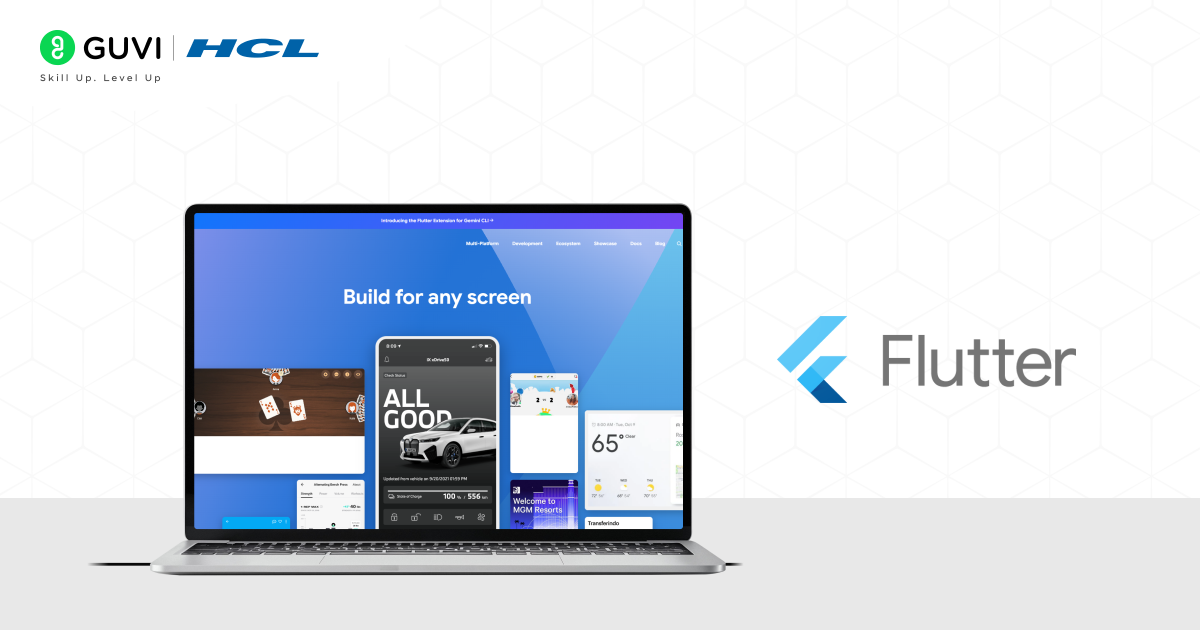
Flutter is Google’s open-source UI toolkit that allows developers to build mobile, web, and desktop applications using a single codebase. With its reactive framework and customizable widgets, it helps create visually appealing and high-performance apps quickly. It is widely chosen because it saves time, reduces development costs, and ensures apps look consistent across platforms.
Key Features
- Provides a single codebase for Android, iOS, web, and desktop applications.
- Comes with a large collection of pre-designed, customizable widgets.
- Offers hot reload for faster testing and iteration.
Pros
- Saves significant development time by reducing the need to maintain multiple codebases.
- Strong performance thanks to its direct compilation to native machine code.
Cons
- The Flutter app size is larger compared to purely native apps.
- Limited access to some platform-specific features without third-party plugins.
6. React Native
React Native, developed by Meta, is a popular framework for building cross-platform mobile applications using JavaScript and React. It allows developers to write code once and run it on both Android and iOS devices, making app development more efficient. With a large community and wide adoption, it is a reliable choice for startups and enterprises.
Key Features
- Allows code reusability across iOS and Android platforms.
- Provides access to native modules for improved performance.
- Has a vast ecosystem of libraries and plugins.
Pros
- Reduces development cost and effort by enabling cross-platform development.
- Backed by Meta and a strong open-source community for continuous updates.
Cons
- Apps may experience performance limitations in resource-heavy scenarios.
- Debugging complex issues can be harder compared to native apps.
7. React
React is an open-source JavaScript library created by Meta, mainly used for building fast and dynamic user interfaces. Its component-based architecture makes it easier to manage complex applications, while features like the virtual DOM improve performance significantly. It is widely used in frontend web development and powers many of today’s modern websites and web apps.
Key Features
- Provides a component-based structure for better code organization.
- Uses virtual DOM for fast rendering and performance.
- Strong ecosystem with reusable components and third-party libraries.
Pros
- Enhances productivity with reusable UI components across projects.
- Backed by Meta and supported by a massive developer community.
Cons
- Requires learning JSX, which can feel unusual for beginners.
- A rapidly evolving ecosystem means developers must frequently update their skills.
8. NodeJS
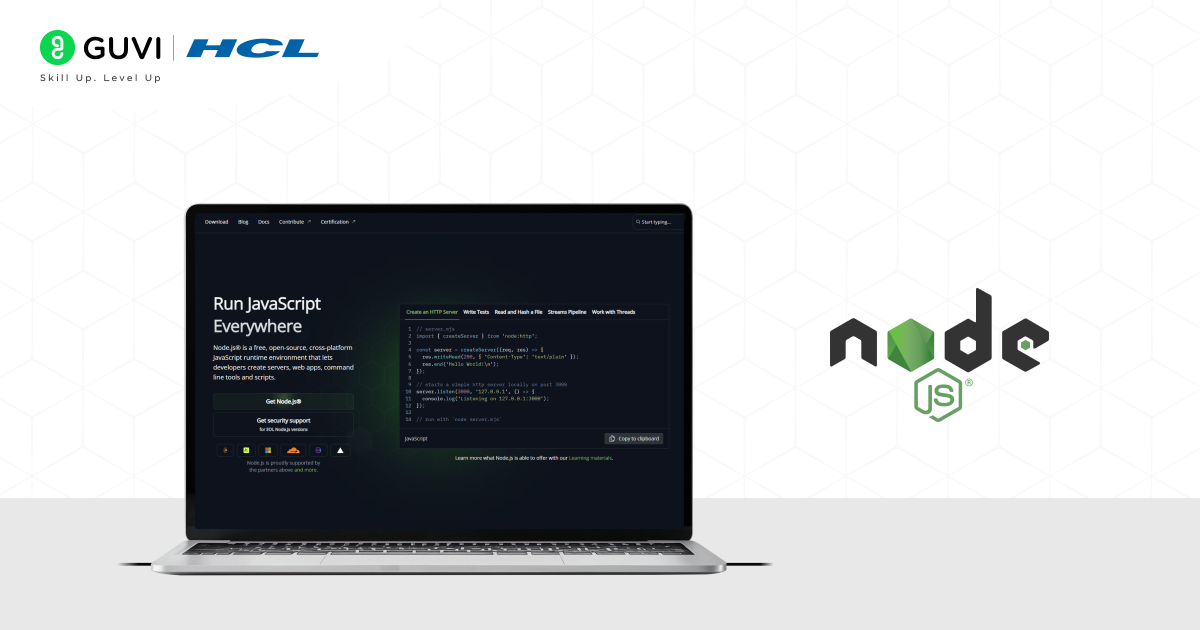
Node.js is a powerful JavaScript runtime environment that allows developers to build scalable backend applications using JavaScript on the server side. It uses an event-driven, non-blocking I/O model, which makes it lightweight and efficient, especially for data-intensive applications. Node.js is popular for building APIs, real-time applications, and high-performance web services.
Key Features
- Utilizes asynchronous (non-blocking) operations and event-driven architecture for scalability.
- Provides access to npm, the world’s largest package ecosystem.
- Works across multiple platforms for server-side development.
Pros
- Enables full-stack development using a single language, JavaScript.
- Known for fast execution and excellent performance in real-time apps.
Cons
- Heavy reliance on callbacks can make code difficult to maintain.
- Not ideal for CPU-intensive applications like video processing.
According to some sources, the global software development tools market is set to reach over $18 billion by the year 2027, and currently it is growing at a rate of approximately 12% YoY. The main reason for this growth lies in the fact that most organizations are strongly investing in modern software tools for faster coding, testing, and deploying products quickly within a short timeframe to satisfy the needs of stakeholders and customers.
Looking for the best software development course, but finding yourself confused? End your chaos by enrolling yourself in HCL GUVI ‘s IITM Pravartak & MongoDB certified AI Software Development course to equip yourself with the most fundamental and relevant skills that are required to crack any top product-based companies. Enroll yourself in this enriching course and transform your career!
Conclusion
In conclusion, after going through all the popular software development tools and knowing about their essential features and benefits, and drawbacks associated with them, I hope you have developed an idea about how vital these tools are in uplifting the quality of the development process, and for the software professionals also.
In this current age, an individual who aspires to become a successful software developer must learn and explore these advanced software development tools and technologies to design and create real-world projects that create impact. Without the software development tools, it is extremely challenging to deliver state-of-the-art software products that meet the requirements and objectives of both business stakeholders and end customers.
FAQs
What are the most important software development tools in 2026?
Some of the most valuable technologies include Visual Studio Code, Git/GitHub, Docker, Jira, Amazon Web Services (AWS), and artificial intelligence assistants such as Claude Sonnet 4.5.
What are the best tools for mobile app development?
When it comes to designing contemporary cross-platform and native applications, the most popular options are Flutter, React Native, and SwiftUI.
What web development tools should I learn first?
When it comes to developing web applications that are quick, scalable, and aesthetically pleasing, React, Node.js, and Tailwind CSS are all excellent starting points.
Success Stories















Did you enjoy this article?